How we make this list: we compare pricing pages, product documentation and public user reviews. Ratings come from G2, Capterra or Trustpilot, with the date we checked them.
Direct answer
Pixpa is the top pick for most artists who need a portfolio, client galleries, and a small store in one plan, with Basic at $5.40 per month billed yearly. Squarespace suits artists who put template design first. Format suits photographers who mainly need a clean portfolio and client proofing.
Key takeaways
- Artists who sell prints and deliver client work should start with Pixpa, because its store charges 0% commission on every plan.
- Painters and illustrators who want polished templates can pick Squarespace Basic at $19 per month billed annually, with a 2% online store fee.
- Photographers who need proofing galleries can pick Format Basic at $10 per month billed annually, with 70 high resolution images.
- Artists who already pay for Adobe tools can use Adobe Portfolio through Behance at US$9.99 per month with an annual commitment.
- Artists who sell work every week should compare Shopify, which starts with a 3 day free trial and card rates from 2.9% plus 30 cents.
Quick comparison
| Tool | Best for | Starting price | Free plan |
|---|
 Pixpa | Artists who need portfolio, galleries, and store together | $5.40/month, Basic, billed yearly | 15 day free trial, no credit card required |
 Squarespace | Artists who want polished templates and simple editing | $19/month, Basic, billed annually | 14 day free trial |
 Format | Photographers and visual artists who need proofing | $10/month, Basic, billed annually | 14 day free trial, no credit card required |
 Wix | Beginners who want templates and a free start | See website | Free plan with a Wix subdomain |
 Adobe Portfolio | Artists who already pay for Adobe tools | US$9.99/month, Behance, annual commitment | None found on vendor page |
 Cargo | Artists who want unusual layouts and several sites | $14/month, billed yearly | Free private trial for any duration |
 Webflow | Artists who want control over layout and motion | $15/month, Basic, billed yearly | Starter free plan on a webflow.io domain |
 WordPress.com | Artists who want blogging, plugins, and theme choice | See website | Free plan with 1 GB storage |
 Shopify | Artists who sell originals, prints, and merch often | See website | 3 day free trial, no credit card required |
 Zenfolio | Photographers who sell prints, digitals, and client galleries | $7/month, Basic, billed annually | Free trial, no credit card required |
Is your product missing or out of date?
We review this list regularly. Vendors can request a listing, send updated pricing or ask about featured placement.
The best Best website builders for artists
An artist website has to show work clearly, load images well, and make contact or buying simple. Some artists only need a portfolio for galleries, schools, or clients. Others need a store, print sales, client proofing, or a blog for studio notes. The list below ranks builders by portfolio fit, selling tools, image limits, and starting price from vendor pages. General builders rank lower when art tools cost extra. Specialist portfolio tools rank higher when galleries and selling sit in the same plan. Prices were checked on 2026-11-28.
#1
Pixpa
Best for: Artists who need portfolio, galleries, and store together
Visit pixpa.com
Starting price$5.40/month, Basic, billed yearly
Free plan15 day free trial, no credit card required
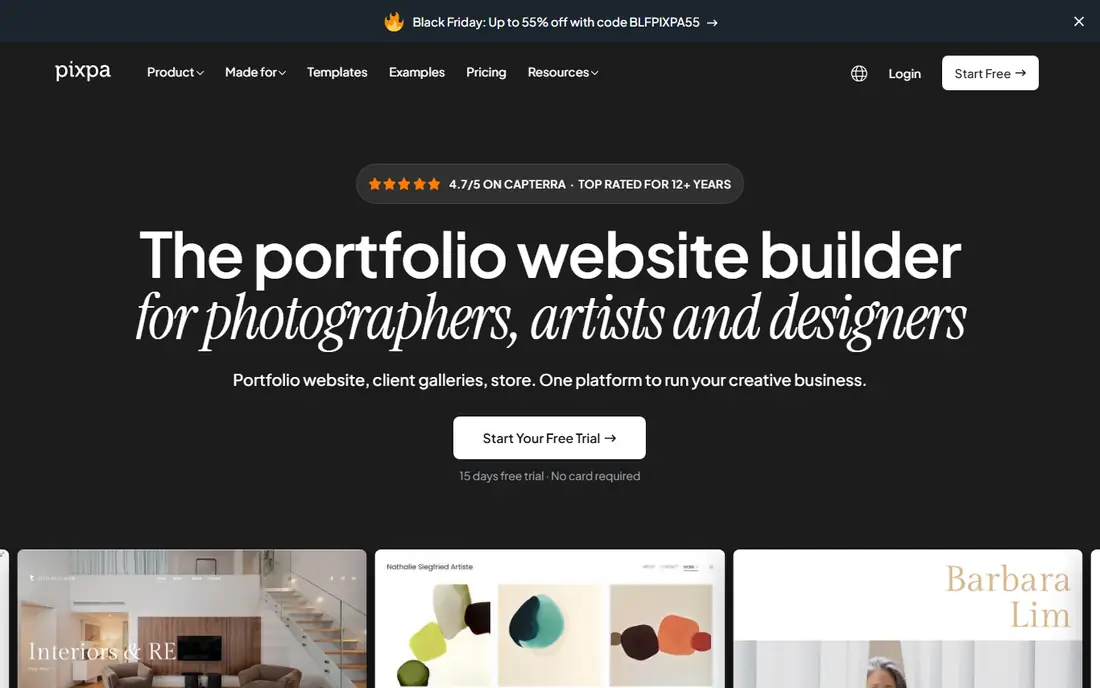
Pixpa is built for photographers, artists, and designers who need more than a gallery page. The Basic plan includes 10 pages, 200 website images, a blog, and up to 3 store products. Creator and higher plans remove page and image limits. Every plan includes client galleries, proofing, favorites, comments, and secure file delivery. The store sells products, services, digital files, prints, and downloads. Pixpa also lists WHCC print fulfillment and self fulfillment. For an artist who sells prints and sends client galleries, one plan covers work that often needs two or three tools.
The catch is that the low Basic price comes with tight limits. Ten pages, 200 images, 3 products, and 3 GB of original file storage will not fit a large body of work. Most working artists should budget for Creator or Professional instead. Pick Pixpa if you want a portfolio, store, blog, and galleries in one bill. Look elsewhere if you need a free plan or a general business site with many apps.
What we like- 0% commission on sales on every plan
- 200+ premium templates
- Client galleries with proofing and file delivery
Watch out for- Basic stops at 10 pages and 200 images
- Basic storage for original files is 3 GB
Starting price$19/month, Basic, billed annually
Free plan14 day free trial
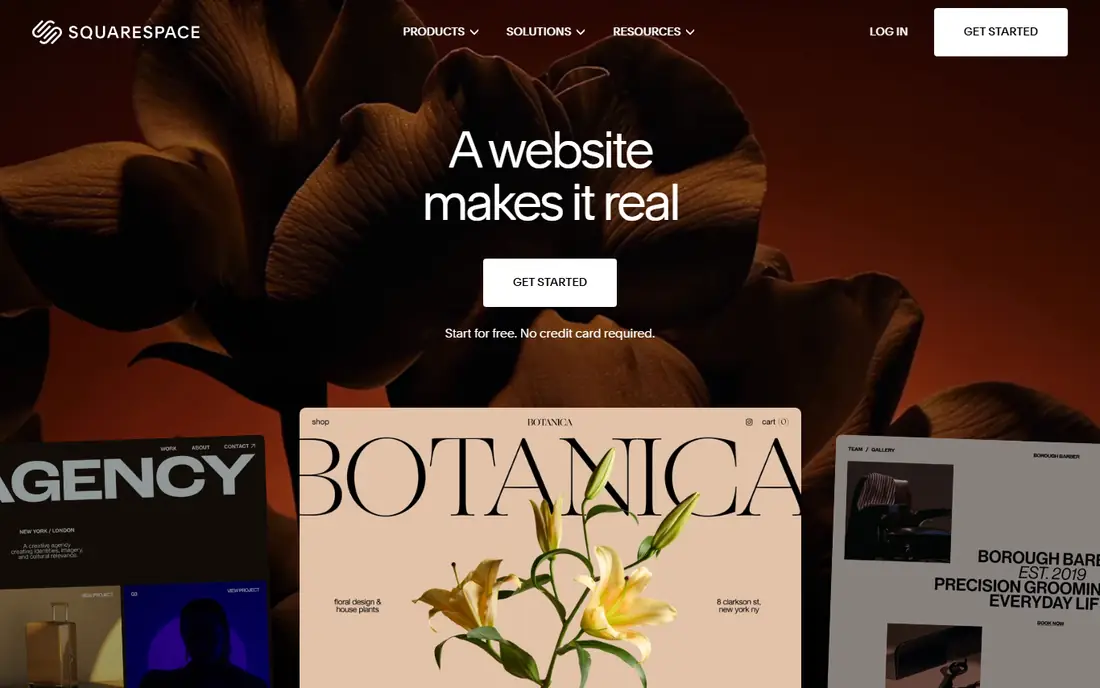
Squarespace suits artists who want a clean portfolio without building pages from scratch. All plans include secure hosting, unlimited bandwidth, selling tools, SEO tools, and mobile optimized sites. Basic includes 2 contributors and 30 minutes of video hosting. Core raises video to 5 hours, removes the online store transaction fee, and adds unlimited contributors. Artists can sell physical products, services, and digital products. Gift cards, invoices, and checkout on the site domain are listed on the pricing page. The editor uses drag and drop layout blocks, which helps artists update galleries without code.
The catch is that Basic is not the best selling tier. It adds a 2% online store fee and a 7% fee on digital content and memberships. Core at $29 per month billed annually removes the store fee. Pick Squarespace if template design matters most and your store is simple. Look elsewhere if client proofing galleries are a core need, because Pixpa and Format build those tools into the plan.
What we like- Designer templates on every plan
- Unlimited bandwidth and storage stated on pricing page
- Selling tools included on all plans
Watch out for- Basic adds a 2% online store transaction fee
- Basic has no code injection or premium integrations
#3
Format
Best for: Photographers and visual artists who need proofing
Visit format.com
Starting price$10/month, Basic, billed annually
Free plan14 day free trial, no credit card required
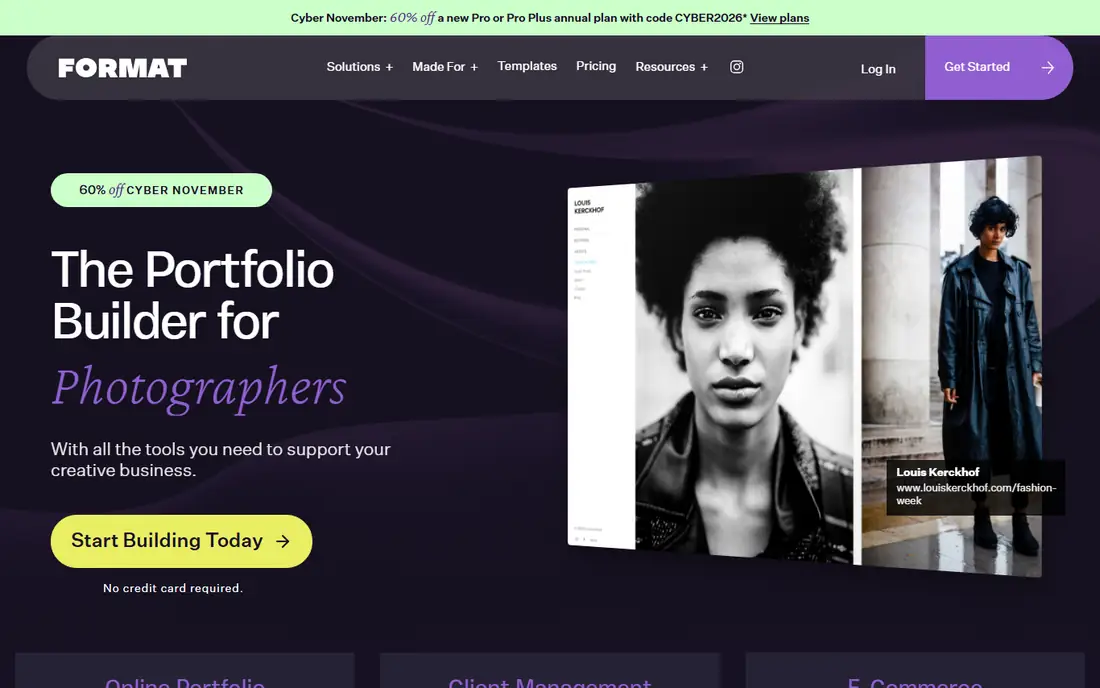
Format is a portfolio platform for photographers, artists, designers, and filmmakers. Basic includes 10 pages, 70 high resolution images, client galleries, file transfers, and mobile optimized themes. Pro adds unlimited pages, 1,500 images, 100 GB of image storage, 15 hosted video minutes, and a commission free store for 15 products. Pro Plus raises storage to 1 TB and video to 120 minutes. The pricing page lists copyright protection, SSL, SEO tools, social integration, and an email subscriber form. Artists who show series of work and send private client galleries get tools that match that workflow.
The catch is that Basic is a starter portfolio, not a full shop. It has no store in the plan table, and branded email costs $100 per year. Pro is the practical tier for artists who sell. Pick Format if your site is mainly a portfolio with client proofing. Look elsewhere if you need a large store, a blog with many posts, or a free plan.
What we like- Portfolio themes built for creative work
- Client galleries with password protection
- Lightroom integration listed on pricing page
Watch out for- Basic allows 70 high resolution images
- Online store starts on Pro with 15 products
#4
Wix
Best for: Beginners who want templates and a free start
Visit wix.com
Starting priceSee website
Free planFree plan with a Wix subdomain
Wix fits artists who are building a first site and want many template choices. The free plan includes hosting, a drag and drop editor, no code design tools, and templates. Light connects a custom domain, removes Wix branding, and includes 2 GB storage and 2 collaborators. Core adds 50 GB storage, payments, basic ecommerce, scheduling, and 5 collaborators. Business raises storage to 100 GB. Artists can use portfolio pages, a blog, contact forms, and a store on paid ecommerce tiers. The editor gives more layout freedom than a fixed portfolio theme.
The catch is that the artist tools are spread across general business plans. Light cannot accept payments, so a selling artist should price Core at $29 per month billed yearly. The free plan also keeps a Wix subdomain. Pick Wix if you want a free start and broad templates. Look elsewhere if you need client proofing, print fulfillment, or gallery tools built for photographers.
What we like- Free plan with hosting and drag and drop editor
- 2,000+ templates stated on pricing page
- Core adds payments and basic ecommerce
Watch out for- Light includes only 2 GB storage
- Accepting payments starts on Core, not Light
Starting priceUS$9.99/month, Behance, annual commitment
Free planNone found on vendor page
Adobe Portfolio suits artists who already use Adobe apps and need a simple site to show work. The Behance plan at US$9.99 per month with an annual commitment lets users publish up to five Portfolio sites. It includes customizable themes and Adobe Fonts. Creative Cloud Pro at US$69.99 per month also includes up to five sites and 20+ creative apps. For an illustrator or photographer who pays for Adobe tools each month, Portfolio can be the fastest way to put selected work online. It fits a resume style portfolio, a project archive, or a simple contact page.
The catch is that Portfolio is tied to Adobe plans. The pricing page does not list a free standalone plan, a store, or client galleries. Artists who need checkout, print sales, or proofing will need another tool. Pick Adobe Portfolio if you already pay Adobe and only need to display work. Look elsewhere if selling, blogging, or client delivery is part of the site job.
What we like- Publish up to five Portfolio sites
- Customizable themes
- Access to thousands of Adobe Fonts
Watch out for- Requires a paid Behance or Creative Cloud plan
- Pricing page lists no online store
#6
Cargo
Best for: Artists who want unusual layouts and several sites
Visit cargo.site
Starting price$14/month, billed yearly
Free planFree private trial for any duration
Cargo is a site builder for designers and artists. One subscription covers design and publishing for one or many public sites. It includes real time multi user editing, a template library, and one custom domain connection. Artists can publish a portfolio, client presentations, idea boards, a profile site, and a shop under one account. Cargo Commerce adds selling for physical or digital goods and does not charge per transaction fees. Students, teachers, and administrators can apply for free use with an official education email. The style suits artists who want the site layout to feel like part of the work.
The catch is that Cargo is less guided than Squarespace or Wix. Commerce costs extra, and each extra custom domain costs extra. Cargo sites also cannot be edited on a phone, based on its docs. Pick Cargo if you run several art projects and want design freedom. Look elsewhere if you want print fulfillment, client proofing, or a store included in the base price.
What we like- One price with no tiers
- Unlimited public sites on cargo.site domains
- Real time multi user editing
Watch out for- Commerce add-on costs $5.50 per month billed yearly
- Extra custom domains cost $2 per month billed yearly
#7
Webflow
Best for: Artists who want control over layout and motion
Visit webflow.com
Starting price$15/month, Basic, billed yearly
Free planStarter free plan on a webflow.io domain
Webflow suits artists and designers who care about exact spacing, typography, and page structure. The free Starter site plan uses a webflow.io domain and includes 2 static pages, limited CMS, 1 GB bandwidth, and 50 form submissions. Basic adds a custom domain, 300 static pages, 10 GB bandwidth, and unlimited form submissions. Premium adds the Webflow CMS, site search, code components, and form file upload. Artists can build project pages, exhibition pages, and case studies with more control than a template editor gives. Ecommerce plans start with Standard for 500 items.
The catch is that Webflow pricing has layers. Site plans, workspace plans, seats, and add-ons can stack. Basic has no CMS, so a growing archive of projects may need Premium at $25 per month billed yearly. Pick Webflow if design control is worth the learning curve. Look elsewhere if you want client galleries, print sales, or a simple portfolio in one afternoon.
What we like- Free Starter plan for building and testing
- Basic includes custom domain and 300 static pages
- Premium adds CMS for project archives
Watch out for- Basic has no CMS
- Ecommerce Standard adds a 2% transaction fee
#8
WordPress.com
Best for: Artists who want blogging, plugins, and theme choice
Visit wordpress.com
Starting priceSee website
Free planFree plan with 1 GB storage
WordPress.com fits artists who publish studio notes, essays, exhibition updates, and portfolios in one place. The free plan includes hosting, a wordpress.com subdomain, 1 GB storage, and unlimited pages and posts. Paid plans add a custom domain for the first year on annual terms, plugin installation, and ad free browsing for visitors. Personal includes 6 GB storage. Premium includes 13 GB. Business and Commerce include 50 GB. Artists can use portfolio themes, galleries, forms, newsletters, and WooCommerce tools on higher tiers. The plugin library gives options that closed builders do not offer.
The catch is that the free plan is not a finished professional site. It shows ads, uses a subdomain, and blocks plugins. Storage and payment fees also vary by plan, with payment fees dropping to 0% on Commerce. Pick WordPress.com if writing and flexibility matter as much as images. Look elsewhere if you want proofing galleries and print fulfillment without adding plugins.
What we like- Free plan with hosting included
- Plugins available on every paid plan
- Unlimited pages and posts stated on pricing page
Watch out for- Free plan shows WordPress.com ads to visitors
- Free plan has no custom domain or plugins
#9
Shopify
Best for: Artists who sell originals, prints, and merch often
Visit shopify.com
Starting priceSee website
Free plan3 day free trial, no credit card required
Shopify is a commerce platform first and a portfolio site second. It lets artists create an online store, accept payments, manage products and inventory, process orders, and handle shipping from one dashboard. Every store gets a free myshopify.com address, and artists can connect a custom domain. Shopify includes secure hosting, unlimited bandwidth, and a free TLS or SSL certificate for added domains. It also supports in person selling, social channels, and AI chat channels. For artists who sell prints, editions, books, or merch each week, the store tools are stronger than most portfolio builders.
The catch is that Shopify can feel heavy for a simple portfolio. The trial is only 3 days, and card rates start from 2.9% plus 30 cents online. Third party transaction fees may apply with outside payment providers. Pick Shopify if selling is the main job of the site. Look elsewhere if the site only needs to show work, take enquiries, or deliver client galleries.
What we like- Online store with payments and inventory tools
- Sell in person, on social channels, and in AI chats
- Hosting and SSL included
Watch out for- Trial lasts 3 days
- Card rates and possible third party fees add to plan cost
#10
Zenfolio
Best for: Photographers who sell prints, digitals, and client galleries
Visit zenfolio.com
Starting price$7/month, Basic, billed annually
Free planFree trial, no credit card required
Zenfolio is built for photographers who need a website, client galleries, proofing, and selling in one system. Basic includes 15 GB storage, about 4,500 photos, HD video, and up to 500 SMS messages per month. Professional raises storage to 150 GB and adds selling tools for prints, digitals, and packages. Advanced adds unlimited JPEG storage, 150 GB video storage, and 4K video support. The pricing page lists lab fulfillment through Miller's, Mpix, Bay Photo, Fujifilm, and nPhoto. Artists who sell photo prints and deliver client work can run galleries and orders from the same account.
The catch is that Zenfolio is photo first. Painters, illustrators, and mixed media artists may find the tools narrower than Pixpa or Squarespace. Basic storage is also low for large archives. Pick Zenfolio if photography sales and client galleries drive the site. Look elsewhere if you need a general art portfolio, a blog led site, or design control over every page.
What we like- Custom website with client galleries and proofing
- Sell prints and digitals from galleries
- Integrated lab fulfillment listed on pricing page
Watch out for- Basic storage is 15 GB
- Booking and scheduling costs $10 per month on Basic and Professional
Should artists pick a portfolio builder or a general website builder?
Artists should pick a portfolio builder when the site must show images well and handle client work. Pixpa, Format, and Zenfolio include galleries, proofing, and selling tools that general builders often leave out. A general builder fits when the site needs many page types, bookings, courses, or a large app library. Wix and Squarespace are easier for artists who want templates for services, events, and shops. Webflow and Cargo fit artists who treat layout as part of the presentation. The price gap matters. Pixpa Basic is $5.40 per month billed yearly, while Squarespace Core is $29 per month billed annually for fee free store sales. Format Pro adds a store with 15 products. Artists should list the jobs first: display, sell, proof, blog, or book. Then pick the builder that covers those jobs without paid add-ons. A painter with 40 works and no store may only need a clean portfolio and contact form. A photographer with weekly client shoots needs proofing, downloads, and print sales. That job list should drive the choice more than template style alone.
Which website builder is best for artists who sell prints online?
Pixpa and Zenfolio are strong starting points for print sales. Pixpa charges 0% commission and lists WHCC print fulfillment on its pricing page. Zenfolio lists lab fulfillment through Miller's, Mpix, Bay Photo, Fujifilm, and nPhoto. Shopify fits artists who sell many products and need inventory, shipping, and in person sales. Squarespace can sell prints, but Basic adds a 2% store fee. Artists should compare product limits, lab choices, shipping rules, and payment fees before choosing.
How much should an artist pay for a portfolio website?
Many artists can start between $5.40 and $19 per month on annual billing. Pixpa Basic is $5.40 per month billed yearly, Format Basic is $10 per month billed annually, and Squarespace Basic is $19 per month billed annually. Selling artists often pay more for store features, storage, or fee free sales. Domain renewal, email, and payment processing can add cost after year one.
Do artists need a free plan or is a trial enough?
A trial is enough when the artist can build the site in 14 or 15 days. Format and Squarespace offer 14 day trials. Pixpa offers a 15 day trial with no credit card required. A free plan helps when the artist needs months to gather work, but free plans often limit domains, storage, or selling. Wix, Webflow, and WordPress.com offer free starts with clear limits.
Frequently asked questions
What is the best website builder for a beginner artist?
Wix is a simple start for beginners because it has a free plan, hosting, and a drag and drop editor. Pixpa is better when the beginner already needs client galleries or a small store. Squarespace suits beginners who want polished templates and can pay $19 per month billed annually for Basic.
Can artists sell art on Squarespace?
Yes. Squarespace includes selling tools on all plans. Basic at $19 per month billed annually adds a 2% online store transaction fee. Core at $29 per month billed annually removes that store fee. Artists should also check card rates, shipping settings, taxes, and digital product fees before listing work.
Is Pixpa good for painters and illustrators?
Yes. Pixpa is not only for photographers. It includes portfolio pages, a blog, a store, and client galleries. Basic limits the site to 10 pages, 200 images, and 3 store products. Painters with many series should compare Creator and Professional, which remove page and image limits.
Do artists need WordPress.com or a portfolio builder?
WordPress.com fits artists who publish writing, use plugins, and want theme choice. A portfolio builder fits artists who need galleries, proofing, and print sales with less setup. WordPress.com free plan includes 1 GB storage and shows ads. Paid plans add plugins, a custom domain, and ad free browsing.
What should photographers check before choosing Format or Zenfolio?
Photographers should check image limits, storage, store product limits, and lab fulfillment. Format Basic allows 70 high resolution images. Zenfolio Basic includes 15 GB storage. Format Pro adds 100 GB storage and a store for 15 products. Zenfolio Professional adds 150 GB storage and print selling tools.
What to look for before you buy
First, check image limits and storage, because a portfolio with 70 images will not fit every artist. Second, check selling fees, product limits, and lab fulfillment if prints or downloads matter. Third, check client galleries and proofing if clients review or download work. Fourth, check domain, email, and renewal costs after the first year. Fifth, check whether the editor lets you update pages fast without code or paid help.
How we chose
Tools were chosen for artist portfolio fit, image handling, selling tools, client galleries, and clear vendor pricing. Prices and plan facts were checked on vendor pricing pages and official vendor pages on 2026-11-28. Candidates that were dead, waitlist only, or missing a working official site were left out. No hands-on testing claim is made in this guide.
Sources we checked (10)
- https://www.pixpa.com/pricing
- https://www.squarespace.com/pricing
- https://www.format.com/pricing-portfolio
- https://www.wix.com/pricing
- https://portfolio.adobe.com/pricing
- https://cargo.site/docs
- https://webflow.com/pricing
- https://wordpress.com/pricing/
- https://www.shopify.com/pricing
- https://zenfolio.com/plans-pricing/
These Rankite guides cover nearby buying decisions for artists and site owners.
- Best website builder platforms
- Best art inventory software for artists
- Best platform to create a website
- Best website creating platforms
- Best project management software
Is your product missing or out of date?
We review this list regularly. Vendors can request a listing, send updated pricing or ask about featured placement.

Shihab Mia · Founder, Rankite
Shihab has 5+ years in B2B and SaaS SEO. He writes Rankite's software buying guides from pricing pages, documentation and public user reviews. More about Shihab.