How we make this list: we compare pricing pages, product documentation and public user reviews. Rankite is independent; if a vendor ever pays for a featured spot, that listing is clearly labeled Partner.
Key takeaways
- Artwork Archive is the best starting point for individual artists, with inventory, website and sales tools in one.
- Artlogic and Arteia serve galleries and serious collectors with professional collection management.
- ArtBinder, now part of Gallery Systems, and Collector Systems suit galleries managing inventory and sales.
- Art Galleria, Artfundi and Artwork Manager offer accessible options for smaller studios.
- PastPerfect fits museums and institutional collections with archival standards.
Artists, galleries and collectors need to track artworks: images, dimensions, provenance, locations, prices and sales. These nine tools catalog art collections, from solo studios to museums.
Quick comparison
Is your product missing or out of date?
We review this list regularly. Vendors can request a listing, send updated pricing or ask about featured placement.
The best art inventory software for artists
Starting priceSee website
Free planFree trial
Artwork Archive is the go-to for individual artists: catalog works with images and details, track locations and sales, manage editions, and publish a portfolio website from the same data. The workflow matches how artists actually work.
Galleries need more. For artists managing their own inventory and career, it is the most loved option.
Artwork Archive artists should photograph every work consistently before cataloging; the inventory is only as good as its images. Use the private rooms feature for collector previews. The sales tracking doubles as career documentation for grants and residencies.
What we like- Built for working artists
- Inventory plus artist website
- Sales and edition tracking
Watch out for- Artist focus limits gallery depth
- Pricing per artist
Starting priceSee website
Free planNo
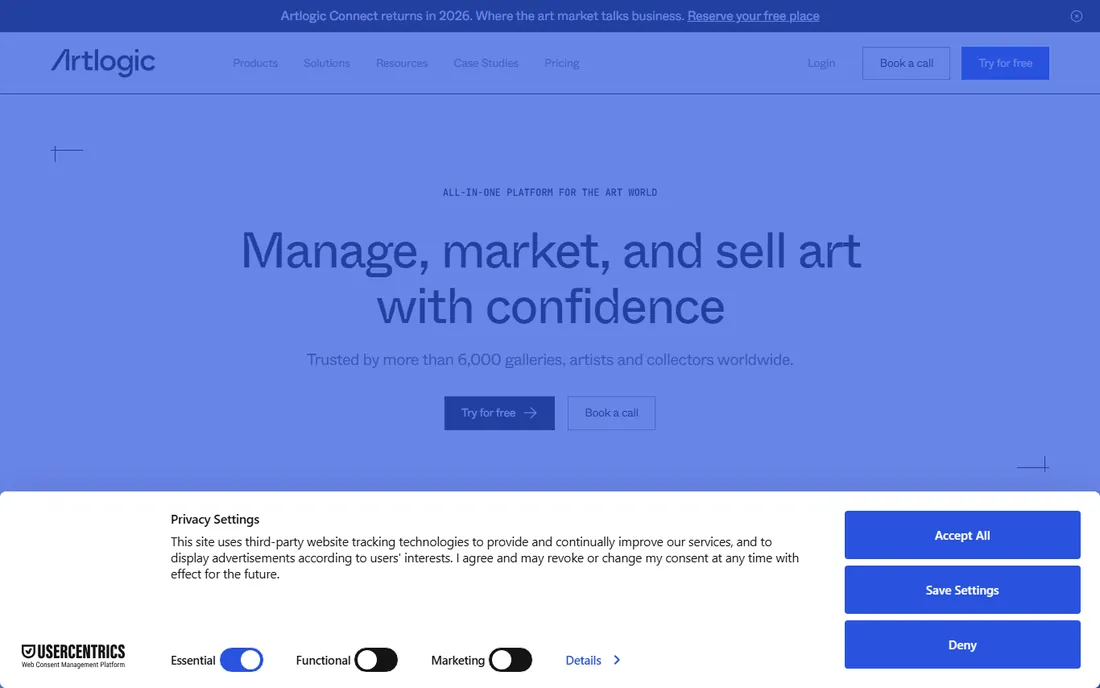
Artlogic is the professional platform for galleries, advisors and art businesses: inventory management, websites, private views and client management in one system. The art world runs on it.
Solo artists will find it expensive and deep. Galleries and art businesses get the industry standard.
Artlogic galleries should integrate the website, inventory and CRM from the start; the unified data is the platform's strength. Train all staff on the same cataloging standards. The private view tools impress collectors and close sales.
What we like- All-in-one art world platform
- Inventory, website and CRM
- Professional standard
Watch out for- Priced for businesses
- Overkill for solo artists
Starting priceSee website
Free planNo
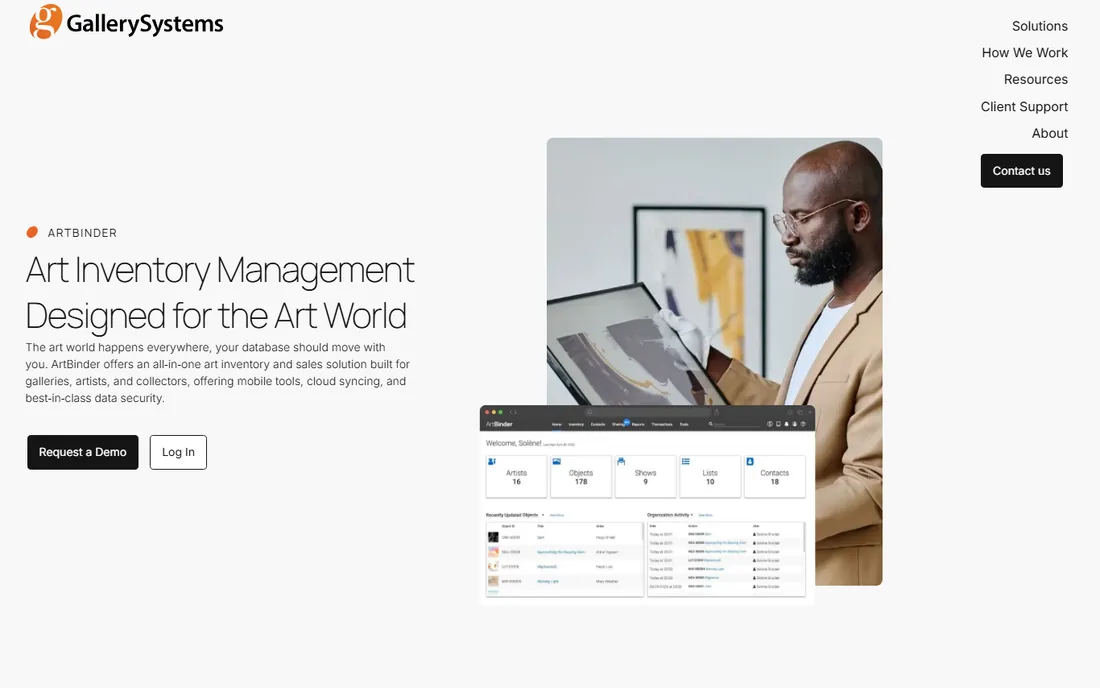
ArtBinder, now part of Gallery Systems, manages gallery inventory: artworks, artists, exhibitions, sales and client presentations. The Gallery Systems backing adds institutional stability.
It is built for galleries, not individual artists. Galleries wanting proven inventory software should evaluate it.
ArtBinder galleries should standardize artwork photography and data entry across the team. The presentation tools work best with complete records. Use the sales pipeline to track collector interest systematically.
What we like- Gallery inventory and sales
- Now backed by Gallery Systems
- Presentation tools
Watch out for- Gallery focus
- Pricing through sales
Starting priceSee website
Free planFree trial
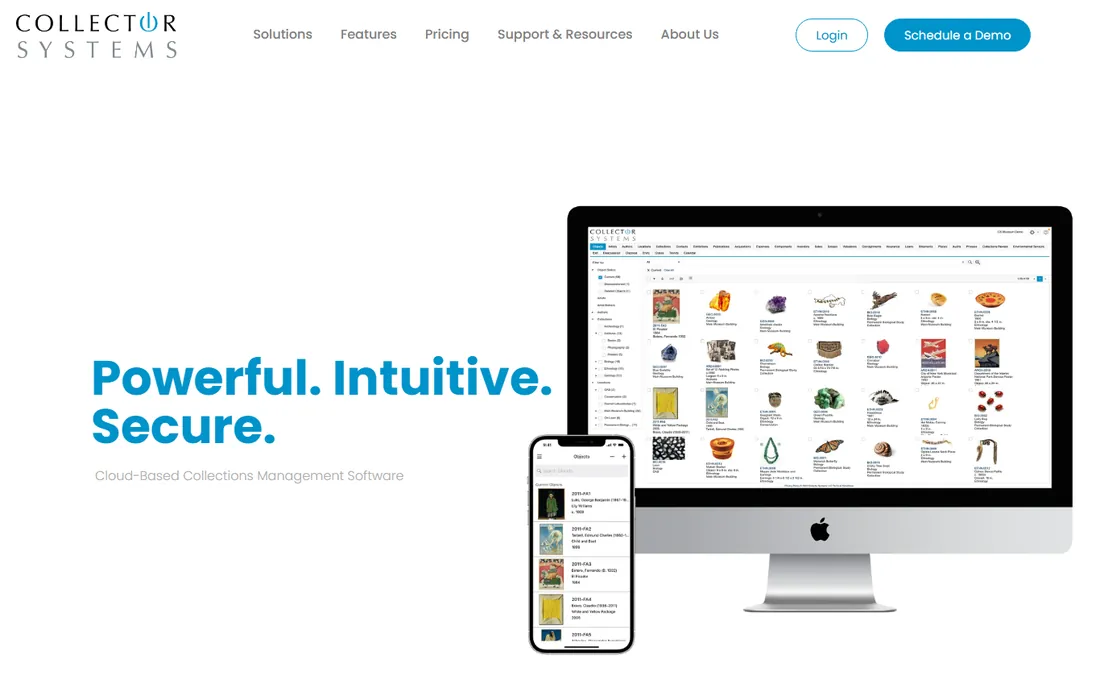
Collector Systems manages art collections in the cloud: cataloging, valuations, locations and insurance documentation. Private collectors and small galleries get organized without enterprise software.
The experience is traditional. Collectors who want their holdings documented and accessible find it dependable.
Collector Systems users should document provenance and valuations thoroughly; the records serve insurance and estate purposes. Cloud access means the collection travels with you. Schedule annual reviews to keep valuations current.
What we like- Collections management
- Cloud access
- Good for private collectors
Watch out for- Interface traditional
- Smaller vendor
Starting priceSee website
Free planFree trial
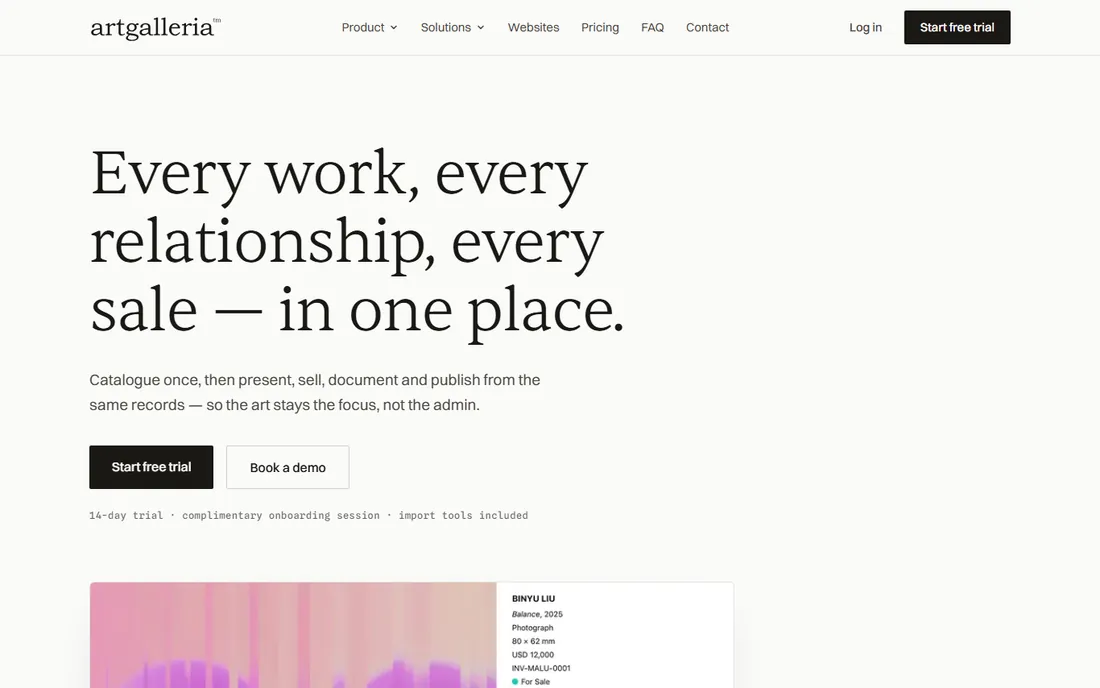
Art Galleria combines art inventory with business management for the art world: track works, manage contacts and handle sales. Smaller galleries and art businesses get the essentials.
The vendor is smaller than Artlogic. For accessible art business software, it is a fair option.
Art Galleria businesses should use the contact management alongside inventory; collector relationships drive the art business. Keep exhibition histories complete for each artist. The approachable pricing suits growing galleries.
What we like- Art business management
- Inventory plus sales
- Approachable
Watch out for- Smaller vendor
- Ecosystem limited
Starting priceSee website
Free planNo
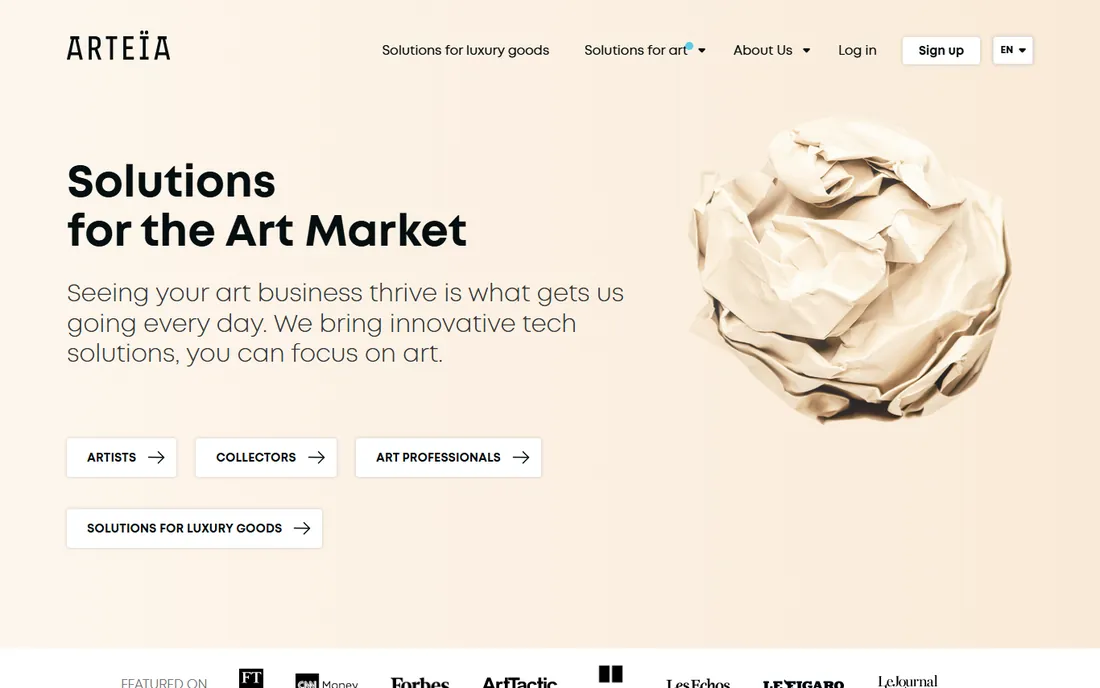
Arteia serves art market professionals with collection management and transaction tools designed around how the art business operates. European galleries and advisors are its core.
US awareness is lower. Art professionals wanting a system built for the trade should look at it.
Arteia professionals should use the transaction tools for the full deal lifecycle, not just inventory. European galleries get particular value from the market-specific design. Keep client records as carefully as artwork records.
What we like- Built for art market professionals
- Collection and transaction management
- European strength
Watch out for- Professional pricing
- Less known in the US
Starting priceSee website
Free planFree trial
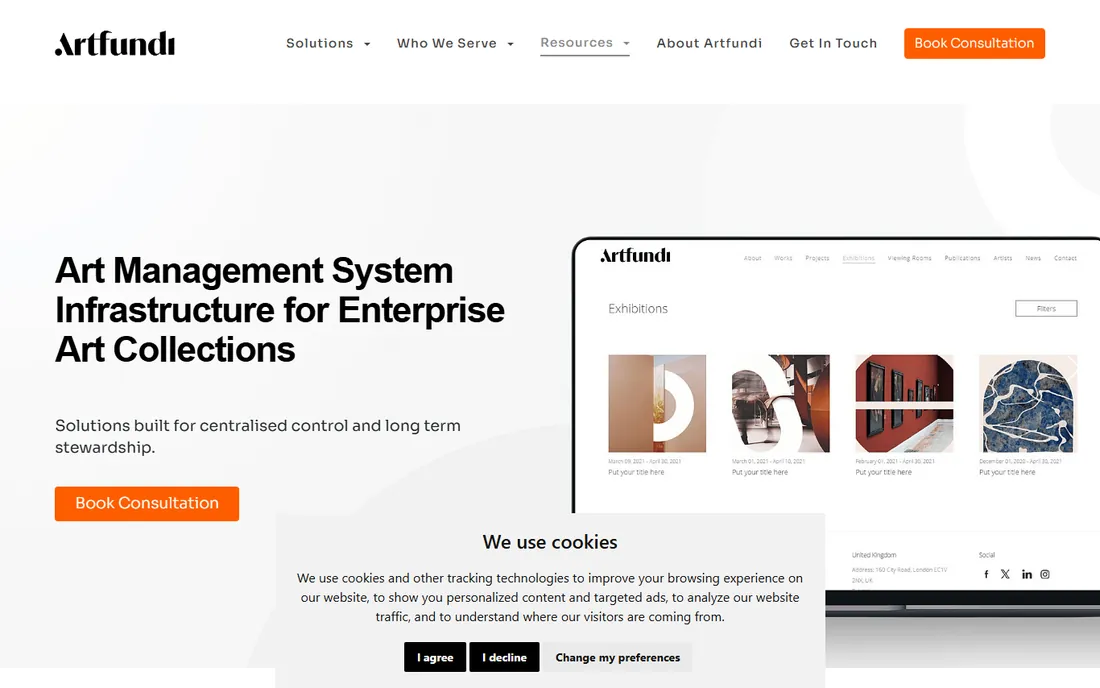
Artfundi offers straightforward art inventory management at accessible pricing, aimed at artists and small galleries. Cataloging, tracking and reporting cover the basics.
Larger operations need more depth. For simple, affordable art inventory, it does the job.
Artfundi users should start cataloging with current inventory and work backward; perfectionism delays the benefits. The straightforward approach suits artists who dislike complex software. Export backups regularly.
What we like- Accessible pricing
- Straightforward inventory
- Artist-friendly
Watch out for- Smaller feature set
- Limited integrations
Starting priceSee website
Free planFree trial
Artwork Manager keeps art tracking simple: catalog works, record details and track locations without complexity. Small studios get organized fast.
Expect basics. Artists who find bigger platforms overwhelming get exactly what they need.
Artwork Manager users should keep the catalog current as works sell or move; stale inventory misleads. The simplicity works when the discipline is consistent. It is ideal for artists who want tracking without a learning curve.
What we like- Simple and focused
- Quick to set up
- Affordable
Watch out for- Basic features
- Minimal ecosystem
Starting priceSee website
Free planNo
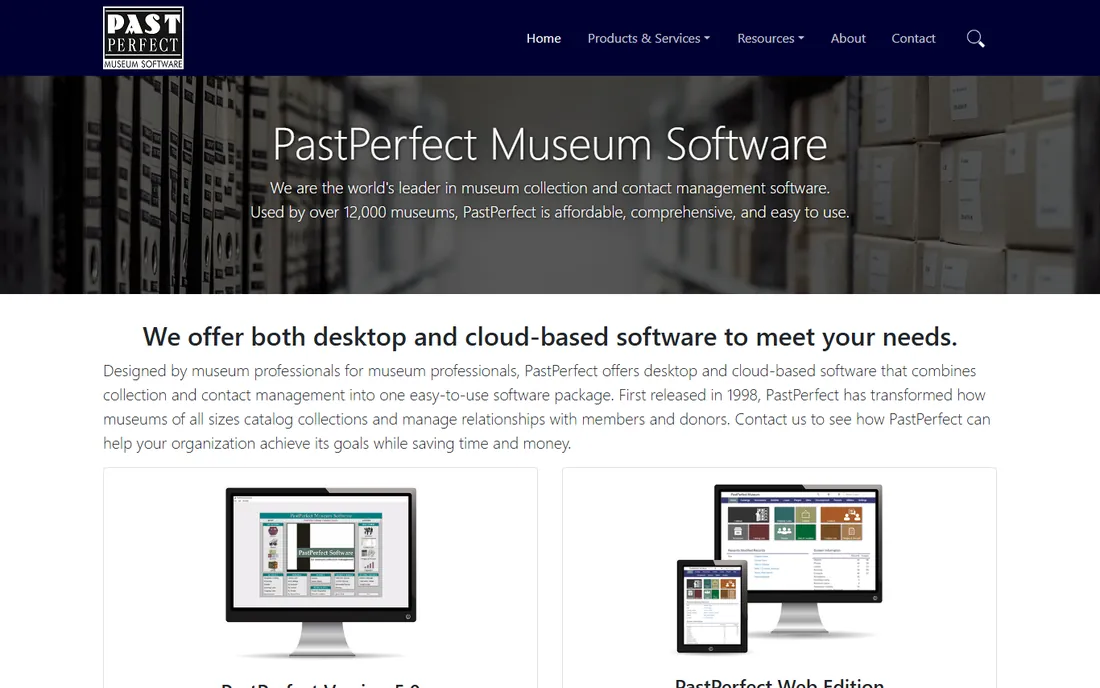
PastPerfect is the world's leading collections management software for museums: archival cataloging, loans, exhibits and research tools built to museum standards. Thousands of institutions rely on it.
Commercial artists and galleries will find it museum-centric. For institutional collections, it is the default.
PastPerfect institutions should follow museum cataloging standards from the start; the structure serves research for decades. Train catalogers consistently across departments. The loan and exhibit modules justify the depth for active museums.
What we like- Museum collections standard
- Archival cataloging
- Used by thousands of institutions
Watch out for- Museum focus
- Dated interface
- Not for commercial galleries
How we chose
We verified each vendor's homepage and current status, noting ArtBinder's move under Gallery Systems and ArtBase's absorption into Artlogic. We kept tools with genuine art inventory capability and excluded marketplaces without collection management. Pricing is rarely public.
What to get right before you buy
Photograph everything first. Inventory software is only as good as its images; batch-photograph your works before migrating.
Match the tool to your role. Artist, gallery, collector and museum needs differ enormously; buying gallery software as an artist wastes money.
Check the export options. Your catalog is your career record; confirm you can export data and images if you ever leave.
Frequently asked questions
What is art inventory software?
Software that catalogs artworks with images, dimensions, provenance, locations, prices and sales history, for artists, galleries, collectors and museums.
How much does art inventory software cost?
Artist-focused tools often run 10 to 30 per month; gallery and institutional systems price higher through quotes.
Can art inventory software build my website?
Artwork Archive and Artlogic generate portfolio and gallery websites from your inventory data.
How do I track editions and prints?
Most tools support edition tracking: edition size, numbering and which impressions are sold or available.
What about insurance documentation?
Inventory systems record valuations, provenance and images, producing the documentation insurers require. Confirm report formats meet your insurer's needs.
Should galleries and artists use the same tool?
Usually not. Artists need career management; galleries need sales, exhibitions and client management. Choose for your actual role.
Cataloging habits that protect your art career
Art inventory software only works with good cataloging habits. The first habit is photographing everything professionally before it leaves the studio. Once a work sells, you may never see it again, and poor photos haunt you in grant applications and retrospectives. Build photography into the completion ritual.
The second habit is recording provenance immediately. Who bought it, when, for how much, and where it went: these details fade within months but matter for decades. Estate planning, insurance claims and catalogue raisonne projects all depend on records made at the time.
The third habit is consistent edition tracking. Number editions clearly, record which impressions sold, and never exceed the declared edition size. The art market punishes edition irregularities severely. Your inventory system should make the edition status obvious at a glance.
The fourth habit is location tracking. Works in galleries, in storage, on loan, at framers: knowing where everything is prevents embarrassment and loss. Update locations the day works move, not at month end.
Finally, back up the catalog independently of the software. Export images and data quarterly to storage you control. Platforms change, companies get acquired, and your career record should survive any vendor. The export habit takes minutes and protects decades of work.
Insuring your art inventory
Art insurance starts with documentation, which is exactly what inventory software provides. Insurers need descriptions, dimensions, media, provenance and values for every covered work. The catalog you maintain for career purposes doubles as the insurance schedule.
Get appraisals for significant works from qualified appraisers. Insurance value differs from market value; understand which your policy covers. Update appraisals every few years, since art values move. The inventory system should record appraisal dates and values.
Understand what the policy actually covers. Studio policies differ from transit and exhibition coverage; works on consignment need clarity about whose insurance applies. Read the exclusions, particularly around flood, earthquake and mysterious disappearance.
Photograph the studio and storage periodically as condition evidence. Dated wide shots plus the individual artwork records create a complete file. Store copies offsite or in the cloud, since a studio fire destroys local records too.
Finally, review coverage annually as the inventory changes. New bodies of work, sold pieces and changing values all affect the right coverage level. The annual inventory review and the insurance review should happen together.
Photographing artwork for inventory
Inventory photos need consistency more than artistry. Use the same setup every time: neutral background, even lighting, camera on tripod square to the work. Consistency lets the inventory look professional and makes comparison easy.
Light two-dimensional work with two matched lights at forty-five degrees to avoid glare and hotspots. Turn off the camera flash, which creates uneven light. Overcast daylight through a window works surprisingly well for those without studio lights.
Photograph three-dimensional work from multiple angles: front, side, back and detail shots. Include a scale reference in one frame. Sculpture and installations need the extra views; a single front shot misleads.
Include detail shots for textured and intricate work. Close-ups of brushwork, joinery or surface detail document the craft and help with authentication later. They also make the inventory more useful for curators and collectors.
Finally, name and organize the files systematically. Artwork title, date and view in the filename beats camera defaults. The inventory software links images to records, but organized source files survive any system. Back up the originals separately from the catalog.
Sources we checked (9)
- https://www.artworkarchive.com/
- https://artlogic.net/
- https://www.gallerysystems.com/artbinder-gallery-inventory-software/
- https://www.collectorsystems.com/
- https://www.artgalleria.com/
- https://arteia.com/
- https://artfundi.com/
- https://artworkmanager.com/
- https://museumsoftware.com/
Is your product missing or out of date?
We review this list regularly. Vendors can request a listing, send updated pricing or ask about featured placement.

Shihab Mia · Founder, Rankite
Shihab has spent more than a decade helping SaaS and e-commerce brands grow through search. He writes Rankite's software buying guides from pricing pages, documentation and public user reviews. More about Shihab.
 Artwork Archive
 Artlogic
 ArtBinder
 Collector Systems
 Art Galleria
 Arteia
 Artfundi
 Artwork Manager
 PastPerfect