How we make this list: we compare pricing pages, product documentation and public user reviews. Rankite is independent; if a vendor ever pays for a featured spot, that listing is clearly labeled Partner.
Key takeaways
- Salesforce remains the enterprise standard; HubSpot is the most popular all-rounder with a strong free CRM.
- Pipedrive, Close and Copper win on sales-focused simplicity for small to mid-size teams.
- Zoho CRM, Keap and Nimble offer affordable automation for budget-conscious businesses.
- Insightly and monday CRM suit teams wanting project-aware or flexible visual pipelines.
- Match the CRM to your sales process complexity, not the feature list.
Sales CRM software manages pipelines, contacts, deals and follow-ups. These ten are the most relevant options, from enterprise platforms to simple sales-focused tools.
Quick comparison
| Tool | Best for | Starting price | Free plan |
|---|
 Salesforce Salesforce | Enterprise sales standard | See website | Free trial |
 HubSpot HubSpot | All-round CRM with free tier | Free | Yes |
 Pipedrive Pipedrive | Visual pipeline simplicity | See website | Free trial |
 Close Close | Inside sales productivity | See website | Free trial |
 Zoho CRM Zoho CRM | Affordable full-featured CRM | See website | Yes |
 Copper Copper | Google Workspace teams | See website | Free trial |
 Keap Keap | Small business automation | See website | Free trial |
 Insightly Insightly | CRM plus project management | See website | Free trial |
 monday CRM monday CRM | Flexible visual CRM | See website | Free trial |
 Nimble Nimble | Simple contact-centric CRM | See website | Free trial |
Is your product missing or out of date?
We review this list regularly. Vendors can request a listing, send updated pricing or ask about featured placement.
The top sales crm software
Starting priceSee website
Free planFree trial
Salesforce is the CRM everything else is measured against: Sales Cloud, AI features, AppExchange and endless customization. Enterprises run global sales operations on it.
Small teams drown in it. For complex enterprise sales processes, nothing else matches the depth.
Salesforce organizations should define the sales process before configuring; the platform molds to the process, not the reverse. Invest in admin training, since the system needs ownership. The AppExchange extends value but adds cost discipline needs.
What we like- Deepest ecosystem and customization
- AI CRM features
- Enterprise proven
Watch out for- Expensive and complex
- Implementation often needed
Starting priceFree
Free planYes
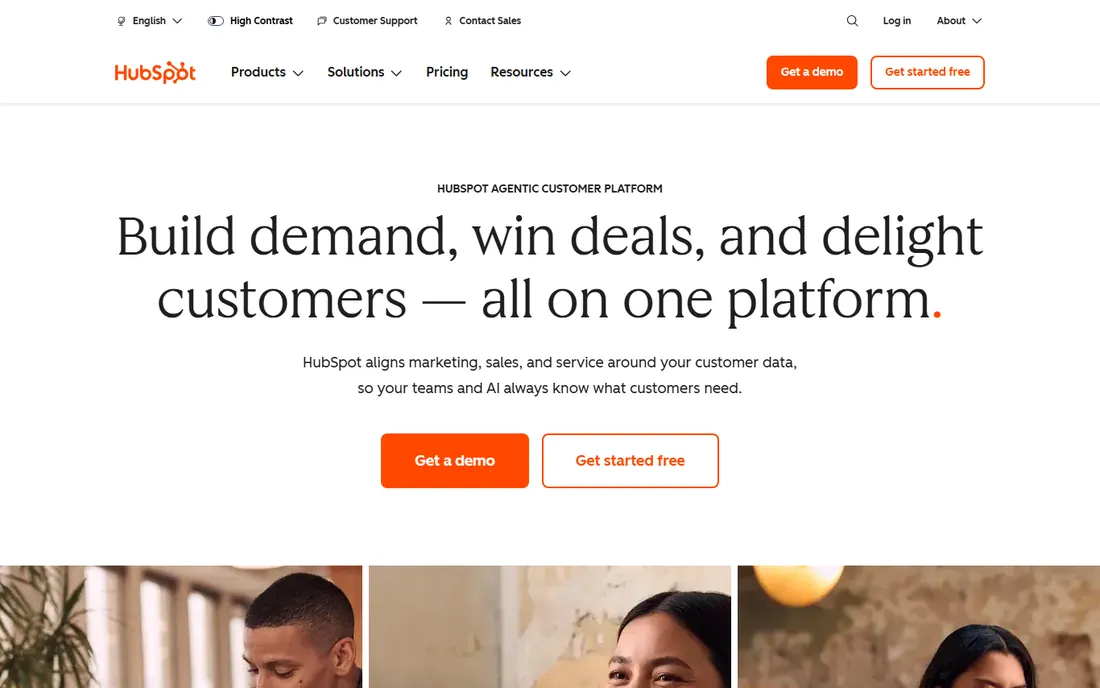
HubSpot's free CRM is genuinely useful: contacts, pipelines, email tracking and meeting scheduling free. Paid Sales Hub adds automation, sequences and forecasting.
Costs climb steeply at scale. For teams starting CRM, the free tier plus easy upgrades make it the default.
HubSpot teams should use the free CRM fully before buying hubs; the free tier is genuinely capable. The marketing hub integration shines when marketing and sales align. Keep the contact database clean from the start.
What we like- Excellent free CRM
- Marketing plus sales in one
- Easy adoption
Watch out for- Paid tiers escalate quickly
- Advanced features gated
Starting priceSee website
Free planFree trial
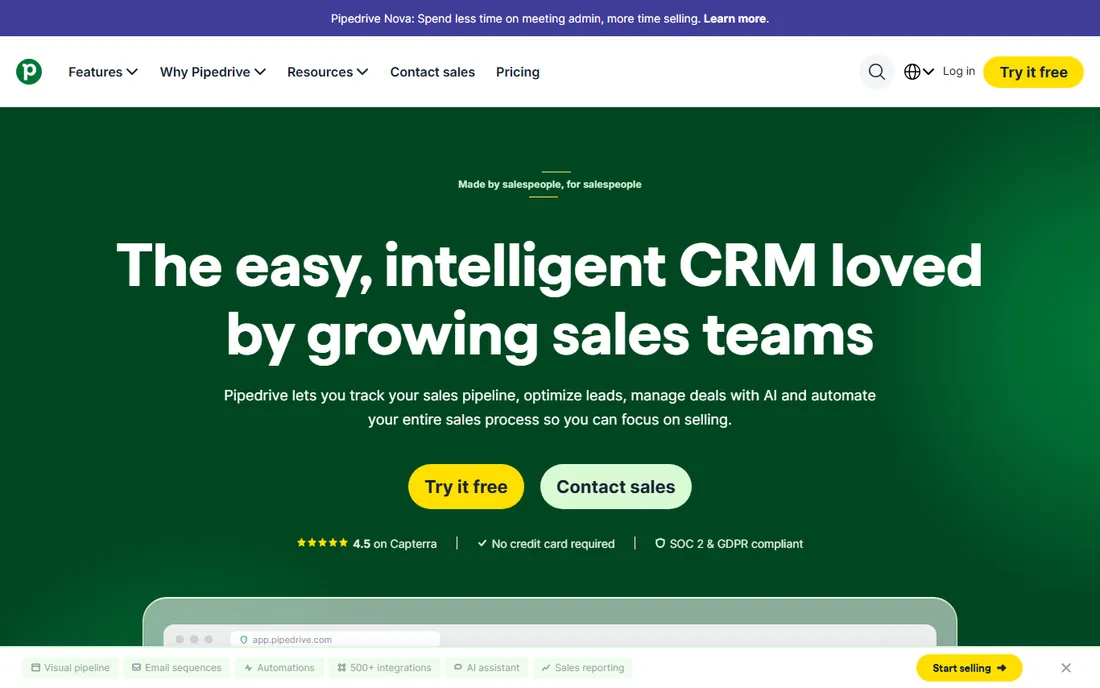
Pipedrive keeps sales teams focused on the pipeline: visual deal stages, activity reminders and straightforward automation. Adoption is famously high because it stays simple.
Marketers need separate tools. For sales-driven SMBs, the pipeline clarity wins deals.
Pipedrive salespeople should customize the pipeline stages to match their actual sales process; the visual board only works when it mirrors reality. Use the automation for follow-up reminders. The simplicity drives adoption.
What we like- Pipeline-first design
- Fast setup
- Salespeople actually use it
Watch out for- Marketing features thinner
- Customization limits
Starting priceSee website
Free planFree trial
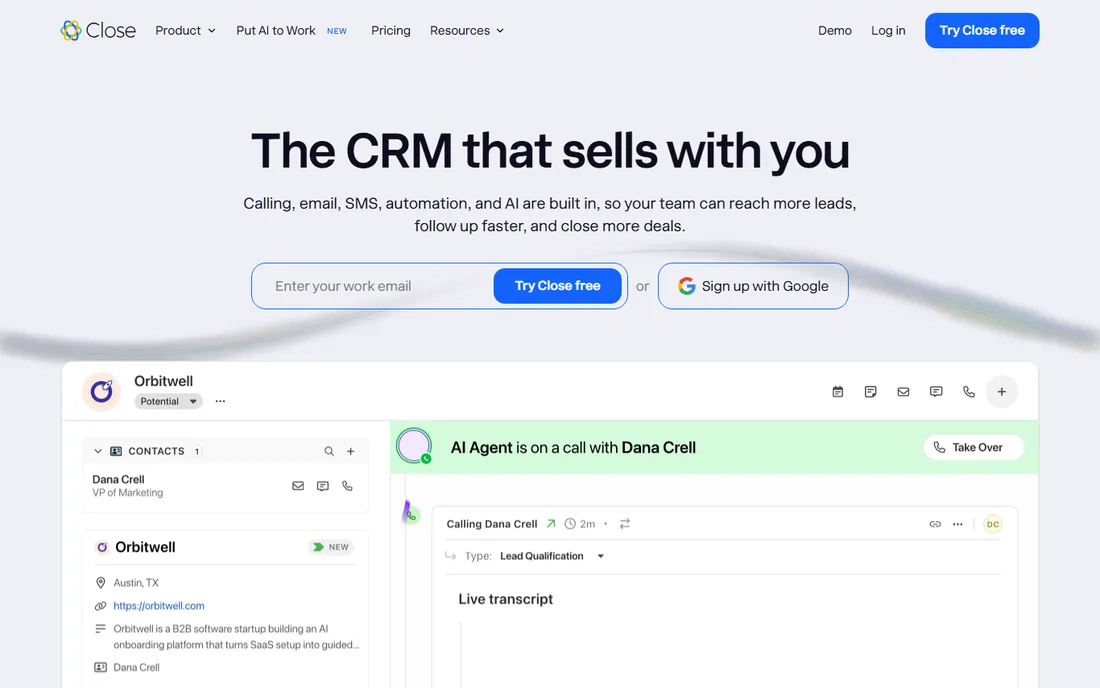
Close is built for inside sales teams: call, email and SMS from the CRM with power dialers and automation. Reps spend time selling, not tab-switching.
It is sales-execution focused. High-velocity inside sales teams get the most from its workflow speed.
Close teams should live in the power dialer and email sequences; the communication tools are the product. The built-in calling replaces separate dialer subscriptions. Track the activity metrics to coach effectively.
What we like- Built-in calling, SMS and email
- Productivity for SDRs
- Fast workflows
Watch out for- Less marketing depth
- Smaller ecosystem
Starting priceSee website
Free planYes
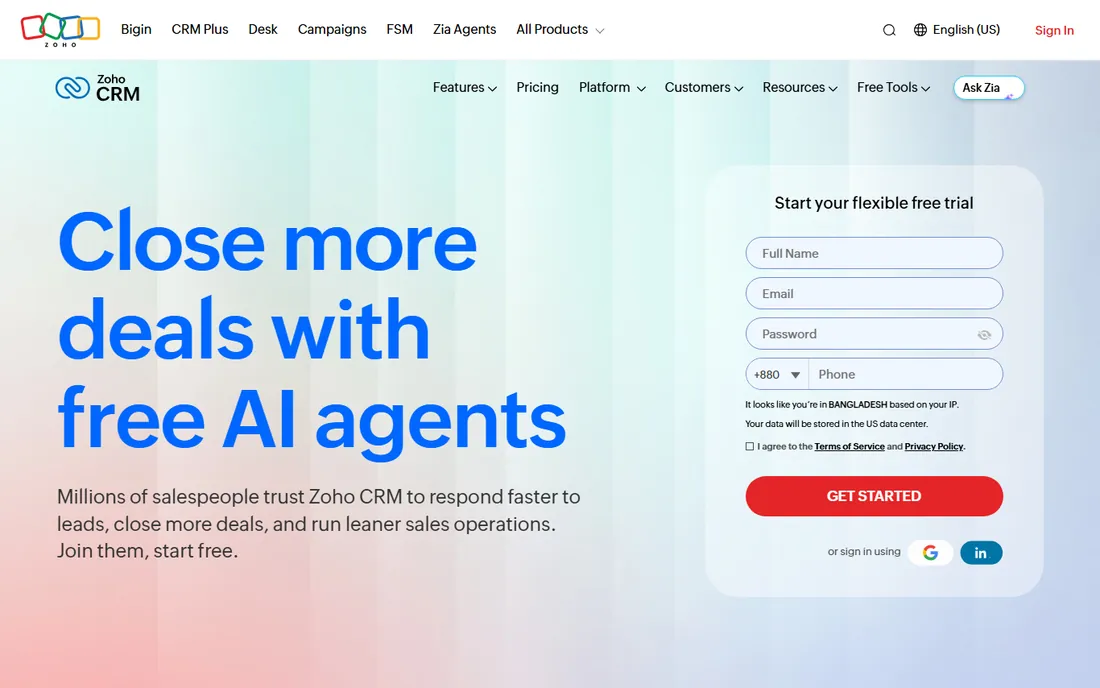
Zoho CRM delivers enterprise-style features, automation, analytics, AI, at SMB prices with a free tier. Zoho users get connected operations.
The UX trails HubSpot. Budget-conscious teams wanting real CRM depth get exceptional value.
Zoho CRM users should connect the other Zoho apps for the unified platform value; standalone it competes on price. The customization depth rewards patient configuration. Review the edition tiers annually.
What we like- Full features at low prices
- Free tier
- Zoho ecosystem
Watch out for- Interface less polished
- Learning curve
Starting priceSee website
Free planFree trial
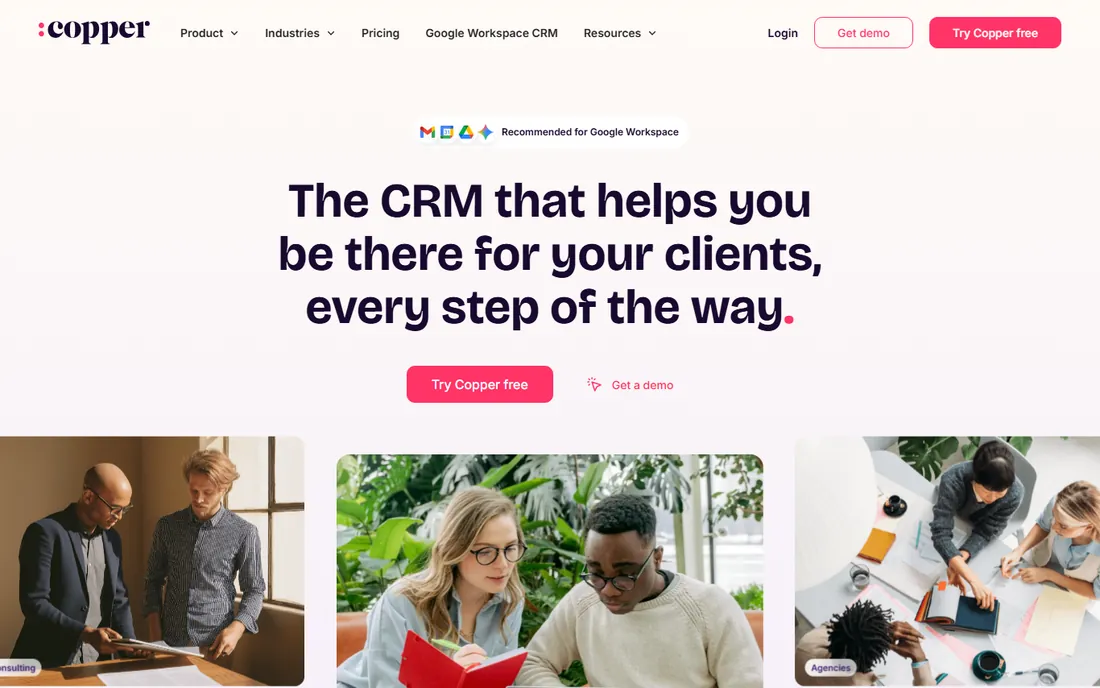
Copper embeds CRM in Google Workspace: manage pipelines from Gmail with automatic contact and email capture. Google-centric teams adopt it instantly.
Non-Google shops get less. For businesses living in Gmail, the frictionless fit is the selling point.
Copper teams in Google Workspace should use the Gmail integration heavily; the automatic logging is the killer feature. Keep the pipeline simple to match the tool's strengths. It suits relationship-driven sales.
What we like- Lives inside Gmail
- Zero learning curve for Google users
- Automatic data capture
Watch out for- Google-dependent
- Advanced features thinner
Starting priceSee website
Free planFree trial
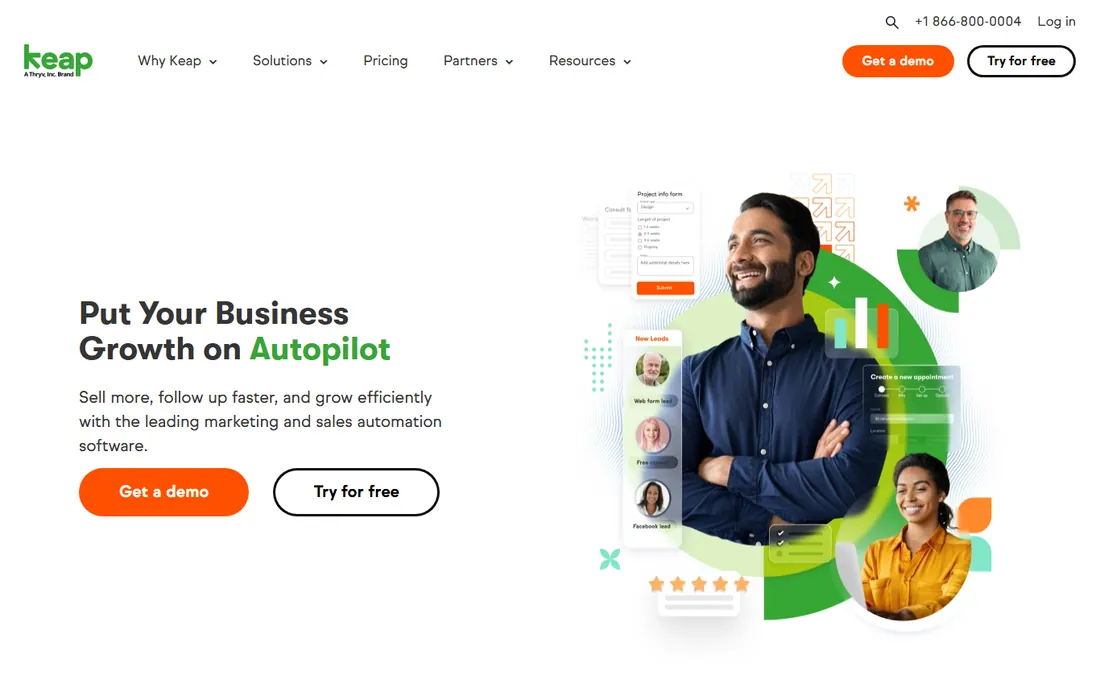
Keap, formerly Infusionsoft, combines CRM with marketing automation for small businesses: capture leads, nurture automatically, and manage sales in one. The all-in-one appeals to owner-operators.
Pure sales teams may prefer simpler CRMs. Small businesses wanting sales plus marketing automation get both.
Keap small businesses should build the key automations first: lead capture, follow-up sequences and payment reminders. The all-in-one approach works when committed fully. Review the automation performance quarterly.
What we like- CRM plus marketing automation
- Built for small business
- Easy campaigns
Watch out for- Pricier than pure CRMs
- Automation learning curve
Starting priceSee website
Free planFree trial
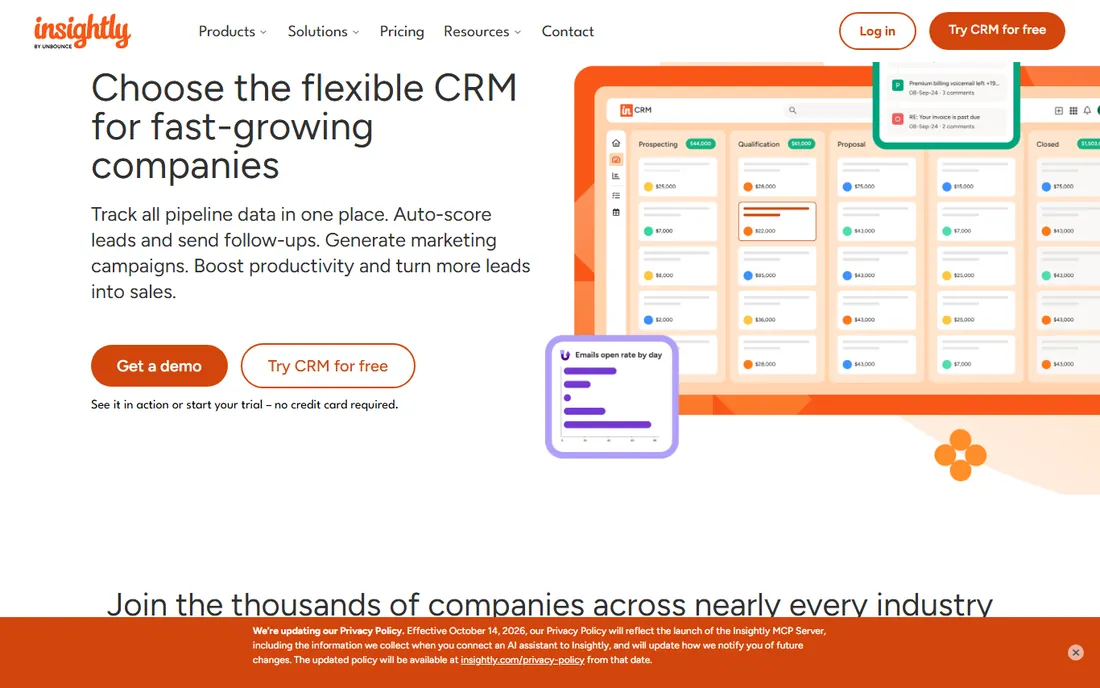
Insightly pairs sales CRM with project management, suiting service businesses that sell then deliver. Pipelines flow into projects naturally.
The profile is smaller than rivals. For sell-then-deliver businesses, the combination saves a second subscription.
Insightly users should use the project management alongside CRM for delivery-heavy businesses; the combination is the differentiator. The Google integration keeps data flowing. It suits teams that sell and deliver.
What we like- CRM with project delivery
- Good for services
- Straightforward
Watch out for- Smaller ecosystem
- Brand quieter
Starting priceSee website
Free planFree trial
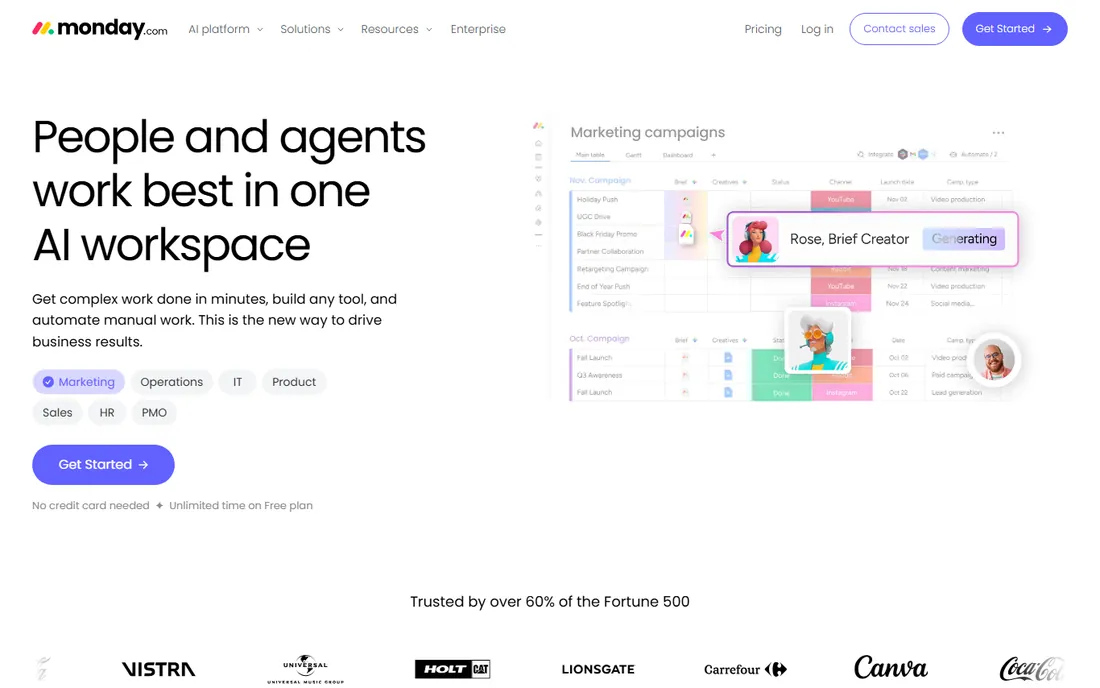
monday CRM brings the platform's visual boards to sales: customizable pipelines, automations and dashboards teams shape freely. Flexibility is the draw.
CRM purists may miss sales-specific depth. Teams already on monday get CRM without new vendors.
monday CRM teams should customize the boards to their sales stages; the visual flexibility is the strength. The automation recipes handle the routine follow-ups. It suits teams that think visually.
What we like- Highly visual and customizable
- Flexible boards
- Good automations
Watch out for- CRM is one product among many
- Pricing per seat adds up
Starting priceSee website
Free planFree trial
Nimble keeps CRM about relationships: unified contact records with social insights, simple pipelines and affordable pricing. Solo sellers and small teams stay organized.
Complex sales processes need more. For contact-centric simplicity, it is refreshingly light.
Nimble users should connect all social and email accounts for the unified contact view; the enrichment is the value. The affordable pricing suits solo operators. Keep the contact records current for the best results.
What we like- Simple relationship focus
- Social insights
- Affordable
Watch out for- Pipeline features basic
- Smaller vendor
How we chose
We verified each vendor's homepage and kept the ten most relevant sales CRMs, from enterprise to SMB. We excluded marketing-only platforms and industry-niche tools. Pricing changes often, so paid tiers show "See website".
What to get right before you buy
Map your sales process first. Stages, handoffs and follow-up rules decide the CRM; software should mirror how you sell.
Prioritize adoption. The best CRM is the one reps actually update; trial with real deals, not demo data.
Count total cost. Seats plus add-ons plus implementation: model year one fully before comparing prices.
Frequently asked questions
What is the best CRM for a small business?
HubSpot's free CRM for starters; Pipedrive or Zoho CRM when you need affordable sales depth.
How much does Salesforce cost?
Sales Cloud starts at 25 per user per month for basics, rising steeply for full features. Enterprise deployments cost far more with implementation.
Is HubSpot CRM really free?
Yes, the core CRM is free with generous limits. Marketing, sales and service hubs add paid tiers as you grow.
What is the easiest CRM to use?
Pipedrive, Copper and Nimble consistently earn ease-of-use praise. Trial with your actual pipeline to judge.
Do I need a CRM or a spreadsheet?
Spreadsheets work until about 50 active deals. Beyond that, follow-up automation and pipeline visibility justify CRM.
Can I migrate from another CRM?
Yes, all major CRMs offer import tools and migration services. Clean your data before migrating; duplicates multiply.
CRM adoption: the problem that kills most implementations
CRM software fails on adoption, not features. The first rule is to make the CRM the easiest path, not an extra chore: if logging a call takes ten clicks, reps will skip it. Automate data capture wherever possible and simplify the required fields to what leadership actually uses.
The second rule is executive usage. When managers run pipeline reviews from the CRM, reps keep it current; when managers accept spreadsheet side-reports, the CRM dies. Leadership must live in the system visibly. The CRM is a management tool first and a rep tool second.
The third rule is to define the sales process before configuring stages. Pipeline stages should mirror how deals actually progress, with clear exit criteria for each stage. Vague stages produce vague forecasts. Interview the top reps about their actual process and model that.
The fourth rule is data hygiene from day one. Duplicate contacts, stale opportunities and missing close dates compound into useless reporting. Assign data ownership, run monthly cleanups, and set validation rules for critical fields. A CRM nobody trusts is a CRM nobody uses.
Finally, measure what matters and ignore the rest. Activity metrics for coaching, pipeline coverage for forecasting, win rates for strategy. Dashboards full of vanity metrics get ignored. The CRM succeeds when one Monday morning report drives the week's decisions.
CRM pricing traps
CRM pricing is engineered to grow with you, so read the fine print. The first trap is per-user pricing that looks cheap until the whole team needs seats. Calculate the cost at your actual headcount, including the part-time users and managers who need access.
The second trap is tiered features. The affordable tier lacks the automation, reporting or integrations you actually need, forcing an upgrade. Map your required features to tiers before comparing prices. The cheapest plan that works is the real price.
The third trap is the annual discount lock-in. Yearly billing saves money but commits you before the team has adopted the tool. Start monthly during the pilot, switch to annual only after adoption is proven. The savings are not worth a year of shelfware.
The fourth trap is add-on creep. Marketing tools, extra storage, premium support and API access each add monthly cost. Price the complete configuration you will actually run, not the base plan. Ask vendors for the all-in number.
Finally, negotiate. CRM vendors expect it, especially above ten seats. Ask about startup programs, nonprofit discounts and multi-year terms. The listed price is the starting point of the conversation, not the end.
Sources we checked (10)
- https://www.salesforce.com/
- https://www.hubspot.com/
- https://www.pipedrive.com/
- https://www.zoho.com/en-us/crm/
- https://close.com/
- https://www.copper.com/
- https://keap.com/
- https://www.insightly.com/
- https://monday.com/
- https://www.nimble.com/
Is your product missing or out of date?
We review this list regularly. Vendors can request a listing, send updated pricing or ask about featured placement.

Shihab Mia · Founder, Rankite
Shihab has spent more than a decade helping SaaS and e-commerce brands grow through search. He writes Rankite's software buying guides from pricing pages, documentation and public user reviews. More about Shihab.