How we make this list: we compare pricing pages, product documentation and public user reviews. Rankite is independent; if a vendor ever pays for a featured spot, that listing is clearly labeled Partner.
Key takeaways
- HubSpot CRM's free tier is the best starting point for any small sales team: unlimited users and contacts with a real pipeline at no cost.
- Pipedrive ($14/user/month Essential, billed annually) is the best pure sales CRM for deal-focused teams, with the clearest visual pipeline in the industry.
- Close ($35/user/month Essentials) is the pick for outbound teams that live on the phone, with a native dialer and multichannel sequences built in.
- Freshsales ($9/user/month Growth) and Zoho CRM ($14/user/month Standard) are the value plays, both with free tiers for up to three users.
Quick comparison
| Tool | Best for | Starting price | Free plan |
|---|
 HubSpot CRM HubSpot CRM | Teams that want to start free and grow | $0 (free CRM); Starter $15 per user per month | Yes |
 Pipedrive Pipedrive | Deal-focused teams that live in the pipeline | $14 per user per month (Essential, billed annually) | Free trial (14 days) |
 Close Close | Inside sales teams that live on the phone | $35 per user per month (Essentials, billed annually) | Free trial (14 days) |
 Freshsales Freshsales | Growing teams that want AI features cheaply | $9 per user per month (Growth); free for up to 3 users | Yes |
 Zoho CRM Zoho CRM | Customization and value on a budget | $14 per user per month (Standard); free for up to 3 users | Yes |
 Salesforce Salesforce | Large and complex sales operations | $25 per user per month (Starter Suite) | Free trial |
 Copper Copper | Teams that live in Google Workspace | $23 per user per month (Basic) | Free trial |
 Monday CRM Monday CRM | Teams blending sales with project delivery | $12 per user per month (Basic) | Free trial |
 Keap Keap | Small service businesses that need automation | $299 per month (2 users included) | Free trial |
Is your product missing or out of date?
We review this list regularly. Vendors can request a listing, send updated pricing or ask about featured placement.
The best sales tracking software
A 12-person B2B services company in Florida was tracking deals in a shared spreadsheet with 47 columns. The sales manager spent Monday mornings reconciling three versions of the truth, and two hot leads went cold in one quarter because nobody noticed they had stalled. They moved to a proper sales CRM, and the first thing that changed was the Monday meeting: instead of arguing about the spreadsheet, the team talked about the deals. Pipeline visibility turned out to be a management tool, not just a database.
Sales tracking software is really two things: a system of record for every deal, and a management discipline for moving deals forward. The best software for sales teams does both without becoming a data-entry burden that reps quietly abandon. Activity-based selling, follow-up reminders, and a pipeline the manager can read at a glance are the features that actually get used. Everything else is negotiable.
The nine tools below are the realistic options for US small and mid-size sales teams in 2026. Pricing reflects published plans as of October 2026.
Starting price$0 (free CRM); Starter $15 per user per month
Free planYes
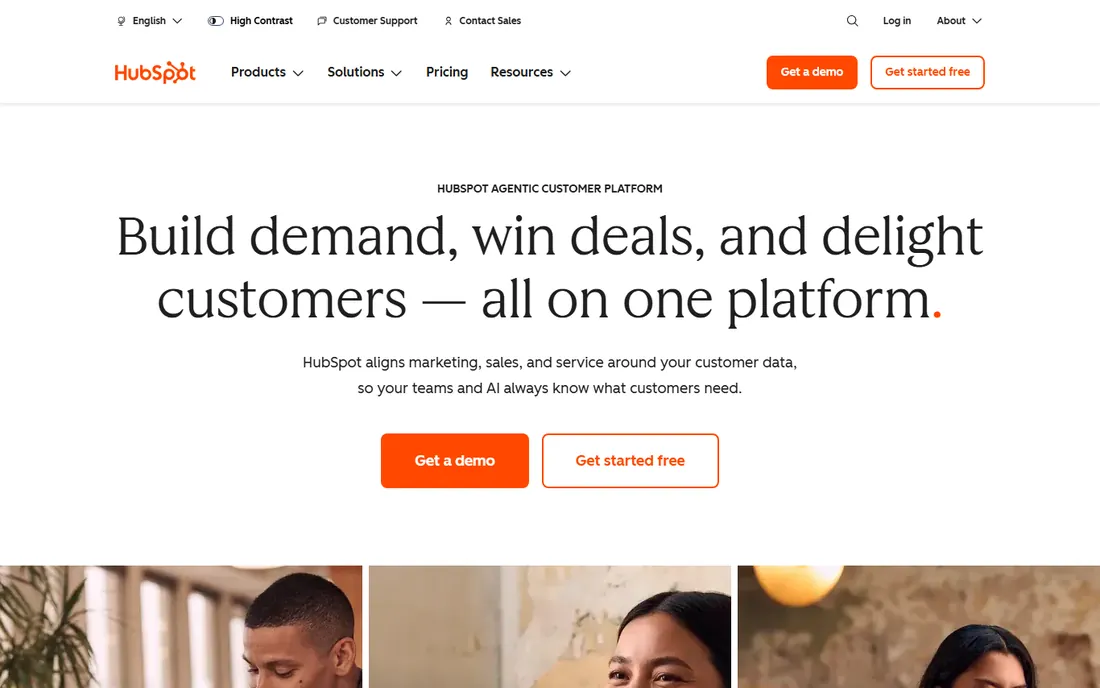
HubSpot's free CRM is the standard every other free tier gets measured against: unlimited users, up to a million contacts, deal pipelines, email tracking, meeting scheduling, and live chat at no cost. A small sales team can run on it for months before hitting meaningful limits, which is why it is the default recommendation for teams that are not sure what they need yet.
The business model shows in the upgrade path. Starter at $15 a user is reasonable, but Professional jumps to around $90 to $100 a user with a mandatory onboarding fee, a cliff that surprises growing teams. For sales tracking specifically, the free and Starter tiers cover most small-team needs. Start free, upgrade when a specific missing feature, usually automation or custom reporting, is costing you deals.
What we like- Best free tier in the CRM market, genuinely usable
- 1,500-plus integrations
- Unified platform with marketing and service hubs
Watch out for- Paid tiers escalate sharply
- Professional adds a mandatory onboarding fee
- Reporting limits on lower tiers push upgrades
Starting price$14 per user per month (Essential, billed annually)
Free planFree trial (14 days)
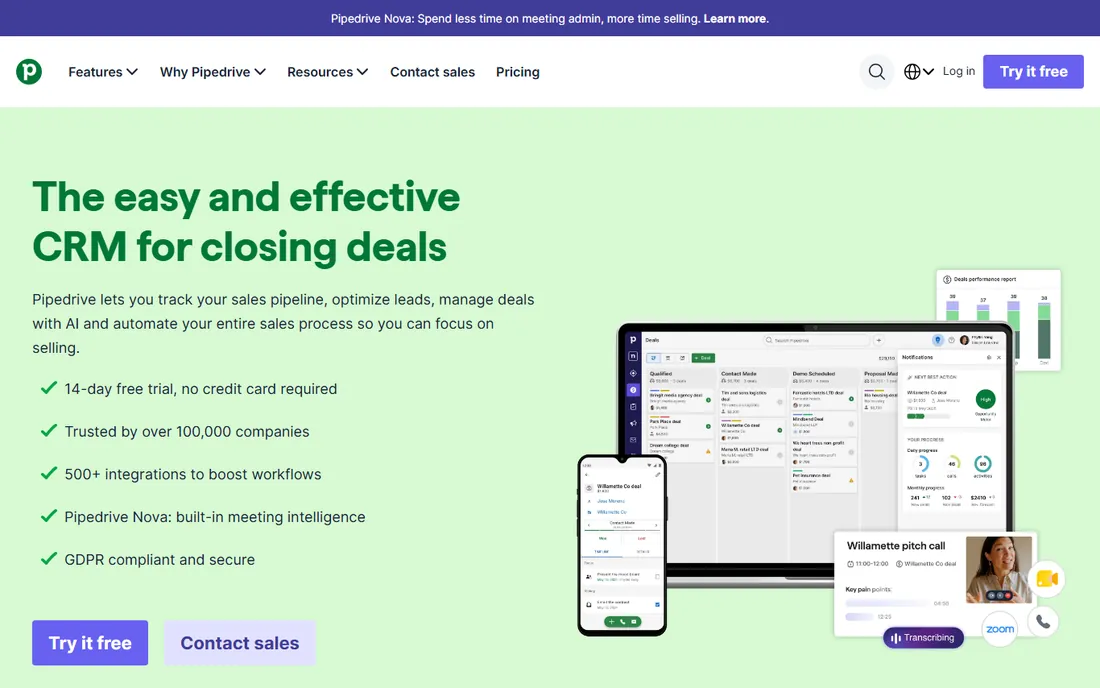
Pipedrive is built around one idea: salespeople should spend their time on activities that close deals, not on CRM administration. The visual pipeline is the best in the business, the activity-based workflow turns the pipeline into a to-do list, and the interface stays out of the way. For teams with structured, repeatable deal cycles, it is the most pleasant CRM to use daily.
The pricing reality includes the add-ons. Essential at $14 covers the pipeline basics, but most teams land on Advanced ($29) or Professional ($49) for email sync, automation, and forecasting, and add-ons like LeadBooster push the real per-seat cost well above the sticker. Pipedrive remains excellent value for pure sales tracking; teams that also need marketing automation should compare HubSpot's bundled pricing.
What we like- Clearest visual pipeline interface in the industry
- Activity-based selling keeps reps focused
- AI Sales Assistant on higher tiers
Watch out for- No free tier
- Add-ons (LeadBooster, Campaigns) push real costs 50 to 100 percent above base
- Marketing automation is thin
#3
Close
Best for: Inside sales teams that live on the phone
Visit close.com
Starting price$35 per user per month (Essentials, billed annually)
Free planFree trial (14 days)
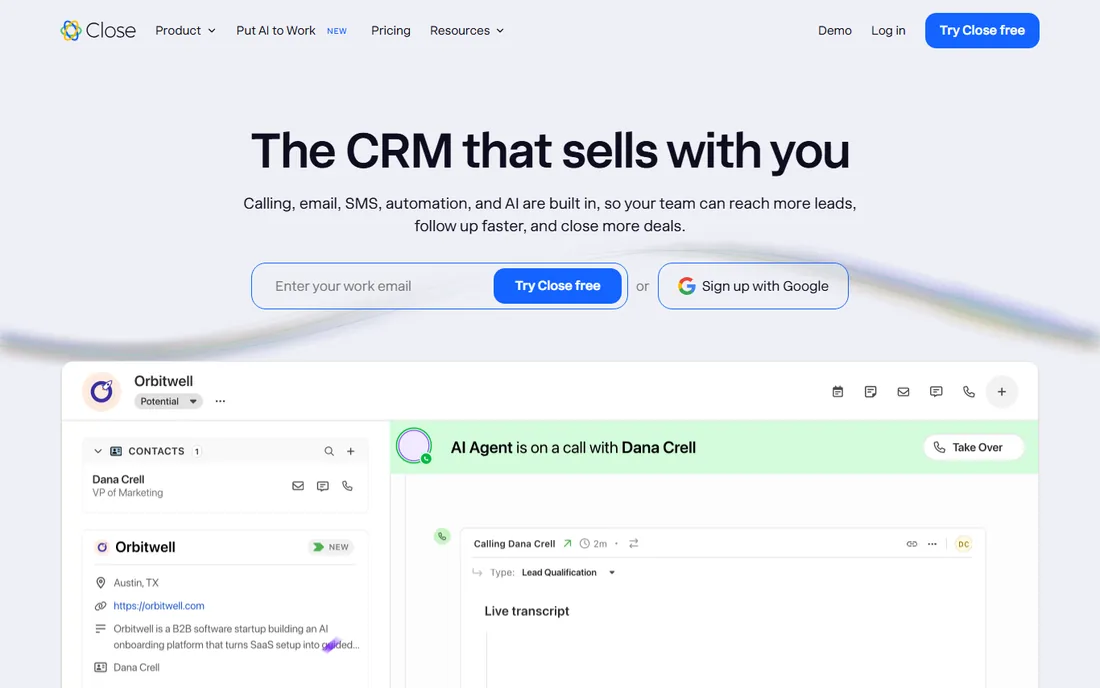
Close is the CRM for teams whose job is outbound: built-in calling, SMS, and email sequences in a single workflow designed for speed. Reps can power through call lists with the predictive dialer, log outcomes in one click, and keep every touch in the sequence without switching tools. For SDR teams and inside sales, the execution speed is unmatched at the price.
It is a specialist. Inbound-led teams and account managers will find the pipeline and reporting thinner than Pipedrive or HubSpot, and the interface values velocity over beauty. At $35 a user for Essentials, it costs more than Pipedrive's entry tier but replaces a separate dialer subscription. If your team's day is calls and follow-ups, Close is the best sales rep tracking software for the job.
What we like- Native built-in dialer with predictive calling
- Multichannel sequences (call, email, SMS) in one workflow
- Built for high-volume outbound
Watch out for- Less suited to inbound or account-management motions
- The interface prioritizes speed over polish
- Smaller integration ecosystem
Starting price$9 per user per month (Growth); free for up to 3 users
Free planYes
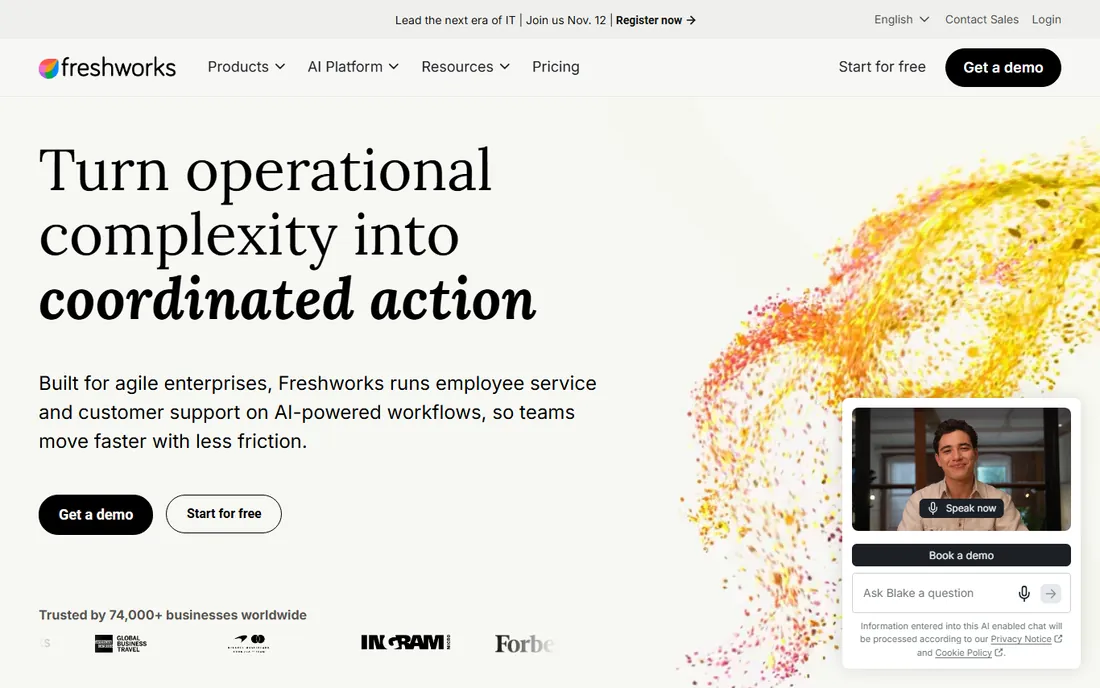
Freshsales is the value pick with a twist: AI-powered lead scoring and built-in phone at $9 a user a month, undercutting everyone else on this list. The free tier covers three users, which is enough for a founding sales team to get started. For businesses already using Freshworks products, the integration is a bonus.
The honest assessment is that it is good at everything and best at nothing. The pipeline is not as clear as Pipedrive's, the ecosystem is not as deep as HubSpot's, and the outbound tools are not as fast as Close's. But at $9 a user, it does not need to be the best at anything. It is the rational choice for budget-conscious teams that want a complete CRM without a big bill.
What we like- Cheapest paid tier of the serious CRMs
- Built-in phone and AI lead scoring
- Free tier covers tiny teams
Watch out for- Does not excel at any single thing the leaders do
- The Freshworks ecosystem matters less outside it
- Advanced customization is limited
#5
Zoho CRM
Best for: Customization and value on a budget
Visit zoho.com
Starting price$14 per user per month (Standard); free for up to 3 users
Free planYes
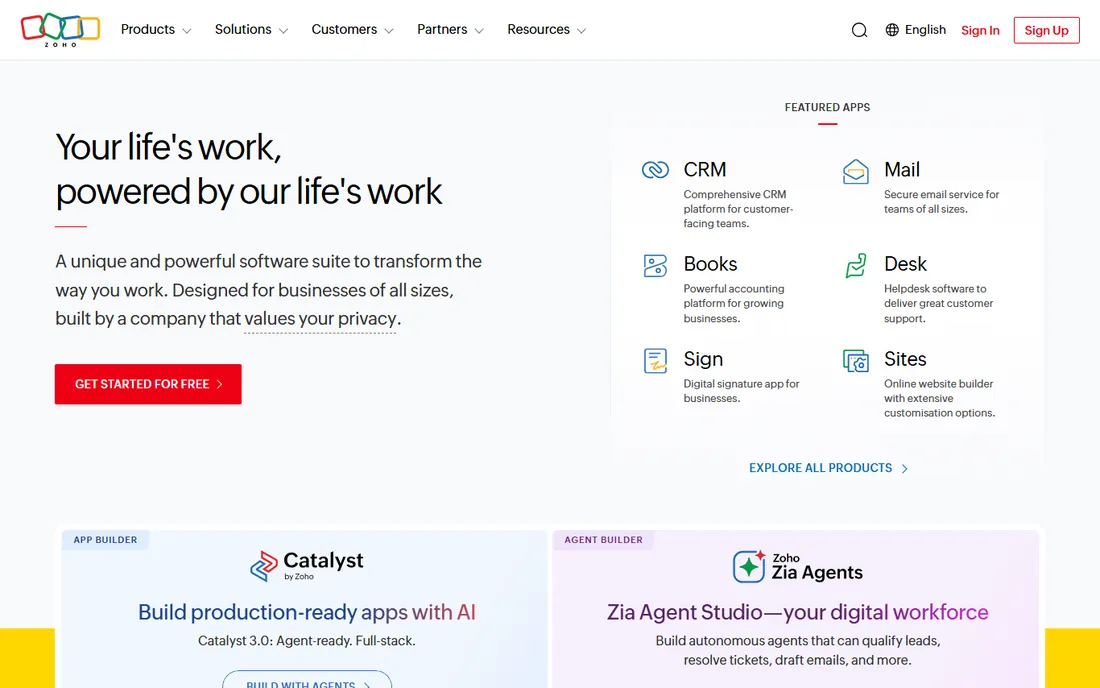
Zoho CRM gives small businesses enterprise-style customization at a small-business price. Workflows, custom modules, and automation that cost hundreds per user elsewhere are available from $14 a month, and the free tier covers three users. For companies already in the Zoho ecosystem, the unified billing and shared data across 40-plus apps is exceptional value.
The trade-offs are usability and polish. The interface shows its age, setup takes longer than Pipedrive or HubSpot, and support experiences vary. But for the technically comfortable buyer who wants the system shaped exactly to their sales process, nothing else offers this much control at this price. It rewards the effort put into configuration.
What we like- Deep customization at a low price
- Part of the 40-plus-app Zoho suite
- Free tier for three users
Watch out for- Interface feels dated next to modern CRMs
- The learning curve is steeper than Pipedrive
- Support quality varies
Starting price$25 per user per month (Starter Suite)
Free planFree trial
Salesforce is the enterprise standard for a reason: no other CRM matches its depth of customization, workflow automation, and ecosystem. Large sales organizations with complex processes, multiple teams, and dedicated administrators get capabilities nothing else offers. The Starter Suite at $25 a user gives small teams an on-ramp, though few stay on it long.
For the small and mid-size teams this article serves, Salesforce is usually the wrong answer. It demands administrative expertise, the interface overwhelms reps who just need a pipeline, and costs escalate with every edition and add-on. Choose it when the sales operation is complex enough to need it, typically past 50 reps or with intricate processes. Below that, the simpler tools win on adoption, which is what actually drives revenue.
What we like- Unmatched depth and customization at scale
- Enormous ecosystem of apps and consultants
- The standard for enterprise sales
Watch out for- Overkill and overpriced for small teams
- Implementation needs expertise
- The interface overwhelms casual users
Starting price$23 per user per month (Basic)
Free planFree trial
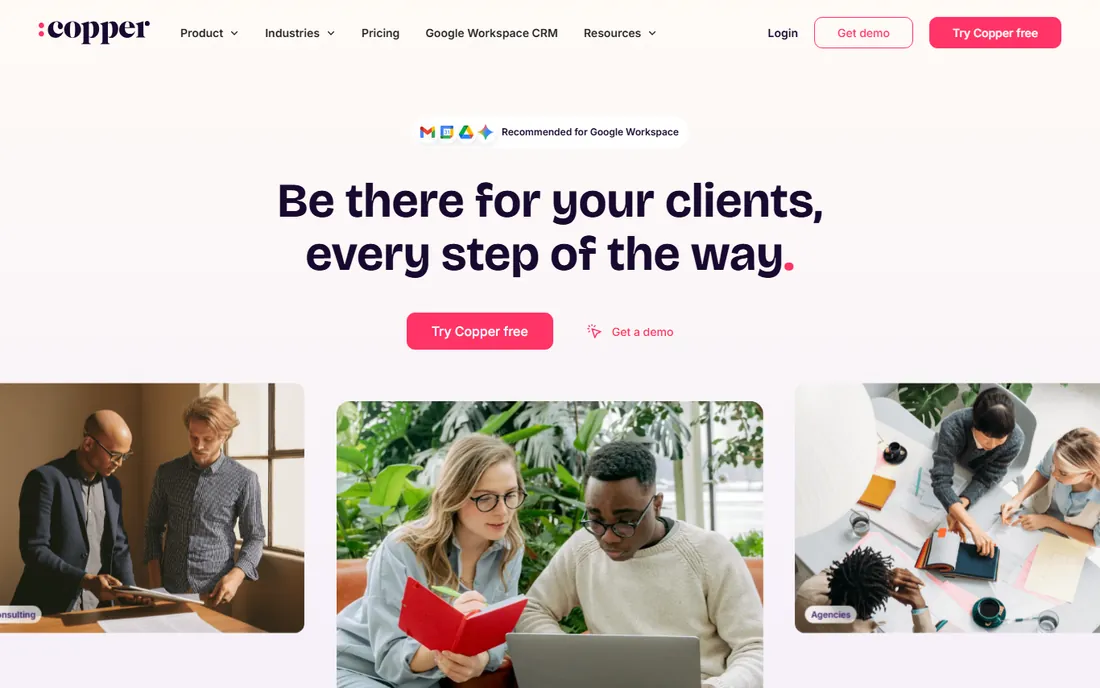
Copper's entire pitch is the Google Workspace integration: it lives inside Gmail, so emails, calendar events, and contacts flow into the CRM without the copy-paste tax. For teams that run their business in Gmail and Google Calendar, it removes the adoption friction that kills most CRM rollouts. The interface is clean and the learning curve is short.
The limitation is the flip side of the strength. Outside the Google workflow, it is less capable than the generalists, and the deep integration becomes lock-in if the company ever leaves Workspace. At $23 a user, it costs more than Pipedrive Essential for less breadth. It is the right pick for the Google-native team that wants CRM without changing how they work.
What we like- Native-feeling Google Workspace integration
- No double data entry between Gmail and CRM
- Clean, simple interface
Watch out for- The Google dependence is also the lock-in
- Less powerful than Pipedrive or HubSpot outside the Google workflow
- Smaller ecosystem
#8
Monday CRM
Best for: Teams blending sales with project delivery
Visit monday.com
Starting price$12 per user per month (Basic)
Free planFree trial
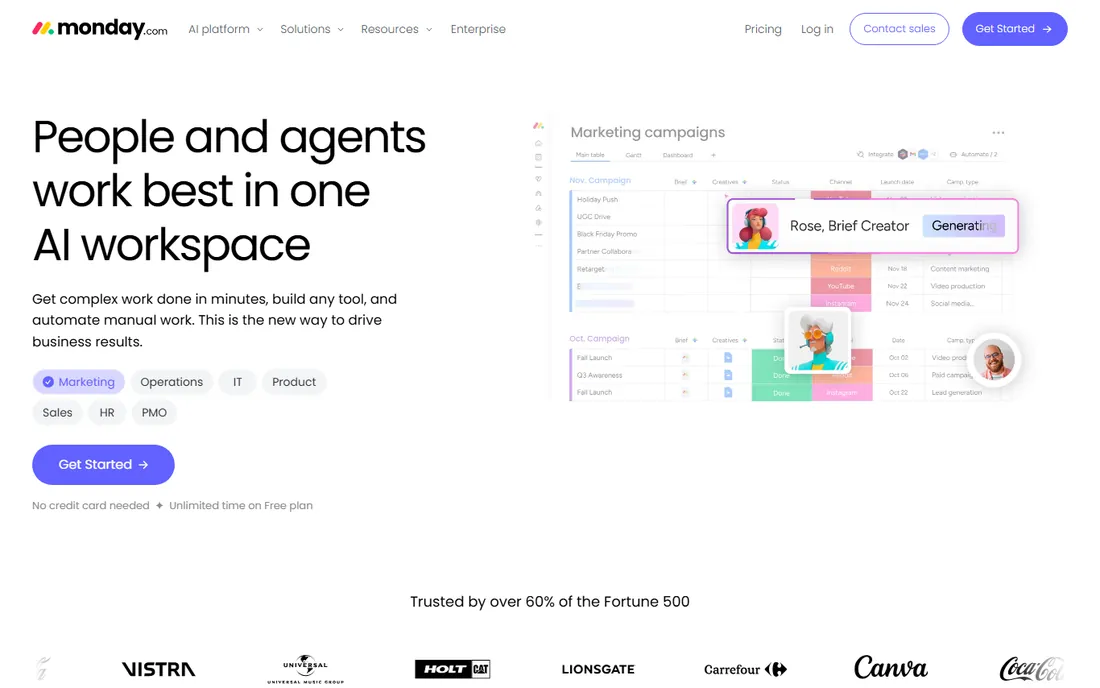
Monday CRM suits businesses where the sale and the delivery are one continuous workflow: agencies, contractors, and service companies that track a deal from first call through project completion. The visual boards handle both, and handoffs between sales and delivery happen without switching systems. At $12 a user for Basic, the entry price is attractive.
As a pure sales CRM, it trails the specialists. Pipeline management, email integration, and sales automation are thinner than Pipedrive or HubSpot, because the platform grew up managing projects. It is the right choice when the business needs sales plus delivery in one place. Teams that only need sales tracking should buy a real sales CRM.
What we like- Sales tracking and project management in one visual system
- Highly customizable boards
- Good for handoff-heavy businesses
Watch out for- A project tool adapted to CRM, not a native sales CRM
- Per-seat pricing adds up
- Sales-specific features trail the specialists
#9
Keap
Best for: Small service businesses that need automation
Visit keap.com
Starting price$299 per month (2 users included)
Free planFree trial
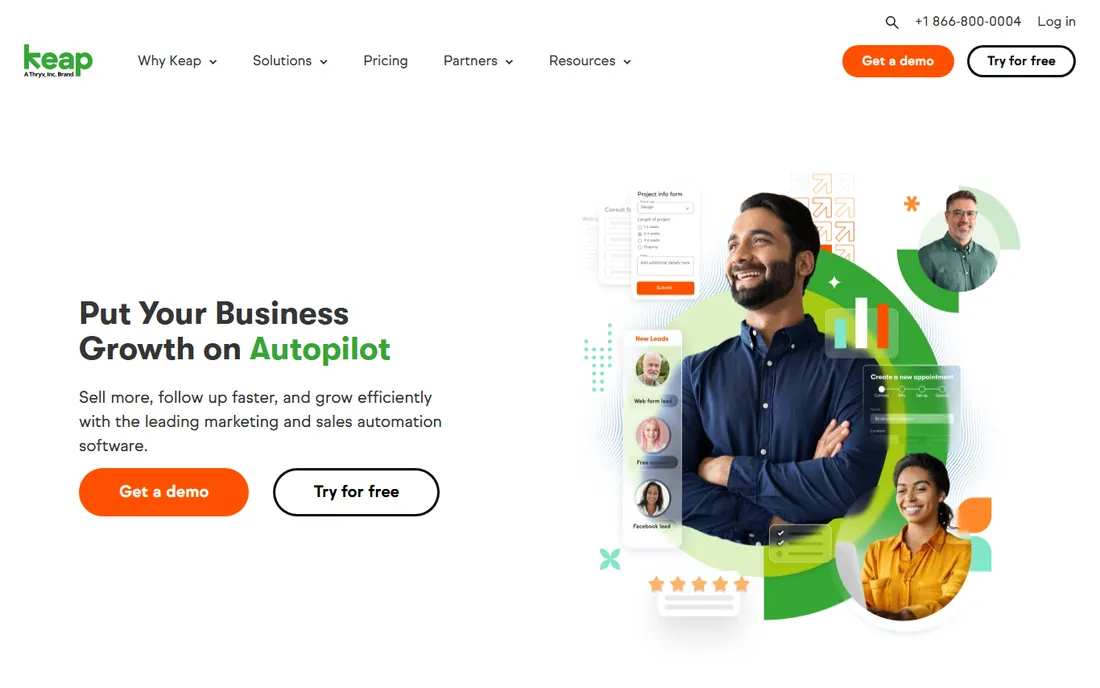
Keap, formerly Infusionsoft, is the all-in-one for small service businesses: CRM, email marketing automation, invoicing, and payments in a single system. Businesses that live on follow-up sequences, appointment reminders, and repeat business get the automation of a much larger marketing stack without stitching tools together.
The $299-a-month entry price is the highest on this list by a wide margin, and the platform's long history shows in interface complexity. It is not the tool for simple deal tracking; Pipedrive does that better for less. Keap earns its price when the business needs CRM plus serious automation and would otherwise pay for three separate tools.
What we like- CRM plus marketing automation and payments in one
- Built for small service businesses
- Strong email and campaign automation
Watch out for- The most expensive entry price here by far
- The interface carries legacy complexity
- Overkill for simple pipeline tracking
How we assembled this shortlist
We compared sales tracking software and CRMs that US small and mid-size teams actually buy, identified through sales industry publications, vendor pricing pages, and reviews on G2, Capterra, and sales forums. Every tool had to handle the core sales job, pipeline tracking, contact management, and activity or task management, as a shipping product in 2026. Pricing reflects published annual-billing rates checked in October 2026, including Pipedrive's five-tier structure and HubSpot's free-to-paid ladder. This is a research-based comparison, not hands-on testing.
What to check before you buy
Start with how your team actually sells, because that splits this list. Outbound phone teams belong on Close. Visual pipeline managers belong on Pipedrive. Inbound and marketing-aligned teams belong on HubSpot. Google-native teams belong on Copper. Service businesses with delivery belong on Monday CRM or Keap. Buying the wrong motion's tool is the most expensive mistake here, because reps will not use software that fights their workflow.
Then check the real per-seat cost at your headcount with the tier you need. Pipedrive Essential at $14 becomes Professional at $49 once the team needs forecasting and AI, and add-ons push it higher. HubSpot's jump from Starter to Professional is the steepest in the category. Model the cost at the tier you will actually use in 12 months, not the entry tier that gets you in the door.
Finally, trial with real deals and real reps. Import ten live opportunities, run them through the pipeline for two weeks, and watch whether reps update it without being nagged. The CRM that reps actually use beats the CRM with the better feature list every time. Adoption is the whole game in sales software, and no demo predicts it; only a live trial with your team does.
The free-CRM question
The free tiers in this category are genuinely good now, which raises the question of whether to pay at all. HubSpot's free CRM runs a small sales operation indefinitely. Freshsales and Zoho cover three users free. The honest answer is that free works until the team needs automation, custom reporting, or scale, at which point the paid tier pays for itself in recovered rep time. The mistake is not starting free; it is staying free past the point where manual workarounds cost more than the subscription. Review the decision every six months as the team grows, and upgrade when a specific missing feature has a dollar cost attached.
Frequently asked questions
What is the best free sales tracking software?
HubSpot CRM's free tier is the best free option: unlimited users and contacts, deal pipelines, email tracking, and meeting scheduling at no cost. Freshsales and Zoho CRM both offer free tiers for up to three users. For a solo founder or tiny team, any of the three works; HubSpot scales the furthest before requiring payment.
How much does sales tracking software cost?
Small teams pay $0 to $15 a user a month on free tiers, HubSpot Starter, Pipedrive Essential, or Freshsales Growth. Mid-size teams typically land at $29 to $59 a user on Pipedrive Advanced/Professional or HubSpot's higher tiers. Keap starts at $299 a month, and Salesforce scales into enterprise pricing. Most 10-person teams land between $150 and $600 a month.
Should I choose Pipedrive or HubSpot?
Choose Pipedrive for the best pure sales pipeline experience and activity-based selling, at $14 to $49 a user. Choose HubSpot for the generous free tier and the unified platform with marketing and service, accepting the steep paid-tier jumps later. Sales-led teams usually prefer Pipedrive; marketing-led teams usually prefer HubSpot.
Do I need a CRM or just a spreadsheet?
A spreadsheet works until about ten active deals, then it breaks: no reminders, no history, no visibility for the manager. The cost of one lost deal usually exceeds a year of CRM subscription. If the business depends on follow-up, which most do, a CRM pays for itself the first time it saves a stalled opportunity.
What is the best sales rep tracking software for outbound teams?
Close is the best fit for outbound and phone-heavy teams, with a native dialer, predictive calling, and multichannel sequences at $35 a user a month. Pipedrive with a dialer integration is the alternative for teams that want the better pipeline with adequate calling.
How long does it take to set up a CRM?
HubSpot, Pipedrive, and Freshsales go live in a day or two with a clean contact import. Zoho takes longer due to customization. Salesforce implementations take weeks to months. The technical setup is the fast part; getting reps to use it consistently takes longer, which is why the trial-with-real-deals test matters more than the demo.
Sources we checked (7)
- https://github.com/kacky000/aitoolpick/blob/HEAD/src/content/blog/best-crm-tools-small-business-2026.md
- https://gauravtiwari.org/best-crm-software/
- https://kudoscrm.com/blog/best-crm-for-small-business/
- https://www.vendr.com/marketplace/pipedrive
- https://www.engagebay.com/blog/pipedrive-vs-close/
- https://meetergo.com/en/magazine/is-pipedrive-free
- https://theautomationsguide.com/blog/2026-08-12-what-pipedrive-actually-costs-in-2026-seats-add-ons-and-hidd/
Is your product missing or out of date?
We review this list regularly. Vendors can request a listing, send updated pricing or ask about featured placement.

Shihab Mia · Founder, Rankite
Shihab has spent more than a decade helping SaaS and e-commerce brands grow through search. He writes Rankite's software buying guides from pricing pages, documentation and public user reviews. More about Shihab.