How we make this list: we compare pricing pages, product documentation and public user reviews. Rankite is independent; if a vendor ever pays for a featured spot, that listing is clearly labeled Partner.
Key takeaways
- SweetProcess at $99 a month for up to 10 users covers the full SOP lifecycle: AI drafting, approvals, versioning and task assignment.
- Scribe turns screen recordings into step-by-step guides automatically, with a free plan and Pro from $25 per seat per month.
- Whale combines SOP capture with training flows and a free tier; Scale starts at $249 a month for growing teams.
- Trainual and Process Street dominate their niches (training and checklist workflows) on quote-based pricing.
- Confluence at $5.42 per user per month and Nuclino at $6 are the wiki-style fallbacks when formal SOP workflows are overkill.
Quick comparison
| Tool | Best for | Starting price | Free plan |
|---|
 SweetProcess SweetProcess | Full SOP lifecycle in one system | $99/month (up to 10 users) | Free trial (14 days) |
 Scribe Scribe | Auto-captured screen guides | $25/user/month (billed annually) | Yes |
 Whale Whale | SOPs plus training flows | Free; Scale from $249/month | Yes |
 Trainual Trainual | Turning SOPs into training paths | See website | No |
 Process Street Process Street | Checklist-driven workflow runs | $100/month | Free trial |
 Tallyfy Tallyfy | Lightweight workflow automation | $300/user/year (full seats) | Free trial |
 Guidde Guidde | Video walkthrough SOPs | $19/creator/month (billed annually) | Yes |
 Tango Tango | Quick browser-based step guides | $15/user/month (billed annually) | Yes |
 Confluence Confluence | Atlassian-native documentation | $5.42/user/month | Yes (up to 10 users) |
 Nuclino Nuclino | Lightweight wiki-style docs | $6/user/month | Yes (50 items) |
Is your product missing or out of date?
We review this list regularly. Vendors can request a listing, send updated pricing or ask about featured placement.
The best sop software
The myth that kills most SOP projects is that writing the procedure is the job. Small teams file everything in Google Docs and declare victory. Six months later nobody can find the current version, the new hire reads the outdated one, and the procedure silently stops matching how work actually gets done. The document was never the hard part. Maintenance is the hard part, and Google Docs does not maintain anything.
The correction is that SOP software is not a writing tool. It is a lifecycle tool: capture the procedure, version it, get it approved, assign it as training, quiz people on it, and know who has read the latest version. The vendors below separate along exactly that axis. Some capture brilliantly and manage poorly. Some manage brilliantly and capture slowly. The right pick depends on which half of the lifecycle is broken at your company.
The second misconception is that AI drafting solves documentation. AI produces a plausible first draft in minutes, which is genuinely useful, and then the draft still needs review by the people doing the work. The tools that win pair generation with the boring machinery: approvals, version history, read receipts, assignments. A generated draft with no review workflow is just a prettier version of the Google Doc problem.
Starting price$99/month (up to 10 users)
Free planFree trial (14 days)
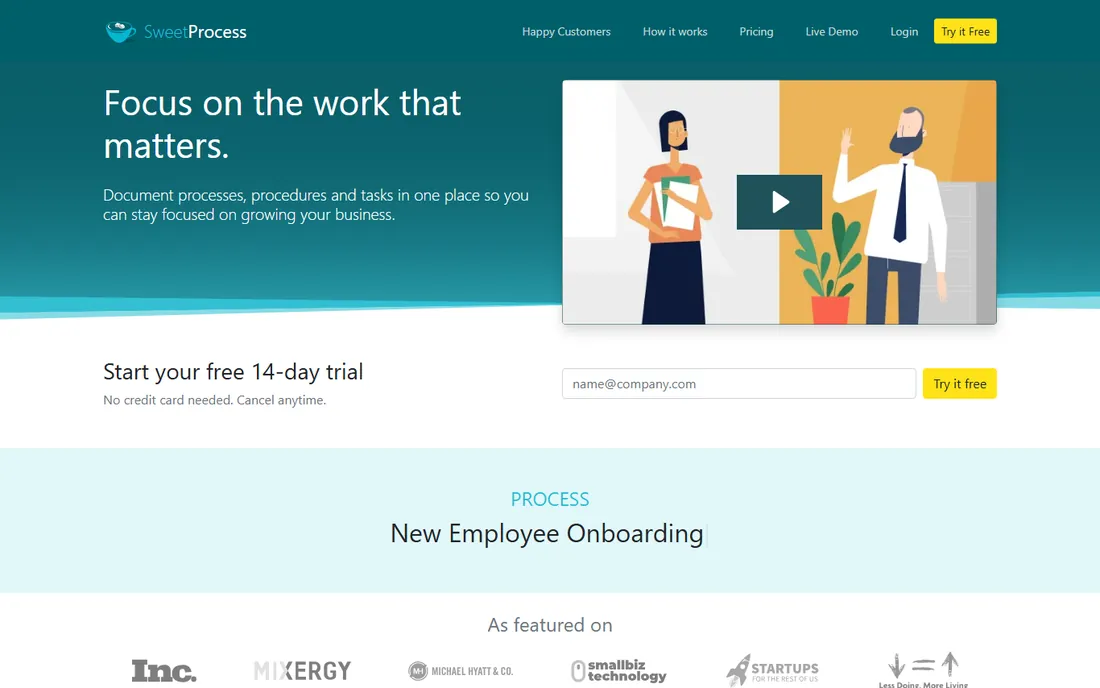
SweetProcess is the most complete SOP management package for small and mid-size teams. AI drafting generates first versions fast, and then the management layer takes over: version control, approval cycles, assignments with tracking, and procedures that convert into actionable tasks. The $99-a-month plan covers up to 10 users, and a $495-a-year tier serves teams of five.
The honesty in its feature list is refreshing. It does not do AI voiceover narration or automatic video translation, and it says so. Teams that need screen-capture-first documentation should pair it with Scribe. But for the company whose procedures live in scattered documents and need one managed home, SweetProcess is the strongest all-rounder here.
What we like- AI drafting plus versioning, approvals and task assignment in one place
- $99 covers 10 users
- Procedures, policies and processes unified
Watch out for- No AI voiceover or video translation
- 14-day trial only, no permanent free plan
- Smaller ecosystem than Trainual
Starting price$25/user/month (billed annually)
Free planYes
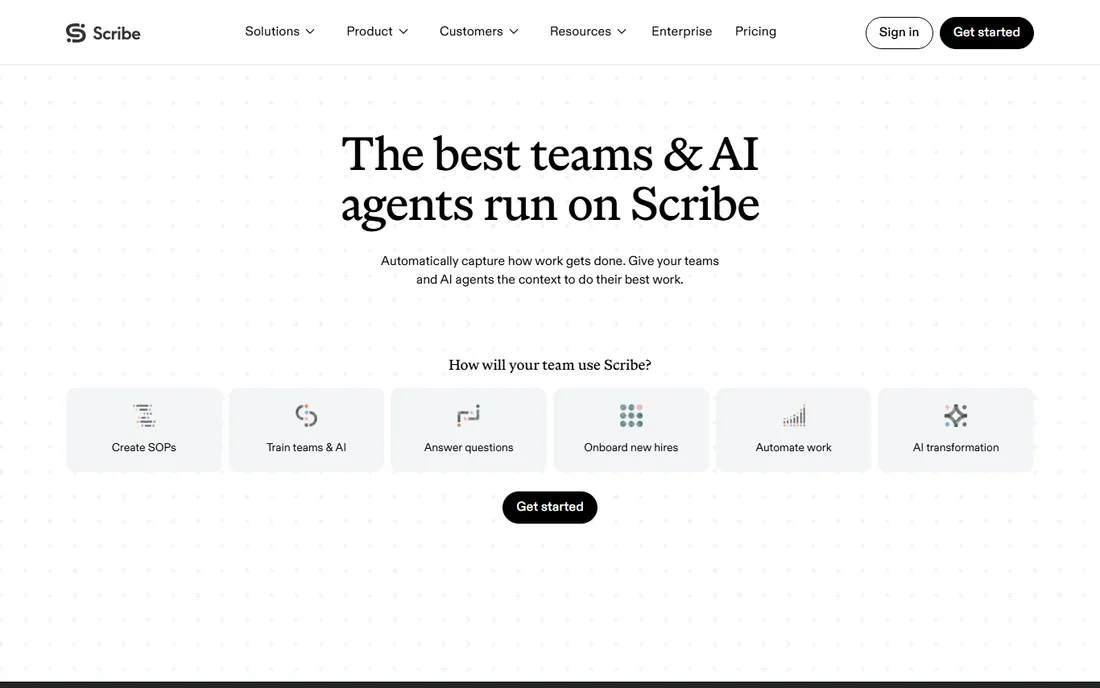
Scribe solves the blank-page problem better than anyone. Click through a process on screen and it produces a formatted guide with screenshots, arrows and step text, ready to share. The free plan covers basic guide creation for small teams, and Pro Personal at $25 per seat per month billed annually adds desktop capture, exports and shared libraries.
The limits are structural. There is no course structure, no quizzes, no approval workflow beyond view tracking. Scribe documents how work is done; it does not train people or prove compliance. Pair it with SweetProcess or Whale when you need the management layer, and let Scribe do what it does: capture at a speed no human writer matches.
What we like- Records your screen and generates step-by-step guides automatically
- Free Basic plan is genuinely useful
- Editing and redaction are fast
Watch out for- No policies, approvals, sign-off or quizzes
- Not a training platform
- Per-seat pricing adds up across large teams
Starting priceFree; Scale from $249/month
Free planYes
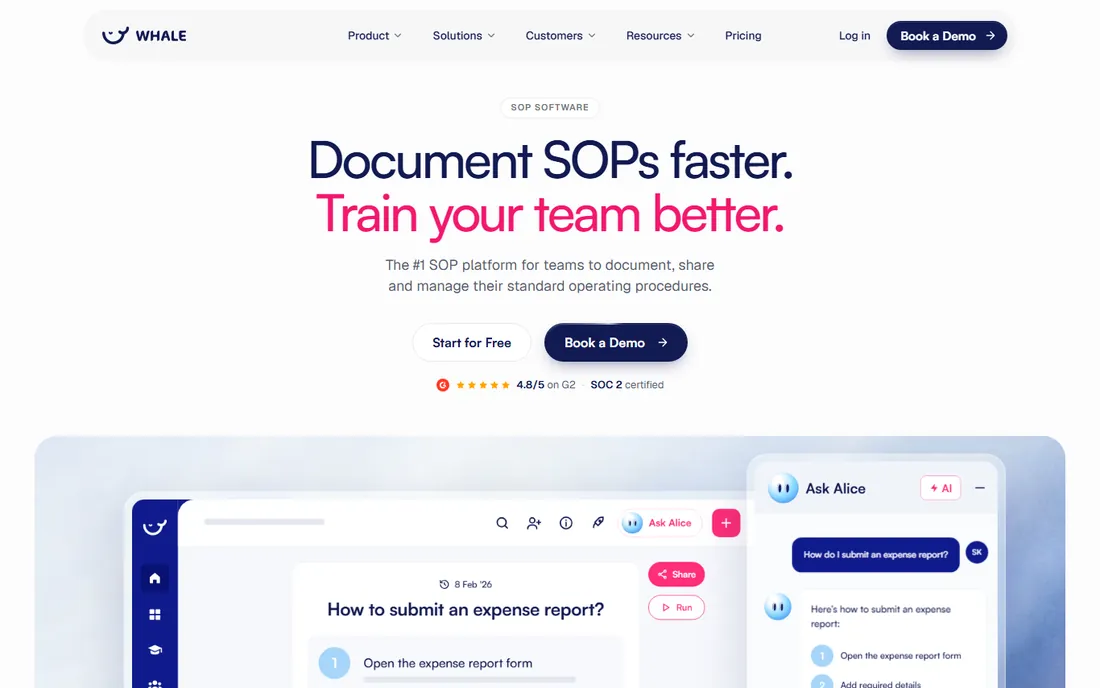
Whale bridges documentation and training. The Step Recorder turns screen sessions into annotated guides, an AI writer drafts procedures for off-screen work, and then training flows assign procedures to roles with quizzes, due dates and read receipts. The free plan (one creator, 10 members, 20 playbook items) lets teams prove the concept before spending.
The pricing steps are steep: $249 a month for Scale, $499 for Advance, both billed annually, with e-signatures and approval flows gated higher. Compliance-heavy buyers should verify these gates carefully. But for teams connecting their procedure library to employee training, with AI-assisted knowledge access on top, Whale's combination is distinctive.
What we like- Free tier covers one creator and 10 members
- AI-assisted capture from screen recordings
- Training flows with quizzes and read assignments
Watch out for- No native e-signatures or audit-grade compliance on lower tiers
- Approval flows need Enterprise
- $249 Scale tier is a jump
Starting priceSee website
Free planNo
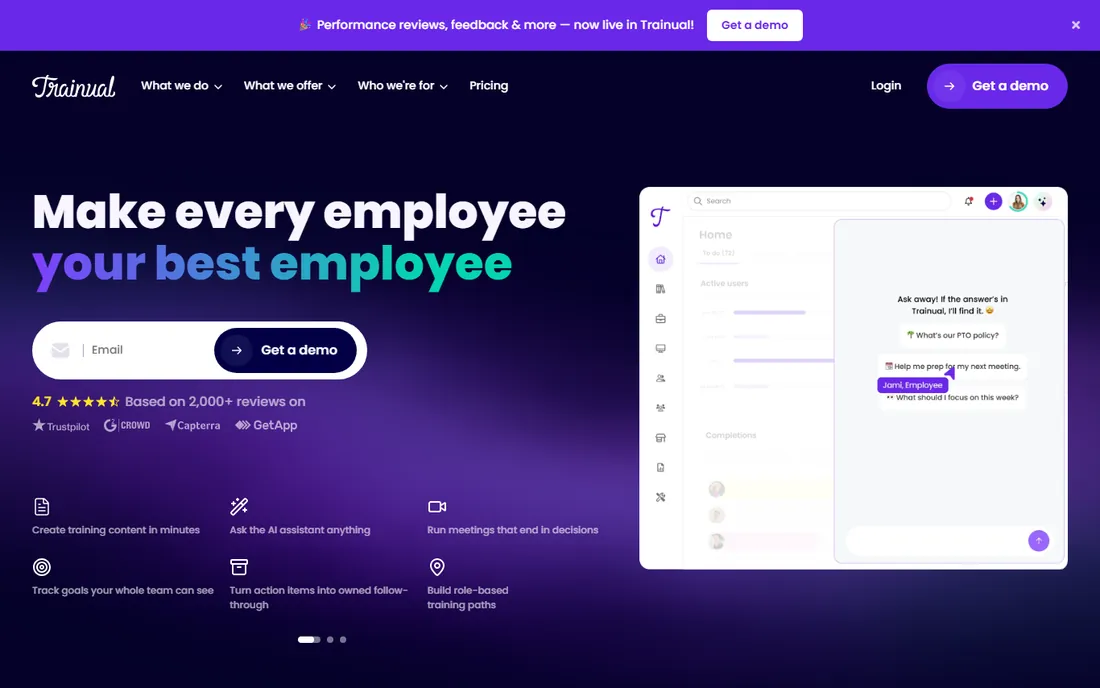
Trainual owns the training side of SOP management. Procedures become structured learning paths with quizzes, e-signatures and completion tracking, which makes onboarding new hires the product's natural center of gravity. For companies where "the SOP" only matters if people actually learn it, Trainual's accountability layer is the point.
The buying experience is the catch. Pricing is custom with no published numbers, and there is a one-time $1,000 implementation fee on top. There is no screen-capture creation, so documentation still gets written manually. Teams that need fast capture plus training should evaluate Whale or SweetProcess first; teams that need training discipline above all will find Trainual worth the call.
What we like- Structured training paths with tests and e-signatures
- Purpose-built for onboarding
- Strong accountability tracking
Watch out for- Custom pricing with no published numbers
- No screen-capture SOP creation
- One-time implementation fee adds to first-year cost
Starting price$100/month
Free planFree trial
Process Street answers the question documentation tools ignore: how do you prove the procedure was followed? Recurring processes become checklist workflows with conditional logic, assignments and audit trails, so "read the SOP" becomes "run the workflow" with evidence. Compliance-driven operations teams get the enforcement layer other tools lack.
It is not a capture tool and not a training platform. Documentation gets written manually, and onboarding depth is thin. But for the operations manager whose auditors ask for proof, Process Street's run-based model is the right architecture. The 14-day trial is enough to convert your most audited process and see the difference.
What we like- Turns procedures into trackable workflow runs with conditional logic
- Full audit trails
- Compliance-ready execution
Watch out for- $100 a month entry
- No screen-capture SOP creation
- Operations-focused rather than training-focused
Starting price$300/user/year (full seats)
Free planFree trial
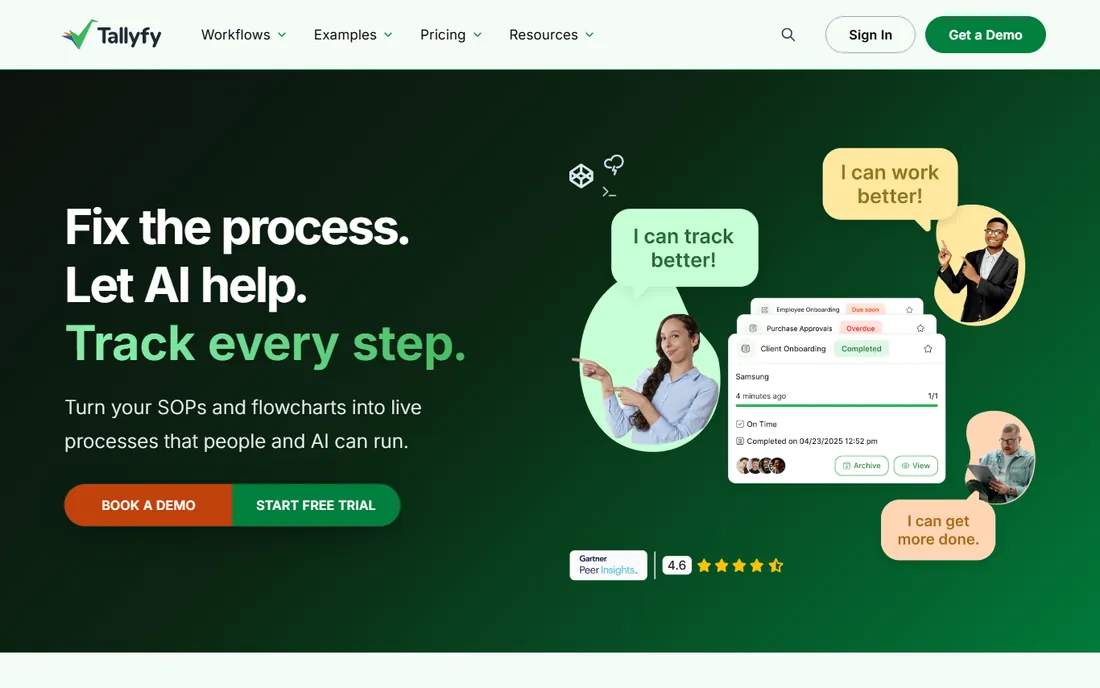
Tallyfy takes the workflow view of procedures. Full Seats at $300 a year author templates with conditional rules and role-based routing; Light Seats at $100 a year let participants execute without authoring. For teams where every procedure is really a routed workflow with handoffs, this model fits better than document libraries.
Teams that want to document procedures without turning each one into a trackable workflow will find it constraining. The community is smaller and the SOP-management features thinner than SweetProcess. But for process routing over documentation, especially involving external clients, Tallyfy's simplicity is an advantage.
What we like- Role-based workflow automation with conditional rules
- Light Seats at $100 a year for participants
- Simple for coworkers and clients
Watch out for- Documenting procedures without workflow structure is awkward
- Smaller community
- Less SOP-management depth
Starting price$19/creator/month (billed annually)
Free planYes
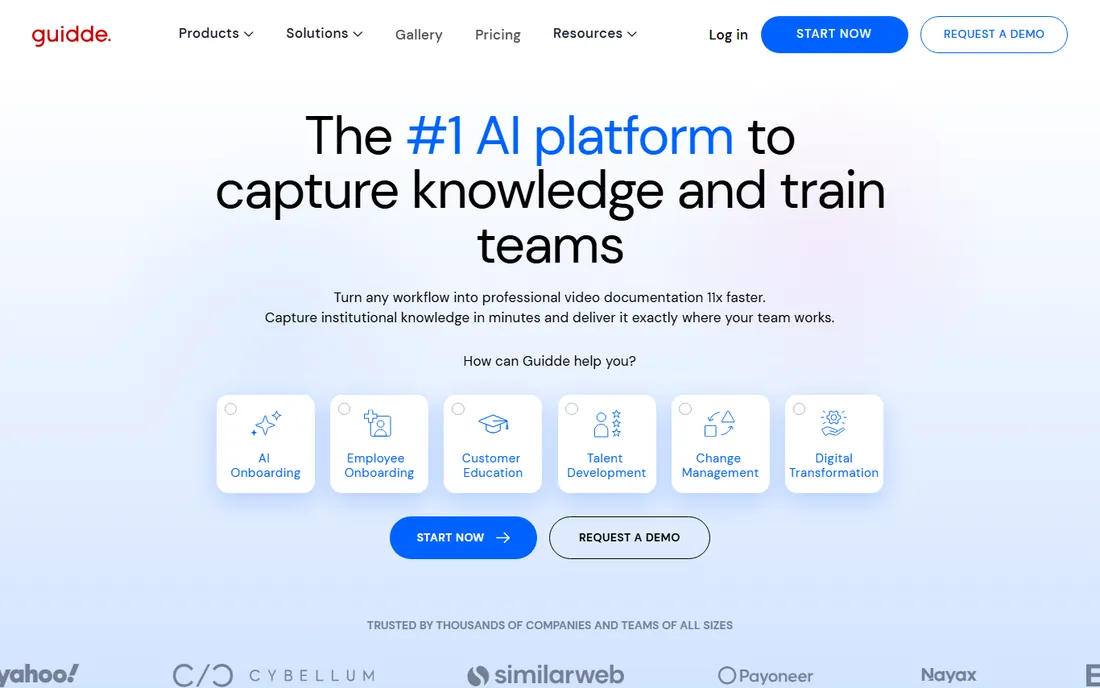
Guidde bets that teams prefer watching to reading. At $19 per creator per month billed annually, it produces video walkthroughs of processes faster than any text-based tool, and visual learners retain them better. For customer-facing how-tos and simple internal procedures, video beats the written SOP.
The format is also the ceiling. There is no document version control and no approval workflow, so regulated procedures cannot live here alone. Use Guidde for the procedures where a two-minute video replaces a five-page document, and keep the audited procedures in a platform with version control.
What we like- $19 per creator per month is cheap
- Video walkthroughs suit visual learners
- Fast to produce
Watch out for- No document version control
- No approval workflows
- Limited to video-format procedures
Starting price$15/user/month (billed annually)
Free planYes
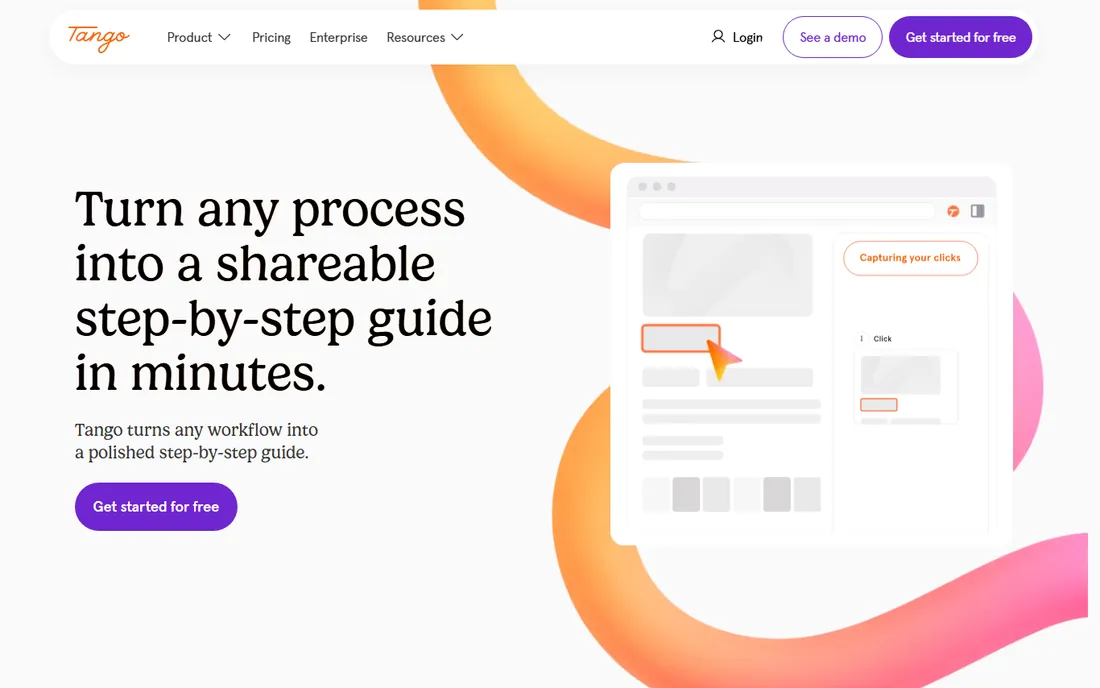
Tango is the lightest credible capture tool. Browser-based step guides with screenshots come together in minutes at $15 per user per month billed annually for teams of three or more, and the learning curve is essentially zero. For the team currently documenting nothing, Tango's frictionlessness is the feature.
Everything beyond capture is absent: no quizzes, no assignments, no approvals, minimal collaboration. It is a guide maker, not a procedure manager. Buy it to end the "nobody documented that" era, and graduate to SweetProcess or Whale when the guides need owners, versions and training.
What we like- $15 per user per month is the cheapest capture tool here
- Browser-based guides in minutes
- Minimal learning curve
Watch out for- No quizzes, task assignment or approval sign-off
- Minimal collaboration
- Guide-only, not management
Starting price$5.42/user/month
Free planYes (up to 10 users)
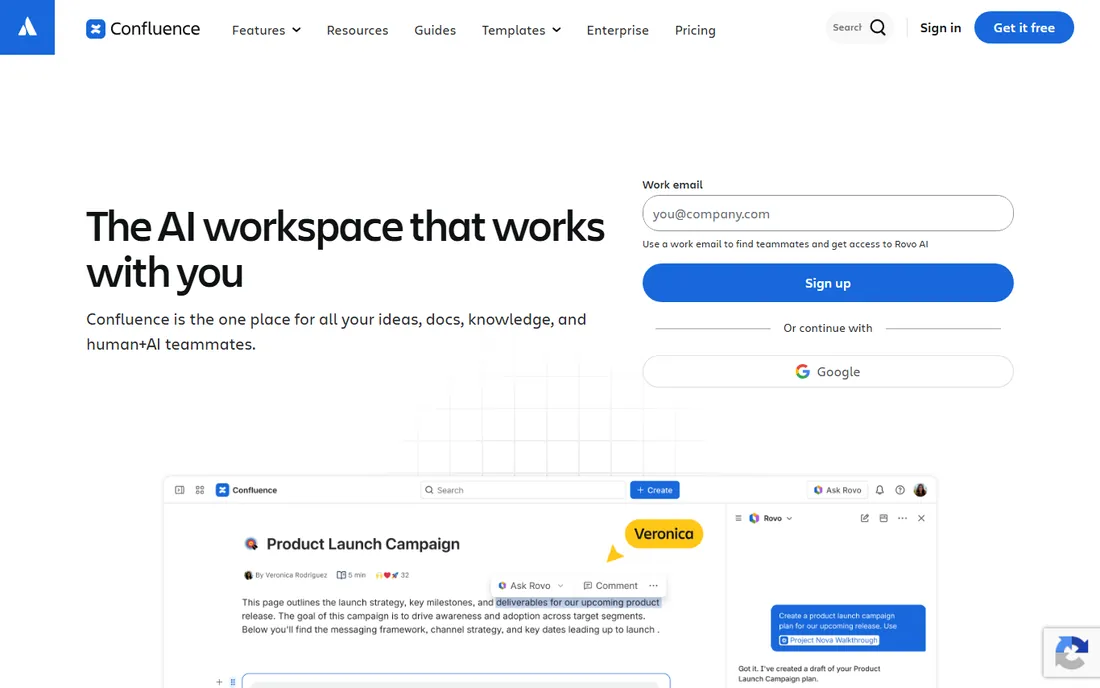
Confluence is the default answer for Atlassian shops, and at free for 10 users it is hard to argue with for documentation. Procedures, policies and process pages live alongside project documentation, version history exists, and the Jira integration keeps docs near the work.
The honesty matters: it is a wiki, not SOP software. Approval workflows are minimal, training features are absent, and procedures decay exactly like Google Docs without an ownership process. Teams with strong documentation discipline do fine. Teams buying software to create discipline should pick a purpose-built tool instead.
What we like- Free for up to 10 users
- $5.42 per user per month after
- Deep Atlassian integration
- Familiar to technical teams
Watch out for- Wiki, not SOP software: minimal approval and training features
- Procedures go stale without process
- Search quality draws complaints
Starting price$6/user/month
Free planYes (50 items)
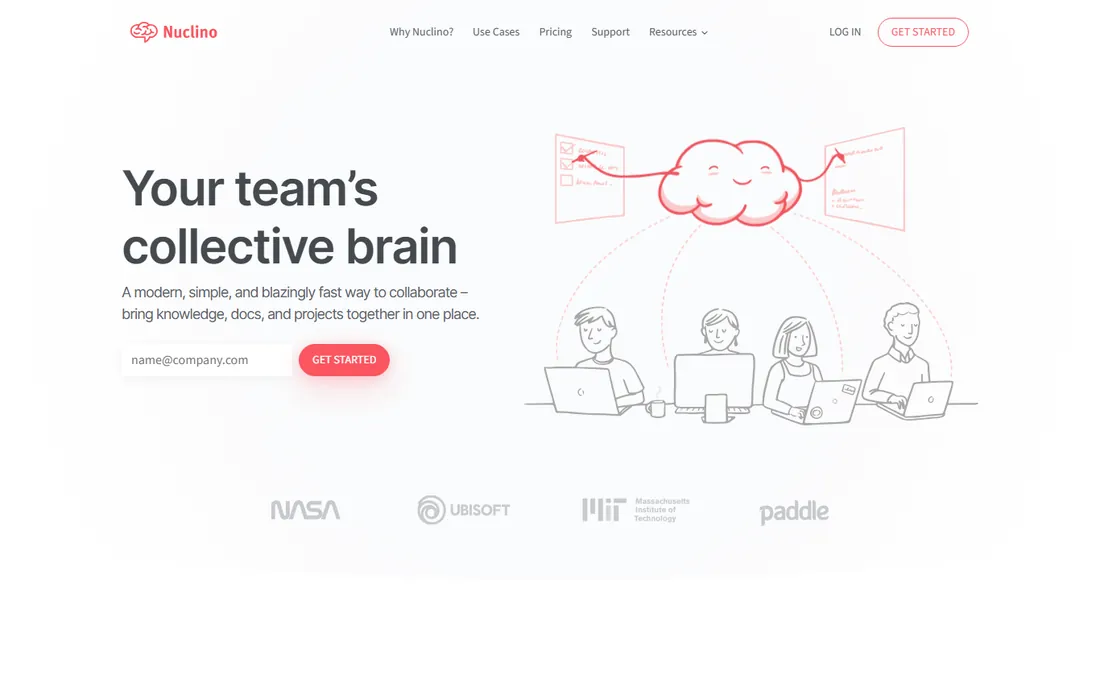
Nuclino is the wiki for teams that find Confluence heavy. At $6 per user per month with a genuinely usable free tier of 50 items, small teams get fast collaborative documentation with almost no learning curve. For the startup whose procedures are simple and whose team is small, it is enough.
Compliance buyers should look elsewhere: approvals, training and audit features are minimal. But most companies do not need compliance-grade SOP management; they need procedures written down somewhere searchable and current. Nuclino serves that need with the least friction in this list.
What we like- $6 per user per month with a free 50-item tier
- Fast, clean wiki experience
- Easy to adopt
Watch out for- Minimal approval or training features
- Small item limit on free
- Not built for compliance
The 90-day decay test
Pick your five most important procedures and check when each was last updated. In most companies, at least three are stale. Then ask each platform's trial this: who owns this document, what happens when it changes, and who gets notified? Run one real procedure change through the approval and notification flow.
The platforms that handle this loop gracefully, versioned edits, assigned reviews, read receipts on the new version, are the ones whose procedures stay current past the 90-day mark. The ones that treat updating as just editing a document will decay exactly like the shared drive they replaced. Decay, not creation, is the metric that matters.
How we selected these ten
We started from vendor pricing pages and documentation, then cross-checked against September and October 2026 comparisons and public reviews on G2. Every published price above reflects 2026 plan pricing, including SweetProcess's $99 tier, Scribe's $25 per seat, Whale's $249 Scale plan and Process Street's $100 entry. Where vendors keep pricing quote-only, we say so instead of repeating estimates.
We did not claim hands-on testing of any platform. We weighted the SOP lifecycle over raw documentation features: capture speed, AI drafting, version control, approvals, training and quiz features, assignment tracking, and audit readiness. Generic wikis without SOP workflows and enterprise BPM suites without self-service capture did not make the cut.
Capture-first versus manage-first
The market splits cleanly, and buying the wrong half is the common mistake. Capture-first tools (Scribe, Guidde, Tango) turn doing into documenting at remarkable speed. Manage-first tools (SweetProcess, Trainual, Process Street) turn documents into trained, accountable, auditable behavior. Neither half alone finishes the job.
Most teams should start with the half that hurts most. If nothing is documented, capture first: Scribe's free plan ends the blank page today. If documentation exists but nobody follows it, manage first: SweetProcess or Trainual create the accountability. The mature answer is both, which is why the mid-market platforms increasingly bundle capture with management. Match the purchase to the actual disease, not the symptom you noticed first.
Frequently asked questions
How much does SOP software cost?
From free (Scribe, Whale and Tango free tiers, Confluence for 10 users) to $15-$25 per user per month for capture tools, $99 a month for SweetProcess, $100 a month for Process Street, and custom pricing for Trainual. Most small teams spend $100 to $300 a month total.
Can we just use Google Docs or Notion for SOPs?
You can write procedures there, but they decay. No approval workflow, no read receipts, no training assignments, no audit trail. Purpose-built SOP software exists for the lifecycle after writing. Teams with strong documentation discipline manage fine in wikis; teams buying software to create discipline should not.
Does AI SOP generation actually work?
For first drafts, yes. AI converts recordings, transcripts and scattered documents into structured procedures fast. The draft still needs review by the people doing the work. The vendors that pair generation with review workflows (SweetProcess, Whale) deliver more value than pure generators.
How do we get employees to actually follow SOPs?
Assign procedures as training with due dates, quiz on the critical ones, track completion, and tie adherence to performance reviews. Software provides the machinery; management provides the consequences. Procedures nobody checks become suggestions.
What is the difference between SOP software and a wiki?
Wikis store documents. SOP software manages the lifecycle: capture, versioning, approvals, training assignments, read receipts and audit trails. If you need to prove who read which version when, you need SOP software, not a wiki.
How long does implementation take?
Capture tools (Scribe, Tango) deliver value in days. Full SOP platforms take 4 to 12 weeks to document core procedures, set up approvals and train the team. Budget the documentation time, not just the subscription: the software is fast, writing good procedures is slow.
Sources we checked (12)
- https://www.sweetprocess.com/pricing
- https://scribehow.com/pricing
- https://www.usewhale.io/pricing
- https://trainual.com/pricing
- https://www.process.st/pricing
- https://tallyfy.com/pricing
- https://www.guidde.com/pricing
- https://www.tango.us/pricing
- https://www.atlassian.com/software/confluence/pricing
- https://www.nuclino.com/pricing
- https://www.sweetprocess.com/standard-operating-procedure-tools/
- https://www.sweetprocess.com/best-sop-management-software/
Is your product missing or out of date?
We review this list regularly. Vendors can request a listing, send updated pricing or ask about featured placement.

Shihab Mia · Founder, Rankite
Shihab has spent more than a decade helping SaaS and e-commerce brands grow through search. He writes Rankite's software buying guides from pricing pages, documentation and public user reviews. More about Shihab.