How we make this list: we compare pricing pages, product documentation and public user reviews. Rankite is independent; if a vendor ever pays for a featured spot, that listing is clearly labeled Partner.
Key takeaways
- Cloudflare is the value outlier: the free plan includes unmetered DDoS protection, a CDN and a managed WAF ruleset, and Pro starts at $20 per month per domain billed annually.
- If your site is already infected, buy the tool that cleans. Sucuri's platform plans bundle unlimited malware removal by a human team, and MalCare includes one-click cleanup from $99 per year per site.
- Most small business sites are WordPress, and most WordPress breaches come from plugins, so Wordfence Premium at $149 per year per site and Patchstack's $5 per month per site virtual patching fit better than a generic firewall alone.
- Teams that answer to auditors need scanners with proof. Acunetix validates findings before reporting them, and Qualys WAS is built for regulated environments. Both are quote-based.
Quick comparison
| Tool | Best for | Starting price | Free plan |
|---|
 Cloudflare Cloudflare | Free edge protection for any site | $20 per month per domain (billed annually) | Yes |
 Sucuri Sucuri | Full-service malware cleanup | See website | No |
 Wordfence Wordfence | Real-time WordPress protection | $149 per year per site | Yes |
 MalCare MalCare | One-click WordPress cleanup | $99 per year per site | Yes |
 Patchstack Patchstack | Virtual patching for vulnerable plugins | $5 per month per site (billed monthly) | Yes |
 SiteLock SiteLock | Hands-off scanning for owners | $19.99 per month (billed annually) | No |
 Astra Security Astra Security | Expert-vetted web app pentests | $69 per month (scanner plan) | Free trial (7 days) |
 Acunetix Acunetix | Deep automated app scanning | See website | Free trial |
 Qualys Qualys | Compliance-grade app scanning | See website | Free trial (30 days) |
Is your product missing or out of date?
We review this list regularly. Vendors can request a listing, send updated pricing or ask about featured placement.
The Best Web Security Software
Most web security software is bought after the hack, not before. That order is backwards and expensive: a cleanup costs five to ten times what a year of prevention costs, and the downtime in between costs more than both. The good news is that basic protection has never been cheaper. Between Cloudflare's free tier and the capable free WordPress plugins, a small business can get genuinely solid coverage for under $200 a year.
This list covers nine tools across the three jobs web security actually involves: blocking attacks at the edge, cleaning and hardening WordPress sites, and finding vulnerabilities in web applications before attackers do. Prices below come from each vendor's own pricing page, checked in October 2026.
Starting price$20 per month per domain (billed annually)
Free planYes
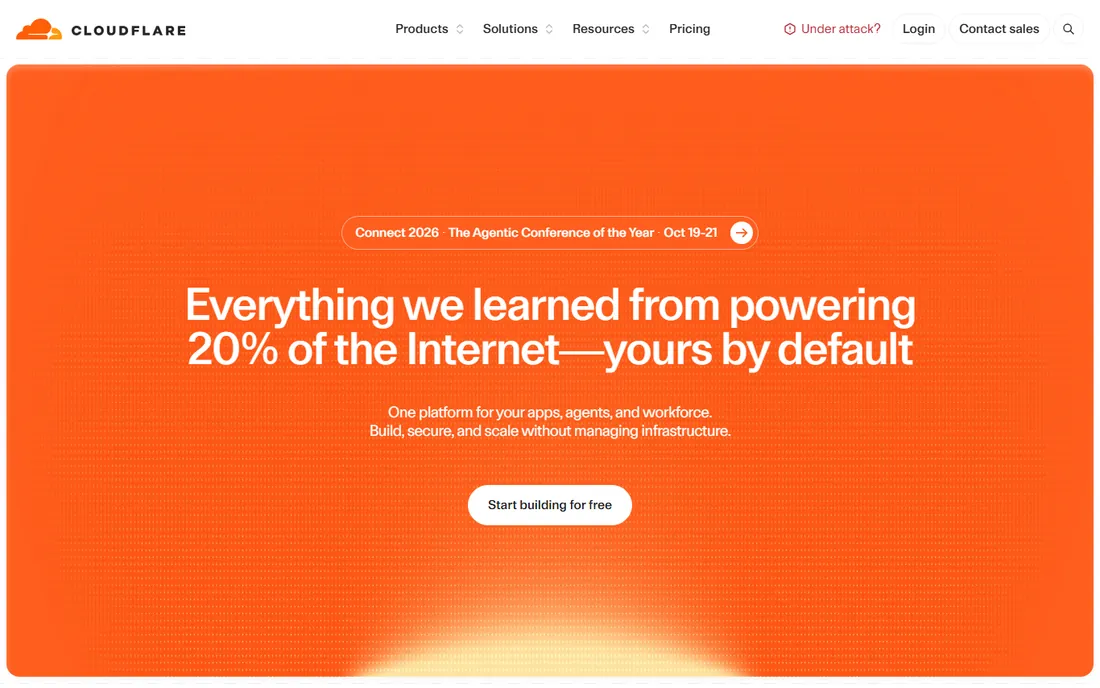
Cloudflare is the only tool on this list that makes your site faster and harder to hack at the same time, and the free plan is the reason half the internet runs behind it. You get unmetered DDoS mitigation, a global CDN, universal SSL and a managed WAF ruleset for $0, which is enough protection for most brochure sites and blogs. The Pro plan at $20 per month per domain billed annually adds 20 custom WAF rules, image optimization and stronger bot fighting.
The honest catch is that Cloudflare protects the edge, not the application. It will not clean malware already on your server, patch a vulnerable plugin or tell you which plugin is the problem. Pair the free or Pro plan with a scanner or a WordPress security plugin and you have a complete setup for very little money. For pure traffic filtering at scale, nothing else on this list matches the price.
What we like- Generous free plan with DDoS, CDN and WAF
- Huge global network
- Simple DNS-based setup
Watch out for- Does not clean existing malware or patch plugins
- Per-domain pricing adds up fast
- Support is limited on lower plans
Starting priceSee website
Free planNo
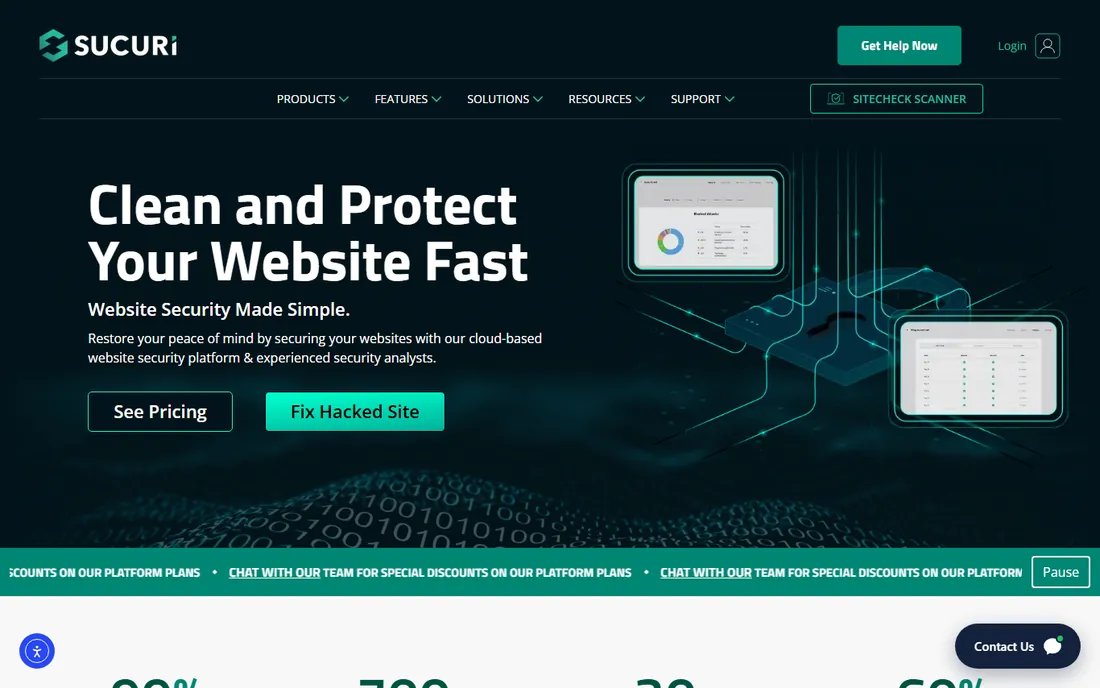
When your site is already hacked, Sucuri is who you call. The platform plans bundle a cloud WAF, CDN and DDoS mitigation with unlimited malware removal by their incident response team, the rare combination of prevention and cure in one subscription. Every tier includes the same core protection; higher plans buy faster cleanup response times, from 12 hours on Basic down to 30 minutes on Business.
Sucuri has no free plan and no monthly billing on the platform product, so it is a committed annual purchase. It is also a perimeter service, which means deep application scanning happens from outside your server rather than inside it. Buy Sucuri for the peace of mind that a hacked site gets fixed by humans, not by a plugin. If you only need the firewall and CDN layer without cleanup, cheaper firewall-only plans exist but drop the incident response.
What we like- Unlimited malware removal by a human team
- WAF, CDN and monitoring in one plan
- Same features on every tier
Watch out for- No free plan
- Annual billing only on platform plans
- Perimeter service, not a deep server scanner
Starting price$149 per year per site
Free planYes
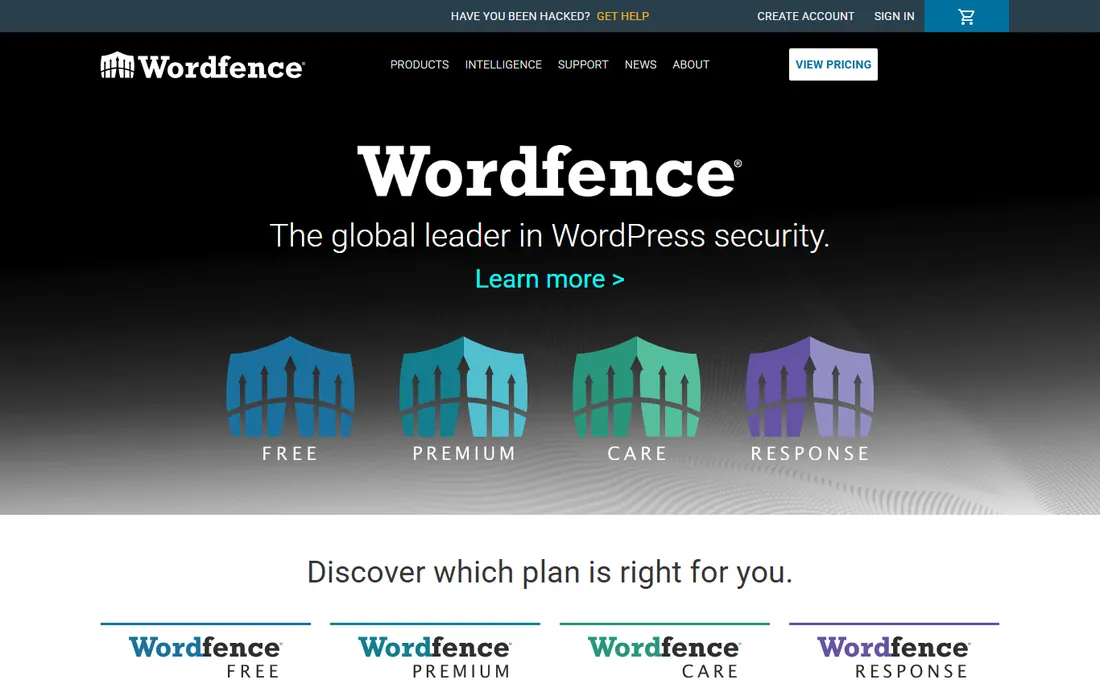
Wordfence lives inside your WordPress installation, which is both its superpower and its weakness. The endpoint firewall and malware scanner run on your server, so they catch attacks a cloud WAF never sees, and the free version is one of the most capable free security plugins available. Premium at $149 per year per site removes the 30-day delay on firewall rules and malware signatures, adds the real-time IP blocklist, country blocking and priority support.
The weakness is performance and cleanup. Deep scans spike CPU usage, which cheap shared hosting feels, and professional malware cleanup is not included in Premium; it sits in the $590 per year Care plan or the $1,250 Response tier. Wordfence is the right pick for self-administered WordPress sites where you want real-time rule updates, and you accept that a serious infection means upgrading or hiring help.
What we like- Endpoint firewall sees what cloud WAFs miss
- Strong free version
- Huge threat intelligence operation
Watch out for- Deep scans spike server CPU
- Professional cleanup costs extra
- Settings can overwhelm beginners
Starting price$99 per year per site
Free planYes
MalCare does one thing better than anyone else on this list: clean a hacked WordPress site without breaking it. The scanner runs in the cloud, so your server never slows down during scans, and one-click malware removal is included from the $99 per year Protect plan upward. Higher tiers add more frequent scans, backups and faster expert response.
The free version only detects; it does not remove, so there is no free ride here. MalCare is also WordPress-only, which makes it useless for custom web applications. Choose MalCare over Wordfence when you want cleanup included at the entry price and zero performance impact, and you are fine paying for a specialist instead of an all-rounder.
What we like- Cloud scanning with zero server slowdown
- One-click malware removal included
- Simple dashboard
Watch out for- Free version detects but does not remove
- WordPress only
- Fewer advanced controls than Wordfence
Starting price$5 per month per site (billed monthly)
Free planYes
Patchstack solves the problem nobody likes to talk about: the vulnerable plugin you cannot update. Its virtual patching deploys mitigation rules that block attacks on known plugin, theme and core vulnerabilities, often before the flaw is publicly disclosed. The free Personal plan detects vulnerabilities and alerts you; protection starts at $5 per month per site, with an agency Developer plan at $69 per month for 25 sites billed annually.
Patchstack is not a firewall, a malware scanner or a cleanup service. It will not remove an existing infection, and it will not stop a DDoS attack. It is a layer you add on top of a WAF or a security plugin, aimed squarely at the plugin-vulnerability gap that causes most WordPress breaches. If you manage client sites and dread the update treadmill, it pays for itself the first time a zero-day hits a plugin you run.
What we like- Blocks attacks on unpatched plugins automatically
- Early warnings up to 48 hours ahead
- Cheap per-site pricing
Watch out for- Not a firewall, scanner or cleanup tool
- Adds a layer rather than replacing one
- Agency plan needed for many sites
Starting price$19.99 per month (billed annually)
Free planNo
SiteLock is the security tool for the owner who never wants to think about security. It is a cloud service that scans your site daily for malware and vulnerabilities, removes infections automatically and shows a trust seal to visitors. The plans are simple: Basic at $19.99 per month, Pro at $29.99 and Business at $44.99, all billed annually, with the higher tiers adding the WAF, CDN and faster ticket response.
There is no free plan and no trial listed on the pricing page, so you buy on trust, and the feature depth is thinner than Sucuri or Cloudflare at comparable prices. SiteLock also commits you to 12 months minimum. It fits non-technical owners of small brochure or brochure-plus-booking sites who want scanning, cleanup and a seal handled by someone else.
What we like- Daily scanning with automatic removal
- Simple plans
- Trust seal for visitor confidence
Watch out for- No free plan or trial on the pricing page
- 12-month minimum commitment
- Thinner feature set than Sucuri
Starting price$69 per month (scanner plan)
Free planFree trial (7 days)
Astra Security is for teams whose website is the product, not just a brochure. It pairs an automated vulnerability scanner with manual penetration testing by certified experts, and every finding is vetted so your developers do not chase false positives. The Scanner Lite plan starts at $69 per month for one target, reports map to SOC 2, ISO 27001, PCI-DSS and HIPAA, and a publicly verifiable certificate ships after remediation.
This is not a set-and-forget plugin; it is a testing service with a dashboard, priced per target and aimed at SaaS and e-commerce teams with developers who can act on findings. The full pentest plans run into the thousands per year, which puts them out of reach for hobby sites. Buy Astra when you need credible proof of security for customers, investors or auditors.
What we like- Every finding manually vetted by experts
- Compliance-mapped reports
- Verifiable pentest certificate
Watch out for- Priced per target, not per company
- Full pentests start near $6,000 per year
- Overkill for simple sites
Starting priceSee website
Free planFree trial
Acunetix scans your web application the way an attacker would, then proves each finding is real before it bothers you. Its proof-based scanning validates vulnerabilities at runtime, which cuts triage time dramatically compared to scanners that dump hundreds of maybe-findings on your team. It handles modern single-page apps, authenticated areas and APIs, and licensing is per target with unlimited scans.
Pricing is quote-based through Invicti, and this is serious tooling, so small sites should look at the cheaper options above. Acunetix also finds problems; it does not fix them or block attacks in real time. It belongs in a development workflow where someone owns remediation, ideally paired with a WAF for runtime protection.
What we like- Proof-based scanning nearly eliminates false positives
- Handles SPAs, APIs and authenticated areas
- Unlimited scans per target
Watch out for- Quote-based pricing
- Finds problems but does not fix or block them
- Needs a developer to act on results
Starting priceSee website
Free planFree trial (30 days)
Qualys is the heavyweight: the scanner large companies buy when auditors and compliance frameworks start asking questions. Web Application Scanning finds OWASP Top 10 issues across your sites, runs from the cloud with no local installation, and slots into the broader Qualys platform for vulnerability management, policy compliance and patch management. Pricing is per asset and quote-based, with a 30-day free trial for the web scanning product.
The interface and workflows assume a security team, not a solo owner, and costs scale with every IP and web app you add. For a small business with one marketing site, Qualys is overkill. For a mid-size company that must show continuous compliance evidence, it is the standard answer.
What we like- Built for regulated environments
- Cloud-based with no installation
- Deep platform beyond web scanning
Watch out for- Quote-based, per-asset pricing
- Interface assumes a security team
- Overkill for a single marketing site
Match the tool to the threat
Most small business sites are WordPress, and most WordPress breaches come from vulnerable plugins and weak logins, not exotic zero-days. A WordPress firewall plus virtual patching covers that. If you run a custom web app that handles customer data or payments, you need vulnerability scanning and ideally a pentest, not just a WAF.
Free plans are real in this category
Cloudflare's free tier and Wordfence's free plugin are genuinely useful, unlike trials that expire after two weeks. Start free where you can, then pay for the layer you are missing: cleanup, patching or compliance proof.
Do the per-site math before you buy
Nearly everything here prices per site or per target. Five WordPress sites on Wordfence Premium is about $745 a year; the same five on MalCare's five-site Protect bundle is $299. Count your properties first, then compare.
How we chose
We checked each vendor's own pricing page in October 2026 and recorded only prices published there; where pricing was quote-based we wrote "See website" instead of guessing. We weighed public reviews on G2 and Capterra, threads from site owners and developers on Reddit, published feature lists, integration options and fit for small to mid-size US companies. We did not run hands-on tests, so claims about detection quality come from independent labs and user reports, not our own trials.
The mistake that gets most small business sites hacked
It is rarely a sophisticated attack. It is a plugin that went unpatched for six months, an admin account named "admin" with a reused password, or a theme downloaded from a sketchy source. Attackers scan the whole internet for known plugin flaws and try them everywhere; your site does not need to be important to get hit.
The fix is boring and cheap: keep software updated, use Patchstack or a similar layer for the gap between disclosure and update, enforce strong unique logins with two-factor authentication, and keep off-site backups. No single tool on this list replaces all four habits. Pick the tool that covers your weakest habit and start there.
Frequently asked questions
Do I need paid web security if I use Cloudflare's free plan?
For many small sites, no. The free plan blocks DDoS attacks and common web exploits at the edge, which covers the most likely threats. Add a free WordPress security plugin and a backup routine and you are reasonably protected. Pay when you need malware cleanup, virtual patching or compliance reporting.
What is the difference between a WAF and a malware scanner?
A WAF sits in front of your site and blocks malicious traffic before it arrives. A malware scanner inspects your site's files and database for infections that are already there. You need the WAF to prevent attacks and the scanner to catch what prevention missed; the best setups on this list include both.
My site is already hacked. Which tool should I buy?
Buy cleanup first, prevention second. Sucuri's platform plans include unlimited malware removal by their team, and MalCare offers one-click removal for WordPress from $99 per year. After the infection is gone, keep the WAF and scanning in place so it does not happen again.
Is Wordfence enough for a WooCommerce store?
It covers the WordPress layer well: firewall, malware scanning and login protection. A store also handles payments, so add Cloudflare in front for edge protection and make sure your host and payment processor cover PCI requirements. If the store is your main revenue, Sucuri's Business plan with its 30-minute cleanup response is worth considering.
How much should a small business spend on web security?
A single WordPress site can be well protected for $0 to $300 a year: Cloudflare free, a $99 to $149 security plugin and a backup plugin. A custom web app handling customer data justifies more: $69 per month for continuous scanning, plus a periodic pentest. Spending scales with what a breach would cost you.
Sources we checked (12)
- https://www.cloudflare.com/lp/pg-all-plans-multi-sku/
- https://www.wordfence.com/products/pricing
- https://www.malcare.com/pricing
- http://docs.patchstack.com/getting-started/pricing-plans/
- https://docs.patchstack.com/faq-troubleshooting/pricing-plans/does-patchstack-have-a-free-version
- https://www.sitelock.com/?irclickid=SKKQBz0KxxyORtZ0WlXSvXJOUkn1Pk2fdVFOR00&irgwc=1
- https://www.getastra.com/llm-info
- https://www.getastra.com/lp/pentest-services
- https://www.g2.com/products/sucuri/pricing
- http://trustradius.com/products/acunetix/pricing
- https://www.saasworthy.com/product/qualys-vm
- https://beaglesecurity.com/blog/article/qualys-pricing.html
Is your product missing or out of date?
We review this list regularly. Vendors can request a listing, send updated pricing or ask about featured placement.

Shihab Mia · Founder, Rankite
Shihab has spent more than a decade helping SaaS and e-commerce brands grow through search. He writes Rankite's software buying guides from pricing pages, documentation and public user reviews. More about Shihab.