How we make this list: we compare pricing pages, product documentation and public user reviews. Rankite is independent; if a vendor ever pays for a featured spot, that listing is clearly labeled Partner.
Key takeaways
- Asana and monday are the most popular team task platforms, with Asana leading on workflow clarity.
- Trello's kanban simplicity still wins for small teams getting started.
- ClickUp packs the most features per dollar for teams wanting everything in one app.
- Notion blends tasks with docs and wikis for knowledge-centric teams.
- Wrike, Teamwork, Basecamp and MeisterTask serve enterprise, client-work and simplicity niches.
Collaborative task management means teams planning, assigning and tracking work together. These nine are built for teams, with shared boards, assignments, comments and multiple views.
Quick comparison
| Tool | Best for | Starting price | Free plan |
|---|
 Asana Asana | Team workflow clarity | See website | Yes |
 Trello Trello | Simple kanban teams | See website | Yes |
 monday monday | Visual team collaboration | See website | Free trial |
 ClickUp ClickUp | Most features per dollar | See website | Yes |
 Notion Notion | Tasks plus docs | See website | Yes |
 Wrike Wrike | Enterprise work management | See website | Free trial |
 Basecamp Basecamp | Simple all-in-one teamwork | See website | Free trial |
 Teamwork Teamwork | Client work management | See website | Yes |
 MeisterTask MeisterTask | Elegant kanban collaboration | See website | Yes |
Is your product missing or out of date?
We review this list regularly. Vendors can request a listing, send updated pricing or ask about featured placement.
The best collaborative task management app
Starting priceSee website
Free planYes
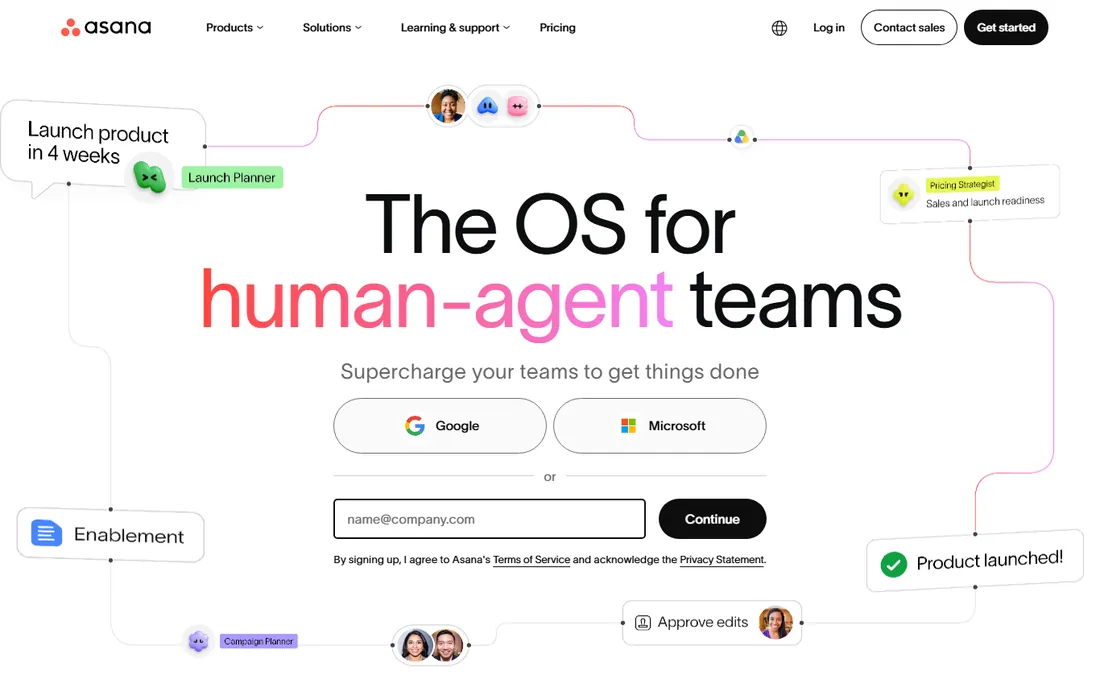
Asana organizes team work with clear ownership: tasks, projects, timelines and goals everyone understands. The free tier covers small teams genuinely.
Complex portfolios need paid plans. For teams wanting clarity on who does what by when, it leads.
Asana teams should standardize on one project template per work type; consistency makes the portfolio view useful. Use the workload view to spot overloaded teammates before burnout. The rules automation handles the routine status updates.
What we like- Clear task ownership
- Timeline and portfolio views
- Huge integration set
Watch out for- Advanced features need paid tiers
- Can feel structured
Starting priceSee website
Free planYes
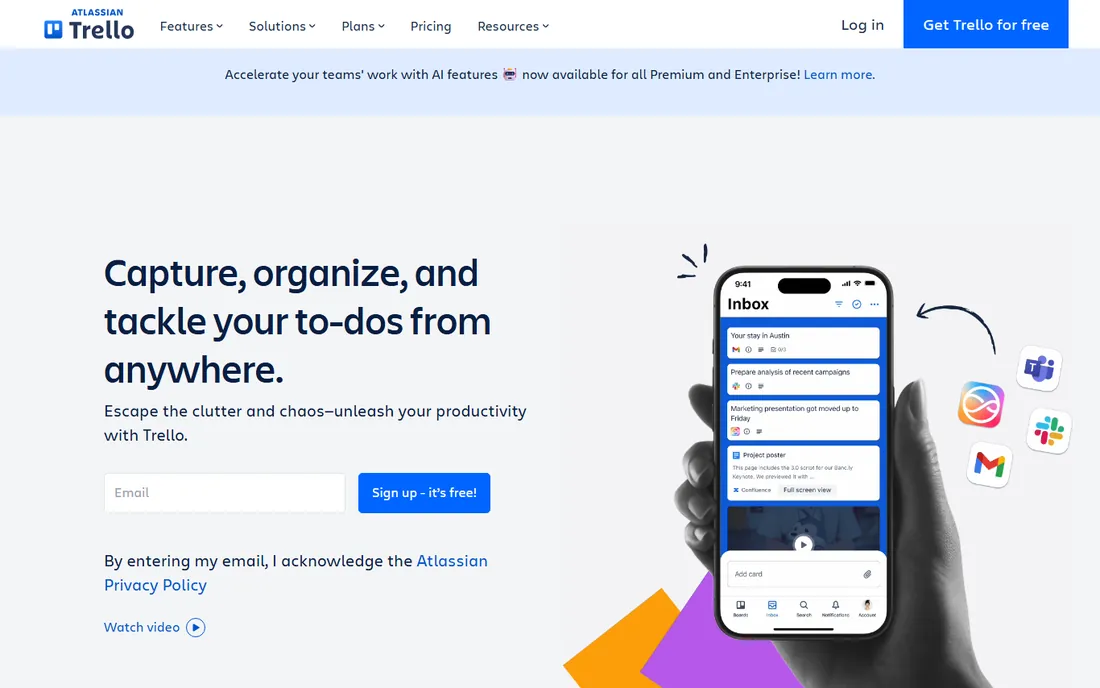
Trello's boards, lists and cards remain the fastest way to start managing work together. Teams get running in minutes with almost no training.
Complex projects outgrow it. For visual simplicity and quick adoption, nothing beats the original kanban.
Trello teams should use labels and due dates religiously; the simplicity needs discipline to scale. The Butler automation removes the repetitive card chores. Keep boards focused; sprawling boards get ignored.
What we like- Kanban simplicity
- Fast onboarding
- Generous free tier
Watch out for- Limited for complex projects
- Power-ups gated
Starting priceSee website
Free planFree trial
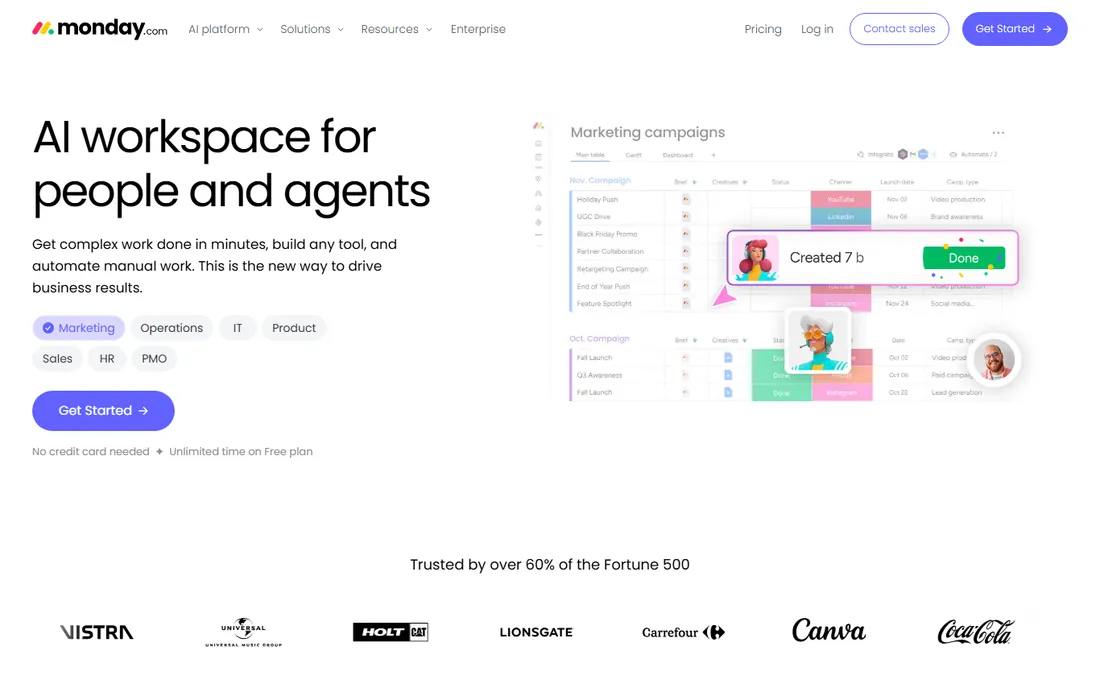
monday's colorful boards and automations make team task management visual and flexible. Teams customize workflows freely with templates for every department.
Costs scale with seats. For visual collaboration teams enjoy using, it is a top pick.
monday teams should build one dashboard for leadership and keep the boards for doers; the views serve different needs. The automation recipes handle status changes and notifications. Resist customizing every column.
What we like- Highly visual boards
- Automations
- Flexible for many workflows
Watch out for- Pricing per seat adds up
- Can get complex
Starting priceSee website
Free planYes
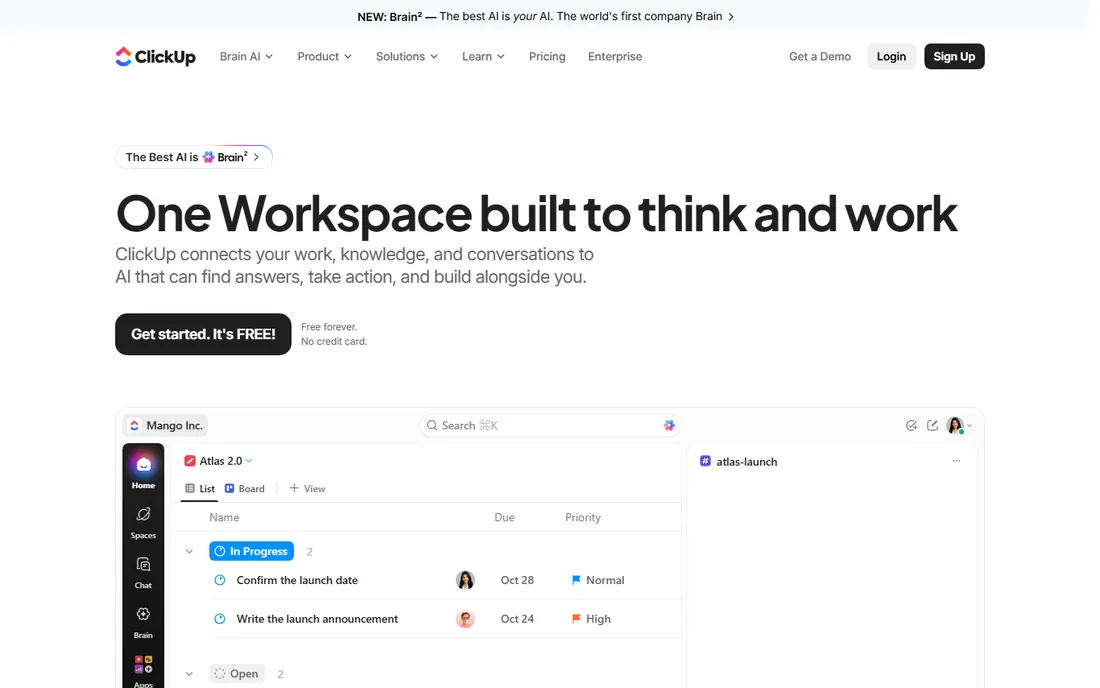
ClickUp packs tasks, docs, goals, chat and whiteboards into one app with a generous free tier. Feature-hungry teams get everything without subscriptions sprawl.
The breadth overwhelms newcomers. For maximum capability per dollar, it is unmatched.
ClickUp teams should configure the hierarchy deliberately before inviting everyone; the flexibility creates chaos without structure. Use the docs alongside tasks for context. The everything-app promise needs governance.
What we like- Enormous feature set
- Generous free plan
- Docs, goals and chat included
Watch out for- Overwhelming at first
- Performance can lag
Starting priceSee website
Free planYes
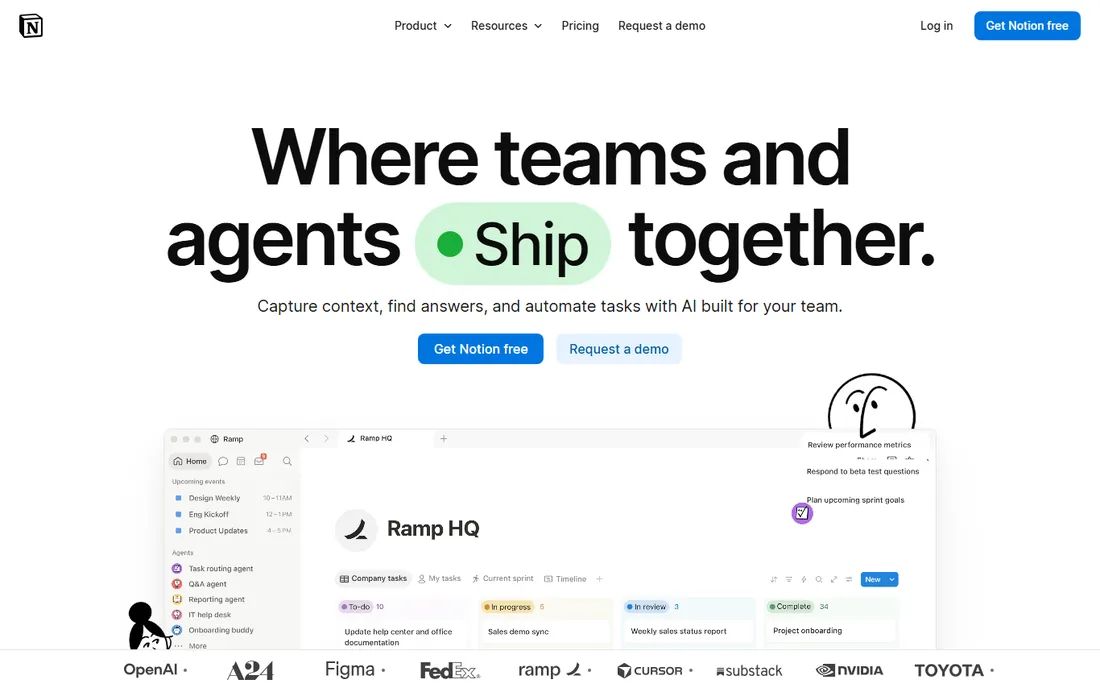
Notion unites task management with documents and wikis: project pages hold tasks, notes and databases together. Knowledge-centric teams live in it.
Pure task workflows trail Asana. For teams where tasks live inside documentation, the unification wins.
Notion teams should establish database conventions early: consistent properties, naming and views. The flexibility is the value and the risk. Templates save teams from reinventing structures.
What we like- Tasks, docs and wikis unified
- Flexible databases
- Generous free plan
Watch out for- Task-specific features thinner
- Offline limited
Starting priceSee website
Free planFree trial
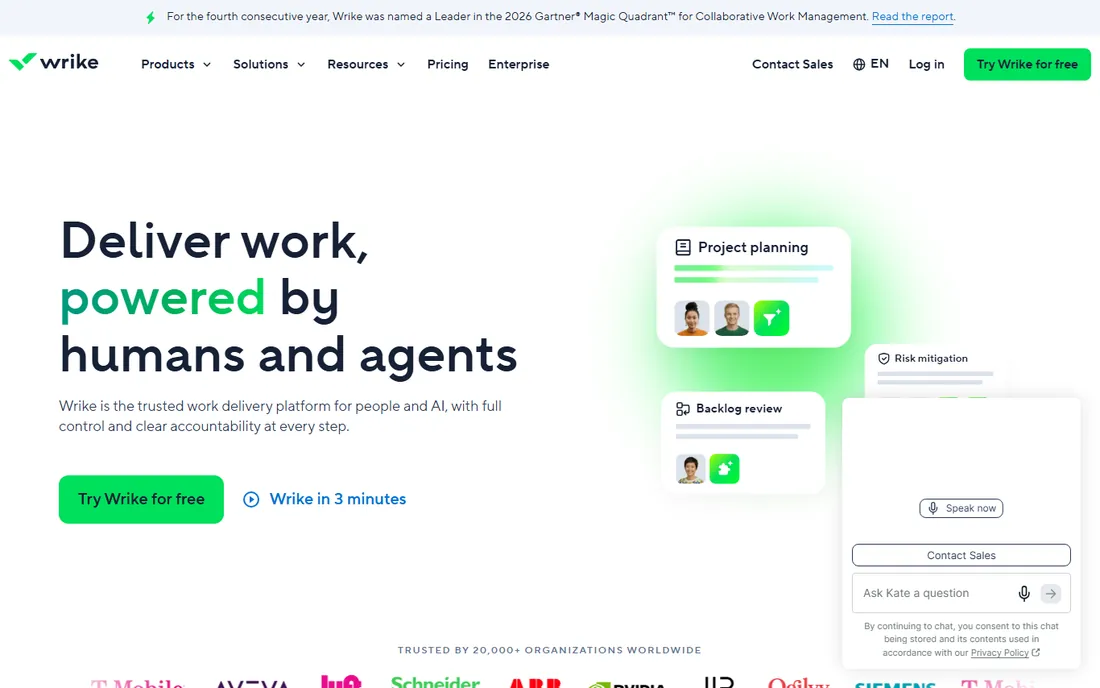
Wrike serves enterprises with work management depth: resource planning, time tracking, proofing and strong permissions. Large teams get structure.
Smaller teams find it heavy. For enterprise collaboration with governance, it is proven.
Wrike enterprises should use the proofing and approval workflows for creative work; the structure suits regulated processes. The time tracking supports client billing. Plan the rollout with department champions.
What we like- Enterprise-grade planning
- Resource management
- Security and compliance
Watch out for- Complexity
- Enterprise pricing
Starting priceSee website
Free planFree trial
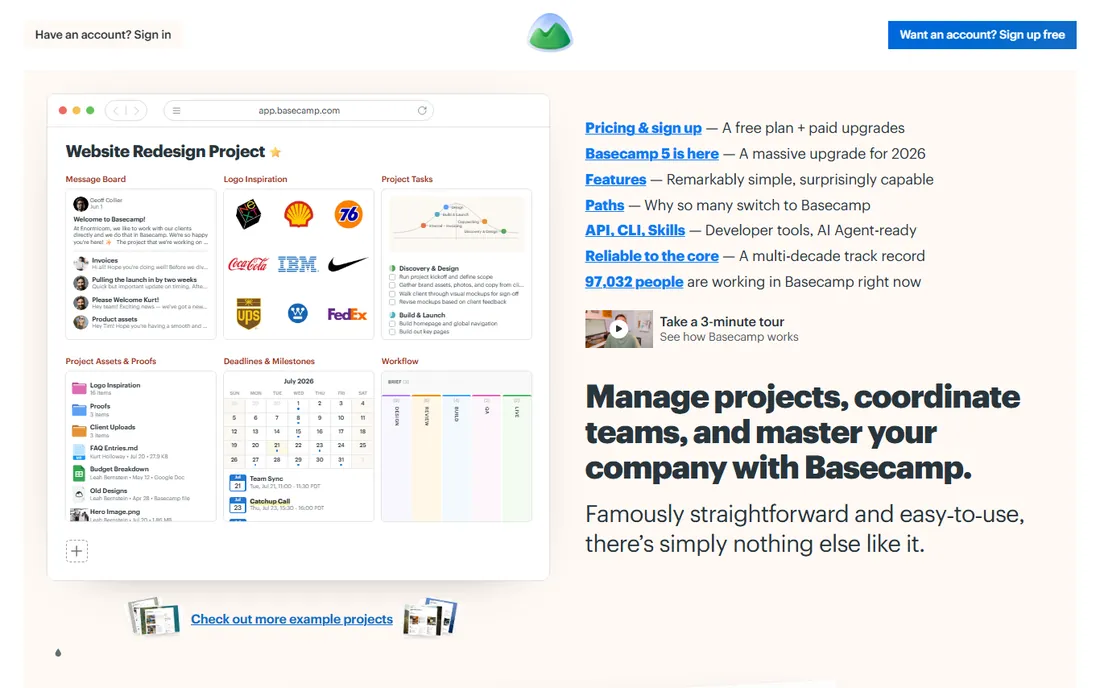
Basecamp bundles to-dos, message boards, chat, schedules and docs with flat per-company pricing. Teams tired of per-seat bills and complexity find relief.
Power users miss advanced features. For simple, calm teamwork, the opinionated simplicity works.
Basecamp teams should embrace the opinionated simplicity; fighting it misses the point. The check-in questions replace status meetings effectively. It suits teams that value calm over customization.
What we like- Flat pricing
- To-dos, chat and docs together
- Refreshingly simple
Watch out for- Fewer power features
- Opinionated structure
Starting priceSee website
Free planYes
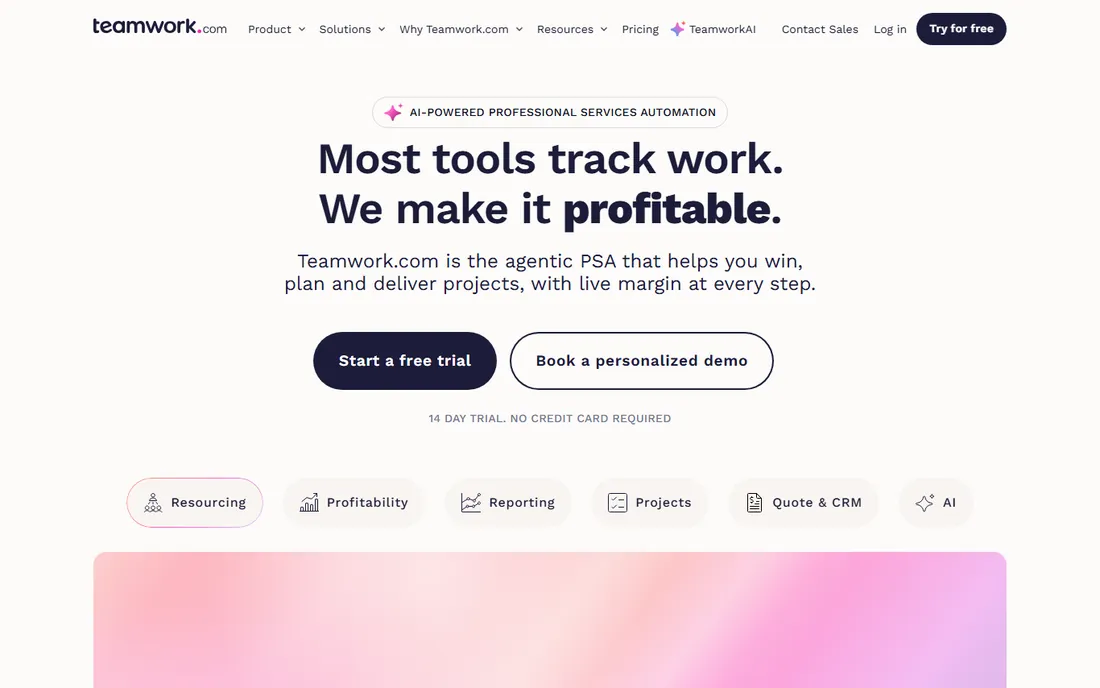
Teamwork.com manages client projects: tasks, milestones, time tracking and invoicing for agencies and services. Client collaboration is first-class.
The interface is dense. Agencies billing by the hour get purpose-built workflows.
Teamwork agencies should use the project templates for repeatable client work; the consistency improves margins. The time tracking integration supports accurate billing. Client user seats need clear permission planning.
What we like- Built for client work
- Time tracking and billing
- Good free tier
Watch out for- Interface busy
- Brand quieter
Starting priceSee website
Free planYes
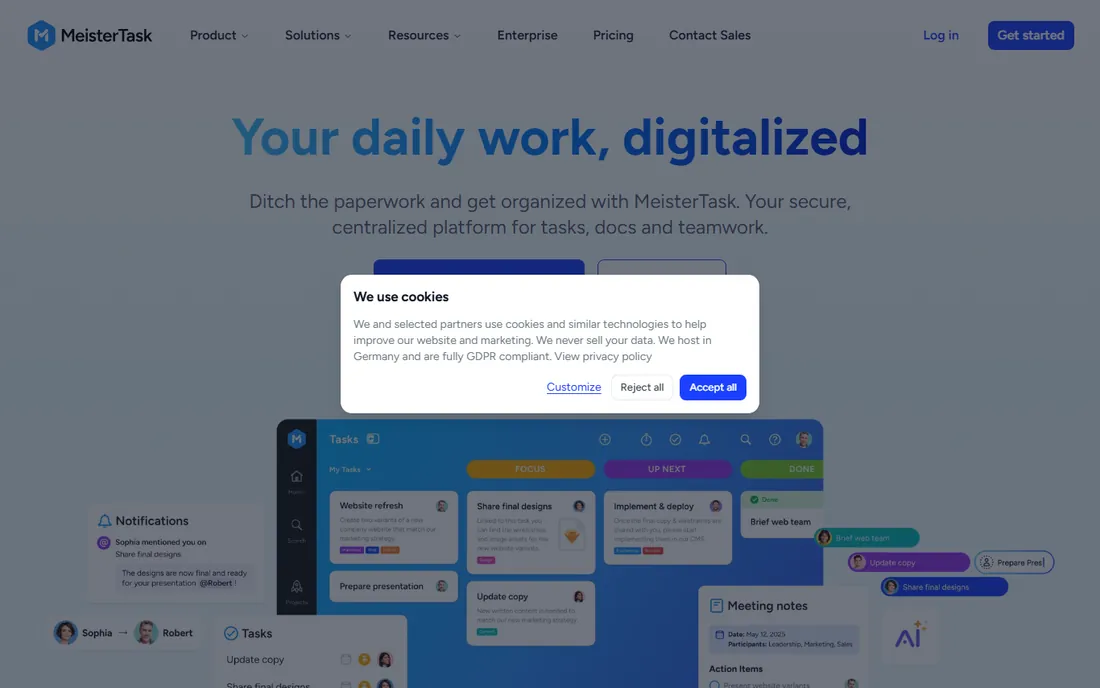
MeisterTask offers elegant kanban collaboration with automation and a lovely interface, integrating with MindMeister for brainstorming-to-execution. Teams enjoy using it daily.
The ecosystem is smaller. For beautiful, simple team kanban, it is a delight.
MeisterTask users should use the MindMeister integration for brainstorming-to-execution flows; the combination is unique. The kanban focus keeps work visible. It suits teams that think in boards.
What we like- Beautiful kanban
- MindMeister integration
- Pleasant to use
Watch out for- Smaller ecosystem
- Advanced features thinner
How we chose
We verified each vendor's homepage and kept apps built for team task collaboration, excluding personal to-do tools. We weighted collaboration features, views, free plans and fit for different team styles. Pricing changes often, so paid tiers show "See website".
What to get right before you buy
Start with the free tier. Every tool except monday and Wrike offers one; run a real project before paying.
Standardize views. Agree on one project structure; five personal systems in one tool create chaos.
Check the integrations. Your chat, files and calendar should connect; manual copying kills adoption.
Frequently asked questions
What is the best free team task app?
Trello, Asana, ClickUp and Notion offer the strongest free tiers for teams.
Asana vs monday: which is better?
Asana leads on workflow clarity and structure; monday on visual flexibility. Trial both with a real project.
Is Notion good for task management?
Yes for knowledge-centric teams combining docs and tasks. Pure task teams may prefer Asana or ClickUp.
How do I get my team to actually use it?
Start with one project, agree on conventions, and lead by example. Adoption beats features.
What is the difference between task management and project management?
Task management tracks who does what; project management adds timelines, resources and budgets. Tools overlap increasingly.
How much do team task apps cost?
Free tiers cover small teams; paid plans typically run 8 to 25 per user per month.
Task tools fail when teams lack collaboration habits. The first habit is writing tasks clearly: every task needs a verb, an owner and a due date. Assign every task to one person, since tasks assigned to groups get done by nobody. Vague tasks produce vague results regardless of the tool.
The second habit is keeping work visible. Update task status as work progresses, not at the end of the week. Teammates who can see real progress coordinate better and interrupt less. The board is a communication tool, not a reporting tool.
The third habit is defining done. Each project needs clear completion criteria, or tasks linger at ninety percent forever. Acceptance criteria on tasks remove the ambiguity. Review completed work against the criteria, not against feelings.
The fourth habit is the weekly planning rhythm. Review the board together, reprioritize honestly, and surface blockers early. Fifteen minutes of planning prevents hours of misalignment. The tool supports the ritual; it does not replace it.
Finally, archive ruthlessly. Completed projects, stale tasks and outdated boards create noise that hides real work. Monthly cleanup keeps the system trustworthy. Teams that maintain their tools trust their tools, and teams that trust their tools actually use them.
Running effective standups
Standups keep collaborative task tools honest. Keep them short: fifteen minutes, same time daily, each person covering what they did, what they will do, and what blocks them. The task board should be visible during the call so updates reference real work.
Focus on blockers, not status recitation. Status is visible in the tool; the meeting exists for what the tool cannot show. Anyone without blockers or decisions needed should be brief. Long standups signal that updates are not happening in the tool.
Rotate facilitation to keep ownership shared. The facilitator keeps time, parks tangents, and ensures quiet voices get heard. Remote teams should use video; the human connection matters for a ritual this frequent.
Connect standup commitments to the task tool immediately. Verbal promises evaporate; tasks created during the call persist. Assign owners and due dates before hanging up.
Finally, cancel standups when the team is small and co-located enough to coordinate informally. The ritual serves collaboration, not the reverse. Review the format quarterly and adjust as the team evolves.
Async communication norms
Collaborative tools enable async work, but norms make it function. Start with response expectations: not every message needs an immediate reply. Agree on urgency tiers, such as same-day for normal and immediate for true emergencies. Default to async; reserve real-time for what needs it.
Write tasks and updates to be understood without meetings. Include the context, the decision needed and the deadline. A well-written task update replaces a status meeting. The writing quality determines the async quality.
Respect time zones and working hours explicitly. Schedule messages where the tool supports it, and never expect replies outside someone's hours. The task tool's timestamps should inform patience, not pressure.
Document decisions where the work lives. Conclusions reached in chat get lost; the same conclusions recorded on the task persist. Make it a habit to summarize decisions back into the relevant task or project.
Finally, meet in person or on video for the human moments: kickoffs, retrospectives, conflict resolution and celebrations. Async handles information; sync handles relationships. Teams that never meet lose trust gradually. Balance the two deliberately.
Finally, tune notifications so the tool informs without interrupting. Default notification settings in most apps are far too noisy, which trains teams to ignore them entirely. Each person should configure alerts for mentions, assignments and due-date changes only. A notification system everyone trusts beats one everyone mutes.
Sources we checked (9)
- https://asana.com/
- https://trello.com/
- https://monday.com/
- https://clickup.com/
- https://www.notion.com/
- https://www.wrike.com/
- https://basecamp.com/
- https://www.teamwork.com/
- https://www.meistertask.com/
Is your product missing or out of date?
We review this list regularly. Vendors can request a listing, send updated pricing or ask about featured placement.

Shihab Mia · Founder, Rankite
Shihab has spent more than a decade helping SaaS and e-commerce brands grow through search. He writes Rankite's software buying guides from pricing pages, documentation and public user reviews. More about Shihab.