How we make this list: we compare pricing pages, product documentation and public user reviews. Rankite is independent; if a vendor ever pays for a featured spot, that listing is clearly labeled Partner.
Key takeaways
- Monday.com ($9/user/month billed annually) is the easiest starting point for teams that want workflows without a BPM project.
- Pipefy (free Starter; Business $22/user/month) and Process Street ($25/user/month) are the pure workflow specialists: Pipefy for intake and approvals, Process Street for repeatable checklists.
- Kissflow ($1,500/month for 50 users) and Nintex (custom quote) serve larger companies with compliance and governance needs; overkill for small teams.
- Tallyfy (from $4.16/user/month billed annually) and SweetProcess ($99/month for 20 users) are the budget documentation-first picks.
- Zapier ($19.99/month billed annually, free plan) is not a workflow manager but the automation glue most of these tools connect to.
Quick comparison
| Tool | Best for | Starting price | Free plan |
|---|
 Monday.com Monday.com | Teams that want visual workflows without a BPM project | $9/user/month (billed annually) | Yes |
 Pipefy Pipefy | Service request intake, approvals and back-office processes | Free Starter; $22/user/month (Business) | Yes |
 Process Street Process Street | Teams running repeatable processes that need proof they were followed | $25/user/month (Pro) | Free trial (14 days) |
 Kissflow Kissflow | Mid-size and large companies automating approval-heavy processes | $1,500/month (50 users) | Free trial |
 Smartsheet Smartsheet | Spreadsheet-native teams that need workflow structure | $9/user/month (Pro, billed annually) | Yes |
 Wrike Wrike | Cross-functional teams running complex, multi-team workflows | $10/user/month (billed annually) | Yes |
 Tallyfy Tallyfy | Teams wanting affordable workflow documentation and tracking | From $4.16/user/month (Docs, billed annually) | Free trial |
 Zapier Zapier | Automating data movement between the apps you already use | Free; $19.99/month (billed annually) | Yes |
 SweetProcess SweetProcess | Small teams that want simple SOP documentation fast | $99/month (20 users) | Free trial (14 days) |
 Nintex Nintex | Regulated industries needing governed, compliant workflows | See website | Free trial |
Is your product missing or out of date?
We review this list regularly. Vendors can request a listing, send updated pricing or ask about featured placement.
The best workflow software
Workflow software answers a specific question: how does work move from one person to the next without getting lost? Some tools on this list manage human processes, approvals, onboarding, requests. Others automate the movement of data between apps. A few do both. Knowing which kind you need cuts the field in half before you start.
#1
Monday.com
Best for: Teams that want visual workflows without a BPM project
Visit monday.com
Starting price$9/user/month (billed annually)
Free planYes
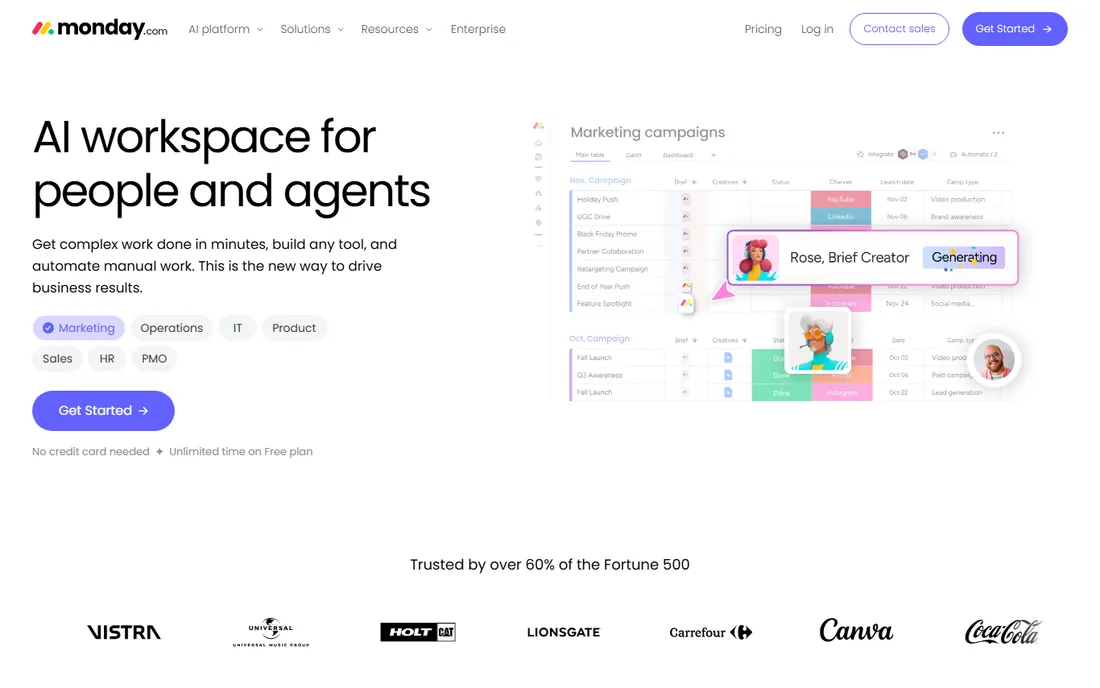
Monday.com is the workflow tool for teams that do not think of themselves as needing workflow software. You build a board, add status columns, and set automations like "when a request is approved, notify finance and create a task." At $9 a user a month billed annually with a free plan available, the entry cost is low and the learning curve is the gentlest here.
The limits show at scale and in regulated settings. Automation runs are metered by plan, and there is no real BPMN modeling or compliance-grade audit trail. For marketing, ops, HR and creative teams running intake, approvals and handoffs, it is the fastest path to an organized process. For compliance-heavy workflows, look at Process Street or Nintex instead.
What we like- Boards and automations anyone can build in an afternoon
- Huge template library for common workflows
- Generous free plan for small teams
Watch out for- Per-user pricing adds up fast
- Advanced automation runs are capped by tier
- Not built for strict compliance audit trails
#2
Pipefy
Best for: Service request intake, approvals and back-office processes
Visit pipefy.com
Starting priceFree Starter; $22/user/month (Business)
Free planYes
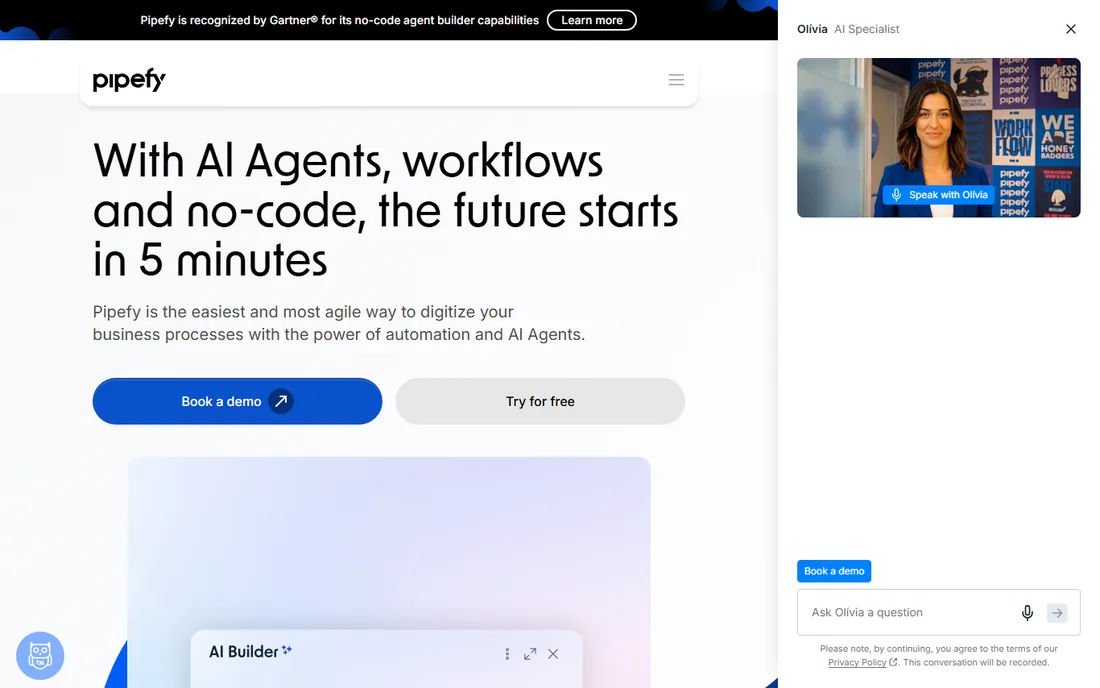
Pipefy built its name on structured intake: purchase requests, job applications, IT tickets, employee onboarding. A public form becomes a card in a pipe, conditional logic routes it, SLAs track it, and dashboards show where things stall. The free Starter plan covers small teams, and Business at $22 a user a month (2026 figures) adds advanced automation, API access and analytics.
It is a process tool, not a project tool. Tasks that vary wildly between runs or need timeline views belong in Asana or Wrike. But for repeatable service processes where the same steps happen every time, Pipefy's combination of forms, routing and SLAs is hard to beat at this price.
What we like- No-code pipes with conditional logic anyone can configure
- Public request forms feed straight into workflows
- Solid SLA tracking
Watch out for- Reporting depth lags behind dedicated BI tools
- Per-user pricing gets expensive with many occasional users
- Complex multi-pipe automations take real configuration time
#3
Process Street
Best for: Teams running repeatable processes that need proof they were followed
Visit process.st
Starting price$25/user/month (Pro)
Free planFree trial (14 days)
Process Street is for processes where skipping a step has consequences: client onboarding, safety checks, financial controls, content publishing. Workflows run as guided checklists with conditional logic, approvals and enforced order, and every run leaves an audit trail. Pro at $25 a user a month includes unlimited workflows and runs with 2,000 automation runs a month, and the 14-day trial needs no card.
The pricing model is the main friction: every user who touches a workflow needs a paid seat, which punishes companies with many occasional participants. Guest and free collaborator options soften this but do not eliminate it. If your processes need proof of compliance, the price is justified. If you just need shared checklists, cheaper tools exist.
What we like- Checklist workflows with enforced task order and approvals
- Audit trails that satisfy compliance reviews
- 1,000-plus integrations on Pro
Watch out for- Per-user pricing with no cheap tier for occasional users
- The interface is functional rather than inspiring
- Overkill for simple task lists
#4
Kissflow
Best for: Mid-size and large companies automating approval-heavy processes
Visit kissflow.com
Starting price$1,500/month (50 users)
Free planFree trial
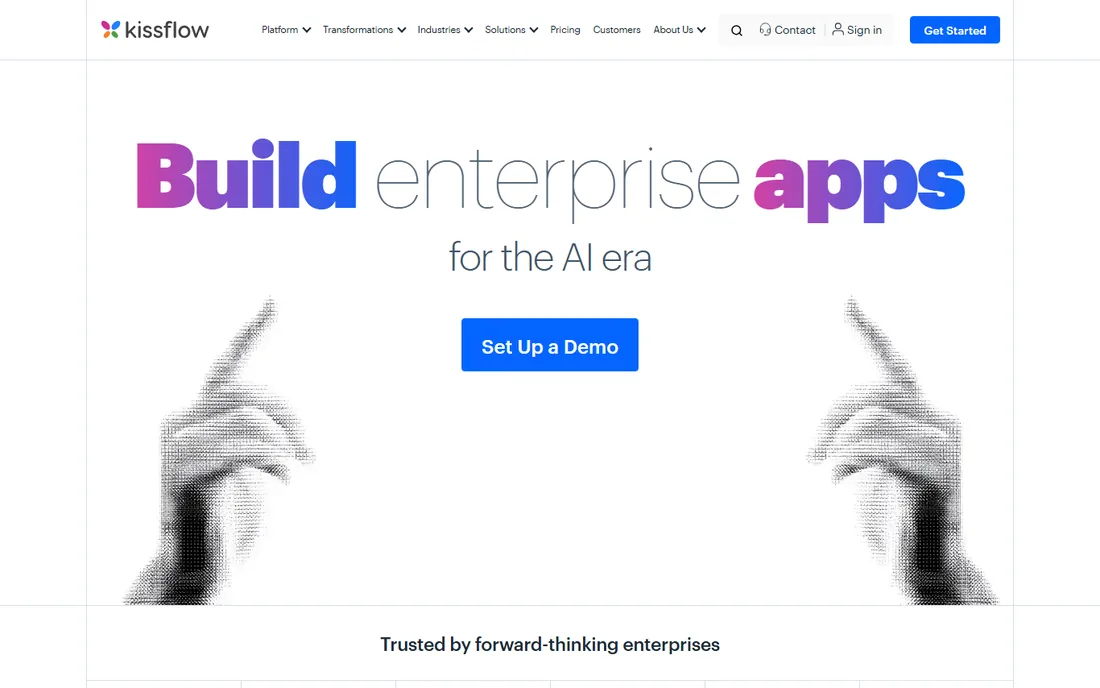
Kissflow is a different animal from the tools above it: a low-code platform where workflows are one feature of internal applications you build for procurement, HR, finance and operations. The 2026 entry point sits at $1,500 a month for 50 users, which tells you exactly who it is for. Enterprises running hundreds of approval processes get governance, auditability and customization that lighter tools cannot touch.
Small teams should not be here. The price, the implementation effort and the platform complexity only make sense when process volume and compliance requirements justify them. If you are choosing between Kissflow and Pipefy, you probably already know which size of problem you have.
What we like- Low-code platform that builds full internal apps, not just workflows
- Strong governance and approval controls
- Handles high-volume enterprise processes
Watch out for- $1,500-a-month entry prices out small teams
- Implementation takes real planning
- Simpler needs drown in the platform's breadth
Starting price$9/user/month (Pro, billed annually)
Free planYes
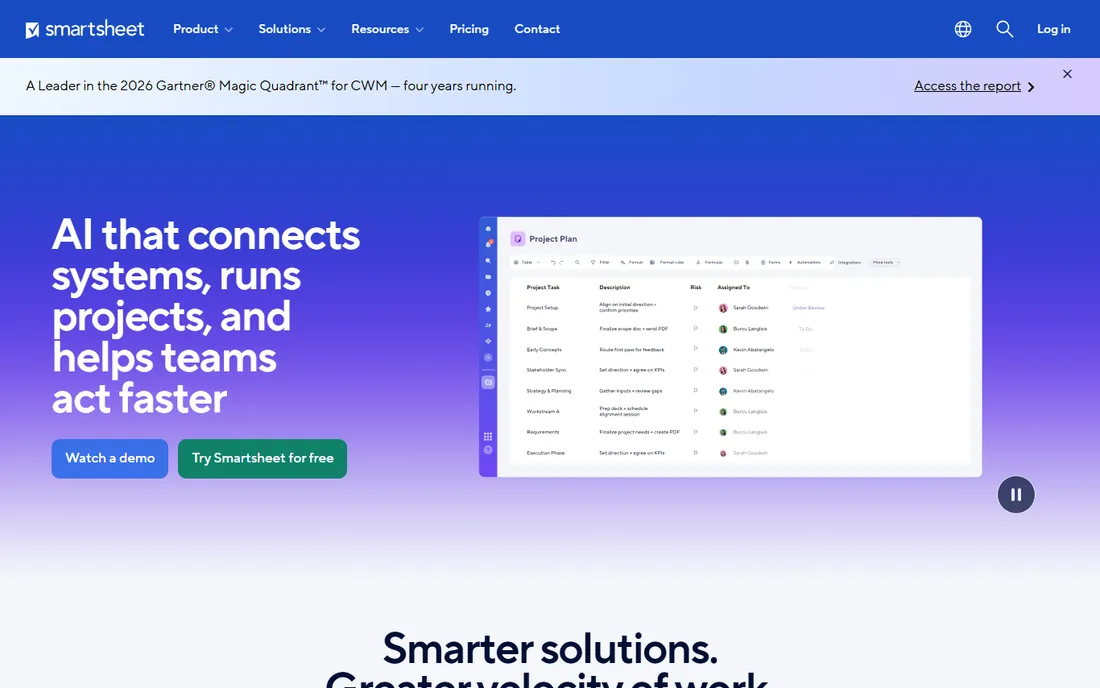
Smartsheet meets spreadsheet people where they are. If your team runs the business in Excel or Google Sheets, Smartsheet adds the workflow layer: automated approval chains, update requests, alerts and dashboards, all on a grid everyone already understands. Pro at $9 a user a month billed annually is reasonable, and the free plan covers basic use.
It is not the prettiest tool here and power users will hit the edges of its automation logic. But adoption is the feature: a workflow tool nobody uses is worthless, and Smartsheet gets used because it feels like the spreadsheet the team already trusts. For operations, finance and PMO teams with spreadsheet DNA, it is the pragmatic pick.
What we like- Familiar grid interface shortens adoption
- Automated approval requests and update requests built in
- Strong reporting across sheets
Watch out for- The interface shows its age
- Per-user pricing with collaborator nuances
- Advanced workflow logic needs workarounds
#6
Wrike
Best for: Cross-functional teams running complex, multi-team workflows
Visit wrike.com
Starting price$10/user/month (billed annually)
Free planYes
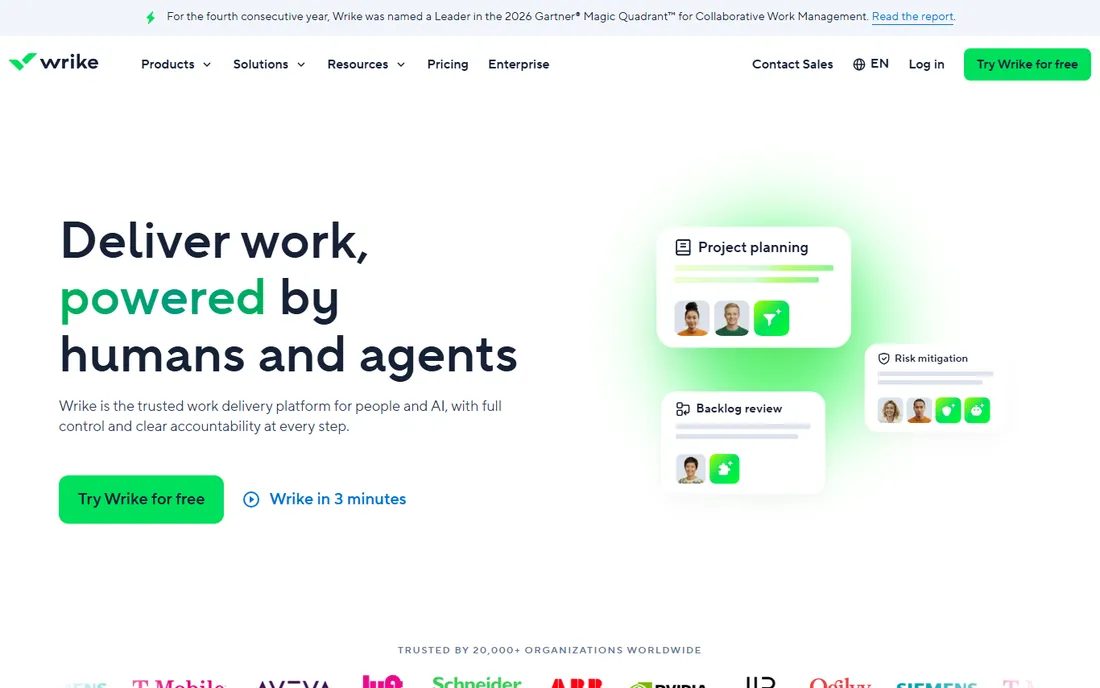
Wrike sits between project management and workflow software, which is exactly where many companies live. Request forms intake work, custom workflows route it across teams, dependencies and timelines keep it moving, and analytics show where the process breaks. At $10 a user a month billed annually with a free plan, it competes directly with Monday.com on price while offering more depth for complex operations.
The depth is also the cost: Wrike needs configuration, and small teams will find it heavy. It shines when several departments share processes and the workflow has real branching logic. For simple intake-to-completion flows, Pipefy or Monday get you running faster.
What we like- Handles multi-project workflows with dependencies well
- Strong analytics on process performance
- Request forms feed into structured workflows
Watch out for- Setup overhead is real
- The interface overwhelms simple use cases
- Workflow automation caps vary by tier
#7
Tallyfy
Best for: Teams wanting affordable workflow documentation and tracking
Visit tallyfy.com
Starting priceFrom $4.16/user/month (Docs, billed annually)
Free planFree trial
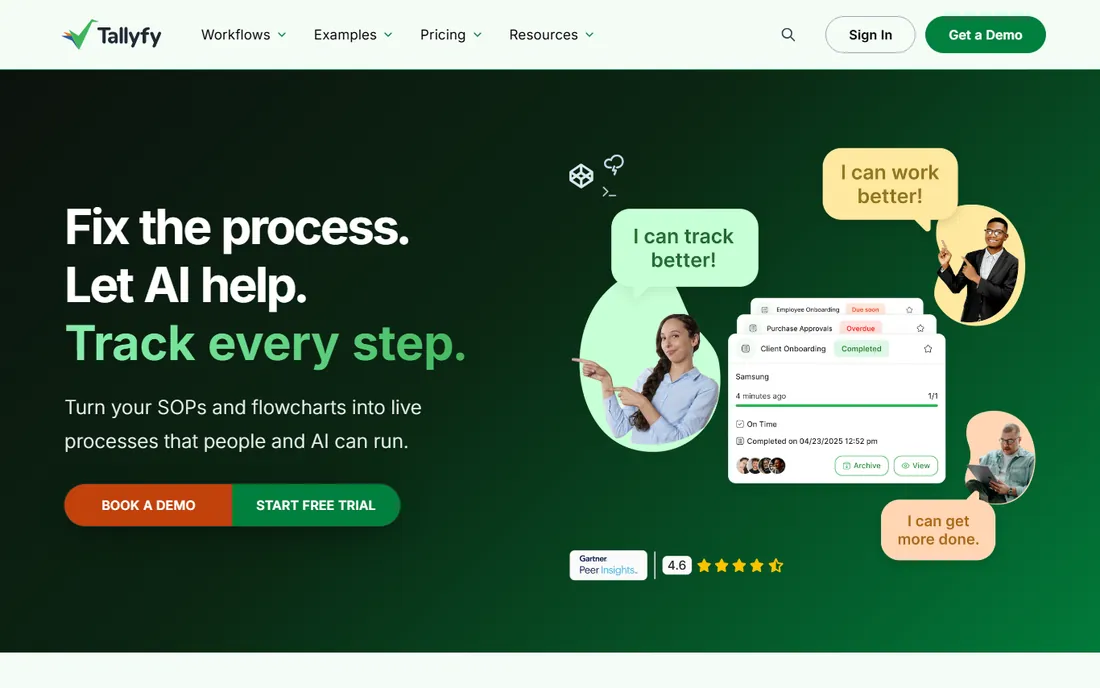
Tallyfy is the budget answer to Process Street. The Docs plan at $4.16 a user a month billed annually covers SOP documentation, playbooks and engagement tracking, while Pro at $25 a user a month adds if-this-then-that rules, custom branding and full workflow automation. Unlimited guests on paid plans solve the occasional-user problem that plagues per-user tools.
Watch the minimums: Docs requires 10 members, Pro requires 4, so the real entry prices are about $50 and $100 a month respectively. For small businesses that need documented, trackable processes without enterprise pricing, Tallyfy is the value pick, with the honest caveat that its analytics trail the category leaders.
What we like- The cheapest credible workflow tool here
- Docs plan covers SOP documentation for small teams
- Unlimited guests on paid plans
Watch out for- Docs plan has a 10-user minimum
- Pro at $25 a user needs a 4-user minimum
- Advanced reporting is thinner than Process Street
#8
Zapier
Best for: Automating data movement between the apps you already use
Visit zapier.com
Starting priceFree; $19.99/month (billed annually)
Free planYes
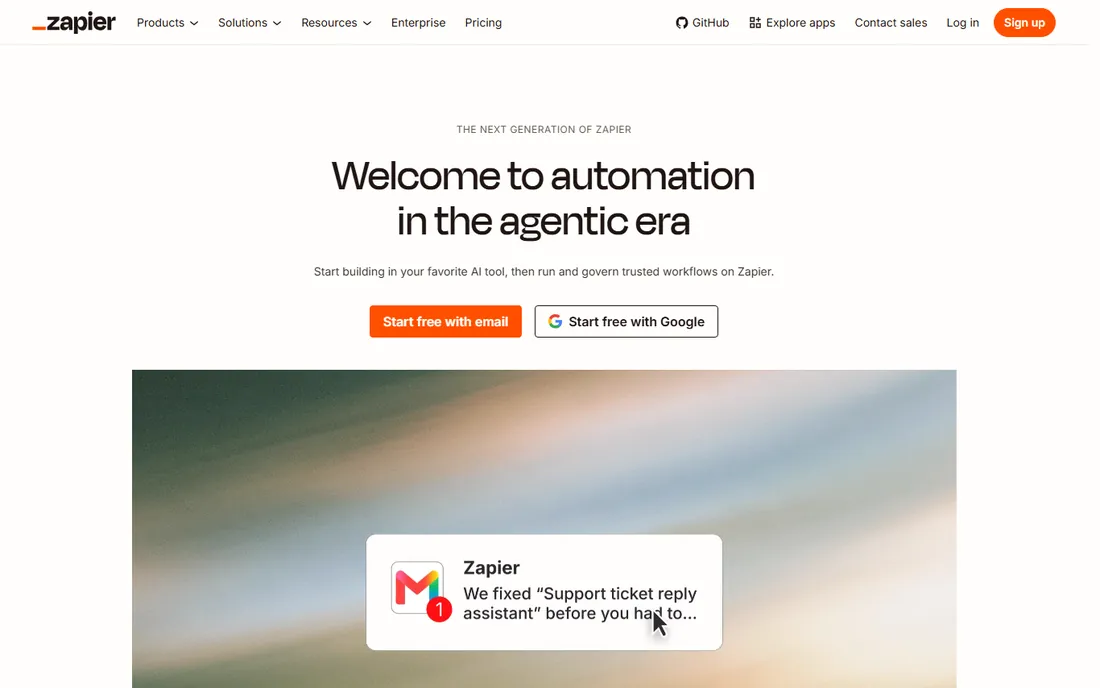
Zapier belongs on this list with an asterisk: it is workflow automation, not workflow management. It moves data between apps, triggers actions on events and chains multi-step automations, but it does not manage human approval chains or provide compliance audit trails. The free plan covers 100 tasks a month, and paid plans start at $19.99 a month billed annually.
Most teams end up with Zapier alongside a workflow tool, not instead of one: Pipefy manages the approval process, Zapier pushes the approved data into the accounting system. If your problem is "data lives in five apps," start with Zapier or Make. If your problem is "work gets stuck between people," start with the process tools above.
What we like- Connects to more apps than anything else here
- Non-technical users can build automations in minutes
- Free plan covers 100 tasks a month
Watch out for- It automates tasks, not human workflows, so approvals and audit trails are thin
- Task-based pricing punishes high-volume use
- Complex logic gets expensive
Starting price$99/month (20 users)
Free planFree trial (14 days)
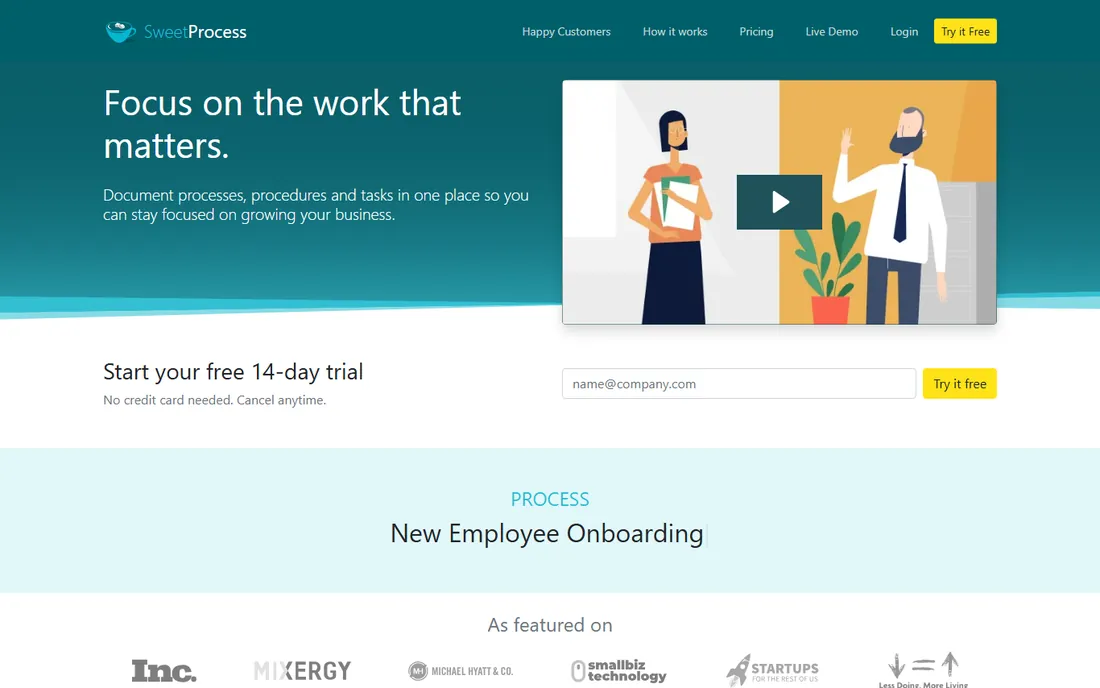
SweetProcess takes the simplest possible approach to the SOP problem: document the procedure, assign it, track that it was followed. At $99 a month flat for up to 20 users, the pricing is refreshingly simple next to the per-user meters elsewhere on this list. The 14-day trial lets a team document its core processes before paying anything.
It is documentation with light workflow, not a workflow engine. Conditional routing, advanced automation and deep integrations are not its game. For the small business whose real problem is "nobody wrote down how we do things," SweetProcess fixes that in a week. For automated multi-step processes, spend more on Pipefy or Process Street.
What we like- Flat $99 a month covers 20 users, no per-seat math
- Dead-simple procedure documentation
- Quick to deploy
Watch out for- Limited automation compared with Pipefy or Process Street
- Smaller integration library
- Not built for complex conditional workflows
#10
Nintex
Best for: Regulated industries needing governed, compliant workflows
Visit nintex.com
Starting priceSee website
Free planFree trial
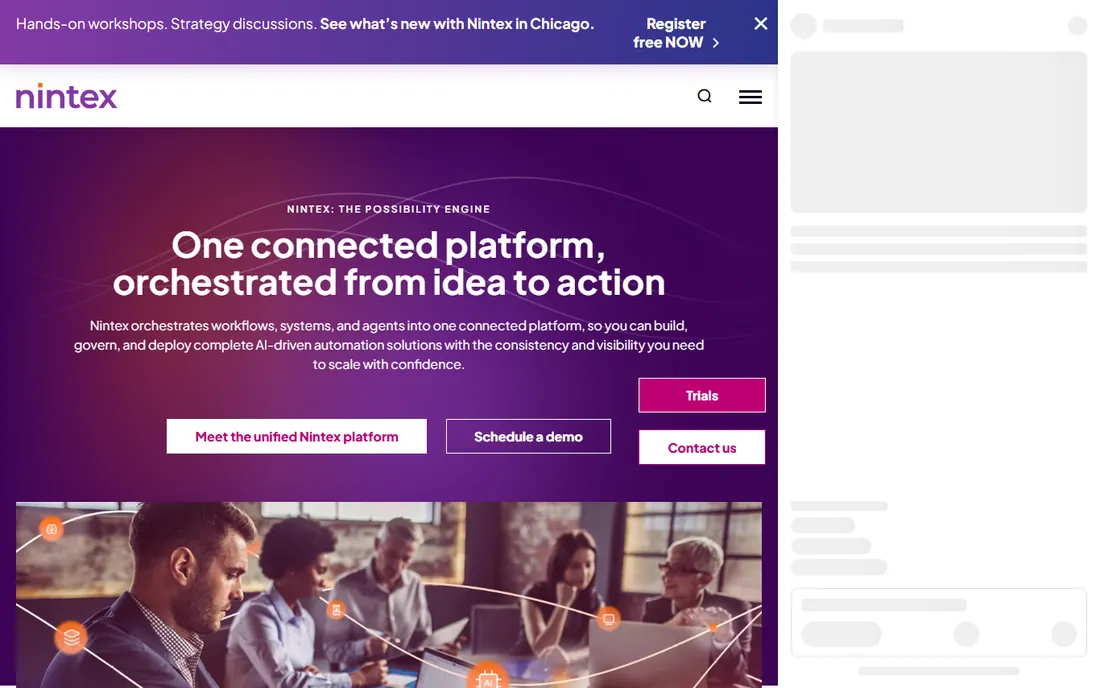
Nintex is the enterprise answer when workflows carry regulatory weight. Its strengths are document generation, e-signature, process mapping and deep integration with SharePoint and Microsoft 365, all wrapped in governance that satisfies auditors. Pricing is custom-quoted, which tells you the target buyer.
Nobody picks Nintex for a simple approval flow; the sales cycle and implementation effort demand a real compliance or scale problem. But for financial services, healthcare and government-adjacent work where the workflow itself is regulated, Nintex is the category's serious end. Everyone else should buy something simpler.
What we like- Deep SharePoint and Microsoft 365 integration
- Document generation and e-sign built in
- Compliance-grade audit trails and governance
Watch out for- Custom-quoted pricing with enterprise sales cycles
- Implementation typically needs partners or IT
- Overkill for straightforward workflows
How we chose
We defined workflow software as tools that manage how work moves between people and systems, covering both human process management and app-to-app automation. For each tool we verified current pricing on the vendor's own pricing page or on third-party pages citing vendor pages with 2026 check dates, noting minimums and billing terms that change the real price. We weighed public review patterns on G2, Capterra and Reddit for reliability and support quality, checked whether each tool handles conditional logic, approvals and audit trails rather than just task lists, and matched each to a company size and process type. No vendor paid for placement.
The most common buying mistake is choosing by feature count. A platform with 400 integrations is useless if it cannot model your conditional routing, and an enterprise BPM suite is a burden if your process is a five-step approval. Before comparing tools, write down your three most painful processes: who starts them, who approves, what the exceptions are, and what proof you need that they ran correctly.
Then test the fit directly. Can the tool represent your conditional branches without workarounds? Can occasional participants approve without a paid seat? Does the audit trail satisfy whoever asks for it, whether that is a manager or a regulator? The answers separate the list fast: compliance needs point to Process Street, Tallyfy or Nintex; intake and service processes point to Pipefy; spreadsheet teams point to Smartsheet; and data movement between apps points to Zapier, usually alongside one of the others.
The per-user trap and how to dodge it
Most workflow tools price per user, and most workflows involve people who touch the process twice a month. That mismatch is where budgets die: paying $25 a seat for forty occasional approvers costs $1,000 a month for a process that runs weekly. Before you buy, count your occasional participants separately from your daily operators.
Three tools here handle this well. Pipefy's free Starter plan and Tallyfy's unlimited guests let occasional users participate without seats. SweetProcess's flat $99 for 20 users sidesteps the math entirely. For the per-user tools, ask about guest, viewer or collaborator roles during the trial, and model the price with your real participant count, not just the core team. The cheapest headline price often loses to the smartest pricing model once the whole company is in the workflow.
Frequently asked questions
What is the best workflow software for small businesses?
Monday.com at $9 a user a month billed annually is the easiest start for most small teams, with a free plan to test. If your need is structured intake and approvals, Pipefy's free Starter plan is the better fit. For documented SOPs on a budget, SweetProcess at $99 a month flat for 20 users or Tallyfy from about $50 a month are the value picks.
What is the difference between workflow management and business process management?
Workflow management handles the flow of tasks between people: approvals, requests, handoffs. Business process management (BPM) is the broader discipline of modeling, analyzing and optimizing end-to-end processes, often with formal notation like BPMN and compliance requirements. Tools like Pipefy and Monday.com do workflow management; Nintex and Kissflow lean toward BPM. Most small businesses need the former.
How much does workflow software cost?
Small teams pay $0 to $25 a user a month for Monday.com, Pipefy, Smartsheet or Wrike, or flat fees like SweetProcess's $99 a month. Mid-size process automation with Process Street or Tallyfy Pro runs $25 a user a month. Enterprise platforms like Kissflow start around $1,500 a month, and Nintex is custom-quoted. Watch seat minimums and occasional-user pricing, which change the real total.
Do I need workflow software or just Zapier?
Different problems. Zapier automates data movement between apps: when X happens, do Y. Workflow software manages human processes: who approves, in what order, with what proof. If work gets stuck between people, you need workflow software. If data gets stuck between apps, you need Zapier. Most growing companies end up with both.
Which workflow tool is best for approvals?
Pipefy is the strongest dedicated pick: conditional routing, SLA tracking and approval chains built for exactly this. Process Street adds compliance-grade audit trails if approvals need proof. Monday.com and Smartsheet handle simple approval flows well inside broader work management. For regulated industries, Nintex is the enterprise answer.
Can workflow software replace email approvals?
Yes, and that is one of its best uses. Email approvals get lost, lack audit trails and cannot enforce order or SLAs. A workflow tool routes the request, notifies the approver, records the decision with a timestamp and escalates when it stalls. The approval still takes a human minute; the chasing, filing and proving disappear.
Sources we checked (14)
- https://monday.com/pricing/
- https://www.pipefy.com/pricing/
- https://www.process.st/pricing/
- https://kissflow.com/pricing/
- https://www.smartsheet.com/pricing/
- https://wrike.com/pricing/
- https://tallyfy.com/pricing/
- https://zapier.com/pricing/
- https://www.sweetprocess.com/pricing/
- https://www.nintex.com/pricing/
- https://kissflow.com/workflow/best-workflow-management-tools/
- https://www.trustradius.com/compare-products/kissflow-vs-pipefy
- https://geekflare.com/guides/best-workflow-automation-software/
- https://editorialge.com/best-business-process-automation-software/
Is your product missing or out of date?
We review this list regularly. Vendors can request a listing, send updated pricing or ask about featured placement.

Shihab Mia · Founder, Rankite
Shihab has spent more than a decade helping SaaS and e-commerce brands grow through search. He writes Rankite's software buying guides from pricing pages, documentation and public user reviews. More about Shihab.