How we make this list: we compare pricing pages, product documentation and public user reviews. Rankite is independent; if a vendor ever pays for a featured spot, that listing is clearly labeled Partner.
Key takeaways
- draw.io (diagrams.net) is the best free diagram software: fully free, works offline, and handles professional flowcharts with no seat fees.
- Lucidchart ($9/month Individual, billed annually) is the professional standard for teams, with data-linked diagrams and deep integrations, but Team plans require a 3-seat minimum.
- Miro ($8/member/month Starter, billed annually) is the pick when flowcharts are one part of collaborative workshops and whiteboarding sessions.
- Microsoft Visio (from $5/user/month) makes sense for Microsoft 365 shops that need desktop-grade diagrams; everyone else gets more for less elsewhere.
Quick comparison
| Tool | Best for | Starting price | Free plan |
|---|
 Lucidchart Lucidchart | Professional team diagramming | $9 per month (Individual, billed annually); Team from $10 per user/month | Yes |
 draw.io draw.io | Free, private, offline diagramming | $0 | Yes |
 Miro Miro | Workshops and collaborative sessions | $8 per member per month (Starter, billed annually) | Yes |
 Microsoft Visio Microsoft Visio | Microsoft 365 organizations | $5 per user per month (Plan 1, web); Plan 2 $15 per user/month with desktop app | Free trial (30 days) |
 Whimsical Whimsical | Fast, clean flowcharts for product teams | From $10 per month | Yes |
 SmartDraw SmartDraw | Business documentation with auto-formatting | $9.95 per user per month (billed annually) | No |
 Creately Creately | Diagramming combined with project workflows | $5 per month (billed annually) | Yes |
 Cacoo Cacoo | Small teams that co-edit diagrams | $5 per user per month (billed annually) | Yes |
 EdrawMax EdrawMax | Technical and engineering diagram types | $8.25 per user per month | Free trial (30 days) |
Is your product missing or out of date?
We review this list regularly. Vendors can request a listing, send updated pricing or ask about featured placement.
The best flowchart software
A product manager at a 50-person software company in Denver needed to document the company's onboarding process before an audit. She drew it in a slide deck, and by version four the arrows pointed at the wrong boxes and nobody trusted it. She moved the process map to dedicated flowchart software, shared one link with the team, and the audit question that used to take a week of emails got answered in a meeting. The diagram was not prettier. It was current, which is the whole point.
Flowcharts fail when they go stale, and they go stale when they are hard to update. The best flowchart tool is the one your team will actually open to fix a diagram, which means ease of editing matters more than the size of the shape library. Whether you need the best free diagram software for occasional use or a team platform for process documentation, the nine tools below cover the realistic options in 2026.
Pricing reflects published plans as of September and October 2026.
Starting price$9 per month (Individual, billed annually); Team from $10 per user/month
Free planYes
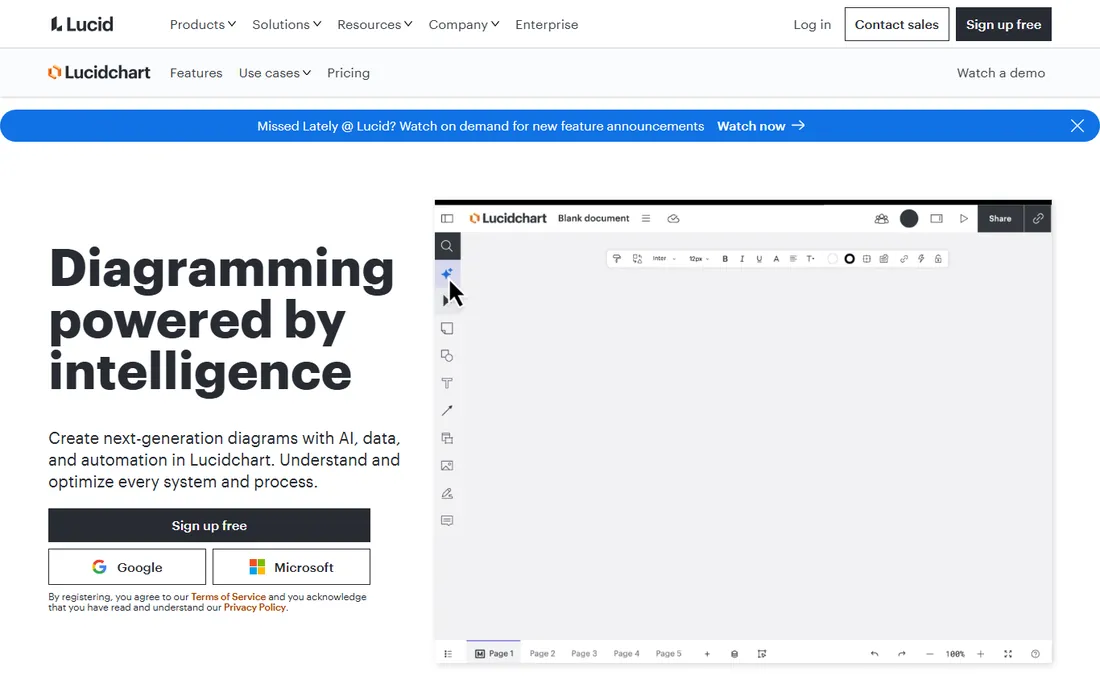
Lucidchart is the default answer when someone asks for the best software for flowcharts in a business setting, and the reasons are practical rather than exciting. The shape libraries cover everything from basic flowcharts to network diagrams and org charts, real-time collaboration works smoothly, and the integrations with the tools teams already use are genuinely polished. The AI features that generate diagrams from text descriptions are a real time-saver for first drafts.
The pricing structure has a trap worth knowing. Individual at $9 a month is reasonable for a solo user, but Team requires a 3-user minimum, so the real entry cost for a team is $27 to $30 a month, not $10. The free plan's 3-document limit also runs out fast. Lucidchart is worth the money for teams that diagram constantly; occasional users should start with draw.io and only upgrade when the free limits actually bite.
What we like- Huge template and shape library
- Data-linked diagrams update from spreadsheets
- Polished integrations with Jira, Confluence, Slack, and Teams
Watch out for- Free plan limited to 3 editable documents
- Team plan has a 3-user minimum, tripling the real entry cost
Starting price$0
Free planYes
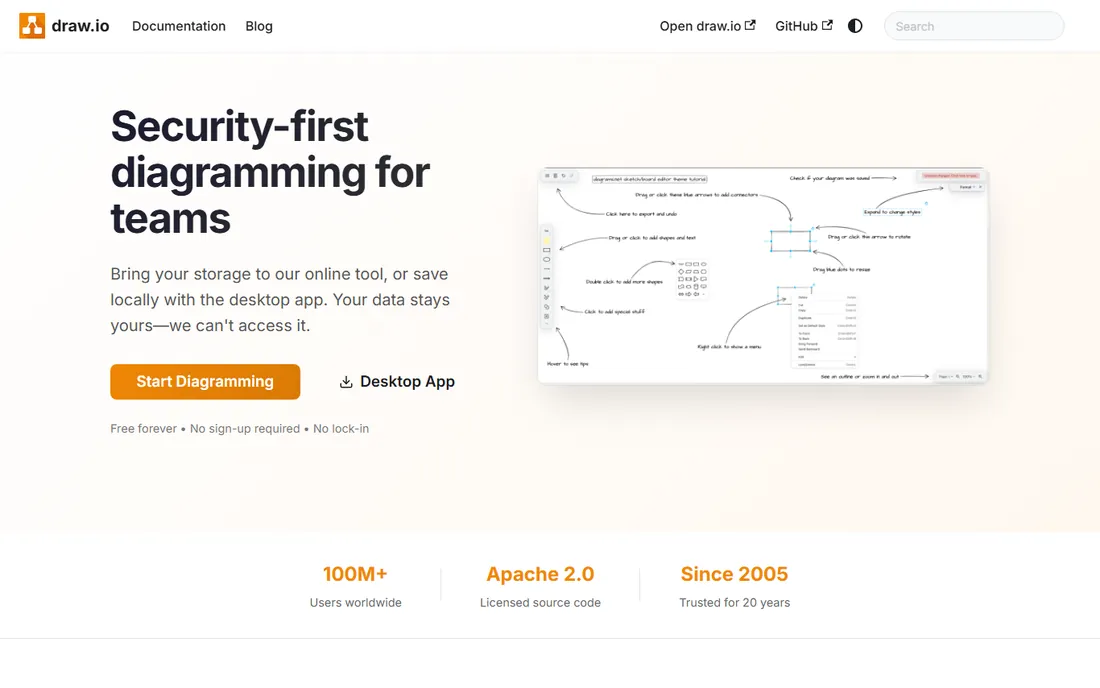
draw.io, now officially diagrams.net, is the rare tool that is both free and genuinely good. It handles flowcharts, network diagrams, UML, and org charts with a full feature set, stores files wherever you want (including locally, which privacy-conscious teams appreciate), and works offline through the desktop app. For individuals, developers, and cost-conscious teams, it is the best free diagram software available, full stop.
What you give up is polish and real-time collaboration. The interface looks like engineering software because it is, and co-editing a diagram live is not the experience it is built for. There are no AI generation features. But none of that matters for the core job: draw a clear diagram, save it, share it. Teams that pay for Lucidchart should ask themselves honestly whether draw.io would have done the job for free.
What we like- Completely free with no seat limits
- Works fully offline with a desktop app
- Integrates with Google Drive, OneDrive, and Confluence
Watch out for- Interface is functional rather than beautiful
- Collaboration is file-based rather than real-time
- No AI-assisted features
Starting price$8 per member per month (Starter, billed annually)
Free planYes

Miro is a whiteboard first and a flowchart tool second, which is exactly why product and design teams love it. Process mapping happens inside the same canvas as brainstorming, retros, and wireframes, so the flowchart never lives in a separate tool nobody opens. The free plan includes three editable boards, and Starter at $8 a member a month is reasonable for small teams running collaborative sessions.
For pure diagramming precision, dedicated tools win. Connector routing, shape libraries, and technical diagram types are thinner than Lucidchart or Visio. Miro is the right pick when flowcharts are part of how a team thinks together, not a documentation deliverable. If the goal is polished process documentation, pair the whiteboard habit with a real diagramming tool rather than forcing Miro to be one.
What we like- Infinite canvas suits brainstorming plus diagramming
- Strong built-in communication tools
- Huge template library beyond flowcharts
Watch out for- Flowcharting is less precise than dedicated tools
- Costs add up per member on larger teams
Starting price$5 per user per month (Plan 1, web); Plan 2 $15 per user/month with desktop app
Free planFree trial (30 days)
Visio is the enterprise veteran of diagram software, and inside a Microsoft 365 organization it still makes sense. Plan 1 at $5 a user a month covers web-based diagramming with thousands of shapes and templates, while Plan 2 at $15 adds the desktop app, advanced diagram types like BPMN and P&ID, AutoCAD support, and two-way data syncing. The Power BI and Office integrations are genuinely useful for data-driven diagrams.
Outside the Microsoft ecosystem, the case weakens. The interface shows its age, the web experience lags the desktop app, and modern teams often find Lucidchart or Miro more pleasant for the same money. Visio is the right choice when the organization is standardized on Microsoft and needs heavyweight diagramming. It is not the tool to adopt on its own merits in 2026.
What we like- Desktop-grade diagramming power on Plan 2
- Deep integration with Office and Power BI
- Basic features included in some Microsoft 365 plans
Watch out for- Windows-centric
- Plan 1 is web-only and limited
- Feels dated next to modern competitors
Starting priceFrom $10 per month
Free planYes

Whimsical wins on speed. The interface is stripped to the essentials, so drawing a flowchart or user flow takes minutes rather than a learning curve. Product teams and startups use it for the diagrams they make daily: user flows, wireframes, sitemaps, and quick process maps. The free plan covers light use, and paid plans start around $10 a month.
It is deliberately not a technical diagramming tool. Network diagrams, engineering schematics, and deep BPMN work belong elsewhere. Integrations are thinner than the big names. Whimsical is the best flowchart tool for people who diagram as part of thinking, not as a documentation discipline. Buy it for speed and clarity; look elsewhere for technical depth.
What we like- Fastest diagramming experience on this list
- Minimalist interface that stays out of the way
- Great for wireframes and user flows too
Watch out for- Smaller shape library than Lucidchart
- Fewer enterprise integrations
- Less suited to technical diagram types
Starting price$9.95 per user per month (billed annually)
Free planNo
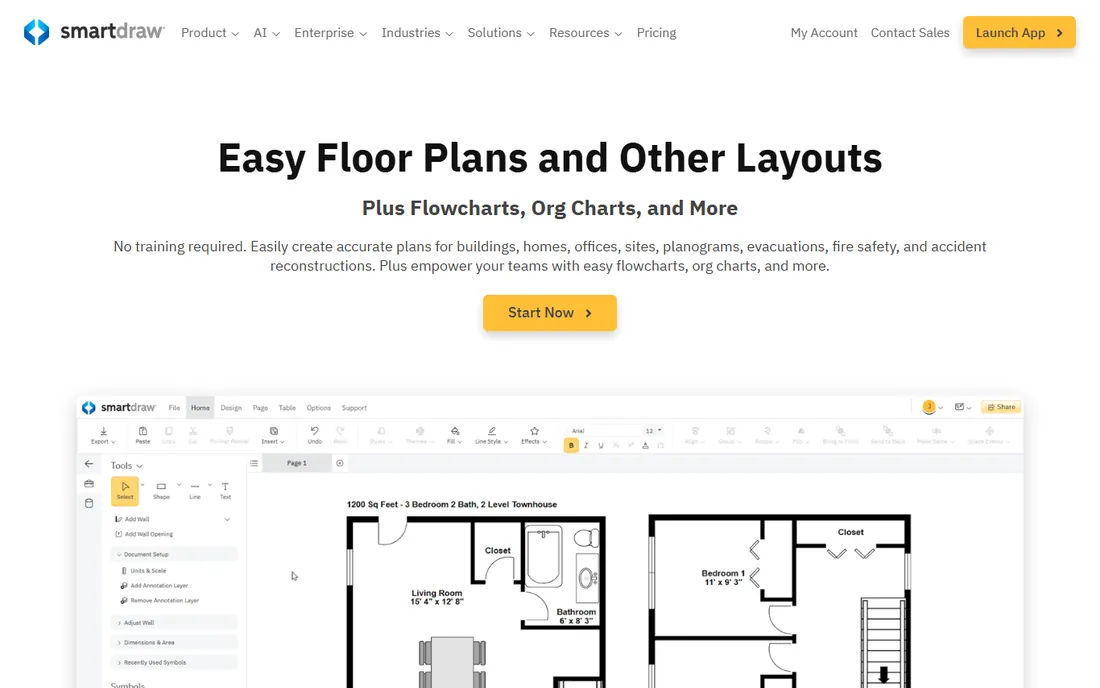
SmartDraw's signature is its formatting engine: drop shapes on the canvas and the software arranges, aligns, and connects them automatically, producing professional-looking diagrams from rough input. For business users who need org charts, floor plans, and process maps without learning diagramming, that automation is the selling point. The template library is one of the largest in the category.
The product feels like it comes from an earlier era of software, and it does: the interface is dated, real-time collaboration is thin, and there is no free plan, only a demo. At $9.95 a user a month it also costs more than Lucidchart's Individual plan. It suits traditional businesses that want tidy diagrams with minimum skill. Modern teams will prefer the collaboration and polish of the alternatives.
What we like- Automatic formatting engine keeps diagrams tidy with minimal effort
- Huge template library for business documents
- Visio import and export
Watch out for- No free plan, only a demo
- Interface feels dated
- Collaboration features trail Lucidchart and Miro
Starting price$5 per month (billed annually)
Free planYes

Creately's pitch is that diagrams should connect to the work, not sit beside it. The platform pairs diagramming with project management views, so a process map can link to the tasks and owners that execute it. With support for dozens of diagram standards and an entry price around $5 a month, it is one of the more affordable full-featured options.
The trade-offs are maturity and community. The interface packs a lot in and can feel busy, and the smaller user base means fewer third-party templates, tutorials, and integrations than Lucidchart or Miro. It is a good fit for small and mid-size teams that want diagrams tied to execution without paying enterprise prices. Teams that need the deepest integrations should look at the bigger platforms.
What we like- Combines diagrams with task management and project views
- Supports 70-plus diagram types
- Affordable entry price
Watch out for- Interface can feel busy
- Smaller community means fewer templates and tutorials
- Advanced features trail the leaders
Starting price$5 per user per month (billed annually)
Free planYes
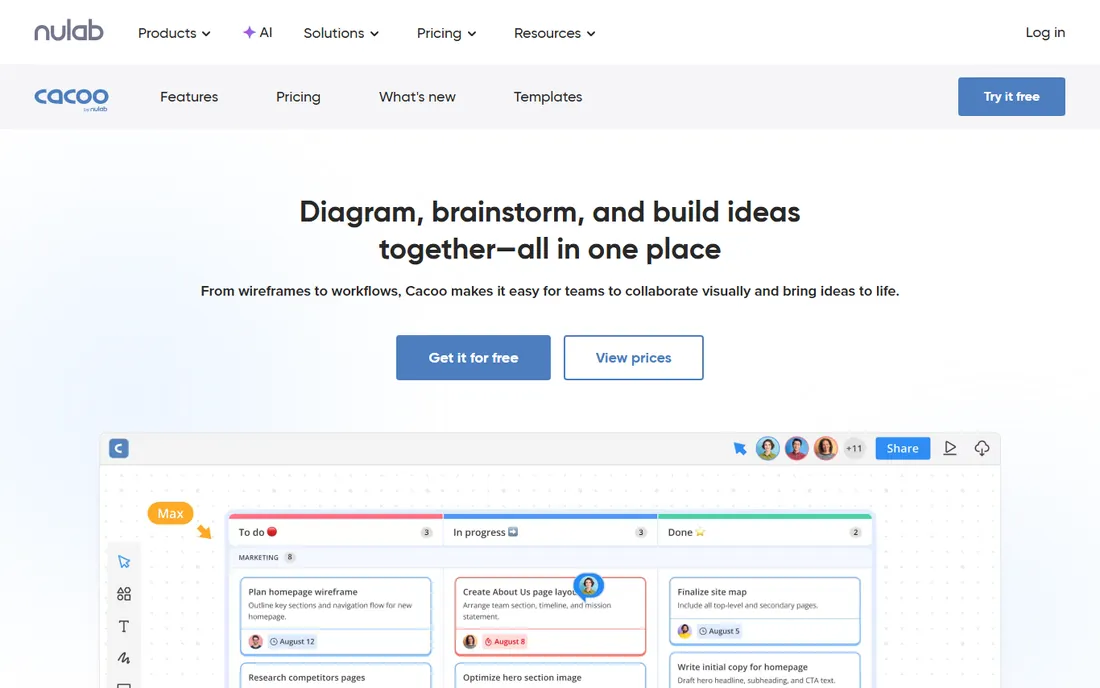
Cacoo does one thing well: let a small team edit the same diagram at the same time without friction. The real-time collaboration is smooth, version history makes it safe to experiment, and at $5 a user a month it undercuts most competitors. For distributed teams that sketch architecture, flows, and wireframes together, it is a capable and economical choice.
It is not trying to out-feature Lucidchart. The shape libraries are smaller, the template collection is thinner, and integrations are fewer. But many teams never touch the advanced features of the bigger tools, and for them Cacoo's simplicity is an advantage rather than a gap. It is the quiet value pick for small technical teams.
What we like- Real-time collaborative editing works well
- Version history on diagrams
- Affordable per-user pricing
Watch out for- Smaller feature set than Lucidchart
- Template library is thinner
- Less name recognition means fewer integrations
Starting price$8.25 per user per month
Free planFree trial (30 days)
EdrawMax is the all-rounder for technical diagramming: flowcharts, UML, network diagrams, floor plans, electrical schematics, and hundreds more types in one package. It runs on desktop and web, and unusually for this category, a one-time purchase option exists for buyers who refuse subscriptions. At $8.25 a user a month, the subscription undercuts Lucidchart's Team plan.
The interface packs in a lot and shows it; new users face a real learning curve. Real-time collaboration is basic compared to the cloud-native tools, and the brand carries less trust than Lucidchart or Visio in enterprise procurement. It fits engineers and technical teams that need many diagram types in one inexpensive package and do not need live co-editing.
What we like- Covers 280-plus diagram types including engineering schematics
- Desktop and web apps
- One-time purchase option available
Watch out for- Interface is dense and takes learning
- Collaboration features are basic
- The brand is less trusted than established names
How we assembled this lineup
We compared diagram tools that US teams actually use for flowcharts and process maps, identified through vendor documentation, pricing pages, and reviews on G2, Capterra, and Reddit. Every tool had to be a shipping product in 2026 with real flowchart capability, not just a whiteboard with arrows. Pricing reflects published plans checked in September and October 2026, including Lucidchart's 3-seat Team minimum and Miro's per-member Starter rate. This is a research-based comparison; we do not claim hands-on testing of any tool.
What to check before you pay
Count your real editors before comparing prices, because per-user pricing punishes teams with many occasional contributors. Lucidchart's Team plan requires three paid seats minimum, Miro charges per member, and Visio's per-user plans add up fast across a department. If twenty people need to view and comment but only three need to edit, check what viewer or commenter access costs, or whether it is free.
Then check the free tier against your actual usage. Lucidchart's free plan allows three editable documents, Miro gives three boards, and draw.io is unlimited and free forever. Many buyers pay for a year before discovering the free tier would have covered them. Run your real workload on the free plan for two weeks first.
Finally, check export and portability. Flowcharts embedded in wikis, docs, and onboarding materials outlive the tool that made them. Confirm you can export to SVG, PDF, and PNG at minimum, and check whether the source files open anywhere else. draw.io's XML files and Lucidchart's Visio export keep your options open; proprietary-only formats do not.
The trap is not that free tools are bad; draw.io is excellent. The trap is scattering diagrams across five free tools because each person picked their favorite. Six months later nobody can find the current version of anything, and the "savings" evaporate into search time. The fix is boring: pick one diagramming tool as the team standard, free or paid, and put every process diagram there. A mediocre tool used consistently beats the best tool used sporadically, because the value of a flowchart is that everyone can find the current one.
Frequently asked questions
What is the best free flowchart software?
draw.io (diagrams.net) is the best completely free option: full features, no seat limits, offline desktop app, and no account required for basic use. Lucidchart, Miro, Whimsical, Creately, and Cacoo all have limited free tiers that work for occasional use. For regular team diagramming, the free tiers run out quickly.
What is the best software for flowcharts on a team?
Lucidchart is the professional standard for team diagramming, with the deepest libraries and integrations, at $9 a month for individuals and $10 a user a month for teams (3-seat minimum). Miro suits teams that combine diagramming with workshops. Microsoft shops should consider Visio.
Is draw.io really free for commercial use?
Yes. diagrams.net is free for commercial use with no seat limits on the web and desktop apps. The company makes money from paid Confluence and Jira apps on the Atlassian Marketplace. Your diagrams and data stay under your control.
Can I import my Visio files into another tool?
Lucidchart and several others support Visio file import, which helps teams migrate off Visio. Fidelity varies with complex diagrams, so test your most complicated files during the trial before committing to a migration.
Which flowchart tool is best for software teams?
Software teams tend to split three ways: draw.io for free technical diagrams, Miro for collaborative architecture sessions, and Lucidchart for formal documentation. Whimsical is popular for user flows and wireframes. The deciding factor is usually whether the team needs real-time collaboration or just a place to draw.
Do I need a paid plan for occasional flowcharts?
Almost certainly not. draw.io handles unlimited diagrams for free, and the free tiers of Lucidchart, Miro, and Whimsical cover occasional use. Pay only when you hit a real limit: document counts, collaboration needs, or integrations with your other tools.
Sources we checked (6)
- https://kurums.com/best-diagram-software-2026-comparison/
- https://www.scmgalaxy.com/tutorials/top-10-flowchart-software-tools-in-2025-features-pros-cons-comparison/
- https://thedigitalprojectmanager.com/tools/flowchart-software/
- https://www.insightful.io/blog/best-process-mapping-tools
- https://procurementvms.com/vendors/lucidchart-pricing-guide.html
- https://www.softwareadvice.com/diagram/lucidchart-profile/vs/visio/
Is your product missing or out of date?
We review this list regularly. Vendors can request a listing, send updated pricing or ask about featured placement.

Shihab Mia · Founder, Rankite
Shihab has spent more than a decade helping SaaS and e-commerce brands grow through search. He writes Rankite's software buying guides from pricing pages, documentation and public user reviews. More about Shihab.