How we make this list: we compare pricing pages, product documentation and public user reviews. Rankite is independent; if a vendor ever pays for a featured spot, that listing is clearly labeled Partner.
Key takeaways
- Asana ($10.99/user/month) and Monday.com ($9/user/month) are the two most popular team picks, with Asana stronger on structured workflows and Monday on visual boards.
- ClickUp ($7/user/month) offers the most features per dollar, while Trello ($5/user/month) is the cheapest credible team option.
- Basecamp ($99/month flat) breaks the per-user model entirely, which makes it the cheapest option for teams over about 12 people.
- Jira (free up to 10 users) is the default for software teams, and Notion ($10/user/month) wins when tasks need to live next to docs and wikis.
Quick comparison
| Tool | Best for | Starting price | Free plan |
|---|
 Asana Asana | Structured cross-team workflows | $10.99/user/month (Starter plan, annual billing) | Yes |
 Monday.com Monday.com | Visual boards and custom workflows | $9/user/month (Basic plan, annual billing) | Yes |
 ClickUp ClickUp | Maximum features per dollar | $7/user/month (Unlimited plan, annual billing) | Yes |
 Trello Trello | Simple kanban for small teams | $5/user/month (Standard plan, annual billing) | Yes |
 Notion Notion | Tasks living next to docs and wikis | $10/user/month (Plus plan, annual billing) | Yes |
 Jira Jira | Agile software development | $7.91/user/month (Standard plan, annual billing) | Yes |
 Wrike Wrike | Approval-heavy creative and marketing work | $10/user/month (Team plan, annual billing) | Yes |
 Smartsheet Smartsheet | Spreadsheet-style planning with governance | $9/user/month (Pro plan, annual billing) | Yes |
 Todoist Todoist | Personal and small-team task lists | $5/user/month (Pro plan, annual billing) | Yes |
 Basecamp Basecamp | Flat-rate simplicity for larger teams | $99/month (Pro plan, unlimited users) | Yes |
Is your product missing or out of date?
We review this list regularly. Vendors can request a listing, send updated pricing or ask about featured placement.
A marketing manager starts her Monday with four sources of truth: tasks in a spreadsheet, deadlines in email threads, priorities in her head, and a designer who is working from a completely different list. By Wednesday a launch asset is late, nobody knows who was supposed to review it, and the post-mortem writes itself. The team is not lazy. It just has no shared picture of the work.
That shared picture is what the best task management tools provide. They turn scattered to-dos into visible, assigned, dated work that the whole team can see and trust. The ten below are the strongest options in 2026, from simple kanban boards to enterprise work management platforms, and they differ mostly on structure, price model and who they are built for.
Starting price$10.99/user/month (Starter plan, annual billing)
Free planYes
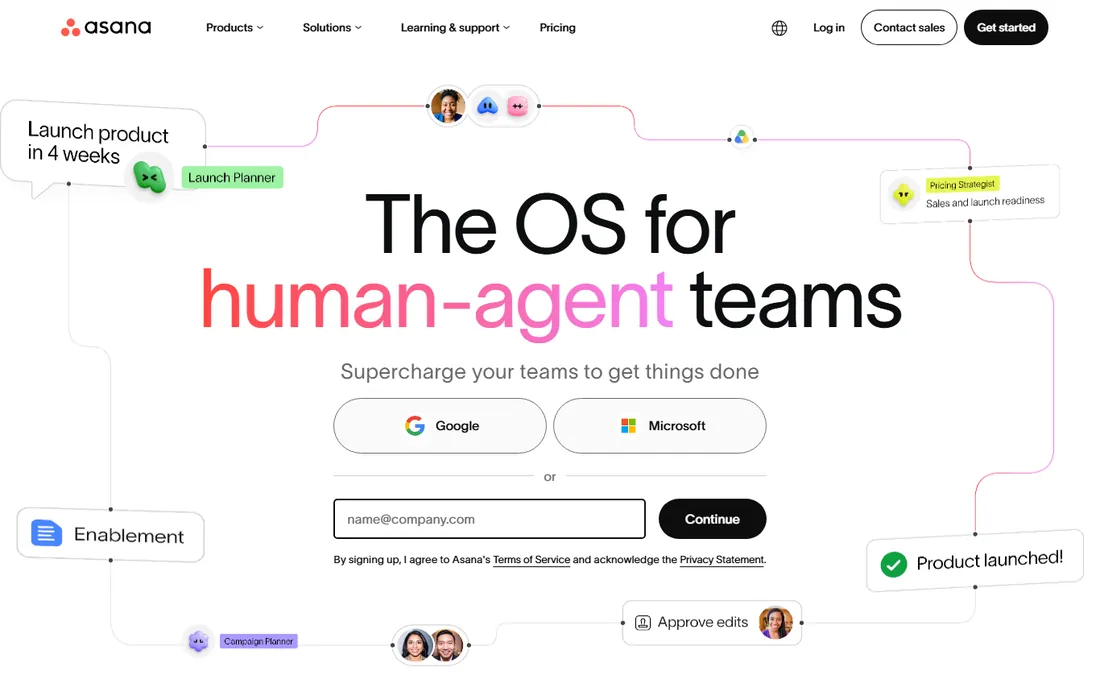
Asana is the default task manager for cross-functional teams that need real structure. Tasks support subtasks, dependencies, custom fields, timelines and portfolios, so a marketing launch with 200 moving pieces stays organized without a dedicated project manager. The automation rules handle the repetitive routing, and the integration list covers nearly everything a team already uses.
The honest catch is the pricing direction. The free plan now stops at 2 users, Starter is $10.99 per user per month, and the features many teams want (workload, advanced reporting) sit on Advanced at $24.99. For teams that need that structure, it is worth it. For teams that just need cards on a board, Trello does the job at half the price.
What we like- Timeline, boards, lists and portfolios cover nearly every workflow
- Automation rules reduce manual task management
- 1,000+ integrations including Slack and Google Workspace
Watch out for- Free plan now limited to 2 users
- Advanced tier at $24.99 adds up for larger teams
- Can feel heavy for teams that just need a simple board
Starting price$9/user/month (Basic plan, annual billing)
Free planYes
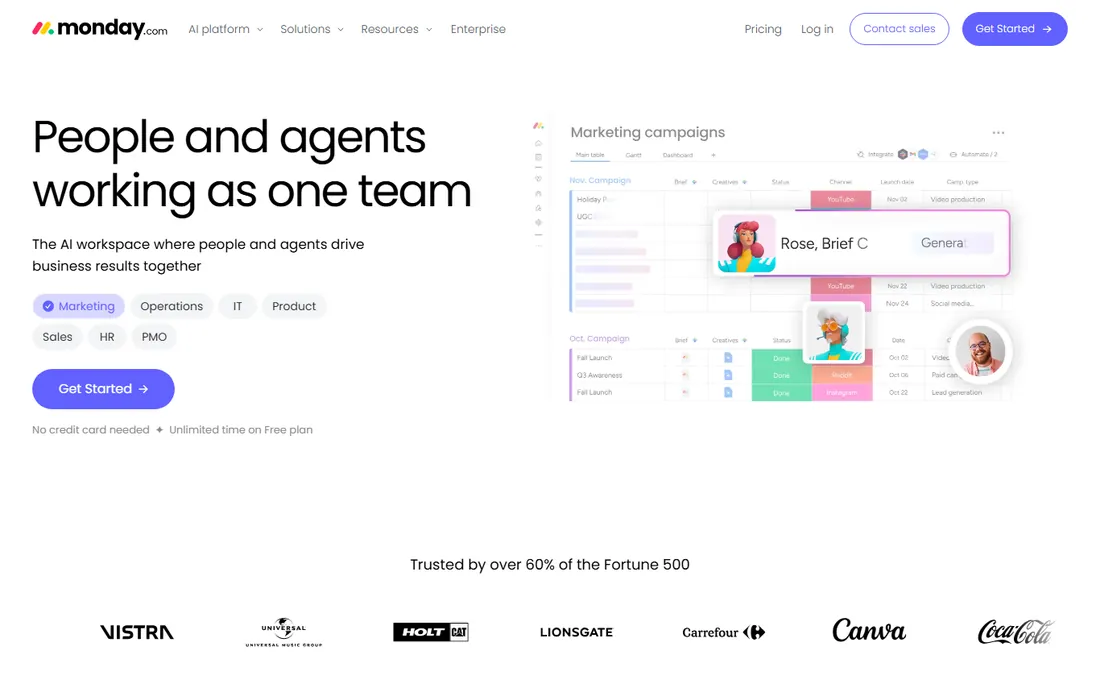
Monday.com wins on approachability. The boards are colorful, drag-and-drop and instantly readable, which is why non-technical teams adopt it faster than any rival. Custom columns, no-code automations and dashboards let each team shape the tool to its workflow, from content calendars to hiring pipelines to client onboarding.
The pricing quirk is the seat model: Basic at $9 a seat per month is sold in blocks starting at 3 seats, so a two-person team pays for three. Standard at $12 and Pro at $19 add the automations and integrations most teams actually need. For visual thinkers and teams that resist "project management software," Monday is the easiest sell in this list.
What we like- Color-coded visual boards are the most intuitive in the category
- No-code automations and custom columns adapt to any workflow
- Strong templates for marketing, HR and sales
Watch out for- Seats sold in blocks with a 3-seat minimum, so small teams overpay
- Costs climb fast on Standard and Pro tiers
- Can get visually noisy on complex boards
Starting price$7/user/month (Unlimited plan, annual billing)
Free planYes
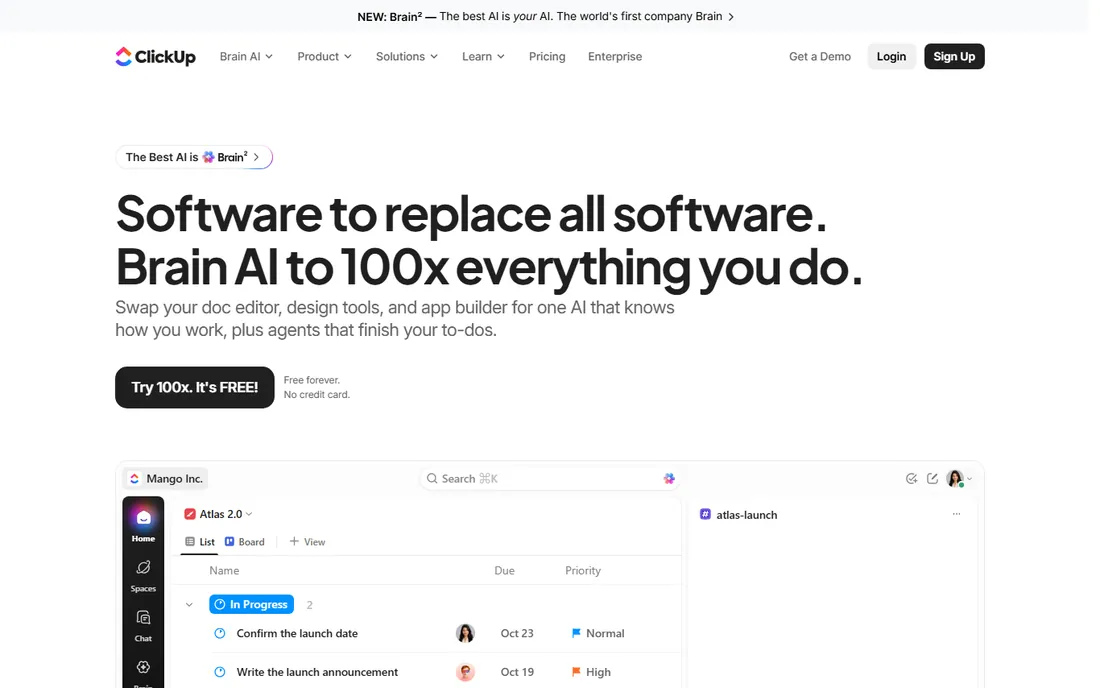
ClickUp's pitch is everything, cheaper. Docs, whiteboards, sprints, Gantt charts, time tracking, goals and automations live in one platform, the free plan covers unlimited members, and Unlimited at $7 per user per month is the lowest entry price among the full-featured tools. Teams that want one workspace instead of five subscriptions get the most here per dollar.
The honest catch is complexity. ClickUp can do so much that new teams drown in options, and the setup tax is real: expect days of configuration before it feels natural. The interface has improved but still shows its feature sprawl. For teams willing to invest the setup time, nothing matches the value. For teams that want simplicity, it is the wrong kind of powerful.
What we like- Most generous free plan here with unlimited members
- 15+ views including docs, whiteboards, Gantt and mind maps
- $7 entry price undercuts every direct rival
Watch out for- Feature density overwhelms new users
- Setup takes real time to get right
- AI features cost extra on top
Starting price$5/user/month (Standard plan, annual billing)
Free planYes
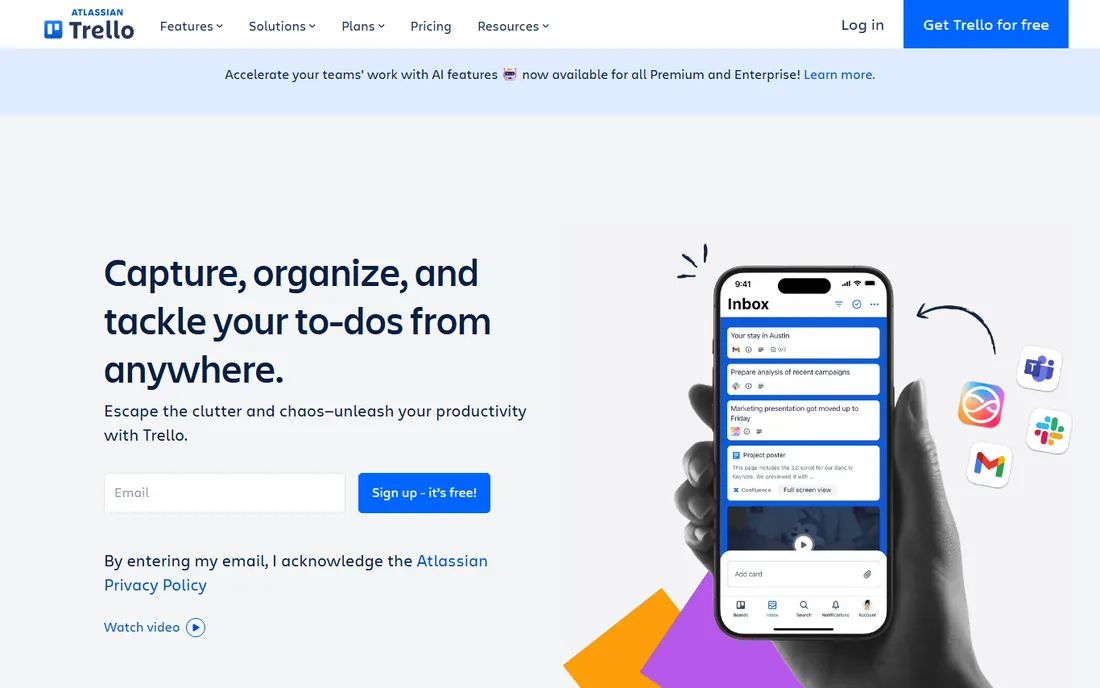
Trello is the kanban original and still the simplest way to manage work visually. Cards move across lists, checklists and due dates handle the basics, and Power-Ups add calendar, voting and integrations. The free plan with unlimited cards covers many small teams entirely, and Standard at $5 per user per month is the cheapest paid step in this list.
The limits show on complex work. Dependencies, workload views and serious reporting need Premium at $10, and even then Trello is a board, not a project database. Teams managing straightforward workflows (content pipelines, hiring, simple projects) will never hit the ceiling. Teams running multi-phase programs with dependencies will outgrow it within months.
What we like- Cheapest paid team option here
- Boards are instantly understandable with zero training
- Generous free plan with unlimited cards
Watch out for- Thin for complex projects with dependencies
- Reporting and dashboards need Premium
- Butler automation has usage limits on lower tiers
Starting price$10/user/month (Plus plan, annual billing)
Free planYes
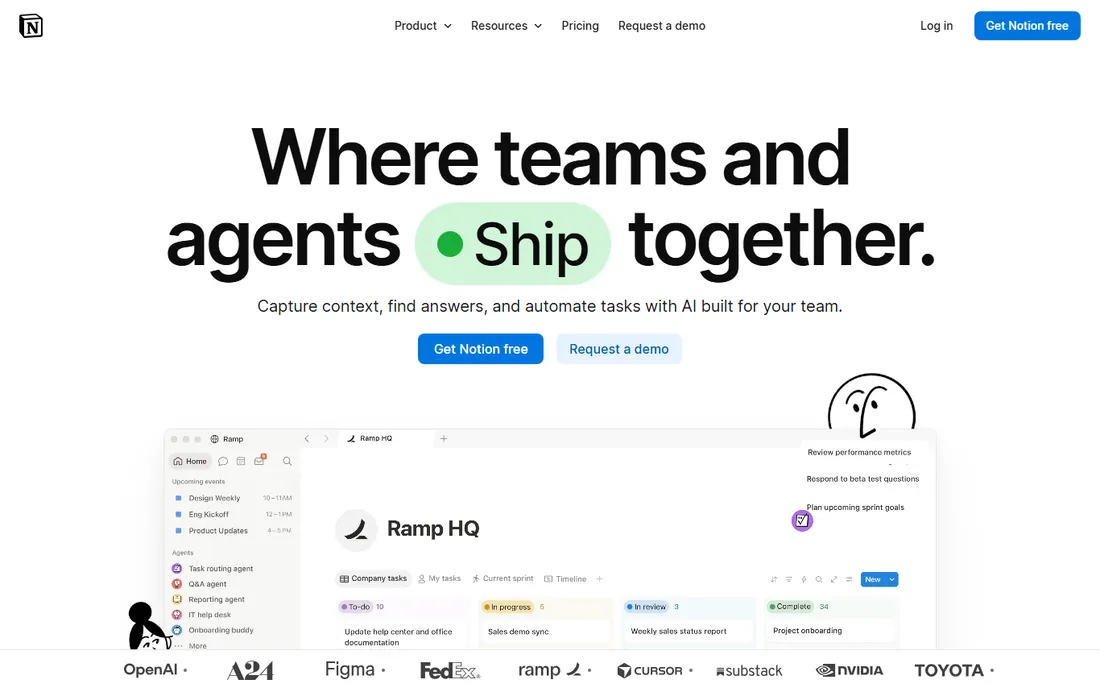
Notion is the pick when the tasks cannot be separated from the knowledge around them. Project docs, meeting notes, wikis and task databases live in one workspace, linked together, so a content team can keep the brief, the draft and the task in the same place. The database views (board, calendar, timeline, gallery) cover most task management needs, and the template gallery shortcuts the setup.
The honest catch is that Notion is a workspace that does tasks, not a task manager. Dependencies, workload management and advanced automations are thinner than Asana or Monday, and it needs deliberate setup to feel like a system rather than a pile of pages. For docs-heavy teams, the combination is unbeatable. For pure task execution at scale, the dedicated tools run deeper.
What we like- Databases, docs, wikis and tasks in one flexible workspace
- Templates for nearly every workflow
- Generous free plan for individuals
Watch out for- Task management is lighter than dedicated tools
- Needs setup before it feels like a task manager
- Can get slow on very large databases
Starting price$7.91/user/month (Standard plan, annual billing)
Free planYes
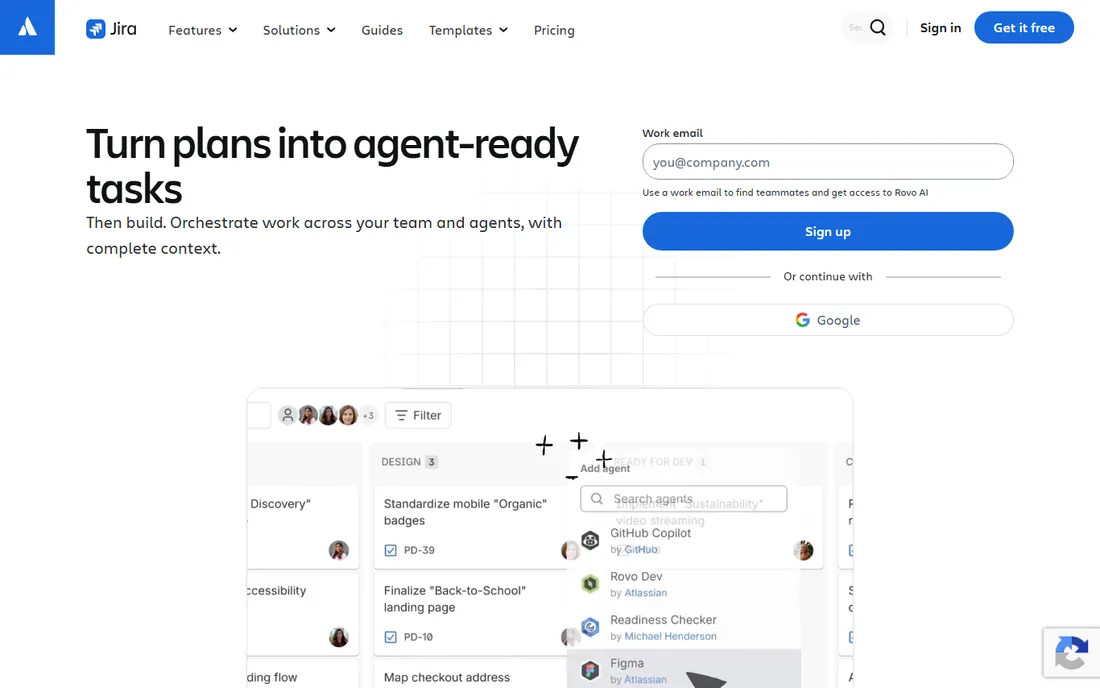
Jira is the standard issue tracker for software teams, and for good reason. Backlogs, sprints, story points, burndown charts and release management are built for agile development in a way no generalist tool matches. The Atlassian ecosystem (Confluence, Bitbucket) makes it the hub of the engineering workflow, and free for up to 10 users means small dev teams pay nothing.
The tradeoff is everything else. Jira is famously complex to configure, the interface confuses non-developers, and using it for marketing or operations tasks feels like filing tax forms. Software and IT teams should default to it. Everyone else should pick literally anything else on this list.
What we like- Free for up to 10 users, which covers many startups
- Deepest agile tooling (sprints, backlogs, burndowns)
- Native integration with Confluence and Bitbucket
Watch out for- Too technical and rigid for non-software teams
- Configuration complexity is legendary
- The interface prioritizes power over clarity
#7
Wrike
Best for: Approval-heavy creative and marketing work
Visit wrike.com
Starting price$10/user/month (Team plan, annual billing)
Free planYes
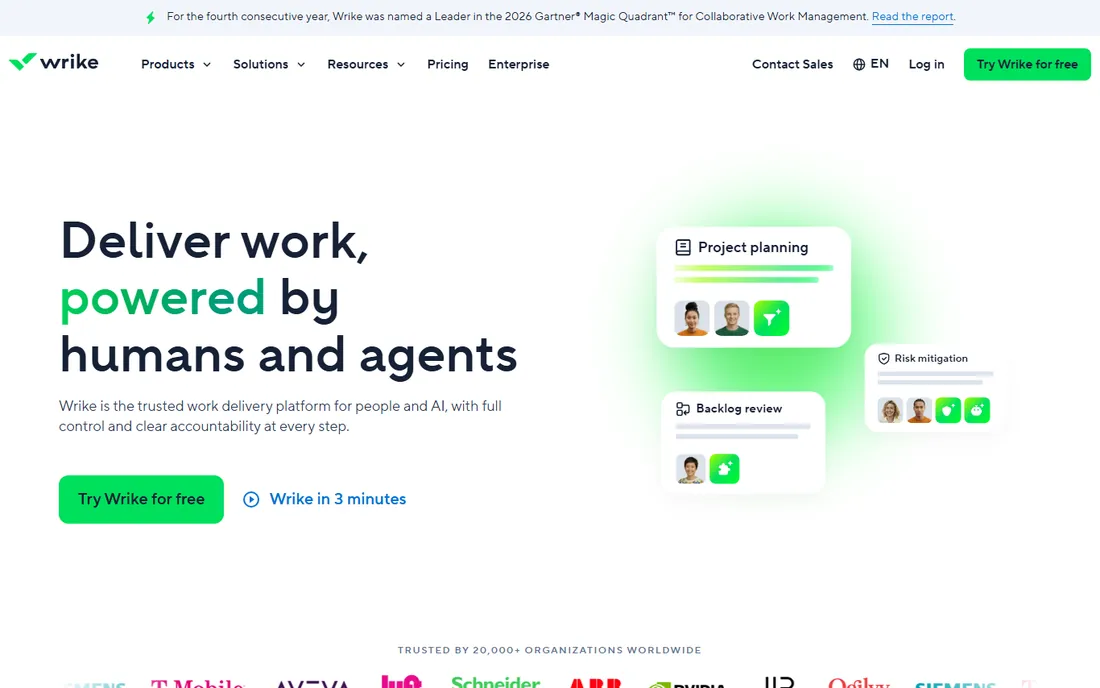
Wrike is built for teams where work needs approval: marketing, creative, agencies and professional services. The proofing tools let stakeholders comment directly on designs and videos, approval workflows route assets through the right people, and request forms turn incoming asks into structured tasks. For creative production pipelines, it fits better than any generalist.
The honest catch is the tier wall. Team at $10 per user per month covers the basics, but the resource management, advanced reporting and deeper automations that larger teams need sit on Business at $24.80. The interface is powerful but not friendly. If approvals are your bottleneck, Wrike earns its place. If they are not, simpler tools cost less.
What we like- Proofing and approval workflows are the best in the category
- Request forms intake work cleanly
- Strong reporting and resource management
Watch out for- Advanced features sit on expensive higher tiers
- Interface takes time to learn
- Smaller template and integration ecosystem than Asana
Starting price$9/user/month (Pro plan, annual billing)
Free planYes
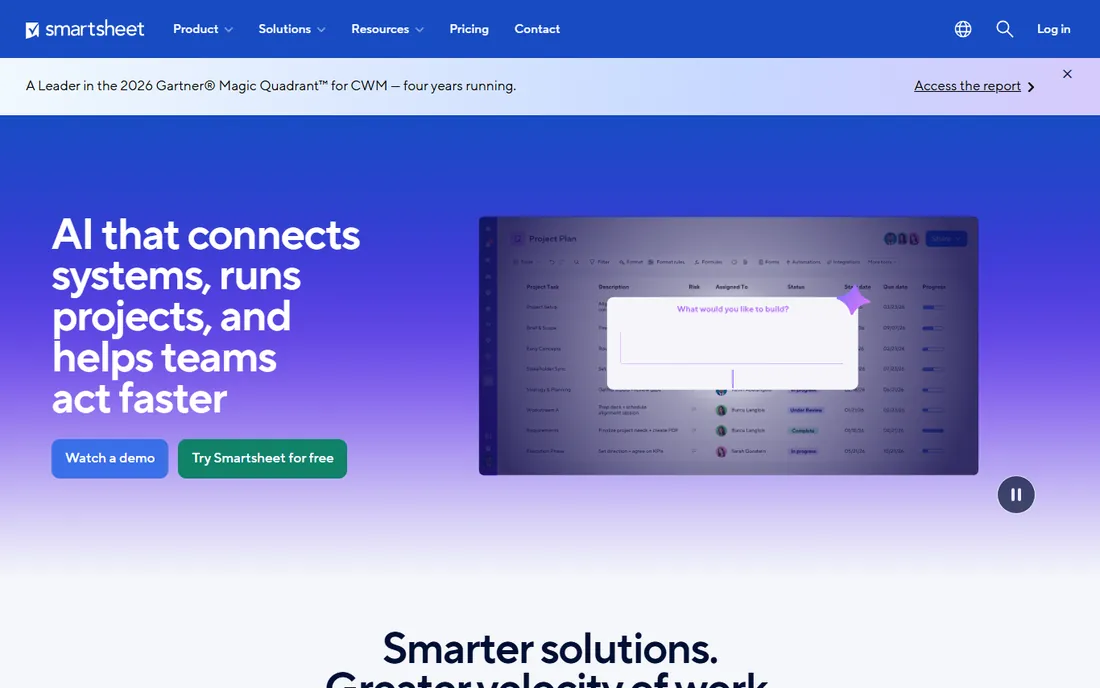
Smartsheet is what happens when a spreadsheet grows up into work management. The grid will feel instantly familiar to anyone who lives in Excel, but rows become tasks with Gantt views, card views, automations, forms and dashboards layered on top. PMOs and operations teams love the portfolio reporting and governance controls.
The pricing quirk is the Pro cap: $9 per member per month covers only 10 members, so growing teams move to Business at $19. Only editors need paid licenses (viewers are free), which helps the math but complicates planning. For spreadsheet-native organizations that need governed, reportable task tracking, it is the natural fit. For small teams, it is heavier than necessary.
What we like- Familiar grid interface that spreadsheet users adopt instantly
- Strong automation, dashboards and portfolio reporting
- Enterprise governance and controls
Watch out for- Pro plan capped at 10 members, forcing Business upgrades
- Complex for small teams
- Only editors need licenses, which complicates the math
Starting price$5/user/month (Pro plan, annual billing)
Free planYes
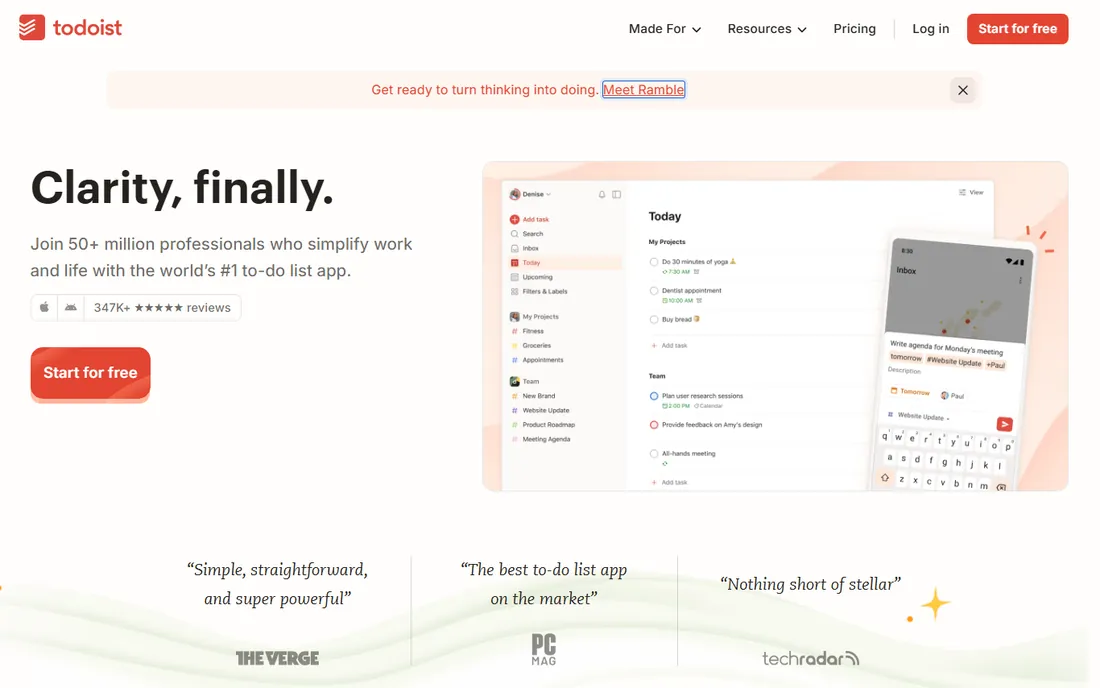
Todoist is the best pure to-do list ever made. Capture is instant, natural language parsing turns "call the dentist every 6 months" into a recurring task, and the apps are fast everywhere. Pro at $5 per user per month adds reminders, filters and productivity tracking. For individuals and tiny teams, it is the lowest-friction way to stay organized.
The honest catch is scope. Todoist is personal productivity software with team features, not team software: no Gantt charts, no workload management, no real project views. A five-person team coordinating a launch will hit the walls fast. Use it for personal task management, possibly alongside a team tool, and it is unmatched. Do not ask it to run the company.
What we like- Fastest, most delightful task capture in the category
- Natural language input ("every Monday at 9am")
- Excellent mobile apps
Watch out for- Thin for team project management
- No real timeline or workload views
- Business tier needed for team admin features
Starting price$99/month (Pro plan, unlimited users)
Free planYes
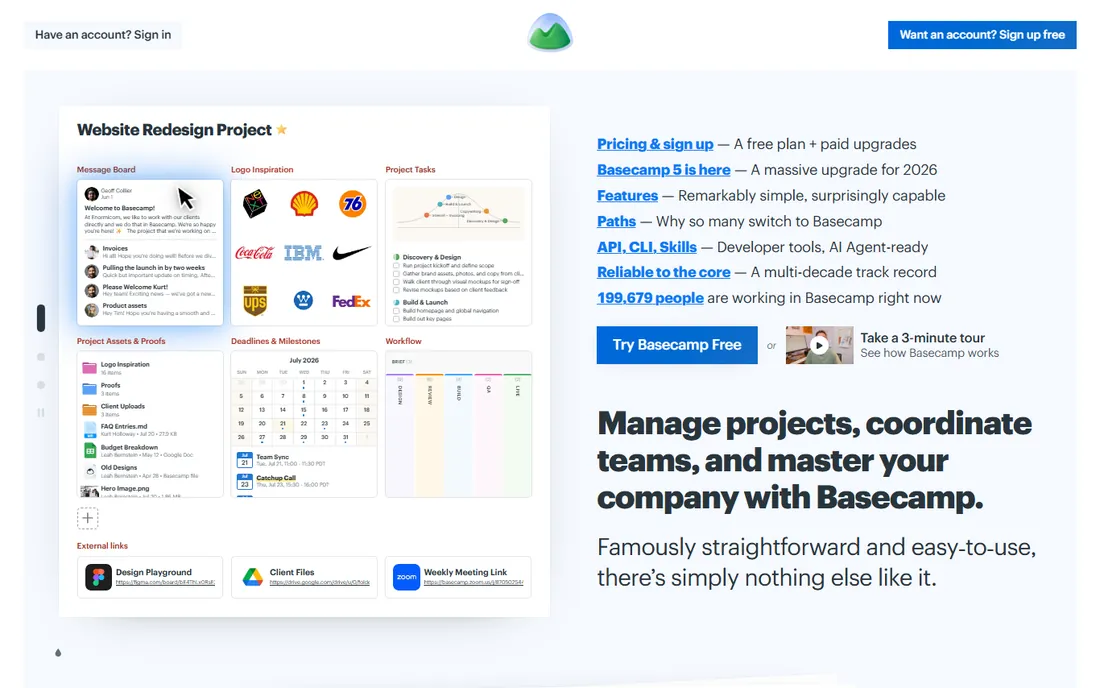
Basecamp is the contrarian pick: one flat price, unlimited users, and a deliberately small feature set. Pro at $99 a month covers to-dos, message boards, chat, file storage, schedules and client access for as many people as you want. A 30-person team pays $99 total where Asana would cost $330, which is why agencies and client-services firms love it.
The tradeoff is philosophical. Basecamp refuses to add Gantt charts, workload views and advanced automations on principle, and power users chafe at the limits. But the limits are also the adoption story: teams actually use Basecamp because there is nothing to configure. If your team is drowning in feature-rich tools nobody opens, Basecamp's simplicity is the cure.
What we like- Flat $99 a month for unlimited users destroys per-seat math at scale
- Combines to-dos, chat, files and schedules simply
- Client-facing features included
Watch out for- Deliberately limited feature set frustrates power users
- No Gantt or advanced reporting
- The simplicity is the point, which is not for everyone
Choosing by how your team actually works
Match the tool to the work style, not the feature list. Visual teams that think in boards want Trello or Monday. Structured teams running multi-step processes want Asana or Wrike. Software teams want Jira. Docs-heavy teams want Notion. Spreadsheet natives want Smartsheet. Individuals want Todoist. Teams that hate per-seat pricing want Basecamp.
Then run the seat math honestly, because pricing models differ more than prices. Monday sells seats in blocks, Wrike's real features need the higher tier, Smartsheet caps Pro at 10 members, and Basecamp charges nothing per user at all. Price your actual team, including the viewers and guests who need access, before comparing the headline numbers.
Finally, trial with real work, not a demo project. Migrate one active project into each finalist, run it for two weeks, and watch what happens. The tool the team opens without being reminded is the right one, regardless of what the comparison table says. Adoption beats features every time.
How this comparison was built
This comparison was built from vendor pricing pages and published plan data, with prices read from vendor sites in October 2026. Annual-billing prices are shown since that is how most teams buy. Every tool here is an active product sold today. Free plans are listed only where the vendor genuinely offers one.
No hands-on testing was involved and no vendor paid for placement. The selection weights task management depth, ease of adoption, pricing transparency and fit for different team types. Both simple tools (Trello, Todoist) and enterprise platforms (Smartsheet, Wrike) are included because "best" depends on whether you are managing a grocery list or a product launch.
The seat-math trap
Per-user pricing looks simple until you multiply it. A 25-person team on Asana Advanced pays over $600 a month; the same team on Basecamp pays $99. Monday's block selling means a 4-person team pays for 6 seats. Smartsheet's Pro cap means the 11th member triggers a tier jump for everyone.
The trap has a second layer: guests and viewers. Clients, contractors and stakeholders all need some access, and vendors count them differently. Some offer free viewers, others charge for anyone with a login, and a few have collaborator tiers they do not advertise. Before signing, list every human who will touch the system, classify them by access level, and price that exact list across your finalists. The cheapest per-user price often loses to the smartest pricing model.
Frequently asked questions
What is the best free task management tool?
ClickUp has the most generous free plan with unlimited members. Trello's free plan (unlimited cards) suits simple kanban, Notion's free plan suits individuals, and Jira is free up to 10 users. Asana's free plan is now limited to 2 users. Start with the free tier that matches your workflow and upgrade only when you hit a real limit.
Asana vs Monday.com: which should I choose?
Choose Asana for structured, cross-functional work with dependencies, timelines and portfolios. Choose Monday.com for visual, flexible boards that non-technical teams adopt quickly. Asana runs deeper on project structure; Monday runs friendlier on daily use. Both cost around $9-$11 per user per month to start.
Is ClickUp really better than Asana?
It depends on what you value. ClickUp offers more features per dollar ($7 vs $10.99) and a far more generous free plan. Asana offers a more polished, focused experience with less setup. Teams that want everything in one workspace prefer ClickUp; teams that want task management done simply prefer Asana.
What is the cheapest task management tool for a large team?
Basecamp at $99 a month flat for unlimited users is the cheapest for teams over about 12 people. Below that size, Trello ($5/user) and ClickUp ($7/user) are cheaper in absolute terms. Always price your actual headcount rather than comparing per-user rates.
Should developers use Jira or something simpler?
Development teams running sprints should use Jira; the agile tooling (backlogs, story points, burndowns) has no equal among generalist tools. But Jira is miserable for non-developers, so many companies run Jira for engineering and Asana, Monday or ClickUp for everyone else, integrated where it matters.
How do I get my team to actually use the new tool?
Migrate one real project, not a demo. Appoint one champion per team, keep the structure simple at first (fewer custom fields, fewer automations), and run the old and new systems in parallel for two weeks maximum. Tools fail from complexity and from half-migrations; a simple setup that everyone opens beats a perfect setup that nobody does.
Sources we checked (10)
- https://www.rock.so/blog/asana-pricing
- https://www.flozic.ai/blog/alternatives/asana-alternatives
- https://www.eamped.com/best-project-management-software-2026/
- http://www.techrepublic.com/article/task-management-software/
- https://www.techrepublic.com/article/project-management-software/?id=r00520011204aue01.htm
- https://project-management.com/top-10-project-management-software/
- https://quixy.com/blog/boost-business-with-best-task-management-software/
- https://plane.so/blog/7-best-wrike-alternatives-2026
- https://www.goodfirms.co/workflow-management-software/blog/best-monday-alternatives-for-small-teams
- https://github.com/kacky000/aitoolpick/blob/HEAD/src/content/blog/trello-pricing-2026.md
Is your product missing or out of date?
We review this list regularly. Vendors can request a listing, send updated pricing or ask about featured placement.

Shihab Mia · Founder, Rankite
Shihab has spent more than a decade helping SaaS and e-commerce brands grow through search. He writes Rankite's software buying guides from pricing pages, documentation and public user reviews. More about Shihab.