How we make this list: we compare pricing pages, product documentation and public user reviews. Rankite is independent; if a vendor ever pays for a featured spot, that listing is clearly labeled Partner.
Key takeaways
- Otter.ai (Pro from $8.33 per user per month billed annually) remains the default for meeting transcription with live notes and summaries.
- Descript (from $16 per month) is the pick for creators: transcribe, then edit audio and video by editing text.
- Rev ($14.99 per month for AI; human from $1.25 per minute) is the choice when accuracy is non-negotiable, such as legal or research work.
- Notta (Pro from $8.17 per month) offers the most generous free tier at 120 minutes per month with strong multilingual support.
- Trint ($52 per seat per month) serves newsrooms and media teams that need collaborative transcript editing at volume.
Quick comparison
| Tool | Best for | Starting price | Free plan |
|---|
 Otter.ai Otter.ai | Meeting transcription and summaries | $8.33 per user/month (billed annually) | Yes (300 min/month) |
 Fireflies.ai Fireflies.ai | Meeting bot with CRM integration | $10 per seat/month (billed annually) | Yes (limited) |
 Descript Descript | Creators editing audio/video by text | $16 per month (billed annually, Hobbyist) | Yes (1 hour/month) |
 Trint Trint | Newsrooms, collaborative editing | $52 per seat/month (billed annually, Starter) | Free trial (7 days) |
 Rev Rev | Highest accuracy, human option | $14.99 per month (AI); human from $1.25/min | Yes (limited) |
 Happy Scribe Happy Scribe | Multilingual transcription, subtitles | $8.50 per month (billed annually, Basic) | Free trial |
 Notta Notta | Multilingual, generous free tier | $8.17 per month (billed annually, Pro) | Yes (120 min/month) |
 Sonix Sonix | Pay-as-you-go multilingual | $22 per month + $5/hour (Premium); or $10/hour pay as you go | Free trial |
 Temi Temi | Cheapest per-minute AI transcription | $0.25 per minute (pay as you go) | No |
Is your product missing or out of date?
We review this list regularly. Vendors can request a listing, send updated pricing or ask about featured placement.
The best transcription software
Nobody misses taking meeting notes until they need to remember what was decided. Then the options are grim: a half-remembered conversation, a colleague notes that stop mid-discussion, or an hour-long recording nobody will ever replay. Transcription software exists to make the spoken record searchable, shareable, and useful, whether that is a sales call, a podcast episode, or a research interview.
The category has split into distinct jobs. Meeting tools (Otter.ai, Fireflies.ai) join your calls live and produce summaries. Creator tools (Descript) turn transcripts into an editing interface. Media tools (Trint) help journalists find quotes fast. And human services (Rev) handle the cases where AI accuracy is not enough. The best audio transcription software for you depends on which job you are hiring for.
Prices below were checked against vendor pricing pages in October 2026. Note that most tools meter by transcription minutes or hours per month, so match the plan to your real volume.
#1
Otter.ai
Best for: Meeting transcription and summaries
Visit otter.ai
Starting price$8.33 per user/month (billed annually)
Free planYes (300 min/month)
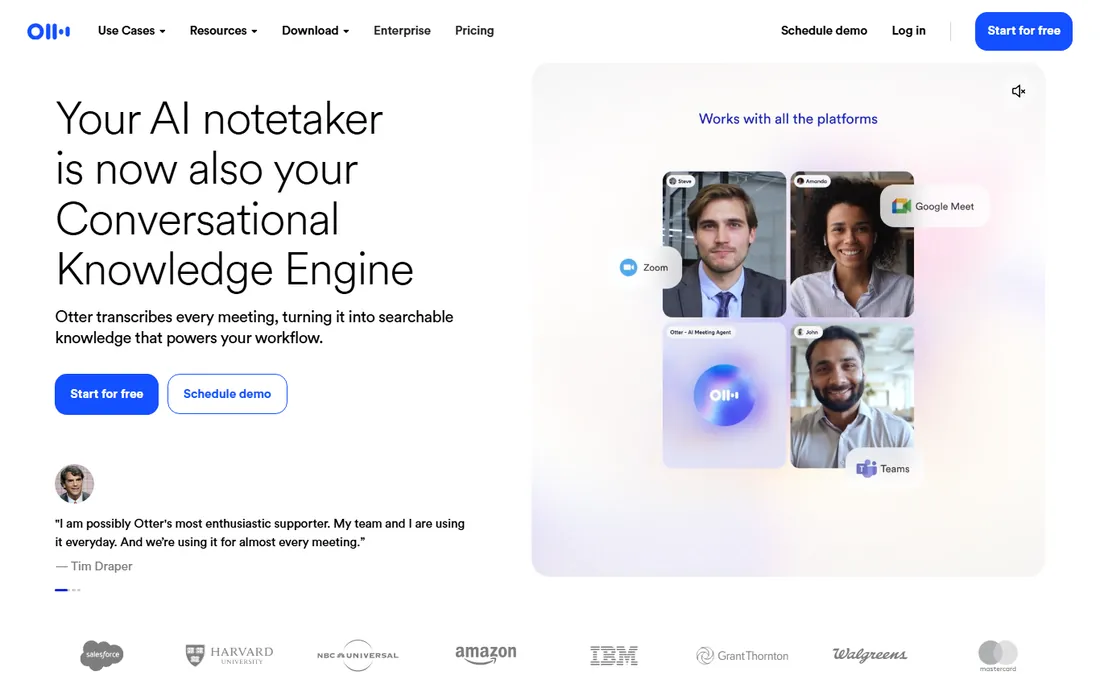
Otter.ai defined the meeting transcription category and still leads it. The bot joins your Zoom, Google Meet, or Teams calls, transcribes live, and produces summaries with action items and key decisions after the call. The free tier (300 minutes per month) is genuinely useful for light users, and Pro at $8.33 per user per month billed annually ($16.99 month-to-month) raises the cap to 1,200 minutes with more integrations.
The limits are structural: Otter is designed for meetings, not for transcribing 100 hours of uploaded audio a month, and real-world accuracy on clean audio runs 85 to 92 percent, meaning you still proof important transcripts. For teams drowning in meetings who need searchable records and summaries, it remains the default choice. For bulk media transcription, look at Trint or Sonix instead.
What we like- Live transcription during Zoom, Meet, and Teams calls
- AI summaries with action items
- Generous 300-minute free tier
Watch out for- Minute caps make it unsuitable for bulk file transcription
- Accuracy drops with heavy accents and crosstalk
Starting price$10 per seat/month (billed annually)
Free planYes (limited)
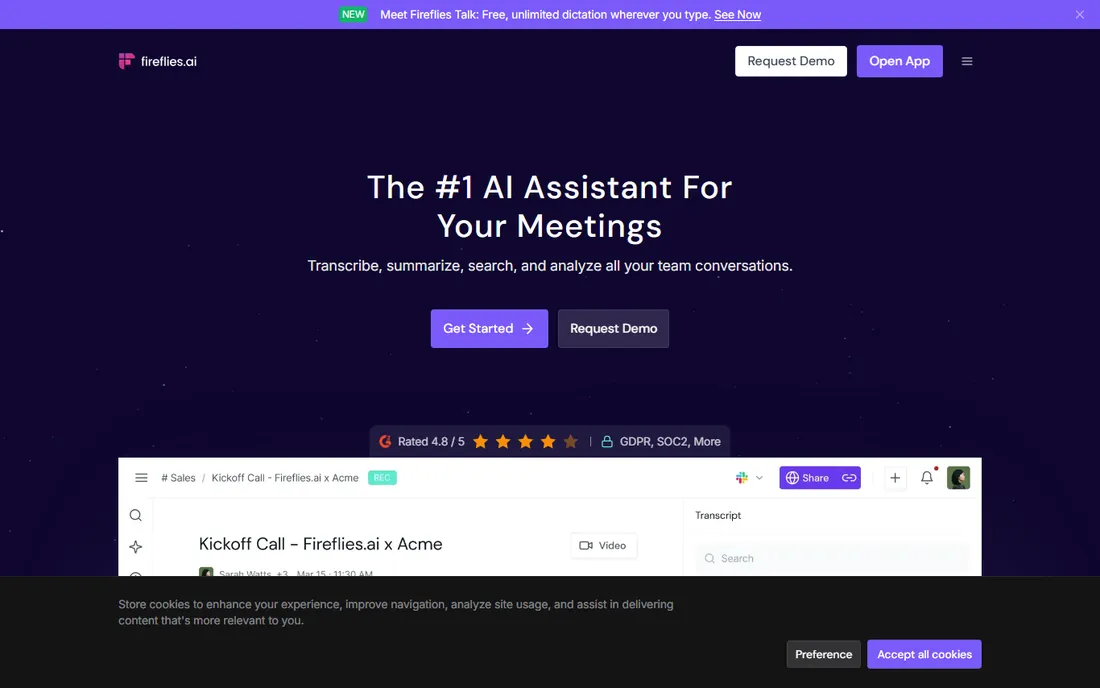
Fireflies.ai competes directly with Otter on meeting capture and differentiates on integrations: transcripts flow into Salesforce, HubSpot, Notion, and dozens of other tools, turning conversations into CRM records automatically. Language support spans 100-plus languages, and the free tier offers unlimited transcription with storage limits, which is unusually generous.
Pro at $10 per seat per month billed annually ($18 month-to-month) lifts the caps and adds team features. Real-world meeting accuracy runs around 88 to 92 percent per independent testing. The choice between Fireflies and Otter often comes down to integration needs and interface preference; Fireflies wins when the transcript must land in business systems automatically, Otter when the meeting summary itself is the product.
What we like- Joins meetings across 100+ languages
- Strong CRM and workflow integrations
- Unlimited transcription on the free tier (storage-capped)
Watch out for- Summary quality varies
- The free tier storage cap arrives quickly
- Meeting-bot etiquette still surprises some guests
Starting price$16 per month (billed annually, Hobbyist)
Free planYes (1 hour/month)
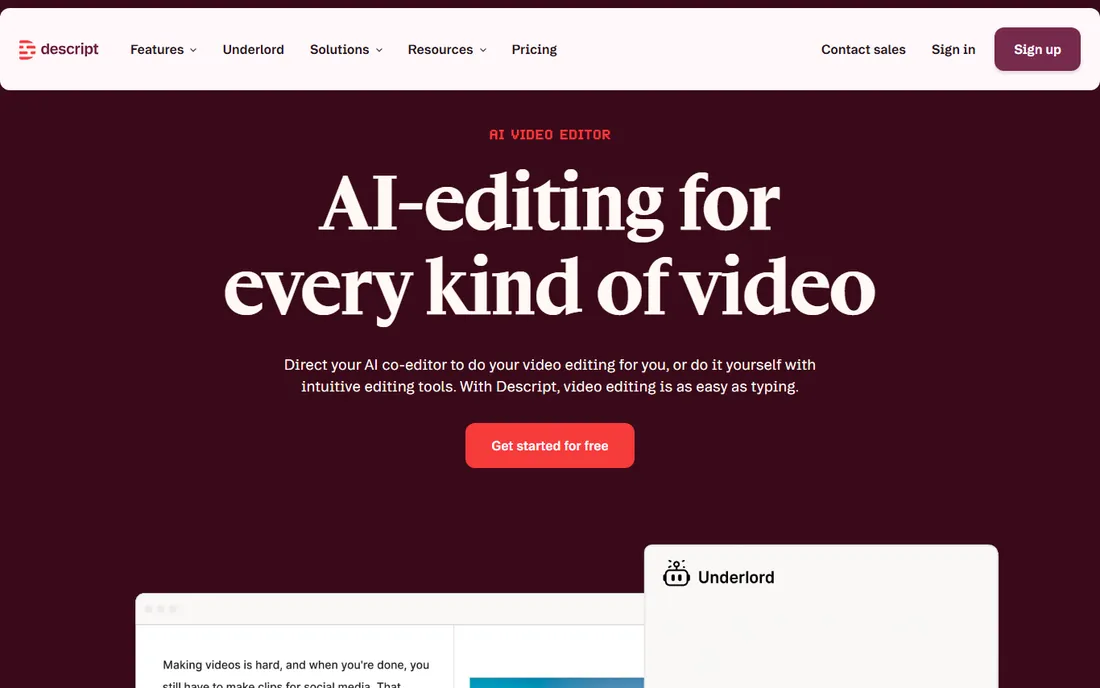
Descript reimagined what transcription is for: instead of producing a document, it produces an editing interface. Delete a sentence in the transcript and it is deleted from the audio; rearrange paragraphs and the video follows. For podcasters and video creators, this collapses the edit workflow dramatically. Studio Sound cleans up noisy recordings, and the AI features keep expanding.
Pricing is creator-friendly: Hobbyist at $16 per month billed annually ($24 month-to-month) includes 10 transcription hours, Creator at $24 ($35) includes 30 hours. The hour caps mean it is not a bulk transcription service; 30 hours covers a serious podcast schedule but not an archive project. If you create content, Descript is transformative. If you just need transcripts, simpler tools cost less.
What we like- Edit audio and video by editing the transcript text
- Studio Sound cleanup
- Overdub voice cloning
Watch out for- Transcription hours capped per plan (10-40 hours)
- Overkill if you only need transcripts
- Learning curve for the editor
Starting price$52 per seat/month (billed annually, Starter)
Free planFree trial (7 days)
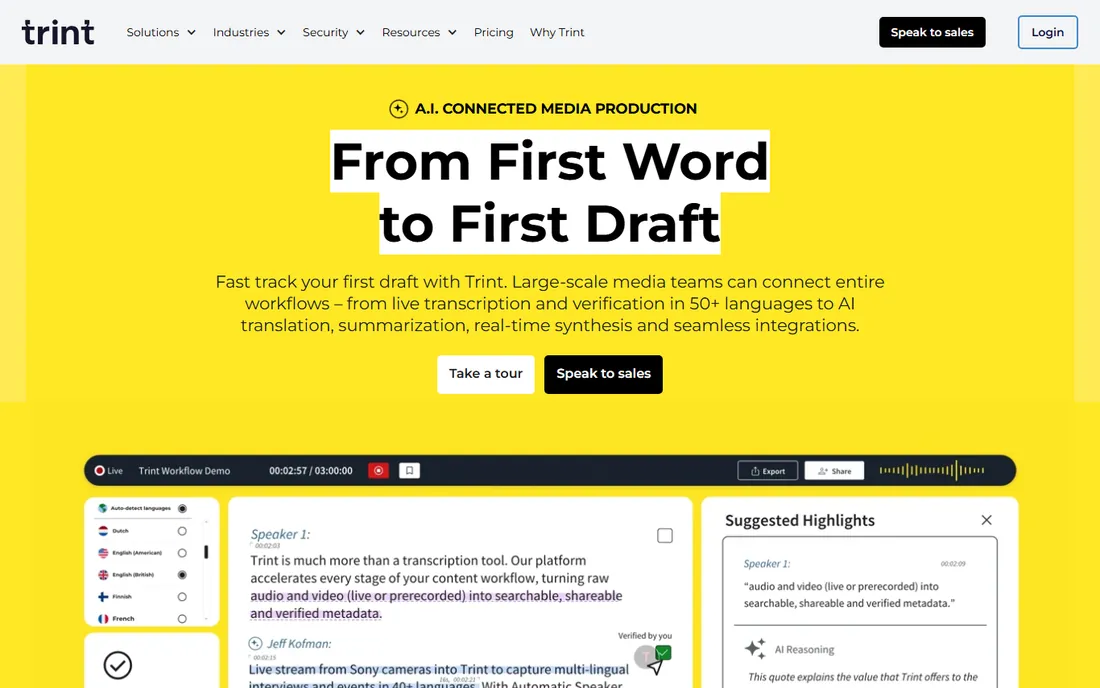
Trint is the newsroom standard: upload hours of interviews, get searchable transcripts fast, and collaborate on edits with producers and fact-checkers. The search-across-transcripts feature is what journalists actually pay for; finding every mention of a name across 40 interviews in seconds changes how stories get built. Advanced at $60 per seat per month billed annually offers unlimited files.
At $52 per seat per month for Starter (7 files), it is the priciest AI transcription here, and there is no free plan beyond a 7-day trial. Media teams, researchers, and anyone working with interview archives at volume will find the workflow worth it. Occasional users should look at pay-as-you-go options like Temi or Sonix.
What we like- Unlimited files on the Advanced plan
- Collaborative editing built for media teams
- Fast quote-finding search
Watch out for- Most expensive AI option here
- No free plan
- 7-file limit on Starter is tight
Starting price$14.99 per month (AI); human from $1.25/min
Free planYes (limited)
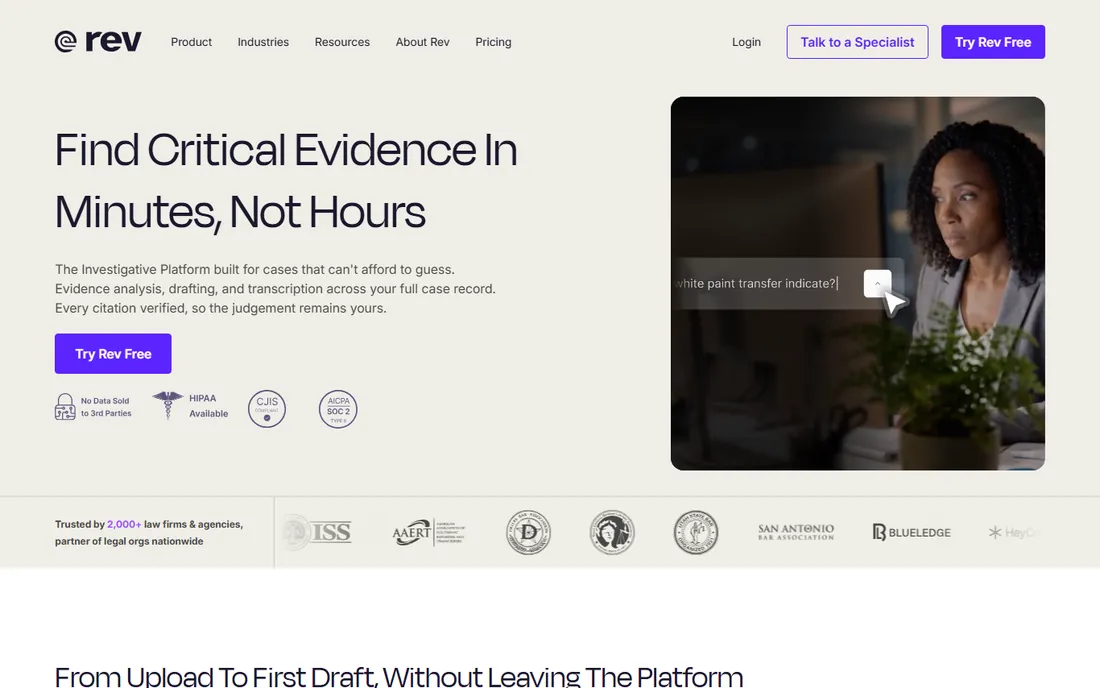
Rev unique selling point is the human layer: when AI accuracy is not enough (legal proceedings, medical research, broadcast captions), professional human transcriptionists deliver 99 percent-plus accuracy from $1.25 per minute. The AI subscription ($14.99 per month) covers everyday needs with an AI notetaker and editor.
The honest math: human transcription at $1.25 per minute means $75 per hour of audio, so reserve it for material where errors have consequences. For routine meetings and content, the AI tier competes with Otter and Notta without clearly beating them on price. Choose Rev when you need both tiers in one vendor: AI for volume, humans for the moments that matter.
What we like- Human transcription at 99%+ accuracy when it matters
- AI tier for everyday needs
- Compliance-grade security options
Watch out for- Human transcription is expensive at scale
- AI tier is unremarkable versus cheaper rivals
Starting price$8.50 per month (billed annually, Basic)
Free planFree trial
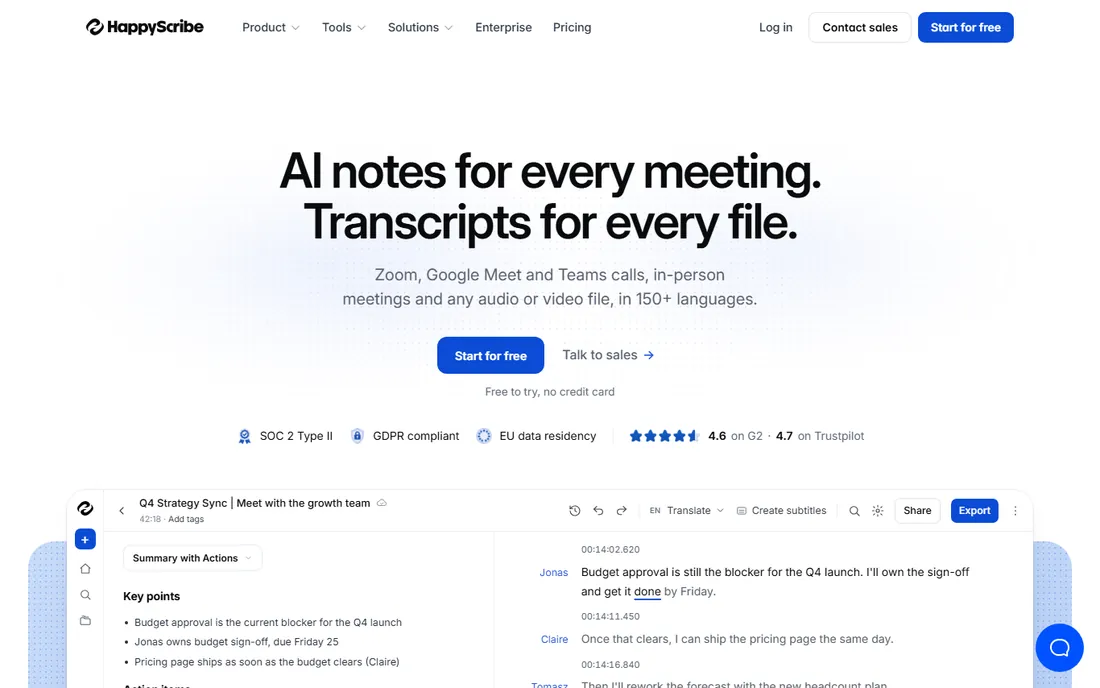
Happy Scribe built its reputation on subtitling and multilingual work: transcribe in 60-plus languages, generate subtitles in multiple formats, and order human proofreading when quality matters. Basic at $8.50 per month billed annually ($17 month-to-month) includes 120 AI minutes; Pro at $19 ($29) includes 600 minutes and 3 seats.
For video creators and teams producing content in multiple languages, the subtitle tooling is the differentiator; pure transcription buyers may find better minute value elsewhere. The hybrid model (AI plus optional human review from around $2 per minute) covers the quality spectrum sensibly. It is the most well-rounded option for international content teams.
What we like- 60+ languages with strong subtitle workflows
- Optional human proofreading
- Interactive editor
Watch out for- Minute allowances are modest on lower tiers
- AI accuracy varies by language
Starting price$8.17 per month (billed annually, Pro)
Free planYes (120 min/month)
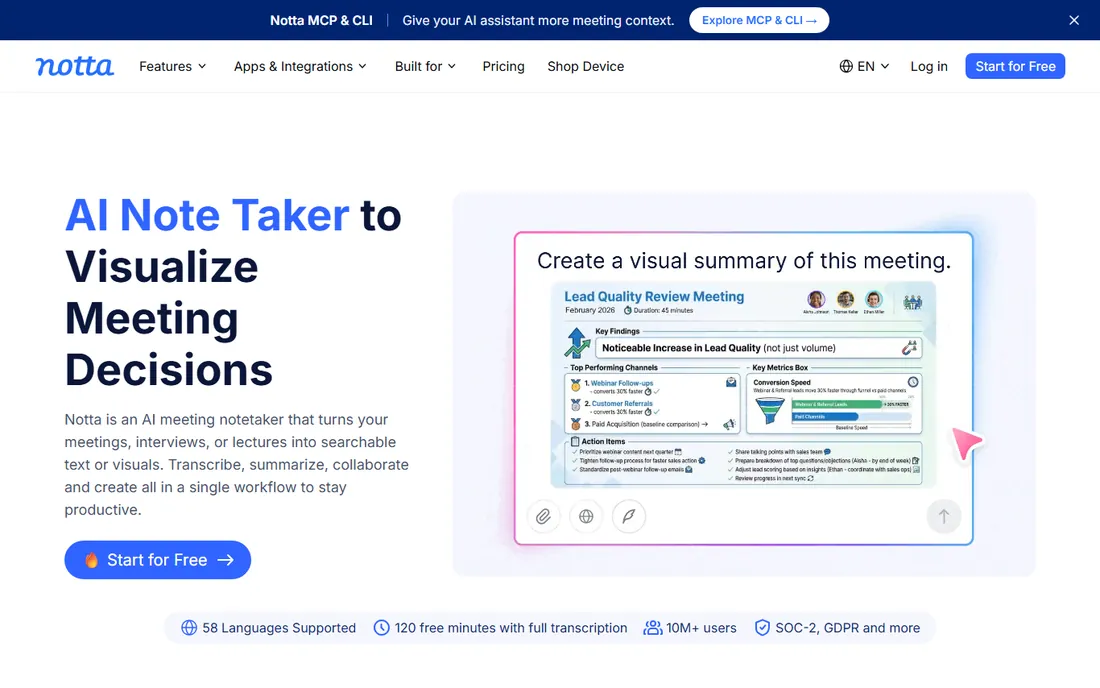
Notta is the value play: 120 free minutes per month beats every competitor free tier, and Pro at about $8.17 per month billed annually ($13.49 month-to-month) includes 1,800 minutes across 58 languages. For multilingual teams and heavy-but-budget-conscious users, the minute math is compelling.
The trade-offs are ecosystem and polish: fewer native integrations than Otter or Fireflies, and AI summaries that lag the leaders. But transcription accuracy is competitive, and for users whose main need is "turn speech into text, cheaply, in many languages," Notta delivers the best price per minute in this guide. It deserves more attention than its brand recognition suggests.
What we like- 120 free minutes monthly, the most generous here
- 58 languages
- 1,800 minutes on the Pro plan
Watch out for- Smaller brand with fewer integrations
- Summary features less mature than Otter
Starting price$22 per month + $5/hour (Premium); or $10/hour pay as you go
Free planFree trial
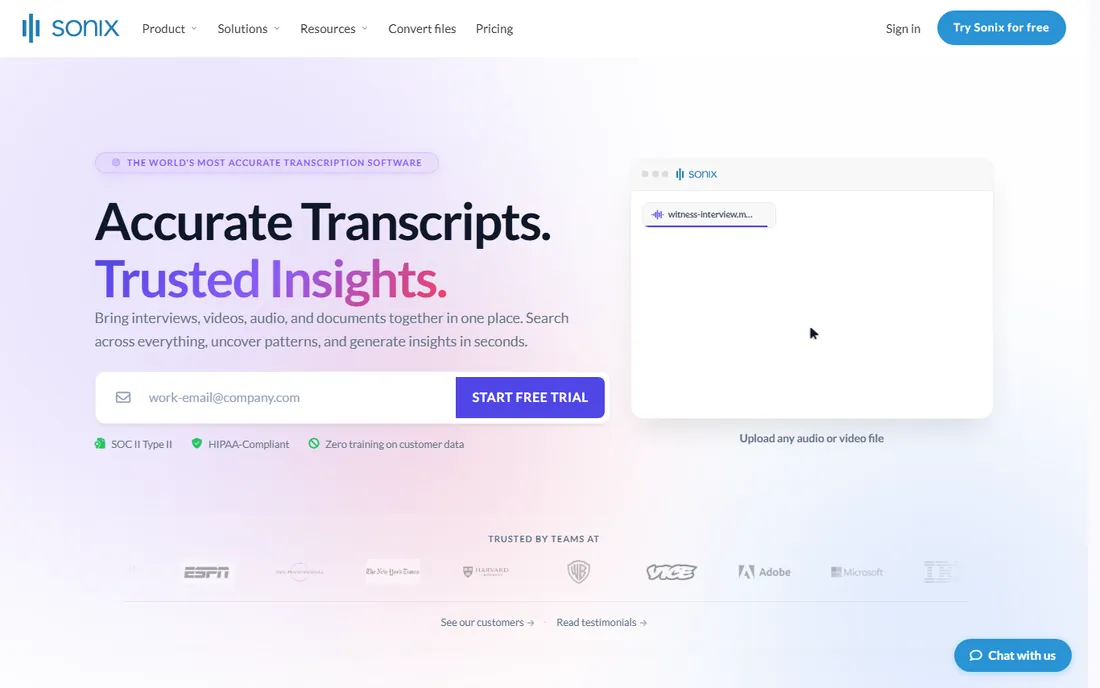
Sonix suits irregular transcription needs: pay $10 per hour with no subscription, or take Premium at $22 per month plus $5 per hour for better rates. That flexibility beats monthly minute caps when your volume swings wildly month to month. Language coverage spans 53-plus languages with translation features.
At steady high volume, subscriptions from Otter, Notta, or Trint cost less per hour; Sonix wins when you transcribe 3 hours one month and 30 the next. The dual pricing (subscription plus hourly) confuses some buyers, so model your actual usage pattern before choosing. For freelancers and researchers with lumpy audio workloads, it is the most flexible option here.
What we like- Flexible hourly pricing with no big commitment
- 53+ languages
- Good for irregular volumes
Watch out for- Hourly costs add up fast at volume
- Subscription plus hourly is confusing
- Less meeting integration
Starting price$0.25 per minute (pay as you go)
Free planNo
Temi (from the Rev team) is transcription at its simplest: upload audio, pay $0.25 per minute, get a transcript in minutes. No subscriptions, no minute caps, no feature menus to learn. For occasional transcription needs, an hour of audio costs $15 with zero commitment, which beats every subscription for infrequent users.
There is deliberately little else: no meeting bot, no collaborative editing, no advanced exports. Accuracy is standard AI level, so proofread anything important. But as the cheapest way to transcribe a single file with no account gymnastics, Temi fills a real niche. Keep it bookmarked for the odd transcription job that does not justify a subscription.
What we like- Simple $0.25 per minute with no subscription
- Fast turnaround
- No commitments
Watch out for- No free tier
- Fewer features than full platforms
- Accuracy is basic AI level
How this shortlist was assembled
We selected tools with significant 2026 adoption across meeting capture, creator workflows, media production, and human transcription, based on practitioner discussion, review platforms, and published comparisons with vendor pricing pages checked in October 2026.
We weighted use-case fit over raw accuracy claims, since vendor accuracy figures are measured under ideal conditions and real-world results vary with accents, crosstalk, and background noise. Prices are presented with billing periods noted because annual-versus-monthly gaps are large in this category. No hands-on transcription testing was performed.
What to check before you buy
Start by classifying your audio: live meetings, uploaded recordings, or both. Meeting tools (Otter, Fireflies) join calls; file tools (Trint, Sonix, Temi) transcribe uploads; Descript serves creators editing media. Buying a meeting tool for an archive project (or vice versa) wastes the subscription.
Next, do honest minute math: estimate monthly transcription hours including growth, then price two or three tools at that volume with the correct billing period. Annual billing typically saves 30 to 50 percent here, the steepest discount in this guide, but only commit annually after a month of real use. Check language support for your actual speakers, verify export formats match your workflow (SRT for video, DOCX for documents), and confirm security compliance if you transcribe sensitive material.
Finally, calibrate accuracy expectations: AI transcription runs 85 to 95 percent on clean audio and drops with accents, overlapping speech, and background noise. Budget proofreading time for anything public-facing, and reserve human transcription (Rev, from $1.25 per minute) for legal, medical, or broadcast work where errors have consequences.
AI vs human transcription: when to pay for people
AI transcription handles the vast majority of needs at roughly $0.10 to $0.25 per minute equivalent: meetings, interviews, content drafts, and research. Human transcription costs $1 to $3 per minute but delivers 99 percent-plus accuracy with proper handling of accents, crosstalk, and domain terminology.
The decision rule is consequence-based: if an error could cause legal, medical, financial, or reputational harm, pay for humans. If the transcript is a working document that a person will review anyway, AI plus proofreading is faster and far cheaper. Many teams use both: AI for everything, human review for the critical 5 percent. Rev and Happy Scribe both offer the hybrid path in one vendor.
Frequently asked questions
How accurate is AI transcription in 2026?
On clean, single-speaker audio, leading tools claim 90 to 98 percent accuracy; independent testing on real meetings typically shows 85 to 92 percent. Accents, overlapping speakers, and background noise reduce accuracy significantly. Always proofread transcripts that will be published or shared externally.
What is the cheapest transcription software?
For occasional use, Temi at $0.25 per minute with no subscription is cheapest. For regular use, Notta Pro (about $8.17 per month billed annually for 1,800 minutes) offers the best minute value, and its 120-minute free tier is the most generous available.
Can transcription software handle multiple speakers?
Yes, with limits. Most tools offer speaker diarization (labeling who said what), which works well with distinct voices and clear turn-taking. Overlapping speech, similar voices, and large panels degrade results. For panel discussions, expect to correct speaker labels manually.
Do I need a subscription or is pay-as-you-go better?
Subscriptions win for steady volume (roughly 5-plus hours per month); pay-as-you-go (Temi, Sonix hourly) wins for irregular or occasional needs. Calculate your monthly hours honestly, then compare the per-hour cost of each model before committing.
Which transcription tool is best for video subtitles?
Happy Scribe and Descript lead on subtitle workflows: multi-format exports (SRT, VTT), timing controls, and translation. Descript if you also edit the video; Happy Scribe if subtitling in multiple languages is the job.
Is my meeting audio private and secure?
Policies vary by vendor: check data retention, whether audio trains their models, and compliance certifications (SOC 2, GDPR) before transcribing sensitive material. Enterprise and legal users should prefer vendors with explicit security documentation and data processing agreements.
Sources we checked (5)
- https://dev.to/stimlau/best-ai-transcription-tool-in-2026-6-tested-for-accuracy-and-price-4b5d
- https://www.transcribetube.com/blog/rev-ai-alternatives
- https://www.happyscribe.com/blog/best-5-trint-alternatives-for-2026
- https://www.notta.ai/en/blog/sonix-ai-alternative
- https://otter.ai/blog/best-speech-to-text-app?28959088_page=4
Is your product missing or out of date?
We review this list regularly. Vendors can request a listing, send updated pricing or ask about featured placement.

Shihab Mia · Founder, Rankite
Shihab has spent more than a decade helping SaaS and e-commerce brands grow through search. He writes Rankite's software buying guides from pricing pages, documentation and public user reviews. More about Shihab.