How we make this list: we compare pricing pages, product documentation and public user reviews. Rankite is independent; if a vendor ever pays for a featured spot, that listing is clearly labeled Partner.
Key takeaways
- For meetings, the fight is Otter.ai (Pro from $16.99/user/month) against Rev (Essentials $29.99/seat/month): Otter is cheaper and joins calls automatically, Rev adds a human-transcription upgrade when accuracy matters.
- If you transcribe files instead of meetings, Sonix ($10/hour, pay as you go) is the simplest honest pricing on this list, and Rev's AI option at $0.25/minute works for occasional volume.
- Dictation is a separate job: Dragon Professional v16 (Nuance) remains the classic desktop dictation program, while Philips SpeechLive ($16.90/user/month billed annually) is built for law firms and medical practices with a typist workflow.
- Developers building transcription into a product should compare AssemblyAI (from $0.15/hour) and Deepgram (from $0.26/hour); both include generous free credits.
- Do not pay for anything before trying the free built-ins: Google Docs Voice Typing and Microsoft Dictate handle basic dictation at no cost.
Quick comparison
| Tool | Best for | Starting price | Free plan |
|---|
 Otter.ai Otter.ai | Teams that live in meetings | $16.99/user/month ($8.33/user/month billed annually, Pro) | Yes (Basic: 300 transcription minutes/month) |
 Descript Descript | Podcasters and video teams | $16/month ($24 month-to-month, Hobbyist, billed annually) | Yes (1 media hour/month, watermarked exports) |
 Rev Rev | Occasional files and meetings, with human backup | $29.99/seat/month (Essentials; $25.49 billed annually) | Yes (45 AI transcription minutes/month) |
 Sonix Sonix | Teams that transcribe files in bulk | $10/hour (pay as you go, Standard) | Free trial (30 minutes, no credit card) |
 Dragon Professional Dragon Professional | Professionals who dictate documents all day | See website | No |
 Philips SpeechLive Philips SpeechLive | Law firms, clinics and survey teams with typists | $16.90/user/month (Basic, billed annually) | Free trial |
 Google Docs Voice Typing Google Docs Voice Typing | Free dictation for anyone with a Google account | Free | Yes |
 Microsoft Dictate Microsoft Dictate | Microsoft 365 households and offices | Free | Yes |
 AssemblyAI AssemblyAI | Developers building transcription into products | $0.15/audio hour (Universal-2, pay as you go) | Yes ($50 in free credits, no card required) |
 Deepgram Deepgram | Developers needing fast, low-latency voice APIs | $0.26/audio hour (Nova-3 pre-recorded, pay as you go) | Yes ($200 in free credits) |
Is your product missing or out of date?
We review this list regularly. Vendors can request a listing, send updated pricing or ask about featured placement.
The best speech to text software
Speech to text is three different jobs wearing one name, and most buyers pick the wrong category first. There is meeting transcription, where a bot listens and writes down who said what. There is dictation, where you speak and the software types. And there is file transcription, where you upload audio and get text back. Each job has its own best tools, its own pricing model, and its own limits. The ten tools below cover all three, with the pricing catches marked so you compare the real cost.
Starting price$16.99/user/month ($8.33/user/month billed annually, Pro)
Free planYes (Basic: 300 transcription minutes/month)
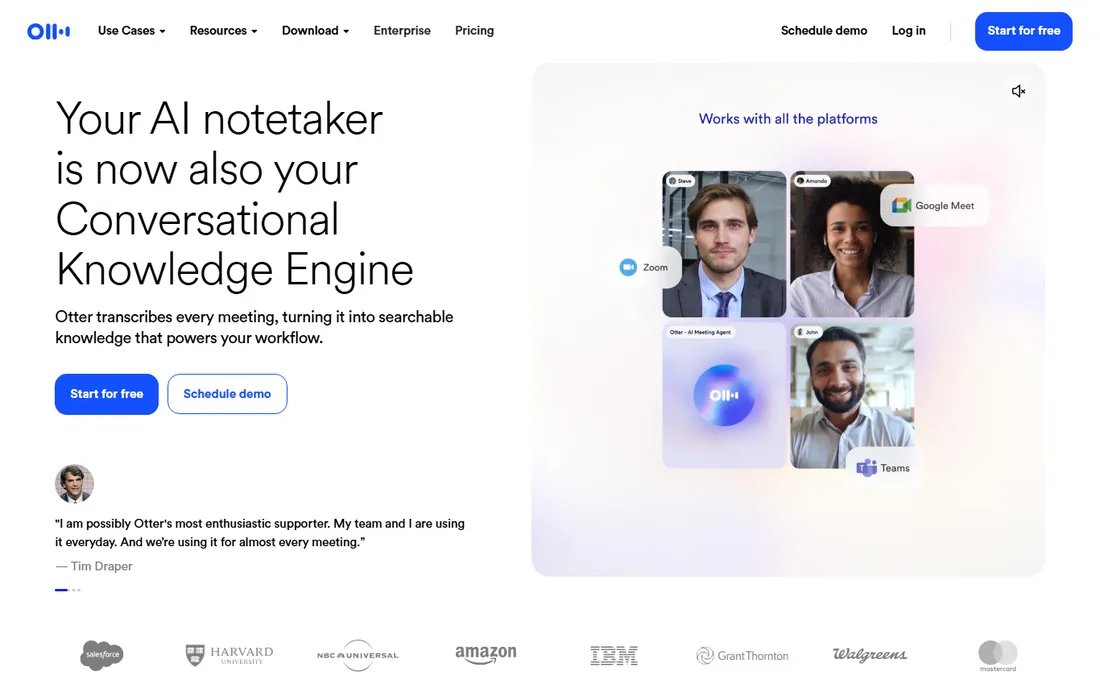
Most business buyers land on Otter because of the meeting bot. You connect your calendar, OtterPilot joins your Zoom, Google Meet or Microsoft Teams calls on its own, and a searchable transcript with AI summaries lands in your inbox when the call ends. For founders, agencies and sales teams, that automatic capture is the feature that justifies the subscription.
The free Basic plan is a genuine trial, but the limits are tight: 300 minutes a month, 30 minutes per conversation, three lifetime file imports and only your 25 most recent conversations kept in history. A single one-hour meeting already breaks the per-conversation cap. Pro at $16.99 per user per month ($8.33 billed annually) lifts that to 1,200 minutes and 90-minute meetings; Business at $30 ($19.99 annual) removes the caps. Check Otter's pricing page before you buy, because promotions appear and disappear often.
What we like- OtterPilot joins Zoom, Meet and Teams calls automatically
- AI summaries with action items
- Six languages supported
Watch out for- Free plan caps meetings at 30 minutes each, which cuts off most real calls
- Accuracy drops with accents and crosstalk
Starting price$16/month ($24 month-to-month, Hobbyist, billed annually)
Free planYes (1 media hour/month, watermarked exports)
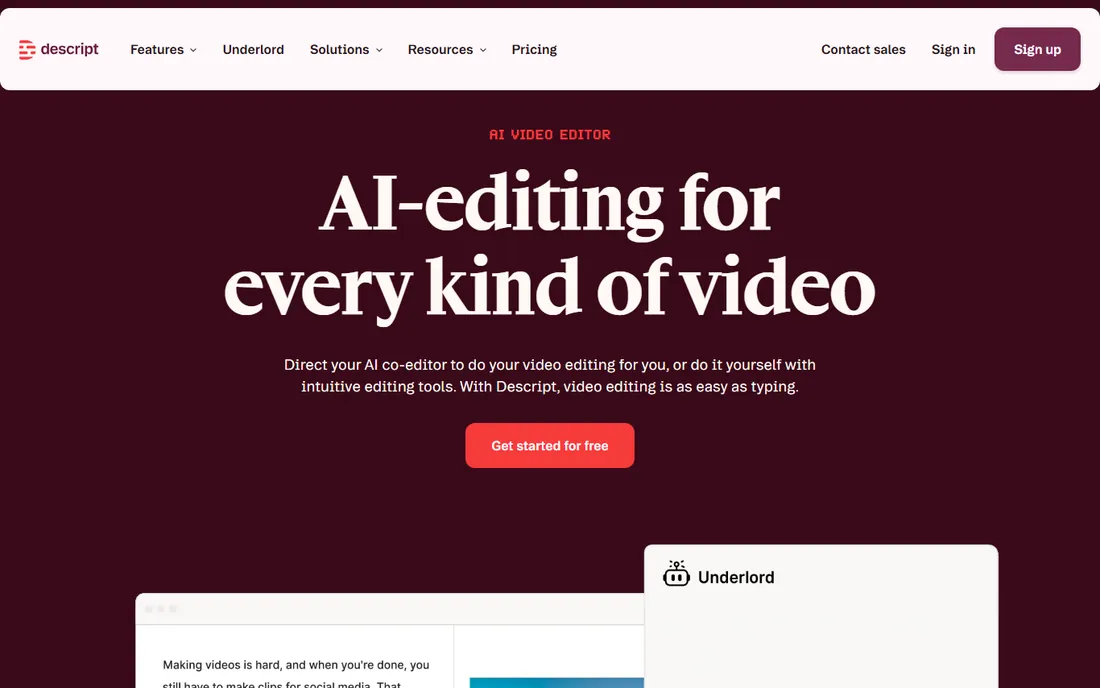
Descript approaches transcription from the opposite direction: you are here to edit media, and the transcript is the editing interface. Delete a sentence in the transcript and the audio goes with it. Underlord, its AI assistant, can cut silences, remove filler words, clone your voice for corrections and turn clips into captioned social posts. For podcasters and course creators this replaces a full editing toolchain, and the transcription itself is strong on clean audio.
The pricing page is where you need to slow down. Every paid plan meters two things: media hours (everything you upload or record) and AI credits (spent on AI features). Hobbyist at $16 per person per month (annual) gives 10 media hours and 400 AI credits; Creator at $24 gives 30 hours and 800; Business at $50 gives 40 hours and 1,500. If all you want is transcripts of finished recordings, you are paying for an editor you do not use. Sonix or Rev will be cheaper for that job.
What we like- Edit audio and video by editing the transcript
- Studio Sound cleanup and filler-word removal
- Transcription in 25-plus languages
Watch out for- Pricing is per person, not per workspace, and the two usage meters (media hours, AI credits) take a month to understand
#3
Rev
Best for: Occasional files and meetings, with human backup
Visit rev.com
Starting price$29.99/seat/month (Essentials; $25.49 billed annually)
Free planYes (45 AI transcription minutes/month)
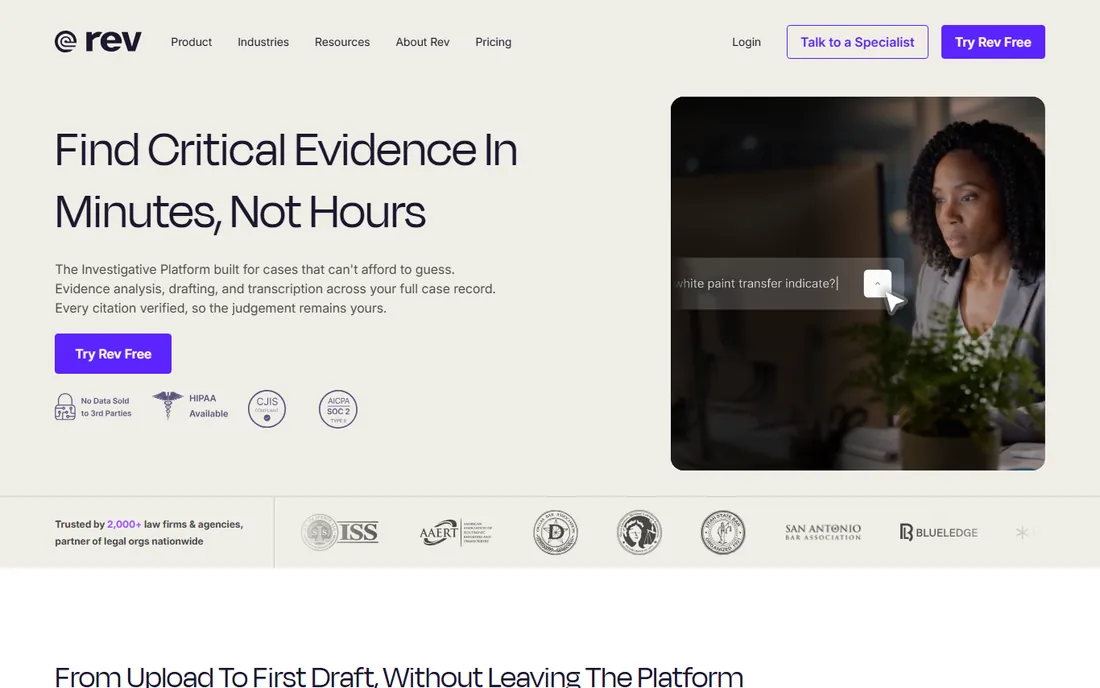
Rev is the only name on this list where you can order a human to check the machine's work, and that is its real advantage. The AI transcription handles everyday files, and when a transcript matters (a legal deposition, a published interview, captions for broadcast), you upgrade the same file to human transcription at $1.99 per minute with a 99 percent accuracy guarantee.
Rev rebuilt its pricing around subscriptions. Essentials at $29.99 per seat per month ($25.49 annual) bundles thousands of AI minutes; Pro at $59.99 ($47.99 annual) goes further; pay-as-you-go AI transcription is $0.25 per minute. The free tier gives 45 AI minutes a month, which is enough to test the editor. If your volume is truly occasional, pay-as-you-go is simpler than any subscription.
What we like- One-click upgrade from AI to 99 percent human transcription ($1.99/minute)
- VoiceHub meeting notetaker
- Captions and subtitles in the same account
Watch out for- AI subscription pricing per seat gets expensive for large teams
- The cheapest entry is pay-per-minute, which adds up fast
Starting price$10/hour (pay as you go, Standard)
Free planFree trial (30 minutes, no credit card)
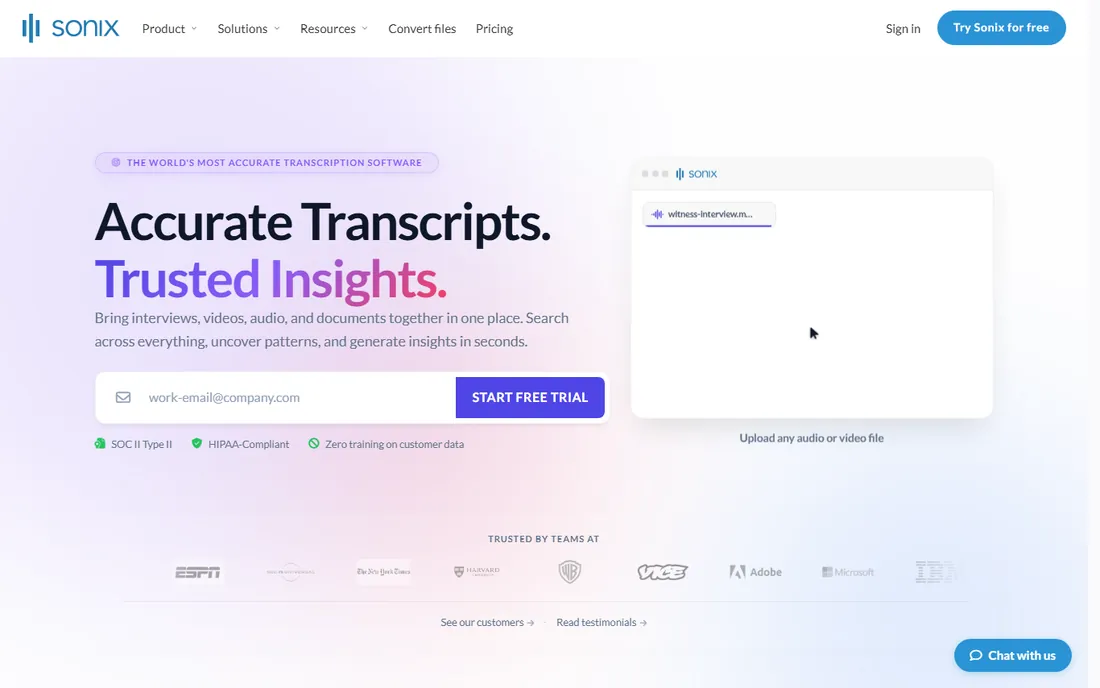
Sonix keeps the pricing model deliberately simple: you pay per hour of audio, not per seat. Standard transcription costs $10 per audio hour with no subscription at all, and Premium drops the rate to $5 per hour plus $22 per user per month. There are no monthly caps, and the free trial gives 30 minutes with full features and no watermark, which is generous.
What Sonix does not do is live meetings in the Otter style; it transcribes recordings and uploads, though it integrates with Zoom, Teams and Meet recordings. Its strengths are file transcription, automated translation across 39-plus languages, subtitles and a real AI analysis layer (summaries, topic detection, sentiment). For journalists, researchers and content teams sitting on hours of interview audio, the per-hour math is transparent in a way subscriptions are not.
What we like- Honest per-hour pricing with no subscription required
- 53-plus languages
- Automated summaries, translation and subtitles in one editor
Watch out for- No live meeting bot in the Otter sense
- The Premium plan ($22/user/month) only makes sense above a few hours a month
#5
Dragon Professional
Best for: Professionals who dictate documents all day
Visit nuance.com
Starting priceSee website
Free planNo
Dragon is the outlier here: a desktop program you install instead of a service you log into. Dragon Professional v16 is the long-running standard for serious dictation on Windows, built for lawyers, doctors and consultants who produce long documents by voice. It dictates directly at the cursor in Word, Outlook and other applications, follows voice commands for formatting and editing, and its engine adapts to your voice and vocabulary over time. Because it runs locally, it works offline and keeps audio on the machine.
The catch is commercial and practical. Dragon is Windows only, third-party sellers list v16 around $699 for a one-time license, and Nuance does not publish a simple price on its own product pages. That is why the price field here says see website: check the Nuance store or an authorized reseller for the current figure before budgeting. If you dictate occasionally rather than all day, the free built-ins below cover most of the need.
What we like- Dictates directly into any Windows application with voice commands
- Deep-learning engine that adapts to your voice
- No internet required for core dictation
Watch out for- Windows only
- Sold per license at a premium price, and the exact current price is not published on Nuance's own pages
#6
Philips SpeechLive
Best for: Law firms, clinics and survey teams with typists
Visit speechlive.com
Starting price$16.90/user/month (Basic, billed annually)
Free planFree trial
SpeechLive exists for one professional ritual: dictate, hand the audio to a typist, get the document back. Authors record on a phone app, a browser recorder or a professional dictation microphone; the audio uploads to the cloud; typists receive tasks with status tracking; and an optional speech recognition add-on transcribes automatically with an AI assistant. It supports 17 languages, and the legal version ships with templates and document drafting trained on legal terminology.
Basic at $16.90 per user per month (billed annually) covers up to 10 users with mobile recording and file upload; Pro at $21.90 adds the browser recorder and task assignment for up to 25 users; Enterprise at $26.90 is unlimited. The speech recognition add-on is $34.90 more per user per month. Prices exclude VAT and the minimum contract is 12 months. Solo lawyers and clinicians should price the add-on before committing, since dictation without recognition is only half the promise.
What we like- Full dictation-to-typist workflow with task assignment and tracking
- Optional speech recognition add-on with unlimited usage
- Mobile and browser recorders
Watch out for- Minimum 12-month contract
- The speech recognition add-on (+$34.90/user/month) nearly triples the price
#7
Google Docs Voice Typing
Best for: Free dictation for anyone with a Google account
Visit docs.google.com
Starting priceFree
Free planYes
The cheapest entry on this list is already on your computer. Open a Google Doc in Chrome, pick Tools then Voice typing, click the microphone, and start talking. It handles dozens of languages, punctuates reasonably on short sentences and costs nothing with no minute caps. For students, freelancers and anyone who writes drafts by talking through them, it is genuinely useful.
The limits are the container, not the engine. Voice typing only works inside Google Docs, voice formatting commands are fiddly, and accuracy falls off on technical vocabulary and long complex sentences. You also need Chrome and a stable connection. Many buyers discover the free tool covers 80 percent of their need.
What we like- Completely free with no minute limits
- Works in Chrome with a microphone
- Supports dozens of languages
Watch out for- Only works inside Google Docs
- Formatting by voice is clumsy
- Needs an internet connection and Chrome
Starting priceFree
Free planYes
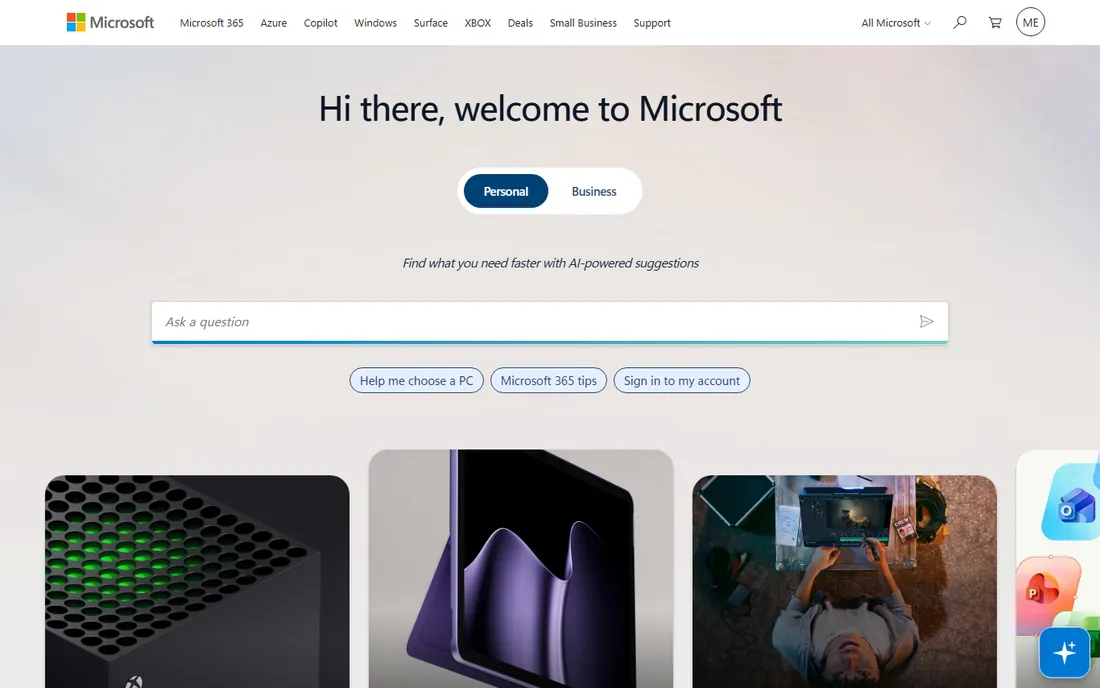
If your company runs on Microsoft 365, Dictate is the path of least resistance. It is built into Word, Outlook, OneNote and PowerPoint: press the microphone button on the Home tab and speak. The web versions of the Office apps include dictation free with a Microsoft account, while the desktop apps require a Microsoft 365 subscription.
Dictate will not replace Dragon for all-day dictation, and its language list is narrower than Google's. But for meeting notes, email drafts and comments inside documents you already live in, it is already paid for. This is the "best free speech to text software" answer for offices that standardized on Microsoft: the tool is sitting in the ribbon.
What we like- Built into Word, Outlook, OneNote and PowerPoint
- Free in the web versions of Office
- Auto-punctuation and voice commands for formatting
Watch out for- Desktop dictation needs a Microsoft 365 subscription
- Weaker language coverage than Google's
- Enterprise features lag
Starting price$0.15/audio hour (Universal-2, pay as you go)
Free planYes ($50 in free credits, no card required)
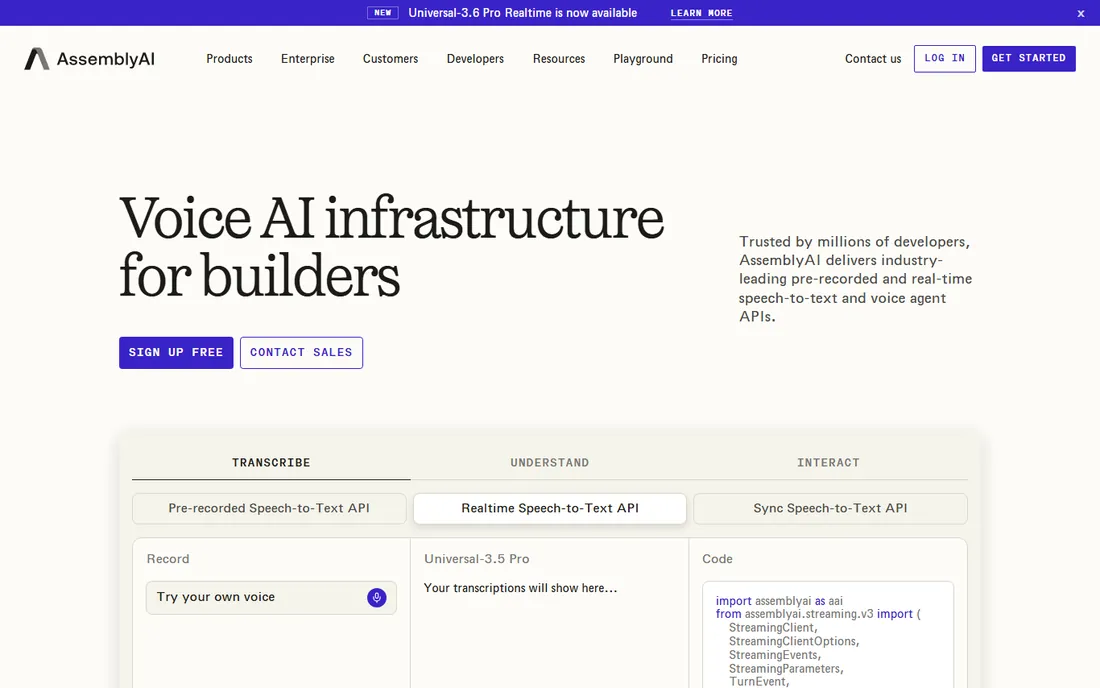
Developers reach for AssemblyAI when transcription is a feature inside a product, not a tool someone opens. You send audio to an API and get back text plus, optionally, a whole layer of audio intelligence: speaker diarization, sentiment analysis, topic detection, PII redaction, summaries. The rate card is public and honest: Universal-2 pre-recorded transcription at $0.15 per hour, Universal-3.5 Pro at $0.21 per hour, streaming from $0.45 per hour, all billed per second with no minimums. New accounts get $50 in credits without a card, roughly 185 hours of base transcription.
The honest math includes the add-ons. Diarization adds about $0.02/hour, PII redaction $0.08/hour, topic detection $0.15/hour, and they stack. A feature-rich pipeline can cost several times the base rate. If you need a consumer-facing transcription product, buy one of the tools above. If you need transcription inside your own software, AssemblyAI and Deepgram are the two serious answers.
What we like- Extremely cheap at scale ($0.15 to $0.21/hour for pre-recorded)
- Audio intelligence add-ons (summaries, sentiment, PII redaction, entities)
- Per-second billing with no minimums
Watch out for- API only, no consumer app
- Add-on features stack up fast on top of the base rate
- Streaming costs more than batch
Starting price$0.26/audio hour (Nova-3 pre-recorded, pay as you go)
Free planYes ($200 in free credits)
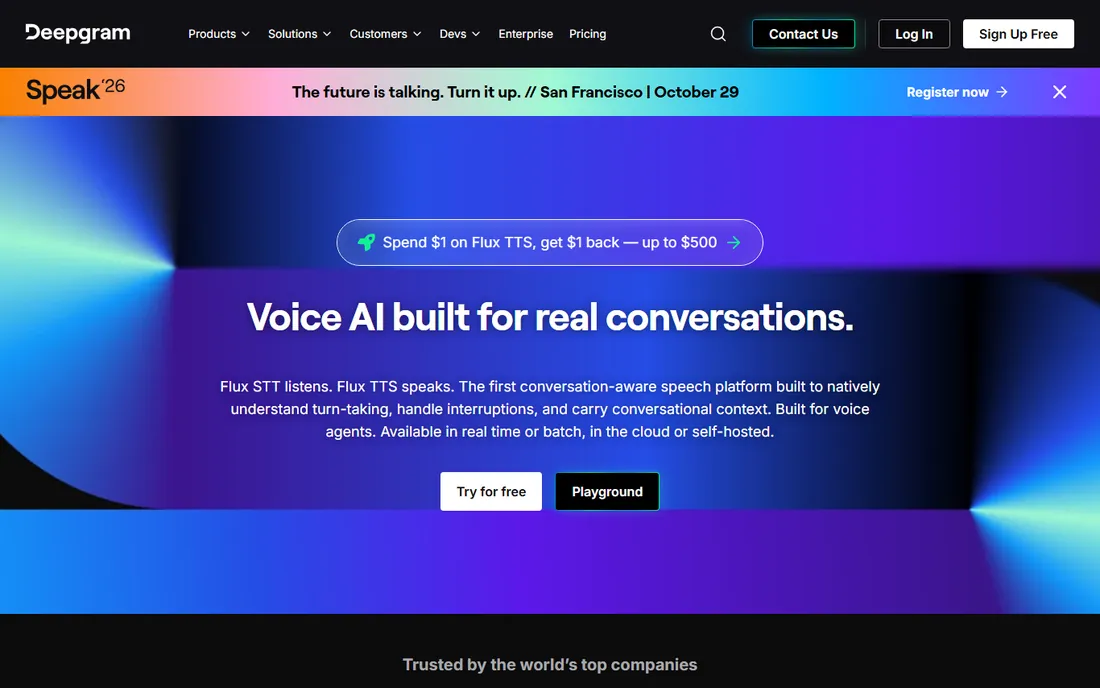
Deepgram competes with AssemblyAI on the same turf: a fast API for turning audio into text at scale. Its calling card is latency. Streaming transcription lands in the 200 to 300 millisecond range end to end, which matters for live captioning, voice agents and call-center assist. The model menu runs deeper than AssemblyAI's, with tuned variants like Nova-3 Medical and phone-call models for telephony audio; diarization is included on pre-recorded audio.
Pricing starts at $0.26 per audio hour for Nova-3 pre-recorded on pay-as-you-go, with $200 in free credits to start. Streaming runs about $0.46 per hour at standard rates, and promotional streaming rates can be lower if you qualify on volume. AssemblyAI wins on audio-intelligence breadth; Deepgram wins on latency and domain-tuned models.
What we like- Low streaming latency in the 200 to 300 millisecond range
- Domain-tuned models (medical, phone-call)
- Diarization included on pre-recorded audio
Watch out for- Streaming costs roughly double pre-recorded
- Promotional rates can make the pricing page harder to read than it should be
How we chose
We did not run a lab test. Instead we did what a careful buyer does: we opened each vendor's pricing page and plan documentation, read public reviews on G2 and Capterra plus long discussion threads on Reddit, compared feature lists and integration pages, and matched each tool to the company size and job it actually fits. Every price above comes from the vendor's own published pricing or a clearly labeled third-party check of that page, dated October 2026. Prices move, especially promotional annual rates, so confirm the current page before you buy.
Buyers overpay when they shop by feature list instead of by job. Start with the workflow. If the work is live meetings, you need a bot that joins calls and a summary you can skim: Otter.ai and Rev's VoiceHub are the two to trial. If the work is uploaded files, you need an editor and a per-hour price: Sonix, Rev and Descript, in that order of simplicity. If the work is you talking at your computer, you need dictation, and the answer is free (Google Docs, Microsoft Dictate) unless you dictate for hours a day, in which case Dragon or SpeechLive earn their price. If the work is inside software you are building, you need an API: AssemblyAI or Deepgram.
Two questions settle most shortlists. First, do you need live capture or file upload? Live capture means a meeting bot; file upload means an editor. Second, what happens to the transcript? If it feeds notes and summaries, the AI layer matters. If it becomes captions or a published article, accuracy and human review matter more, and Rev's human tier is the honest answer.
Where the free plans end
Every free plan on this list is designed to convert you, and the conversion point is the minute cap. Google Docs Voice Typing and Microsoft Dictate are the exceptions: genuinely free with no meter, because you are already the customer of something else. Everywhere else, the free tier is a trial with a clock. Otter's 300 minutes a month sounds generous until the 30-minute per-meeting cap cuts off your weekly standup. Rev's 45 free minutes cover about one interview. Descript's one media hour covers a single short episode.
Run the same real recording through two or three free tiers and count your own corrections. Accuracy claims are measured on clean audio, and your audio is not clean. Ten minutes testing with your own microphone, accent and room noise tells you more than any review. When you do pay, match the billing model to your pattern: steady daily use favors subscriptions, spiky project work favors pay-per-hour or pay-per-minute, and anything inside software you ship favors an API.
Frequently asked questions
What is the best free speech to text software?
For dictation, Google Docs Voice Typing and Microsoft Dictate are both genuinely free with no minute limits, inside Google Docs and the web versions of Office respectively. For meeting transcription, Otter.ai's free plan gives 300 minutes a month but caps each meeting at 30 minutes. For file transcription, Rev offers 45 free AI minutes a month and Sonix gives a 30-minute full-feature trial. Try the free options on your own recordings before paying.
How accurate is AI speech to text in 2026?
On clear single-speaker audio with a good microphone, the leading engines claim 95 to 99 percent accuracy, and independent checks land in the low to mid 90s. Real-world results depend on your audio: background noise, crosstalk, heavy accents and technical vocabulary all pull accuracy down. The practical test is to transcribe ten minutes of your own typical recordings and count the corrections.
What is the difference between transcription and dictation software?
Transcription software converts recordings or live meetings into text after the fact, with speaker labels, timestamps and editing. Dictation software converts your live speech into typed text as you speak, directly into documents. Otter.ai, Rev and Sonix are transcription tools; Dragon Professional and Philips SpeechLive are dictation tools; Descript is a transcription-powered editor.
Which speech to text tool is best for meetings?
Otter.ai is the most established meeting transcription tool, with an automatic bot for Zoom, Meet and Teams and AI summaries, starting at $16.99 per user per month. Rev's VoiceHub is the main alternative and adds the option of human transcription when accuracy matters. If you just need occasional meeting transcripts, Otter's free plan or Rev's pay-as-you-go AI minutes may be enough.
What should developers use for speech to text APIs?
AssemblyAI and Deepgram are the two leading developer options in 2026. AssemblyAI starts at $0.15 per audio hour with a broad audio-intelligence add-on menu; Deepgram starts at $0.26 per hour with lower streaming latency and domain-tuned models. Both offer generous free credits ($50 and $200 respectively) with no credit card required. OpenAI's Whisper is the free open-source alternative if you can host it yourself.
Is Dragon still worth buying?
Dragon Professional remains the standard for heavy daily dictation on Windows, with offline dictation and deep voice-command control that cloud tools do not match. For occasional dictation it is overkill; Google Docs Voice Typing or Microsoft Dictate cover that for free. Check Nuance's current store price before deciding, since the company has moved some sales to subscription and no longer publishes a simple list price.
Sources we checked (15)
- https://MeetGeek.ai/blog/otter-ai-pricing
- https://www.laxis.com/blog/otter-ai-review/
- https://1of10.com/blog/descript-pricing/
- https://aiwisepicks.com/ai-audio/rev-ai-review/
- https://www.happyscribe.com/blog/best-turboscribe-alternatives
- https://sonix.ai/resources/descript-review-pricing/
- https://sonix.ai/resources/best-ai-tools-for-transcription/
- https://sonix.ai/resources/happy-scribe-review/
- https://www.getapp.com/collaboration-software/a/speechlive/
- https://www.speechlive.com/us/pricing/?dId=Mzg4NDQ
- https://www.assemblyai.com/blog/speech-recognition-cost
- https://l8bites.com/blog/ai-transcription-tools-compared-whisper-deepgram-assemblyai-gladia-2026
- https://brasstranscripts.com/blog/deepgram-pricing-per-minute-2025-real-time-vs-batch
- https://www.umevo.ai/blogs/ume-all-posts/otter-vs-google-recorder-vs-rev-voice-recorder-best-ai-transcription-app-2026
- https://dev.to/stimlau/best-ai-transcription-tool-in-2026-6-tested-for-accuracy-and-price-4b5d
Is your product missing or out of date?
We review this list regularly. Vendors can request a listing, send updated pricing or ask about featured placement.

Shihab Mia · Founder, Rankite
Shihab has spent more than a decade helping SaaS and e-commerce brands grow through search. He writes Rankite's software buying guides from pricing pages, documentation and public user reviews. More about Shihab.