How we make this list: we compare pricing pages, product documentation and public user reviews. Rankite is independent; if a vendor ever pays for a featured spot, that listing is clearly labeled Partner.
Key takeaways
- DocuSign ($10/month Personal, $25/user/month Standard annual) remains the industry standard, but its envelope caps (5/month Personal, 100/user/year Standard) push heavy senders to unlimited plans.
- signNow ($8/user/month annual) and Zoho Sign (free tier, paid from $10/user/month) are the cheapest credible per-seat options for small teams.
- Dropbox Sign ($15/month annual) and Xodo Sign ($10/user/month annual) offer unlimited signing, which suits teams that send high document volumes.
- PandaDoc ($19/user/month annual) is the pick when you need document creation and proposals alongside signatures, not just signing.
Quick comparison
| Tool | Best for | Starting price | Free plan |
|---|
 DocuSign DocuSign | Companies that need the most recognized signature brand | $10/month (Personal); $25/user/month (Standard, billed annually) | Free trial |
 PandaDoc PandaDoc | Sales teams that create proposals, quotes and contracts | $19/user/month (Starter, billed annually) | Yes (free e-sign tier) |
 Dropbox Sign Dropbox Sign | Teams that want simple, unlimited signing | $15/month (Essentials, billed annually) | Yes (3 documents/month free) |
 signNow signNow | Small businesses that want core e-signing at the lowest per-seat price | $8/user/month (billed annually) | Free trial |
 Adobe Acrobat Sign Adobe Acrobat Sign | Teams already working in Adobe Acrobat and PDF workflows | $16.99/month (Standard, billed annually) | Free trial |
 Signeasy Signeasy | Mobile-first teams that sign on the go | $10/user/month (billed annually) | Free trial |
 Xodo Sign Xodo Sign | Teams that want unlimited signing affordably | $10/user/month (billed annually) | Yes |
 Zoho Sign Zoho Sign | Teams already running on Zoho apps | Free tier; $10/user/month (paid plans) | Yes |
 SignRequest SignRequest | European teams and budget-conscious businesses | $9/user/month (Professional, billed annually) | Yes (10 documents/month free) |
Is your product missing or out of date?
We review this list regularly. Vendors can request a listing, send updated pricing or ask about featured placement.
The best signatures software
Electronic signature software sends documents, collects legally binding signatures and keeps an audit trail, without printing or scanning. Prices in 2026 run from free to $25/user/month, and the real differentiators are envelope limits, unlimited signing, and whether the tool also creates the documents. These nine cover the market.
#1
DocuSign
Best for: Companies that need the most recognized signature brand
Visit docusign.com
Starting price$10/month (Personal); $25/user/month (Standard, billed annually)
Free planFree trial
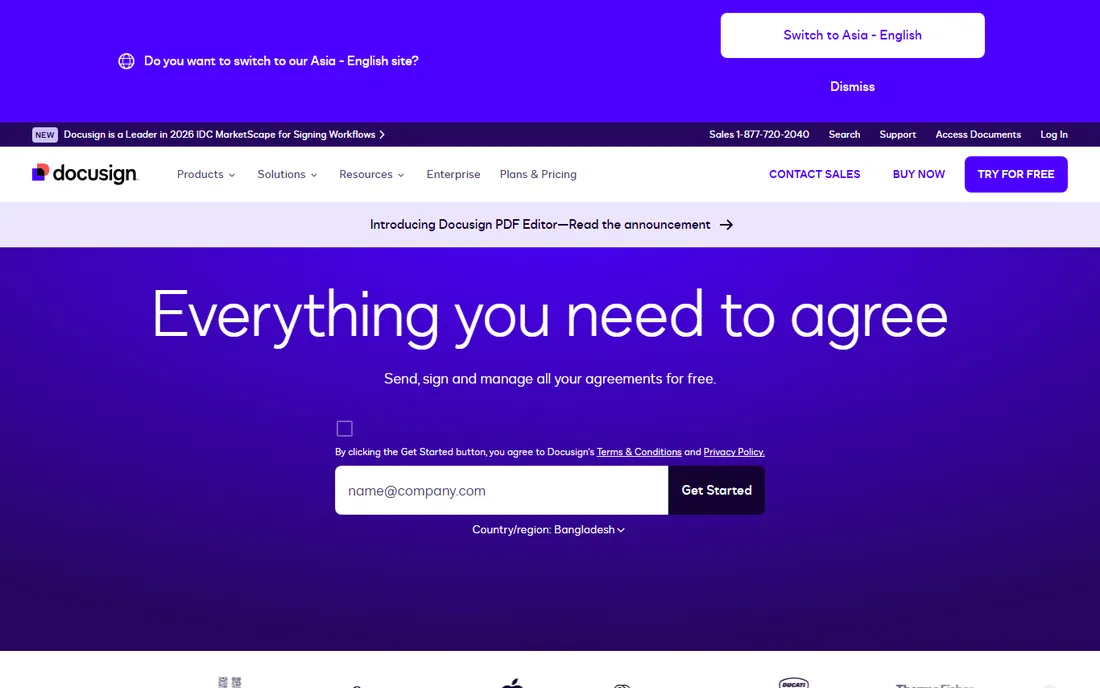
DocuSign is the default e-signature brand: when a client or partner sees a signing request, DocuSign is the name they trust. The Personal plan at $10/month covers 5 envelopes a month; Standard at $25/user/month (annual) covers 100 envelopes per user per year. Integrations number in the thousands, covering every major CRM, cloud storage and productivity tool.
The envelope caps are the honest catch. Teams that send hundreds of documents a year either pay for higher tiers or accept per-envelope overages. For compliance-heavy industries and enterprises where counterparty recognition matters, DocuSign's brand and certification depth justify the price.
What we like- The widest integration ecosystem and the most recognized signature brand for counterparties
- Strong compliance certifications
- Envelope tracking and templates mature
Watch out for- Envelope caps (5/month on Personal, 100/user/year on Standard)
- Per-seat pricing gets expensive for large teams
- Monthly billing runs much higher than annual
#2
PandaDoc
Best for: Sales teams that create proposals, quotes and contracts
Visit pandadoc.com
Starting price$19/user/month (Starter, billed annually)
Free planYes (free e-sign tier)
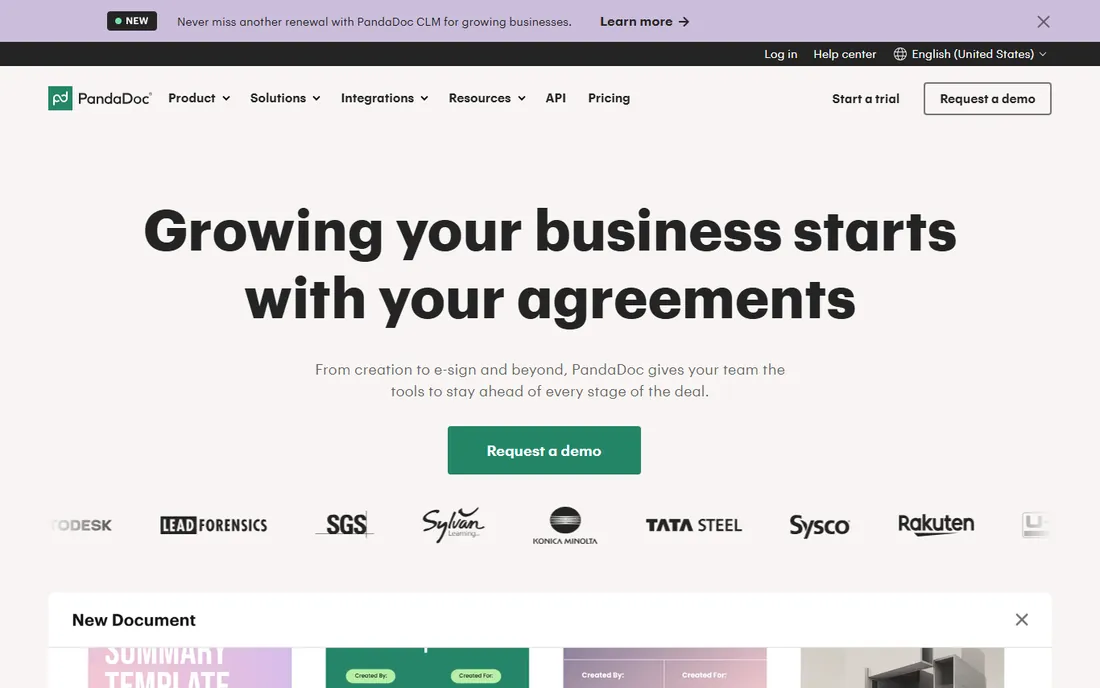
PandaDoc is not just a signature tool: it is a document platform where you build proposals, quotes and contracts, then collect signatures in the same flow. The Starter plan at $19/user/month (annual) includes unlimited sending on paid plans, and the free tier covers basic e-signing. Sales teams get document analytics showing when prospects open and engage with proposals.
If your workflow is "sign this PDF," PandaDoc is more than you need, and cheaper pure-signing tools win. If your workflow is "build the proposal, send it, negotiate, sign it," the combined platform removes the copy-paste between a document tool and a signing tool.
What we like- True document editor with templates, pricing tables and CRM integrations
- Free e-sign tier for basic signing
- Analytics on document opens and engagement
Watch out for- Per-seat pricing adds up for large sales teams
- The document-creation depth is overkill if you only need signing
- Some advanced workflow features need the $49 Business tier
Starting price$15/month (Essentials, billed annually)
Free planYes (3 documents/month free)
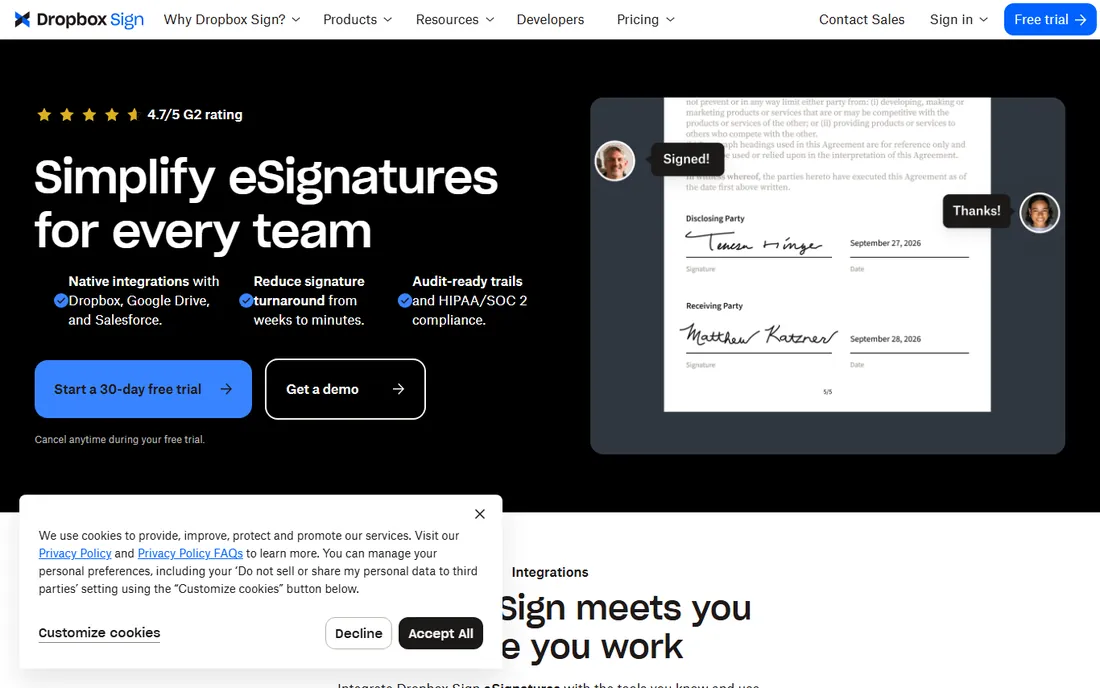
Dropbox Sign (formerly HelloSign) keeps it simple: the Essentials plan at $15/month (annual) offers unlimited signing, so heavy senders never count envelopes. The free tier covers 3 documents a month, enough to test the workflow. For teams already storing files in Dropbox, signing happens inside the existing file flow.
It lacks the deep workflow automation and document creation of the bigger platforms. But for straightforward "send, sign, store" workflows, unlimited signing at $15/month is one of the best values in the category.
What we like- Unlimited signing on the paid plan with no envelope counting
- Clean, simple interface
- Native Dropbox integration for file workflows
Watch out for- Fewer advanced workflow features than DocuSign or PandaDoc
- Standard and Premium tiers have per-seat minimums
- Document creation is basic
#4
signNow
Best for: Small businesses that want core e-signing at the lowest per-seat price
Visit signnow.com
Starting price$8/user/month (billed annually)
Free planFree trial
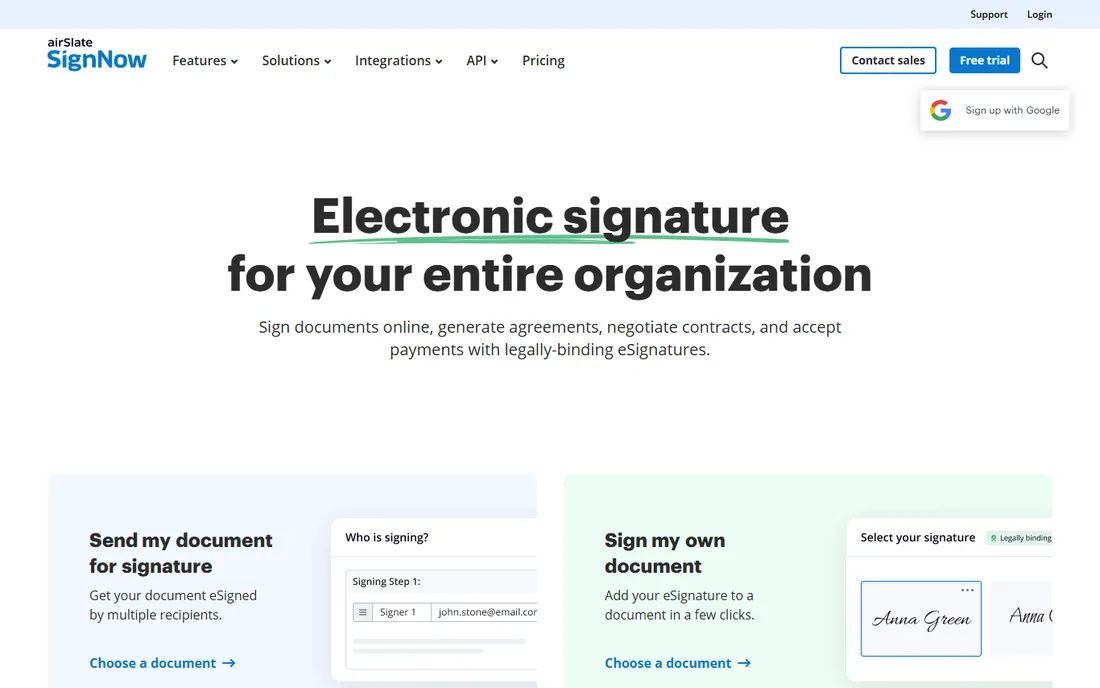
signNow competes on price: $8 per user/month on annual billing undercuts DocuSign, PandaDoc and Dropbox Sign while delivering solid core signing, templates and integrations. Every plan includes 100 signature invites per user per year, which covers most small-team volumes.
The invite cap is the limit to watch; teams that send more will need to upgrade or accept overages. The mobile apps and brand recognition trail the leaders. For budget-conscious SMBs that need reliable signing without enterprise extras, it is the price leader.
What we like- $8/user/month is the lowest per-seat price among major platforms
- 100 signature invites per user per year on all plans
- Solid templates and integrations
Watch out for- The 100-invite yearly cap limits heavy senders
- Mobile experience lags the leaders
- Brand recognition is weaker with external counterparties
#5
Adobe Acrobat Sign
Best for: Teams already working in Adobe Acrobat and PDF workflows
Visit adobe.com
Starting price$16.99/month (Standard, billed annually)
Free planFree trial
If your team lives in PDFs, Adobe Acrobat Sign removes the context switch: sign, edit and manage PDFs in the app you already use. The Standard plan at $16.99/month (annual) offers unlimited transactions for individuals; team plans allow 150 transactions per user per year. Integration with Microsoft 365 and Salesforce covers the common enterprise stacks.
The transaction cap on team plans is the thing to check against your volume. And the experience assumes comfort with Acrobat's PDF-centric model. For Adobe-centric teams, the native fit beats a cheaper standalone tool.
What we like- Native integration with Acrobat and the Adobe PDF ecosystem
- Unlimited transactions on individual plans
- Strong compliance and security posture
Watch out for- Team plans cap at 150 transactions per user per year
- The interface assumes PDF familiarity
- Pricing sits above budget alternatives
Starting price$10/user/month (billed annually)
Free planFree trial
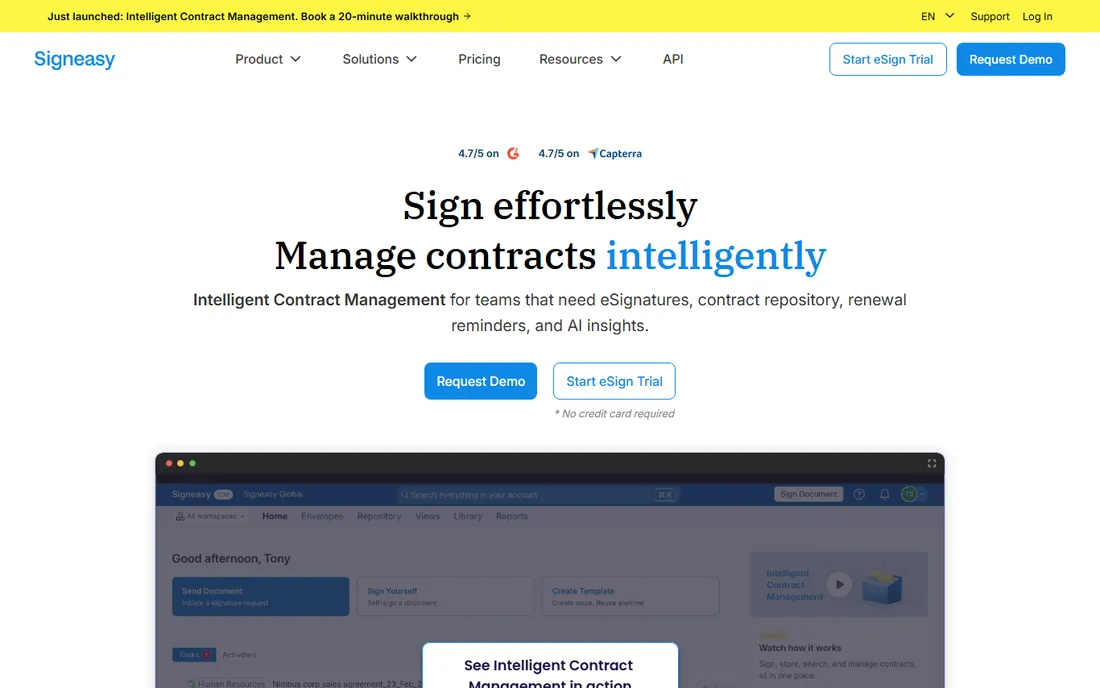
Signeasy's strength is mobile: the apps are among the best in the category for preparing, sending and signing documents from a phone. Paid plans from $10/user/month (annual) include unlimited signing, so volume is never a question. The interface is simple enough that new users need no training.
It is thinner on advanced workflows, complex templates and integrations than the enterprise platforms. For field teams, real estate agents, contractors and anyone who signs away from a desk, the mobile experience is the deciding factor.
What we like- Strong mobile apps for signing anywhere
- Unlimited signing on paid plans
- Simple interface that needs no training
Watch out for- Fewer advanced workflow and template features than DocuSign
- Smaller integration ecosystem
- Per-seat pricing without a free tier
#7
Xodo Sign
Best for: Teams that want unlimited signing affordably
Visit xodo.com
Starting price$10/user/month (billed annually)
Free planYes
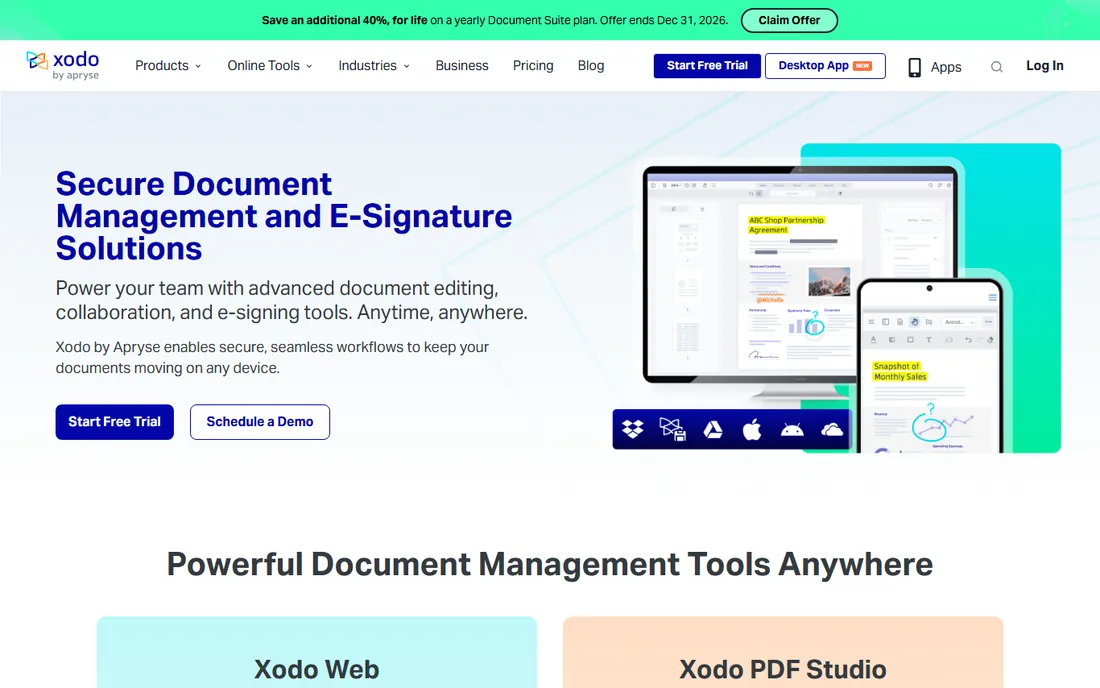
Xodo Sign pairs unlimited signing with a strong free tier, which makes it easy to start and cheap to scale. At $10/user/month (annual), paid plans remove limits and add workflow features. Encrypted signing and adaptable workflows cover the security basics.
The ecosystem is smaller: fewer native integrations and less third-party review history than the leaders. For teams whose main requirement is "send and sign as much as we want, cheaply," it delivers exactly that.
What we like- Unlimited signing on paid plans at $10/user/month
- Strong free tier
- Encrypted signing with flexible workflows
Watch out for- Smaller brand with less review volume
- Fewer native CRM integrations
- Document creation is basic
#8
Zoho Sign
Best for: Teams already running on Zoho apps
Visit zoho.com
Starting priceFree tier; $10/user/month (paid plans)
Free planYes
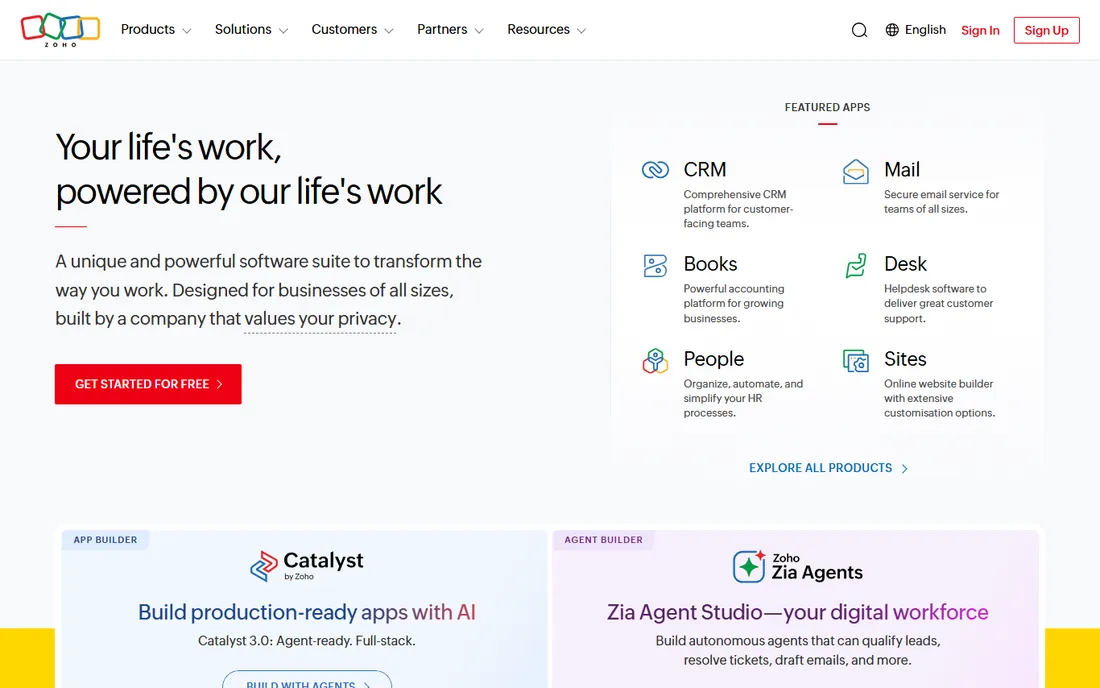
Zoho Sign is the obvious pick for the millions of businesses on Zoho: signing integrates with Zoho CRM, Books, Recruit and the rest, and the free tier covers light use at no cost. Paid plans from $10/user/month add unlimited signing on Professional and above, plus templates and advanced workflows.
Outside the Zoho ecosystem, the value proposition weakens: standalone, it is a competent but unremarkable signer. Inside it, the integration with quotes, invoices and CRM records makes signing part of the business flow rather than a separate chore.
What we like- Genuine free tier for light signing
- Deep integration with Zoho CRM, Books and the rest of the suite
- Unlimited signing on Professional and above
Watch out for- Best value only inside the Zoho ecosystem
- Standalone feature depth trails DocuSign
- Advanced features need the higher paid tiers
Starting price$9/user/month (Professional, billed annually)
Free planYes (10 documents/month free)
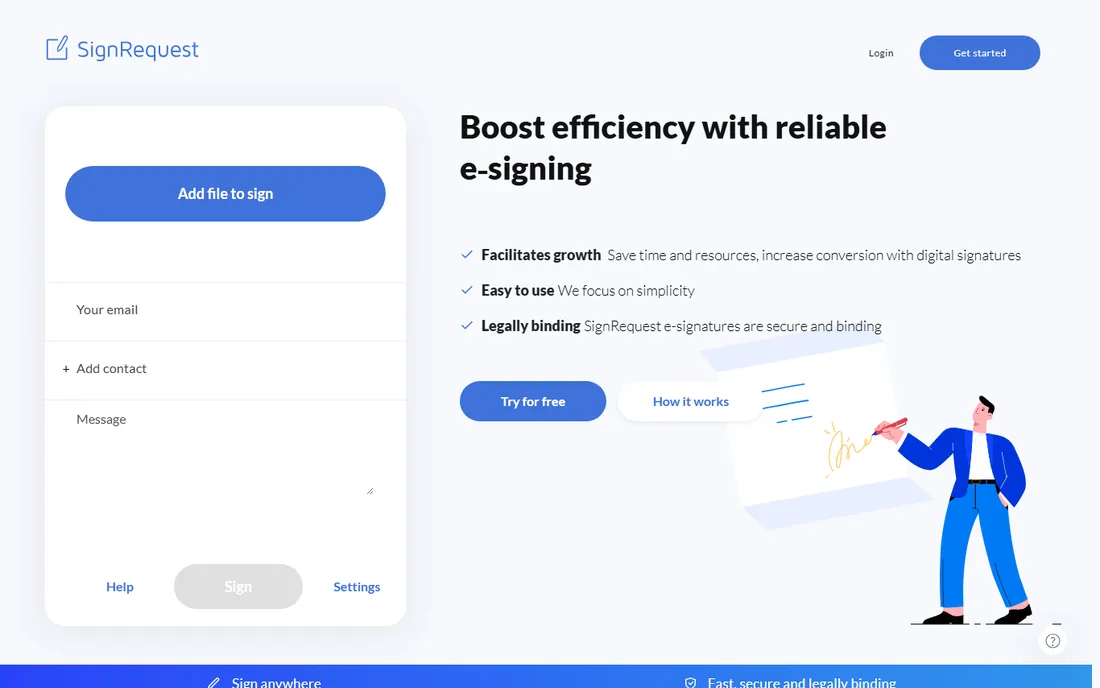
SignRequest built its base in Europe, where its compliance posture and local focus win deals. The free tier allows 10 documents a month, double or triple what most competitors offer free, and the Professional plan at $9/user/month (annual) adds unlimited signing. For European companies, the data handling and language support matter.
In the US, the integration ecosystem and brand recognition are thinner than DocuSign or PandaDoc. For budget teams anywhere that want a generous free tier and cheap unlimited signing, it is worth a look.
What we like- Generous free tier at 10 documents a month
- Affordable paid entry at $9/user/month
- Strong European market focus with local compliance awareness
Watch out for- Smaller US presence and integration ecosystem
- Fewer advanced workflow features
- Brand recognition is limited outside Europe
How we chose
We shortlisted e-signature tools that exist today and collect legally binding signatures as a core function. We verified prices on vendor pricing pages and recent third-party pricing comparisons (G2's 2026 e-signature guide, PandaDoc's comparison, Kurums and Suitefiles, all updated in 2026). We weighed envelope limits, free tiers, mobile experience and integration depth, and we read public reviews for patterns around reliability and support.
Envelope limits: the pricing trap to watch
Most per-seat plans cap how many documents you can send: DocuSign Standard allows 100 envelopes per user per year, signNow 100 invites, Adobe team plans 150 transactions. Exceed the cap and you pay overages or upgrade. Unlimited-signing plans (Dropbox Sign, Signeasy, Xodo Sign, PandaDoc paid) remove the question entirely.
Estimate your real volume before comparing prices. A 10-person team sending 2,000 documents a year fits comfortably in most caps; a sales team sending 10,000 does not. The cheapest per-seat price with a low cap often costs more than a pricier unlimited plan.
Are electronic signatures legally binding?
In the US, the ESIGN Act and state UETA laws give electronic signatures the same legal standing as handwritten ones for most business documents, provided there is consent and an audit trail. All nine tools here produce tamper-evident documents with audit trails. Regulated industries (finance, healthcare, government) should confirm specific compliance needs (HIPAA, SOC 2, qualified signatures in the EU) with the vendor before buying.
Frequently asked questions
What is the cheapest eSignature software?
Zoho Sign and Xodo Sign have genuine free tiers; SignRequest allows 10 free documents a month. Among paid plans, signNow at $8/user/month (annual) is the cheapest per-seat major platform, and Dropbox Sign at $15/month offers unlimited signing.
How much does DocuSign cost?
DocuSign Personal costs $10/month (5 envelopes/month); Standard costs $25/user/month billed annually (100 envelopes/user/year). Higher tiers add features and volume. Monthly billing costs significantly more than annual.
Do recipients need an account to sign?
No. All major e-signature tools let recipients sign via an email link without creating an account. Senders need the paid account; signers just need the link and a browser or phone.
What is an envelope?
An envelope is a unit of sending: one document (or set of documents) sent to one or more signers counts as one envelope. Plans that cap envelopes limit how many sending transactions you get, not how many people sign each document.
Can I try eSignature software for free?
Yes. PandaDoc, Dropbox Sign, Xodo Sign, Zoho Sign and SignRequest all offer free tiers with monthly document limits. DocuSign, signNow, Adobe, Signeasy offer free trials instead.
Which eSignature tool integrates with our CRM?
DocuSign has the widest integration ecosystem. PandaDoc integrates deeply with Salesforce, HubSpot and Pipedrive. Zoho Sign is native to Zoho CRM. Check your specific CRM on the vendor's integration page before committing.
Sources we checked (14)
- https://www.docusign.com/pricing/
- https://www.pandadoc.com/pricing/
- https://www.hellosign.com/pricing/
- https://www.signnow.com/pricing/
- https://www.adobe.com/sign/pricing/
- https://www.signeasy.com/pricing/
- https://www.xodo.com/pricing/
- https://www.zoho.com/sign/pricing/
- https://www.signrequest.com/pricing/
- https://learn.g2.com/best-esignature-software
- https://www.pandadoc.com/blog/best-electronic-signature-software/
- https://gsdhere.com/blog/best-e-signature-software-small-business-2026
- https://www.suitefiles.com/best-e-signature-software/
- https://kurums.com/best-e-signature-software-2026-comparison/
Is your product missing or out of date?
We review this list regularly. Vendors can request a listing, send updated pricing or ask about featured placement.

Shihab Mia · Founder, Rankite
Shihab has spent more than a decade helping SaaS and e-commerce brands grow through search. He writes Rankite's software buying guides from pricing pages, documentation and public user reviews. More about Shihab.