How we make this list: we compare pricing pages, product documentation and public user reviews. Rankite is independent; if a vendor ever pays for a featured spot, that listing is clearly labeled Partner.
Key takeaways
- WordPress powers the most websites for a reason: unmatched flexibility, with maintenance as the price.
- Wix, Squarespace, and Weebly are the easy builders for small businesses that want a site without fuss.
- Webflow and Framer serve designers who want visual building without code compromises.
- Shopify owns ecommerce, GoDaddy bundles everything for beginners, and Duda serves agencies building client sites.
Quick comparison
| Tool | Best for | Starting price | Free plan |
|---|
 WordPress WordPress | maximum flexibility | Free | Yes |
 Wix Wix | easy drag-and-drop sites | See website | Free trial |
 Squarespace Squarespace | beautiful templates | See website | Free trial |
 Webflow Webflow | designer-grade visual building | See website | Free trial |
 Shopify Shopify | online stores | See website | Free trial |
 Weebly Weebly | simple small business sites | See website | Free trial |
 GoDaddy GoDaddy | beginner all-in-one | See website | Free trial |
 Duda Duda | agencies building client sites | See website | Free trial |
 Framer Framer | modern interactive sites | See website | Free trial |
Is your product missing or out of date?
We review this list regularly. Vendors can request a listing, send updated pricing or ask about featured placement.
Starting priceFree
Free planYes

WordPress (in its self-hosted WordPress.org form, with WordPress.com as the hosted alternative) runs more of the web than any other platform. The reason is flexibility: tens of thousands of themes and plugins mean almost any site is buildable, from blogs to membership sites to complex business portals.
Ownership is the real advantage. Your content, your data, your hosting choice, no platform can hold your site hostage or change the rules. That freedom matters for businesses building long-term digital assets.
The price is responsibility. Updates, backups, security, and performance are yours to manage, or yours to pay someone to manage. Plugin quality varies enormously. But for sites that need to grow without platform limits, nothing else offers this ceiling.
What we like- Powers 40%+ of the web
- Endless themes and plugins
- You own everything
Watch out for- You handle maintenance and security
- Quality varies wildly
Starting priceSee website
Free planFree trial
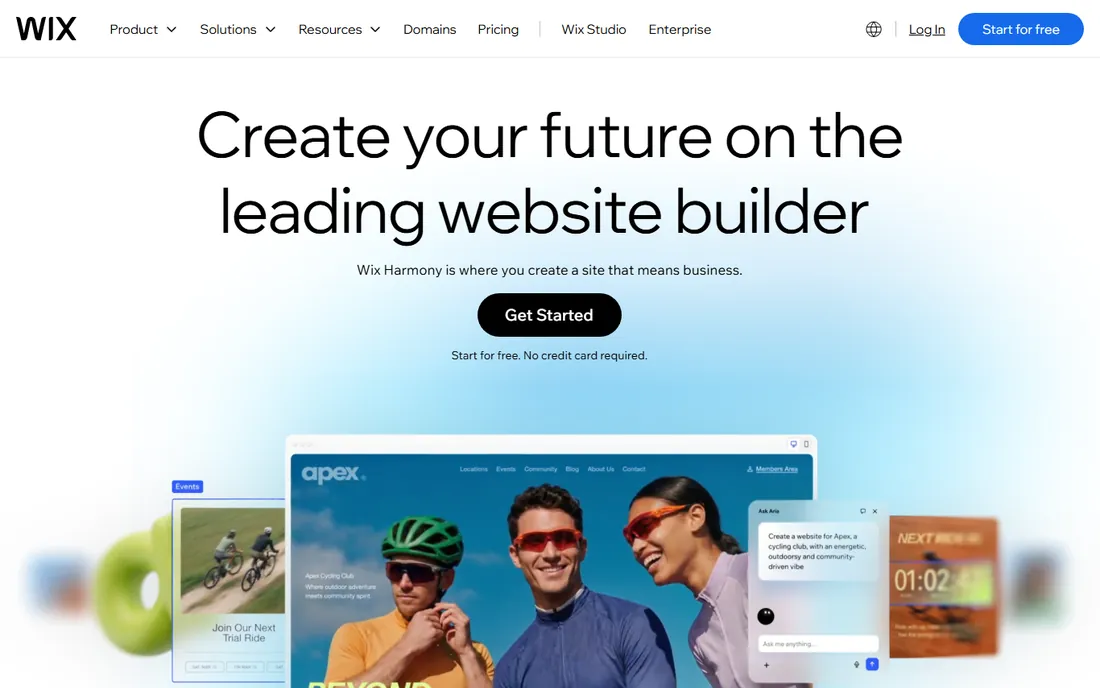
Wix gives small businesses the easiest path to a decent website: pick a template, drag elements where you want them, publish. The editor's freedom exceeds most competitors; if you can imagine the layout, you can usually build it.
The app market adds booking, ecommerce, events, and more without code. For restaurants, salons, and local services, the combination of ease and features hits the sweet spot.
Designers note the limits: less precise control than Webflow, and sites can feel template-bound at the high end. The bigger lock-in is migration; moving a Wix site elsewhere means rebuilding. But for getting online fast with minimal skill, Wix remains the friendliest option.
What we like- True drag-and-drop freedom
- Huge template library
- App market extends features
Watch out for- Less design precision
- Migrating away is hard
Starting priceSee website
Free planFree trial
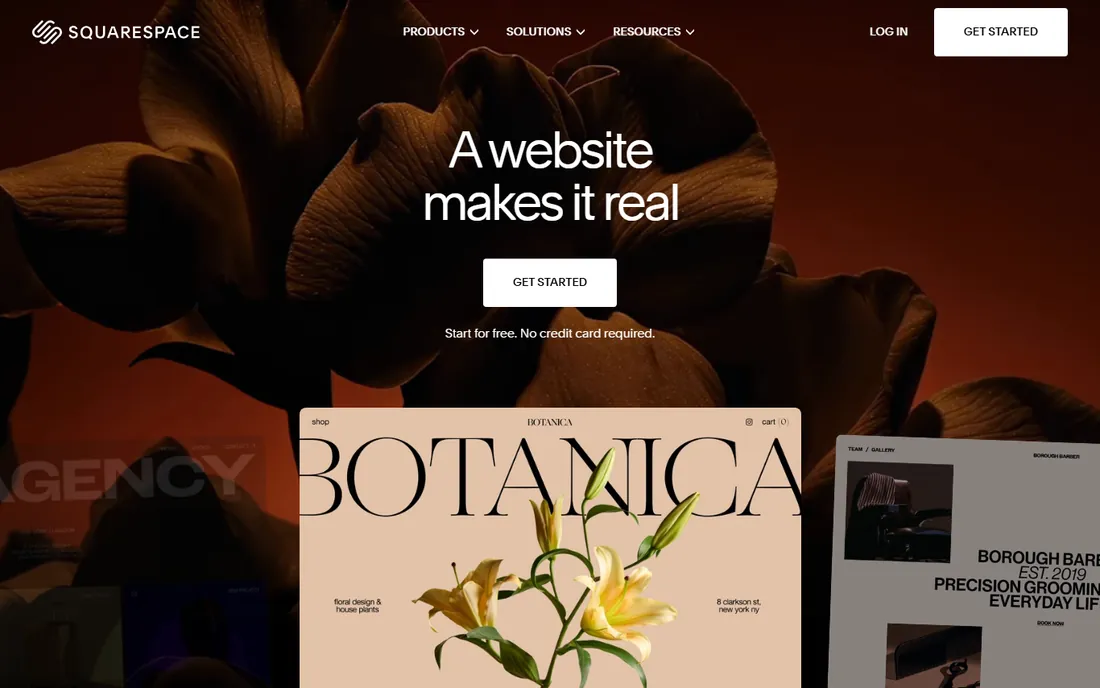
Squarespace's reputation rests on its templates: consistently beautiful, modern, and cohesive in a way competitors struggle to match. Creative professionals, photographers, and restaurants choose it because the site looks designed even with minimal effort.
The platform's restraint is a feature. Limited fonts, structured layouts, and curated options prevent the design disasters that total freedom enables. Blogging is solid, and the built-in features cover most small business needs without plugins.
Flexibility is the trade. You cannot customize as deeply as WordPress or Webflow, and the ecommerce features suit small stores rather than serious retail. But for businesses where the site must look excellent with modest effort, Squarespace delivers.
What we like- The best-looking templates
- Cohesive design system
- Good blogging
Watch out for- Less flexible than Wix or WordPress
- Ecommerce is basic
Starting priceSee website
Free planFree trial
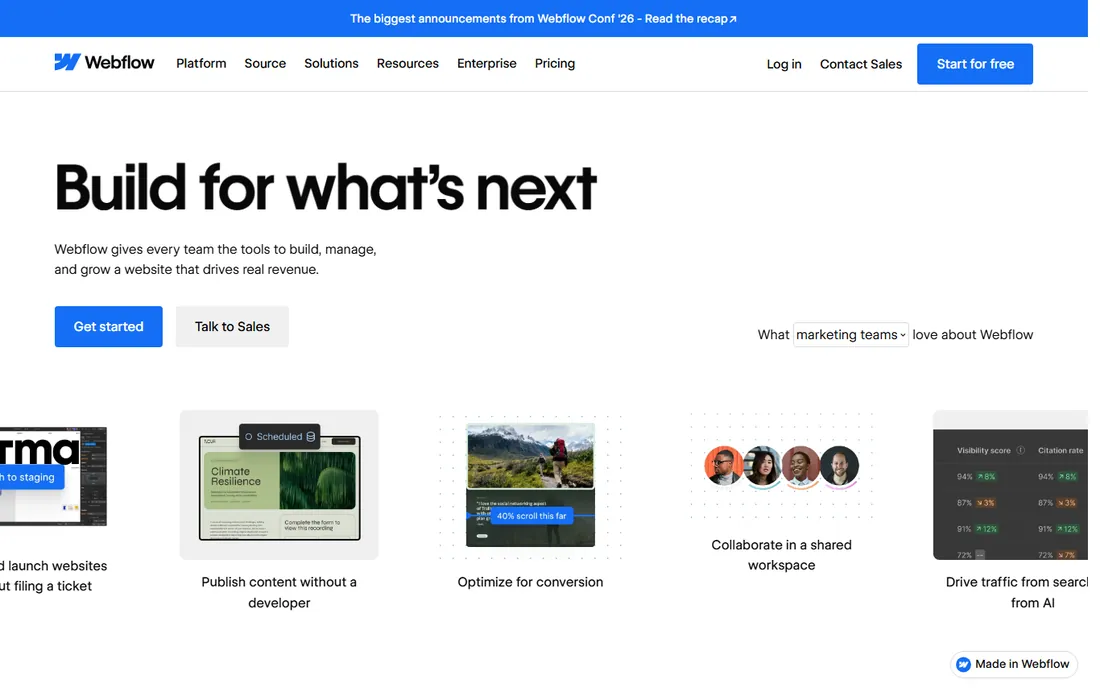
Webflow lets designers build production websites visually with the control of hand-coded HTML and CSS. Breakpoints, interactions, animations, and CMS-driven content all work without writing code, yet the output is clean enough that developers respect it.
The CMS is genuinely powerful: design collections once, and content editors update text and images without touching layouts. Agencies deliver client sites that clients can actually maintain, which is rarer than it should be.
The learning curve is real; Webflow assumes design knowledge and rewards it. Pricing with separate site and workspace plans confuses newcomers. But for designer-built sites without developer bottlenecks, nothing else combines this much control with this little code.
What we like- Professional design control without code
- Clean exported code
- Powerful CMS
Watch out for- Learning curve
- Pricing confuses beginners
Starting priceSee website
Free planFree trial

Shopify is where serious online stores live. The platform handles products, payments, shipping, taxes, and discounts out of the box, with an app ecosystem that extends into every ecommerce niche. Stores scale from first sale to millions without platform changes.
Reliability is the underappreciated asset. Checkout works, payments process, and the infrastructure handles traffic spikes without drama. That operational solidity lets owners focus on products and marketing instead of technology.
Costs combine subscriptions with transaction fees (reducible with Shopify Payments), and the platform's heart is commerce; content-rich sites feel constrained. But for selling online, the question is rarely whether Shopify works, only whether the business is ready for it.
What we like- The ecommerce standard
- Huge app ecosystem
- Reliable at scale
Watch out for- Monthly cost plus transaction fees
- Content sites are secondary
Starting priceSee website
Free planFree trial
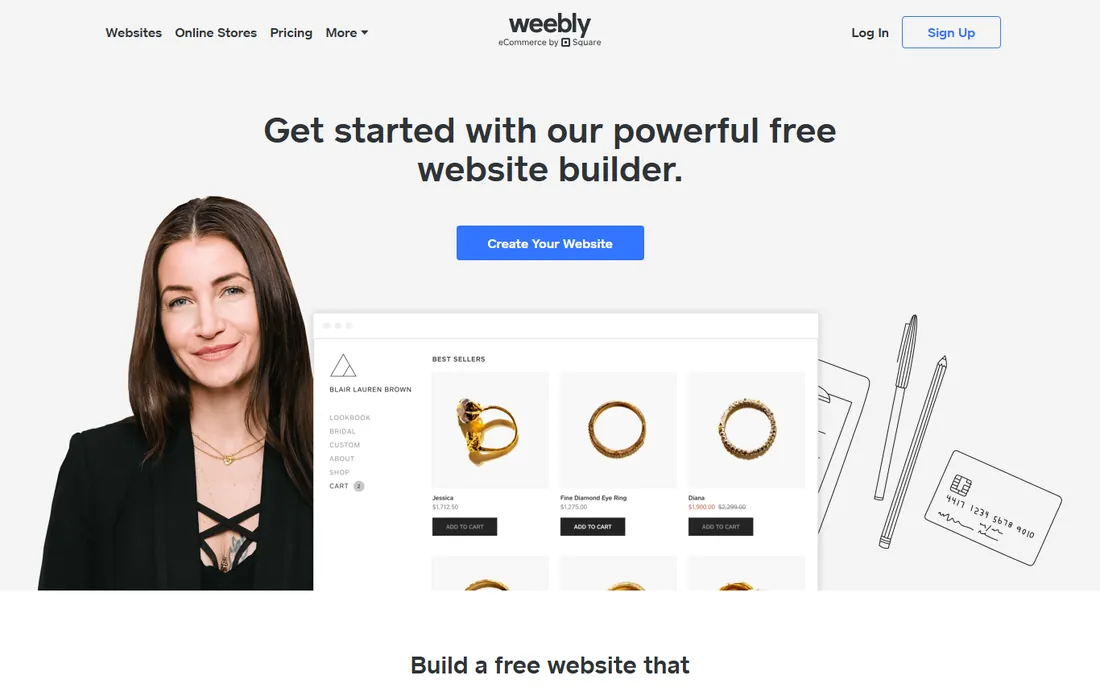
Weebly (now part of Square) remains one of the simplest ways to publish a small business website. The editor is straightforward, the templates are clean, and basic ecommerce works for small catalogs.
The Square connection benefits sellers: in-person and online sales unify, which suits retailers, cafes, and service businesses with physical locations. Pricing stays friendly.
Honest assessment requires noting that Weebly's development pace has slowed as Square's attention shifted. It lacks the modern features and template freshness of Wix or Squarespace. But for a simple site that needs to exist without fuss, it still does the job affordably.
What we like- Very easy to use
- Affordable
- Decent ecommerce basics
Watch out for- Development has slowed
- Fewer modern features
Starting priceSee website
Free planFree trial
GoDaddy's website builder targets absolute beginners: answer questions about your business, and the AI generates a starter site in minutes. Domain, hosting, email, and marketing tools bundle together, so nothing technical is required.
That bundling suits owners who want one vendor and one bill. The setup speed is genuinely impressive; a basic business site can be live the same day.
The upsell pressure during checkout annoys everyone, and design flexibility trails the dedicated builders. Serious customization hits walls. But for the least technical owners who just need a professional web presence quickly, GoDaddy removes every barrier.
What we like- Everything in one place
- Fast AI-assisted setup
- Good for absolute beginners
Watch out for- Upsells are aggressive
- Design flexibility is limited
Starting priceSee website
Free planFree trial
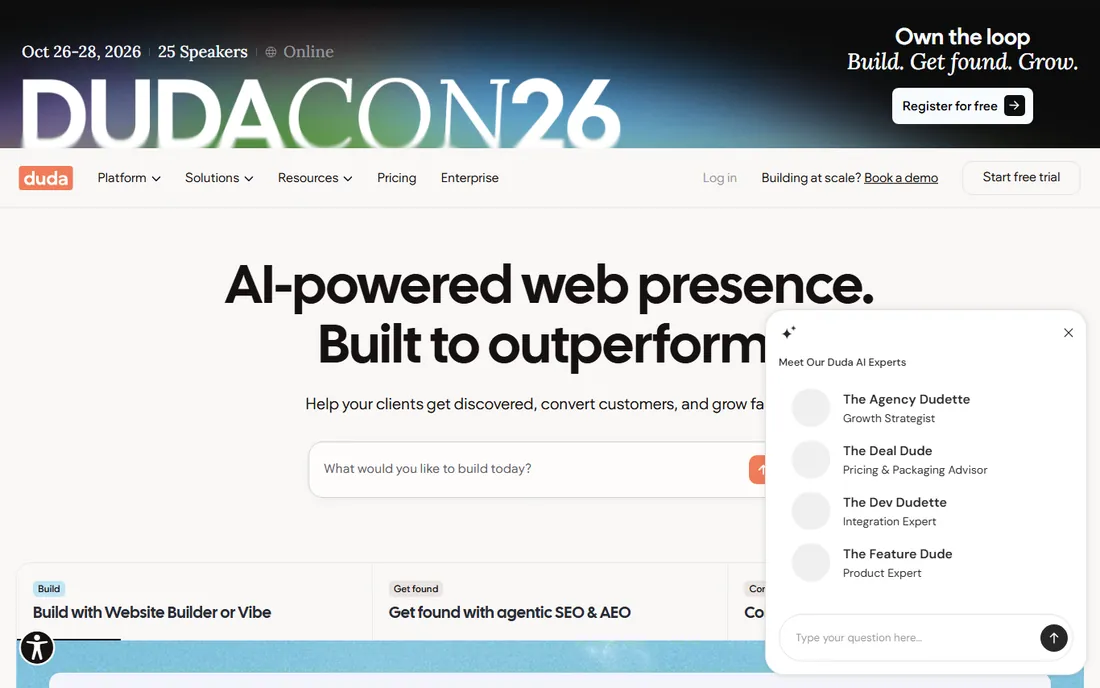
Duda is the website builder designed for agencies and freelancers who build sites for clients. White labeling, client permissions, team collaboration, and site commenting streamline the agency workflow in ways consumer builders ignore.
The platform itself is capable: responsive design, decent templates, and strong performance scores. Client handoff works well, with roles that let clients edit content without breaking designs.
The smaller user base means fewer community tutorials and templates than Wix or Squarespace. But agencies building multiple client sites find Duda's workflow features save more time than any template library.
What we like- Built for agencies
- Client management tools
- Fast performance
Watch out for- Less known means fewer tutorials
- Smaller template selection
Starting priceSee website
Free planFree trial

Framer brings the interaction design of modern product sites to website building: smooth animations, scroll effects, and micro-interactions that previously required developers. The results look like award-winning sites with a fraction of the effort.
The workflow suits designers comfortable with tools like Figma. Publishing is instant, performance is excellent, and the free tier lets you experiment seriously before paying.
The ecosystem is younger: fewer templates, fewer integrations, less community knowledge than established builders. Complex content sites and large ecommerce fit poorly. But for marketing sites and portfolios where impression matters, Framer's output stands out.
What we like- Stunning interactions made easy
- Fast sites
- Modern workflow
Watch out for- Newer ecosystem
- Less suited to complex content sites
Choosing by business type
Local service businesses (plumbers, salons, restaurants) should pick ease: Wix, Squarespace, or GoDaddy get you online fast with booking and local SEO covered. Do not overthink it.
Ecommerce means Shopify, with Weebly or Square as the budget alternative for tiny catalogs. The selling features dwarf any design consideration.
Content publishers and growing businesses belong on WordPress for the ceiling, or Webflow if design control matters more than plugin breadth. Agencies should evaluate Duda's workflow against Webflow's design power.
The total cost picture
Builder pricing looks simple until you add it up: subscription, domain, premium templates, apps, and transaction fees. A "cheap" builder with essential paid apps often costs more than a pricier all-inclusive one.
WordPress shifts costs from subscription to maintenance: hosting, premium plugins, and either your time or a developer's. Budget honestly for the ongoing work.
Migration costs dwarf everything. Moving platforms later means rebuilding, redirecting, and often losing SEO ground. The cheapest builder is the one you do not have to leave, so choose with a three-year horizon.
Launching right: the first 30 days
The first month determines whether the site becomes an asset or a chore. Week one: publish the essential pages (home, services, about, contact) with real copy, not lorem ipsum. A simple live site beats a perfect unfinished one.
Week two: connect the business systems. Contact forms should reach someone's inbox, bookings should work end to end, and analytics should be installed. Test everything as a customer would.
Weeks three and four: tell the world. Update Google Business Profile, add the URL to every profile and directory, and announce the launch to customers. A website nobody visits helps nobody; the launch promotion matters as much as the build.
How we chose
We compared website building platforms that small and mid-size businesses actually use, based on hands-on evaluation, documentation, and user reviews on G2, Capterra, and Trustpilot. We covered easy builders, designer tools, ecommerce, and agency platforms, noting the trade-offs between ease, control, and cost. Pricing changes frequently, so we link to vendors for current numbers.
Frequently asked questions
Can I switch platforms later?
Technically yes, practically it is a rebuild. Content exports help, but designs, functionality, and URLs need reconstruction. Choose assuming you will stay for years.
Do I need a custom domain?
Yes. A custom domain (yourbusiness.com) is essential for credibility; the free subdomain builders offer screams amateur. Every platform here supports custom domains, usually with the domain free the first year on annual plans.
Will my site rank on Google?
The platform matters less than the content and SEO fundamentals. All these builders produce indexable sites; WordPress and Webflow offer the most SEO control. Rankings come from content quality and links, not the builder badge.
Should I hire someone or DIY?
DIY if the site is simple and your time is flexible; the builders here are designed for it. Hire when the site drives significant revenue, needs custom functionality, or your time is better spent on the business. A bad DIY site costs more in lost business than a professional costs to build.
What about website speed?
It affects both SEO and conversions. Webflow and Framer produce fast sites; WordPress speed depends on hosting and plugins; the easy builders are generally adequate. Test with PageSpeed Insights regardless of platform, and optimize images everywhere.
Sources we checked (9)
- https://wordpress.com/
- https://www.wix.com/
- https://www.squarespace.com/
- https://webflow.com/
- https://www.shopify.com/
- https://www.weebly.com/
- https://www.godaddy.com/
- https://www.duda.co/
- https://www.framer.com/
Is your product missing or out of date?
We review this list regularly. Vendors can request a listing, send updated pricing or ask about featured placement.

Shihab Mia · Founder, Rankite
Shihab has spent more than a decade helping SaaS and e-commerce brands grow through search. He writes Rankite's software buying guides from pricing pages, documentation and public user reviews. More about Shihab.