How we make this list: we compare pricing pages, product documentation and public user reviews. Rankite is independent; if a vendor ever pays for a featured spot, that listing is clearly labeled Partner.
Key takeaways
- Adalo and Glide are the easiest paths to a real mobile app, for custom apps and data-driven apps respectively.
- Bubble builds the most powerful web apps, with mobile wrappers for app store presence.
- FlutterFlow produces real Flutter code, giving developers an escape hatch no-code tools usually lack.
- Appy Pie, BuildFire, Thunkable, and Draftbit cover templates, business apps, education, and developer-friendly building.
Quick comparison
| Tool | Best for | Starting price | Free plan |
|---|
 Adalo Adalo | custom mobile apps, no code | See website | Free trial |
 Glide Glide | data-driven apps from spreadsheets | See website | Free trial |
 Bubble Bubble | powerful web apps, no code | See website | Free trial |
 FlutterFlow FlutterFlow | real Flutter apps visually | See website | Free trial |
 Appy Pie Appy Pie | template-based app building | See website | Free trial |
 BuildFire BuildFire | business apps with support | See website | No |
 Thunkable Thunkable | learning and prototyping | See website | Free trial |
 Draftbit Draftbit | developer-friendly visual building | See website | Free trial |
Is your product missing or out of date?
We review this list regularly. Vendors can request a listing, send updated pricing or ask about featured placement.
The best mobile app builder software
Starting priceSee website
Free planFree trial
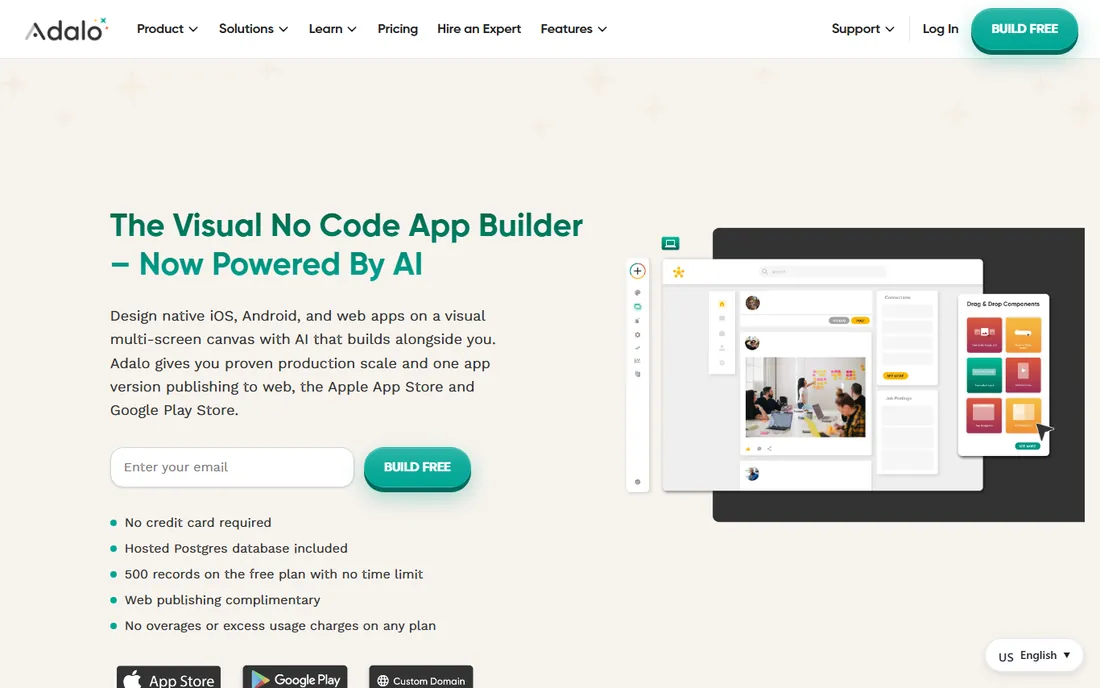
Adalo lets non-developers build real native mobile apps visually: drag components, connect data, define actions, and publish to the App Store and Google Play. The apps are genuinely native, not web wrappers.
The component marketplace extends functionality: payments, maps, chat, and integrations plug in without code. For MVPs and internal tools, the speed from idea to installed app is remarkable.
Complex apps hit performance and capability limits; this is not a replacement for native development at scale. Pricing per published app adds up for portfolios. But for validating ideas and serving real users without developers, Adalo delivers.
What we like- True native mobile apps
- Visual builder
- Publish to app stores
Watch out for- Performance limits for complex apps
- Pricing per app
Starting priceSee website
Free planFree trial
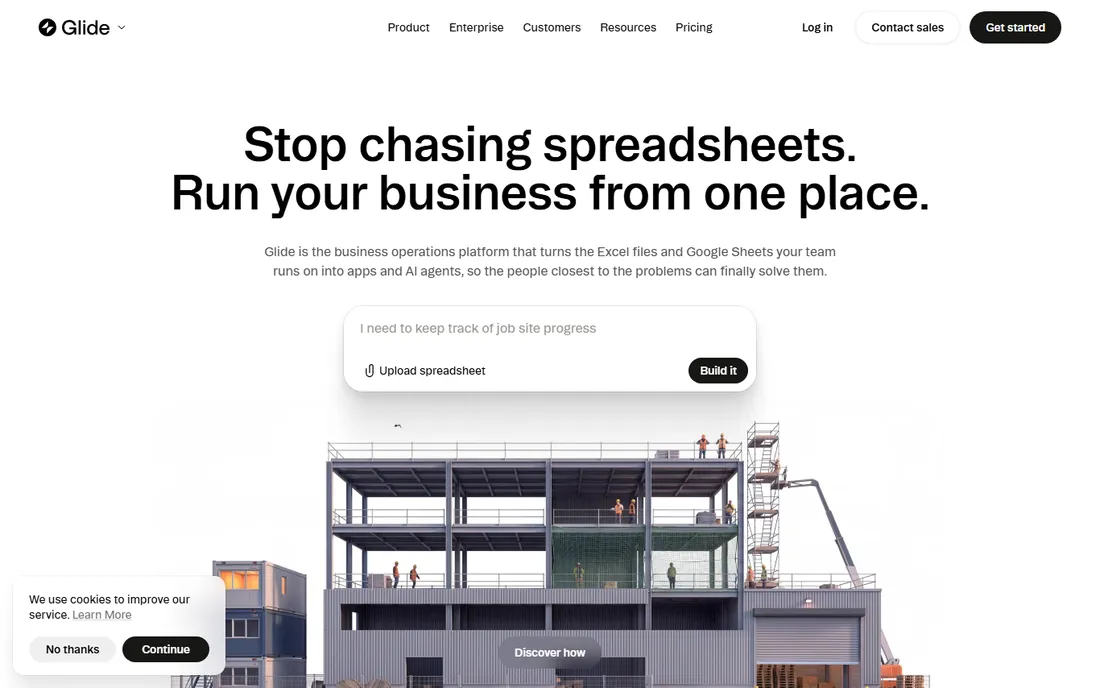
Glide turns spreadsheets into polished mobile apps in minutes. Point it at a Google Sheet, and you get a functional app with search, filters, and detail views, all looking professional without design effort.
The speed is the story. Internal tools, directories, inventory trackers, and simple customer apps go from spreadsheet to usable app in an afternoon. Updates to the sheet reflect in the app automatically.
Design customization is more constrained than Adalo's; the apps share Glide's aesthetic. Complex logic needs workarounds. But for data-driven apps where the spreadsheet is the truth, Glide's transformation is almost magical.
What we like- Apps from Google Sheets in minutes
- Beautiful defaults
- Easy to learn
Watch out for- Data-centric
- Less custom design freedom
Starting priceSee website
Free planFree trial
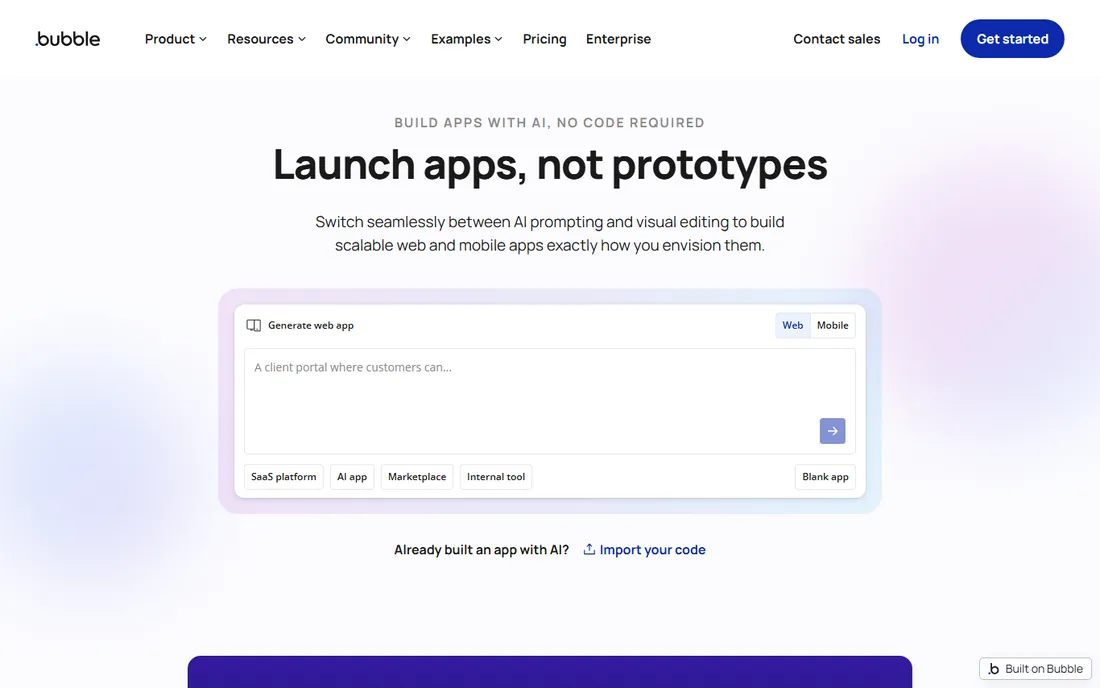
Bubble is the most powerful no-code platform: visual programming with real databases, API connections, and logic complex enough for marketplaces, SaaS products, and social networks. Serious startups have launched on Bubble.
The capability ceiling exceeds every other tool here. Custom workflows, responsive design, and plugin ecosystem handle requirements that simpler builders cannot. The community and learning resources are extensive.
It builds web apps first; mobile apps come via wrappers or the mobile beta, with native feel as the trade-off. The learning curve is real; Bubble rewards study. But for no-code ambition beyond simple apps, nothing else compares.
What we like- The most capable no-code platform
- Real database and logic
- Huge community
Watch out for- Web-first
- Mobile needs wrappers
- Learning curve
Starting priceSee website
Free planFree trial
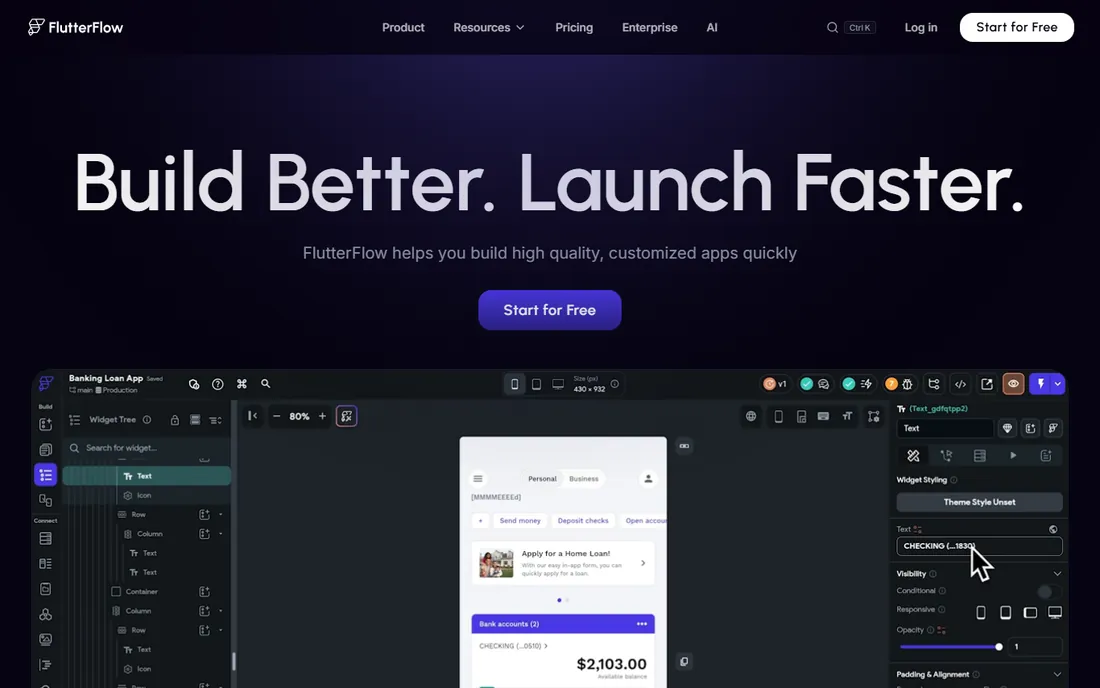
FlutterFlow builds apps visually and generates real Flutter code underneath. That changes the no-code equation: the output is a genuine codebase that developers can extend, not a locked-in runtime.
Performance matches native development because it is native compilation. Firebase integration handles backend needs, and the visual builder covers the UI complexity that makes Flutter code verbose.
It expects more technical comfort than Adalo or Glide; the concepts are real app development, visualized. But for teams wanting no-code speed with code-level ownership, FlutterFlow's generated code is the escape hatch.
What we like- Generates real Flutter code
- Excellent performance
- Developer handoff
Watch out for- Learning curve
- Best with some technical comfort
Starting priceSee website
Free planFree trial
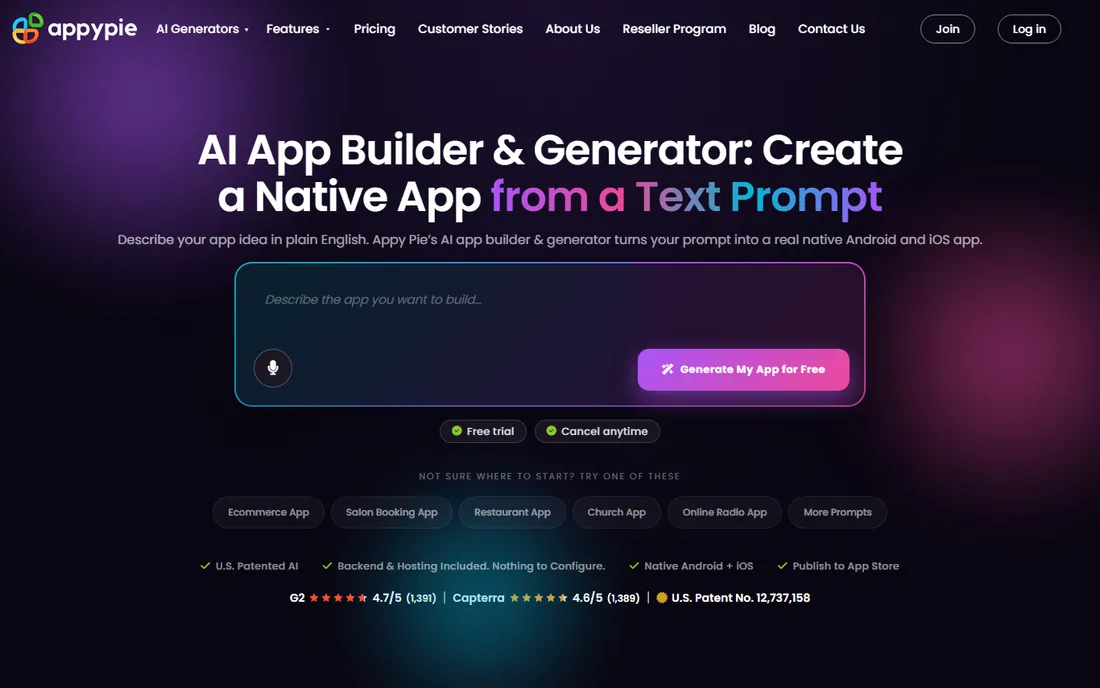
Appy Pie offers the simplest path: choose a template for your business type, customize content, and publish. Restaurants, churches, small retailers, and event organizers get functional apps without any building skill.
The template breadth covers common small business needs: menus, bookings, loyalty, push notifications, and ecommerce basics. The price respects small budgets.
Customization stays within template bounds; unique app ideas fit poorly. But for standard business apps where the requirements match the templates, Appy Pie's simplicity wins.
What we like- Huge template library
- Very easy
- Affordable
Watch out for- Template-bound designs
- Less custom capability
Starting priceSee website
Free planNo
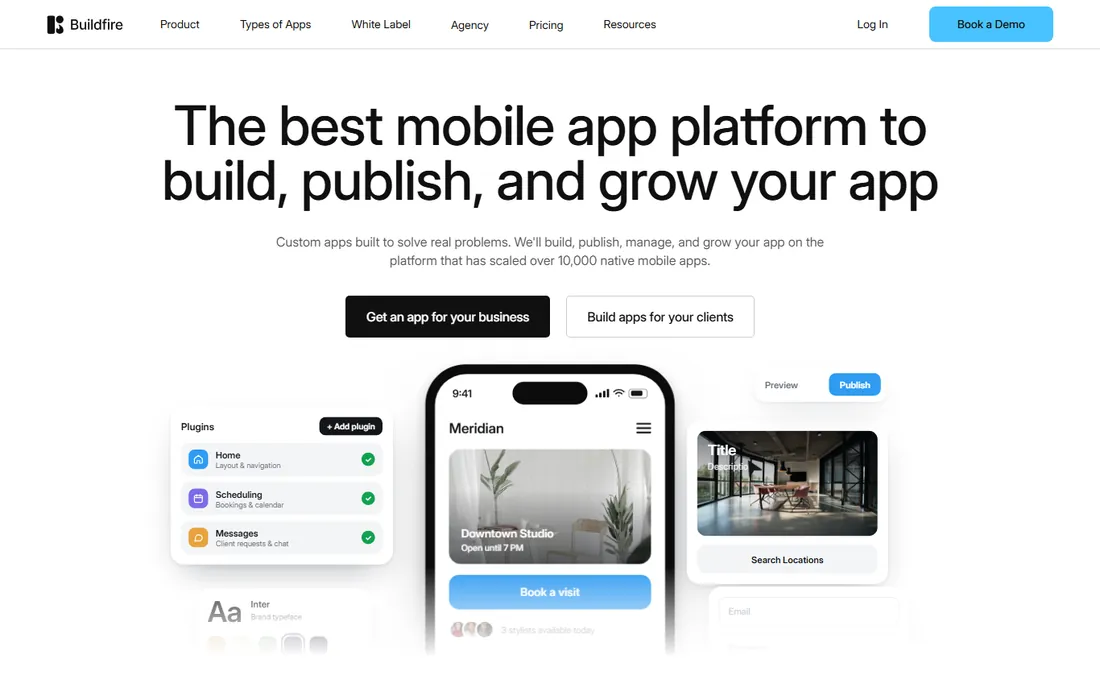
BuildFire targets businesses that want an app without becoming app builders: the platform plus professional services that design and build for you. The DIY builder exists, but the service layer is the differentiator.
Business apps get the features they need: loyalty programs, push notifications, ecommerce, and integrations, backed by a team that has built thousands of apps. Support quality reflects the service orientation.
There is no free tier, and DIY flexibility trails the pure builders. But for businesses wanting a professional app without learning a platform, BuildFire's done-for-you approach justifies the cost.
What we like- Done-for-you options
- Business-focused
- Good support
Watch out for- No free tier
- Less DIY flexibility
Starting priceSee website
Free planFree trial
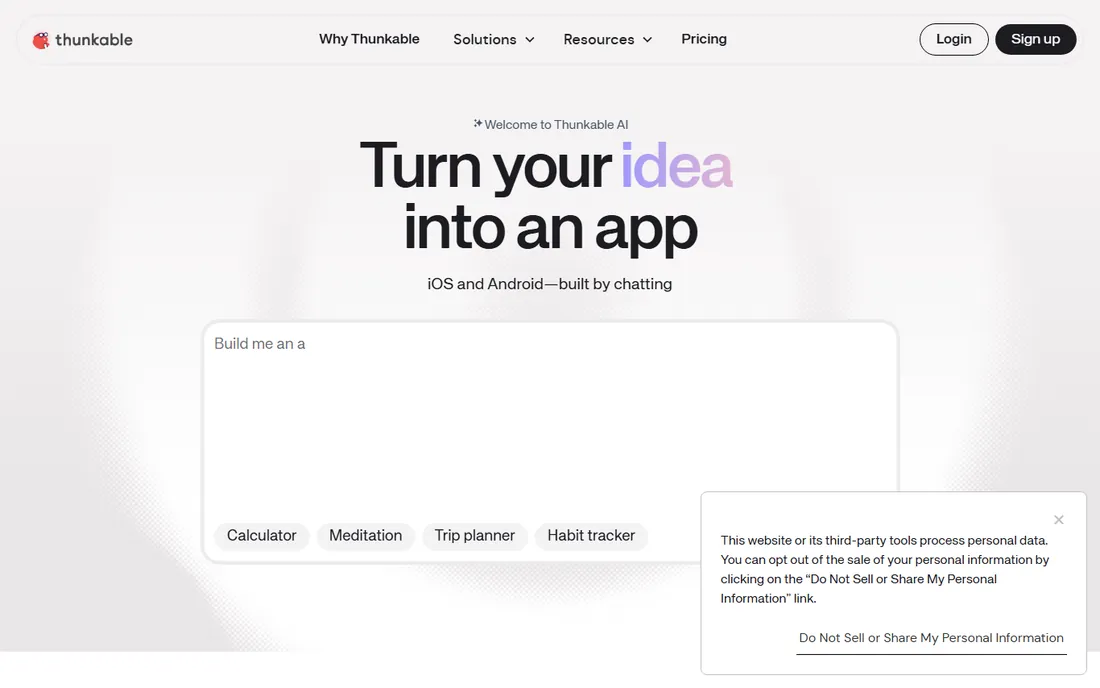
Thunkable's block-based building makes app logic visual and approachable, which is why educators and beginners love it. Students build real apps that run on real phones, learning computational thinking through creation.
Prototyping is the professional use case: validate app concepts quickly before committing development resources. The speed from idea to testable prototype serves product teams well.
Production apps at scale exceed it; performance and capability limits appear with complexity. But as a learning tool and prototyping platform, Thunkable's accessibility is unmatched.
What we like- Great for learning
- Block-based building
- Good for prototypes
Watch out for- Less suited to production apps
- Performance limits
Starting priceSee website
Free planFree trial
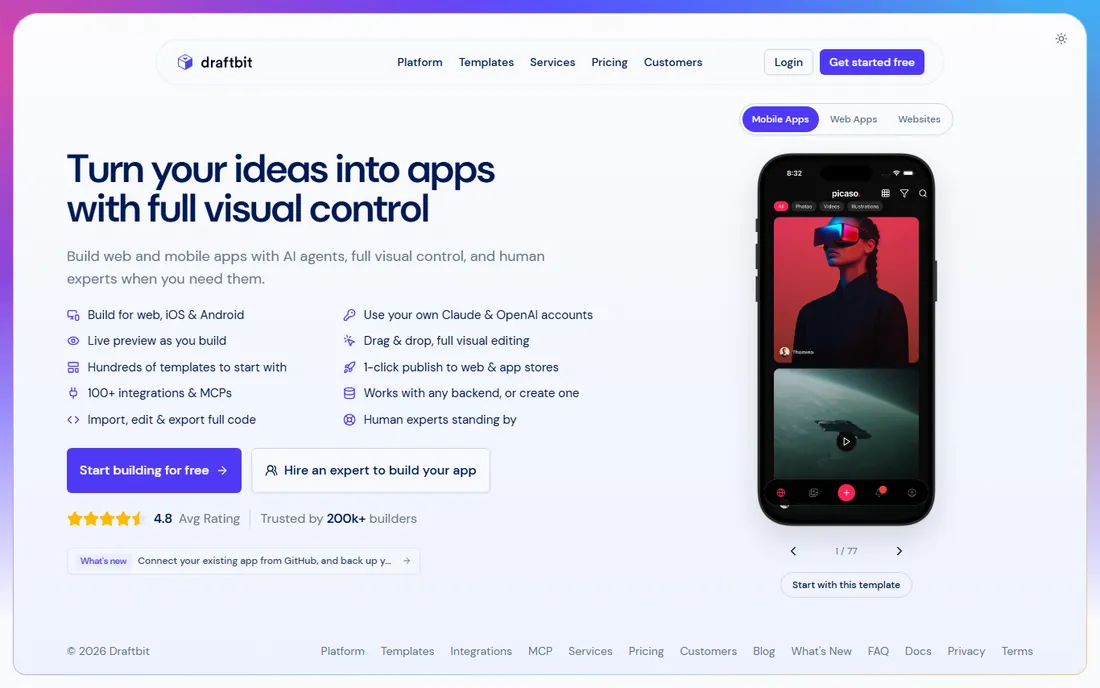
Draftbit builds mobile apps visually and generates React Native source code, giving developers a real codebase to extend. The approach suits teams with technical members who want visual speed without no-code lock-in.
The design tools are capable, and the code output means the app can graduate to full custom development. API integrations and custom code blocks handle real-world requirements.
Non-technical users find it demanding; this is a developer accelerator more than a citizen-developer tool. But for technical teams wanting visual building with code ownership, Draftbit hits the sweet spot.
What we like- Generates React Native code
- Developer-friendly
- Good design tools
Watch out for- Expects technical users
- Smaller community
Matching builder to ambition
Simple business apps and MVPs: Adalo, Glide, or Appy Pie get you launched fastest. Match the tool to the data: spreadsheet-driven goes to Glide, custom-designed to Adalo, template-standard to Appy Pie.
Serious products without developers: Bubble for web-first, FlutterFlow for mobile-first with code output. These handle real businesses, not just prototypes.
Learning and prototyping: Thunkable for education, Draftbit for technical teams wanting code. The goal is learning or validation, not production scale.
The lock-in question
No-code platforms vary in exit options. FlutterFlow and Draftbit generate real code you own; leaving means continuing development conventionally. Bubble, Adalo, and Glide apps live on their platforms; migration means rebuilding.
Factor this into the decision honestly. For MVPs and experiments, lock-in barely matters; speed does. For businesses betting the company on the app, code-generating tools or eventual custom development deserve consideration.
Whatever you choose, own your data. Verify export options for user data and content before committing deeply.
Validating before you build
The biggest risk is not the tool but building something nobody wants. Before investing weeks in any builder, validate the idea: talk to potential users, create a landing page describing the app, and measure genuine interest. Ten people saying "I would use that" beats a polished app nobody downloads.
Prototype the core interaction first. Whatever the app's essential value is, build that single flow and test it with real users. The feedback from five user tests reveals more than months of solo building.
Define success metrics upfront. Downloads, active users, revenue, whatever matters, decide now. The metrics focus the build on what counts and tell you honestly whether the app works after launch.
Launching and growing the app
App store optimization matters from day one. The title, screenshots, description, and keywords determine discoverability. Study the top apps in your category and match their presentation quality; users judge in seconds.
Plan the first hundred users deliberately. Friends, communities, beta lists, and niche forums provide the initial traction and feedback that shape the app. Organic growth follows product quality; paid acquisition follows economics.
Iterate based on behavior, not opinions. Analytics show what users actually do; feedback shows what they say. Both matter, but behavior reveals the truth about which features earn their place. Ship small improvements frequently rather than rare big updates.
How we chose
We compared no-code and low-code mobile app builders that real users ship apps with, based on documentation, user reviews, and community discussion. We covered ease-first builders, powerful platforms, code-generating tools, and specialized options, noting the trade-offs between simplicity, capability, and lock-in. Pricing changes frequently, so we link to vendors for current numbers.
Frequently asked questions
Can no-code apps really go on the app stores?
Yes. Adalo, FlutterFlow, and others publish to the App Store and Google Play as real listings. The apps must meet store guidelines like any app; the building method does not matter to Apple or Google.
When should we hire developers instead?
When the app is the business and requirements exceed no-code capabilities: complex performance needs, unusual integrations, or deep platform features. Many successful companies start no-code and graduate to custom development with validated ideas.
How much do app builders cost?
Free tiers allow learning and prototyping; paid plans for published apps typically run monthly per app. Factor in app store fees and any third-party services. The cost is modest compared to custom development.
Do we need to know how to code?
Not for Adalo, Glide, Appy Pie, or Thunkable. Bubble rewards learning its logic system. FlutterFlow and Draftbit expect technical comfort. Match the tool to your team's skills honestly.
What about maintenance and updates?
Platform builders handle the underlying maintenance; you maintain content and logic. Store compliance updates are managed by the platforms. This operational simplicity is a major no-code advantage over custom apps.
How do we price our app?
Research competitors, consider your costs including the builder subscription and store fees, and test. Freemium with paid tiers works for many; paid upfront suits niche professional tools. The pricing can evolve with the product.
What if we outgrow the builder?
Plan the graduation path early if the app becomes core to the business. Code-generating builders (FlutterFlow, Draftbit) transition most smoothly. For others, budget a rebuild once revenue justifies custom development.
How long does it take to build an app with these tools?
Simple apps take days to weeks; polished products take one to three months. The builders compress the coding time, but design, content, testing, and store review still take real effort.
Sources we checked (8)
- https://www.adalo.com/
- https://www.glideapps.com/
- https://bubble.io/
- https://www.flutterflow.io/
- https://www.appypie.com/
- https://buildfire.com/
- https://thunkable.com/
- https://draftbit.com/
Is your product missing or out of date?
We review this list regularly. Vendors can request a listing, send updated pricing or ask about featured placement.

Shihab Mia · Founder, Rankite
Shihab has spent more than a decade helping SaaS and e-commerce brands grow through search. He writes Rankite's software buying guides from pricing pages, documentation and public user reviews. More about Shihab.