How we make this list: we compare pricing pages, product documentation and public user reviews. Rankite is independent; if a vendor ever pays for a featured spot, that listing is clearly labeled Partner.
Key takeaways
- Asana is the team task management standard, balancing power with usability.
- Todoist is the individual favorite: fast, simple, everywhere.
- monday.com and ClickUp offer visual, all-in-one approaches for teams wanting more than tasks.
- Trello, Wrike, Notion, and Smartsheet cover kanban simplicity, enterprise needs, docs-plus-tasks, and spreadsheet-style work.
Quick comparison
| Tool | Best for | Starting price | Free plan |
|---|
 Asana Asana | team task management | See website | Free trial |
 Todoist Todoist | personal task management | See website | Free trial |
 monday.com monday.com | visual team workflows | See website | Free trial |
 ClickUp ClickUp | all-in-one productivity | See website | Free trial |
 Trello Trello | simple kanban boards | See website | Free trial |
 Wrike Wrike | enterprise work management | See website | Free trial |
 Notion Notion | docs plus tasks | See website | Free trial |
 Smartsheet Smartsheet | spreadsheet-style project work | See website | Free trial |
Is your product missing or out of date?
We review this list regularly. Vendors can request a listing, send updated pricing or ask about featured placement.
The best task management app for work
Starting priceSee website
Free planFree trial
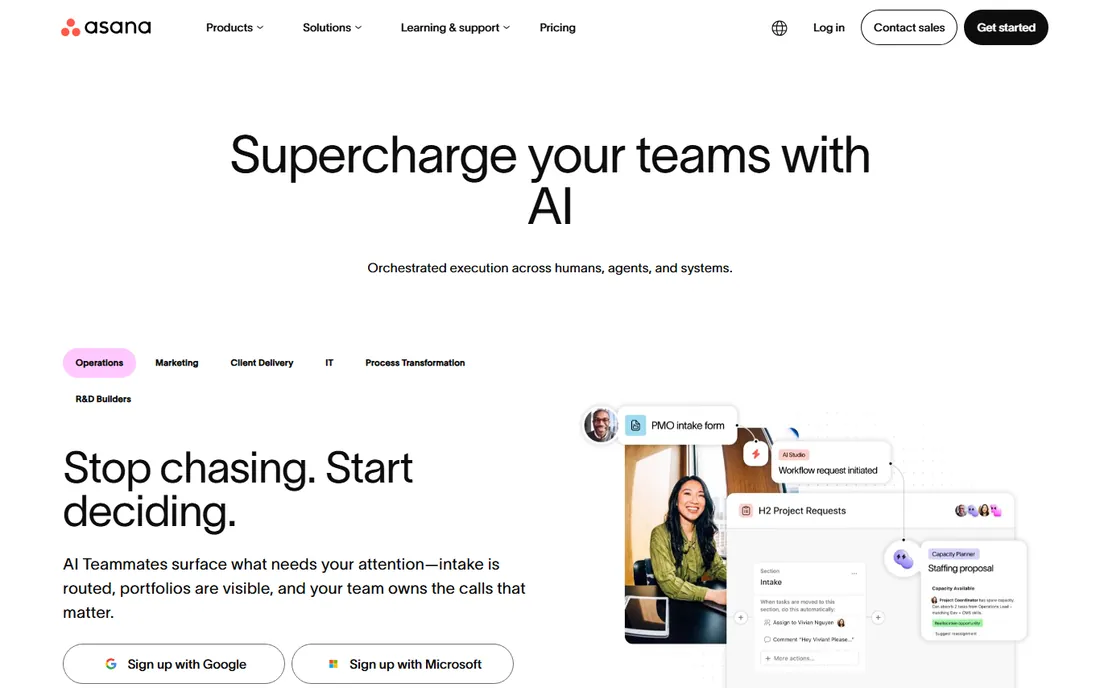
Asana is where team task management converged: projects, tasks, subtasks, timelines, and portfolios in an interface teams actually adopt. The multiple views, list, board, timeline, calendar, let everyone work the way they think.
The workflow features handle real team coordination: dependencies, custom fields, rules-based automation, and portfolios for managing many projects. Integrations with Slack, Gmail, and hundreds of tools keep work connected.
Per-user pricing adds up for large teams, and the most powerful features sit on higher tiers. But for the core job of teams getting work done together with clarity, Asana's balance is the benchmark.
What we like- The right balance of power and usability
- Great project views
- Strong integrations
Watch out for- Costs add up
- Advanced features need higher tiers
Starting priceSee website
Free planFree trial
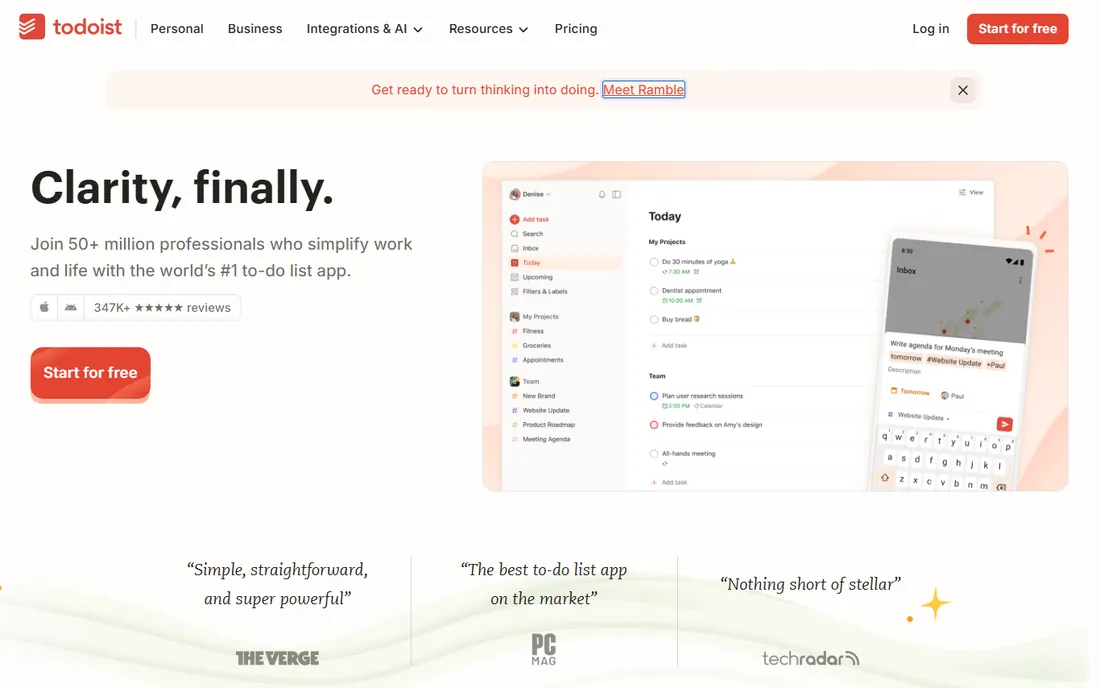
Todoist is the task app individuals love: fast, clean, and available on every platform. Natural language input ("Submit report Friday at 3pm") makes capturing tasks effortless, and the Karma system gamifies productivity gently.
The simplicity is the product. No project management overhead, no complex configuration, just tasks organized by project, label, and priority. It syncs instantly and works offline.
Team collaboration exists but trails the team-first tools. Complex project needs exceed it. But for personal productivity and small team task sharing, Todoist's speed and simplicity are unmatched.
What we like- Beautifully simple
- Fast everywhere
- Great natural language input
Watch out for- Team features are lighter
- Less project depth
Starting priceSee website
Free planFree trial
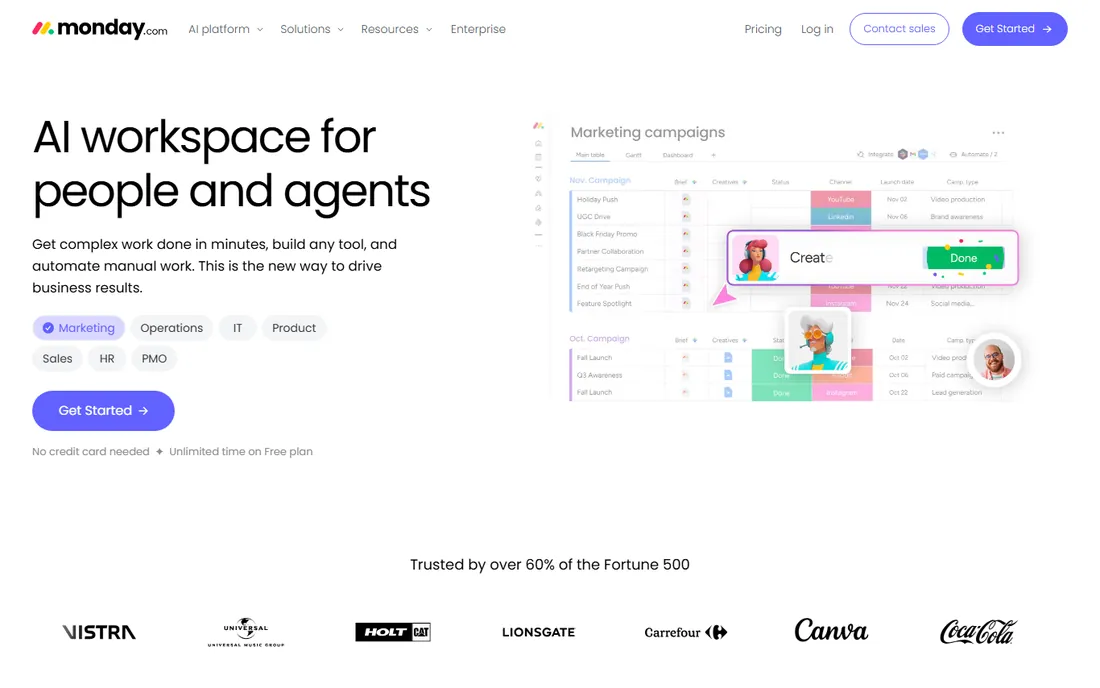
monday.com's colorful boards make task management approachable for teams that found traditional tools intimidating. Customizable columns, automations, and dashboard views adapt to marketing, operations, sales, and creative workflows.
The visual approach drives adoption across non-technical teams. Automations handle status changes, notifications, and routine updates without manual effort. The templates give every department a starting point.
Per-user costs grow with teams, and the pricing can surprise at scale. Depth trails specialized project tools for complex needs. But for visual team task management that everyone uses, monday.com's appeal is proven.
What we like- Visual and intuitive
- Flexible boards
- Good automations
Watch out for- Pricing per user adds up
- Can get expensive
Starting priceSee website
Free planFree trial
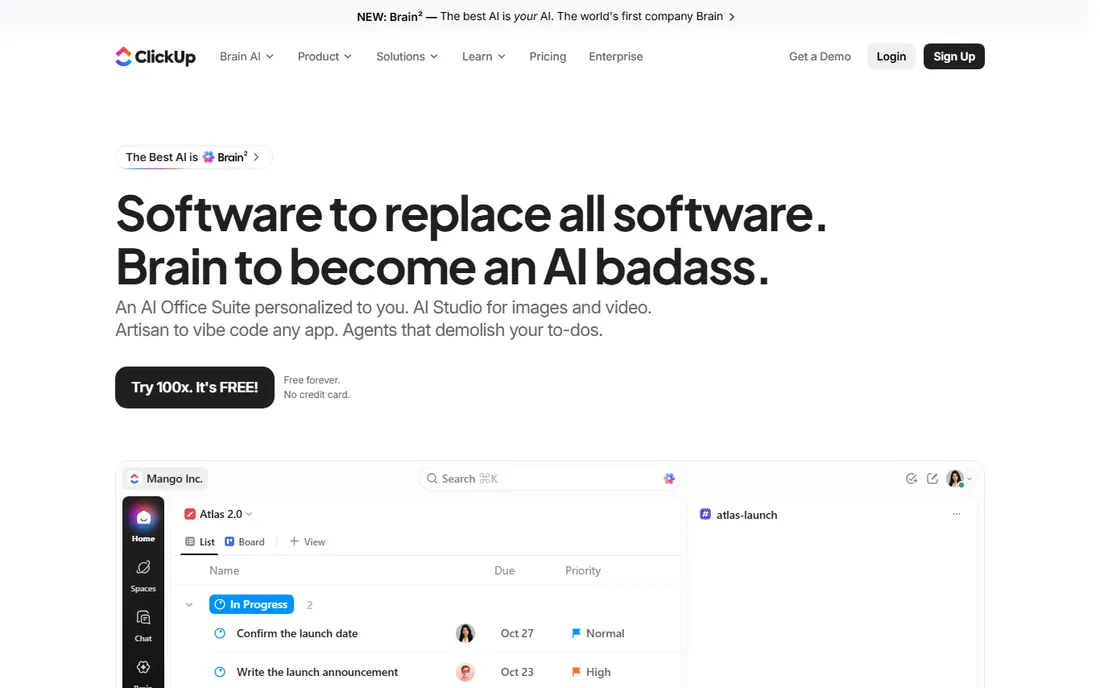
ClickUp wants to be the only productivity app: tasks, documents, goals, time tracking, whiteboards, and chat in one platform. Teams consolidating tools find the breadth compelling and the free tier generous.
Customization runs deep: views, fields, statuses, and automations adapt to any workflow. The ambition is admirable, and for teams that commit, the unified workspace reduces app-switching.
New users face genuine overwhelm; the interface offers so much that focus suffers initially. Performance occasionally lags. But the value equation, enormous capability at modest prices, keeps winning converts.
What we like- Tasks plus docs plus goals
- Generous free tier
- Deeply customizable
Watch out for- Overwhelming at first
- Performance varies
Starting priceSee website
Free planFree trial
Trello is kanban distilled: boards, lists, cards, drag and drop. The simplicity means anyone can use it in minutes, and the free tier covers many teams' needs completely.
Power-Ups extend it with calendars, voting, integrations, and more, though the best ones cost extra. Butler automation handles routine card movements. For visual workflow tracking without complexity, it remains delightful.
Complex projects outgrow it: dependencies, timelines, and reporting are thin. But as the simple shared board for teams that need visibility without process, Trello's clarity is the point.
What we like- The simplest kanban
- Free tier is useful
- Everyone understands it
Watch out for- Limited for complex projects
- Power-ups cost more
Starting priceSee website
Free planFree trial
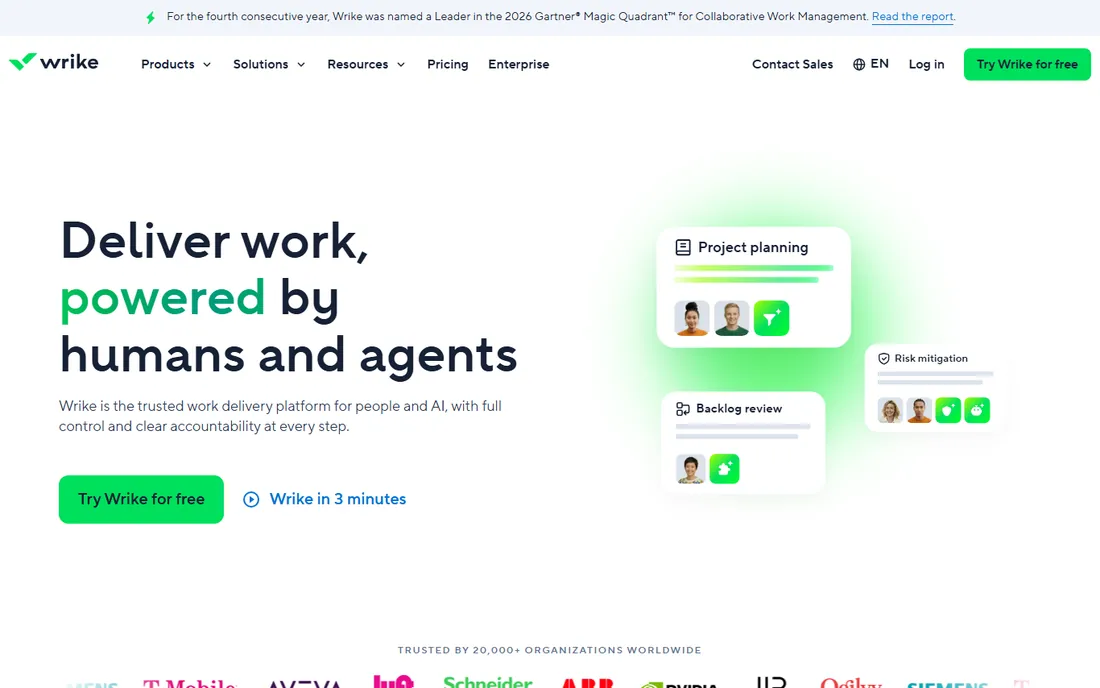
Wrike serves teams with complex project needs: detailed planning, resource management, custom workflows, and the reporting that enterprises require. Marketing, creative, and professional services teams run serious operations on it.
The analytics and reporting exceed most competitors, giving managers real visibility into workload and progress. Proofing and approval workflows suit creative teams specifically.
The learning curve is steeper than simpler tools, and pricing targets teams rather than individuals. But for work management with enterprise depth, Wrike delivers where lighter tools fall short.
What we like- Strong for complex projects
- Good reporting
- Enterprise features
Watch out for- Learning curve
- Pricing for larger teams
Starting priceSee website
Free planFree trial
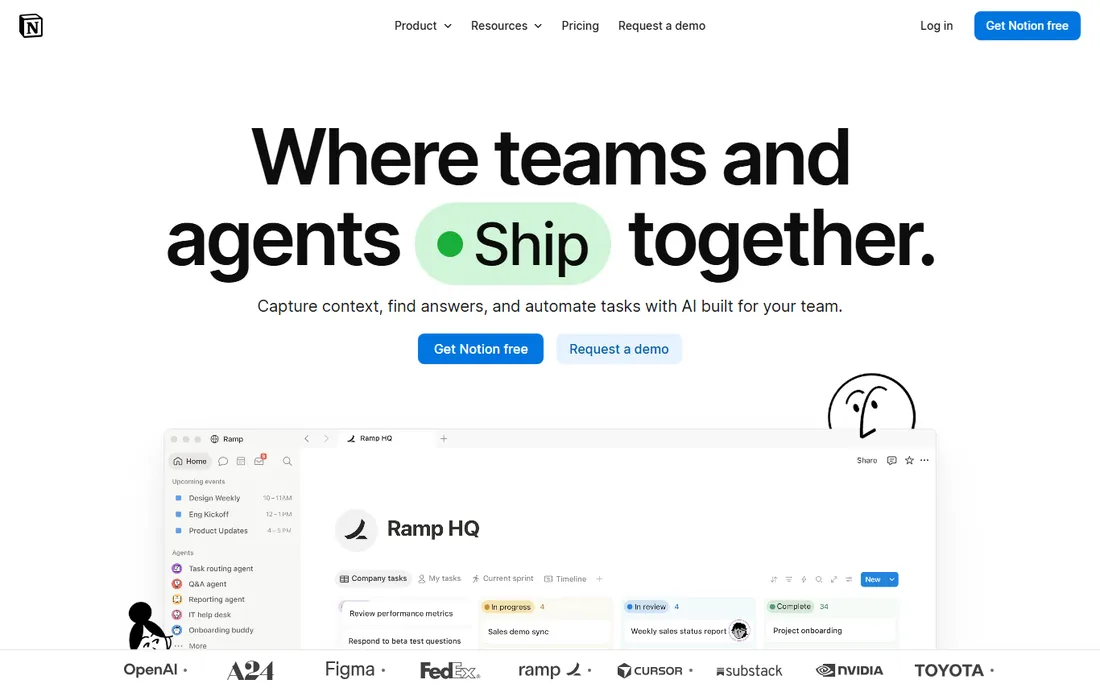
Notion unifies documents, wikis, and tasks in one flexible workspace. Databases with multiple views let teams build custom systems: project trackers, content calendars, and knowledge bases that connect.
The flexibility is the appeal and the risk. Teams design exactly what they need, but undisciplined setups become confusing. The template gallery helps, and the AI features assist with drafting and organization.
Pure task management is less structured than Asana or Todoist; it is a workspace that includes tasks, not a task tool. But for knowledge workers who live in documents, Notion's unification is powerful.
What we like- Documents and tasks unified
- Flexible databases
- Great for knowledge work
Watch out for- Task management less structured
- Can get messy
Starting priceSee website
Free planFree trial
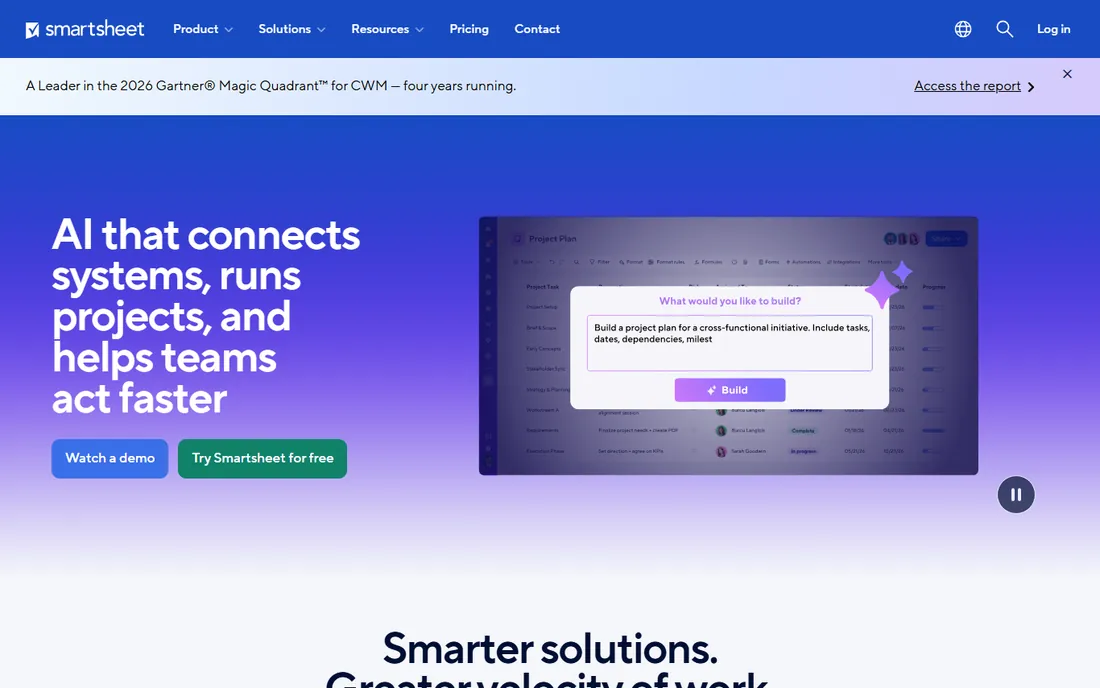
Smartsheet brings project management to spreadsheet thinkers: familiar grids with Gantt charts, dependencies, automation, and dashboards layered on. Teams that plan in Excel adopt it naturally.
The power shows in complex plans: critical path, baselines, and resource management handle serious project needs. Forms collect data directly into sheets, and the reporting rolls up across projects.
Non-spreadsheet users find it less intuitive than visual tools. Costs grow with advanced features. But for project work where the spreadsheet metaphor fits, Smartsheet's depth is proven.
What we like- Familiar spreadsheet interface
- Powerful for plans
- Good reporting
Watch out for- Less intuitive for non-spreadsheet users
- Costs add up
Choosing by work style
Individuals managing personal work: Todoist for simplicity, Notion if you live in documents. The best personal system is the one you maintain; choose the tool you will actually open daily.
Small teams coordinating work: Asana for balanced team management, Trello for visual simplicity, monday.com for approachable boards. Prioritize adoption; the tool everyone uses beats the powerful one they avoid.
Complex operations: Wrike or Smartsheet for project depth, ClickUp for all-in-one consolidation. These reward configuration effort with real operational control.
The adoption playbook
Start with one team and one clear use case. Define how tasks get created, assigned, and completed before configuring anything. The process matters more than the tool settings.
Keep it simple initially. Fewer custom fields, fewer statuses, fewer automations. Complexity can grow with need; starting complex guarantees confusion.
Review and prune regularly. Archive completed projects, delete unused fields, and revisit the setup quarterly. Task systems accumulate cruft; maintenance keeps them useful.
Prioritization systems that work
Every task tool needs a prioritization method, or everything becomes urgent. The simplest effective system: three priorities, reviewed daily. What must happen today, what should happen this week, everything else waits. The tools support labels and custom fields; the discipline is the daily review.
Time-block the important work. Tasks without calendar time compete with everything; tasks with dedicated blocks get done. The integration between task tools and calendars exists in all the major platforms; use it for the work that matters most.
Learn to say no with data. An overflowing task list is information: capacity is exceeded. Show the list when new requests arrive, and negotiate explicitly. The task system makes the invisible workload visible, which is half its value.
Reviews: weekly and quarterly
The weekly review is the habit that makes task systems work. Once a week, process every task: update statuses, clarify next actions, delete what no longer matters, and plan the coming week. Thirty minutes weekly prevents the system decay that kills adoption.
Quarterly, review the system itself. Are projects organized sensibly? Are automations helping or annoying? Do the views match how the team actually works? Task systems drift; periodic realignment keeps them useful.
Celebrate completions visibly. Teams that acknowledge finished work sustain momentum; teams that only see the endless backlog burn out. The tools track progress; the culture should recognize it.
How we chose
We compared task management tools that individuals and teams actually use for work, based on hands-on evaluation, documentation, and reviews on G2, Capterra, and Trustpilot. We covered team standards, personal favorites, visual platforms, all-in-one tools, and specialized options, because work styles vary widely. Pricing changes frequently, so we link to vendors for current numbers.
Frequently asked questions
How do we get the team to actually use it?
Make it the single source of truth: if it is not in the tool, it does not exist. Leadership must use it visibly. Keep the setup simple initially, and celebrate the clarity it brings.
Should tasks live in email or a task tool?
A task tool, always. Email buries tasks in threads; dedicated tools make ownership, deadlines, and status visible. Forward emails to the task tool rather than managing work from the inbox.
How detailed should tasks be?
Actionable in one sitting is the test. Break work into tasks completable in hours, not weeks. Vague mega-tasks stall; clear small tasks move.
Do we need the paid tiers?
Free tiers cover individuals and small teams well. Upgrade triggers: more users, advanced reporting, automation needs, or admin controls. Most teams know when they have outgrown free.
Can one tool serve the whole company?
Often yes for task management, with engineering sometimes needing deeper tools. Standardize where possible; the visibility across departments is worth the compromise. Connect specialized tools via integrations rather than forcing uniformity.
How do we manage tasks across departments?
Use shared projects for cross-functional work with clear owners per task. Portfolios or dashboards give leadership visibility without micromanaging. The key is agreed conventions: everyone names, assigns, and updates tasks the same way.
When should tasks become projects?
When the work needs phases, milestones, or coordination across people. A task with twenty subtasks is a project wearing a disguise. Promote it and manage it properly with the right structure.
How do we balance structure with flexibility?
Provide templates and conventions, but let teams adapt views and workflows to their work. The system should guide without constraining; review quarterly whether the structure still serves.
What is the biggest task management mistake?
Tracking everything at the same level of detail. Not every task deserves subtasks, dependencies, and custom fields. Match the overhead to the importance; simple tasks should stay simple.
Sources we checked (8)
- https://asana.com/
- https://www.todoist.com/
- https://monday.com/
- https://clickup.com/
- https://trello.com/
- https://www.wrike.com/
- https://www.notion.so/
- https://www.smartsheet.com/
Is your product missing or out of date?
We review this list regularly. Vendors can request a listing, send updated pricing or ask about featured placement.

Shihab Mia · Founder, Rankite
Shihab has spent more than a decade helping SaaS and e-commerce brands grow through search. He writes Rankite's software buying guides from pricing pages, documentation and public user reviews. More about Shihab.