How we make this list: we compare pricing pages, product documentation and public user reviews. Rankite is independent; if a vendor ever pays for a featured spot, that listing is clearly labeled Partner.
Key takeaways
- InstallShield remains the enterprise standard for Windows installers, now under Revenera.
- Inno Setup and NSIS are the free classics that have shipped millions of installers.
- Advanced Installer and InstallAware offer modern commercial alternatives with friendlier experiences.
- WiX Toolset, Setup Factory, and Paquet Builder cover open-source, simplicity, and niche needs.
Quick comparison
Is your product missing or out of date?
We review this list regularly. Vendors can request a listing, send updated pricing or ask about featured placement.
The best installer software
Starting priceSee website
Free planFree trial
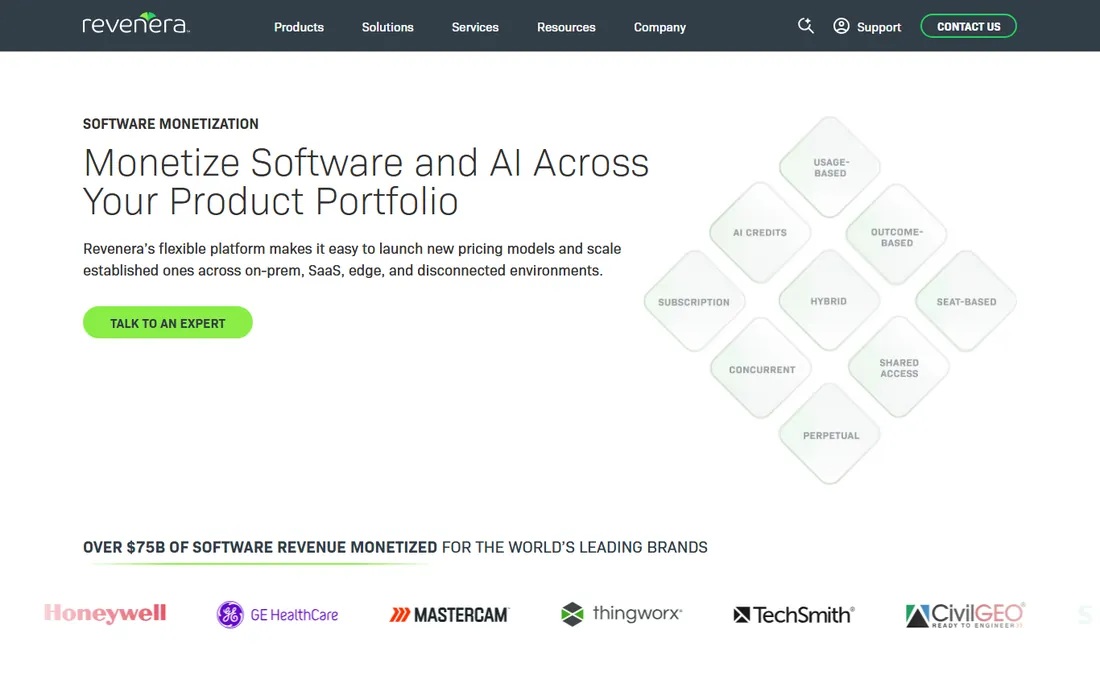
InstallShield, now part of Revenera, is the installer that enterprises trust for complex Windows deployments. MSI and EXE installers with prerequisites, custom actions, multi-language support, and the reliability that large software vendors require.
The depth handles scenarios free tools struggle with: complex upgrade logic, server deployments, and installations that must work across thousands of machine configurations. The support organization understands installer edge cases deeply.
Pricing is enterprise-grade, and the learning curve is real. But for commercial software vendors where installation failures mean support tickets and lost sales, InstallShield's reliability justifies the investment.
What we like- The industry standard
- Handles complex installations
- Excellent support
Starting priceFree
Free planYes
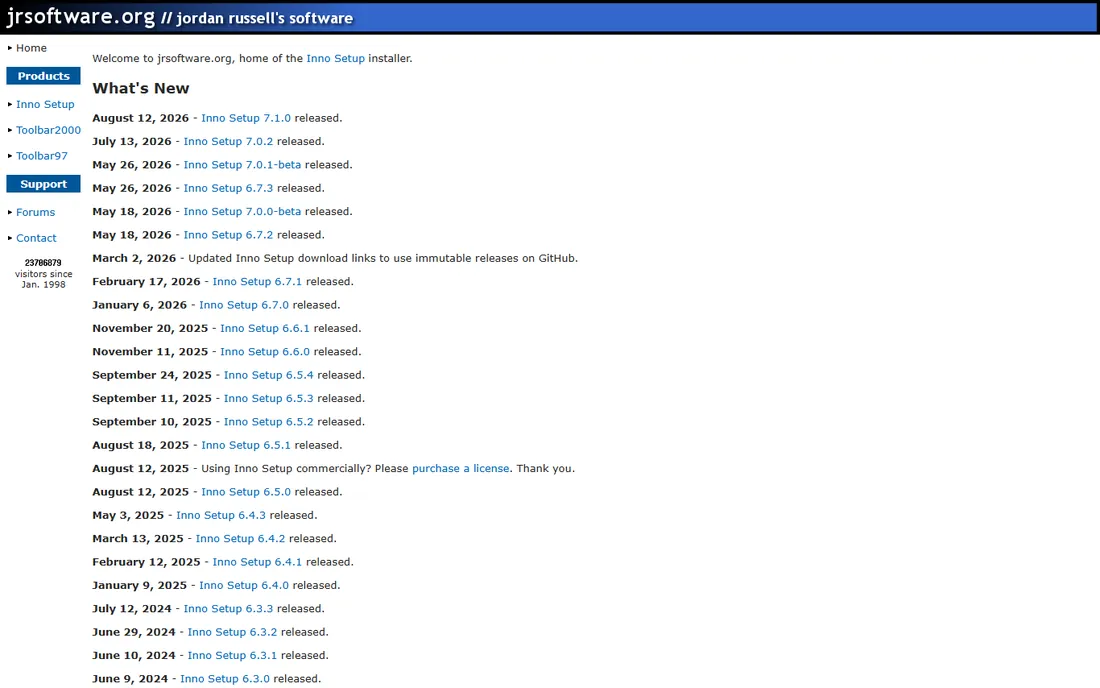
Inno Setup is the free installer that refuses to die: script-based, reliable, and used by countless applications. The Pascal-like scripting gives precise control over the installation process, and the output installers are compact and professional.
The community is the asset: decades of scripts, extensions, and answers cover nearly every installer need. For developers comfortable with scripting, it does everything commercial tools do for the common cases.
There is no visual designer worth mentioning; you write scripts. Complex MSI-specific scenarios need more. But for free, dependable Windows installers, Inno Setup's track record is unmatched.
What we like- Free and reliable
- Scriptable
- Huge community
Starting priceFree
Free planYes
NSIS (Nullsoft Scriptable Install System) is the other free classic, known for tiny installer overhead and powerful scripting. Winamp-era software shipped with it, and it remains popular for applications where installer size matters.
The scripting language is flexible, handling custom pages, conditional logic, and system integration well. Plugins extend it further. The resulting installers are lean and fast.
The learning curve exceeds Inno Setup's, and documentation shows its age. But for developers who want maximum control with minimum overhead, NSIS remains a capable free choice.
What we like- Free and open source
- Tiny overhead
- Very flexible scripting
Watch out for- Steeper learning curve
- Dated documentation
Starting priceSee website
Free planFree trial
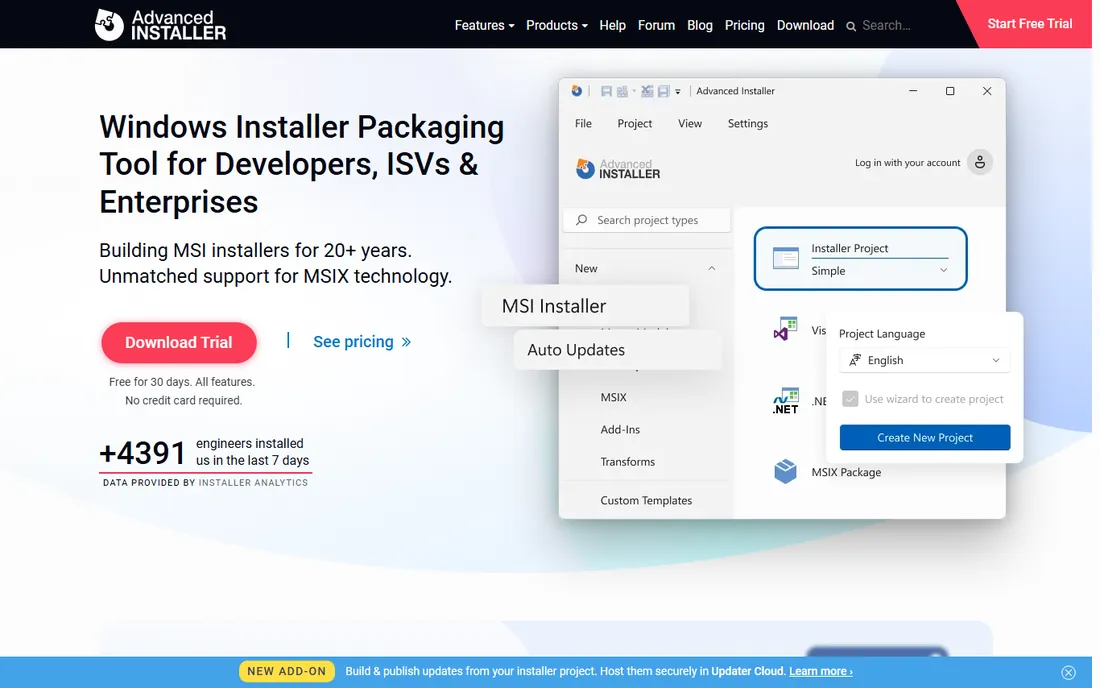
Advanced Installer modernized the commercial installer experience: a clean GUI for building MSI, MSIX, and EXE installers without the InstallShield learning curve or price. The free tier handles simple installers genuinely.
The MSIX and modern packaging support stands out as Windows evolves. Auto-updater integration, IIS and SQL configuration, and the visual designers cover professional needs without scripting.
It is Windows-focused by nature, and the most advanced features sit on higher tiers. But as the value-priced commercial alternative to InstallShield, it hits the sweet spot for independent vendors and small teams.
What we like- Intuitive GUI
- Strong MSI/MSIX support
- Good value tiers
Watch out for- Windows-focused
- Advanced features need higher tiers
Starting priceFree
Free planYes
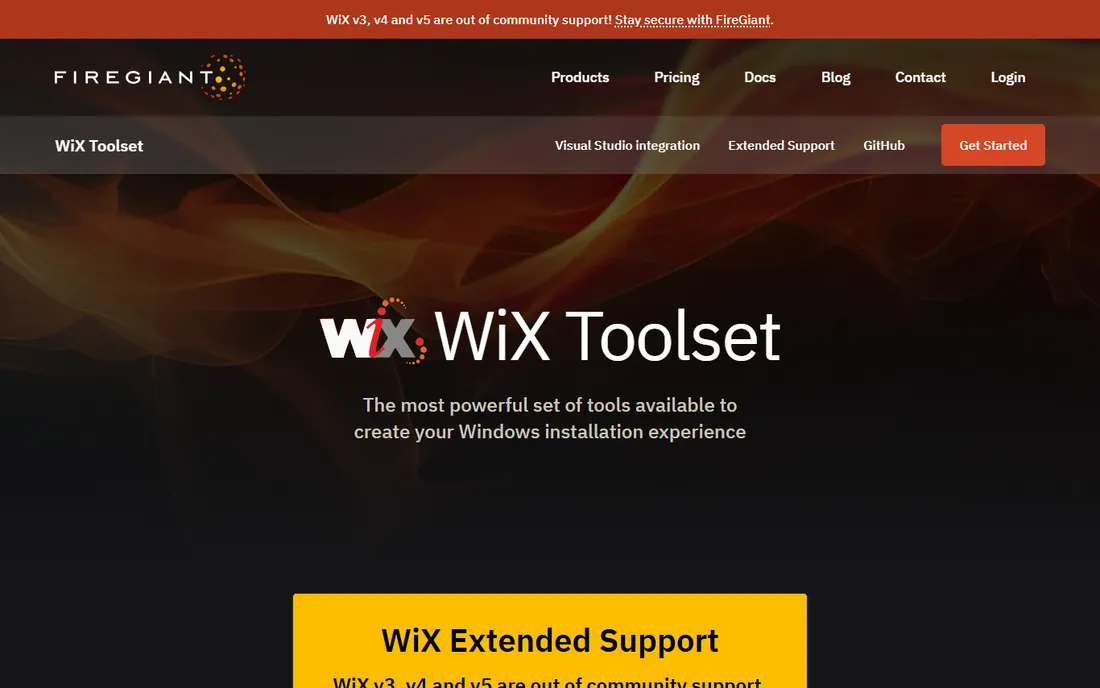
The WiX Toolset builds real Windows Installer (MSI) packages from XML source, free and open source. Microsoft itself uses WiX for major products, which speaks to its capability. The toolset integrates with CI/CD pipelines naturally.
Now stewarded with FireGiant's involvement, the project continues evolving with modern tooling around the core. Developers who want MSI correctness with build automation find it the right foundation.
XML authoring is verbose and the learning curve is steep; this is a developer tool, not a designer. But for teams building MSI packages in automated pipelines, WiX's precision and price (free) are compelling.
What we like- Free and open source
- True MSI
- Integrates with builds
Watch out for- XML-based
- Steep learning curve
Starting priceSee website
Free planFree trial
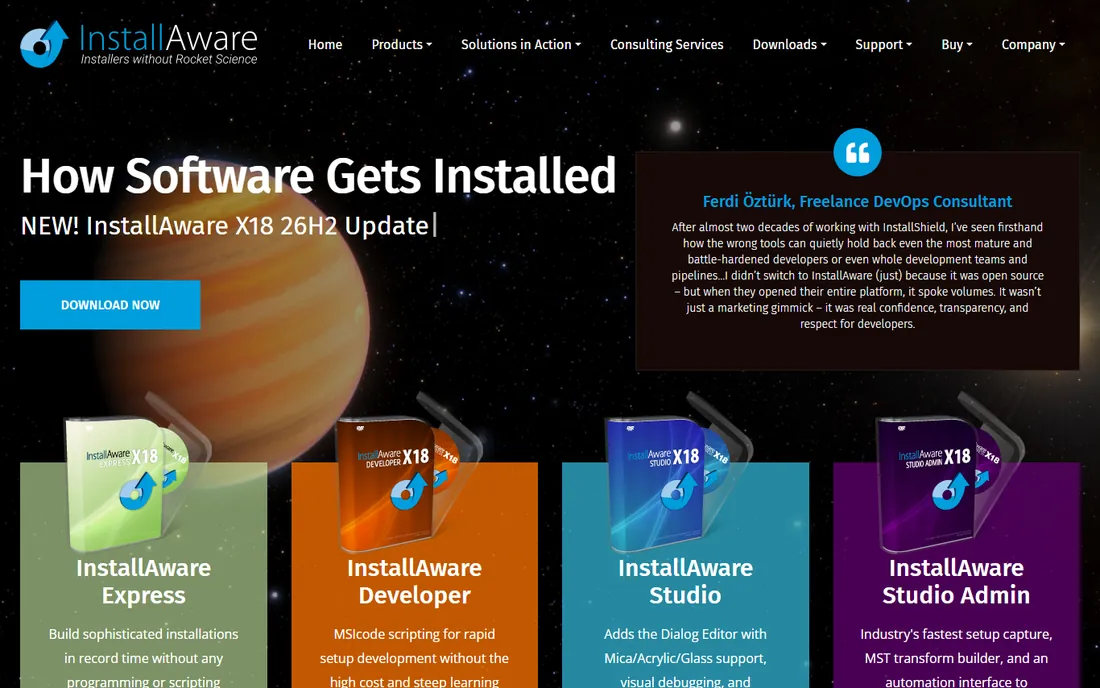
InstallAware positions itself as the modern alternative in setup authoring: web-based deployment, differential updates, and MSI support with contemporary features. The hybrid installation technology handles online and offline scenarios elegantly.
The web deployment features suit modern distribution: small initial downloads with components fetched as needed. For vendors moving from physical media thinking to internet delivery, the model fits.
The community is smaller than Inno Setup's or WiX's, and pricing tiers gate features. But for commercial vendors wanting modern installer capabilities without InstallShield's weight, InstallAware deserves evaluation.
What we like- Modern features
- Web deployment
- Good MSI support
Watch out for- Smaller community
- Pricing tiers
Starting priceSee website
Free planFree trial
Setup Factory (from Indigo Rose) prioritizes ease: visual project building, straightforward dialogs, and installers that work without scripting knowledge. Small vendors and internal IT get professional installers quickly.
The affordability suits independent developers and small companies. The visual approach means non-developers can build installers, which matters for small teams.
Power trails the leaders for complex scenarios, and the ecosystem is modest. But for straightforward installers built quickly and affordably, Setup Factory's simplicity is the selling point.
What we like- Very easy to use
- Visual project
- Affordable
Watch out for- Less powerful than leaders
- Smaller ecosystem
Starting priceSee website
Free planFree trial
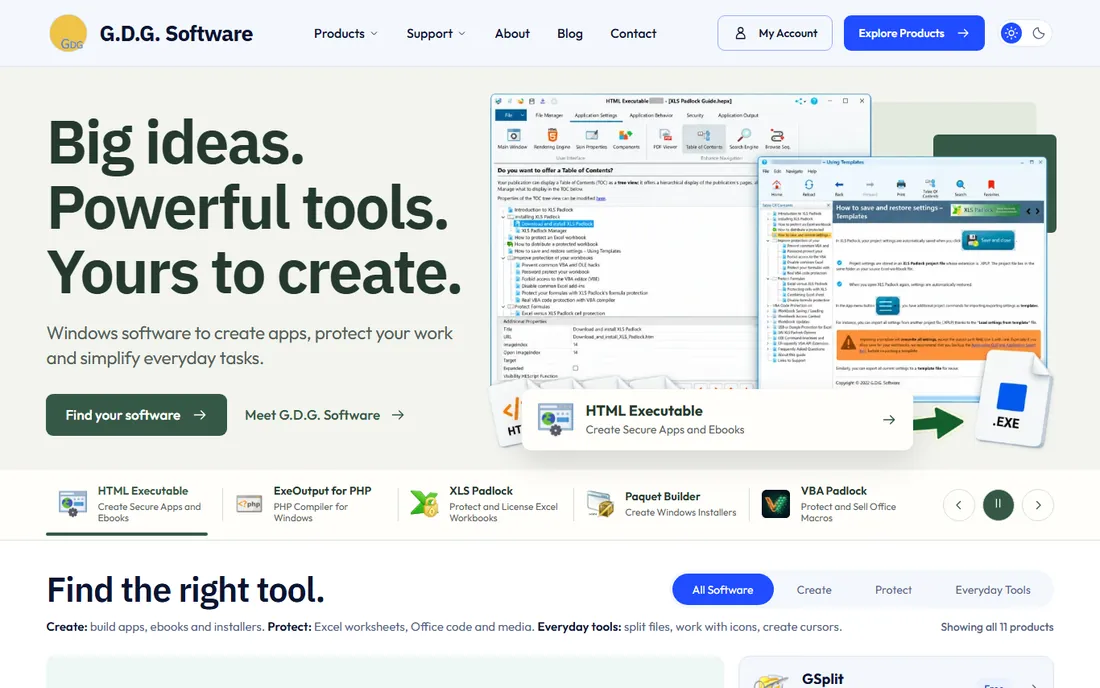
Paquet Builder (from G.D.G. Software) creates compact self-extracting packages: single EXE files that extract and optionally run installers. The niche is distribution simplicity: one file, no dependencies, works everywhere.
IT departments use it for packaging files, updates, and portable deployments. The compression is good, the interface straightforward, and the price friendly.
It is a packaging tool more than a full installer authoring system; complex installation logic needs other tools. But for the specific job of compact self-extracting distribution, it does one thing well.
What we like- Compact self-extracting EXEs
- Easy to use
- Affordable
Choosing by scenario
Commercial software vendors shipping to customers: InstallShield for enterprise reliability, Advanced Installer for value, Inno Setup for free. The installer is part of the product experience; invest accordingly.
Internal IT deployments: PDQ-style deployment often replaces installers, but Paquet Builder and Setup Factory package internal tools well. MSI via WiX suits managed environments with Group Policy.
Open-source projects: Inno Setup, NSIS, or WiX, all free, all proven. The choice is philosophical and practical: script comfort versus MSI correctness.
Modern packaging trends
MSIX is Microsoft's modern packaging format, with cleaner installs and uninstalls. Advanced Installer and InstallShield support it well; evaluate whether your distribution needs it.
Web-based installation and auto-updaters (like Squirrel or commercial equivalents) change the model: install once, update silently. Many applications now need updaters more than installers.
Code signing is non-negotiable. Unsigned installers trigger Windows warnings that kill conversion. Budget for a code signing certificate regardless of tool choice.
Testing installers properly
Installers fail in the field, not in the lab, unless you test like the field. Test on clean machines, on machines with previous versions, on machines with conflicting software, and on the oldest OS version you support. Virtual machines make this affordable.
Test the full lifecycle: install, launch, update, repair, and uninstall. The uninstall experience shapes user trust as much as the install; leftover files and registry keys annoy users and complicate support.
Automate installer testing in CI. Every build produces an installer; every installer gets smoke-tested automatically. The teams that do this catch installer regressions before customers do.
The first-run experience
Installation is the beginning of the user relationship, not the end of deployment. Design the first-run experience deliberately: welcome screens that teach, sensible defaults that respect user choice, and no dark patterns in bundled offers.
Respect the user's machine. Install only what is needed, in standard locations, with clean uninstall every single time. Request elevation only when necessary, and explain why. The installers users trust are the ones that behave transparently.
Measure installation success. Track completion rates, failure points, and support tickets related to installation. The data reveals friction that internal testing misses, because real machines are messier than lab machines.
Enterprise deployment considerations
Enterprise customers deploy differently: silent installs, Group Policy, SCCM/Intune, and configuration via transforms or command-line parameters. Support these deployment methods properly or lose enterprise deals.
Document every silent install option, exit code, and configuration parameter. Enterprise admins evaluate this documentation during procurement; its quality signals your seriousness about their environment.
Provide an MSI when asked. Many enterprises standardize on MSI deployment, and the tools here that build true MSIs (InstallShield, Advanced Installer, WiX) earn their keep in these deals. The EXE-only vendors lose enterprise opportunities quietly.
How we chose
We compared installer authoring tools used to build Windows software installations, based on documentation, developer community discussion, and long-standing reputation. We covered the enterprise standard, free classics, modern commercial alternatives, and niche tools. We noted that WiX Toolset's home is now at FireGiant and that InstallShield is a Revenera product. Pricing varies widely, so we link to vendors for current numbers.
Frequently asked questions
Do we still need installers in the age of web apps?
Desktop software still needs installation, and enterprise deployment still runs on MSI. Web apps reduced but did not eliminate the need. If you ship Windows software, you need installer tooling.
MSI vs. EXE: which should we build?
MSI for enterprise deployment (Group Policy, management tools); EXE for consumer simplicity and custom UI. Many vendors ship both. Modern tools build either from one project.
How do we handle automatic updates?
Build an updater into the application or use a framework (Squirrel, commercial auto-update features). The installer gets the app on the machine; the updater keeps it current. Plan updates from day one.
What is code signing and why does it matter?
A certificate proving your installer comes from you. Windows SmartScreen trusts signed installers; unsigned ones scare users. Extended Validation (EV) certificates build reputation faster. It is a required cost of shipping software.
Can we build installers in CI/CD?
Yes, and you should. WiX, Inno Setup (command line), and Advanced Installer all support automated builds. Version-stamped installers from every release eliminate the manual build bottleneck.
How do we distribute installers to users?
Through your website for direct sales, through the Microsoft Store for discoverability, or through enterprise deployment tools for corporate customers. Sign every installer and serve downloads over HTTPS.
Should we build our own updater?
For most vendors, no. Use the auto-update features in Advanced Installer, InstallAware, or a framework like Squirrel. Custom updaters are deceptively complex; the edge cases around permissions and partial updates consume real engineering time.
What installer should open-source projects use?
Inno Setup or NSIS for free, reliable Windows installers, or WiX Toolset for true MSI packages. All three are proven in open-source distribution, cost nothing, have active communities, and handle updates well.
Sources we checked (8)
- https://www.revenera.com/
- https://jrsoftware.org/
- https://nsis.sourceforge.io/Main_Page
- https://www.firegiant.com/wixtoolset/
- https://www.advancedinstaller.com/
- https://www.installaware.com/
- https://www.indigorose.com/
- https://www.gdgsoft.com/
Is your product missing or out of date?
We review this list regularly. Vendors can request a listing, send updated pricing or ask about featured placement.

Shihab Mia · Founder, Rankite
Shihab has spent more than a decade helping SaaS and e-commerce brands grow through search. He writes Rankite's software buying guides from pricing pages, documentation and public user reviews. More about Shihab.
 InstallShield
 Inno Setup
 NSIS
NSIS Advanced Installer
 WiX Toolset
 InstallAware
 Setup Factory
 Paquet Builder