How we make this list: we compare pricing pages, product documentation and public user reviews. Rankite is independent; if a vendor ever pays for a featured spot, that listing is clearly labeled Partner.
Key takeaways
- Wix is the most versatile all-rounder: hundreds of templates and an app market for almost any site.
- Squarespace wins on design: the best-looking templates for portfolios, creatives, and small businesses.
- Webflow is the professional choice: real design control with clean code output.
- GoDaddy, Weebly, Jimdo, and Strikingly cover the simple-and-fast end for basic sites.
- Duda serves agencies building client sites; Hostinger's builder is the budget pick.
Quick comparison
| Tool | Best for | Starting price | Free plan |
|---|
 Wix Wix | Versatile all-rounder | See website | Yes |
 Squarespace Squarespace | Design-led websites | See website | No |
 Webflow Webflow | Professional design control | Free | Yes |
 GoDaddy GoDaddy | Fast simple sites | See website | No |
 Weebly Weebly | Basic sites and stores | Free | Yes |
 Duda Duda | Agencies and client work | See website | No |
 Jimdo Jimdo | Simple European sites | Free | Yes |
 Strikingly Strikingly | One-page websites | Free | Yes |
 Hostinger Website Builder Hostinger Website Builder | Budget website building | See website | No |
Is your product missing or out of date?
We review this list regularly. Vendors can request a listing, send updated pricing or ask about featured placement.
Starting priceSee website
Free planYes
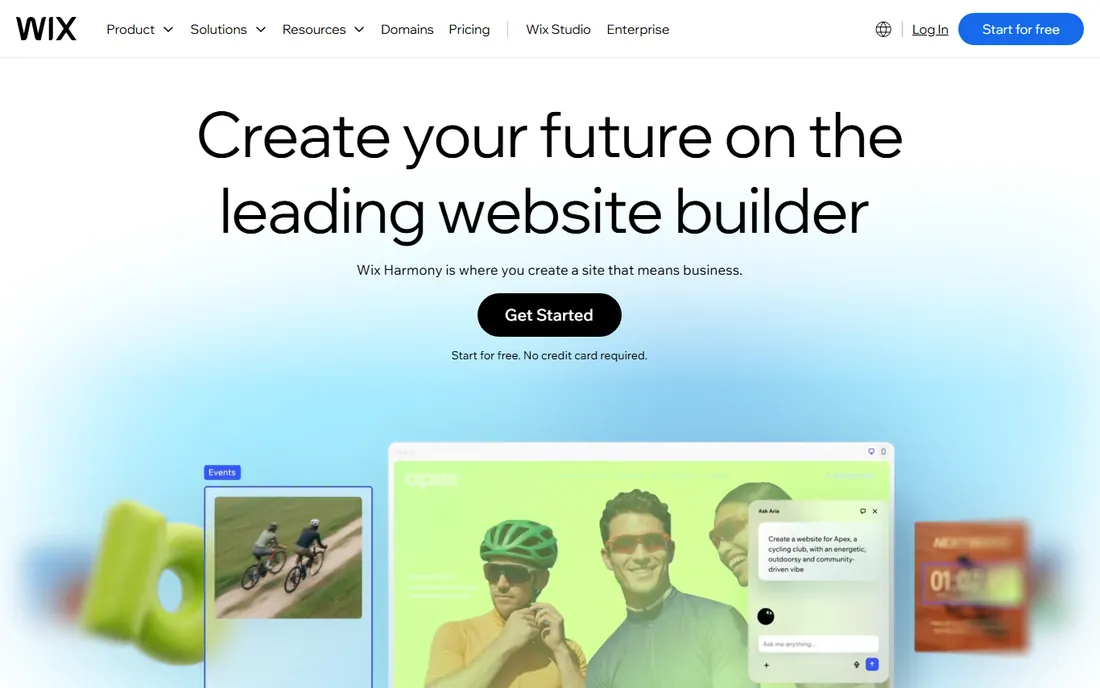
Wix is the Swiss-army website builder: hundreds of templates, an app market covering bookings, stores, restaurants, and events, and an AI designer (ADI) that builds a starter site from your answers. Whatever kind of site you need, Wix probably has a template and an app for it. The free tier lets you build and publish with Wix branding.
The famous limitation persists: you cannot switch templates after choosing one without rebuilding. Heavy sites can feel bloated. But for versatility (one platform for almost any small business site), Wix remains the safest recommendation. Most people find what they need here.
What we like- Huge template library
- App market
- ADI builds sites automatically
Watch out for- Templates cannot be switched after choosing
- Can feel bloated
Starting priceSee website
Free planNo
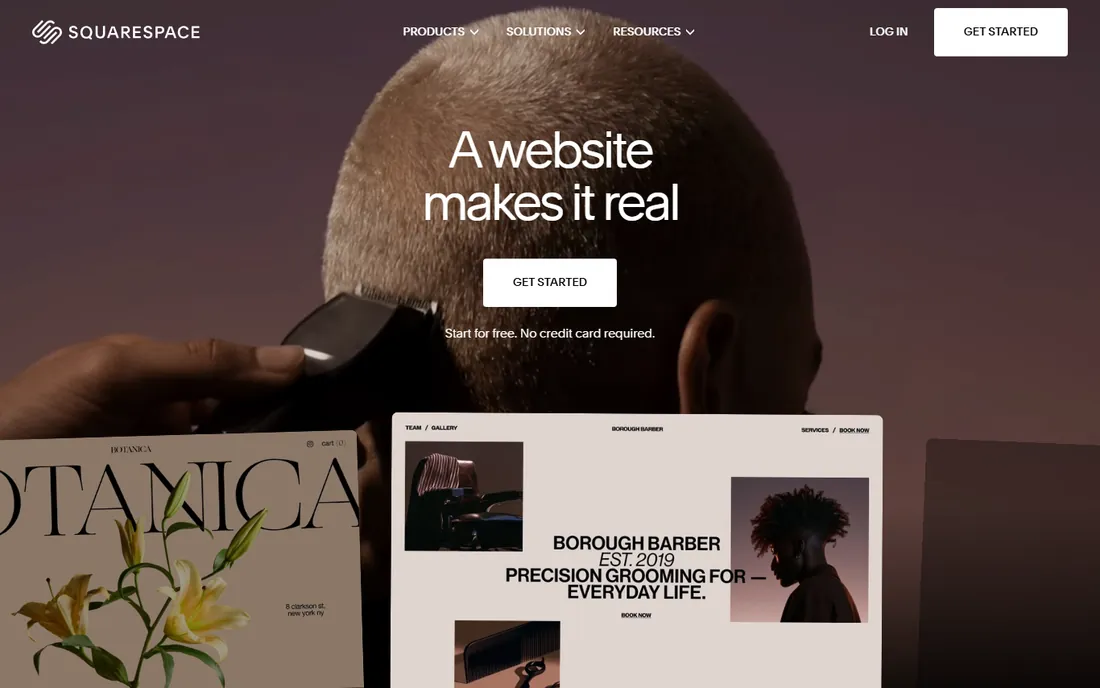
Squarespace's templates are the best-looking in the business, which is why photographers, designers, restaurants, and boutiques gravitate to it. The platform bundles hosting, domains, email marketing, and commerce in one polished package. Sites look professional with minimal effort because the design defaults are excellent.
There is no free tier (only a trial), and customization is less freeform than Wix's drag-and-drop. But if design quality matters more than feature count, Squarespace wins. It is the builder for people who want their site to look expensive.
What we like- Best-looking templates
- Great for portfolios
- All-in-one platform
Watch out for- No free tier
- Less flexible than Wix
Starting priceFree
Free planYes
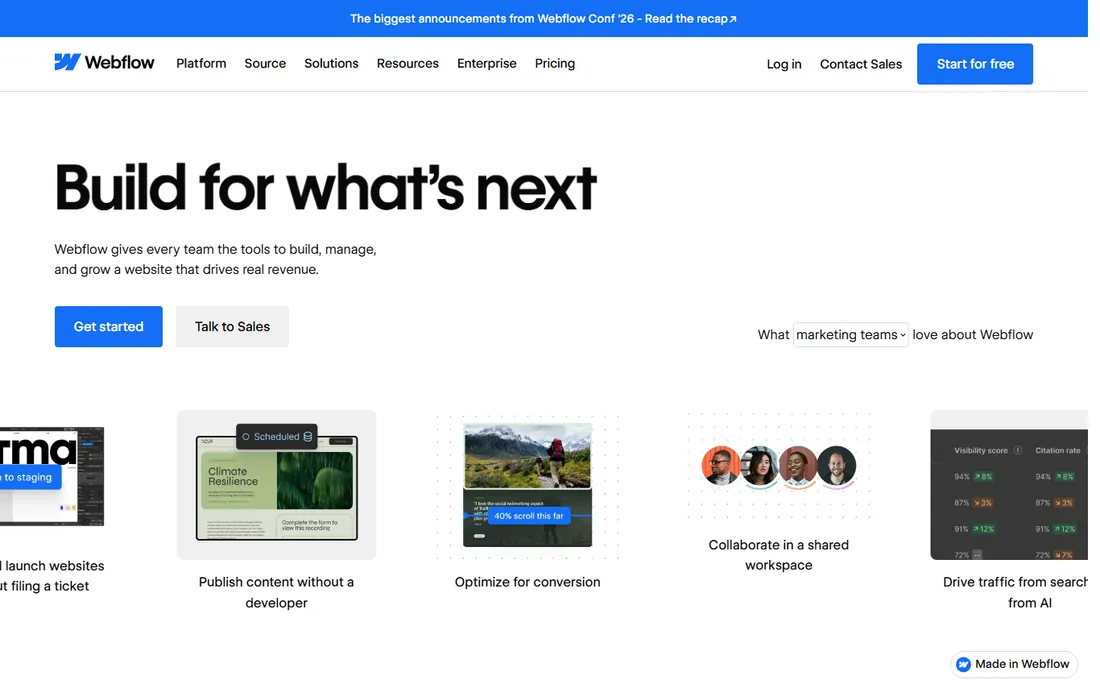
Webflow is a professional web design tool disguised as a website builder. Designers get CSS-level control over every element, the output is clean production-ready code, and the CMS handles dynamic content properly. Agencies and freelancers build client sites that would normally require developers.
The learning curve is real; this is not a tool for someone who wants a site this afternoon. Pricing scales with usage. But for design professionals who want builder convenience without builder limitations, Webflow is in a class of its own. The sites it produces do not look like template sites.
What we like- Real design freedom
- Clean code output
- Powerful CMS
Watch out for- Steep learning curve
- Not for beginners
Starting priceSee website
Free planNo
GoDaddy's website builder prioritizes speed: answer a few questions and get a working site quickly, especially convenient if your domain already lives at GoDaddy. Built-in marketing tools (email, social) suit small businesses that want one vendor. The guided approach helps non-technical owners.
Design flexibility trails Wix and Squarespace, and GoDaddy's upsell culture follows you into the builder. But for a basic business site launched this week by someone who never wants to think about websites, GoDaddy's simplicity and domain integration are practical advantages.
What we like- Very fast to launch
- Good for existing GoDaddy customers
- Includes marketing tools
Watch out for- Less design flexibility
- Upsells are frequent
Starting priceFree
Free planYes
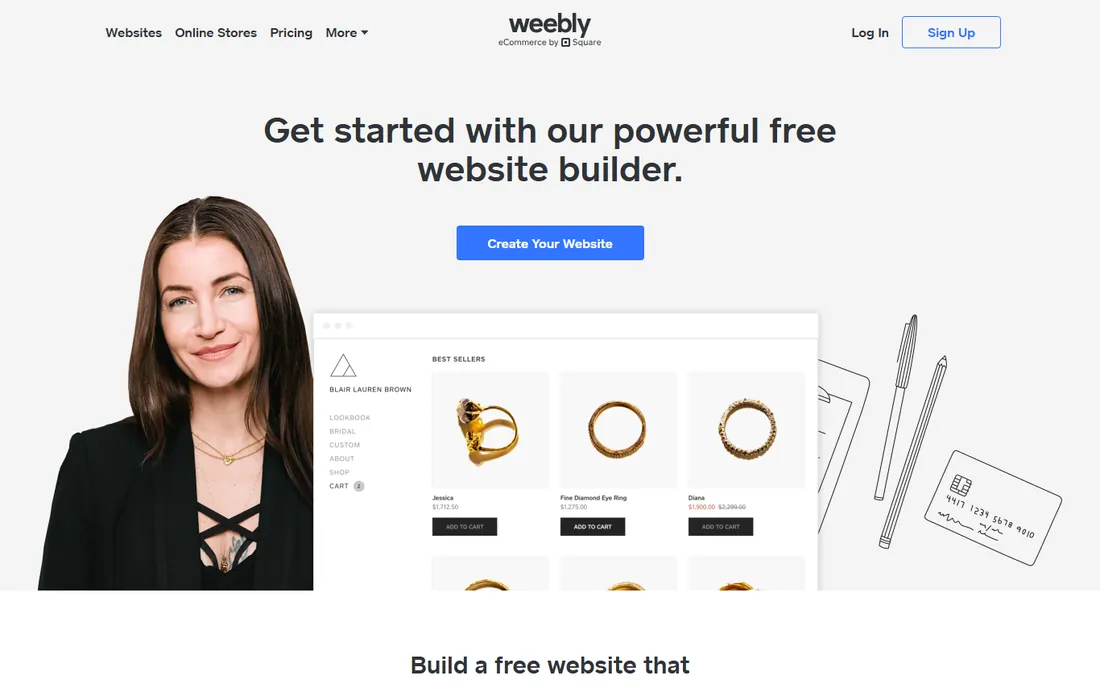
Weebly (owned by Square) remains a solid choice for basic websites and simple online stores. The drag-and-drop editor is straightforward, the free tier works for trying ideas, and Square integration suits sellers who already use Square payments. Small retailers get a functional store without complexity.
Development pace has slowed since the Square acquisition, and templates feel dated next to Squarespace. But the fundamentals work, the price is right, and Square sellers get natural integration. For a basic site or store without fuss, Weebly still delivers.
What we like- Simple to use
- Free tier available
- Decent ecommerce
Watch out for- Development has slowed
- Templates feel dated
Starting priceSee website
Free planNo
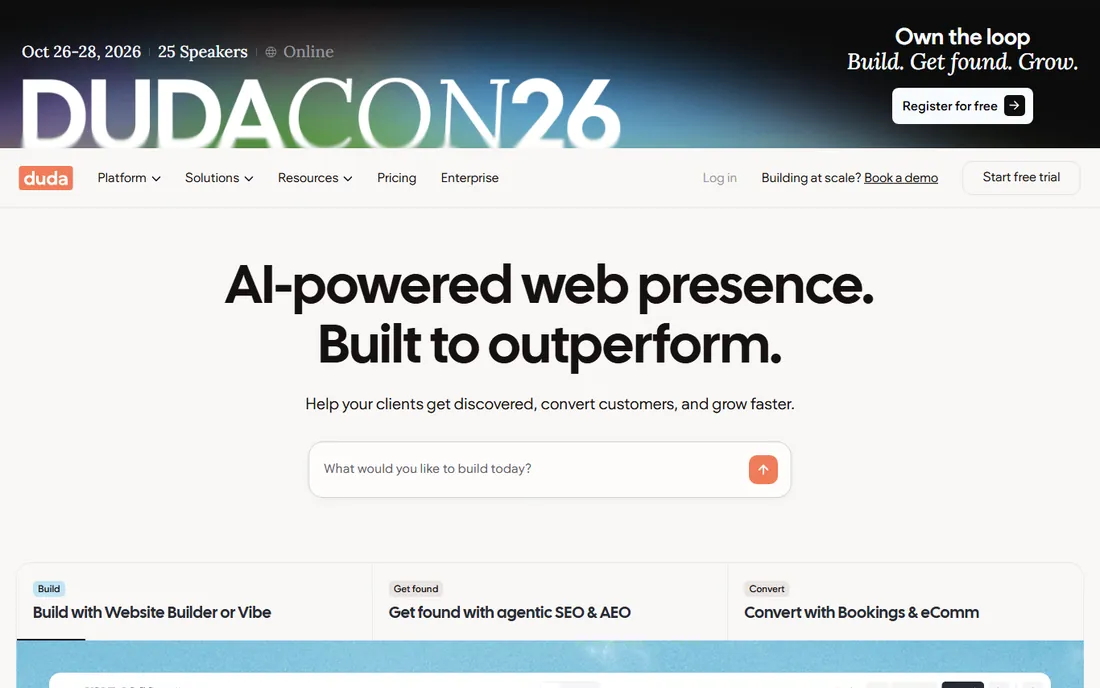
Duda is the website builder for people who build websites for others. Agencies get client management, white-label options, team collaboration, and tools for handling feedback and billing. The platform handles the business of web design, not just the design itself.
DIY users should look elsewhere; Duda assumes professional users. Pricing is per site, which suits agency economics. But for freelancers and agencies producing client sites at volume, Duda's workflow features save more time than any template library.
What we like- Built for client work
- White-label options
- Good team collaboration
Watch out for- Not aimed at DIY users
- Pricing per site
Starting priceFree
Free planYes
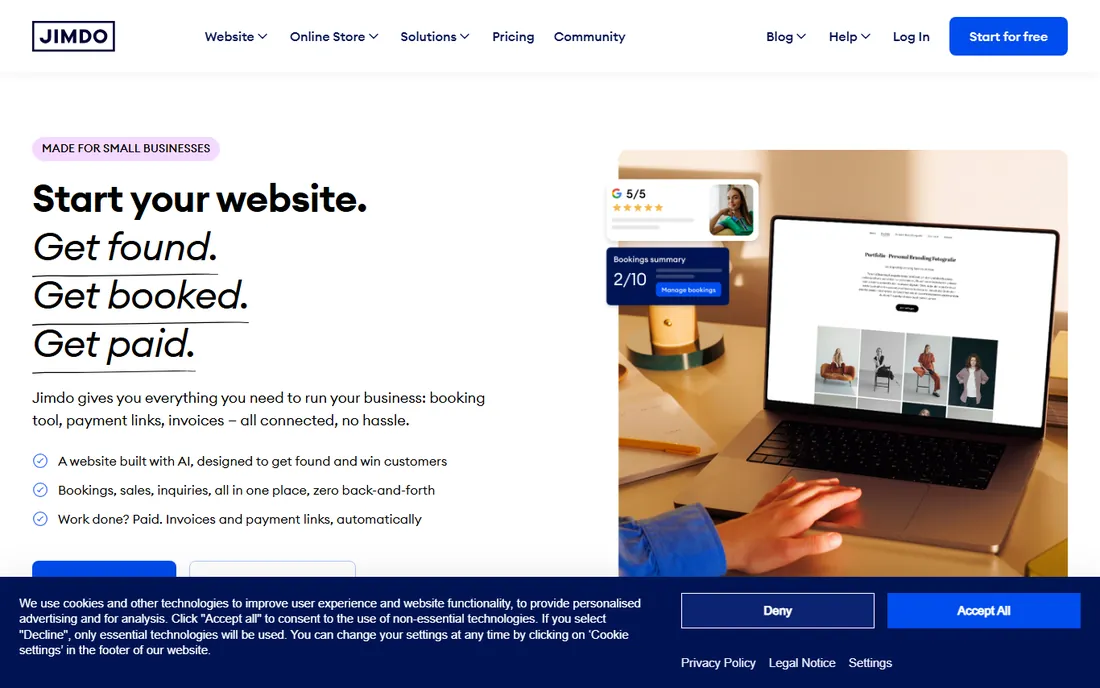
Jimdo keeps website building minimal: answer questions, get a site, with a free tier for the basics. The German company emphasizes GDPR compliance and European data handling, which matters for EU businesses. It suits small businesses that need an online presence without any learning curve.
Feature depth and template variety trail the bigger builders. Businesses that outgrow the basics will migrate. But for a simple European small business site (a plumber, a cafe, a consultant), Jimdo's simplicity and compliance focus are exactly right.
What we like- Very simple
- GDPR-friendly
- Good for European small businesses
Watch out for- Limited features
- Smaller template selection
Starting priceFree
Free planYes
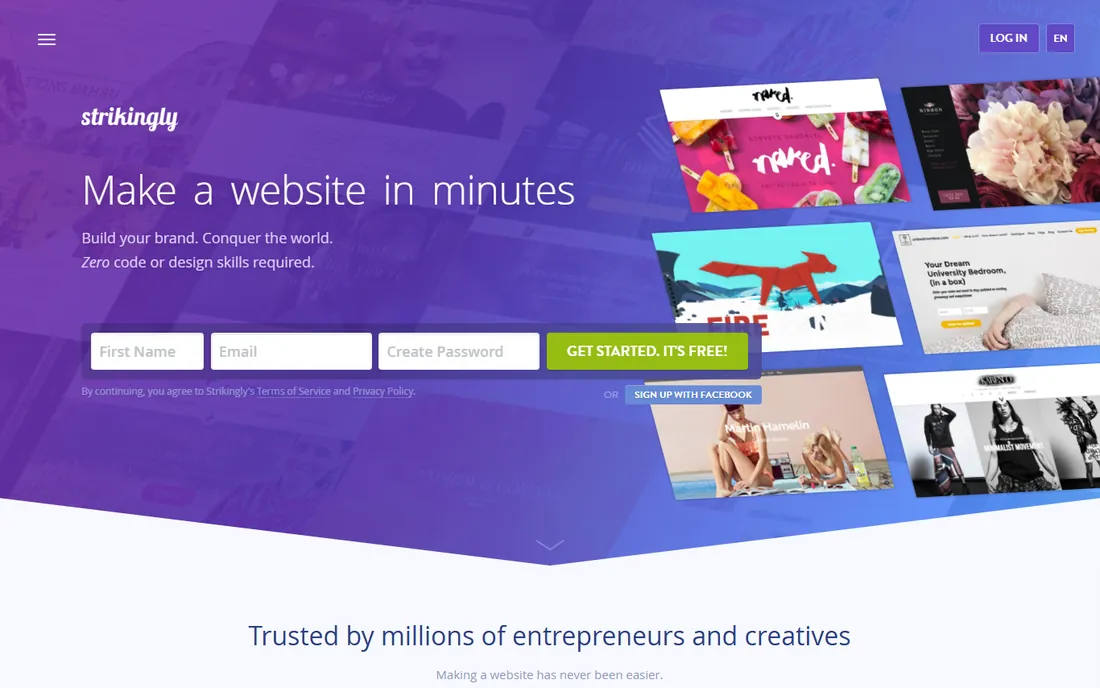
Strikingly perfected the one-page website: scrolling sections for a product launch, event, portfolio, or personal brand, built in minutes. The constraint is the feature; single-page sites convert well for focused purposes, and Strikingly makes them look good fast. The free tier covers basic needs.
Multi-page sites, blogs, and stores need other builders. But not every site needs to be complex. For landing pages, personal sites, and simple business presence, Strikingly's focus delivers better results than a bloated builder used at 10% capacity.
What we like- Excellent for single-page sites
- Very fast
- Free tier available
Watch out for- Not for complex sites
- Limited structure options
Starting priceSee website
Free planNo
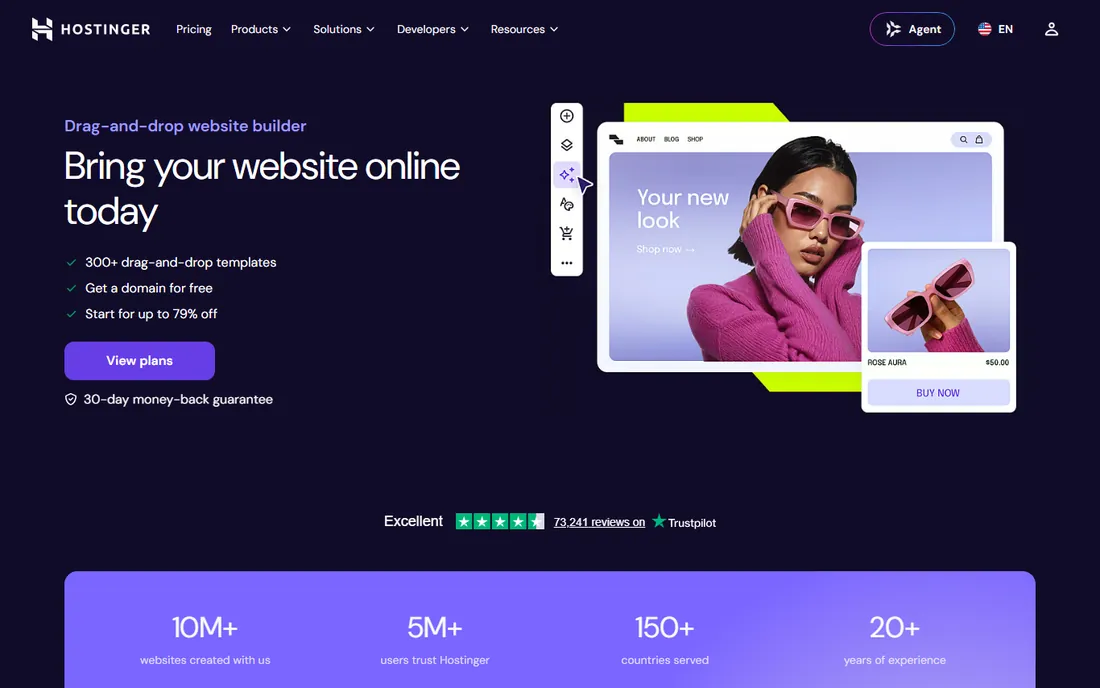
Hostinger's website builder (which absorbed Zyro) brings AI-assisted site creation at some of the lowest prices in the category. The builder generates starter sites quickly, hosting performance is solid, and the overall value is hard to beat for budget-conscious users. It covers the standard small business site needs.
The template library and feature depth trail Wix. As a newer builder, the ecosystem is smaller. But when the budget is the deciding factor, Hostinger delivers a real website (not a compromised one) for less. Price-sensitive builders should start here.
What we like- Very affordable
- AI builder
- Good performance
Watch out for- Fewer templates
- Newer builder
What kind of site are you actually building
The builder decision follows the site type, and mismatches cause most regret. A portfolio needs Squarespace's design or Webflow's control. A restaurant needs Wix's reservations and menus. A simple business presence needs GoDaddy's or Jimdo's speed. A landing page needs Strikingly's focus. An agency needs Duda's client tools. A store needs commerce depth (compare the ecommerce builders too). Write down the site's three most important jobs before comparing builders. Be specific: not just contact form, but online booking with calendar sync; not just store, but subscriptions with ten products. The more concrete the jobs, the clearer the winner becomes, and the less likely you are to be swayed by features you will never use. The platform that does those three things well beats the platform with the longest feature list.
What to check before you choose
Total cost including domain and email
Builder pricing rarely includes everything. Check domain costs (first year often discounted, renewals higher), business email, and ecommerce transaction fees. A cheap builder with expensive add-ons can cost more than a pricier all-in-one. Model two years of total cost.
SEO and performance basics
Every builder claims SEO features; verify the ones that matter: custom meta titles and descriptions, clean URLs, mobile performance, and page speed. Test a template site's speed before committing. A beautiful site that loads slowly loses visitors regardless of the builder.
Portability and lock-in
Most builders do not let you export your site and move it elsewhere. This is the industry's standard lock-in, and it means choosing a builder is a long-term commitment. Be comfortable with that before investing months of content. Webflow's clean code export is the notable exception.
Ecommerce needs
If you will sell online, evaluate the commerce features specifically: product limits, payment options, transaction fees, shipping tools, and tax handling. General builders handle simple stores; serious selling may need a dedicated ecommerce platform. Do not discover commerce limits after launch.
How we chose
We selected website building platforms with active development and real user bases in 2026, from DIY builders to professional tools. We evaluated ease of use, template quality, features, pricing, and fit for different site types. We excluded pure ecommerce platforms, CMS software requiring hosting, and discontinued builders. No vendor paid for placement, and we did not build test sites.
Frequently asked questions
What is the easiest website builder for beginners?
Wix and GoDaddy are the easiest for complete beginners, with guided setup and AI-assisted building. Strikingly is simplest for one-page sites. Jimdo is minimal by design. "Easiest" depends on the site type, but any of these gets a non-technical person to a published site within a day.
Can I switch website builders later?
Technically yes, practically it means rebuilding. Content can be copied, but designs, settings, and functionality must be recreated. This is why the initial choice matters. If flexibility is paramount, consider WordPress (self-hosted) or Webflow (code export) instead of a closed builder.
Do website builders include hosting?
Yes, all the builders on this list include hosting in their plans. That is the point: one subscription covers the site, hosting, security, and updates. The trade-off is lock-in and less control than self-hosted options. For most small sites, included hosting is a feature, not a limitation. It removes an entire category of technical worry from your plate.
How much does a website builder cost per year?
Paid plans typically range from around $100 to $300+ yearly for basic sites, more for ecommerce or business features. Add domain renewal ($10-20/year) and possibly business email. The free tiers work for trying ideas but show builder branding and lack custom domains.
Is WordPress better than a website builder?
Different, not better. WordPress offers more flexibility, ownership, and a vast plugin ecosystem, but requires managing hosting, updates, and security. Website builders trade control for convenience. Choose WordPress if you want ownership and growth flexibility; choose a builder if you want the site handled for you.
Sources we checked (9)
- https://www.wix.com
- https://www.squarespace.com
- https://webflow.com
- https://www.godaddy.com/websites/website-builder
- https://www.weebly.com
- https://www.duda.co
- https://www.jimdo.com
- https://www.strikingly.com
- https://www.hostinger.com/website-builder
Is your product missing or out of date?
We review this list regularly. Vendors can request a listing, send updated pricing or ask about featured placement.

Shihab Mia · Founder, Rankite
Shihab has spent more than a decade helping SaaS and e-commerce brands grow through search. He writes Rankite's software buying guides from pricing pages, documentation and public user reviews. More about Shihab.