How we make this list: we compare pricing pages, product documentation and public user reviews. Rankite is independent; if a vendor ever pays for a featured spot, that listing is clearly labeled Partner.
Key takeaways
- Drake Tax is the value champion: professional capability at prices independent preparers can afford.
- Intuit ProSeries and Lacerte serve established firms that want the Intuit ecosystem.
- UltraTax CS remains the premium choice for complex returns and deep integration.
- ATX, TaxSlayer Pro, CrossLink, and TaxAct Professional compete on value for small firms.
- Canopy (now at getcanopy.com) modernizes practice management around the tax workflow.
Quick comparison
Is your product missing or out of date?
We review this list regularly. Vendors can request a listing, send updated pricing or ask about featured placement.
The best tax preparer software
Starting priceSee website
Free planNo
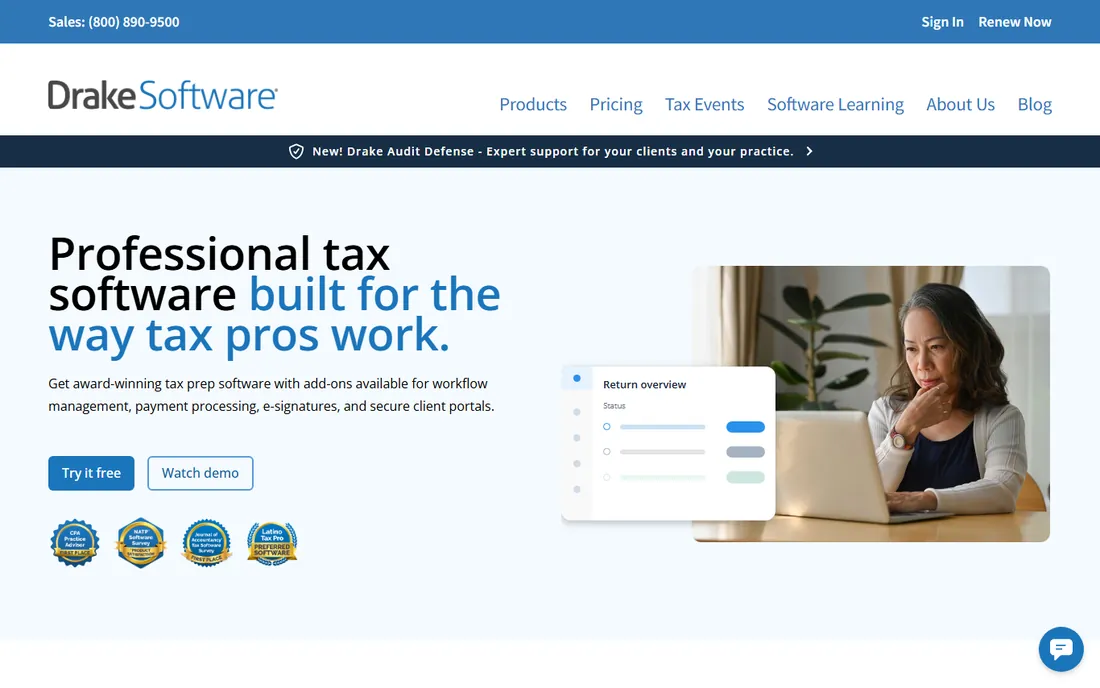
Drake Tax is the independent preparer's favorite for a reason: professional-grade tax preparation with all states included at a price far below the big names. The per-return and unlimited options suit different volumes honestly, without the nickel-and-diming. Preparers who left expensive platforms for Drake rarely go back.
The interface prioritizes function over beauty, and third-party integrations are thinner than Intuit's ecosystem. But for preparers who want to keep more of what they earn, Drake's value proposition is unmatched. It does the returns correctly; the rest is decoration.
What we like- Excellent value
- All states included
- Straightforward pricing
Watch out for- Interface is utilitarian
- Fewer integrations
Starting priceSee website
Free planNo
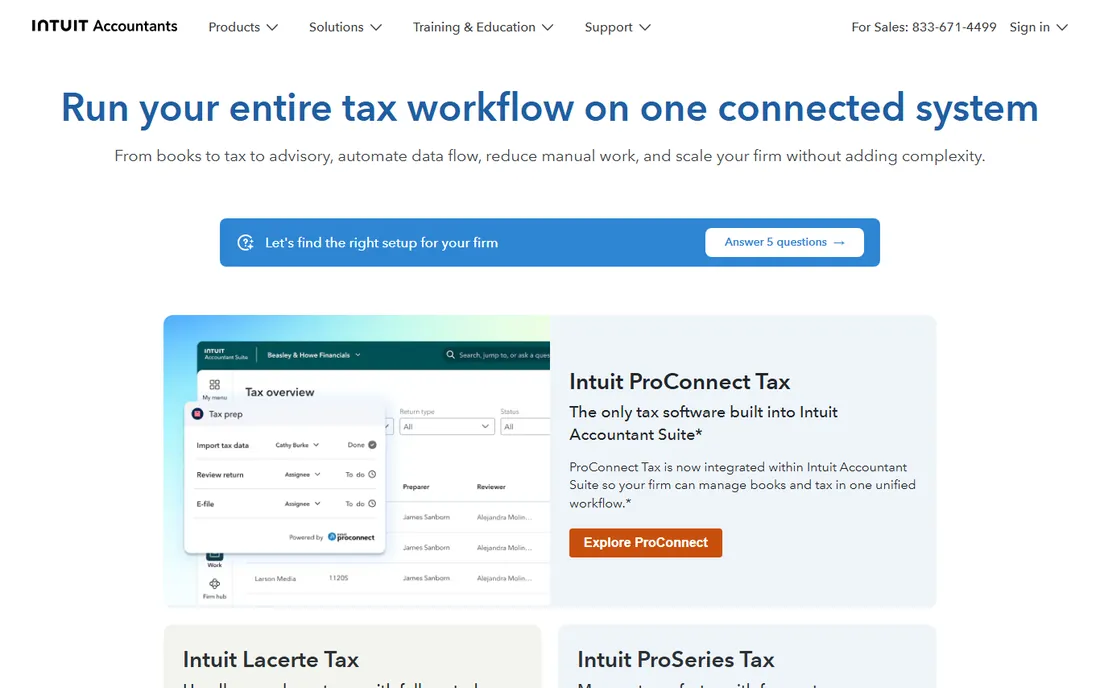
Intuit ProSeries serves the broad middle of tax preparation: reliable form coverage, intuitive interview-style input, and natural integration with QuickBooks for firms that do bookkeeping too. The per-return pricing lets new firms start small. Intuit's support and training resources are extensive.
Heavy-volume firms find the per-return costs climbing; compare against unlimited options like Drake. But for established small firms comfortable in the Intuit world, ProSeries's reliability and ecosystem make it a safe, productive choice. Familiarity has real value during tax season.
What we like- Trusted brand
- Good form coverage
- QuickBooks integration
Watch out for- Pricing climbs with volume
- Pay-per-return adds up
Starting priceSee website
Free planNo
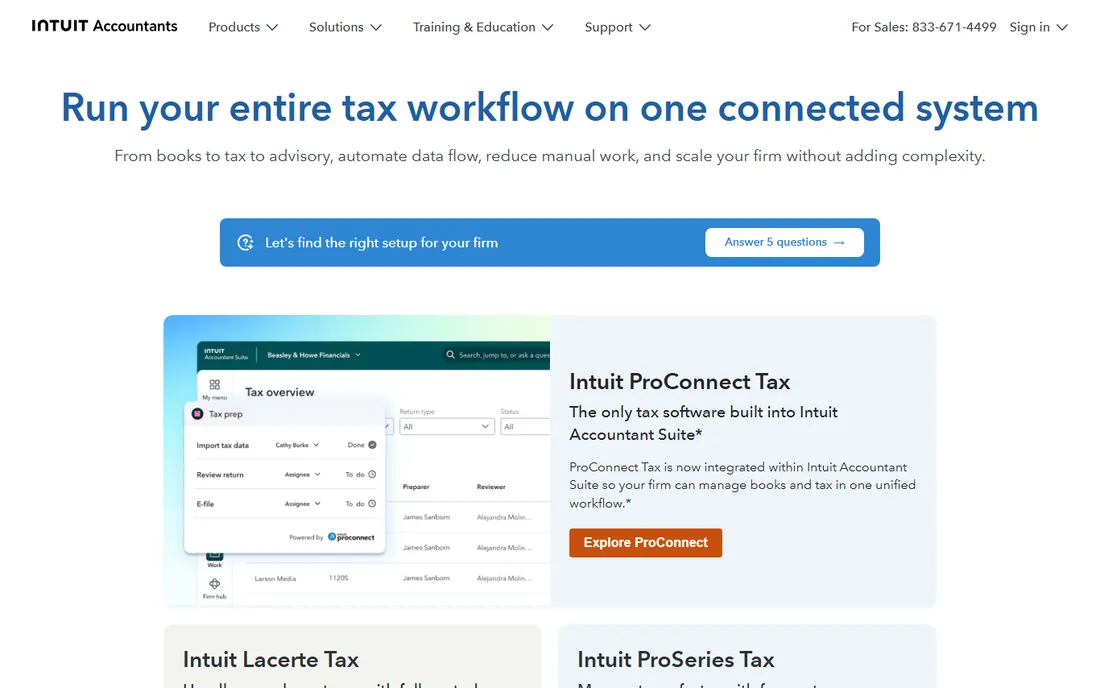
Lacerte is Intuit's professional-grade platform for firms handling complex individual, corporate, and partnership returns. The diagnostics catch issues before filing, the workflow tools manage multi-preparer review, and the form depth covers unusual situations. Firms that outgrow ProSeries step up to Lacerte.
Pricing is premium and simple 1040 practices do not need this much software. But for firms where returns are genuinely complicated (multi-state, K-1s, complex investments), Lacerte's depth prevents the errors that cheap software misses. It earns its price on difficult returns.
What we like- Handles complex returns
- Strong diagnostics
- Firm workflow tools
Watch out for- Premium pricing
- Overkill for simple returns
Starting priceSee website
Free planNo
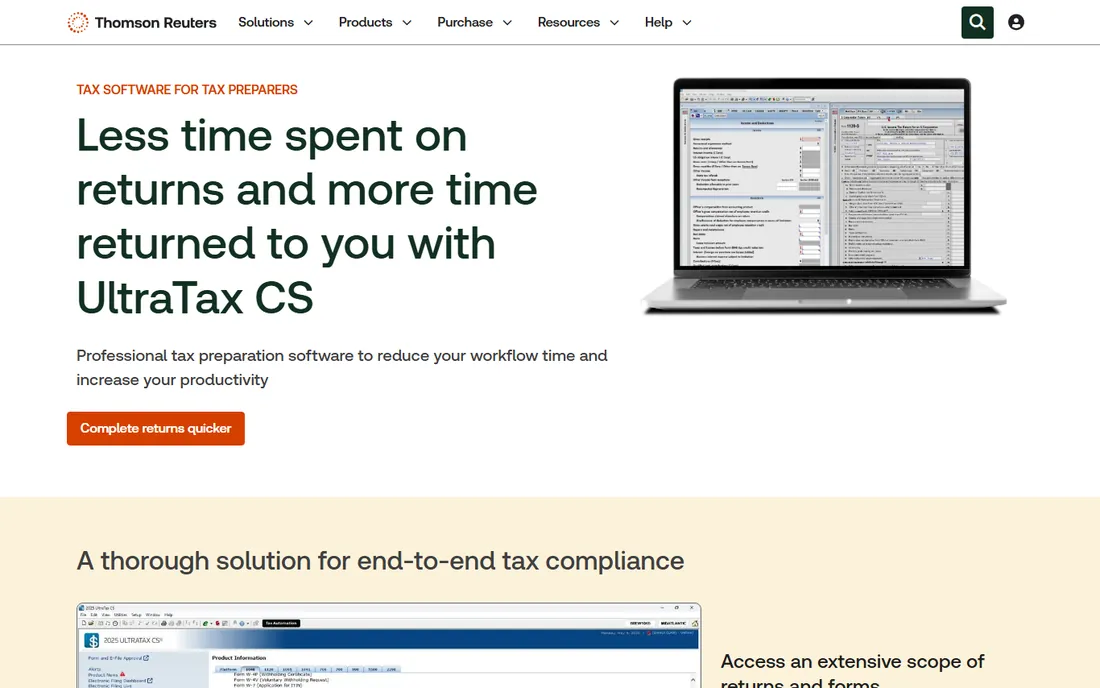
UltraTax CS, from Thomson Reuters, is the premium standard: the deepest form and schedule coverage, sophisticated diagnostics, and integration with the CS suite (practice management, document management, research). Top firms choose it because it handles anything a client brings in. The Thomson Reuters tax content keeps it current.
It is the most expensive option here, and the learning curve is real. But for firms where return complexity is the norm rather than the exception, UltraTax's completeness is worth it. When the weird return walks in the door, you want the software that has seen it before.
What we like- Deepest form coverage
- Excellent integration
- Trusted by top firms
Watch out for- Highest pricing
- Significant learning curve
Starting priceSee website
Free planNo
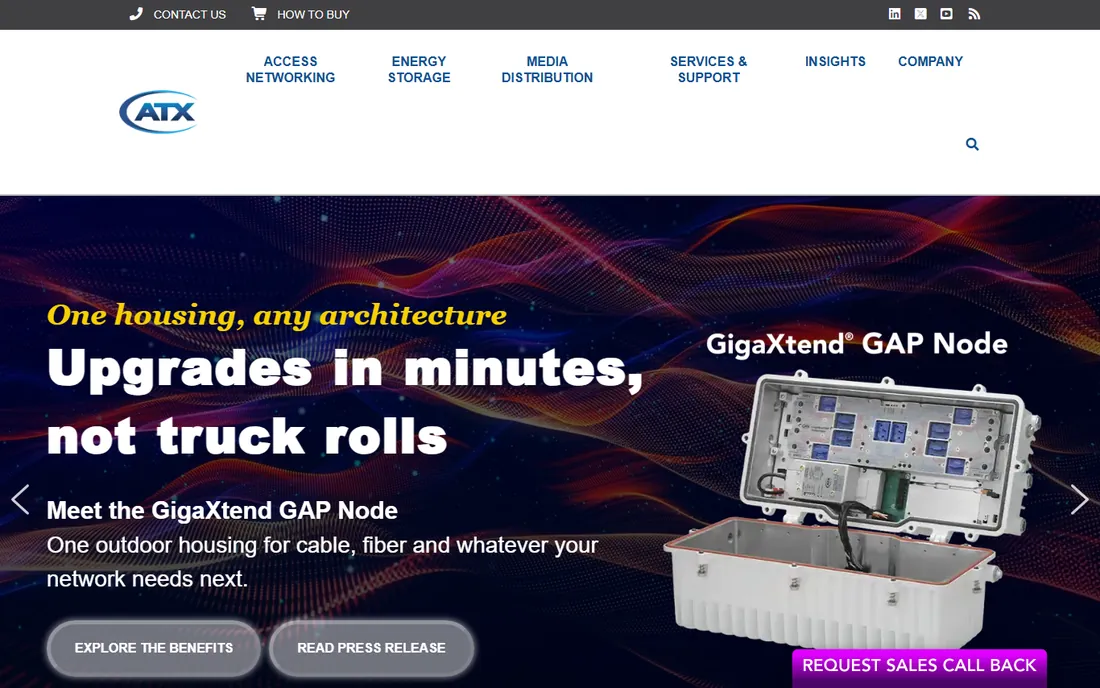
ATX (from Wolters Kluwer) offers professional tax preparation at accessible prices: solid 1040 and business form coverage without the premium price tags. Small firms get real preparer software (e-file, bank products, diagnostics) at a fraction of UltraTax or Lacerte pricing. The value positioning is clear.
The interface feels dated and advanced workflow features are thinner. But many small firms do not need advanced workflows; they need correct returns at a fair price. ATX delivers that. It is the sensible middle ground between budget tools and premium platforms.
What we like- Affordable
- Good form coverage
- Straightforward
Watch out for- Interface dated
- Fewer advanced features
Starting priceSee website
Free planNo
TaxSlayer Pro brings consumer-software simplicity to professional preparation at budget prices. New preparers and seasonal operations get up and running fast; the cloud option removes IT headaches. For straightforward 1040 practices, it handles the work without fuss or high cost.
Complex business returns and sophisticated firm workflows exceed its comfort zone. But not every practice needs complexity. For preparers focused on individual returns who want professional software at the lowest sustainable price, TaxSlayer Pro is refreshingly honest about what it is.
What we like- Very affordable
- Easy to learn
- Cloud and desktop options
Watch out for- Less depth for complex returns
- Fewer firm features
Starting priceSee website
Free planNo
CrossLink built its reputation serving California preparers with excellent state-specific support, then expanded nationally. The software covers federal and state returns at competitive prices, and users consistently praise the responsive human support. West-coast firms get a vendor that understands their specific needs.
National presence is smaller than the big brands, which matters for multi-state practices outside its strongholds. But responsive support during tax season is worth more than brand size. Preparers who have been burned by faceless enterprise support appreciate a vendor that answers the phone.
What we like- Strong California support
- Good value
- Responsive support
Watch out for- Regional strength
- Smaller national presence
Starting priceSee website
Free planNo
TaxAct Professional extends the familiar consumer brand to preparers: straightforward 1040 preparation at accessible prices. Preparers transitioning from consumer software (or serving clients who use TaxAct) find the familiarity comforting. It handles standard individual returns competently.
Depth for complex returns and firm workflow features trail the professional-focused tools. But simplicity has its market: part-time preparers, new practices, and straightforward 1040 shops do not need UltraTax. TaxAct Professional gives them professional standing without professional complexity.
What we like- Simple and affordable
- Familiar brand
- Easy transition
Watch out for- Less depth than pro-focused tools
- Basic workflow
Starting priceSee website
Free planNo
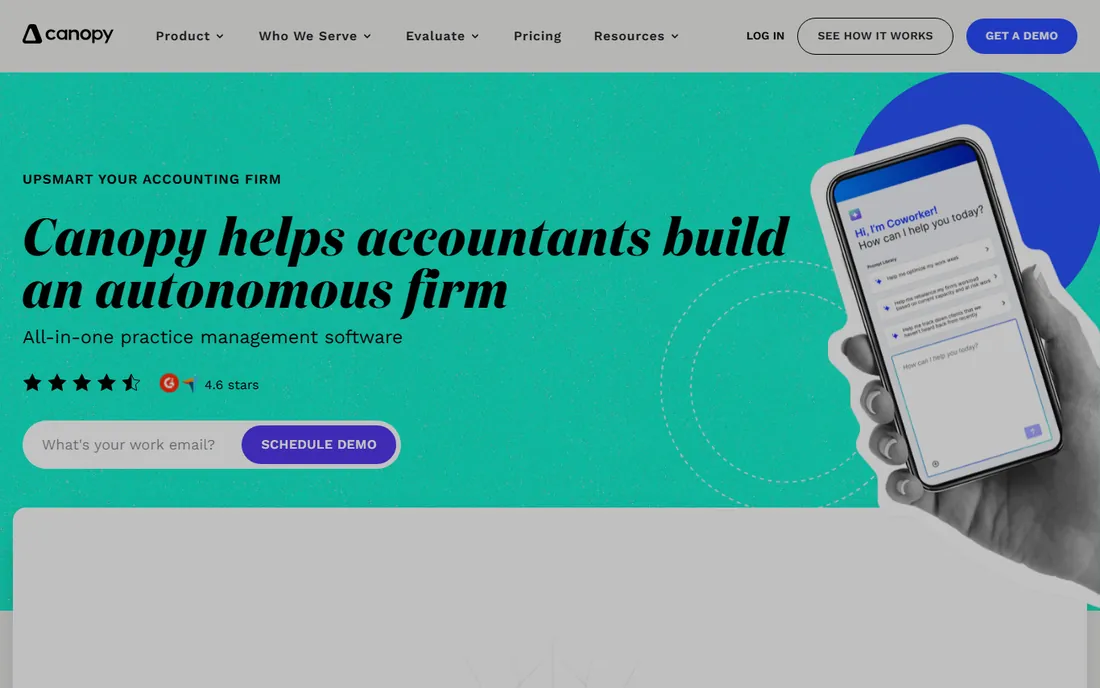
Canopy (now at getcanopy.com) approaches from the practice management side: client portals, document management, workflow automation, and billing, with tax preparation integrated into the modern workflow. Firms frustrated by the dated interfaces of traditional tax software find Canopy's design refreshing. The client experience (portal, e-signatures, messaging) is genuinely better.
The tax preparation module is newer than the specialists', so ultra-complex returns may fit better elsewhere. Per-user pricing adds up. But for firms that see tax prep as one part of a modern client practice, Canopy's integrated, well-designed platform is the forward-looking choice.
What we like- Modern interface
- Great client management
- Document handling
Watch out for- Tax prep is newer
- Pricing per user
Matching software to your practice
The right tax software follows the practice, not the marketing. Solo preparers doing a few hundred 1040s: Drake, TaxSlayer Pro, or TaxAct Professional keep costs proportional. Growing firms with bookkeeping: ProSeries benefits from the QuickBooks relationship. Complex practices: Lacerte or UltraTax CS handle what others cannot. Value-focused firms: ATX or CrossLink. Modern client experience: Canopy. Count your returns by type (simple 1040, complex 1040, business, multi-state) before comparing; the mix decides the software more than any feature list. And price the software against your per-return revenue: the best software is the cheapest one that handles your actual returns correctly.
What to check before you buy
Per-return versus unlimited pricing
Vendors price by returns prepared, flat unlimited, or tiers. Model your actual volume: low-volume preparers often do better per-return; high-volume ones need unlimited. Watch for state pricing (all states included versus per-state fees) and e-file charges. The headline price is never the total price. Build a spreadsheet with your actual return counts by type, add every fee the vendor charges, and compare the true annual cost across two or three finalists. The cheapest headline often loses once states, e-file fees, and bank product charges are included.
Bank products and fees
Many preparers offer refund transfers and advances through bank products. Compare the vendor's bank product terms, fees, and reliability; these affect client satisfaction directly. Some vendors' bank products are smoother than others. Ask practicing preparers, not salespeople.
E-file capacity and deadlines
Tax season lives or dies on e-file reliability. Ask about uptime history during peak deadlines, batch e-file capabilities, and acknowledgment tracking. A vendor whose systems slow on April 14th costs you clients. References from firms your size matter more than feature demos.
Support during tax season
Every vendor promises support; tax season reveals the truth. Check support hours (evenings and weekends in March and April?), average wait times, and whether you reach knowledgeable staff or call centers. CrossLink and Drake earn loyalty largely through support. This criterion deserves more weight than most buyers give it.
How we chose
We selected professional tax preparation tools with real preparer user bases in 2026, from value options to premium platforms. We evaluated form coverage, pricing models, ease of use, support reputation, and fit for different practice types. We excluded consumer tax software and pure practice management tools without tax prep. No vendor paid for placement, and we did not prepare test returns.
Frequently asked questions
How much does professional tax software cost?
It ranges widely: budget options run hundreds yearly, mid-range value tools around a thousand or more, and premium platforms several thousand depending on modules and volume. Per-return pricing starts low but climbs with volume. Always model total cost (software plus states plus e-file plus bank products) against your return volume and fees.
Drake vs ProSeries: which is better for a new firm?
Drake usually wins on pure value: more capability per dollar, all states included. ProSeries wins on ecosystem (QuickBooks integration) and brand familiarity. New firms watching cash flow lean Drake; firms already in Intuit's world lean ProSeries. Both prepare correct returns; the difference is price and ecosystem.
Do I need different software for business returns?
Most professional tools handle 1040, 1120, 1120S, and 1065 in one platform, sometimes as add-on modules. Verify your specific business return needs and state coverage before buying; the base 1040 price rarely includes everything. Complex business returns are where premium tools (Lacerte, UltraTax) justify themselves.
Can I switch tax software between seasons?
Yes, and many preparers do: prior-year data imports are standard, though some cleanup is normal. The best time to switch is summer or fall, never during tax season. Run both systems in parallel for a few test returns before committing. Client data migration deserves more attention than the software demo.
What is the difference between this and CPA firm software?
Overlap is large; the distinction is emphasis. This guide focuses on independent preparers and small firms (value, simplicity, per-return economics). CPA-oriented software emphasizes firm workflow, complex returns, and integration with accounting suites. Many products serve both; choose based on your practice's actual complexity and size.
Sources we checked (8)
- https://www.drakesoftware.com
- https://accountants.intuit.com
- https://tax.thomsonreuters.com/en/products/ultratax-cs
- https://atx.com
- https://www.taxslayerpro.com
- https://www.crosslinktax.com
- https://www.taxact.com/professional
- https://www.getcanopy.com/
Is your product missing or out of date?
We review this list regularly. Vendors can request a listing, send updated pricing or ask about featured placement.

Shihab Mia · Founder, Rankite
Shihab has spent more than a decade helping SaaS and e-commerce brands grow through search. He writes Rankite's software buying guides from pricing pages, documentation and public user reviews. More about Shihab.
 Drake Tax
 Intuit ProSeries
 Intuit Lacerte
 UltraTax CS
 ATX
ATX TaxSlayer Pro
 CrossLink
 TaxAct Professional
 Canopy