How we make this list: we compare pricing pages, product documentation and public user reviews. Rankite is independent; if a vendor ever pays for a featured spot, that listing is clearly labeled Partner.
Key takeaways
- OnPrintShop at $250 per month is the most complete web-to-print platform for print businesses of all sizes.
- Aleyant Pressero at $399 per month is the proven choice for independent commercial print shops.
- WTPBiz at $100 per month is the affordable entry point for B2B and B2C print storefronts.
- Match the software to your print type: commercial, wide format, apparel and labels each have different leaders.
Quick comparison
| Tool | Best for | Starting price | Free plan |
|---|
 OnPrintShop OnPrintShop | Full-featured print e-commerce | $250/month | Free trial |
 DesignNBuy DesignNBuy | AI-powered design storefronts | See website | Free trial |
 Aleyant Pressero Aleyant Pressero | Independent commercial printers | $399/month | No |
 PrintXpand PrintXpand | Enterprise print ecosystems | See website | No |
 WTPBiz WTPBiz | Affordable B2B and B2C storefronts | $100/month | Free trial |
 PageFlex PageFlex | Variable data and campaign printing | See website | No |
 EFI EFI | Enterprise print workflows | See website | No |
 XMPie XMPie | Personalized cross-media campaigns | See website | No |
 PressWise PressWise | Print MIS with web storefronts | See website | No |
Is your product missing or out of date?
We review this list regularly. Vendors can request a listing, send updated pricing or ask about featured placement.
The best web to print software
Starting price$250/month
Free planFree trial
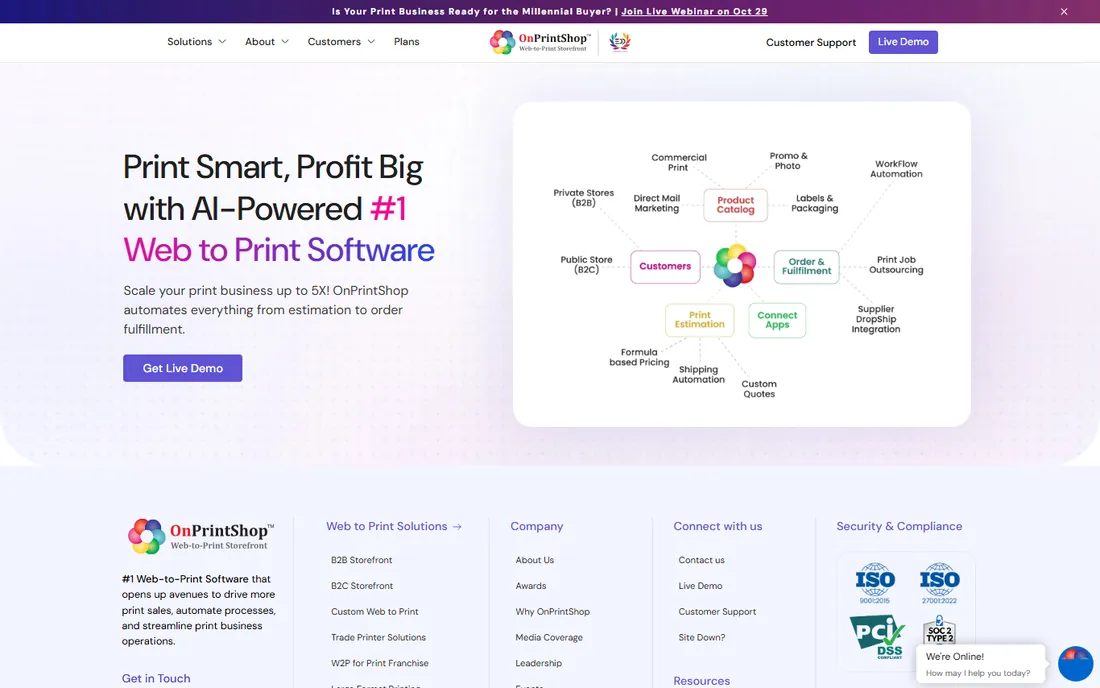
OnPrintShop is the most broadly capable web-to-print platform here, serving over 2,000 print businesses with storefronts for commercial print, wide format, labels, packaging and personalized products. AI features assist with content generation, design automation and product recommendations. B2B portals, B2C stores, reseller and franchise models are all supported.
Plans start at $250 per month. The breadth that makes it powerful also means onboarding takes effort. For a print business that wants one platform to sell nearly any print product online, OnPrintShop is the default shortlist entry.
What we like- Covers commercial, wide format, labels and packaging
- AI design features
- 2,000+ print customers
Watch out for- $250 entry is mid-range
- Breadth means learning curve
Starting priceSee website
Free planFree trial
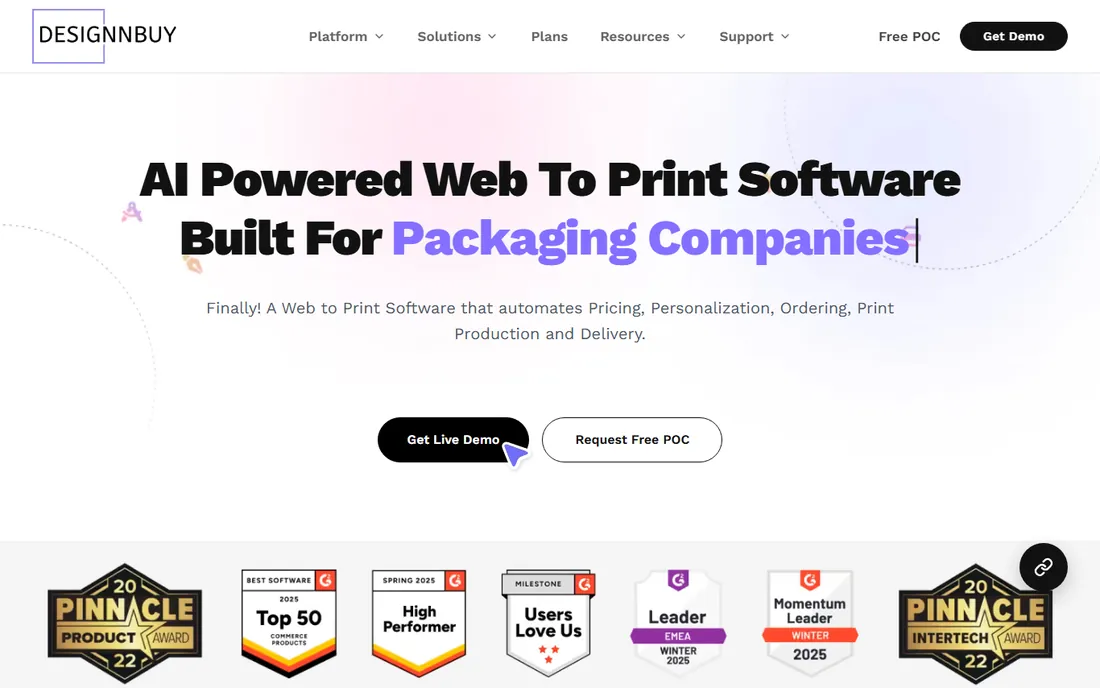
DesignNBuy positions itself as the modern alternative with AI-powered design tools, flexible storefronts and both subscription and perpetual licensing options. The online designer is the standout: customers customize products in the browser with professional results. Free trials let shops test before committing.
Pricing is less transparent than OnPrintShop or Pressero; expect a demo and quote. For print businesses that want advanced design tools and flexible licensing, DesignNBuy is the innovation pick.
What we like- Strong online designer tools
- AI capabilities
- Flexible subscription and perpetual licensing
Watch out for- Pricing less transparent than some rivals
- Newer than legacy vendors
Starting price$399/month
Free planNo
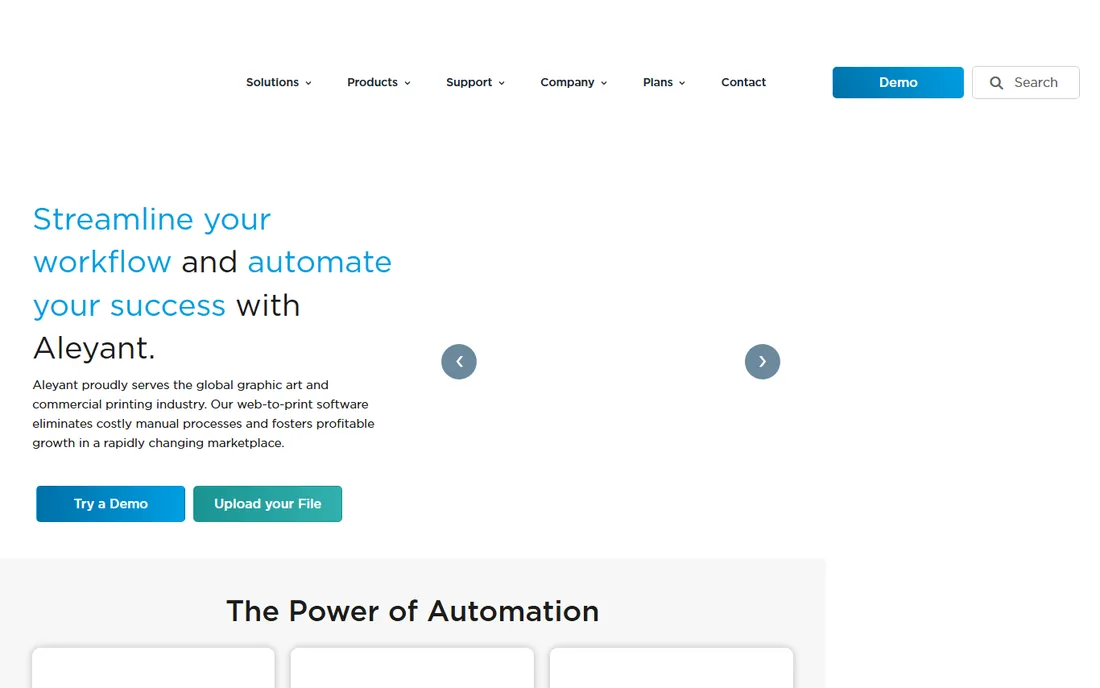
Pressero (from Aleyant) targets independent commercial print shops, quick printers and brokers with a self-contained storefront platform. Private and public storefronts, a template designer, asset management and a pricing engine come from the entry plan, with no enterprise MIS integration required. Pricing starts at a published $399 per month.
The entry tier caps storefront counts, and higher tiers need quotes. For the independent commercial printer who wants to see pricing up front and launch without enterprise complexity, Pressero is the proven choice.
What we like- Purpose-built for commercial printers
- Published entry pricing
- Storefront plus pricing engine
Watch out for- Entry tier limits storefront counts
- Higher tiers priced opaquely
Starting priceSee website
Free planNo
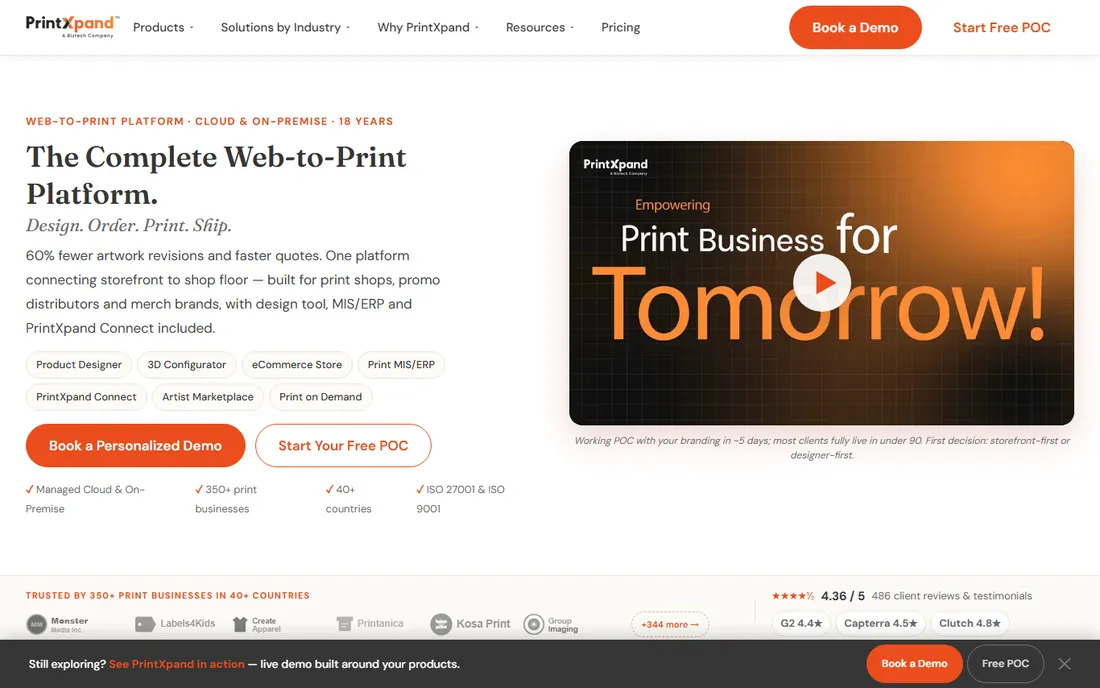
PrintXpand offers a 12-product ecosystem spanning storefronts, design tools, production management and vendor fulfillment for commercial print, apparel, signage, packaging and franchises. Over 350 print businesses in 40+ countries use it. The pitch is replacing a fragmented stack of e-commerce, design and MIS tools with one platform.
This is enterprise-grade in scope and sales process. Single-location shops will find it oversized. For print groups and franchises needing unified operations, PrintXpand's breadth is the argument.
What we like- 12-product ecosystem
- Covers many print verticals
- 350+ print businesses
Watch out for- Enterprise scope and pricing
- Overkill for single shops
Starting price$100/month
Free planFree trial
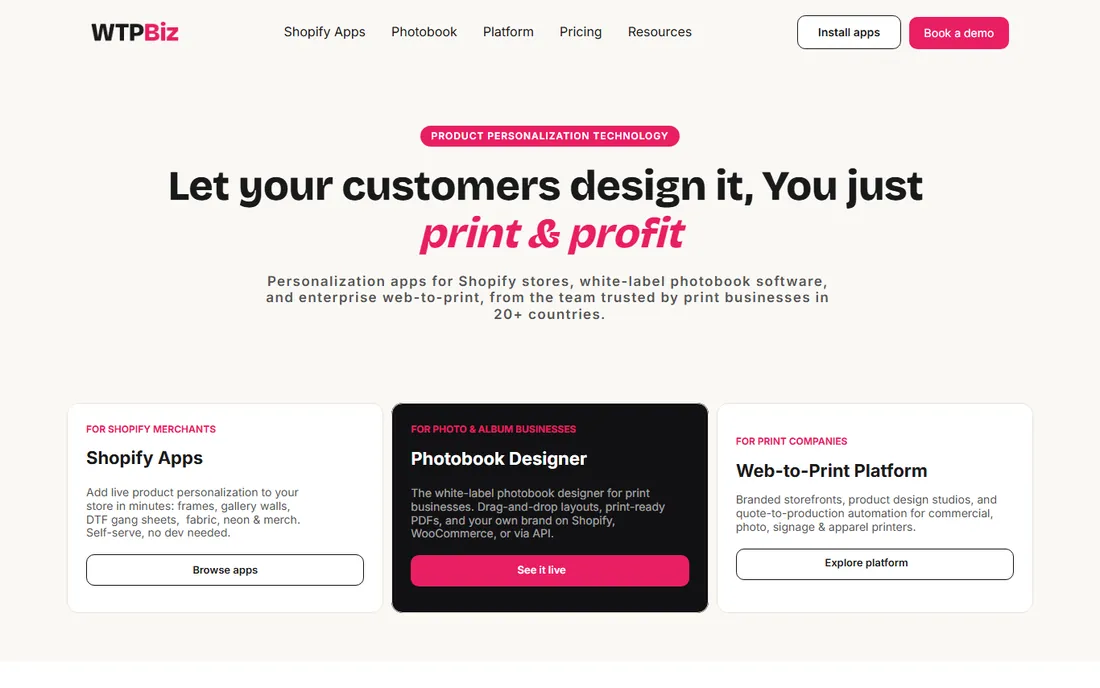
WTPBiz offers web-to-print storefronts, online design tools and order management from $100 per month, the lowest entry in this list. B2B portals, B2C stores, franchise and trade printer models are supported with integrations for operational efficiency.
The vendor is smaller than OnPrintShop or Aleyant, and AI features are thinner. For a print business that needs working web-to-print at a modest price, WTPBiz delivers the essentials without the enterprise sales cycle.
What we like- Lowest entry price here
- B2B and B2C storefronts
- Good for franchises and trade printers
Watch out for- Smaller vendor
- Fewer advanced AI features
Starting priceSee website
Free planNo

PageFlex specializes in variable data and versioned printing: personalized direct mail, localized marketing collateral and campaign storefronts where each user customizes within brand rules. The technology has deep roots in the print industry.
The interface shows its age compared to newer platforms, and pricing requires a conversation. For marketing-driven print with heavy personalization requirements, PageFlex's variable data engine remains relevant.
What we like- Strong variable data printing
- Campaign storefronts
- Long industry history
Watch out for- Dated interface in places
- Quote-based pricing
Starting priceSee website
Free planNo
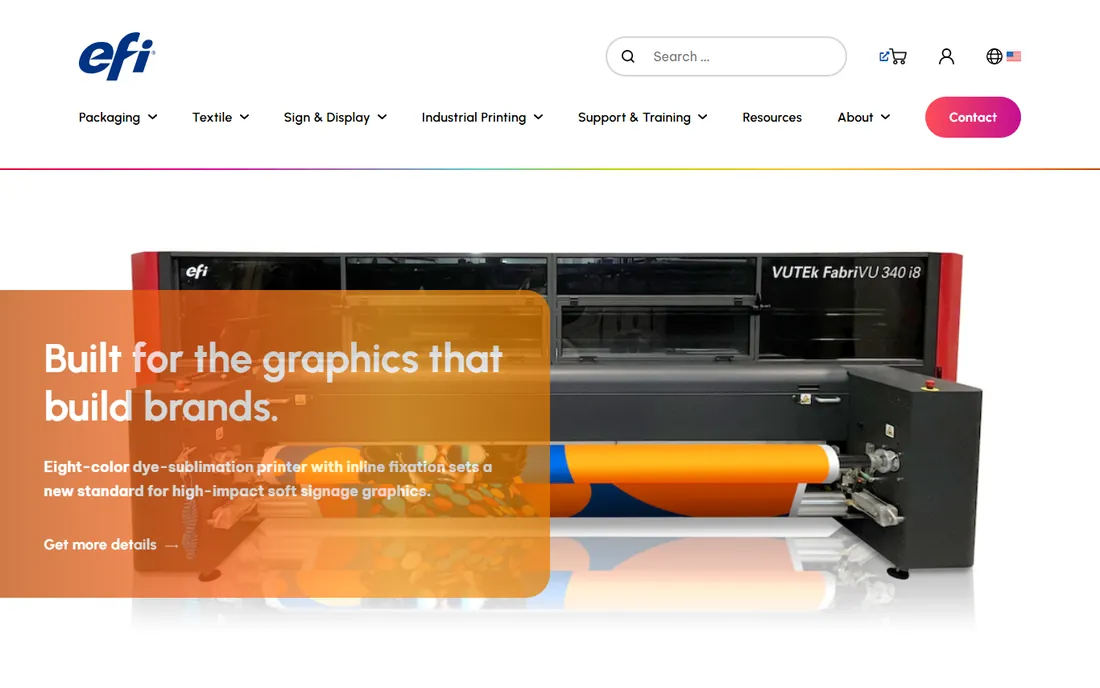
EFI (Electronics for Imaging) offers web-to-print as part of a complete print production ecosystem, including the MarketDirect StoreFront and deep MIS integration. For large commercial printers already running EFI workflow software, the storefront connects natively to production.
Everything about EFI is enterprise: pricing, implementation and support structures. Small shops should look elsewhere. For large operations standardizing on EFI, the integrated storefront completes the workflow.
What we like- End-to-end print ecosystem
- MIS integration
- Global enterprise support
Watch out for- Enterprise pricing and complexity
- Overkill for small shops
Starting priceSee website
Free planNo
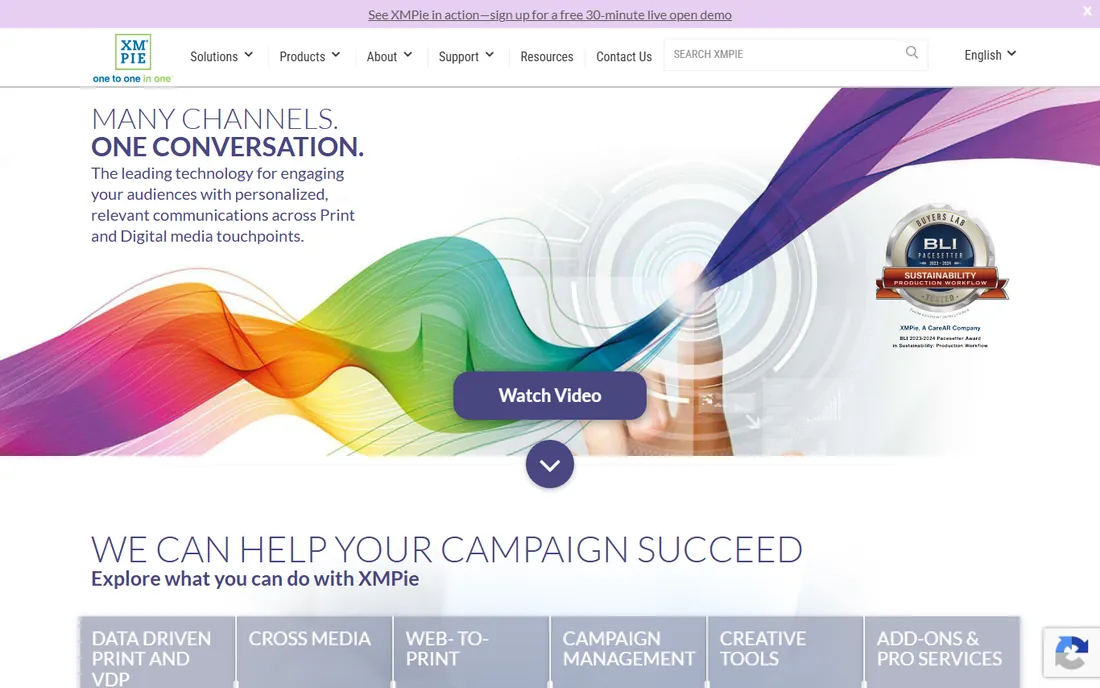
XMPie (a Xerox company) is the personalization specialist: variable data print, personalized URLs, email and cross-media campaigns driven from one data set. For direct mail and 1:1 marketing, its personalization engine is the industry reference.
General web-to-print storefront features are thinner than dedicated W2P platforms, and pricing reflects the enterprise positioning. For print businesses built on personalized marketing campaigns, XMPie is the specialist tool.
What we like- Best-in-class personalization
- Cross-media campaigns
- Xerox backing
Watch out for- Complex and pricey
- Personalization focus limits general W2P use
Starting priceSee website
Free planNo
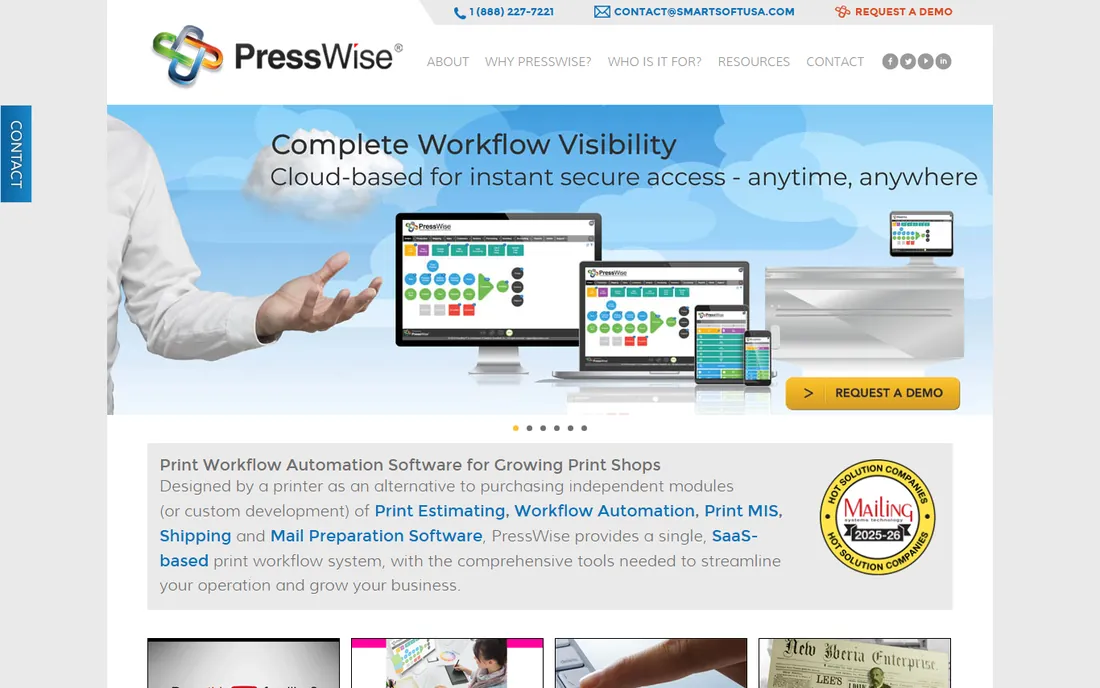
PressWise (from SmartSoft) combines print MIS with web-to-print storefronts, so online orders flow directly into estimating, production scheduling and shipping. For commercial printers that need the business system and the storefront together, the integration eliminates double entry.
The MIS-first design means storefront design tools are less flashy than pure W2P platforms. Pricing is quote-based. For printers prioritizing operational integration over storefront sizzle, PressWise connects the front end to the shop floor.
What we like- Combines MIS and web-to-print
- End-to-end order automation
- Proven in commercial print
Watch out for- MIS-first design
- Quote-based pricing
Matching software to print type
Commercial print shops should shortlist Pressero, OnPrintShop and PressWise. Wide format and signage lean toward OnPrintShop and PrintXpand. Apparel decorators need decoration-specific tools; verify embroidery, DTG and screen print workflows in the demo. Label and packaging printers should confirm dieline handling and versioning. B2B corporate portals prioritize user permissions and approval workflows over design flash.
What to verify in the demo
Upload your actual products and run a real order end to end: design customization, pricing calculation, checkout, and the production file that comes out. Check the print-ready file quality; a beautiful storefront means nothing if prepress files need manual fixing. Confirm tax, shipping and payment integrations for your region. And ask about onboarding: who builds the initial storefront, and what does it cost.
Proofing and approval workflows that prevent reprints
Reprints are the profit killer in printing, and most reprints trace back to proofing failures: the customer approved the wrong version, nobody caught the typo, or approval was verbal and later disputed. A disciplined proofing workflow inside the web-to-print system prevents the vast majority of these losses. The foundation is versioned proofs: every proof generated gets a version number, a timestamp, and a clear visual diff from the previous version. Customers should never wonder whether they are looking at the latest proof. The system should show the version history plainly and prevent approval of superseded versions. This sounds basic; many shops still email PDFs named "proof_final2.pdf" and hope.
Approval must be explicit, attributable and archived. A button labeled "Approve for production" clicked by the authenticated customer, recorded with timestamp and IP, stored with the exact file approved. Verbal approvals, email replies saying "looks good," and hallway conversations are not approvals; they are disputes waiting to happen. The workflow should also support conditional approval (approved with noted changes) and rejection with annotated feedback. Annotations on the proof itself (this headline is wrong, move this logo) beat separate email threads by eliminating ambiguity. Test the annotation tools in the demo with a real customer eye: can a non-technical buyer mark up a proof easily on their phone.
Preflight checks should run before proofing, not after approval. The system should automatically verify resolution, color mode, bleed, fonts and trim size when files upload, and block or warn before a proof goes to the customer. Catching a low-resolution image at upload saves the entire proof cycle. Configure the checks to match your production reality: a wide-format shop needs different checks than a digital press. False positives erode trust, so tune the thresholds; a preflight system that cries wolf on every file gets ignored, which is worse than no preflight at all. The best implementations explain each flag in plain language the customer can understand.
Internal approval stages matter for complex jobs. Before the customer ever sees a proof, the file may need prepress review, paper stock confirmation, and production feasibility checks. Build these as internal workflow stages with clear ownership. The customer-facing status should reflect reality without exposing internal sausage-making: "in prepress review" is informative, "waiting for Dave" is not. SLAs for each stage keep jobs moving; a proof stuck in internal review for three days is a customer experience failure regardless of whose fault it is. Track stage durations and investigate the bottlenecks; they are usually staffing or prioritization issues, not software issues.
Finally, archive the entire approval record with the job. Months later, when a customer claims the color was wrong, you need the approved proof, the approval record, and the production file, all linked. This archive is your defense and your learning tool: analyze reprint causes quarterly and fix the workflow gaps they reveal. If most reprints come from customer-approved typos, strengthen the proofing checklist shown to customers. If they come from internal errors after approval, tighten production controls. The proofing workflow is not overhead; it is the quality system that protects margins in a business where a single reprint can erase the profit on ten good jobs.
Frequently asked questions
How much does web to print software cost?
Entry points run $100 per month (WTPBiz) to $399 per month (Pressero), with OnPrintShop at $250. Enterprise platforms are quote-based. Add onboarding and storefront setup fees, which vendors often charge separately.
What is the difference between web to print and print on demand?
Web to print is software that lets customers design and order printed products online, typically fulfilled by your own print shop. Print on demand (Printify, Printful) is a fulfillment network where third parties print and ship. Many businesses use both.
Do we need a designer to run the online designer tool?
No. Template-based designers let customers customize within limits you set. You or the vendor create the initial templates; customers then personalize text, images and options themselves.
Can web to print integrate with our MIS?
PressWise and EFI build MIS integration in. Others integrate via APIs. If production automation matters, confirm the specific MIS pairing during evaluation rather than assuming.
How long does implementation take?
Simple storefronts go live in weeks. Full implementations with product catalogs, pricing rules and MIS integration take 1 to 3 months. Template and product setup, not software installation, drives the timeline.
Should we charge customers to use the online designer?
Most shops offer it free as a sales tool. B2B portals sometimes carry platform fees passed through in pricing. The designer should increase order volume enough to pay for itself; track conversion before and after launch.
How we chose
We compared the web-to-print platforms print businesses actually buy, from affordable storefronts to enterprise ecosystems. Pricing comes from vendor pages and recent published comparisons. We weighted storefront quality, online designer capability, order-to-production workflow and fit for different print types. No hands-on testing was performed; assessments rest on documentation and public reviews.
Sources we checked (11)
- https://www.onprintshop.com/
- https://www.designnbuy.com/
- https://www.aleyant.com/
- https://www.printxpand.com/
- https://www.wtpbiz.com/
- https://www.pageflex.com/
- https://www.efi.com/
- https://www.xmpie.com/
- https://www.presswise.com/
- https://www.printxpand.com/blog/best-web-to-print-software-by-print-type/
- https://sourceforge.net/software/web-to-print/
Is your product missing or out of date?
We review this list regularly. Vendors can request a listing, send updated pricing or ask about featured placement.

Shihab Mia · Founder, Rankite
Shihab has spent more than a decade helping SaaS and e-commerce brands grow through search. He writes Rankite's software buying guides from pricing pages, documentation and public user reviews. More about Shihab.