How we make this list: we compare pricing pages, product documentation and public user reviews. Rankite is independent; if a vendor ever pays for a featured spot, that listing is clearly labeled Partner.
Key takeaways
- Manifestly and Process Street are the leaders for recurring team checklists and SOPs.
- Checkli is the simplest free option for personal and shared checklists.
- Todoist and Any.do are the best task managers with checklist-style workflows.
- Trello works when checklists live inside a visual project board.
Quick comparison
| Tool | Best for | Starting price | Free plan |
|---|
 Manifestly Manifestly | Recurring team checklists | See website | Free trial |
 Process Street Process Street | Process and SOP checklists | See website | Free trial |
 Checkli Checkli | Simple free checklists | Free | Free plan |
 Pneumatic Pneumatic | Workflow checklists | See website | Free trial |
 Tallyfy Tallyfy | Trackable business processes | See website | Free trial |
 SweetProcess SweetProcess | SOPs and procedures | See website | Free trial |
 Todoist Todoist | Personal task checklists | Free | Free plan |
 Any.do Any.do | Simple to-do lists | Free | Free plan |
 Trello Trello | Checklists on kanban boards | Free | Free plan |
Is your product missing or out of date?
We review this list regularly. Vendors can request a listing, send updated pricing or ask about featured placement.
The best checklist software
Starting priceSee website
Free planFree trial
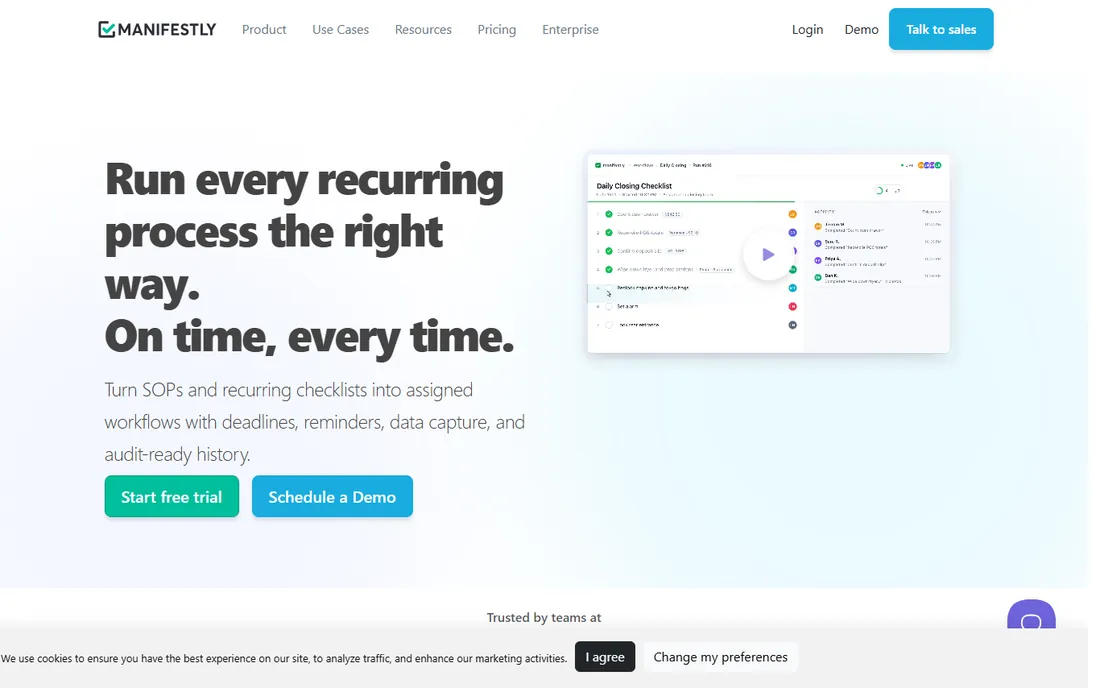
Manifestly does one thing well: recurring checklists for teams. Create a checklist once, schedule it (daily, weekly, monthly), assign steps to team members, and track completion. Operations teams use it for opening procedures, QA checks, onboarding and maintenance routines.
Full workflow automation is thinner than Process Street or Pneumatic. For teams whose core need is "run this checklist perfectly every time," Manifestly's focus is exactly right.
What we like- Built for recurring checklists
- Scheduling and assignments
- Clean interface
Watch out for- Narrower than full workflow suites
- Smaller vendor
Starting priceSee website
Free planFree trial
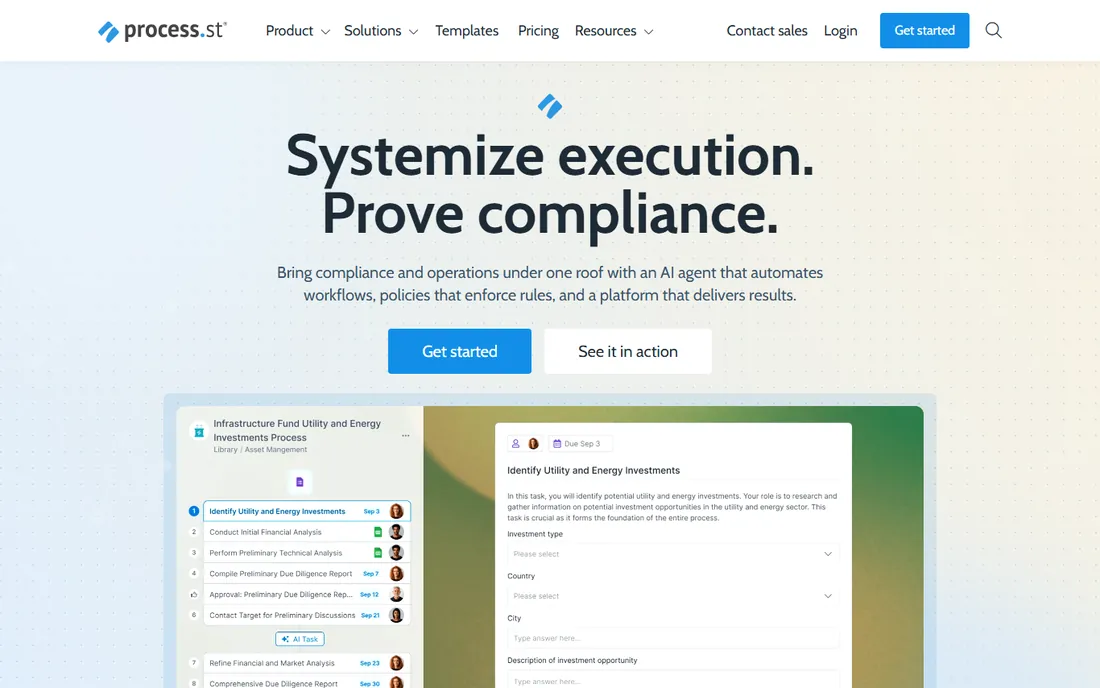
Process Street turns SOPs into interactive checklists: document the process once, then run it as a trackable checklist with conditional logic, approvals and integrations. Teams standardize how work gets done and see where each run stands.
Simple to-do lists do not need this power, and pricing reflects the depth. For businesses systematizing operations with documented, repeatable processes, Process Street is the category leader.
What we like- Rich process documentation
- Conditional logic
- Integrations
Watch out for- Pricing higher for small teams
- Can be overkill for simple lists
Starting priceFree
Free planFree plan
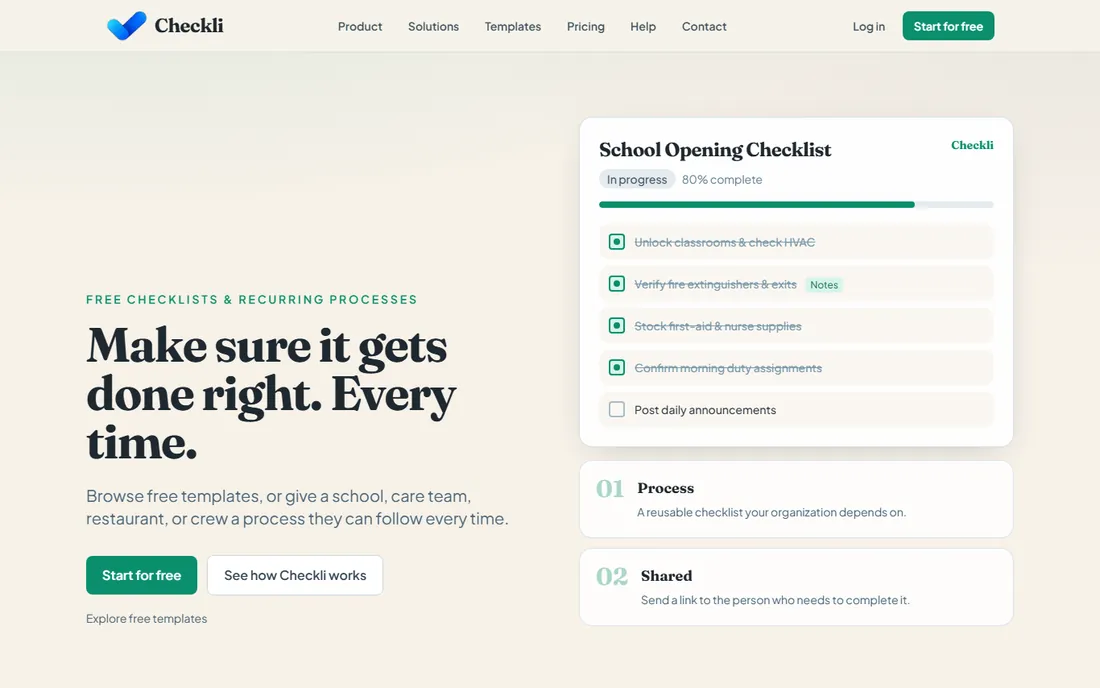
Checkli is the simplest checklist tool: create lists, check items off, share or publish them. The free tier covers personal and shared checklists with zero learning curve. Published checklists even drive some SEO value for creators.
Team workflow features (assignments, scheduling, reporting) are not here. For personal checklists and simple shared lists, Checkli's simplicity and free price are unbeatable.
What we like- Free and simple
- Publishable checklists
- No learning curve
Watch out for- Basic features
- Not for team workflows
Starting priceSee website
Free planFree trial
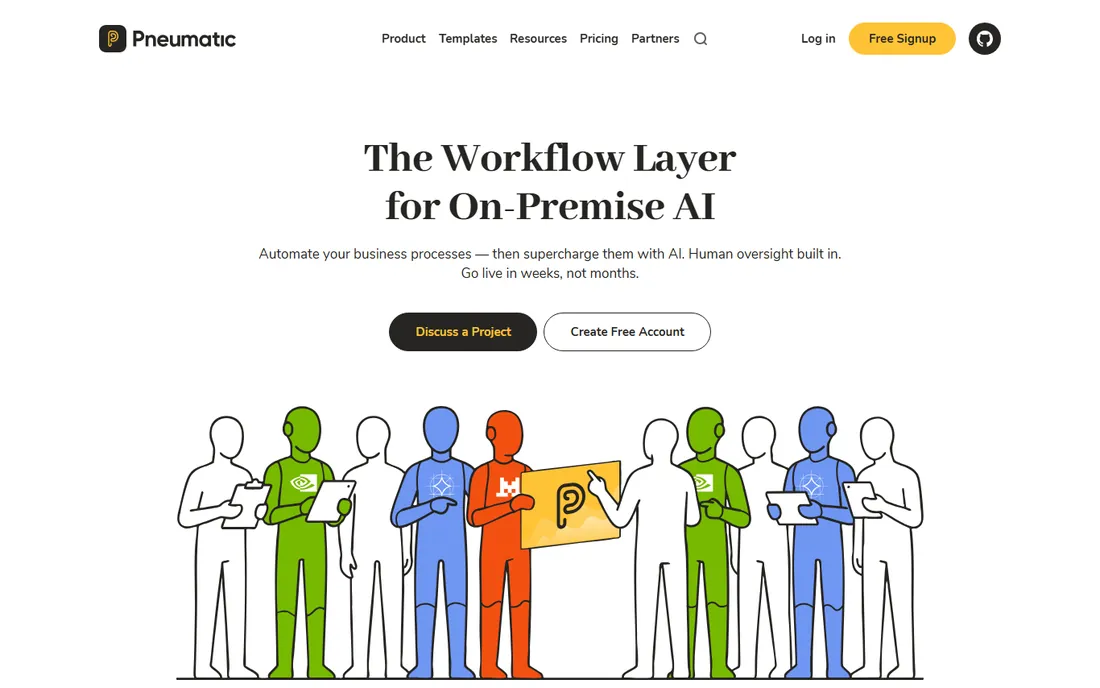
Pneumatic combines checklists with workflow automation: build templated processes, run them as guided checklists, and automate handoffs between steps. The modern interface makes process design approachable for non-technical teams.
The vendor is smaller than Process Street. For teams wanting checklist-driven workflows with automation, Pneumatic's balance of power and usability stands out.
What we like- Workflow automation with checklists
- Good templates
- Modern UX
Watch out for- Smaller vendor
- Quote-based for larger teams
Starting priceSee website
Free planFree trial
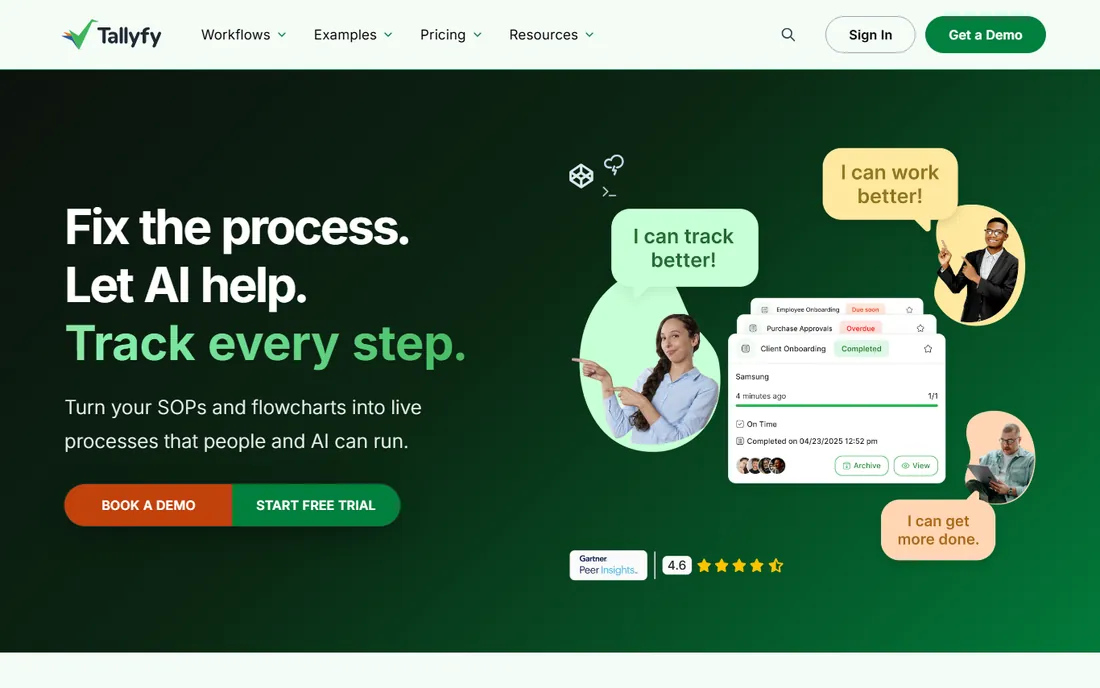
Tallyfy tracks business processes in real time: every checklist run shows exactly where it stands, who is responsible and what is overdue. Compliance-heavy teams value the audit trail. The design is cleaner than most BPM tools.
Designing good processes takes thought, and team pricing adds up. For organizations where knowing the status of every process instance matters, Tallyfy's tracking is the differentiator.
What we like- Real-time process tracking
- Good for compliance
- Clean design
Watch out for- Learning curve for process design
- Pricing for teams
Starting priceSee website
Free planFree trial
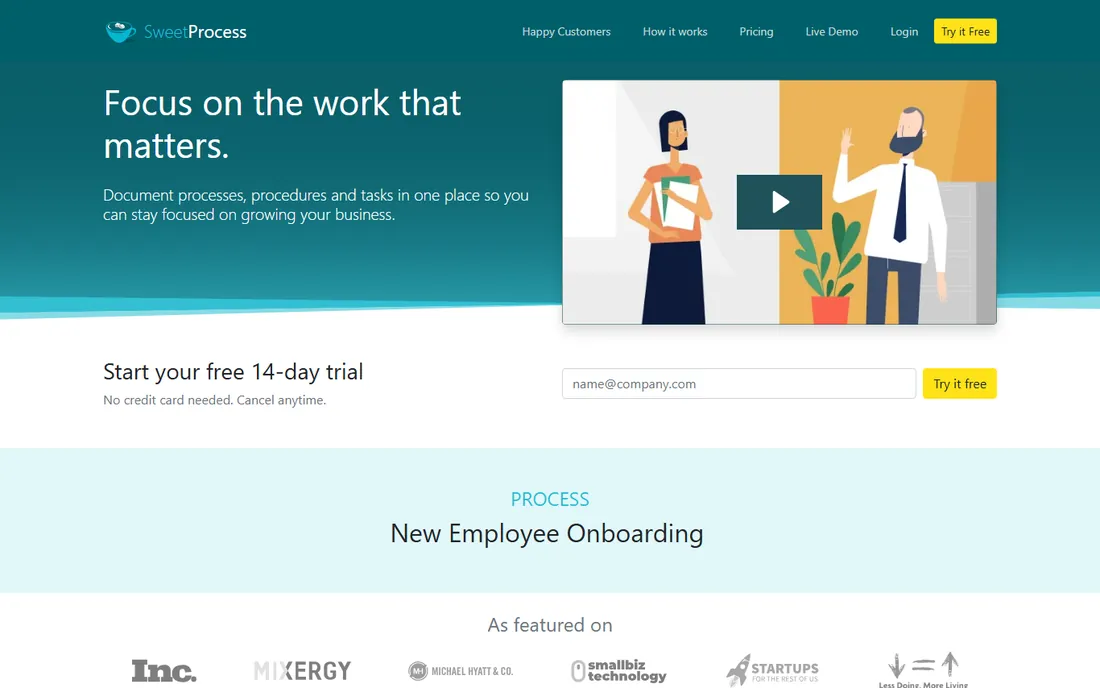
SweetProcess focuses on documenting standard operating procedures: write procedures, add images and videos, then run them as checklists. The training angle is strong; new hires learn by following the documented process.
Workflow automation depth trails Process Street and Pneumatic. For businesses whose priority is documenting how work gets done (and training people on it), SweetProcess's documentation-first approach fits.
What we like- SOP documentation focus
- Easy procedure creation
- Good for training
Watch out for- Less workflow automation
- Smaller vendor
Starting priceFree
Free planFree plan
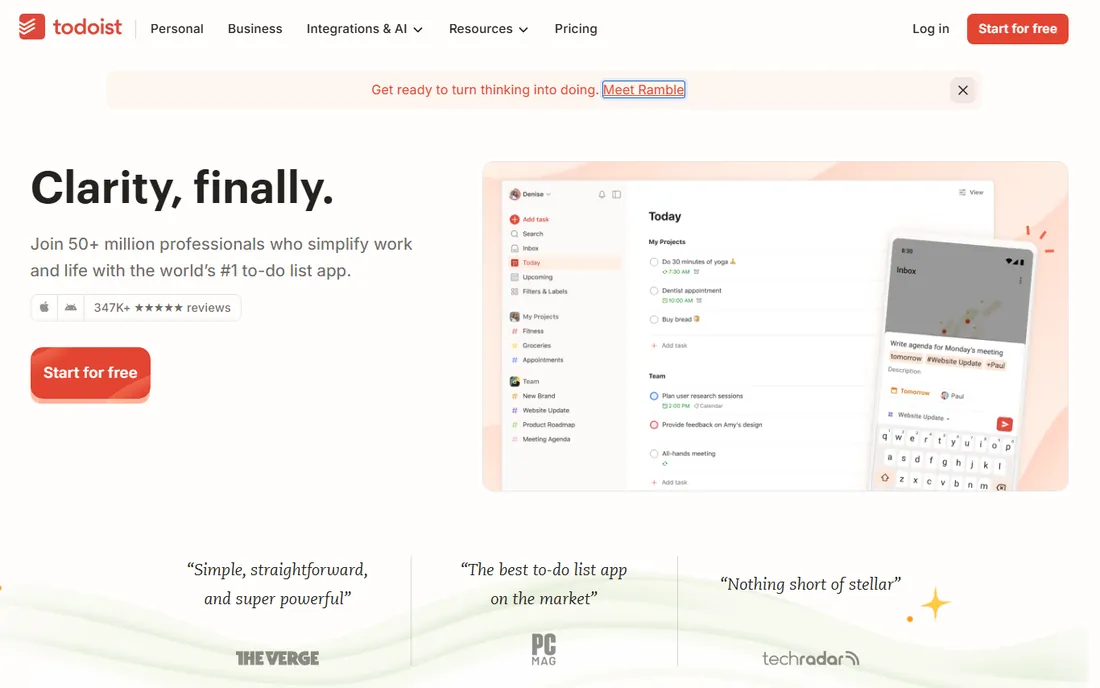
Todoist is the task manager millions use as their checklist: natural language task entry, projects, labels, recurring tasks and a genuinely useful free tier. Personal productivity does not get much smoother.
Team process checklists (assignments with tracking, compliance) need dedicated tools. For personal and small-team task checklists, Todoist's speed and simplicity win.
What we like- Best-in-class task management
- Natural language input
- Free tier generous
Watch out for- Team process features limited
- Checklist-specific features basic
Starting priceFree
Free planFree plan
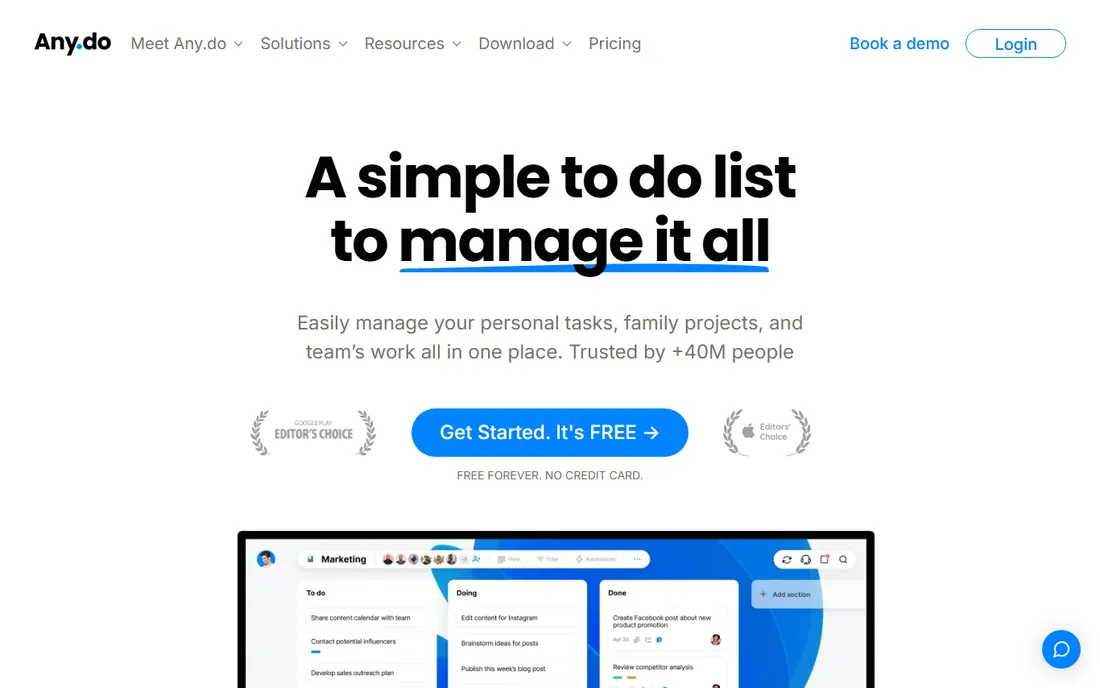
Any.do keeps to-do lists dead simple: tasks, calendar integration, reminders and sharing in a clean interface. The free tier handles daily personal organization well. People who find Todoist over-engineered often land here.
Power users will miss Todoist's depth. For straightforward daily checklists without complexity, Any.do's simplicity is the appeal.
What we like- Very simple
- Calendar integration
- Free tier works
Watch out for- Basic features
- Less powerful than Todoist
Starting priceFree
Free planFree plan
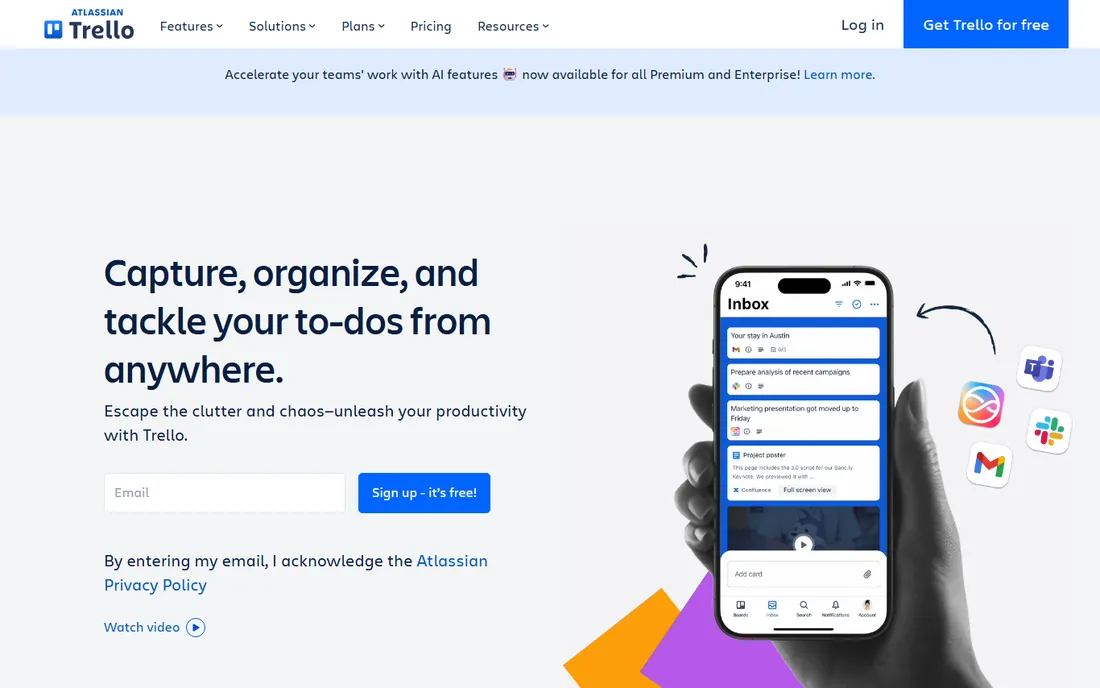
Trello's cards include checklists, making it the visual option: move work across columns while tracking subtasks inside each card. The free tier is generous and the Power-Up ecosystem extends functionality enormously.
Checklists themselves are basic (no conditional logic, no compliance tracking). For teams that think visually and want checklists inside a project board, Trello's kanban approach is the natural fit.
What we like- Visual boards with checklists
- Free tier generous
- Huge integration ecosystem
Watch out for- Checklists are basic
- Not for process compliance
Personal vs team vs process checklists
Three different jobs: personal checklists (Todoist, Any.do, Checkli) organize your day. Team checklists (Trello, Manifestly) coordinate who does what. Process checklists (Process Street, Pneumatic, Tallyfy, SweetProcess) enforce how work gets done with tracking and compliance. Buying a process tool for personal tasks wastes money; using a personal tool for compliance processes risks failures. Match the category to the job.
Making checklists people actually follow
Keep checklists short (7 steps max per list; split longer processes). Write steps as actions ("Verify ID," not "ID verification"). Assign every step to a person. Review and update quarterly; stale checklists get ignored. The best checklist software cannot fix a bad checklist; design matters more than tooling.
Auditing checklist compliance without becoming the checklist police
Checklists only work when people actually complete them honestly, and verifying that is the delicate art of checklist auditing. Done badly, auditing creates a surveillance culture where people check boxes without doing the work, which is worse than no checklist at all. Done well, it catches the gaps that cause failures and improves the checklists themselves. The key insight: audit the outcomes and the process, not the people. The question is never "did you check the box" but "is the work actually done correctly." Design audits around that distinction from the start.
Sampling beats surveillance. Reviewing every completed checklist is expensive and signals distrust. Instead, audit a random sample: 10 percent of completions, stratified across teams and time periods. For each sampled checklist, verify the underlying work independently: if the checklist says the backup was tested, check the backup logs; if it says the equipment was inspected, inspect it yourself occasionally. This outcome verification is what matters. A team with 100 percent checklist completion but failing outcomes has a honesty problem or a checklist problem; either way, the audit found something valuable. Publish the sampling methodology so teams know audits happen but cannot predict them.
Track completion metrics as health indicators, not performance scores. Useful metrics: completion rate by checklist and team, average time to complete, steps most often skipped or marked N/A, and time-of-day patterns (checklists completed at 11:58 PM on Fridays deserve scrutiny). Trends matter more than snapshots: a team whose completion rate drops from 98 to 80 percent over two months is telling you something changed, usually workload, morale or a broken process step. Investigate with curiosity, not accusations. The most common root cause of declining compliance is a checklist that no longer matches reality; people stop following procedures that do not work.
Handle dishonest completion as a system failure first. When audits find boxes checked without work done, resist the urge to punish immediately. Ask why: is the step impossible in the time allowed, is the equipment broken, does the person lack training, is the checklist 40 steps for a 10-minute task. Most pencil-whipping traces to unrealistic checklists, not bad character. Fix the system, then address the individual if the behavior persists after the fix. That said, persistent dishonesty after system fixes is a performance issue, not a checklist issue; handle it through normal management channels. Conflating the two poisons the audit program.
Close the loop by improving the checklists from audit findings. Every audit should produce checklist revisions: steps that are consistently skipped get redesigned or removed, confusing steps get rewritten, missing steps get added. Version the checklists and communicate changes; nothing frustrates teams like silent changes to procedures they perform daily. Annual review of the full checklist library prunes the obsolete and consolidates the duplicative. The audit program's highest purpose is not catching cheaters; it is keeping the checklists honest, current and worthy of the trust placed in them. A checklist people believe in gets completed. An audit program that improves checklists earns that belief.
Review every checklist in the library at least once a year with the people who actually perform the work. Ask three questions: which steps no longer match reality, which steps get skipped and why, and what is missing that causes failures. Checklists decay as processes evolve, and an outdated checklist teaches teams to ignore checklists generally. Annual review keeps the library trustworthy, and involving frontline staff surfaces improvements that managers never see from above.
Frequently asked questions
What is checklist software?
Software for creating, assigning and tracking checklists: from simple to-do lists to recurring team procedures and compliance workflows. The category spans personal task apps to business process platforms.
How much does checklist software cost?
Checkli, Todoist, Any.do and Trello have free tiers. Team tools (Manifestly, SweetProcess) run tens of dollars monthly. Process platforms (Process Street, Pneumatic, Tallyfy) run $100+ monthly for teams. Match the tier to your need.
What is the difference between checklist software and task management?
Task managers (Todoist, Trello) handle ad-hoc work. Checklist software for processes (Process Street, Manifestly) handles repeatable procedures with tracking, assignments and compliance. The use case determines the category.
Can checklists be recurring?
Yes. Manifestly, Process Street, Pneumatic, Todoist and most tools here support recurring checklists (daily, weekly, monthly). This is the core value for operations teams.
Do these tools work on mobile?
Yes, all offer mobile apps or responsive web. Field teams running checklists on phones should test the mobile experience specifically during trials.
Can we track who completed each step?
Team and process tools (Manifestly, Process Street, Pneumatic, Tallyfy) track completion by person with timestamps and audit trails. Personal tools track for yourself. Compliance needs determine how much tracking you need.
How we chose
We compared the checklist tools people and teams actually use, from free personal lists to enterprise process platforms. Pricing varies widely across the category. We weighted ease of checklist creation, recurring scheduling, team tracking and fit for different use cases. No hands-on testing was performed; assessments rest on documentation and public reviews.
Sources we checked (9)
- https://www.manifest.ly/
- https://www.process.st/
- https://www.checkli.com/
- https://www.pneumatic.app/
- https://tallyfy.com/
- https://www.sweetprocess.com/
- https://www.todoist.com/
- https://www.any.do/
- https://trello.com/
Is your product missing or out of date?
We review this list regularly. Vendors can request a listing, send updated pricing or ask about featured placement.

Shihab Mia · Founder, Rankite
Shihab has spent more than a decade helping SaaS and e-commerce brands grow through search. He writes Rankite's software buying guides from pricing pages, documentation and public user reviews. More about Shihab.