How we make this list: we compare pricing pages, product documentation and public user reviews. Rankite is independent; if a vendor ever pays for a featured spot, that listing is clearly labeled Partner.
Key takeaways
- Wix and Squarespace are the mainstream defaults, with Wix winning on flexibility and Squarespace on design polish.
- Webflow suits designers who want real web design power without code, while Framer serves the modern site-building aesthetic.
- Shopify is the answer when the site is a store; general builders cannot match its commerce depth.
- Carrd is the best value for one-page sites, and WordPress.com remains the flexible middle ground.
Quick comparison
| Tool | Best for | Starting price | Free plan |
|---|
 Wix Wix | Flexible drag-and-drop for most sites | Free | Yes |
 Squarespace Squarespace | Beautiful templates for creatives | See website | Free trial |
 Webflow Webflow | Designer-grade sites without code | Free | Yes |
 Shopify Shopify | E-commerce stores | See website | Free trial |
 Weebly Weebly | Simple sites on a budget | Free | Yes |
 GoDaddy GoDaddy | Fastest site launch for small business | See website | Free trial |
 Duda Duda | Agencies building client sites | See website | Free trial |
 Framer Framer | Modern, animated marketing sites | Free | Yes |
 Carrd Carrd | One-page sites at minimal cost | Free | Yes |
 WordPress.com WordPress.com | Flexible blogging and business sites | Free | Yes |
Is your product missing or out of date?
We review this list regularly. Vendors can request a listing, send updated pricing or ask about featured placement.
#1
Wix
Best for: Flexible drag-and-drop for most sites
Visit wix.com
Starting priceFree
Free planYes
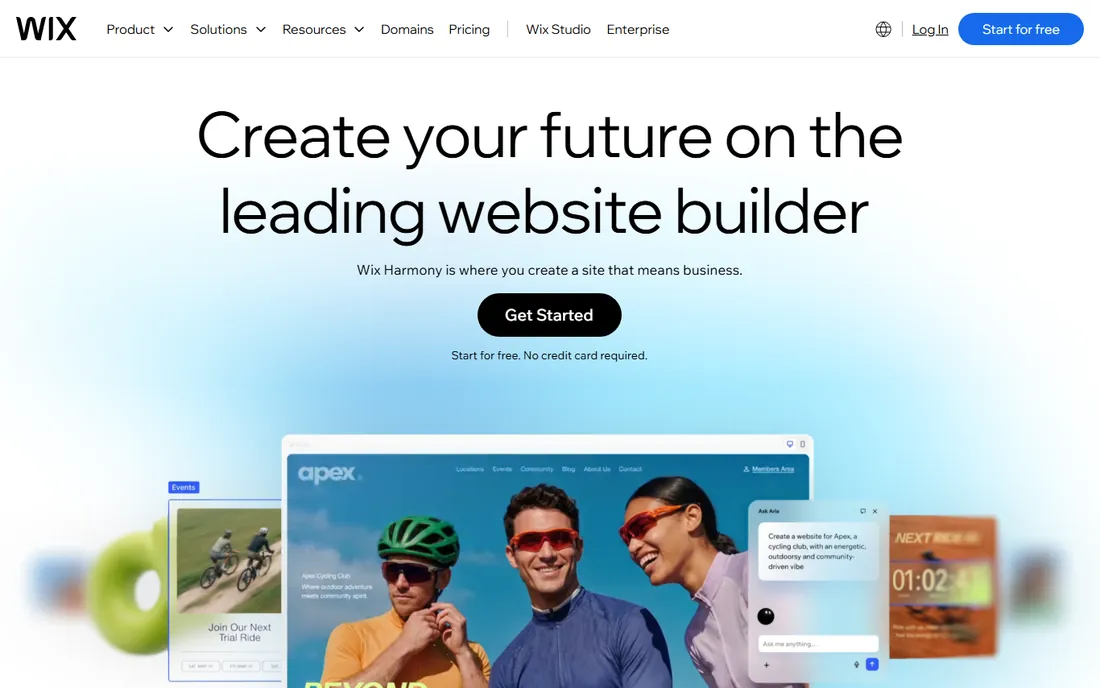
Wix gives users the most design freedom of the mainstream builders: drag anything anywhere, with hundreds of templates and an app market covering bookings, stores, forums and more. For small businesses that want a specific look without hiring a designer, that flexibility is the appeal. The free tier lets anyone start.
Freedom has costs. Untrained users produce messy sites, and switching templates later means rebuilding. The free plan shows Wix ads and blocks custom domains. But as the general-purpose default for DIY websites, Wix's breadth is unmatched.
What we like- Enormous template library
- True drag-and-drop freedom
- Huge app market
Watch out for- Freedom enables messy design
- Switching templates requires rebuilding
- Premium needed for custom domain
Starting priceSee website
Free planFree trial
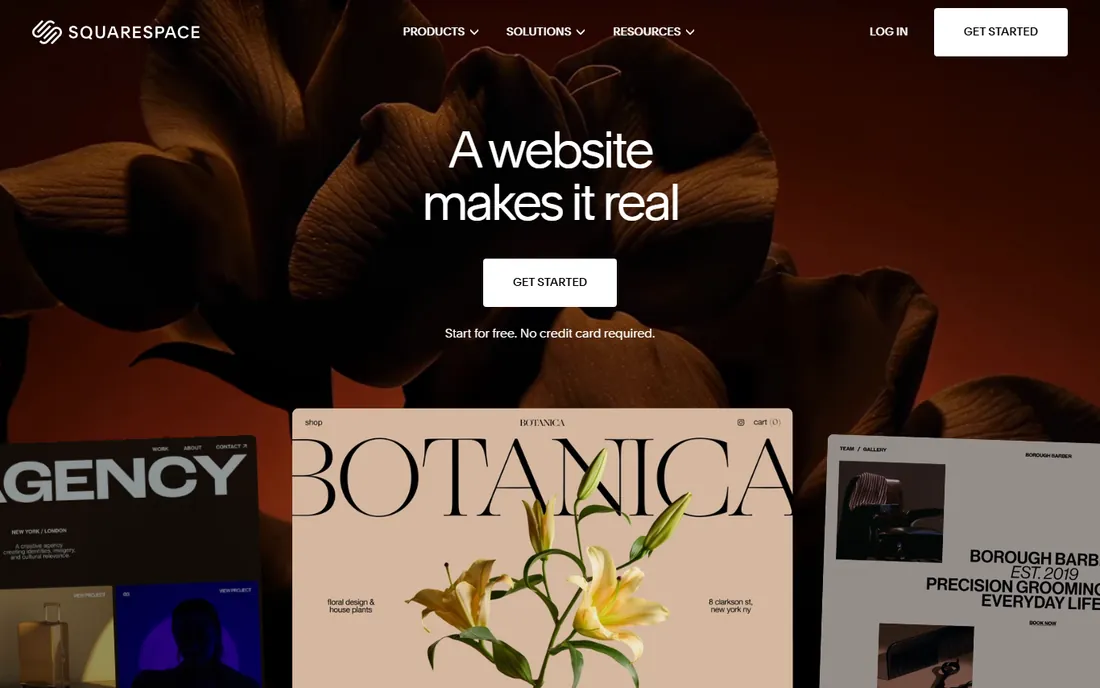
Squarespace built its brand on design. The templates look professionally art-directed out of the box, which suits photographers, designers, restaurants and boutiques whose sites must impress visually. Blogging, scheduling and commerce features are built in rather than bolted on.
The structure that guarantees good design also limits freedom; Wix allows more customization. There is no permanent free plan, only a trial. But for design-led businesses that want a beautiful site without design skill, Squarespace remains the benchmark.
What we like- The best-looking templates
- Strong for portfolios
- Blogging and commerce built in
Watch out for- Less flexible than Wix
- No permanent free tier
- Pricing is premium
Starting priceFree
Free planYes
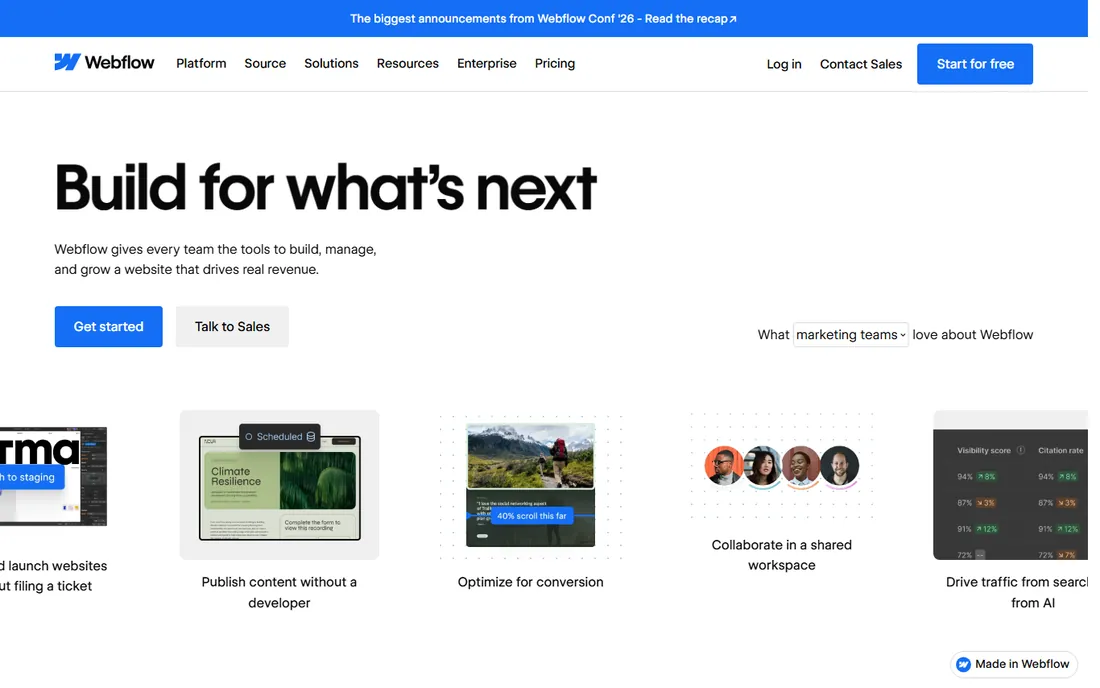
Webflow is what designers use when they outgrow template builders. The visual editor maps to real HTML, CSS and JavaScript concepts, producing clean code and genuinely custom sites. CMS collections, interactions and animations come built in. Agencies and design-led startups build production sites on it.
The learning curve is the steepest here; Webflow assumes design literacy. Pricing climbs with CMS items and features. Simple brochure sites do not need this power. But for custom marketing sites without developers, Webflow is in a class of its own.
What we like- Real web design power visually
- Clean code output
- CMS and interactions built in
Watch out for- Learning curve is steep
- Pricing climbs with features
- Overkill for simple sites
Starting priceSee website
Free planFree trial

When the site exists to sell, Shopify is the answer. Product management, checkout, payments, shipping, taxes and marketing tools form the deepest commerce platform available, with an app ecosystem covering every niche. Stores scale from first sale to enterprise without replatforming.
The monthly subscription plus transaction fees add up, and design flexibility trails pure site builders. Non-commerce sites should look elsewhere. But for selling online, general builders' store features are toys next to Shopify's depth.
What we like- The deepest commerce platform
- Huge app ecosystem
- Proven at every scale
Watch out for- Monthly cost plus transaction fees
- Design flexibility trails builders
- Overkill for non-stores
Starting priceFree
Free planYes
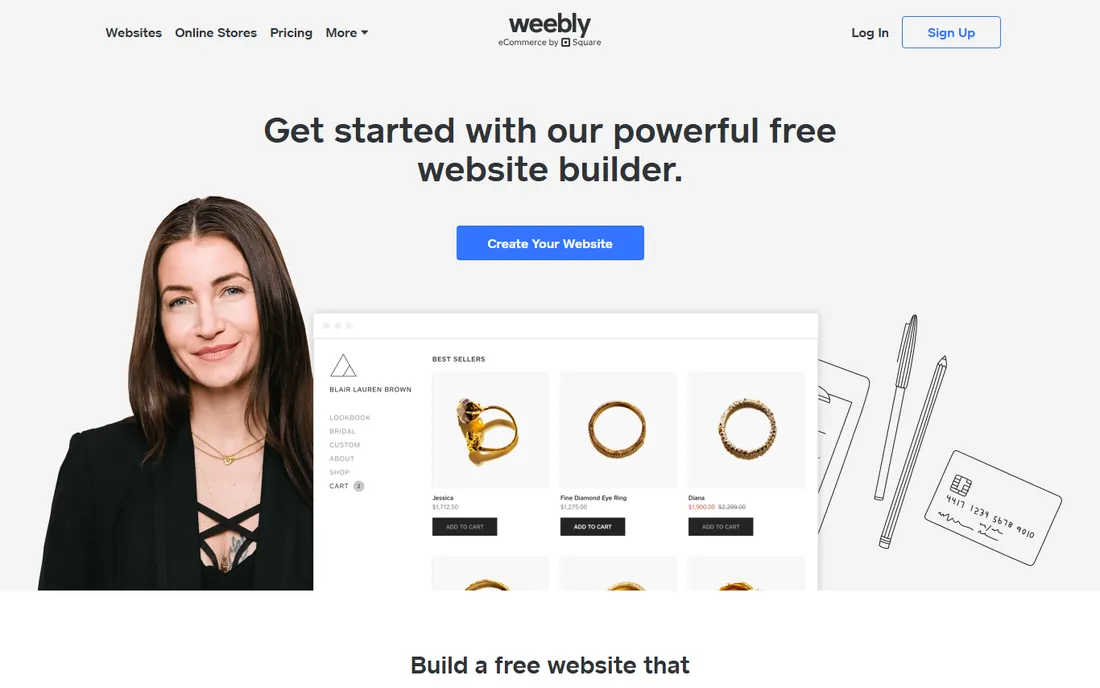
Weebly was the simplicity champion, and it remains easy: pick a template, drag elements, publish. The free tier covers basic sites, and Square's ownership connects it to the commerce ecosystem. For the simplest sites on the smallest budgets, it still works.
Development has clearly slowed under Square, templates feel dated next to Squarespace, and innovation goes to commerce features. New buyers usually choose Wix or Squarespace. But existing Weebly users with simple needs have little reason to leave.
What we like- Very easy to use
- Free tier available
- Now part of Square's ecosystem
Watch out for- Development has slowed
- Templates feel dated
- Square focus is commerce
Starting priceSee website
Free planFree trial
GoDaddy's builder optimizes for speed: answer questions, get a site, publish today. Bundling domain, hosting and site in one account suits small business owners who want the web presence handled. The AI-assisted setup is genuinely fast.
Design flexibility is limited, upsells appear frequently, and the builder is less capable than Wix or Squarespace. But the target buyer values done over perfect. For the fastest route to a presentable business site, GoDaddy delivers.
What we like- Fastest path from nothing to published
- Domain plus site in one
- Good for absolute beginners
Watch out for- Design flexibility is limited
- Upsells are frequent
- Less capable than rivals
Starting priceSee website
Free planFree trial
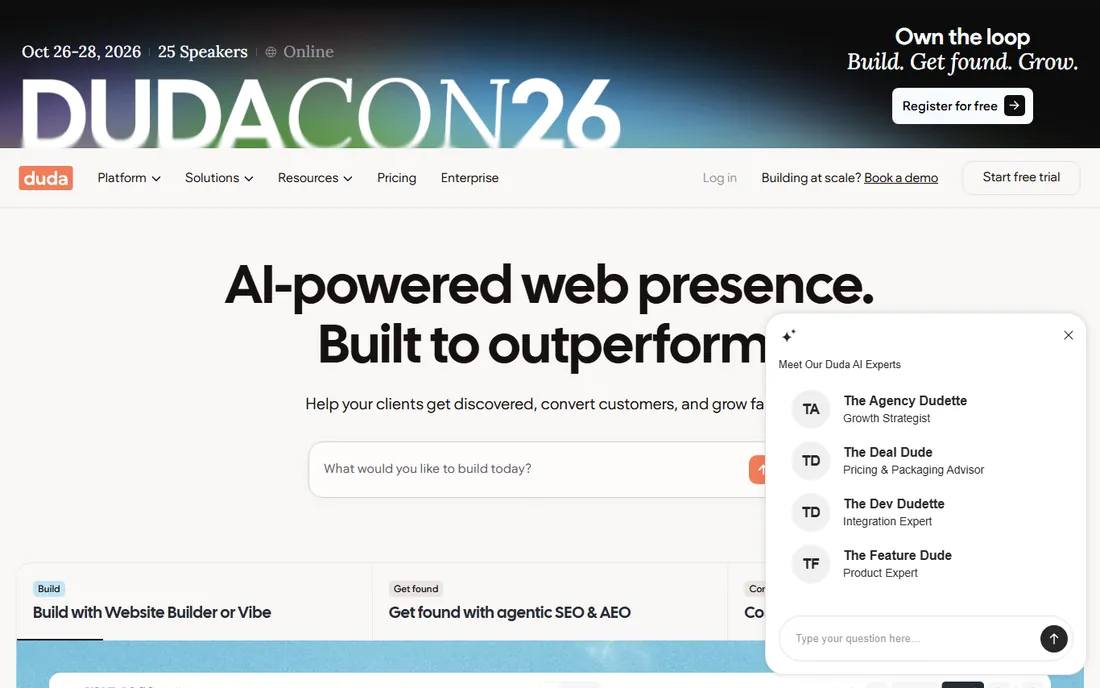
Duda built specifically for agencies: white-label everything, client management tools, team collaboration and fast modern sites. The platform handles the agency business model, not just the building. Client handoff and billing workflows reflect real agency needs.
DIY users are not the audience, and per-site pricing adds up for large portfolios. The template library is smaller than consumer builders. But agencies building client sites at volume find Duda's workflow features worth more than template count.
What we like- Built for agency workflows
- White-label client management
- Fast, modern sites
Watch out for- Not aimed at DIY users
- Pricing per site adds up
- Smaller template library
Starting priceFree
Free planYes
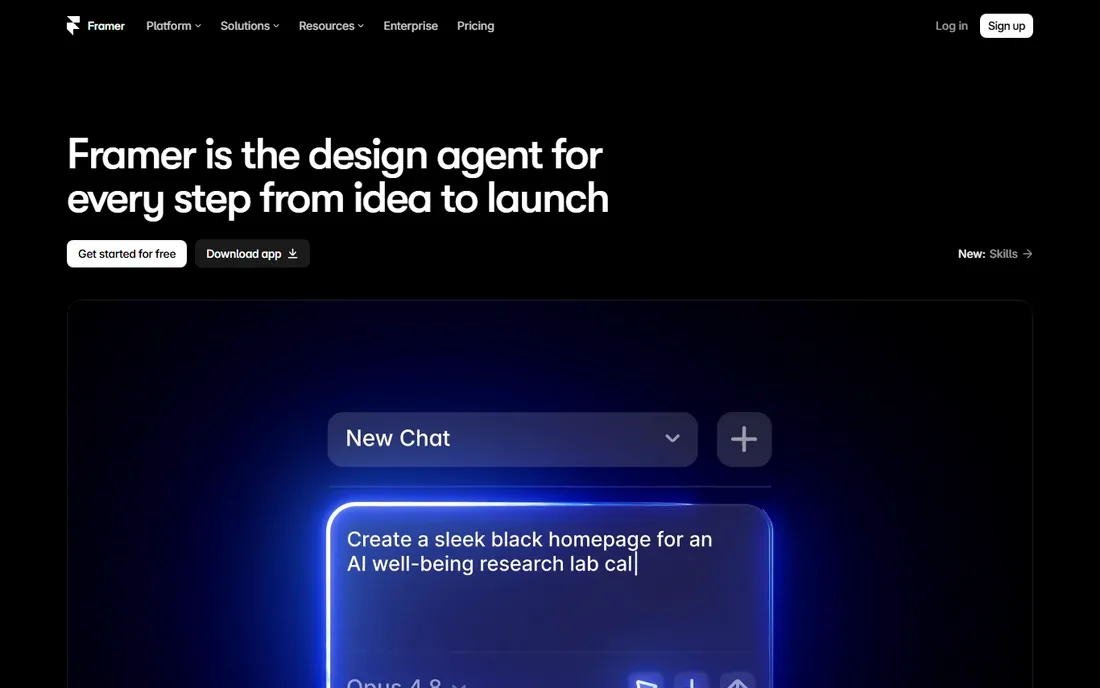
Framer brings the modern web aesthetic to site building: smooth animations, striking typography and fast performance, with AI-assisted starting points. Designers love it, startups use it for marketing sites, and the free tier is generous enough for real projects.
The ecosystem is smaller than established builders, complex sites with deep functionality fit less naturally, and non-designers face a learning curve. But for the contemporary marketing site look that dominates startup web design, Framer is the native choice.
What we like- Beautiful modern sites with animation
- Fast publishing
- Generous free tier
Watch out for- Newer with smaller ecosystem
- Less suited to complex sites
- Learning curve for non-designers
Starting priceFree
Free planYes
Carrd does one thing: beautiful one-page sites, absurdly cheap. Landing pages, portfolios, link-in-bio pages and simple profiles go up in minutes. The free tier is useful, and Pro costs less per year than most builders charge per month.
It is one page only, with limited features by design. Real multi-page websites need other tools. But for the enormous category of sites that are really one page, Carrd's value is unmatched.
What we like- Unbeatable value for one-pagers
- Simple and fast
- Pro is remarkably cheap
Watch out for- One-page only
- Limited features
- Not for real websites
Starting priceFree
Free planYes

WordPress.com offers WordPress without the hosting burden. Blogging remains its superpower, the theme and plugin ecosystem is the largest in web publishing, and the platform scales from free blogs to business sites. Writers and publishers keep choosing it.
Full plugin access requires higher-tier plans, which surprises buyers expecting WordPress.org freedom. The building experience is less visual than Wix. But for content-led sites where publishing matters more than drag-and-drop design, WordPress.com's ecosystem depth wins.
What we like- WordPress flexibility without hosting hassle
- Great for blogging
- Huge theme and plugin ecosystem
Watch out for- Plugin access needs higher tiers
- Less visual than drag-and-drop builders
- Pricing tiers confuse
How we chose
We covered mainstream builders, designer tools, commerce platforms and value options. Each product was verified as currently offered. Pricing came from vendor pages where published and was marked honestly where it was not. We weighed ease of use, design quality, flexibility, commerce depth and value. No vendor paid for placement and we claimed no hands-on testing.
Matching the builder to the site
The site type decides. Stores need Shopify. Design-led marketing sites suit Webflow or Framer. Portfolios suit Squarespace. General small business sites suit Wix. One-pagers suit Carrd. Blogs suit WordPress.com. Agencies suit Duda. Starting from the site type avoids the paralysis of comparing everything.
Then weigh skill and budget honestly. Beginners do best with Wix, Squarespace or GoDaddy's guided setup. Designers get more from Webflow and Framer. And remember the total cost: domain, premium plan, apps and transaction fees together, not just the advertised plan price.
What to check before you choose
Test the mobile result, not just the desktop editor. Most visitors arrive on phones, and some builders' mobile outputs disappoint. Preview every template on a real phone before committing.
Check export and lock-in. Most builders do not let you take your site elsewhere; leaving means rebuilding. Understand this before investing months of content. And verify the features that matter: booking, commerce, blogging and forms vary enormously, so confirm your must-haves in the trial rather than assuming.
SEO realities on website builders
Website builders have improved enormously for search, but honest expectations matter. The basics are all covered: custom titles and meta descriptions, clean URLs, sitemaps, mobile responsiveness and SSL. For local businesses and content-light sites, that is genuinely enough to rank. The platform is rarely the reason a small site fails at SEO.
The limitations appear at scale. Advanced technical SEO, custom schema markup, server-level controls and URL structure flexibility are constrained on builders. Large content sites, complex international setups and performance-obsessed publishers eventually need more control. Page speed is the other honest topic: builder sites carry template overhead that hand-coded sites avoid, though the gap has narrowed and most builders now score acceptably.
What matters more than the platform is the work. Consistent publishing, genuine local reviews, proper Google Business Profile management and real backlinks drive rankings on any platform. A Wix site with an active content strategy outranks a custom site that never publishes. Buyers who blame the builder for poor rankings are usually avoiding the content question.
Migration deserves a warning. Moving off a builder later means rebuilding, since templates and proprietary features do not transfer. The content exports, the design does not. Choose with a three-year horizon: if the business will need custom functionality within that window, starting on a more flexible platform saves a painful rebuild. For everyone else, the builder's SEO is fine and the real work is publishing.
Frequently asked questions
What is the best website builder for small business?
Wix is the most flexible general choice, Squarespace the best-looking, and GoDaddy the fastest to launch. The best depends on whether you prioritize flexibility, design or speed. All three handle standard small business needs.
Is Wix or Squarespace better?
Wix offers more design freedom and a larger app market. Squarespace offers better-looking templates and a more guided experience. Creative businesses often prefer Squarespace; businesses wanting specific custom layouts prefer Wix.
Can I build a website for free?
Yes. Wix, Weebly, Webflow, Framer, Carrd and WordPress.com all offer free tiers. Free plans typically show platform branding and block custom domains. A professional site usually needs a paid plan for the custom domain alone.
Which website builder is best for SEO?
All major builders handle SEO basics: titles, meta descriptions, mobile-friendliness and sitemaps. WordPress.com and Webflow offer the most SEO control. Content quality matters far more than builder choice for rankings.
Should I use Shopify or Wix for an online store?
Shopify for any serious store: its commerce depth, checkout and app ecosystem far exceed Wix's store features. Wix Stores suits businesses where selling is secondary to the website. When e-commerce is the business, choose Shopify.
Sources we checked (10)
- https://www.wix.com
- https://www.squarespace.com
- https://webflow.com
- https://www.shopify.com
- https://www.weebly.com
- https://www.godaddy.com
- https://www.duda.co
- https://www.framer.com
- https://carrd.com
- https://wordpress.com
Is your product missing or out of date?
We review this list regularly. Vendors can request a listing, send updated pricing or ask about featured placement.

Shihab Mia · Founder, Rankite
Shihab has spent more than a decade helping SaaS and e-commerce brands grow through search. He writes Rankite's software buying guides from pricing pages, documentation and public user reviews. More about Shihab.