How we make this list: we compare pricing pages, product documentation and public user reviews. Rankite is independent; if a vendor ever pays for a featured spot, that listing is clearly labeled Partner.

Key takeaways
- Squarespace ($16 per month billed annually) is the best general choice for most artists: beautiful templates, a custom domain, and selling tools on one bill.
- Format ($7 per month billed annually) and Pixpa ($5.40 per month billed annually) are built specifically for visual creatives, with client proofing and print selling that general builders treat as afterthoughts.
- Adobe Portfolio costs nothing extra if you already pay for Creative Cloud, which makes it the cheapest real option for designers and photographers in the Adobe ecosystem.
- Photographers who sell prints should compare SmugMug ($20 per month billed annually) and Zenfolio ($7 per month billed annually) against Pixpa, since print fulfillment is their core business.
- Cargo ($13 per month or $99 per year) suits experimental artists who want their site to feel like art, but it is a poor fit for anyone who needs a store or client galleries.
Quick comparison
| Tool | Best for | Starting price | Free plan |
|---|
 Squarespace Squarespace | Polished portfolios that also sell | $16 per month (billed annually) | Free trial |
 Wix Wix | Maximum template choice and flexibility | $17 per month (billed annually) | Yes |
 Format Format | Photographers and filmmakers needing client proofing | $7 per month (billed annually) | Free trial |
 Pixpa Pixpa | All-in-one portfolio, galleries, and store | $5.40 per month (billed annually) | Free trial |
 Adobe Portfolio Adobe Portfolio | Creatives already paying for Creative Cloud | $11.99 per month (via Creative Cloud) | No |
 Cargo Cargo | Experimental, design-led portfolios | $13 per month (or $99 per year) | Yes |
 SmugMug SmugMug | Photographers selling prints at volume | $20 per month (billed annually) | Free trial |
 Zenfolio Zenfolio | Photography businesses with booking and studio needs | $7 per month (billed annually) | Free trial |
Is your product missing or out of date?
We review this list regularly. Vendors can request a listing, send updated pricing or ask about featured placement.
Starting price$16 per month (billed annually)
Free planFree trial
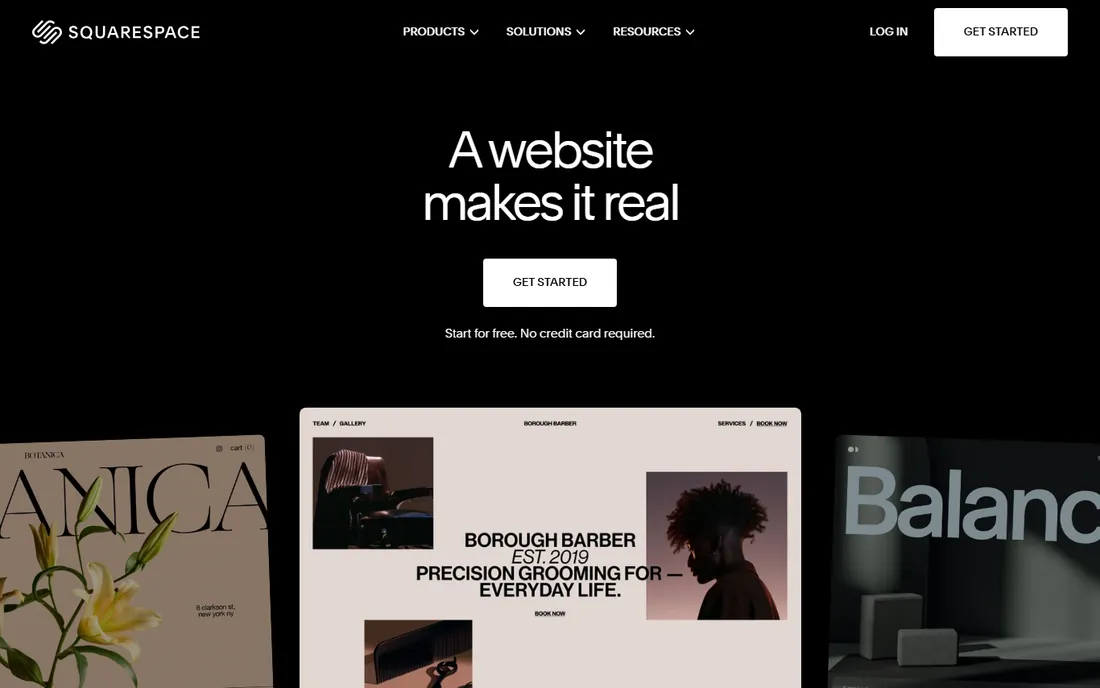
For most artists, Squarespace is the right answer and the search can stop here. The templates were designed with visual work in mind, and the layouts keep typography, spacing, and image presentation coherent without any effort on your part. Plans start at $16 per month billed annually, and that covers hosting, SSL, the template system, and selling tools, so prints, originals, and commissions can all be sold from the same site.
The honest catch is that Squarespace is a general website builder wearing an artist-friendly outfit. There is no client proofing, no watermarking workflow, no print lab integration; photographers with client work will feel those gaps. The 14-day trial is also short for a decision this important, so use it actively rather than letting it expire. If your work is the product and you want the site to look expensive with minimum fuss, nothing here beats it.
What we like- The most refined portfolio templates available
- Ecommerce, scheduling, and email marketing built in
- Free custom domain for the first year on annual plans
Watch out for- No permanent free plan, only a 14-day trial
- Fewer artist-specific tools like client proofing than dedicated platforms
#2
Wix
Best for: Maximum template choice and flexibility
Visit wix.com
Starting price$17 per month (billed annually)
Free planYes
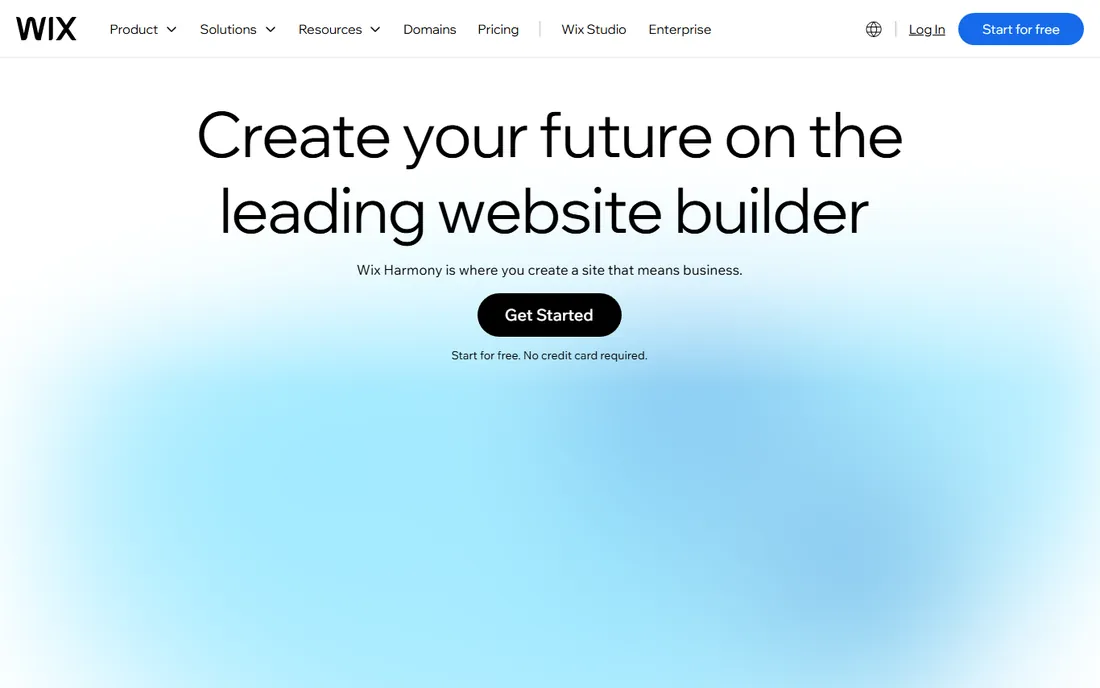
Wix takes the opposite approach from Squarespace: instead of curating, it gives you everything. The template library is enormous, the free plan is genuinely usable for building out your portfolio, and the editor lets you place elements anywhere on the page. Paid plans start at $17 per month billed annually. For an artist who wants a blog, a store, booking for commissions, and an about page with real personality, Wix can do all of it.
That freedom is also the risk. Without design discipline, Wix sites drift into clutter faster than Squarespace sites do, and the inability to change templates later means you live with early decisions. The AI builder helps by generating a coherent first draft, but expect to spend real time refining. Choose Wix if you want control and features; choose Squarespace if you want taste enforced by default.
What we like- Over 2,000 templates including many artist-specific designs
- Free plan lets you build before paying
- AI site generator plus full drag-and-drop control
Watch out for- Cannot switch templates after publishing without rebuilding
- Depth of options can lead to cluttered, inconsistent designs
#3
Format
Best for: Photographers and filmmakers needing client proofing
Visit format.com
Starting price$7 per month (billed annually)
Free planFree trial
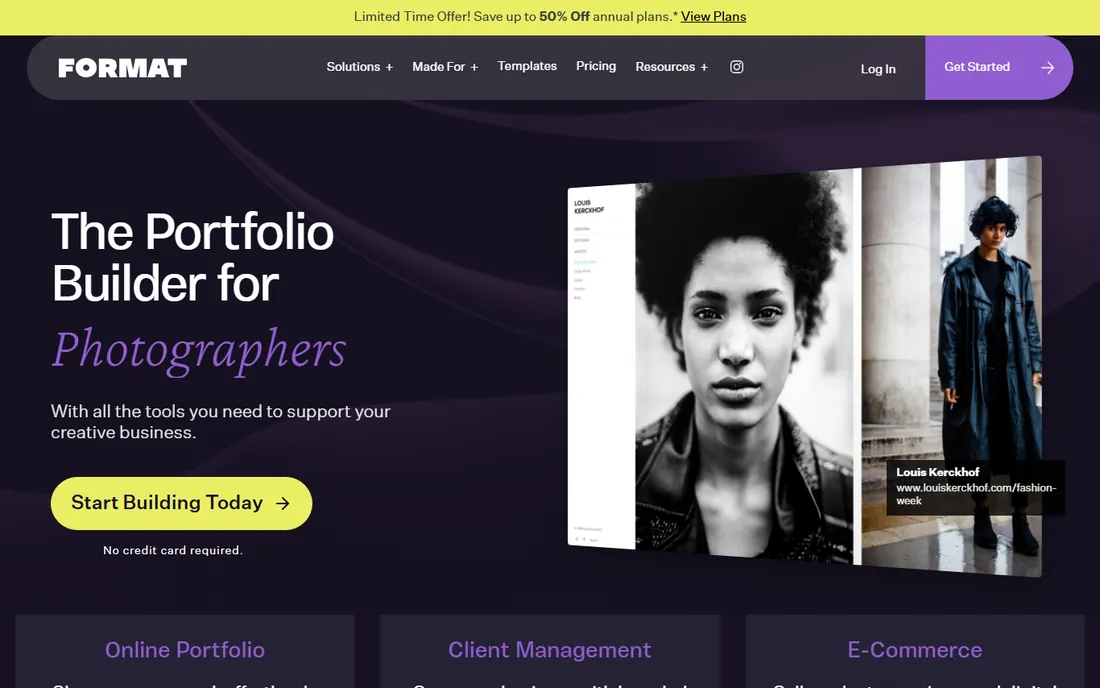
Format is the specialist of this list. Every feature orbits the portfolio: client proofing galleries where clients mark favorites and approve selections, branded file delivery instead of Dropbox links, hosted video up to 120 minutes, and an online store with zero commission. Plans start at $7 per month billed annually for the Basic tier, which is strikingly cheap for what photographers actually use. You can also change themes without losing content, which Wix cannot say.
The tradeoff is scope. Format does not want to be your blog platform, your event calendar, or your business hub; it is a portfolio with business tools attached. If your site is primarily a showcase with client workflows behind it, that focus is a strength. If you need the site to do many jobs, the general builders above will serve you better. For working photographers, though, Format is often the best value on this list.
What we like- Built exclusively for visual creatives with 90+ portfolio themes
- Client proofing and branded file delivery on every plan
- Hosted video without third-party embeds
Watch out for- No free plan, only a 14-day trial
- Weak as a general website beyond the portfolio itself
#4
Pixpa
Best for: All-in-one portfolio, galleries, and store
Visit pixpa.com
Starting price$5.40 per month (billed annually)
Free planFree trial
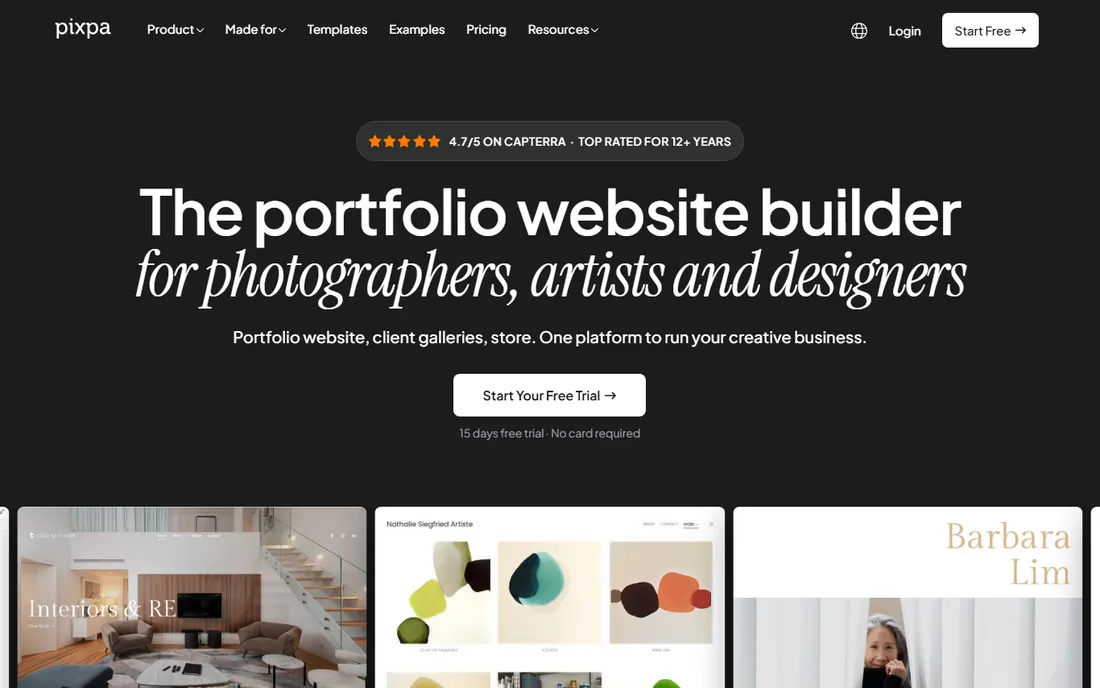
Pixpa's pitch is consolidation, and for photographers it lands. Instead of paying separately for a portfolio builder, a gallery delivery tool, and a store that takes commission, you get all three in one platform starting at $5.40 per month billed annually. The store charges zero commission on every plan, client galleries include proofing and password protection, and the templates are drawn by working designers rather than adapted from generic themes.
Where Pixpa falls short is around the edges of a creative business: no native booking, no contract signing, no email marketing, so session photographers still need separate tools for those. The template count is also modest next to the generalists. But the core loop, show the work, deliver to clients, sell prints, is handled more completely here than anywhere else at this price. If you currently juggle two or three subscriptions to do what Pixpa does in one, the math is obvious.
What we like- Portfolio, client galleries, blog, and zero-commission store on one bill
- 200+ designer-made templates
- Highly rated customer support
Watch out for- No free plan, only a 15-day trial
- Template library smaller than Wix or Squarespace
- No native booking or contracts
Starting price$11.99 per month (via Creative Cloud)
Free planNo
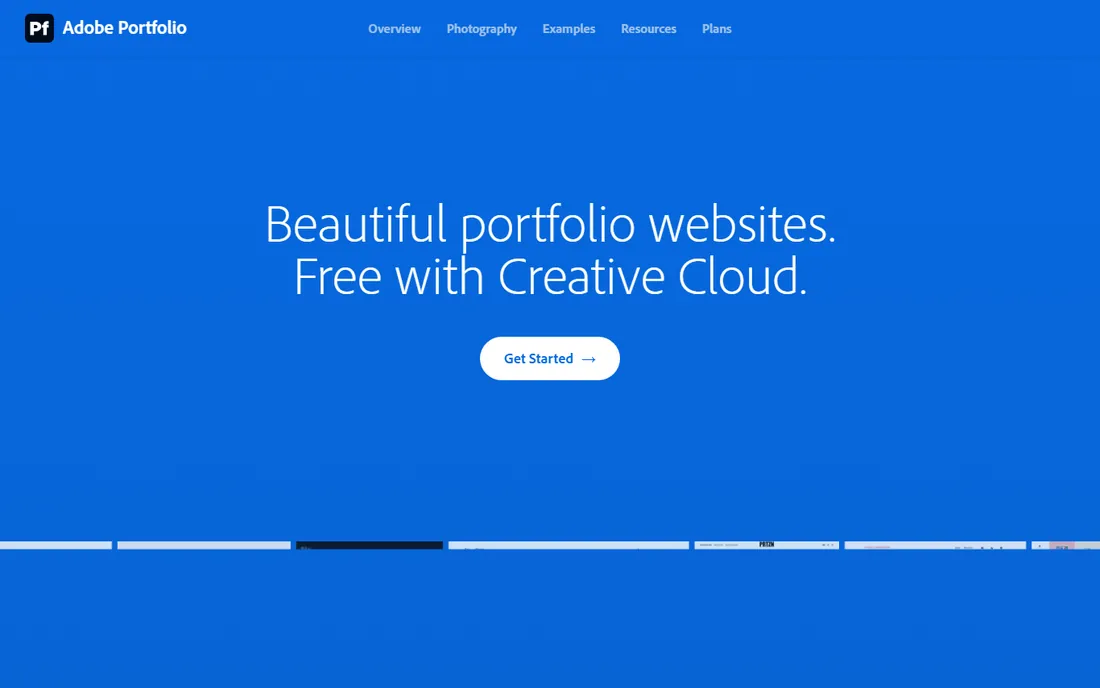
Adobe Portfolio is the best deal in this roundup for a specific group of people: anyone already paying Adobe every month. It is bundled with every Creative Cloud plan, with the cheapest entry at $11.99 per month for the Lightroom plan, and for existing subscribers the marginal cost of a portfolio site is zero. Up to five sites, custom domains, Lightroom sync, Behance import, password-protected pages, all included.
The catch is that it is a showcase, not a business platform. There is no store, no booking, no blog worth mentioning, and the theme selection is limited and a little dated next to Squarespace or Cargo. Cancel your Creative Cloud subscription and the site goes offline. So the real question is whether you are already in Adobe's ecosystem. If you are, build here first and spend your money elsewhere. If you are not, do not subscribe just for Portfolio; the dedicated builders above give you more.
What we like- Included at no extra cost with any paid Creative Cloud plan
- Syncs directly with Lightroom and Behance
- Clean, minimal themes that keep focus on the work
Watch out for- Requires an ongoing Creative Cloud subscription
- No ecommerce, no blog, limited customization
Starting price$13 per month (or $99 per year)
Free planYes
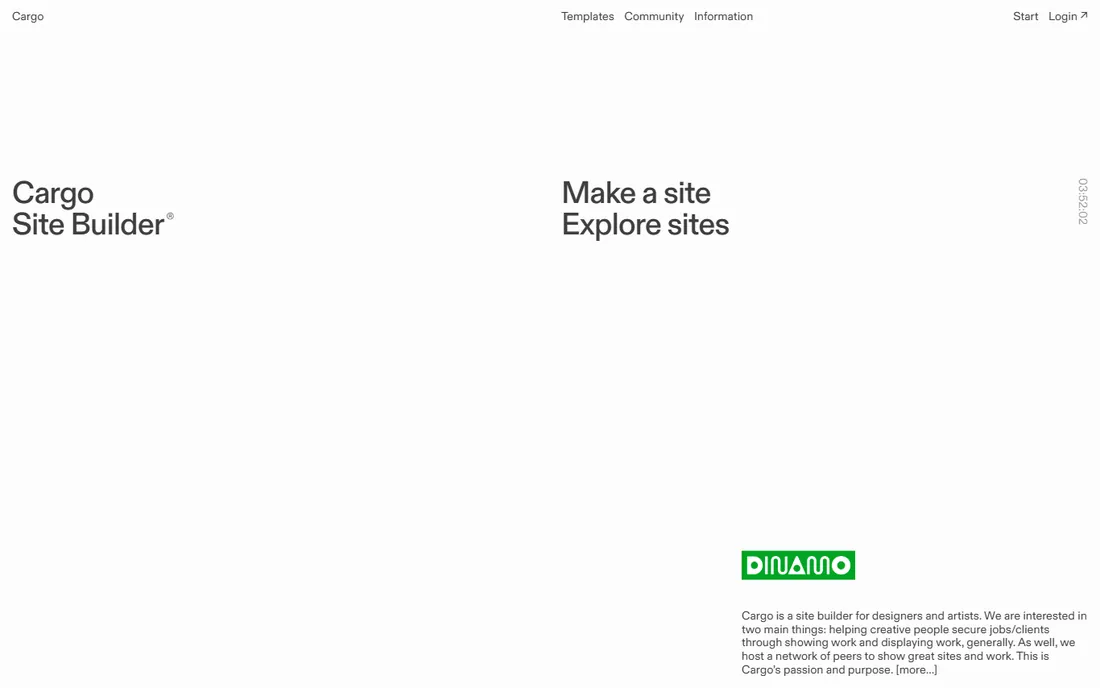
Cargo is what you choose when every other portfolio builder feels too safe. The freeform editor lets you overlap elements, break grids, and build pages that feel like interactive art rather than websites, with direct code access for those who want it. Pricing is simple: a free plan with 3 pages and Cargo branding, or Cargo Plus at $13 per month or $99 per year for unlimited pages, custom domain, and no branding.
This is a portfolio for the portfolio's sake. There is no store, no client proofing, no business tooling, and the learning curve is real; the freedom that makes Cargo exciting also makes it slow to master. Fine artists, illustrators, and experimental designers will love it. Anyone who needs the site to take money or manage clients should look at Format or Pixpa instead. Know which artist you are before committing.
What we like- Freeform layouts unlike anything else
- Direct HTML and CSS access
- A curated community of serious creatives for inspiration
Watch out for- Steep learning curve for the freeform tools
- No ecommerce or client proofing
- Free plan limited to 3 pages
Starting price$20 per month (billed annually)
Free planFree trial
SmugMug has been serving photographers since before most of this list existed, and it shows in the depth of the print business. Every plan includes unlimited storage, which matters when your archive is measured in terabytes, and the selling tools, profit margins per product, print lab fulfillment, coupon codes, are the most developed here. The Direct plan starts at $20 per month billed annually; selling requires the Portfolio tier and up.
The price is the conversation. SmugMug costs more than every other option on this list, and its website templates feel dated next to Squarespace or Format. You are paying for the infrastructure: unlimited storage, fulfillment, and a platform that has handled photography businesses for two decades. For a hobbyist or emerging artist, it is overkill. For a working photographer whose archive and print revenue are the business, the cost is easy to justify.
What we like- Unlimited photo and video storage on every plan
- Mature print selling with lab fulfillment
- Strong privacy controls and Lightroom integration
Watch out for- No free plan, only a 14-day trial
- The priciest option here
- Website design tools lag behind modern builders
#8
Zenfolio
Best for: Photography businesses with booking and studio needs
Visit zenfolio.com
Starting price$7 per month (billed annually)
Free planFree trial

Zenfolio is less a portfolio builder than a photography business in a box. Beyond galleries and print sales, it offers booking and scheduling, automated marketing campaigns, studio management, and volume photography workflows for school and sports shooters. The Portfolio plan starts at $7 per month billed annually, with selling and business features opening up on the higher tiers.
The website designs will not win beauty contests against Squarespace or Cargo, and photographers who lead with aesthetics may find the templates plain. But if your bottleneck is operations rather than presentation, if you need bookings, reminders, and print sales running without your attention, Zenfolio covers more of the business than any other tool here. It is the practical pick for photographers who think of themselves as business owners first.
What we like- Full business toolkit with booking, scheduling, and automated marketing
- Client galleries with proofing and print sales
- 20+ years serving photographers
Watch out for- No free plan, only a trial
- The website builder itself is less design-forward than competitors
- Best features sit on higher tiers
Your portfolio is a business asset, not a gallery wall
The biggest mistake artists make with portfolio sites is treating them as archives. A collector, gallery, or client spends seconds deciding whether to keep looking, and they are not counting your pieces; they are judging your weakest one. Most working artists do better with 15 strong pieces than 50 mixed ones, because every extra image is another chance to dilute the impression.
Think of the site as having three jobs: prove the quality of the work, make it trivially easy to contact you, and give a reason to act now. That means a tight edit, a contact path on every page rather than buried in a menu, and an about page with a real photo and a plain sentence about what you do and who you do it for. The platform matters less than these fundamentals, but the right platform makes them easier to execute.
Start by naming what the site must do besides show work. If the answer is nothing, pick on aesthetics and price: Squarespace for polish, Cargo for experimentation, Adobe Portfolio if you already pay Adobe. If the answer includes selling prints, client proofing, or bookings, the specialist tools pull ahead fast, because bolting those workflows onto a general builder always costs more in time and subscriptions than buying them built in.
Next, be honest about how often you will update the site. A portfolio that never changes is worse than no portfolio, and the best platform is the one you will actually maintain. Format and Pixpa win here for photographers because uploading a shoot to a client gallery and publishing selects to the portfolio is one workflow. If updating feels like a chore on a given platform, you picked the wrong one regardless of the feature list.
Finally, price the whole picture for two years, not the first month. Add the domain renewal, the plan renewal at non-introductory rates, transaction fees on sales, and any second tool you will need for what the platform lacks. Pixpa's zero-commission store and Format's included proofing look even better in that math, while SmugMug's higher subscription earns its keep only if you use the storage and fulfillment. The cheapest plan is rarely the cheapest setup.
How we chose
We compared these eight platforms using their public pricing pages, feature documentation, and template galleries, plus photographer-focused reviews from independent testers and user ratings on G2 and Capterra. We weighted the criteria toward working artists: portfolio presentation quality, total cost of ownership, print selling and client workflows, ease of updating, and custom domain support. We did not run hands-on tests of every platform for this roundup; performance and usability claims come from the cited review sources. Pricing was checked in October 2026 against vendor pages and current review coverage, and it changes often, so confirm before buying.
Frequently asked questions
What is the best website builder for artists who sell their work?
Squarespace and Wix are the strongest general options because they combine good-looking portfolios with full stores. If you sell prints specifically, Pixpa charges zero commission, Format includes proofing and delivery, and SmugMug offers the most mature print fulfillment. The right pick depends on whether you sell originals, prints, or commissions.
Can I build an artist portfolio website for free?
Yes, with limits. Wix and Cargo both offer free plans, though your site will show platform branding and use a subdomain. Adobe Portfolio is effectively free if you already subscribe to Creative Cloud. For a professional artist site with your own domain, expect to pay from about $5 to $7 per month billed annually.
Do artists need their own website if they have Instagram?
Yes. Instagram is a discovery channel, not a portfolio: you do not control the layout, the algorithm decides who sees your work, and collectors cannot easily buy from a profile. Your own site gives you a custom domain, full control over presentation, direct contact, and selling without platform fees. Use social media to drive traffic to the site, not as the site.
Which platform is best for photographers specifically?
Format and Pixpa are built for photographers, with client proofing, galleries, and print selling as core features rather than add-ons. SmugMug and Zenfolio add deeper business tooling like lab fulfillment, booking, and volume workflows. Squarespace works well for photographers who prioritize design and do not need client workflows.
Can I sell prints directly from my artist website?
Yes on most of these platforms. Pixpa and Format charge no commission on sales; you only pay your payment processor's fee. Squarespace, Wix, SmugMug, and Zenfolio all support print sales, with varying transaction fees and fulfillment options. Adobe Portfolio and Cargo do not include ecommerce, so you would need to link to an external store.
How many pieces should I show in my online portfolio?
Fewer than you think. Most art directors and collectors respond best to 15 to 25 of your strongest pieces, organized into clear series or categories. A portfolio is judged on its weakest piece, so ruthless editing beats comprehensiveness. You can always archive older work in a separate section rather than deleting it.
Sources we checked (9)
- https://squarespace.com
- https://www.wix.com
- https://format.com
- https://www.pixpa.com
- https://portfolio.adobe.com
- https://cargo.site
- https://smugmug.com
- https://zenfolio.com
- https://www.ubs.com/us/en/wealth-management/who-we-serve/ultra-high-net-worth-investors/art-advisory/art-basel-art-market-report-2026.pdf
Is your product missing or out of date?
We review this list regularly. Vendors can request a listing, send updated pricing or ask about featured placement.

Shihab Mia · Founder, Rankite
Shihab has spent more than a decade helping SaaS and e-commerce brands grow through search. He writes Rankite's software buying guides from pricing pages, documentation and public user reviews. More about Shihab.