How we make this list: we compare pricing pages, product documentation and public user reviews. Rankite is independent; if a vendor ever pays for a featured spot, that listing is clearly labeled Partner.
Key takeaways
- Wix and Squarespace cover most nonprofits: Wix is easier for volunteers to edit, Squarespace produces more polished storytelling pages.
- Nonprofit-specific platforms like Morweb and WildApricot bundle donations, memberships, and events, which generic builders handle only through add-ons.
- Always ask about charity discounts before paying full price; several vendors cut 25 to 50 percent for registered nonprofits.
- A free plan is fine for a brochure site, but accepting donations on your own domain almost always requires a paid tier.
Quick comparison
| Tool | Best for | Starting price | Free plan |
|---|
 Wix Wix | All-round ease of use for small teams | $17/month | Yes |
 Squarespace Squarespace | Design-led storytelling sites | $16/month (billed annually) | No |
 WordPress.com WordPress.com | Content-heavy sites that need flexibility | $4/month | Yes |
 Weebly Weebly | Simple free sites on a tight budget | $10/month (billed annually) | Yes |
 GoDaddy GoDaddy | Getting online fast with guided setup | $9.99/month | Yes |
 Morweb Morweb | Nonprofit-specific CMS with donation tools | $149/month | No |
 WildApricot WildApricot | Membership organizations and associations | $66/month (100 contacts) | Free trial |
 Webflow Webflow | Custom designs with a designer on hand | $14/month | Yes |
Is your product missing or out of date?
We review this list regularly. Vendors can request a listing, send updated pricing or ask about featured placement.
How do you pick a website platform when every dollar spent on software is a dollar not spent on your mission? The answer depends on what the site has to do: a simple brochure page, an online donation flow, member sign-ups, or all three. The eight platforms below span free builders, design-led tools, and software built only for nonprofits.
#1
Wix
Best for: All-round ease of use for small teams
Visit wix.com
Starting price$17/month
Free planYes
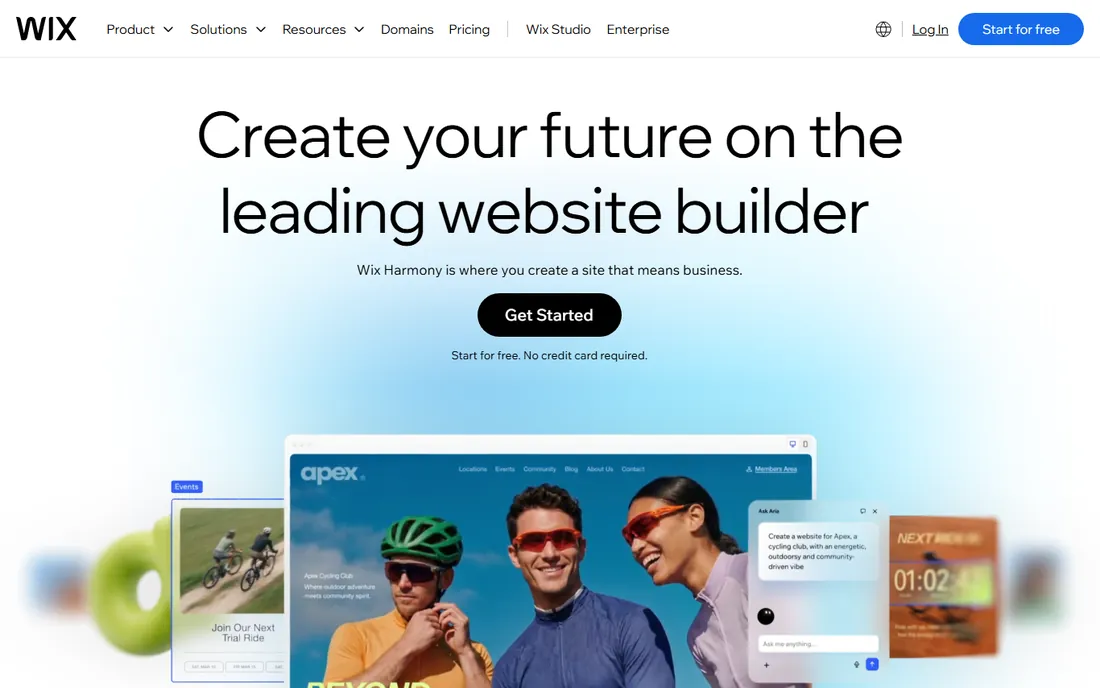
Wix remains the safest default for a small nonprofit. The free plan lets you publish something credible today, and the paid plans starting at $17 a month add a custom domain, remove ads, and give access to the donation and event apps most organizations need. The editor is genuinely usable by non-technical volunteers, which matters when the website owner is whoever has spare time this month.
The honest catch is that Wix is a general builder wearing nonprofit clothes. Recurring donations, donor management, and membership tiers all come through third-party apps with their own fees. If fundraising is the core of your site rather than a side feature, a nonprofit-specific platform further down this list will serve you better.
What we like- Free plan to start
- Drag-and-drop editor volunteers can learn
- Donation apps and forms available in the app market
Watch out for- Free plan shows Wix ads and uses a Wix subdomain
- Template cannot be switched after publishing
- Nonprofit discount requires application
Starting price$16/month (billed annually)
Free planNo
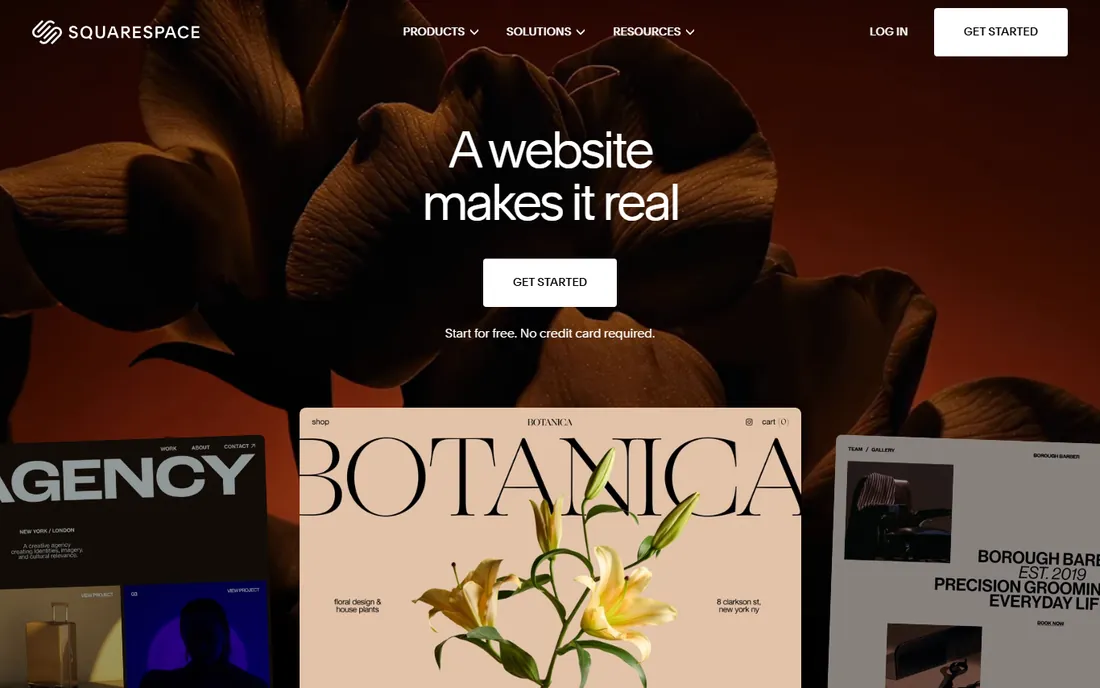
When your website's job is to make donors feel something, Squarespace earns its place. The templates are the most polished in this category, and the blogging tools suit organizations that publish impact stories, annual reports, and campaign updates. Built-in email campaigns and Acuity scheduling cover newsletters and volunteer bookings without extra subscriptions.
There is no free tier, so budget at least $16 a month billed annually from day one. Donations work through integrations like Donorbox rather than native tools, which adds a second subscription to manage. Choose Squarespace when presentation drives your fundraising and you have someone comfortable with a slightly more structured editor.
What we like- Best-looking templates of any mainstream builder
- Strong blogging for impact stories
- Built-in email campaigns and scheduling
Watch out for- No free plan, only a 14-day trial
- Donation features rely on third-party integrations
- Fewer templates than Wix
Starting price$4/month
Free planYes

WordPress.com gives nonprofits the most room to grow for the least money. The free plan publishes a real site, and the $4-a-month Starter plan connects a custom domain. Content-heavy organizations, those publishing news, resources, and program updates weekly, will appreciate an editor built for writing rather than a page builder bolted onto one.
The tradeoff is complexity that scales with ambition. Donation plugins, membership tools, and custom themes mostly require higher-tier plans, and at that point you are managing something closer to a real CMS than a simple builder. For organizations with a volunteer who knows WordPress already, though, nothing else offers this much power per dollar.
What we like- Free plan with generous room to start
- Huge theme and plugin ecosystem on paid tiers
- Strong SEO foundations
Watch out for- Real flexibility needs the Business plan or higher
- Plugin limits on cheaper tiers
- Interface can confuse pure beginners
Starting price$10/month (billed annually)
Free planYes

Weebly is the quiet workhorse for nonprofits that need a basic web presence for nothing. The free plan has no expiration, the drag-and-drop editor takes minutes to learn, and the Square integration handles simple payment and donation collection. For a community group that just needs service times, a contact page, and a donate button, that is enough.
Expectations should stay modest. Templates look dated next to Squarespace, blogging is basic, and Weebly has seen little meaningful development in recent years. Treat it as a dependable free brochure site, not a platform to build a fundraising operation on, and it will not disappoint you.
What we like- Genuinely free plan with no time limit
- Simplest editor on this list
- Square integration for accepting payments
Watch out for- Dated template designs
- Limited blogging features
- Development pace has slowed since the Square acquisition
Starting price$9.99/month
Free planYes
GoDaddy suits the nonprofit that needs to be online by Friday. Its builder leans on guided setup and AI-generated starting points, so a volunteer can produce a passable site in an afternoon. Bundling domain registration, hosting, email, and the site builder in one account also simplifies the admin overhead that small organizations dread.
The sites it produces are functional rather than beautiful, and serious donation flows will push you toward third-party tools. GoDaddy's real advantage is operational: one bill, one support number, and phone support around the clock. If your team values that simplicity over design awards, it is a reasonable choice.
What we like- AI-assisted setup builds a starter site in minutes
- Domain, hosting, and email from one vendor
- 24/7 phone support
Watch out for- Design flexibility lags behind Wix and Squarespace
- Upsells throughout the product
- Donation tools are basic
Starting price$149/month
Free planNo
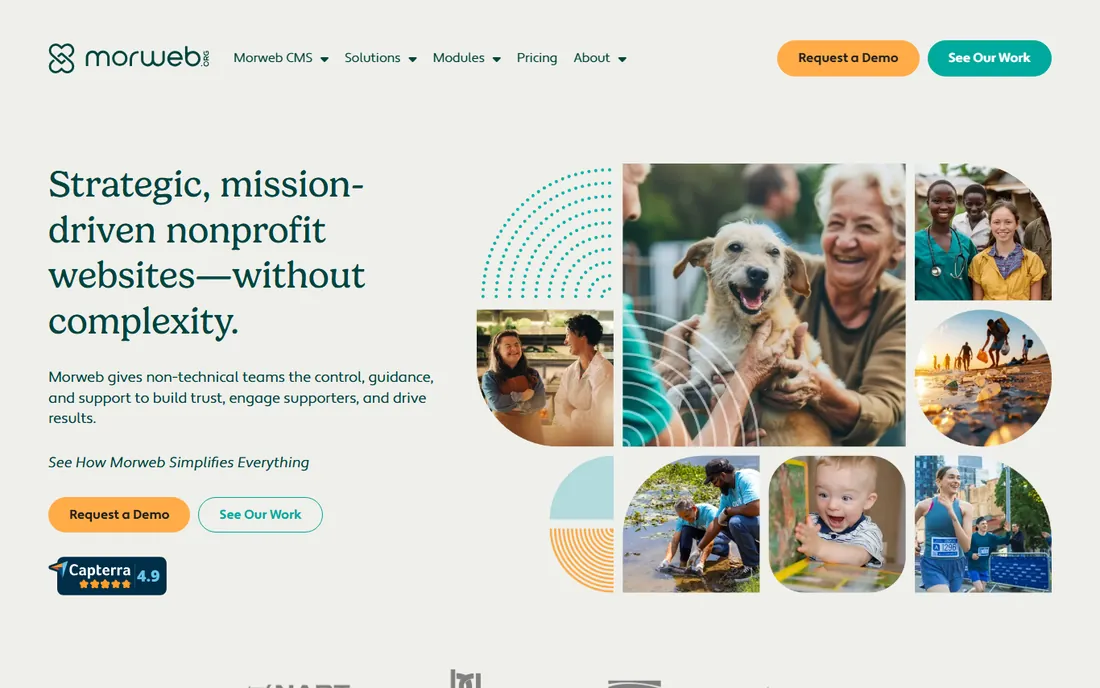
Morweb flips the usual equation: instead of adding nonprofit features to a generic builder, it starts with them. Donation forms, event management, membership directories, and volunteer sign-ups are native modules, not app-market add-ons. The support team works only with nonprofits and associations, so you are not explaining what a fund is to a generalist agent.
That focus costs $149 a month to start, which rules it out for small community groups. But for a mid-size nonprofit where the website is a fundraising and membership engine, the math changes: one Morweb subscription can replace a builder plus a donation platform plus an event tool. Evaluate it on total cost, not sticker price.
What we like- Built only for nonprofits and associations
- Donation, event, and membership modules included
- Onboarding help from a nonprofit-focused team
Watch out for- Far more expensive than general builders
- Overkill for a simple brochure site
- Smaller template and integration ecosystem
Starting price$66/month (100 contacts)
Free planFree trial
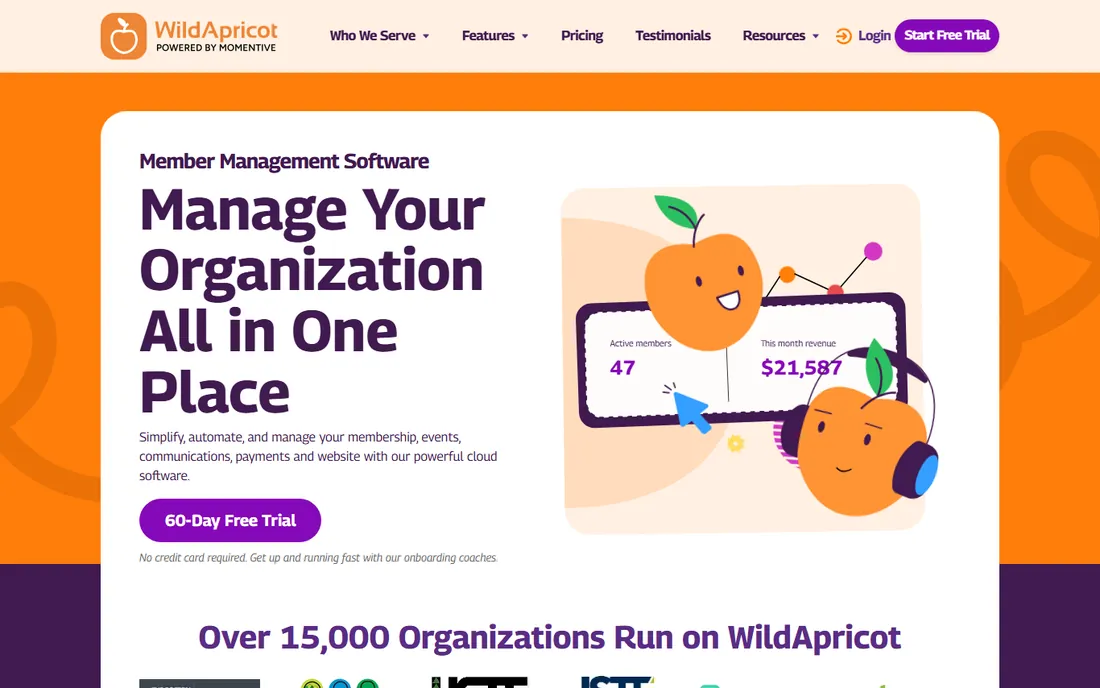
If your organization runs on memberships, WildApricot deserves a long look. It combines a member database, website builder, event registration, email newsletters, and payment processing in one login. Automated renewal reminders and invoicing alone can save a volunteer-run association hours every month.
Pricing starts at $66 a month for up to 100 contacts and climbs as your list grows, so model the cost at your actual size. The websites it builds are clean but plain, and pure fundraising features trail the donation-first platforms. For associations, clubs, and chambers where members are the mission, it is purpose-built in a way no general builder can match.
What we like- Member database, website, events, and email in one system
- Automated renewals and invoicing
- 60-day free trial
Watch out for- Pricing scales with contact count and rises fast
- Website designs are functional rather than striking
- Built for members first, donors second
Starting price$14/month
Free planYes
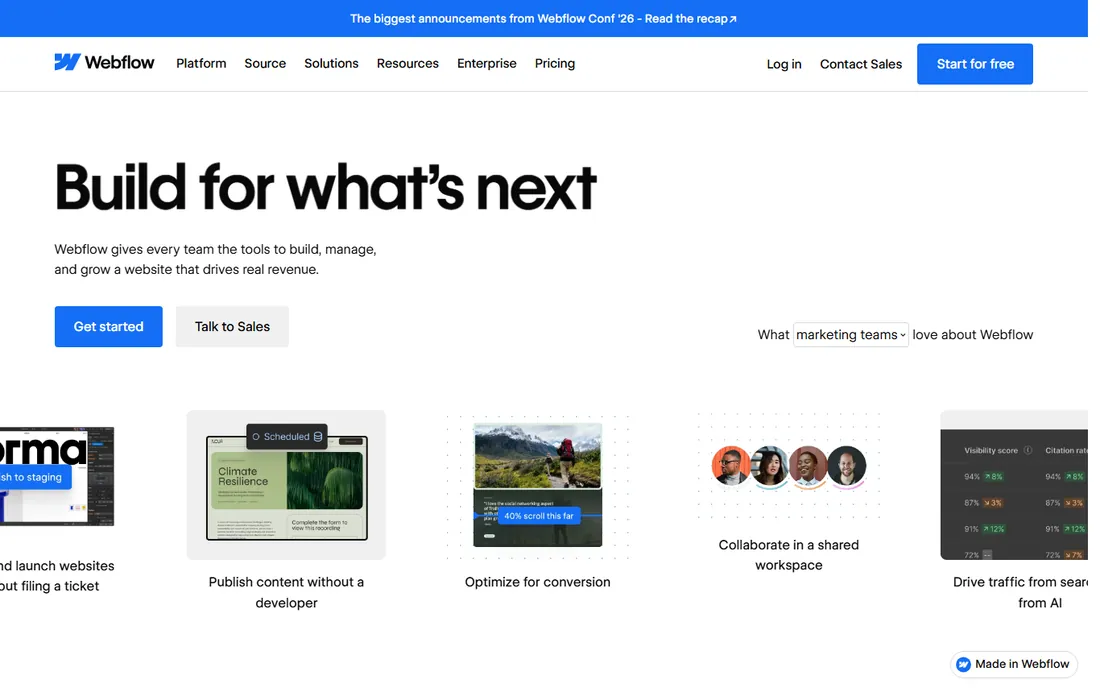
Webflow is the choice when a nonprofit has access to real design talent, staff or pro bono, and wants a site that looks like it cost ten times the budget. The visual builder offers control approaching hand-coded sites, and the CMS handles collections of stories, programs, and staff profiles elegantly.
The warning label matters more here than with any other tool on this list. Webflow assumes design literacy, and a site built by a talented volunteer can become unmaintainable when that volunteer leaves. Donation processing comes through embedded third-party forms. Use Webflow when design quality is a strategic asset and someone technical owns the site long term.
What we like- Pixel-level design control without code
- Clean, fast-loading output
- CMS collections suit program and story libraries
Watch out for- Steep learning curve for non-designers
- Donations need third-party embeds
- Easy to build something volunteers cannot maintain
Donation readiness: the feature that decides most picks
Strip away the marketing and one question separates these platforms: how does money reach you? Wix, Squarespace, GoDaddy, and Webflow all accept donations through third-party integrations, which means a second account, a second fee, and a donor experience you only partly control. That is acceptable when donations are occasional.
When fundraising is the point of the site, native matters. Morweb processes donations inside the platform it already uses for your content. WildApricot ties payments to member records automatically. WordPress.com, on higher plans, opens the full plugin ecosystem including dedicated fundraising tools. Match the platform to how central donations are, not to how pretty the templates look.
How to choose on a nonprofit budget
Start with the total cost of your actual setup, not the headline price. A $16 builder plus a $30 donation tool plus a $15 email service is a $61 stack, which may lose to a single $66 platform that does all three. List every subscription the site will need before comparing prices.
Then apply for every discount. Wix, Squarespace, and several others offer reduced pricing for registered 501(c)(3) organizations, and Google for Nonprofits plus Microsoft's nonprofit programs cover email and productivity around whatever builder you pick. Finally, weigh volunteer time as a cost: a free platform that eats five volunteer hours a month is more expensive than a $20 one that needs none.
How we chose
We reviewed current pricing pages and feature documentation for each platform, then checked them against nonprofit-focused reviews and community discussions on G2, Capterra, and Reddit. We prioritized what matters to small and mid-size US nonprofits: donation and fundraising capability, nonprofit discounts, ease of use for volunteer teams, total cost including add-ons, and room to grow into events and memberships. We did not claim hands-on testing of any platform; this ranking reflects documented features, published pricing, and reviewer consensus.
Frequently asked questions
What is the cheapest way for a nonprofit to get a website?
Weebly and WordPress.com both offer genuinely free plans that publish a real site. For a custom domain and no ads, expect $4 to $17 a month. Registered nonprofits should also claim charity discounts, which cut paid plans significantly at several vendors.
Can nonprofits accept donations on these platforms?
Yes, all eight can process donations, but the method differs. Morweb and WildApricot handle donations natively. Wix, Squarespace, GoDaddy, Webflow, and WordPress.com rely on third-party donation tools or plugins, which add their own fees, typically around 2 to 3 percent plus a per-transaction charge.
Do website builders offer nonprofit discounts?
Several do. Wix and Squarespace have offered reduced pricing for registered nonprofits, and terms change, so check each vendor's nonprofit page before buying. Google for Nonprofits and Microsoft nonprofit programs can further cover email, ads credit, and software around your site.
Should a nonprofit use WordPress.com or Wix?
Choose Wix if volunteers will maintain the site and you want the simplest editor. Choose WordPress.com if you publish a lot of content and want room to grow into plugins and custom functionality. Both accept donations through add-ons; neither is donation-first out of the box.
When does a nonprofit need a platform like Morweb or WildApricot?
When the website is an operational tool, not a brochure. If you process significant donations, manage members, run events, and send newsletters, an all-in-one nonprofit platform usually costs less in total than stitching a builder together with four separate subscriptions.
Sources we checked (12)
- https://www.wix.com/
- https://squarespace.com/
- https://wordpress.com/
- https://www.weebly.com/
- https://godaddy.com/
- https://morweb.org
- https://www.wildapricot.com/
- https://webflow.com/
- https://givebutter.com/blog/nonprofit-website-builder
- https://jigomit.com/blog/best-website-builders-for-nonprofits
- https://claspo.io/blog/10-best-website-builders-for-nonprofits-compared-in-2023/
- https://www.aiwebsitebuilder.com/post/best-website-builders-for-nonprofits
Is your product missing or out of date?
We review this list regularly. Vendors can request a listing, send updated pricing or ask about featured placement.

Shihab Mia · Founder, Rankite
Shihab has spent more than a decade helping SaaS and e-commerce brands grow through search. He writes Rankite's software buying guides from pricing pages, documentation and public user reviews. More about Shihab.