How we make this list: we compare pricing pages, product documentation and public user reviews. Rankite is independent; if a vendor ever pays for a featured spot, that listing is clearly labeled Partner.
Key takeaways
- Mintlify is the AI-first favorite for developer documentation, with docs-as-code, Git sync, and llms.txt built in.
- ReadMe is the polished choice when your primary deliverable is an interactive API reference portal.
- Confluence and Notion cover team and company documentation; Docusaurus and Read the Docs are the free self-hosted options for developers.
- Document360 leads for customer-facing knowledge bases and AI-assisted technical writing.
Quick comparison
| Tool | Best for | Starting price | Free plan |
|---|
 Mintlify Mintlify | AI-first developer docs | See website | No |
 GitBook GitBook | collaborative technical docs | See website | Yes |
 Document360 Document360 | AI-powered knowledge bases | See website | Free trial |
 ReadMe ReadMe | interactive API portals | See website | Yes |
 Confluence Confluence | team knowledge and wikis | See website | Yes |
 Notion Notion | flexible docs and wikis | See website | Yes |
 Docusaurus Docusaurus | free self-hosted docs sites | Free | Yes |
 Read the Docs Read the Docs | free hosted project docs | See website | Yes |
Is your product missing or out of date?
We review this list regularly. Vendors can request a listing, send updated pricing or ask about featured placement.
The best documentation software
Stale documentation is a support-ticket factory. The best documentation software makes writing, publishing, and keeping docs current part of the workflow instead of an afterthought. Some tools here serve external developers; others serve internal teams and customers. Pick based on who reads your docs and where they are written.
Starting priceSee website
Free planNo
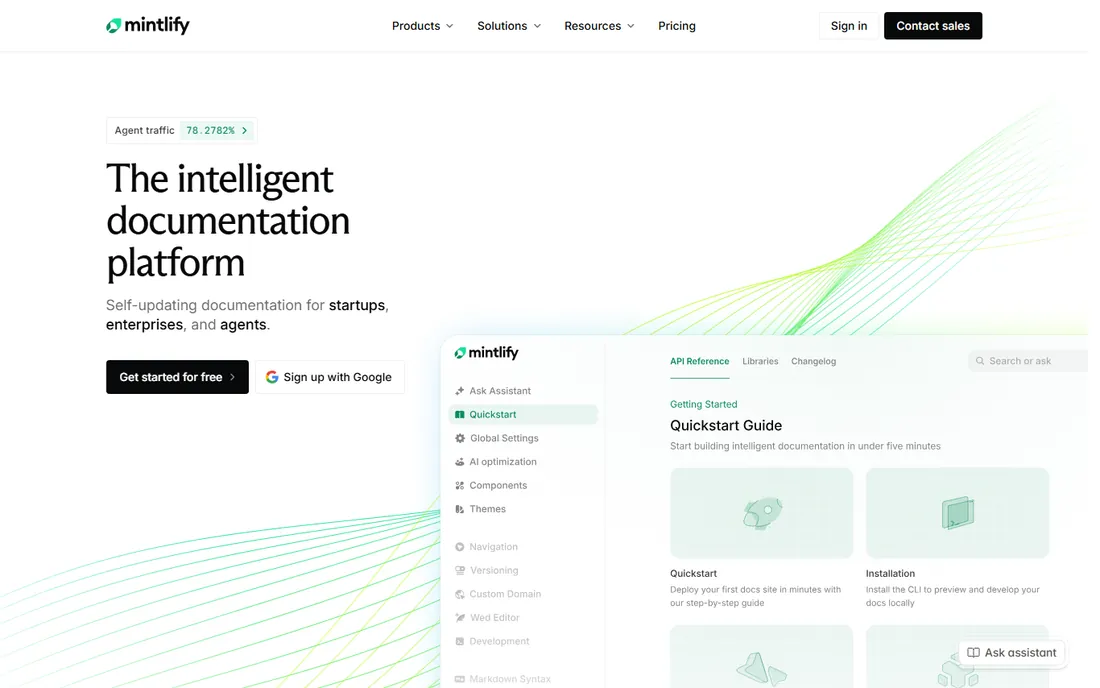
Mintlify is the strongest documentation platform for software teams right now. It supports docs-as-code with Git sync, creates API references from OpenAPI specs, outputs llms.txt for AI-readable indexing, and includes built-in retrieval and chat so users can ask questions of your docs. For teams that want one platform covering developer docs, API references, AI agent readability, and analytics, Mintlify's product direction is built for AI-first workflows in 2026.
What we like- Docs-as-code with Git sync
- Generates llms.txt and MCP servers for AI readability
- API references from OpenAPI specs
Watch out for- Pricing is premium for small teams
- Less suited to non-technical writers
Starting priceSee website
Free planYes
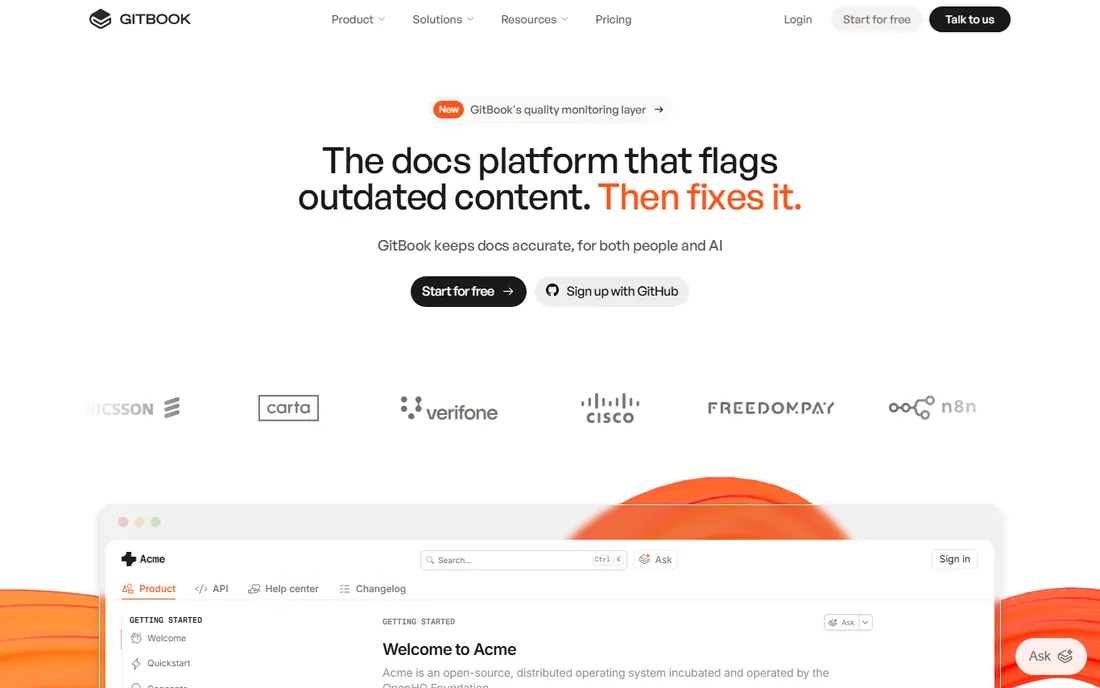
GitBook started in 2014 as an open-source tool for developers to build documentation and now positions itself as the knowledge layer for AI. The collaborative editor is the easiest in this list for mixed teams of writers and engineers: real-time editing, a Markdown editor, GitHub sync, permission management, and AI search. It bridges the gap between engineering docs and internal knowledge better than most platforms, and teams can expose the same content to AI assistants.
What we like- Easy editor that non-developers can use
- GitHub sync for docs-as-code teams
- AI search across docs
Watch out for- Advanced customization is limited
- Developer workflow features trail Mintlify
Starting priceSee website
Free planFree trial
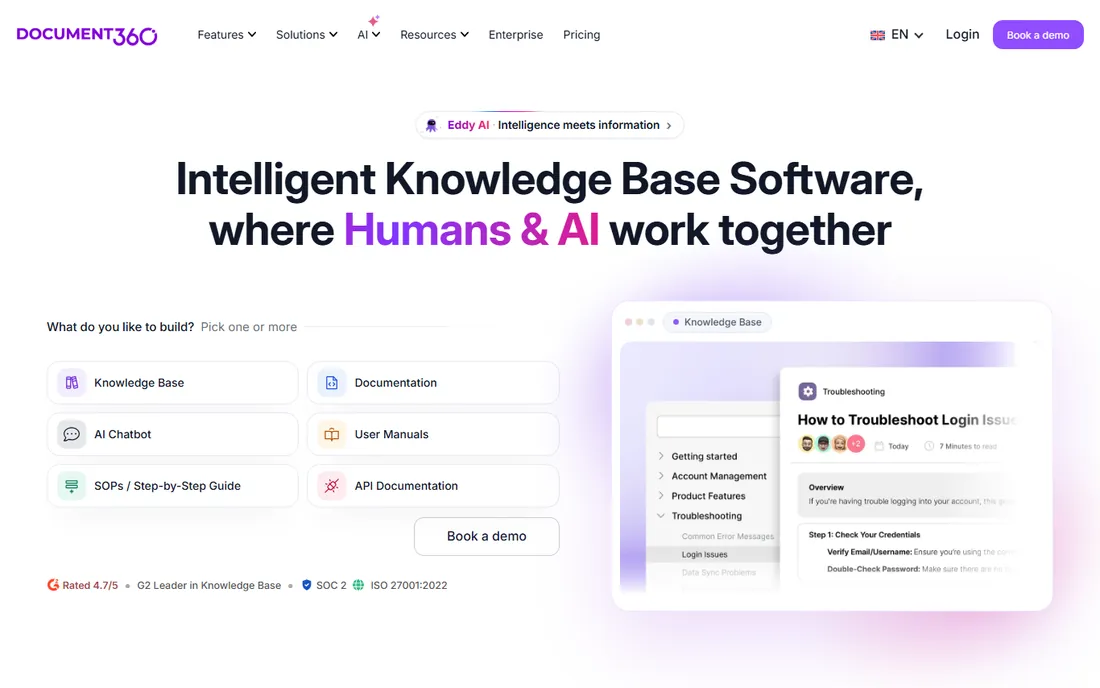
Document360 is the knowledge base specialist. It gives you an admin portal for authors and a separate knowledge base site for readers, public or private. The Eddy AI assistant accelerates writing with automated structure generation, summaries, tone refinement, and SEO metadata, plus duplicate detection to keep content lean and analytics that show what users actually search for. If your docs exist to deflect support tickets and onboard customers, Document360 is purpose-built for that job.
What we like- AI-assisted content creation with the Eddy assistant
- Separate admin portal and knowledge base site
- Strong analytics on content gaps
Watch out for- Priced for businesses, not hobbyists
- API docs are weaker than the developer-first tools
Starting priceSee website
Free planYes
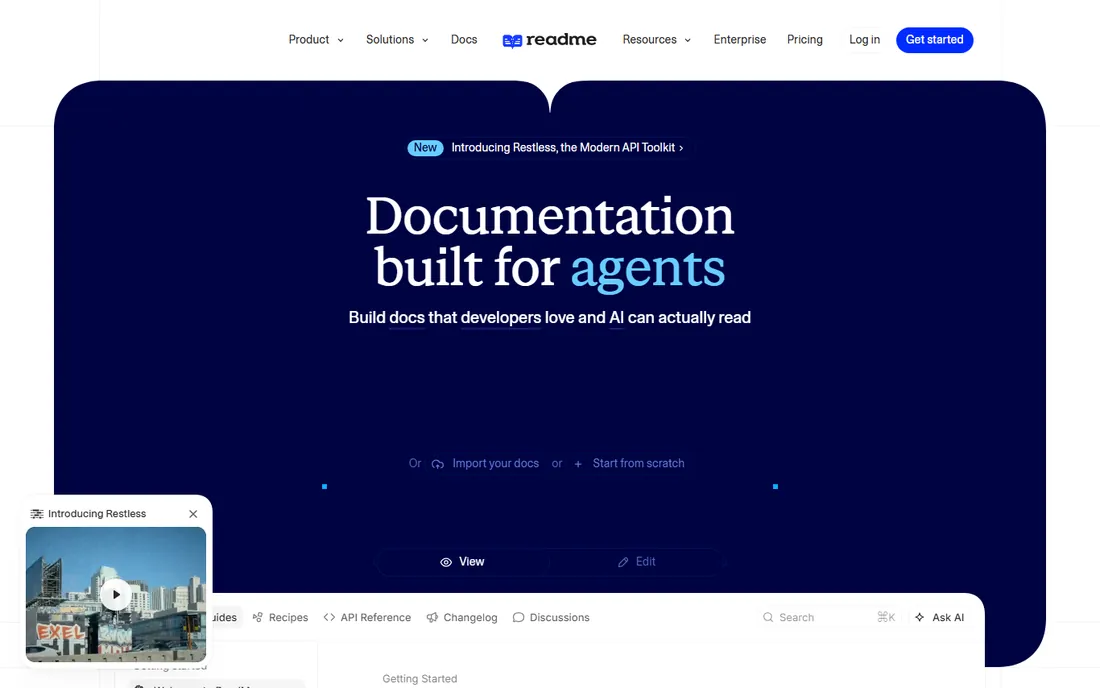
ReadMe focuses on API documentation specifically, with interactive API explorers, API key pre-filling, and developer dashboards that show how your docs perform. Its Agent Owlbert feature adds AI-assisted writing and documentation audits against a style guide, plus llms.txt and MCP server generation for AI consumers. If your primary deliverable is a polished developer portal where external developers can read, try, and integrate your API, ReadMe is more purpose-built for that experience than Mintlify, at the cost of general documentation breadth.
What we like- Interactive API explorers with try-it-live calls
- Free Starter tier
- Usage metrics and developer dashboards
Watch out for- Pro starts at $250/month
- Focused on APIs, less of a general wiki
Starting priceSee website
Free planYes
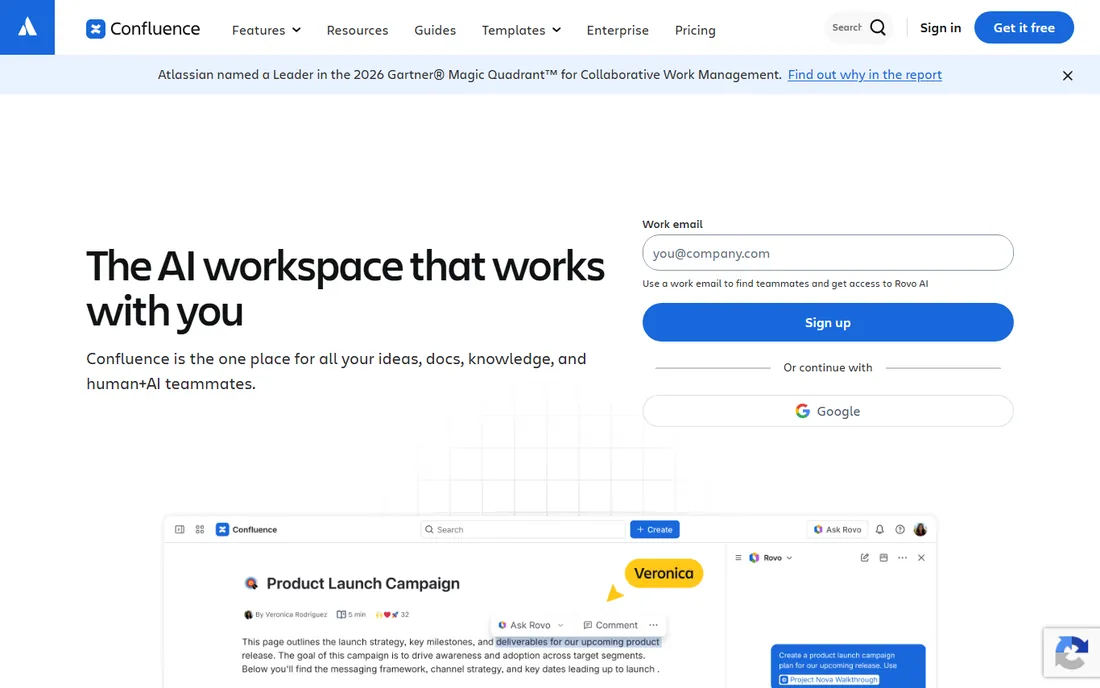
Confluence remains the default team wiki for software companies. It is now an AI workspace for knowledge and collaboration, with the familiar page-tree structure, rich templates, and tight Jira integration that engineering and product teams rely on. The free tier covers small teams. It is best for internal documentation: meeting notes, specs, runbooks, and architecture decisions. If you need a beautiful public developer portal, pair it with something else.
What we like- Free for small teams
- Deep integration with Jira and the Atlassian ecosystem
- Proven at enterprise scale
Watch out for- Documentation sites feel corporate, not developer-branded
- Public docs hosting is not its strength
Starting priceSee website
Free planYes
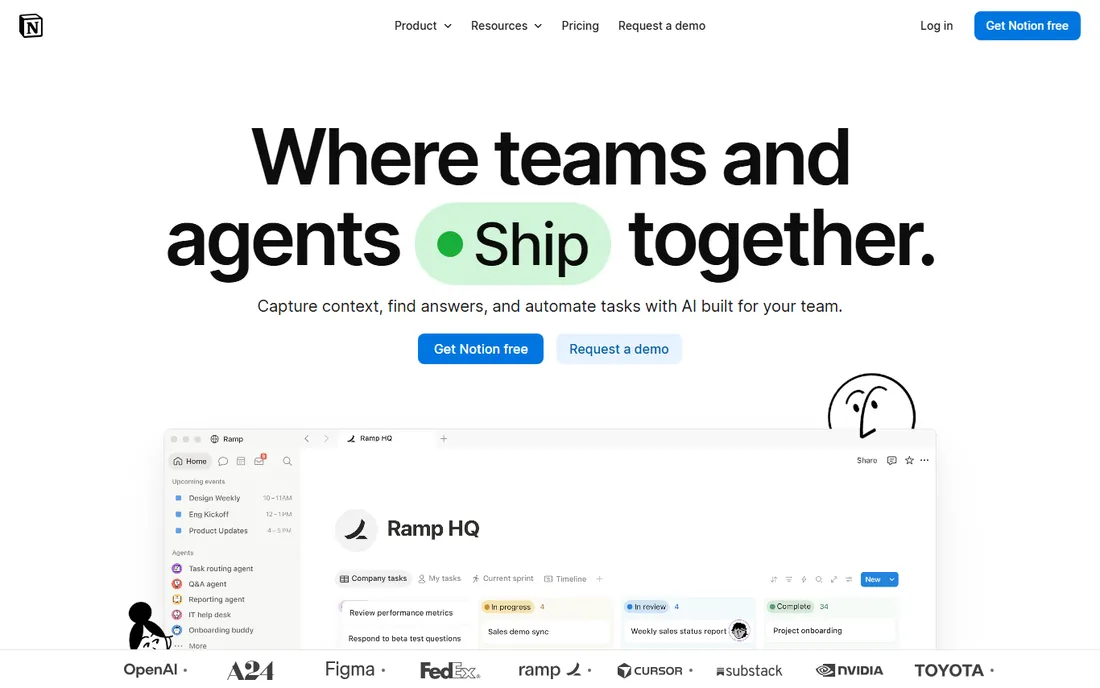
Notion is the flexible all-rounder. Docs, project tracking, databases, and wikis live in one connected workspace, with real-time collaboration, custom dashboards, and new Custom Agents that can automate recurring workflows on triggers you set. Integrations with Slack, Google Drive, and GitHub keep it plugged into the stack. Many startups run their entire internal documentation on Notion. Like Confluence, it is an internal-docs winner rather than a developer-portal platform.
What we like- Generous free tier
- Docs, wikis, databases, and projects in one workspace
- Integrations with Slack, GitHub, and Google Drive
Watch out for- Export and version control are weaker than Git-based tools
- Not ideal for public developer docs
Starting priceFree
Free planYes
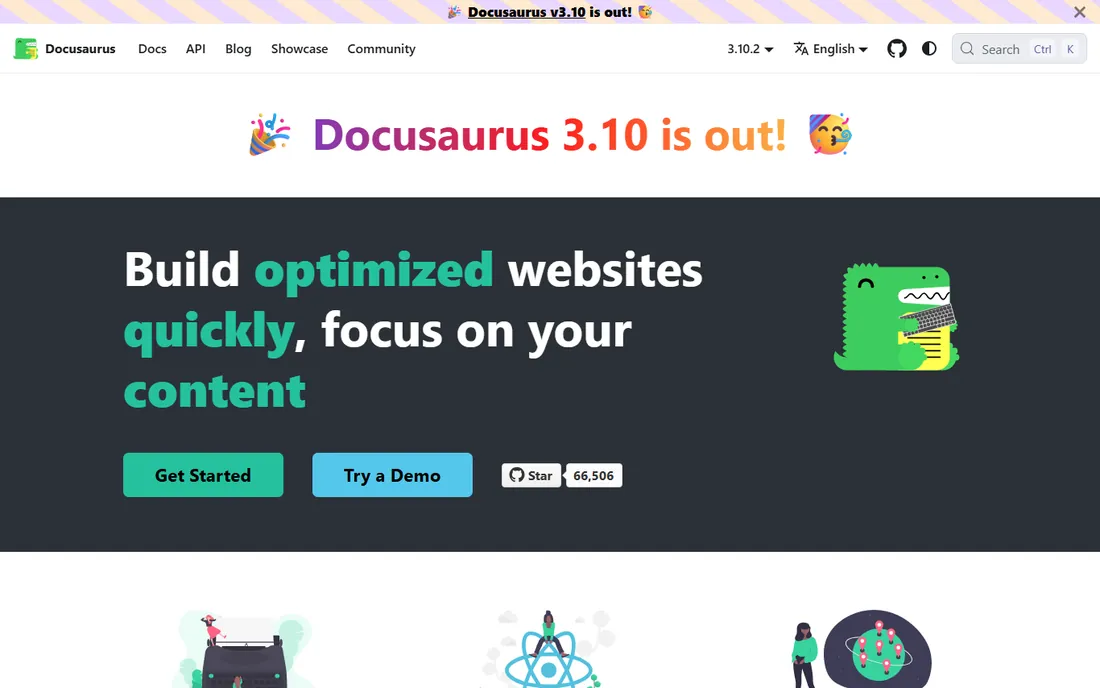
Docusaurus is the free framework behind thousands of open-source documentation sites, built on React by Meta. It gives you version control for docs, internationalization, and Algolia-powered search, all from Markdown files in your repo. If your docs should live in the same repository as your code, deploy with your CI, and cost nothing, Docusaurus is the answer. The catch is real: someone on the team owns the setup and maintenance.
What we like- Completely free and open source
- Versioned docs, i18n, and Algolia search out of the box
- Full control over hosting
Watch out for- Requires developers to set up and maintain
- No hosted editing experience for non-technical writers
Starting priceSee website
Free planYes
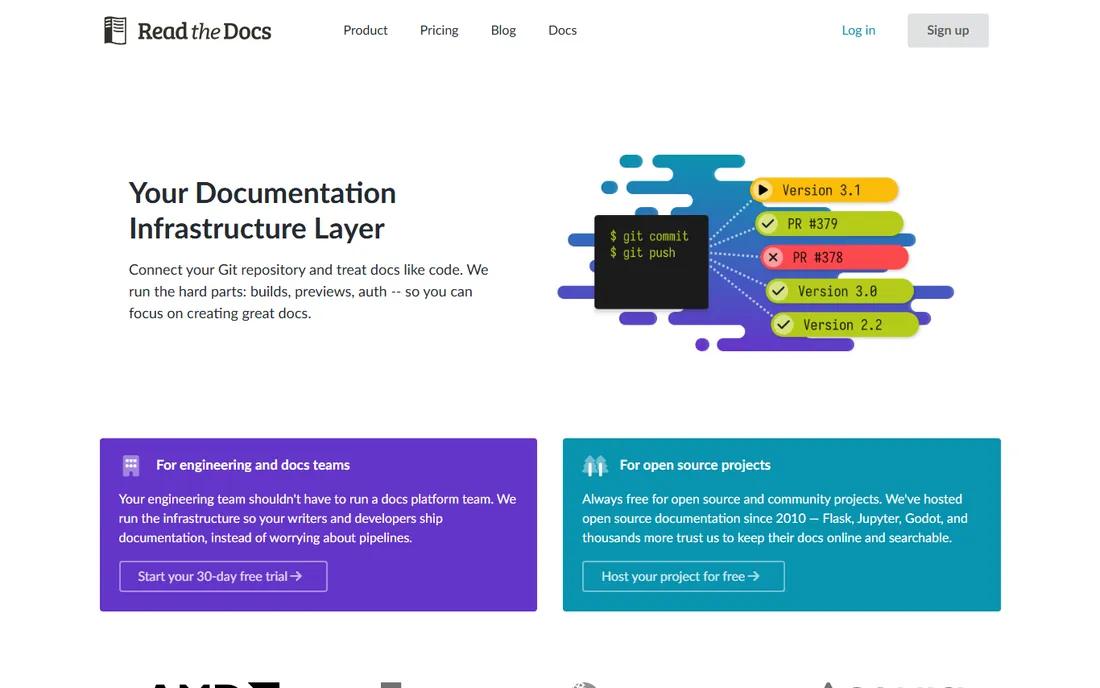
Read the Docs is a full-featured documentation deployment platform that automatically builds and hosts docs from your Git repository on every commit. The free community tier is the default home for open-source project documentation, trusted by AMD, Canonical, Anaconda, and Acquia. It is less a writing tool than a publishing pipeline: you write in Sphinx or MkDocs, it builds, versions, and hosts. For open-source projects that want zero hosting cost, it is still the standard.
What we like- Free hosting for open-source documentation
- Automatic builds from Git on every commit
- Used by AMD, Canonical, Anaconda, and Acquia
Watch out for- Themes look generic without customization
- Business plans cost extra
Docs-as-code vs. wiki: which workflow fits your team?
The split that matters most is where the docs live. Docs-as-code tools like Mintlify, GitBook, and Docusaurus keep documentation in Git alongside your code, with pull requests, versioning, and CI-driven publishing. Wikis like Confluence and Notion keep it in an editor that non-developers can use, with real-time collaboration and no build step. Engineering-led teams with developer docs almost always win with docs-as-code. Product, support, and operations teams win with wikis.
A second split is emerging: hosted platforms versus frameworks. Hosted platforms like Mintlify, ReadMe, and Document360 charge per seat or per project but give you editing interfaces, analytics, and AI features out of the box. Frameworks like Docusaurus and Read the Docs cost nothing but consume engineering time for setup, theming, and maintenance. For a small team shipping fast, a hosted platform pays for itself quickly. For open-source projects and teams with DevOps capacity, the free frameworks are hard to beat.
How to choose documentation software
Start with the audience. External developers need API references, try-it-live explorers, and searchable guides: Mintlify or ReadMe. Customers need a searchable help center: Document360. Your own team needs a wiki: Confluence or Notion. Open-source projects need free hosting: Read the Docs or Docusaurus.
Check AI readiness before you commit
AI agents increasingly read your docs. Check whether the platform generates llms.txt, offers an MCP server, or at minimum provides clean Markdown and a full-text export. Mintlify and ReadMe lead here; traditional wikis trail.
Pilot with real content, not a blank page
Migrate one real guide or API section during the trial. That exposes the true editing experience, search quality, and how painful versioning is, far better than a feature checklist.
Confirm versioning and deprecation workflows
APIs change. Confirm how the tool handles versioned docs, changelogs, and sunsetting old content. Docs-as-code platforms handle this natively; wikis need a manual convention.
Ask who owns docs day to day
The best documentation software fails without an owner. Before you buy, decide who writes, who reviews, and how often stale content gets pruned. Assign a docs owner for each major section and set a quarterly review reminder. Tools with analytics, like Document360 and ReadMe, make the review concrete by showing which pages get read and which rot unnoticed.
How we chose
We evaluated documentation tools across developer docs, API references, knowledge bases, and team wikis, weighing editing experience, docs-as-code workflows, publishing quality, search, AI readiness, pricing, and public reviews from developers on GitHub, G2, and technical publications. We included managed SaaS platforms and free self-hosted frameworks. Pricing was confirmed on vendor sites or reputable comparison sources where published. We did not test any of these tools hands-on.
Frequently asked questions
What is the best documentation software for developers?
Mintlify is the leading choice for developer documentation in 2026, with docs-as-code, Git sync, OpenAPI references, and AI readiness built in. ReadMe is the best alternative when the priority is a polished interactive API portal.
What is the best free documentation tool?
Docusaurus and Read the Docs are completely free for self-hosted or open-source documentation. Notion and Confluence both offer free tiers for team wikis, and GitBook has a free plan for collaborative docs.
What is the difference between a knowledge base and developer documentation?
Knowledge bases like Document360 serve customers with searchable help content and AI-assisted writing. Developer documentation tools like Mintlify and ReadMe serve developers with API references, code samples, and docs-as-code workflows.
Can documentation software help AI agents read my docs?
Yes. Mintlify and ReadMe generate llms.txt and MCP servers so AI agents can index and query your documentation. GitBook exposes content to AI assistants as well.
Is Notion good for documentation?
Notion works well for internal documentation, wikis, and startup knowledge bases, with a generous free tier and real-time collaboration. It is weaker on version control, Git workflows, and public developer portals than docs-as-code tools.
What is docs-as-code?
Docs-as-code means writing documentation in plain-text files, storing them in Git, and publishing through CI pipelines, the same workflow engineers use for code. Mintlify, Docusaurus, and Read the Docs follow this model.
Should I use GitBook or Mintlify?
Choose GitBook if your team mixes non-technical writers and engineers and values an easy editor with GitHub sync. Choose Mintlify if the docs are primarily for developers and you want the most AI-ready platform with API references from OpenAPI specs, llms.txt output, and built-in analytics.
Sources we checked (10)
- https://mintlify.com/
- https://www.gitbook.com
- https://document360.com/
- https://readme.com/
- https://www.atlassian.com/software/confluence
- https://notion.so/
- https://docusaurus.io
- https://readthedocs.org
- https://document360.com/blog/software-documentation-tools/
- https://awesomeagents.ai/tools/best-ai-tools-developers-2026/
Is your product missing or out of date?
We review this list regularly. Vendors can request a listing, send updated pricing or ask about featured placement.

Shihab Mia · Founder, Rankite
Shihab has spent more than a decade helping SaaS and e-commerce brands grow through search. He writes Rankite's software buying guides from pricing pages, documentation and public user reviews. More about Shihab.