How we make this list: we compare pricing pages, product documentation and public user reviews. Rankite is independent; if a vendor ever pays for a featured spot, that listing is clearly labeled Partner.
Key takeaways
- WordPress.org remains the SEO gold standard: free software, total control, and the deepest plugin ecosystem, with hosting from ~$3/mo.
- Webflow ($14/mo) and Ghost ($9/mo) offer the best Core Web Vitals out of the box for teams that will not manage servers.
- Wix ($17/mo) and Squarespace ($16/mo) are easy but give you less technical SEO control.
- Medium and Substack are free and bring built-in audiences, but you do not own the platform.
- HubSpot Content Hub ties blogging to your CRM, with a free tier and paid plans from $20/seat/mo.
Quick comparison
| Tool | Best for | Starting price | Free plan |
|---|
 WordPress.org WordPress.org | full SEO control and ownership | Free + hosting from ~$3 per month | Yes |
 WordPress.com WordPress.com | managed WordPress publishing | Free; Business $25 per month | Yes |
 Webflow Webflow | design-led teams wanting speed | $14 per month (Basic) | Yes |
 Ghost Ghost | publishers and newsletters | $9 per month (Ghost Pro Starter); self-hosted free | Yes |
 Wix Wix | beginners wanting ease | $17 per month (Light) | Yes |
 Squarespace Squarespace | polished design with less fuss | $16 per month (Personal) | Free trial |
 Medium Medium | writers wanting built-in audience | Free; membership $5 per month | Yes |
 Substack Substack | newsletter-first publishing | Free (10% fee on paid subscriptions) | Yes |
 HubSpot Content Hub HubSpot Content Hub | blogging tied to CRM | Free; paid from $20 per seat/month | Yes |
Is your product missing or out of date?
We review this list regularly. Vendors can request a listing, send updated pricing or ask about featured placement.
The best blogging platform for SEO
The wrong blogging platform taxes you twice: once in the rankings you never earn because the technical SEO is capped, and again when migrating a hundred posts to the platform you should have chosen. Google does not care which logo is on your CMS, but it cares deeply about speed, structured data, URL control and canonical tags, and those are exactly where platforms differ. The nine below cover the full spectrum from total ownership to total convenience.
Starting priceFree + hosting from ~$3 per month
Free planYes
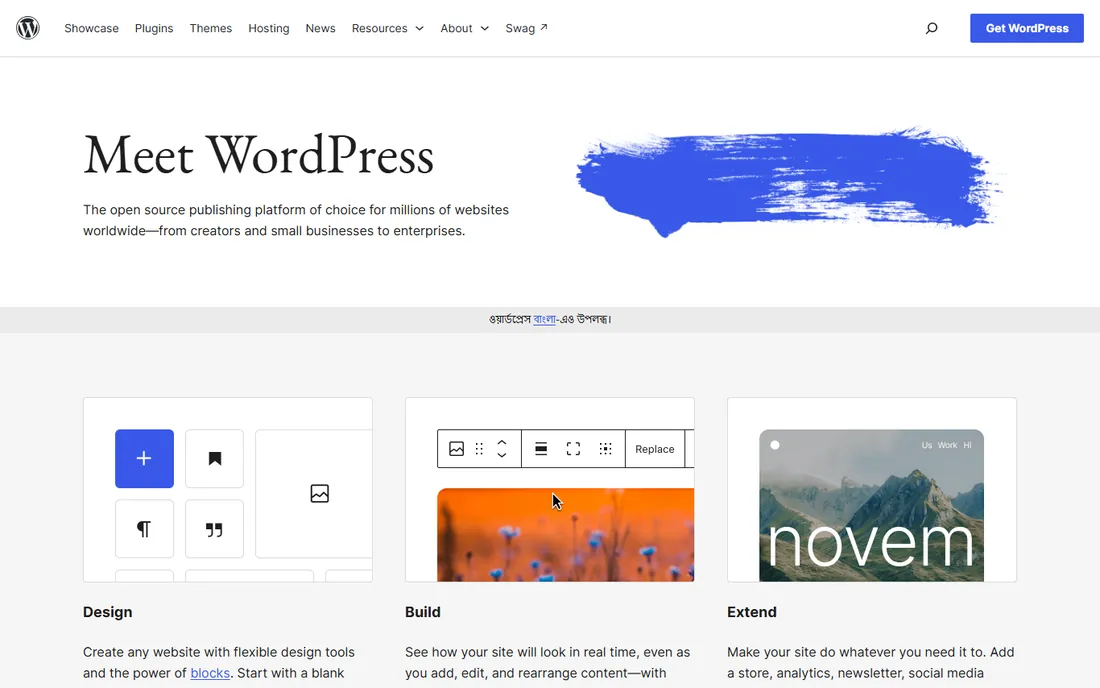
WordPress.org is the self-hosted, open-source WordPress, and it remains the SEO gold standard for one reason: nothing is off-limits. Rank Math or Yoast for on-page SEO, schema plugins, redirect managers, custom URL structures, full code access. Hosting starts around $3 a month on shared plans, and the software itself is free.
The freedom is also the burden. A poorly configured WordPress site with twenty plugins will lose every speed test to Ghost or Webflow, and you own maintenance, security and backups. For teams serious about organic search as a growth channel, though, the ceiling is higher here than anywhere else.
What we like- Unlimited SEO control with 60,000+ plugins
- Powers 43% of the web, so every SEO problem has a documented fix
- You own everything, no platform risk
Watch out for- Speed depends on your hosting and setup
- You handle updates, security and backups
- Plugin bloat can wreck Core Web Vitals
Starting priceFree; Business $25 per month
Free planYes

WordPress.com is Automattic's hosted version of WordPress: the same editor and ecosystem, with the infrastructure managed for you. The free plan gets you publishing immediately, and paid tiers remove ads, add a custom domain and, at the $25-a-month Business level, open up plugins and themes.
The catch is the paywall on flexibility. The SEO plugins that make WordPress.org powerful require Business, at which point you are paying more than decent shared hosting. It suits teams that want WordPress without an IT burden; tinkerers should self-host instead.
What we like- WordPress flexibility without server management
- Automattic handles hosting, SSL, security and updates
- Free plan to start
Watch out for- Plugins and themes locked behind the $25/mo Business plan
- Less control than self-hosted
- Costs more than shared hosting long-term
Starting price$14 per month (Basic)
Free planYes
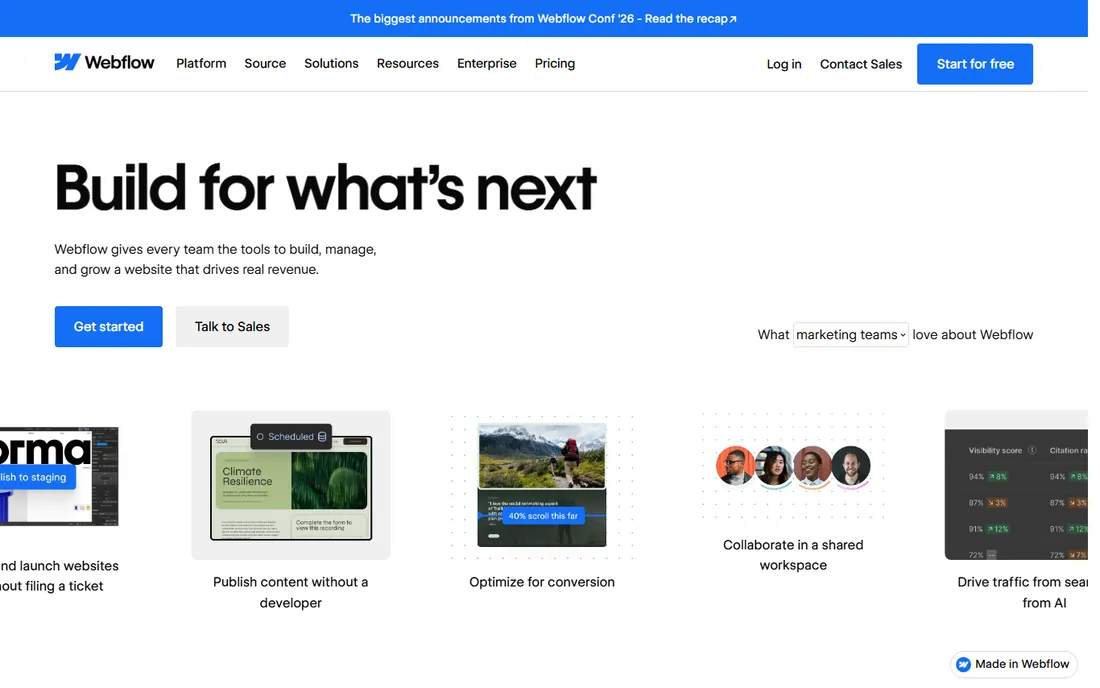
Webflow gives marketers the rare combination of pixel-level design control and clean, fast code. SEO essentials, custom meta tags, Open Graph, schema markup, 301 redirects, XML sitemaps, are built in rather than bolted on, and the hosted CDN delivers excellent Core Web Vitals without optimization work.
Real blogging needs the CMS site plan rather than the $14 Basic, and there is a learning curve; Webflow thinks like a design tool, not a word processor. Per-site pricing also adds up for portfolios of sites. For design-driven brands where the blog must look as good as it ranks, it is the strongest hosted option.
What we like- Excellent Core Web Vitals on hosted CDN
- Full control of meta tags, schema and redirects
- Visual design without code
Watch out for- CMS plan needed for real blogging ($23+/mo)
- Learning curve steeper than Wix
- Costs scale per site
Starting price$9 per month (Ghost Pro Starter); self-hosted free
Free planYes
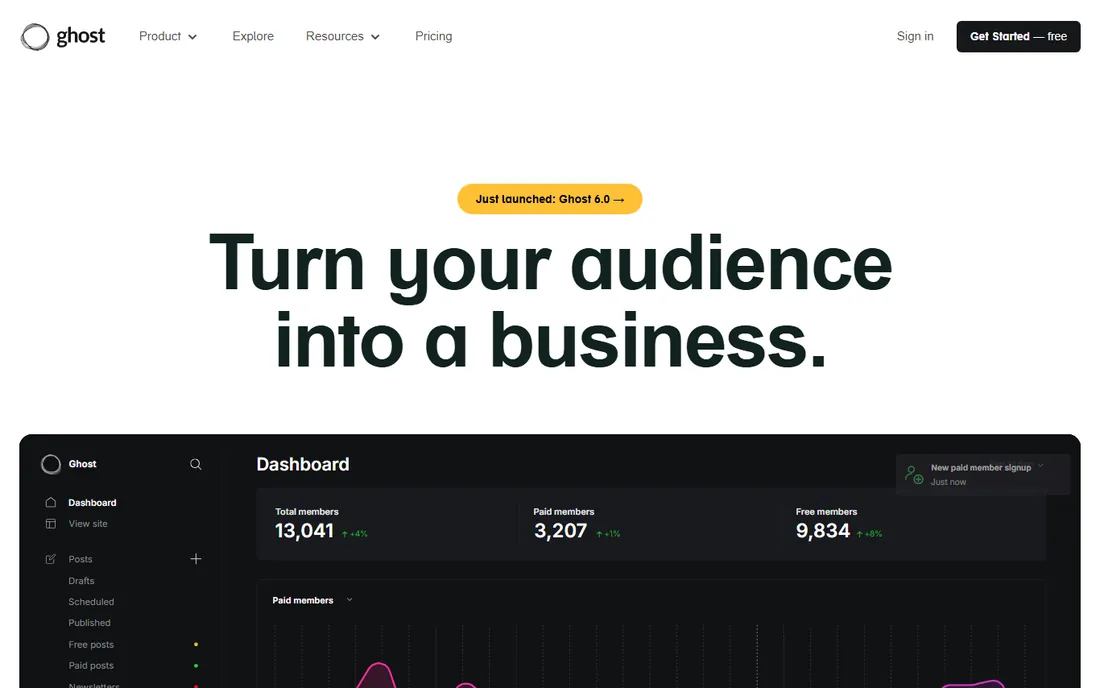
Ghost is the publisher's platform: fast, minimal and built around content rather than pages. The markup is SEO-clean by default, speed scores land in the 70s to 90s on Lighthouse without tuning, and memberships, paid subscriptions and newsletters are native, not plugins. Ghost(Pro) hosting starts at $9 a month; self-hosting is free.
Design flexibility is the trade. There is no drag-and-drop builder, themes are code-level, and the app ecosystem is a fraction of WordPress's. For independent publishers and newsletter-driven blogs that live or die on content quality and speed, Ghost is close to ideal.
What we like- SEO-clean markup and excellent speed out of the box
- Memberships and newsletters built in
- Open source, self-host free
Watch out for- No page builder, design flexibility is limited
- Ghost(Pro) pricing scales with members
- Smaller ecosystem than WordPress
Starting price$17 per month (Light)
Free planYes
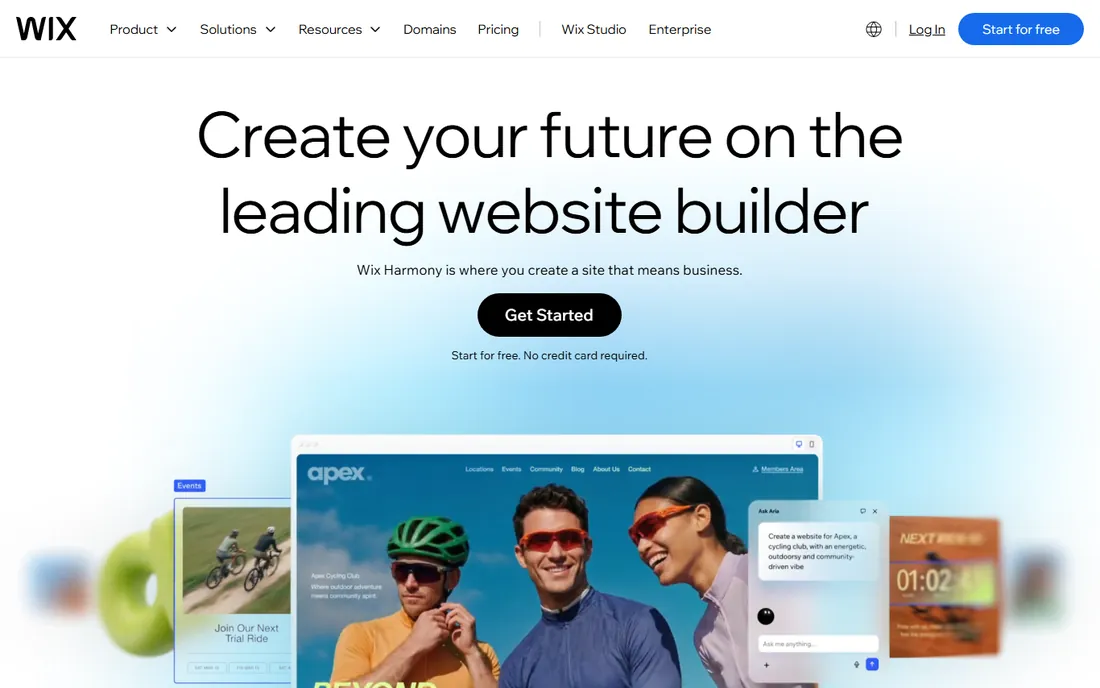
Wix is the path of least resistance: drag-and-drop everything, built-in SEO wizards, and a free plan to try before paying. The Light plan at $17 a month removes ads and connects a domain. For a small business blog run by someone who will never touch code, it gets content published fast.
SEO purists still grumble, though the gap has narrowed. You get less control over technical details than WordPress or Webflow, and switching templates mid-stream is notoriously painful. It ranks fine for most small-business purposes; it is not the tool for an SEO-led content operation.
What we like- Easiest builder here for non-technical users
- SEO tools have improved substantially
- Free plan to experiment
Watch out for- Less technical SEO control than WordPress or Webflow
- Template switching is painful
- History of SEO skepticism lingers
Starting price$16 per month (Personal)
Free planFree trial
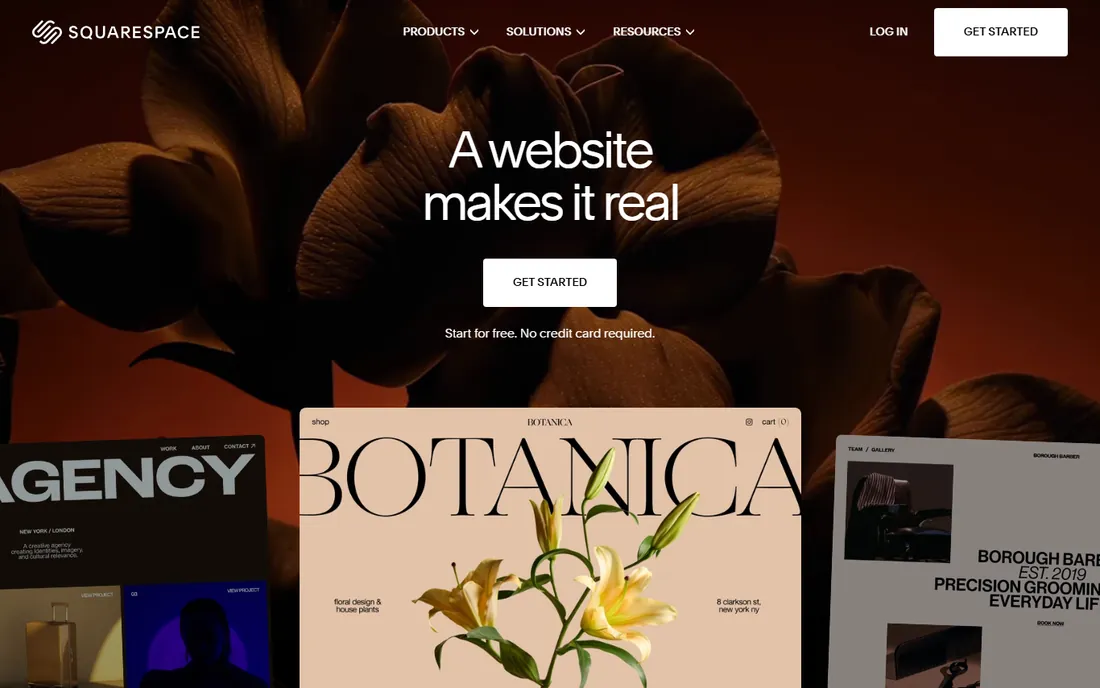
Squarespace trades control for polish. The templates look expensive, mobile performance is solid, and everything, hosting, domain, SSL, analytics, comes in one $16-a-month Personal plan. Blogging is simple: write, tag, publish, with automatic sitemaps and clean URLs.
The SEO ceiling is lower than WordPress or Webflow. Advanced schema, custom URL logic and technical tweaks are limited, and there is no free tier, only a trial. For creatives and small brands where the blog supports the business rather than being the business, the simplicity is worth the trade.
What we like- Beautiful templates with solid mobile speed
- All-in-one hosting, domain and analytics
- Simple blogging workflow
Watch out for- Limited SEO customization depth
- No free plan, only a trial
- Blogging features are basic next to WordPress
Starting priceFree; membership $5 per month
Free planYes
Medium is not really a blogging platform; it is an audience with a publish button. Writing is free, the editor is distraction-free, and your stories can reach Medium's 100-million-plus monthly readers through recommendations and topic pages. Membership at $5 a month adds earnings and a custom domain.
The SEO trade is stark. You control almost nothing technical, your content lives on someone else's domain authority, and algorithm changes can crater your reach overnight. Use Medium for distribution and thought leadership, not as the home of content your business depends on.
What we like- Free publishing with instant distribution to 100M+ readers
- Zero setup or maintenance
- Clean reading experience
Watch out for- You do not own the platform or the audience
- Limited SEO control and branding
- Monetization requires the Partner Program
Starting priceFree (10% fee on paid subscriptions)
Free planYes
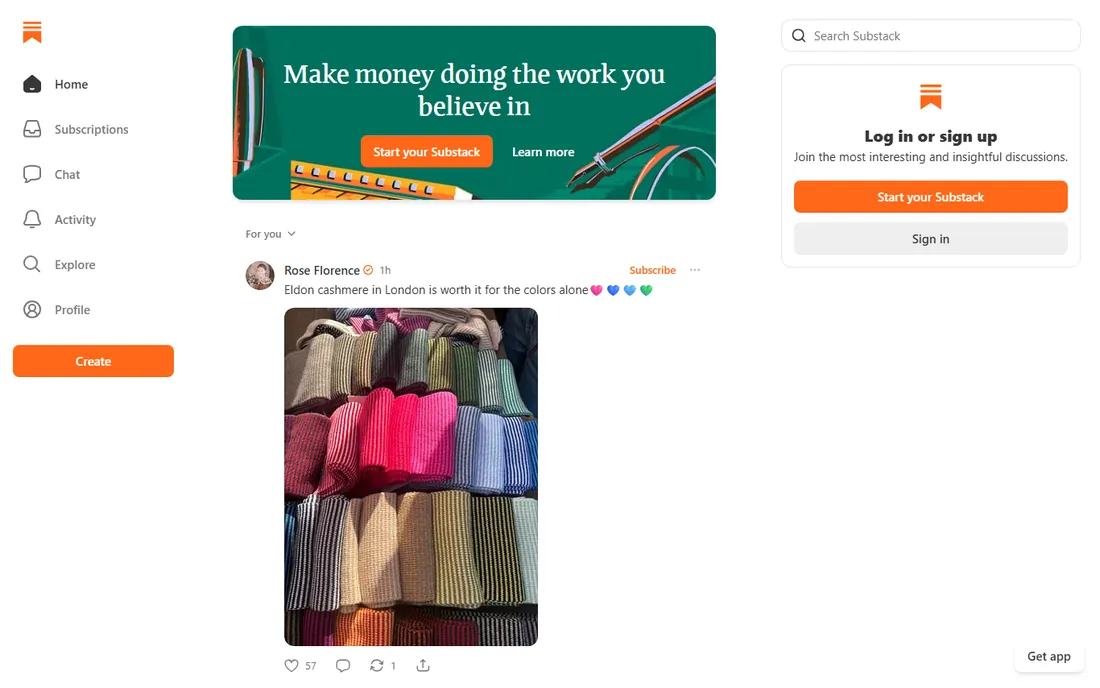
Substack made newsletter publishing free: write, send, and only pay when you earn, through a 10% fee on paid subscriptions. You own your email list, which is the asset that matters, and the writing experience stays out of your way.
As an SEO platform it is thin. Posts are not built to rank, discoverability leans on the Substack network, and design control is minimal. For writers whose model is direct audience revenue rather than search traffic, the economics are unbeatable; for SEO-led growth, pair it with a real blog.
What we like- Free to start with email list ownership
- Paid subscriptions with no monthly fee
- Simple writing experience
Watch out for- Weak SEO and discoverability compared to a real blog
- Minimal design control
- 10% cut of paid revenue
Starting priceFree; paid from $20 per seat/month
Free planYes
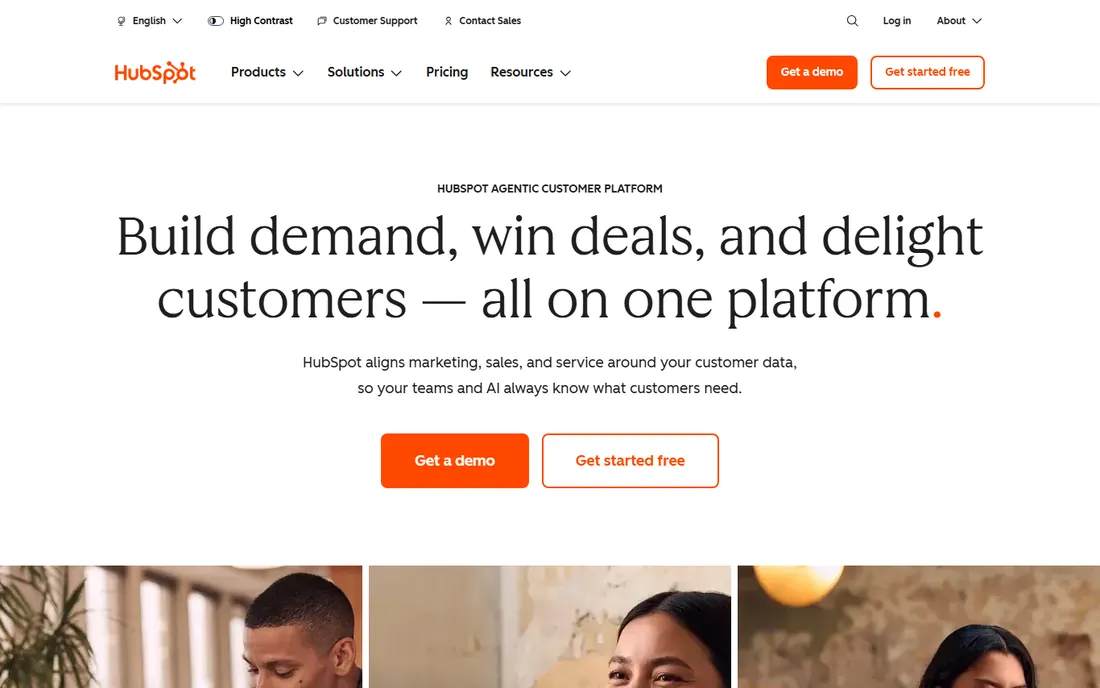
HubSpot Content Hub (formerly CMS Hub) is the blogging platform for teams already living in HubSpot. Posts connect directly to contacts, campaigns and attribution reporting, and the built-in SEO tools recommend optimizations as you write. The free tier covers basic pages and blog; Starter is $20 per seat per month.
The pricing cliff is real: A/B testing, smart content and serious SEO features wait in the $500-a-month Professional tier. And it only makes sense inside the HubSpot ecosystem. For HubSpot-centric B2B teams, the closed loop from blog post to pipeline is the selling point; everyone else gets more for less elsewhere.
What we like- Blog natively connected to CRM and marketing automation
- Built-in SEO recommendations
- Free tier available
Watch out for- Real SEO features sit in the $500/mo Professional tier
- Vendor lock-in
- Overkill if you do not use HubSpot
How we chose
We ranked these on the factors that actually move search rankings: technical SEO control (URL structure, schema, redirects, sitemaps), Core Web Vitals baselines, content workflow quality and total cost of ownership. Pricing comes from vendor pages and October 2026 comparisons: Ghost's $9 Pro tier, Webflow's $14 Basic, Wix's $17 Light and Squarespace's $16 Personal are published entry points. We did not run hands-on tests; this reflects documented capabilities and reviewer consensus, not lab testing.
Own your content or rent an audience?
This is the strategic choice underneath the tool choice. WordPress.org, Ghost (self-hosted) and Webflow give you ownership: your domain, your data, your email list, portable to another platform. Medium and Substack give you distribution: built-in readers today, platform risk tomorrow.
The right answer for most businesses is both. Publish the canonical content on a platform you own, where SEO compounds over years, and syndicate or repurpose to Medium and Substack for reach. Never build your only content asset on rented land; algorithms change, platforms pivot, and the audience you "have" on Medium is an audience you borrow.
Blogging SEO checklist: what your platform must do
Whatever you choose, verify these before committing. Clean, customizable URLs without forced subdirectories. Editable title tags, meta descriptions and Open Graph tags on every post. Automatic XML sitemaps and sensible robots handling. Schema markup, at least Article schema, without manual coding. 301 redirect management for when URLs change. And page speed: test the platform's typical output on PageSpeed Insights, not the marketing site.
WordPress.org with a good host and a lean theme passes all of these. Webflow and Ghost pass most natively. Wix and Squarespace pass the basics. Medium and Substack fail the ownership tests by design. Match the checklist to your ambition: a hobby blog needs three of these, a content-led business needs all six.
Frequently asked questions
Which blogging platform is best for SEO?
WordPress.org is the best for SEO overall because it gives you complete technical control: any SEO plugin, custom schema, URL structures and server-level speed optimization. Webflow and Ghost are the best hosted alternatives, with excellent speed and solid SEO features built in.
Is WordPress or Webflow better for SEO?
WordPress.org offers a higher SEO ceiling thanks to its plugin ecosystem and full code access, but it requires maintenance and optimization effort. Webflow delivers better speed out of the box with less work and strong built-in SEO controls. Choose WordPress for maximum control, Webflow for speed with less hassle.
Can you rank on Google with Wix or Squarespace?
Yes. Both produce clean, indexable sites and rank fine for typical small-business keywords. Their limitations show at scale: less technical control, fewer advanced SEO tools and weaker content operations than WordPress. For most local and niche blogs, they are sufficient.
Is Medium good for SEO?
Medium can rank well because of its strong domain authority, but it is poor as an SEO strategy: you do not control the technical SEO, you do not own the audience, and your content builds Medium's authority more than yours. Use it for distribution alongside a blog you own.
Should I use Substack or a blog for SEO?
Use a blog for SEO and Substack for direct audience revenue. Substack posts are not optimized for search discovery, while a self-hosted blog compounds organic traffic over time. Many writers run both: the blog attracts search visitors, Substack converts them into subscribers.
How much does it cost to start a blog for SEO?
WordPress.org costs nothing for the software plus ~$3+/month for hosting. Ghost self-hosted is free apart from hosting. Hosted options run $9-$17/month at entry level (Ghost, Webflow, Wix, Squarespace). The real cost is content: consistent quality publishing matters more than the platform fee.
Sources we checked (12)
- https://wordpress.org
- https://wordpress.com
- https://webflow.com
- https://ghost.org
- https://www.wix.com
- https://www.squarespace.com
- https://medium.com
- https://substack.com
- https://www.hubspot.com
- https://www.thecssagency.com/blog/wordpress-alternatives
- https://ecommerceparadise.com/best-blogging-platform-in-2026-top-10-options-for-every-type-of-blogger/
- https://dev.to/nayankyada/ghost-pricing-2026-free-self-hosted-costs-pro-plans-when-to-upgrade-52a2
Is your product missing or out of date?
We review this list regularly. Vendors can request a listing, send updated pricing or ask about featured placement.

Shihab Mia · Founder, Rankite
Shihab has spent more than a decade helping SaaS and e-commerce brands grow through search. He writes Rankite's software buying guides from pricing pages, documentation and public user reviews. More about Shihab.