How we make this list: we compare pricing pages, product documentation and public user reviews. Rankite is independent; if a vendor ever pays for a featured spot, that listing is clearly labeled Partner.
Key takeaways
- WordPress remains the default for most business websites: free software, the largest plugin ecosystem, and full ownership of your content, at the cost of maintenance work.
- Webflow's Premium plan ($25/month billed annually) is the sweet spot for design-led marketing sites that need a real CMS without a developer on staff.
- Contentful, Sanity, and Strapi are the headless picks for engineering-led teams publishing to websites, apps, and other channels at once, but all three assume you have developers.
- HubSpot Content Hub makes sense when the website is one part of a HubSpot marketing operation; as a standalone CMS it is expensive for what it does.
Quick comparison
| Tool | Best for | Starting price | Free plan |
|---|
 WordPress WordPress | Most business websites and blogs | $0 (software free; hosting and premium plugins extra) | Yes |
 Webflow Webflow | Design-led marketing sites | $25 per month (Premium site plan, billed annually); free Starter tier | Yes |
 Contentful Contentful | Omnichannel content operations | See website | Yes |
 Sanity Sanity | Structured content with modern dev stacks | See website | Yes |
 Strapi Strapi | Teams that want open-source control | $0 (self-hosted open source; managed cloud plans on website) | Yes |
 HubSpot Content Hub HubSpot Content Hub | Marketing teams already running on HubSpot | See website | Yes |
 Wix Wix | Simple sites built without technical help | See website | Yes |
 Squarespace Squarespace | Polished sites with minimal effort | See website | Free trial (14 days) |
 Drupal Drupal | Complex, secure, content-heavy sites | $0 (software free; hosting and development extra) | Yes |
Is your product missing or out of date?
We review this list regularly. Vendors can request a listing, send updated pricing or ask about featured placement.
The best content management tools
A 30-person B2B software company in Austin was paying an agency every time marketing wanted a new landing page. Each page took two weeks and a change order. They rebuilt the marketing site on a CMS the team could run themselves, and the first month after launch, marketing shipped eleven pages without calling anyone. Nothing about the technology was exotic. The win was ownership: the people who write the content could publish it.
That is the real question behind every CMS decision. Content management tools are not about technology features; they are about who can change the website and how fast. A great CMS gives the content team independence without creating a maintenance burden that eats the savings. The wrong one either locks marketing out of their own site or hands them enough power to break it weekly.
The nine tools below cover the realistic options for small and mid-size US companies in 2026: classic platforms, visual builders, and headless systems. Pricing reflects published plans as of October 2026, and where vendors hide pricing behind sales calls, the table says so.
Starting price$0 (software free; hosting and premium plugins extra)
Free planYes
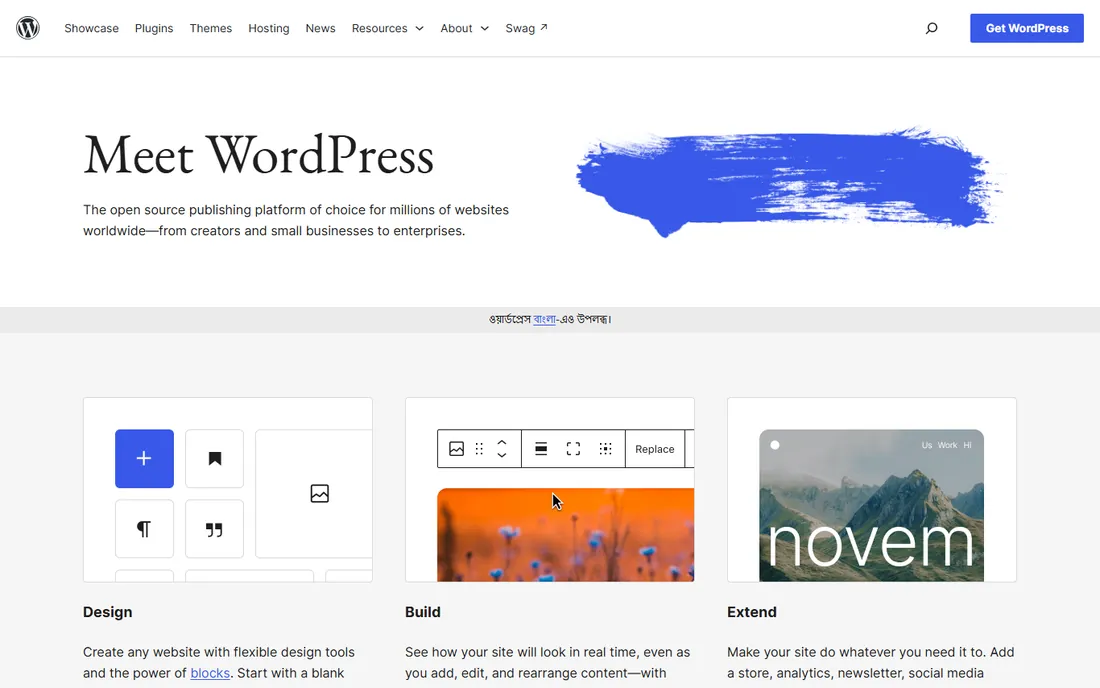
WordPress still powers more of the web than every other CMS combined, and for most businesses that is reason enough to consider it first. The software is free and open source, the plugin library covers nearly every need imaginable, and because you self-host, nobody can raise your prices or sunset your plan. For blogs, business sites, and content marketing, it remains the default worth ruling out before choosing anything else.
The cost is responsibility. Updates, backups, security hardening, and plugin conflicts fall on you or your developer, and a neglected WordPress site is a hacked WordPress site. Performance also depends heavily on the hosting and theme choices. It is the right pick when you want maximum control and ecosystem depth and can handle, or hire, the maintenance that comes with it.
What we like- Largest theme and plugin ecosystem by far
- You own your code and content fully
- Free to license forever
Watch out for- Maintenance, updates, and security are your job
- Plugin bloat can slow sites and create conflicts
Starting price$25 per month (Premium site plan, billed annually); free Starter tier
Free planYes
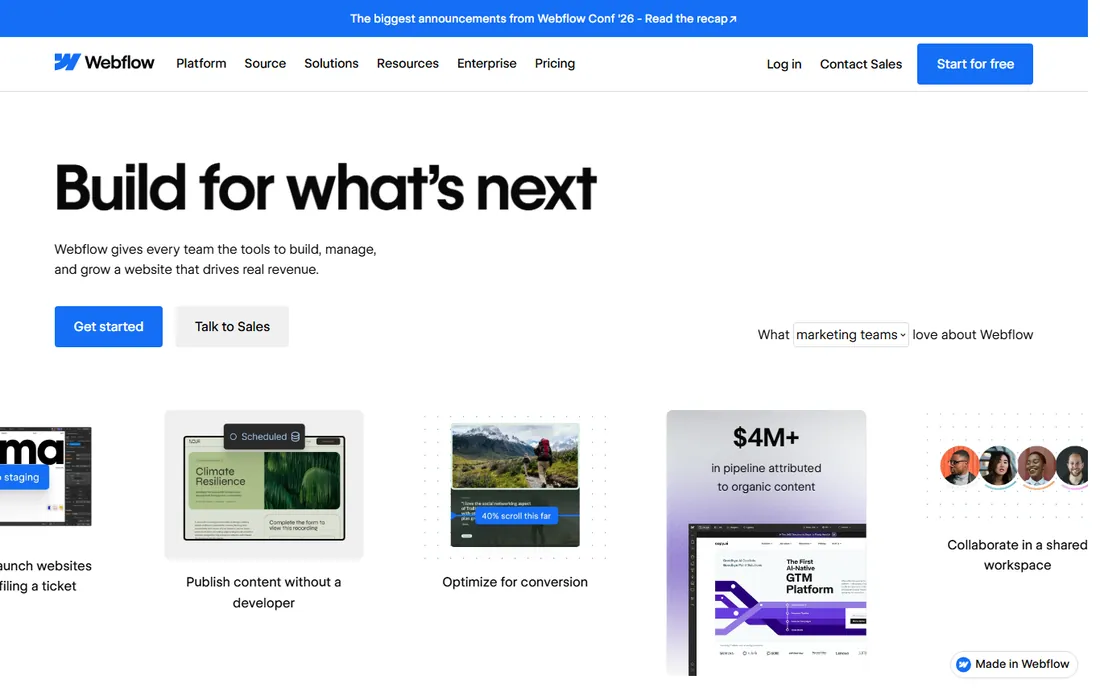
Webflow is what design-conscious marketing teams reach for when WordPress feels either too limiting or too fiddly. The visual builder gives real control over layout and interaction, the code output is clean enough to keep Core Web Vitals healthy, and SEO essentials like meta controls, sitemaps, and redirects work without plugins. In May 2026 Webflow simplified its plans, folding the old CMS and Business tiers into a single Premium plan at $25 a month billed annually.
The honest catches are portability and pricing complexity. You can export code, but CMS content does not come with you cleanly, so switching away later is a real project. And the true cost is not just the site plan: workspace seats and add-ons for testing, analytics, and localization stack on top. For a marketing site where design quality matters and the content set is bounded, it is excellent. For huge content libraries, check the CMS item limits first.
What we like- True visual design control without writing code
- Clean code output with strong SEO basics built in
- Hosting included in site plans
Watch out for- CMS content does not export cleanly if you leave
- Pricing has three layers (site, workspace, add-ons) that stack
Starting priceSee website
Free planYes
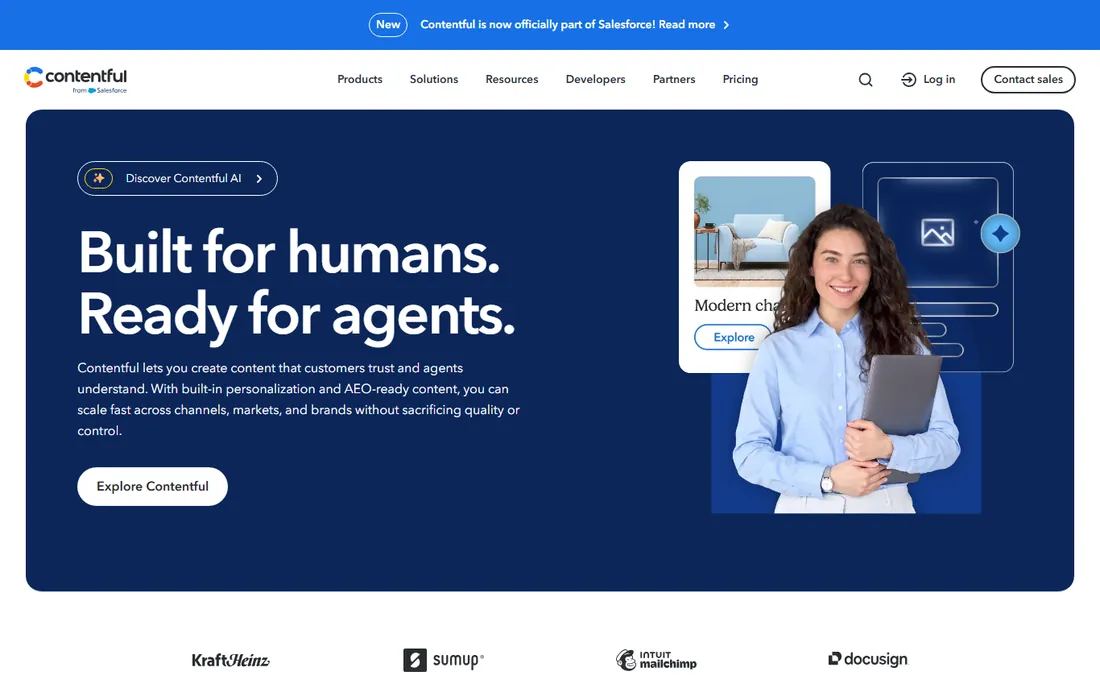
Contentful is the established name in headless CMS, built for organizations that publish structured content to many surfaces at once: website, mobile app, kiosks, voice assistants. The content modeling is mature, the APIs are reliable, and governance features like roles and workflows suit large editorial operations. When the requirement is one content hub feeding five channels, it is the safest enterprise bet.
It is not a website builder, and buyers should be clear on that before signing. There is no theme or page builder; your developers build the front end, and you pay for both the CMS and the engineering. Small teams without developers should not be here. Contentful earns its keep when the content operation is large enough that omnichannel delivery is a real requirement, not an aspiration.
What we like- Mature headless platform with strong APIs
- Delivers content to web, apps, and devices from one hub
- Solid governance for large teams
Watch out for- Requires developers to build and maintain the front end
- Paid plans are enterprise-priced
Starting priceSee website
Free planYes
Sanity has become the developer favorite among headless CMS options, and the reasons are practical: the query language is typed, the editing studio is real-time and collaborative, and the platform does not punish growth with item caps the way some competitors do. Teams building with modern frameworks like Next.js consistently report faster development and fewer content-modeling headaches than with older headless platforms.
Like all headless tools, it assumes engineering capacity. Marketing cannot use Sanity alone; someone has to build and host the front end. The studio is also more technical than a WordPress dashboard, so editors need onboarding. For engineering-led teams that want the best content infrastructure available today, Sanity is the pick. For everyone else, it is the wrong category entirely.
What we like- Excellent developer experience with typed queries
- Real-time collaborative editing
- No hard CMS item limits on paid plans
Watch out for- Still needs a developer-built front end
- The Studio interface requires onboarding for non-technical editors
Starting price$0 (self-hosted open source; managed cloud plans on website)
Free planYes
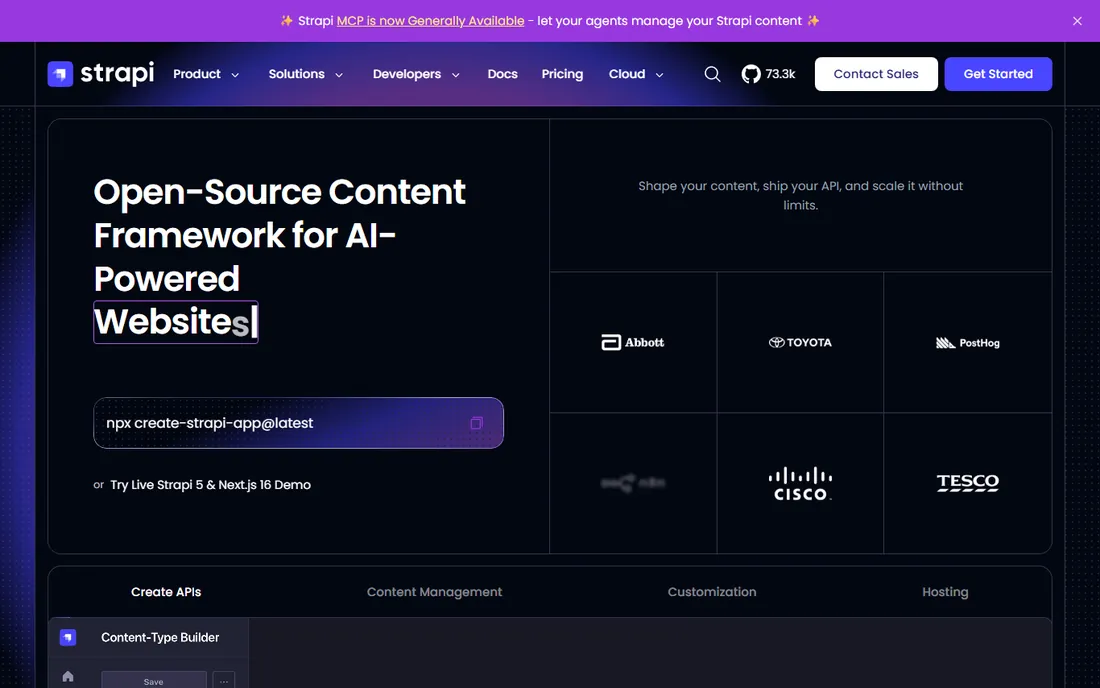
Strapi is the open-source answer to headless CMS: a free, self-hostable content API with an admin panel, backed by a large community. For teams that refuse to build their content infrastructure on a vendor's pricing page, it is the obvious choice. You own the code, you choose the hosting, and the plugin ecosystem covers most common needs.
The trade is the same as WordPress self-hosting, amplified. Security patches, scaling, backups, and uptime are your responsibility, which means you need real DevOps capacity or a managed host. The editing experience is solid but not as polished as Sanity or Contentful. Strapi fits development teams that want open-source freedom and have the operations muscle to run it. It is not a shortcut around having developers.
What we like- Free and open source with full code access
- Self-hosting means no vendor lock-in on the platform
- Active community and plugin ecosystem
Watch out for- Self-hosting means you own security, updates, and scaling
- The admin UI is functional rather than delightful
#6
HubSpot Content Hub
Best for: Marketing teams already running on HubSpot
Visit hubspot.com
Starting priceSee website
Free planYes
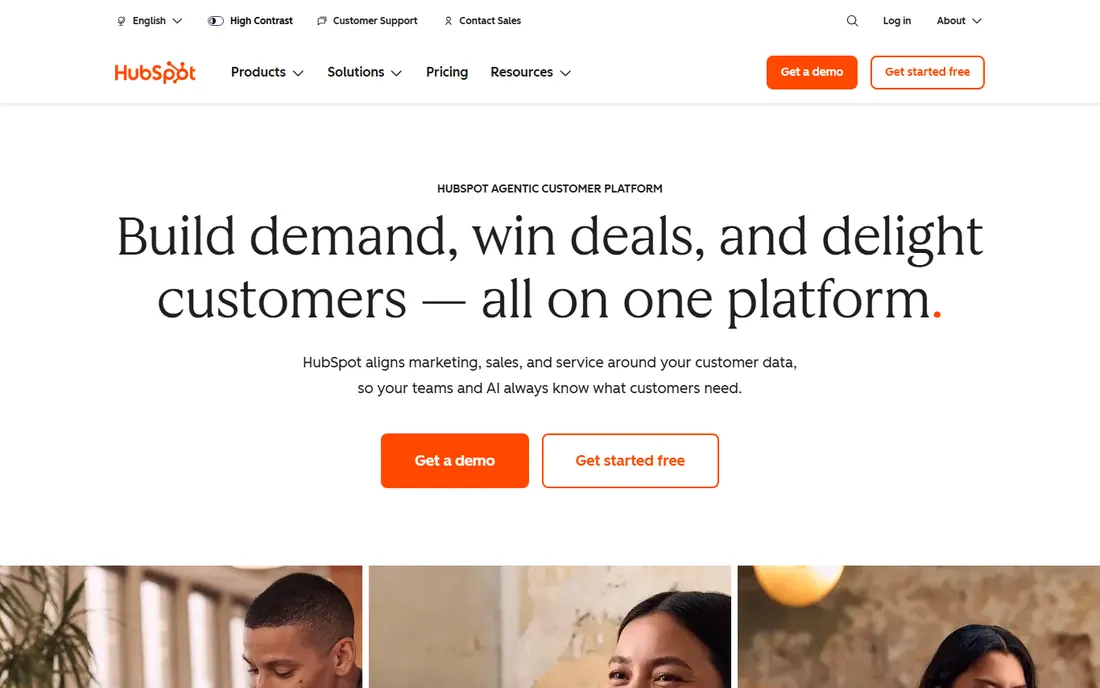
HubSpot Content Hub makes the most sense as part of a HubSpot operation, not as a standalone website tool. When the CRM, email marketing, and website share one database, personalization and attribution get dramatically easier: the site can show different content to different lifecycle stages without integrations or workarounds. The free CMS tools are genuinely usable for simple sites.
Bought alone, the math is harder to justify. Paid tiers cost more than Webflow or WordPress hosting for comparable publishing capability, and the deeper you integrate, the harder it becomes to leave. It is the right call for a marketing team already committed to HubSpot that wants the website inside the same system. It is the wrong call as a first CMS for a company not otherwise using HubSpot.
What we like- Website, CRM, and marketing automation in one system
- Free CMS tools cover basic needs
- Smart content personalization built in
Watch out for- Expensive as a standalone CMS
- Leaving HubSpot later means untangling the whole stack
#7
Wix
Best for: Simple sites built without technical help
Visit wix.com
Starting priceSee website
Free planYes
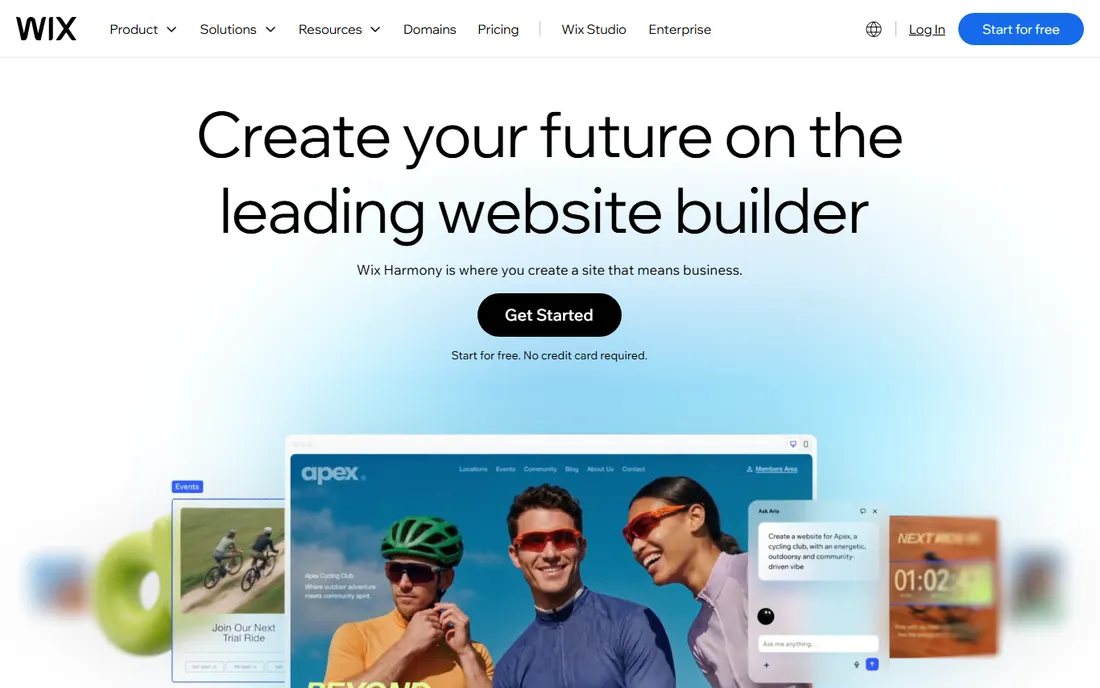
Wix is the fastest way for a non-technical person to get a decent website live, and that remains a legitimate use case. The drag-and-drop builder, template library, and AI-assisted setup can take a brochure site from idea to published in a weekend. For solo businesses, portfolios, and simple service sites, the ease of use is unmatched on this list.
The ceiling arrives quickly. Design control is coarser than Webflow, the code output is heavier, and moving the site elsewhere later is effectively a rebuild. Businesses that outgrow it usually migrate to WordPress or Webflow. Wix is the right tool when speed and simplicity outweigh everything else, and the wrong tool the moment the site becomes a serious marketing asset.
What we like- Easiest path from zero to a live website
- AI-assisted building speeds up setup
- Huge template library
Watch out for- Design flexibility is limited compared to Webflow
- Sites do not export cleanly
- Advanced SEO control is thinner
Starting priceSee website
Free planFree trial (14 days)
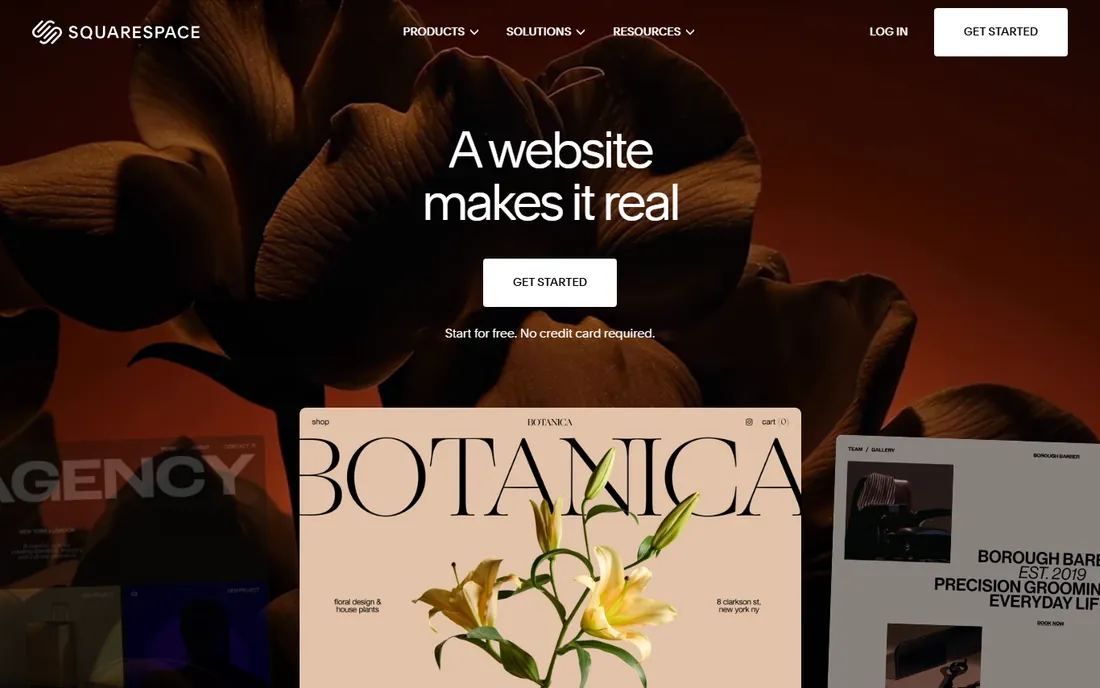
Squarespace occupies the middle ground between Wix simplicity and Webflow design control: templates that look genuinely good out of the box, with enough customization to feel like your brand. Hosting, domains, and basic commerce are bundled, so the total cost of ownership is predictable. Creative businesses, restaurants, and professional services get a lot of polish for little effort.
The limits are flexibility and growth. Deep customization hits walls faster than on WordPress or Webflow, switching templates mid-stream can mean rebuilding pages, and the commerce features suit simple stores rather than serious retail. It is ideal for businesses that want a beautiful site without hiring anyone. It is not the platform for a content operation with complex needs.
What we like- Beautiful templates that look professional immediately
- All-in-one hosting, domains, and commerce
- Simpler than WordPress for non-technical owners
Watch out for- Less flexible than WordPress or Webflow
- Template switching can require rebuilding
- E-commerce is basic compared to Shopify
Starting price$0 (software free; hosting and development extra)
Free planYes
Drupal is the heavyweight open-source CMS, trusted by governments, universities, and large organizations for sites where security, complex permissions, and structured content matter most. Its content modeling and access control go far beyond WordPress, and the security track record is the best in the category. Like WordPress, the software is free; you pay for hosting and development.
Nobody chooses Drupal for simplicity. The learning curve is steep for both editors and developers, and finding experienced Drupal talent costs more than finding WordPress help. It is the right tool for complex, high-stakes content operations with real development budgets. For a typical small business site, it is far more machine than the job requires.
What we like- Extremely powerful content modeling and permissions
- Strong security record trusted by governments
- Free and open source
Watch out for- Steep learning curve for editors and developers
- Smaller talent pool means higher agency costs
How this shortlist came together
We covered the CMS categories that realistically serve small and mid-size US companies: classic open-source platforms, visual website builders, and headless systems, identified through vendor documentation, developer publications, and reviews on G2, Capterra, and Reddit. Every tool had to be a shipping product with an active user base in 2026. Pricing reflects published plans checked in October 2026; Webflow's current plan structure dates from its May 2026 simplification. Where vendors do not publish prices, the tables say "See website". This is a research-based comparison, not hands-on testing.
What to check before you commit
Start with who will actually edit the site day to day, because that single answer eliminates half this list. If the answer is "our marketing team, no developers," the shortlist is WordPress, Webflow, Wix, Squarespace, or HubSpot. If the answer is "our engineering team," the headless options open up. Buying a developer-dependent CMS without developers is the most common and most expensive mistake in this category.
Then run the total cost honestly. The sticker price is never the whole number: add hosting, premium plugins or templates, developer or agency time for setup, and ongoing maintenance. A "free" WordPress site with premium plugins, managed hosting, and occasional developer help often costs more per year than a $25-a-month Webflow plan. Model three years, not three months.
Finally, check the exit before you enter. Ask how you export your content, in what format, and what breaks when you leave. WordPress, Strapi, and Drupal let you take everything because you host it. Webflow exports code but not CMS content cleanly. Wix and Squarespace effectively require a rebuild. The easier a platform makes it to arrive, the harder it usually makes it to leave, so read the export story with the same attention you give the feature list.
The lock-in question nobody asks early enough
Every CMS demo shows you how content goes in. Almost none shows you how content comes out. Before committing, run a small export test during the trial: publish five pages and three blog posts, then export everything and look at what you get. If the result is clean HTML or structured data you could rebuild from, you have options. If it is a proprietary bundle or nothing at all, you are renting your own content. This test takes an hour and tells you more about the vendor relationship than any sales call.
Frequently asked questions
Should I choose WordPress or Webflow?
Choose WordPress if you want maximum flexibility, plugin choice, and full ownership of your site, and you can handle maintenance. Choose Webflow if design quality matters most, your content set is bounded, and you want hosting and CMS in one managed package without touching code.
What is a headless CMS, and do I need one?
A headless CMS stores and manages content but does not render the website; your developers build the front end separately, and content is delivered through APIs. You need one if you publish to multiple channels (web, apps, devices) or have an engineering team building a custom experience. If you just need a website, a traditional CMS is simpler and cheaper.
How much does a CMS actually cost per year?
The software ranges from free (WordPress, Strapi, Drupal) to $300-plus a month for managed plans. The real annual cost includes hosting ($100 to $500), premium plugins or templates ($0 to $300), and setup help ($0 to several thousand). Most small business sites land between $300 and $2,000 a year all-in.
Can I migrate my existing content to a new CMS?
Usually yes, but the effort varies widely. WordPress-to-WordPress migrations are routine. Moving into Webflow, Wix, or Squarespace often means rebuilding pages manually. Headless migrations need developer time for both content modeling and front-end work. Budget for URL redirects too, since broken URLs will cost you search traffic.
Is a free CMS plan enough for a business site?
Free tiers work for testing and very simple sites: Webflow's free Starter, Wix's free plan, and HubSpot's free CMS tools all publish real pages. The limits hit fast on custom domains, content volume, and branding. Any serious business site needs a paid plan, if only to use its own domain name.
Which CMS is best for SEO?
All nine can rank well; the bigger factors are site speed, clean code, and your content. Webflow and the headless options tend to produce the fastest pages out of the box. WordPress ranks fine but needs good hosting and theme choices. No CMS compensates for thin content, so pick the one your team will actually publish on.
Sources we checked (8)
- https://webhelpagency.com/blog/best-cms/
- https://medium.com/@muharremyurtsever/best-alternatives-to-contentful-sanity-and-strapi-for-small-teams-in-2026-no-separate-frontend-58cd6bfd23cc
- https://openaiagent.io/blog/top-content-management-tools/
- https://www.practicallogix.com/enterprise-cms-2026-wordpress-vs-contentful-vs-sanity-vs-sitecore/
- https://landerlab.io/blog/webflow-pricing
- https://www.thecssagency.com/blog/webflow-pricing
- https://www.thecssagency.com/blog/how-much-does-webflow-website-cost
- https://dev.to/nayankyada/sanity-vs-wordpress-headless-vs-webflow-three-way-cms-comparison-for-nextjs-1p36
Is your product missing or out of date?
We review this list regularly. Vendors can request a listing, send updated pricing or ask about featured placement.

Shihab Mia · Founder, Rankite
Shihab has spent more than a decade helping SaaS and e-commerce brands grow through search. He writes Rankite's software buying guides from pricing pages, documentation and public user reviews. More about Shihab.