How we make this list: we compare pricing pages, product documentation and public user reviews. Rankite is independent; if a vendor ever pays for a featured spot, that listing is clearly labeled Partner.
Key takeaways
- Wix offers the most complete free plan of any major builder, and its paid plans start at $17 per month billed annually, making it the safest low-risk starting point for most small businesses.
- Squarespace charges $16 per month billed annually with no free plan, only a 14-day trial, but its templates are widely considered the best looking out of the box.
- WordPress.com is the cheapest serious option at $4 per month billed annually, but plugin installs require the $25 per month Business tier, so power users should budget accordingly.
- Webflow ($15 per month billed annually) and Duda (quote-based pricing) are the picks for teams that want design precision or manage client sites; casual users will find them unnecessarily complex.
- GoDaddy, Weebly, and Strikingly all offer free plans and start under $10 per month paid, which suits very simple sites, but expect dated editors and fewer growth features.
Quick comparison
| Tool | Best for | Starting price | Free plan |
|---|
 Wix Wix | All-around small business websites | $17 per month (billed annually) | Yes |
 Squarespace Squarespace | Design-first sites and portfolios | $16 per month (billed annually) | Free trial |
 WordPress.com WordPress.com | Bloggers and content-heavy sites | $4 per month (billed annually) | Yes |
 Webflow Webflow | Designers who want pixel-level control | $15 per month (billed annually) | Yes |
 GoDaddy GoDaddy | Fast AI-generated business sites | $9.99 per month (intro, billed annually) | Yes |
 Weebly Weebly | Simple sites tied to Square payments | See website | Yes |
 Duda Duda | Agencies managing multiple client sites | See website | Free trial |
 Strikingly Strikingly | One-page and simple personal sites | $8 per month (billed annually) | Yes |
Is your product missing or out of date?
We review this list regularly. Vendors can request a listing, send updated pricing or ask about featured placement.
Starting price$17 per month (billed annually)
Free planYes
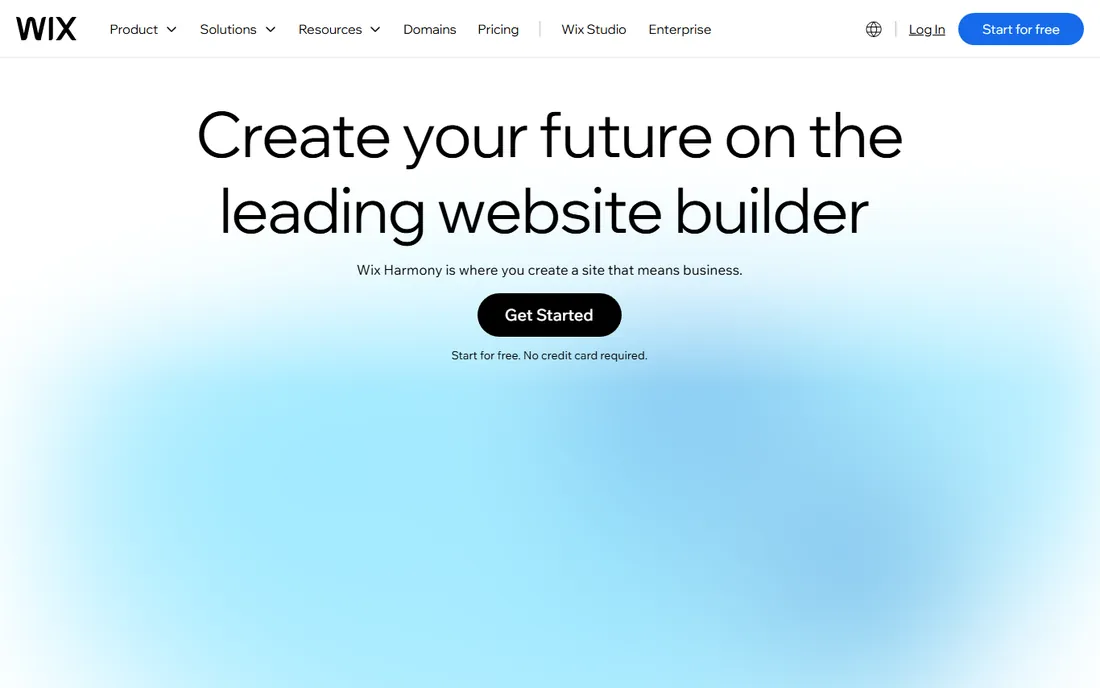
For a small business that wants one platform to handle the whole job, Wix is the default recommendation and it has been for years. The free plan genuinely lets you publish a working site with the drag-and-drop editor and the AI site generator, so you can test the whole experience before spending anything. Paid plans start at $17 per month billed annually for the Light tier, and the built-in business tools, bookings, payments, email marketing, analytics, go well beyond what most competitors bundle.
The honest catch is that Wix gives you so much rope that beginners sometimes hang themselves with it. The editor has dozens of panels and settings, and while the AI builder does a decent first draft, you will still spend real time refining it. There is also the well-known limitation that you cannot change your template midstream; switching designs means rebuilding the site. For most owners that is a fair trade for the feature depth, but if you know you are indecisive about design, start with Squarespace instead.
What we like- Strongest free plan among major builders
- 2,000+ templates plus an AI website generator
- Built-in booking, ecommerce, and marketing tools
Watch out for- Template cannot be switched after publishing without rebuilding
- The depth of options can overwhelm first-time users
Starting price$16 per month (billed annually)
Free planFree trial
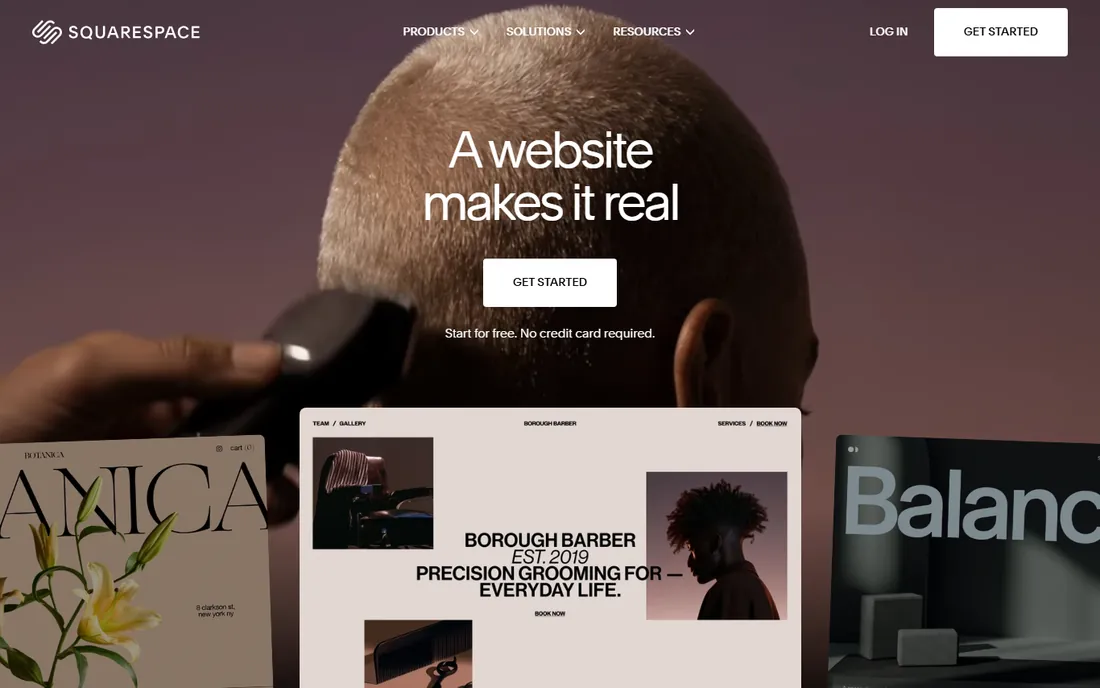
Nobody picks Squarespace for the feature list. They pick it because the sites look expensive. The template library is smaller than Wix's but far more curated, and the design system keeps your site looking coherent even if you have no design sense. Plans start at $16 per month billed annually, and that single subscription covers hosting, SSL, templates, and selling tools, with a free custom domain for the first year on annual plans.
What holds Squarespace back is flexibility at the edges. There is no free tier, so you are paying from day one after the trial. The extension marketplace exists but is thin compared with the Wix App Market or the WordPress plugin directory, so unusual requirements can hit a wall. For a portfolio, studio, restaurant, or boutique store where appearance is the product, those tradeoffs rarely matter. For a business that expects heavy customization later, they do.
What we like- The most polished templates in the business
- Everything included on one bill with no plugin hunting
- Solid built-in ecommerce and scheduling tools
Watch out for- No permanent free plan, only a 14-day trial
- Less third-party integration depth than WordPress or Wix
Starting price$4 per month (billed annually)
Free planYes

WordPress.com is the hosted version of WordPress, run by Automattic, and it deserves a spot on this list because of sheer economics. The Personal plan costs $4 per month billed annually, which undercuts every other serious option here by a wide margin. The free plan works fine for testing. For a business whose website is mostly words, articles, resources, documentation, the publishing experience is better than any drag-and-drop builder.
The pricing catch is the plugin gate. On the cheaper plans you cannot install plugins, which means no Yoast, no WooCommerce extensions, no real customization beyond themes. That functionality opens up at the Business plan for $25 per month billed annually. So the honest math is that WordPress.com is either the cheapest or a mid-priced option depending on how much power you need. Also note this is not the same as self-hosted WordPress.org, where the software is free and you pay for hosting separately.
What we like- Cheapest path to a real website with a custom domain
- The block editor is genuinely good for publishing
- Scales from a free blog to full ecommerce
Watch out for- Plugin installs are locked behind the $25 per month Business plan
- Less design hand-holding than drag-and-drop builders
Starting price$15 per month (billed annually)
Free planYes
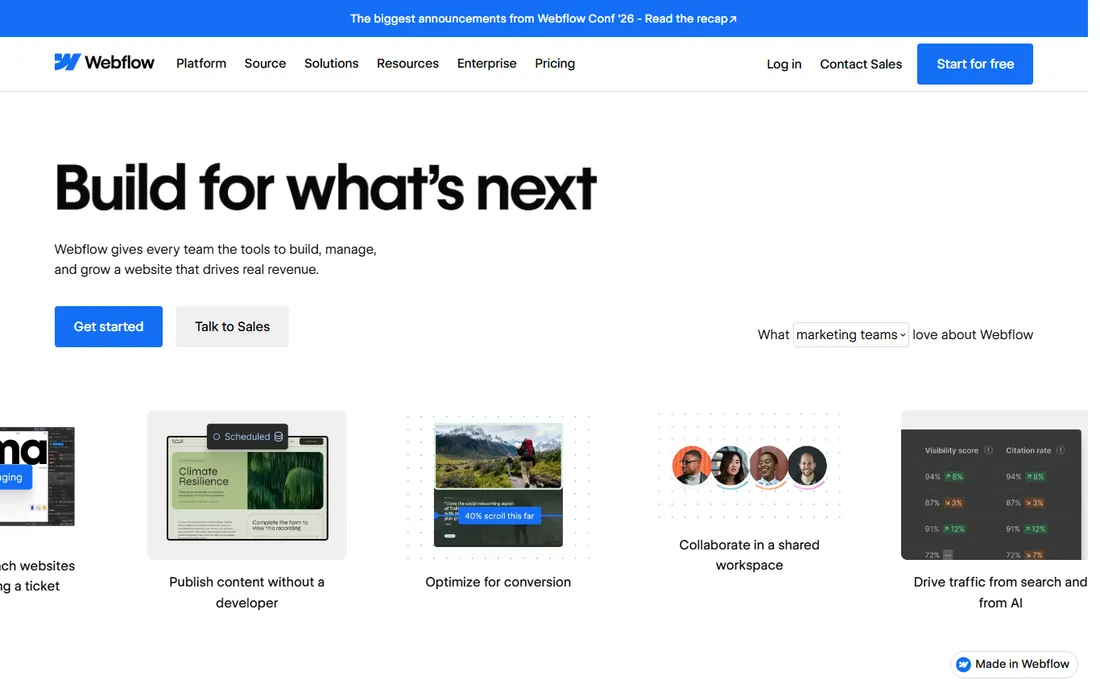
Webflow sits in a different category from the rest of this list, and that is the point. It is a visual development tool that outputs clean HTML and CSS, which is why agencies and design-led companies keep choosing it. The Basic site plan runs $15 per month billed annually and covers a custom domain, while the Premium plan at $25 adds the CMS for blogs and content sites. Sites built on Webflow consistently score well on speed and Core Web Vitals, with independent analyses putting its pass rates well above WordPress averages.
For a typical small business owner, Webflow is more tool than needed. The learning curve is real, and the pricing structure has layers: site plans per project, workspace plans per seat, and ecommerce as an add-on. But if you have a designer on staff or an agency building for you, and you care about performance and SEO, it is the strongest platform here. Just budget for the seats as well as the site plan, because that is the line item people forget.
What we like- Professional-grade design control with clean code output
- Excellent Core Web Vitals performance
- CMS and ecommerce built in without plugins
Watch out for- Steep learning curve for non-designers
- Site plans are per site, so multiple domains multiply the cost
Starting price$9.99 per month (intro, billed annually)
Free planYes
GoDaddy's pitch is speed, not beauty. Its Airo AI builder asks a few questions about your business and generates a complete site, logo suggestions included, in minutes. The Basic plan starts at $9.99 per month on an introductory annual rate, and you get the convenience of managing your domain, website, email, and marketing in one account with phone support at any hour. For a local service business that needs to exist online this week, that combination is hard to beat.
The catch is printed in the renewal terms. GoDaddy's introductory prices apply to the first term and rise substantially afterward, so price the second year before you commit to a long build on the platform. The templates also lag behind Squarespace and Wix on design quality. If your website is your storefront and first impression, look elsewhere. If it is a digital business card with booking and contact forms, GoDaddy gets you there fastest.
What we like- AI builder produces a complete site in minutes
- Domain, email, and marketing bundled by the world's largest registrar
- 24/7 phone support
Watch out for- Introductory pricing roughly doubles on renewal
- Templates are serviceable but not inspiring
Starting priceSee website
Free planYes
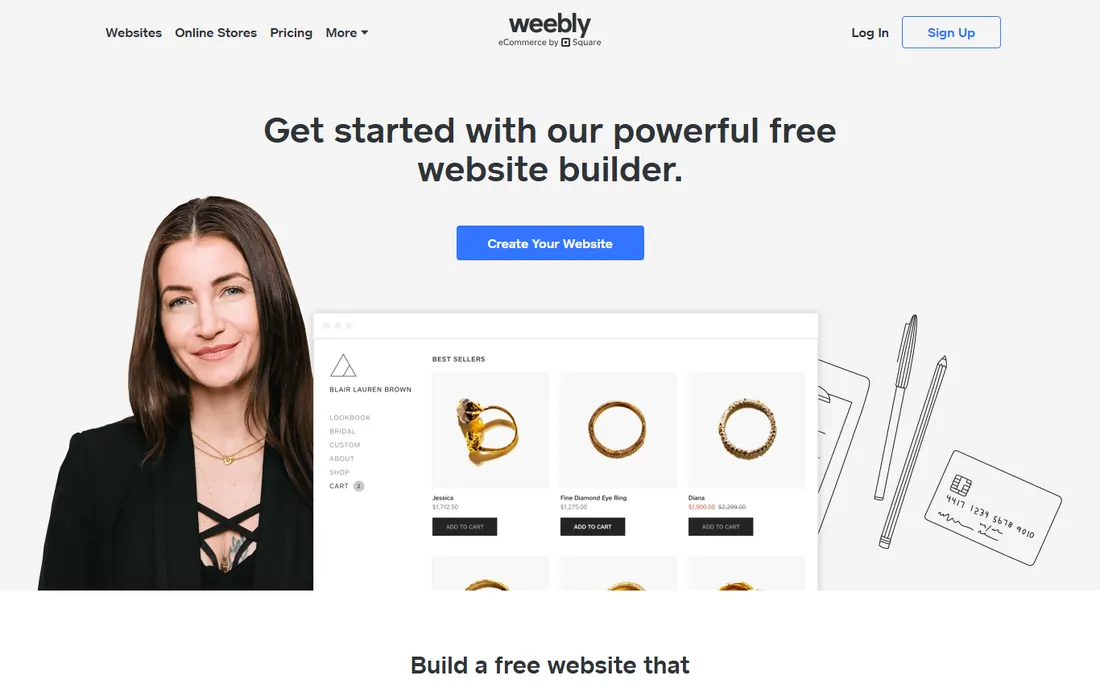
Weebly is the honest budget pick with an asterisk. The editor remains one of the easiest ever made, the free plan is permanent, and if you already run Square for in-person payments, the integration between your online and offline sales is convenient. Paid plans open up a custom domain and remove Square ads, and pricing has historically sat below Wix and Squarespace.
The asterisk is that Square has stopped investing in it. There have been no new themes or significant features in years, the mobile app was pulled from app stores, and Square openly steers new users toward Square Online instead. For an existing Weebly site, there is no emergency; it still works. For a new site in 2026, you are moving into a platform with no future development, which makes it a poor choice for anything you plan to grow. Consider it only if the price is the deciding factor and your needs are truly basic.
What we like- Genuinely easy drag-and-drop editor
- Free plan is permanent
- Tight integration with Square POS and payments
Watch out for- Effectively in maintenance mode with no meaningful new features since the Square acquisition
- Dated template library
#7
Duda
Best for: Agencies managing multiple client sites
Visit duda.co
Starting priceSee website
Free planFree trial
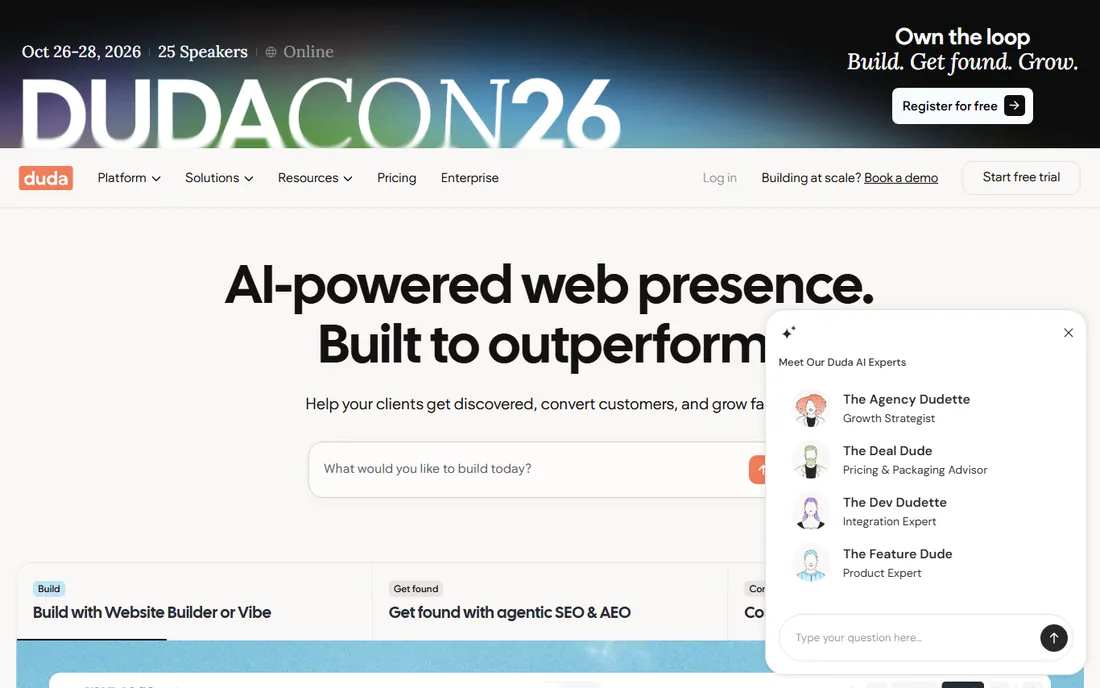
Duda is the only tool here designed for the person building sites for others rather than for themselves. If you run a small agency or freelance web practice, the client management features, white labeling, team permissions, and reusable templates pay for themselves quickly. Sites perform well and the editor is genuinely fast. Duda reports that over 23,000 agencies and SaaS platforms use it, and its focus shows.
For a business owner building their own single site, Duda makes little sense. There is no free tier, pricing is aimed at professionals managing client rosters, and the ecommerce tools are an add-on rather than a core strength. It earns its place on this list because many small businesses hire someone to build their site, and if your developer suggests Duda, that is a sign they know what they are doing. Just know you are paying agency-grade prices.
What we like- Built for managing many client sites from one dashboard
- White-label options for agencies
- Fast, modern editor with strong performance
Watch out for- No free plan, only a 14-day trial
- Priced for professionals, so overkill and overpriced for a single DIY site
Starting price$8 per month (billed annually)
Free planYes
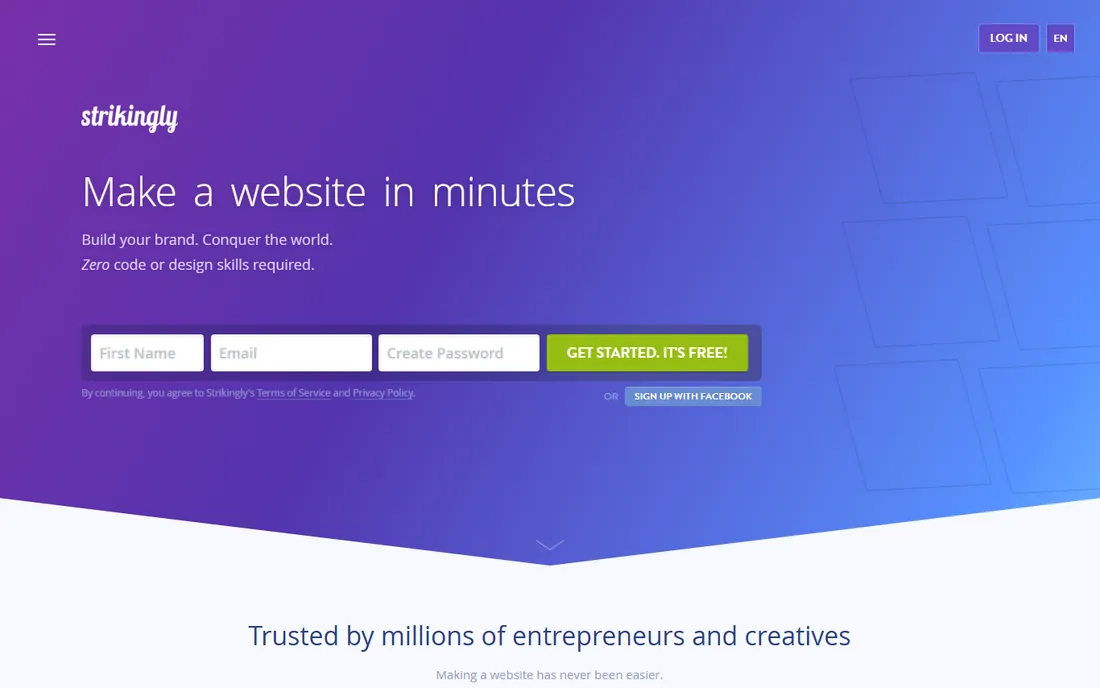
Strikingly is the anti-Wix: instead of giving you everything, it gives you almost nothing and makes that nothing look good. The editor builds scrolling one-page sites, and the whole experience is optimized for getting something live in half an hour. The free plan is unusually generous, allowing unlimited sites on Strikingly subdomains, and paid plans start at $8 per month billed annually for the Limited tier.
The limitation is structural. If your site ever needs to become a multi-page resource with a blog, a store, and service pages, Strikingly cannot take you there; you will rebuild elsewhere. It is perfect for landing pages, event sites, personal portfolios, and simple product launches. It is the wrong tool for a company website meant to grow with the business over years. Buy it for what it is, a fast single-page publisher, and you will be happy.
What we like- The simplest builder here, with a site live in under 30 minutes
- Free plan allows unlimited sites
- Even the free tier supports selling one product
Watch out for- Built around single-page sites, so it cannot grow into a large website
- Limited design flexibility and customization
When a website builder is not enough
There is a predictable point where hosted builders start fighting you, and it usually arrives with one of three needs: a membership system with custom rules, deep integration with your internal software, or content at a scale of thousands of pages. Builders handle the first few hundred pages and a standard store fine. Past that, the per-site pricing, template constraints, and limited database access become real costs.
That does not mean you made the wrong choice. Many successful companies run their marketing site on Webflow or Squarespace while their application or customer portal lives on separate infrastructure. The mistake is forcing the builder to do everything. If your roadmap includes custom web applications, plan for a hybrid setup from the start: builder for the public site, purpose-built software for the rest. It is cheaper than migrating a 2,000-page site off a platform that was never meant to hold it.
How to pick the right website builder for your business
Start with the honest answer to one question: who will build and maintain the site? If the answer is you, and you have no technical background, eliminate Webflow and Duda immediately and choose among Wix, Squarespace, GoDaddy, and WordPress.com based on budget and design taste. If the answer is a designer or agency, ask what they prefer and let their expertise decide; the platform matters less than the person driving it.
Next, map your must-have features against the pricing tiers, not the marketing pages. Selling products, taking bookings, running a membership area, and publishing a blog all sit at different price points on each platform, and the cheapest plan rarely includes all of them. Add up the true monthly cost including transaction fees on sales, because a 2 to 3 percent fee on revenue dwarfs a $10 difference in subscription price once you are selling.
Finally, think about year three. Check the renewal pricing, not the introductory rate. Confirm you can export or at least redirect your content if you leave. And be realistic about growth: a one-page site on Strikingly is delightful until the day you need twenty pages, and migrating is never as simple as the export button promises. The best website making platform is the one that still fits when your business is twice its current size.
How we chose
We compared the eight platforms above using their public pricing pages, feature documentation, and template libraries, along with user reviews on G2 and Capterra and long-running comparison coverage from independent reviewers. We weighted the criteria toward what small and mid-size US companies actually need: total cost including transaction fees and renewals, ease of use for non-technical owners, design quality, SEO fundamentals, and a realistic growth path. We did not test every platform hands-on for this roundup; where hands-on claims appear, they come from the cited review sources. Pricing was checked against vendor pages and current review coverage in October 2026 and will change, so confirm before you buy.
Frequently asked questions
What is the cheapest website making platform for a small business?
WordPress.com at $4 per month billed annually for the Personal plan is the cheapest path to a real site with a custom domain. Strikingly at $8 per month and GoDaddy at $9.99 per month introductory are the next cheapest paid options. If you need ecommerce or plugins, the effective cheapest changes: WordPress.com requires its $25 per month Business plan for plugins, while Wix includes selling tools from $29 per month.
Can I build a website for free?
Yes. Wix, WordPress.com, Weebly, Webflow, GoDaddy, and Strikingly all offer free plans, though every one of them shows platform branding and uses a subdomain unless you upgrade. Wix has the most capable free plan. Squarespace and Duda offer only free trials, 14 days each, with no permanent free tier.
Which website builder is best for SEO?
All eight handle SEO basics like custom titles, meta descriptions, and mobile-friendly output. Webflow has the edge for technical SEO because it outputs clean code and scores well on Core Web Vitals. WordPress.com on the Business plan and above opens up SEO plugins like Yoast. For most small businesses, the bigger SEO factor is publishing good content consistently, which any of these platforms supports.
Is Wix or Squarespace better for a small business?
Wix is better if you want maximum flexibility, a free plan, and lots of built-in business tools at a lower starting price. Squarespace is better if design quality is the priority and you want everything on one simple bill. Businesses that sell services with booking needs often do well on Wix; portfolios, studios, and design-led brands usually prefer Squarespace.
Can I switch website builders later?
You can, but it is rarely simple. Most builders let you export blog posts and basic content, but page designs, templates, and store configurations do not transfer; you rebuild them. Domain names transfer easily. Because migration is effectively a rebuild, it is worth choosing carefully now rather than planning to switch later.
Do I own my website if I use a website builder?
You own your content and your domain name, but the site itself runs on rented infrastructure and cannot be downloaded and moved as a working site in most cases. This is the fundamental tradeoff of hosted builders versus self-hosted WordPress.org, where you control the files and database. For most small businesses the convenience is worth it, but go in with open eyes.
Sources we checked (10)
- https://www.wix.com
- https://squarespace.com
- https://wordpress.com
- https://weebly.com
- https://webflow.com
- https://godaddy.com
- https://duda.co
- https://strikingly.com
- https://colorlib.com/wp/cms-market-share/
- https://www.wix.com/blog/how-much-does-a-website-builder-cost
Is your product missing or out of date?
We review this list regularly. Vendors can request a listing, send updated pricing or ask about featured placement.

Shihab Mia · Founder, Rankite
Shihab has spent more than a decade helping SaaS and e-commerce brands grow through search. He writes Rankite's software buying guides from pricing pages, documentation and public user reviews. More about Shihab.