How we make this list: we compare pricing pages, product documentation and public user reviews. Rankite is independent; if a vendor ever pays for a featured spot, that listing is clearly labeled Partner.
Key takeaways
- Most small teams land on monday.com ($9/user/month), Asana ($10.99/user/month) or ClickUp ($7/user/month): pick monday.com for visual workflows, Asana for polished task lists, ClickUp for the most features per dollar.
- Agencies billing by the hour should look at Teamwork ($10.99/user/month), where client collaborators do not consume paid seats and time tracking feeds invoicing directly.
- The cheapest sticker price is rarely the real price: Asana gates portfolios and time tracking behind the $24.99 Advanced tier, and monday.com requires a 3-seat minimum on paid plans.
- Basecamp Pro Unlimited ($299/month flat) becomes the cheapest option for teams above 20 people that do not need deep PM features.
Quick comparison
| Tool | Best for | Starting price | Free plan |
|---|
 monday.com monday.com | Teams that want visual, configurable workflows | $9/user/month (Basic, billed annually) | Yes (free plan for up to 2 users) |
 Asana Asana | Teams that want clean, polished task coordination | $10.99/user/month (Starter, billed annually) | Yes (Personal plan, up to 2 users) |
 ClickUp ClickUp | Teams that want the most features per dollar | $7/user/month (Unlimited, billed annually) | Yes (Free Forever, unlimited members) |
 Wrike Wrike | Marketing and professional services teams with complex workflows | $10/user/month (Team, billed annually, 5-seat minimum) | Yes (free plan for small teams) |
 Smartsheet Smartsheet | Data-centric teams that think in spreadsheets | $9/user/month (Pro, billed annually) | No (30-day trial) |
 Notion Notion | Teams that want docs, wiki and light project tracking in one place | $10/member/month (Plus, billed annually) | Yes (free for individuals, limited team blocks) |
 Teamwork Teamwork | Agencies and client-service teams billing by the hour | $10.99/user/month (Deliver, billed annually) | Yes (Free Forever, up to 5 users) |
 Zoho Projects Zoho Projects | Budget-conscious teams already in the Zoho ecosystem | $4/user/month (Premium, billed annually) | Yes (free for up to 3 users, 2 projects) |
 Basecamp Basecamp | Small teams that want simple, calm, all-in-one project communication | $15/user/month (Plus) | Yes (limited free tier) |
Is your product missing or out of date?
We review this list regularly. Vendors can request a listing, send updated pricing or ask about featured placement.
The best project management software
Almost every team buys more project management software than it uses. The demo looks brilliant, the team adopts half the features, and a year later you are paying per seat for a tool that is really just a shared to-do list with a logo. The nine tools below are the ones worth the money in 2026, matched to the team each one actually fits, with the real per-user prices and the plan gates that decide what you pay.
#1
monday.com
Best for: Teams that want visual, configurable workflows
Visit monday.com
Starting price$9/user/month (Basic, billed annually)
Free planYes (free plan for up to 2 users)
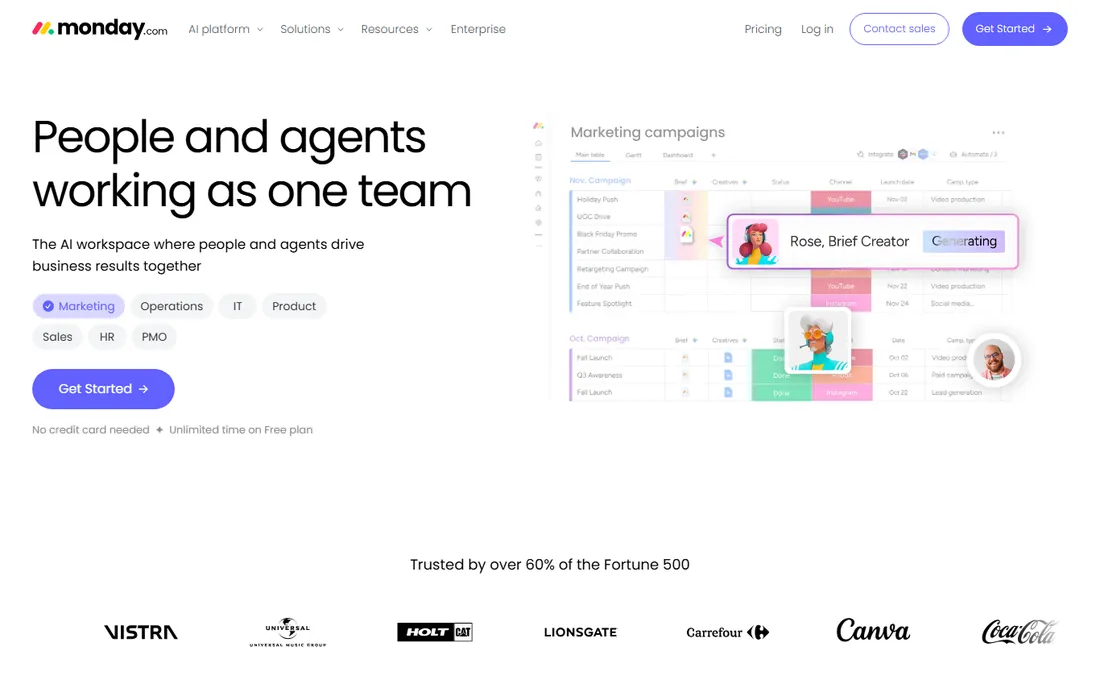
monday.com wins on looks and flexibility. Boards are color-coded and configurable, and a team can shape the platform around content pipelines, hiring, event planning or product work without writing code. Annual pricing runs $9 per seat for Basic, $12 for Standard and $19 for Pro, with a 14-day Pro trial available and a free plan for two users.
The catch is the tier math. Gantt charts, meaningful automations and most integrations sit on Standard and above, and the 3-seat minimum means a two-person team pays for three seats on any paid plan. Costs rise as you add seats, automations and products. If your team thinks visually and will actually configure the thing, it is worth it. If you just need task lists, you are overpaying.
What we like- Highly visual boards with timeline, Gantt, Kanban and calendar views
- Strong automation and dashboard options on higher tiers
- Separate products for work management, dev and CRM share one platform
Watch out for- Key features (Gantt, automations, integrations) are locked behind higher tiers
- 3-seat minimum on all paid plans means solo users pay for three
#2
Asana
Best for: Teams that want clean, polished task coordination
Visit asana.com
Starting price$10.99/user/month (Starter, billed annually)
Free planYes (Personal plan, up to 2 users)
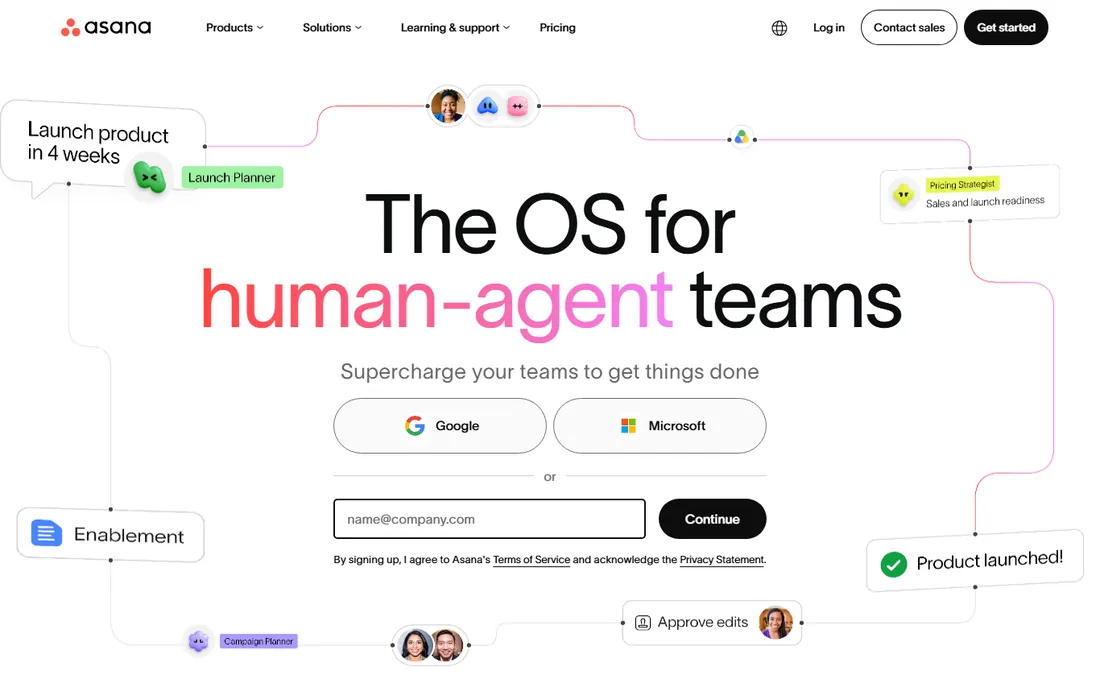
Asana is the tool people actually open. The interface is polished, onboarding is nearly instant, and teams that resist process tend to accept Asana anyway. Starter at $10.99 per user per month (annual) includes Timeline, Gantt, dashboards, unlimited automations and unlimited free guests. Nonprofits get 50 percent off Starter or Advanced, which is worth knowing.
Price the tier you will end up on, not the one you sign up for. Portfolios, goals, workload and native time tracking all live on Advanced at $24.99 per user per month, and most teams that want Asana properly need Advanced. Seats also come in brackets above five people, so a team of six pays for ten. Asana is cheaper than monday.com for very small teams and more expensive as headcount grows.
What we like- The most intuitive interface in the category, with fast team adoption
- Timeline, Gantt and Workflow Builder on Starter
- Generous AI features (Asana AI) built into paid plans
Watch out for- The features that make Asana worth choosing (portfolios, goals, workload, native time tracking) require the $24.99 Advanced tier
- Free plan hard-capped at 2 users
Starting price$7/user/month (Unlimited, billed annually)
Free planYes (Free Forever, unlimited members)
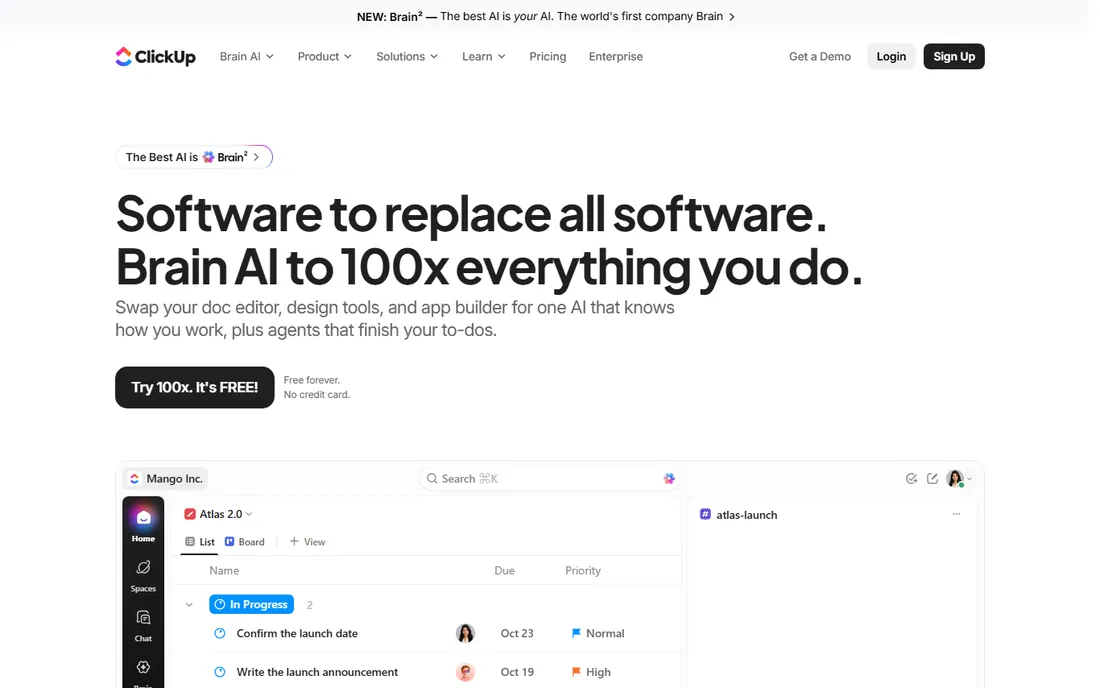
ClickUp is the value play that keeps winning on paper. Unlimited at $7 per user per month (annual) includes unlimited storage, Gantt, native time tracking, custom fields, portfolios and agile features; Business at $12 adds workload views, advanced automations and Google SSO. The Free Forever plan covers unlimited tasks and members, which no competitor matches.
The discount comes in speed and setup time. ClickUp is slower than Asana or Basecamp, and the depth of options overwhelms teams that do not assign someone to own configuration. AI is a separate add-on (Brain at $9 per user per month), so a realistic Business-plus-AI seat is $21, not $12. If budget is tight and you will trade responsiveness for capability, nothing beats it. If your team is latency-sensitive, look elsewhere.
What we like- The most generous free plan in the category (unlimited tasks and members)
- 15-plus views including Gantt, mind maps and whiteboards
- Native docs, time tracking and goals included
Watch out for- Performance and interface speed lag behind simpler rivals
- Configuration overhead is real and nobody should adopt it without an owner
#4
Wrike
Best for: Marketing and professional services teams with complex workflows
Visit wrike.com
Starting price$10/user/month (Team, billed annually, 5-seat minimum)
Free planYes (free plan for small teams)
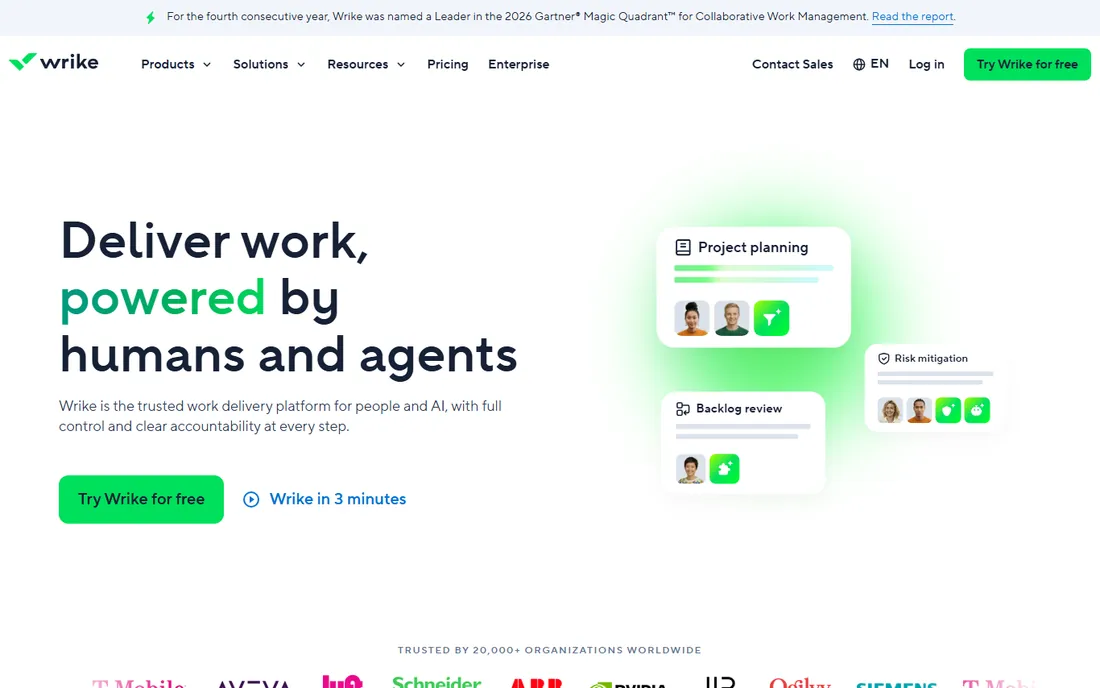
Wrike handles multi-team orchestration better than the visual-first tools. Custom workflows, nested projects, approvals and resource planning suit marketing departments and agencies running dozens of concurrent projects. Team starts at $10 per user per month (annual) with a mandatory 5-seat minimum; Business at $25 adds Adobe integrations, nested projects and advanced resource management.
There is no CRM, invoicing or client portal at any price, so agencies often pair it with billing tools. The interface is powerful rather than friendly, and smaller teams can find it heavy. Pick Wrike when the work itself is complex and cross-departmental. For simple task tracking it is overkill.
What we like- Deep workflow features (custom item types, cross-tagging, request forms)
- Strong reporting and resource planning on Business
- Proofing tools built for creative review
Watch out for- Team plan requires a 5-seat minimum ($50/month floor)
- Business jumps to $25/user/month and Enterprise tiers are custom-quoted with annual commitments
Starting price$9/user/month (Pro, billed annually)
Free planNo (30-day trial)
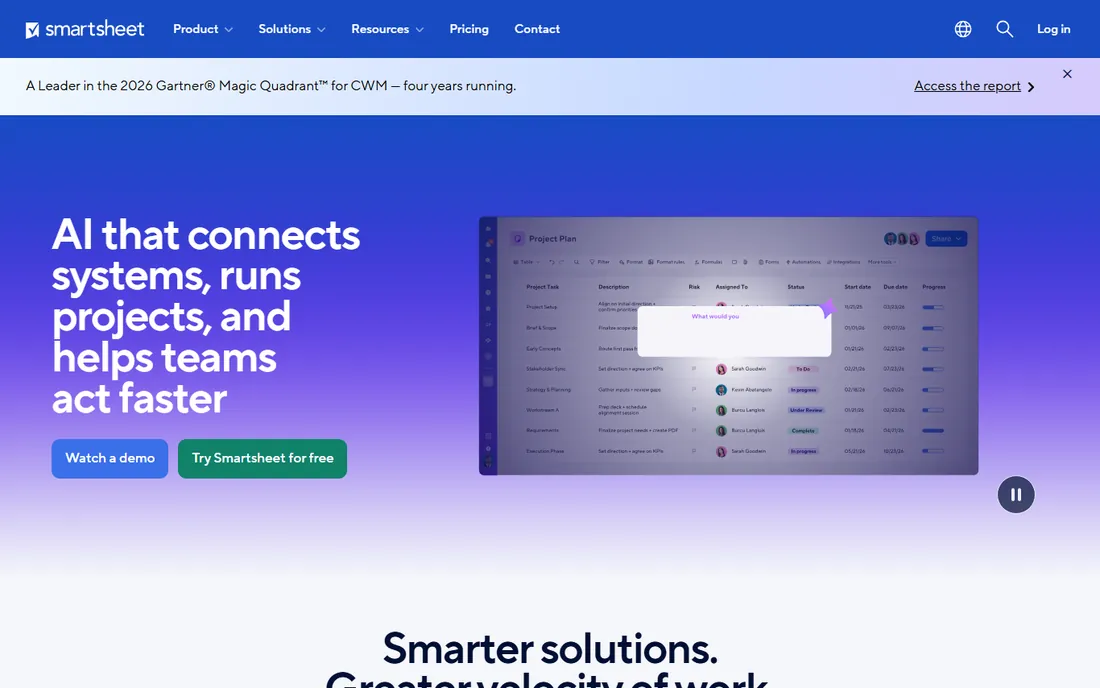
Smartsheet is a spreadsheet that grew into a work platform. If your team lives in Excel, the grid with formulas, cell linking and automated workflows feels like home, and the same rows can be viewed as Gantt, cards or calendar. Pro at $9 per user per month (annual) covers 250 automations per month; Business at $19 adds timeline views, unlimited guests and 1TB storage.
Only people who edit count as Members, so price your real editor count, not your headcount. Viewers are unlimited. The honest question to ask: are you buying the grid, the forms and the automations, or just a timeline? Teams that mostly need a timeline usually leave Smartsheet for a cheaper focused tool within a year.
What we like- Familiar grid interface with formulas, so spreadsheet people adopt it instantly
- Gantt, card and calendar views on the same data
- Strong automation and reporting for operations teams
Watch out for- No free plan for new signups
- List pricing runs higher than Wrike across tiers and portfolio features push you toward custom-quoted plans
#6
Notion
Best for: Teams that want docs, wiki and light project tracking in one place
Visit notion.so
Starting price$10/member/month (Plus, billed annually)
Free planYes (free for individuals, limited team blocks)
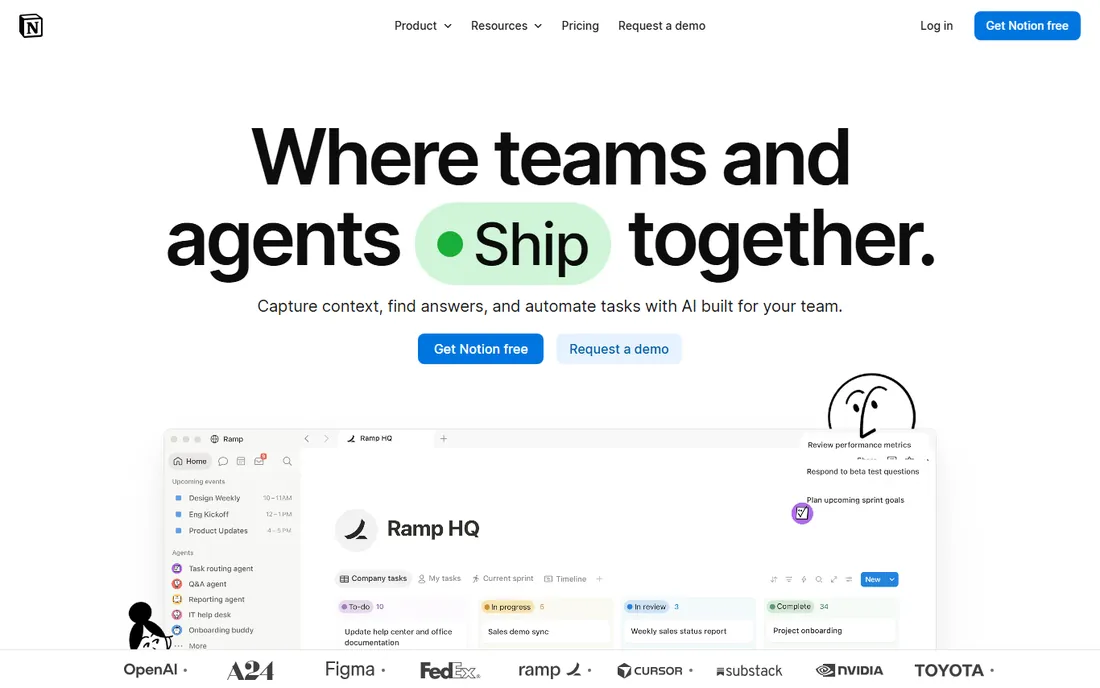
Notion is where documentation and projects share one home. Databases power content calendars, CRMs, roadmaps and wikis with linked views, and the writing experience is the best in class. Plus at $10 per member per month (annual) adds unlimited file uploads, 30-day page history and unlimited guests; Business at $20 adds the full AI suite, SAML SSO and private teamspaces.
It is not a scheduler. Teams that need dependencies, resource leveling or serious Gantt charts will feel the gap and usually add a dedicated tool. Guests are free on every plan, which keeps client sharing cheap, and students get Plus free. Choose Notion when knowledge and projects belong together; choose a PM specialist when the schedule is the product.
What we like- The best docs-and-database combination in the category
- Plus is affordable and covers most small-team needs
- Business bundles the full AI suite (Notion Agent, AI meeting notes)
Watch out for- No native scheduling or real Gantt depth, so heavy planners pair it with another tool
- Per-member pricing scales linearly and AI Custom Agents cost extra credits
#7
Teamwork
Best for: Agencies and client-service teams billing by the hour
Visit teamwork.com
Starting price$10.99/user/month (Deliver, billed annually)
Free planYes (Free Forever, up to 5 users)
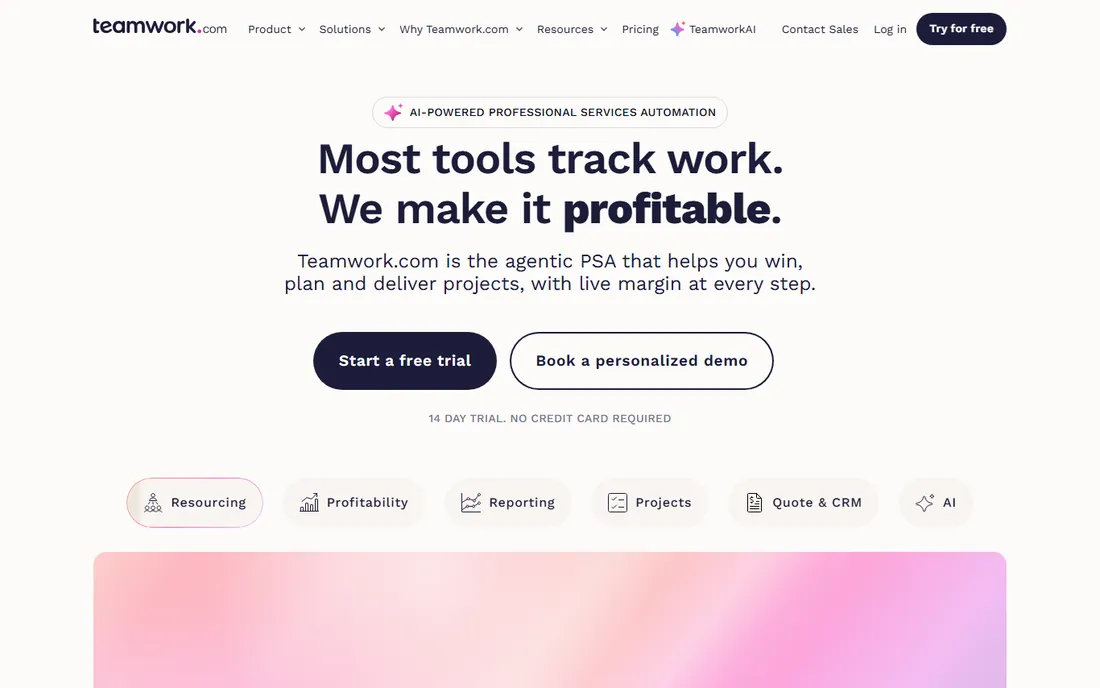
Teamwork knows it is for agencies. Every feature leans toward client work: time logs turn into invoices in two clicks, the workload planner rebalances capacity visually, and clients get free collaborator seats instead of eating paid licenses, which saves a typical agency thousands per year. Deliver starts at $10.99 per user per month (annual); Grow at $19.99 adds profitability tracking, budget alerts and intake forms.
The company also sells helpdesk and CRM add-ons for teams that want one vendor. The interface is workmanlike rather than beautiful, and non-agency teams will not use half the client features. If you bill hours to clients, this is the most purpose-built option on the list. If you do not, the agency features are dead weight.
What we like- Free collaborator seats for clients on paid tiers, a genuine cost saver
- Native time tracking that feeds invoicing directly
- Project templates built for agency work (retainers, web builds, brand projects)
Watch out for- Grow ($19.99) is the real sweet spot, so the entry tier feels limited
- Scale at $54.99 is overkill for most teams under 30 people
#8
Zoho Projects
Best for: Budget-conscious teams already in the Zoho ecosystem
Visit zoho.com
Starting price$4/user/month (Premium, billed annually)
Free planYes (free for up to 3 users, 2 projects)
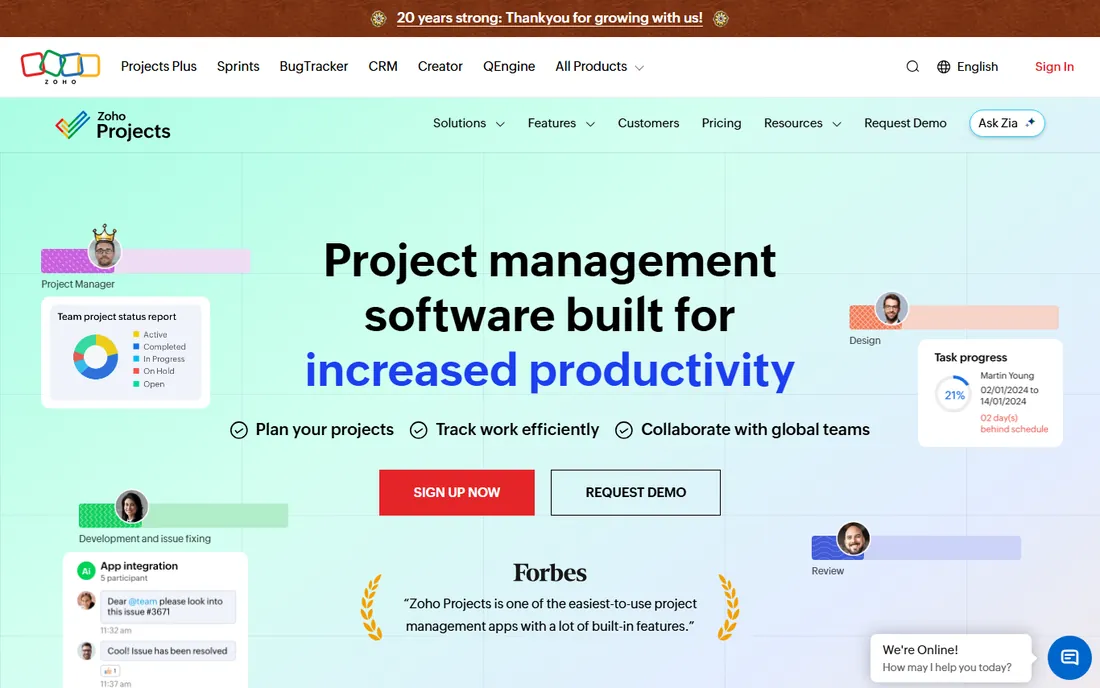
Zoho Projects is the quiet bargain. Premium at $4 per user per month (annual) includes unlimited projects, Gantt charts, time tracking, blueprints, 20 project templates and 100GB storage, which is a feature set competitors charge two to three times more for. Enterprise at $9 adds custom fields, global resource views, SSO and SLA management. It talks natively to the whole Zoho suite, so a team on Zoho CRM and Books gets a connected stack for very little money.
The trade is polish. The interface and mobile apps feel a generation behind the leaders, and support responsiveness gets mixed reviews. For a small business watching every dollar, especially one already paying for Zoho apps, the value is hard to argue with. For a team that needs to love its tools, the premium options earn their premium.
What we like- The cheapest capable PM tool on this list
- Deep integration with Zoho CRM, Books, Desk and 40-plus other Zoho apps
- Gantt, blueprints, time tracking and automation on Premium
Watch out for- Interface feels dated next to monday.com and Asana
- Advanced features (custom roles, SSO, global Gantt) require the $9 Enterprise tier
#9
Basecamp
Best for: Small teams that want simple, calm, all-in-one project communication
Visit basecamp.com
Starting price$15/user/month (Plus)
Free planYes (limited free tier)
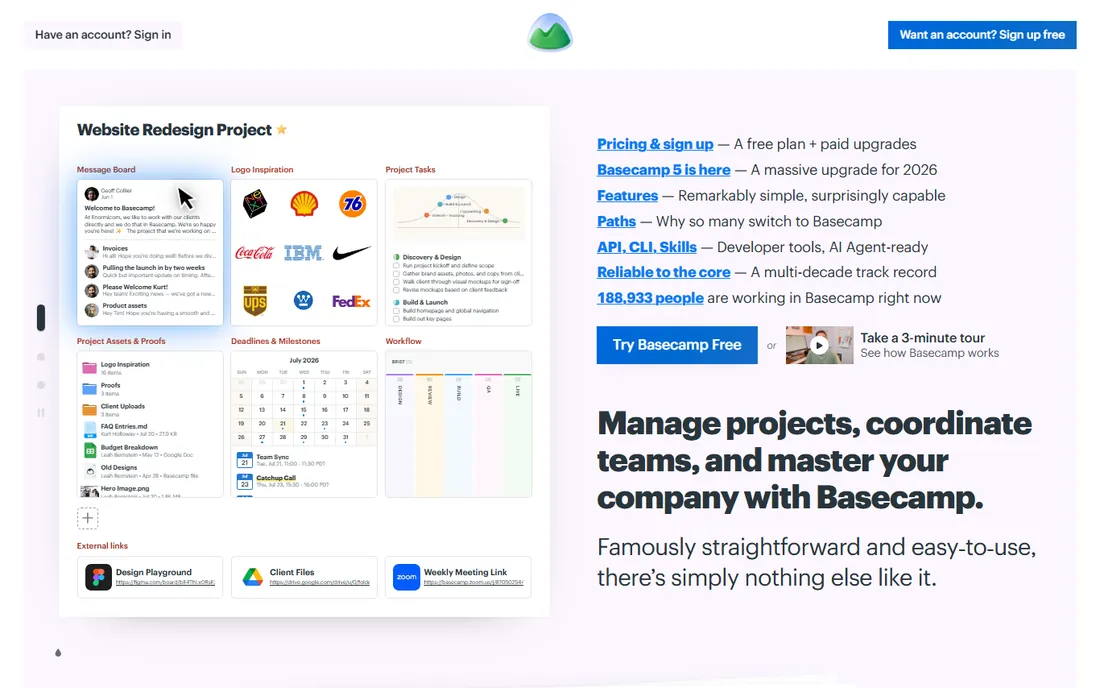
Basecamp sells calm. One price covers to-do lists, message boards, chat, schedules, docs and file storage, with no tiers gating features and no AI features pushed on you (the company deliberately ships almost none). Plus at $15 per user per month suits small teams; Pro Unlimited at $299 per month (annual) covers unlimited users and becomes cheaper than every per-seat tool once you pass 20 people.
The limits are philosophical. There is no Gantt, no native time tracking, no workload view and no advanced reporting. Teams that need those leave within 12 to 18 months. But for client-facing work where the client just needs to see progress and share files, Basecamp's simplicity is the feature. It is the only tool here you can set up in an afternoon and never think about again.
What we like- Everything in one place (tasks, chat, docs, schedules, file storage) with no per-feature upsell
- Flat-rate Pro Unlimited ($299/month) for unlimited users
- Deliberately simple, so adoption is instant
Watch out for- No Gantt charts, time tracking or advanced reporting
- The simplicity that small teams love frustrates teams that outgrow it
The pricing traps that inflate your bill
Three patterns repeat across these tools. First, seat minimums: monday.com requires 3 seats and Wrike requires 5 on paid plans, so a two-person team pays for phantom users. Second, tier gating: Asana's portfolios and time tracking need the $24.99 Advanced tier, and monday.com's Gantt needs Standard or above, so the entry price is not the real price. Third, bracket billing: Asana sells seats in brackets above five users, so six people cost the same as ten.
Defend yourself the same way every time. List the features you will actually use in the first 90 days, find which tier each one sits on, and price that tier for your real headcount. Count only editors where viewers are free (Smartsheet, Notion guests, Teamwork client collaborators). And run the 20-person math: at that size Basecamp's flat $299 beats most per-seat tools, while ClickUp's $7 seats beat almost everything.
What to look for before you buy
Start with the work, not the tool. A marketing team running campaigns needs calendars, proofing and intake forms (Wrike, monday.com). An agency billing hours needs time tracking tied to invoicing and free client seats (Teamwork). A product team needs sprints and dependencies (ClickUp, Jira-style depth). A founder with a VA needs a shared list and docs (Notion, Basecamp). Buying the wrong category is the most expensive mistake, because migration costs dwarf subscription costs.
Then check the practical details. How fast is onboarding: Basecamp takes an afternoon, ClickUp takes a dedicated owner, Smartsheet takes a spreadsheet person. What does support look like: Basecamp and Teamwork offer human help; the big platforms push you toward docs and community. Can you export your data: every tool here offers export, but check whether it is CSV-only or includes attachments and comments. And confirm the contract: all nine are month-to-month capable or annual-discounted, with no long-term lock-in except enterprise tiers.
Frequently asked questions
Which project management tool is best for small teams?
For most small teams the answer is Asana or monday.com if you value polish, ClickUp if you value features per dollar, and Notion if docs matter as much as tasks. Teams under five people should also look at Basecamp and Zoho Projects, which stay cheap at small sizes. The deciding factor is usually adoption: the best tool is the one your team actually opens.
Is there a free project management tool that is actually useful?
Yes. ClickUp's Free Forever plan (unlimited tasks and members) is the most capable free tier available. Notion's free plan works for individuals and very small teams. Teamwork and Zoho Projects offer limited free tiers for tiny teams. Asana and monday.com cap free at 2 users, which suits a founder plus one helper but not a real team.
How much should a 10-person team budget for project management software?
At list prices on annual billing: ClickUp Unlimited $840/year, Zoho Projects Premium $480/year, monday.com Basic $1,080/year, Asana Starter $1,319/year, Notion Plus $1,200/year, Basecamp Plus $1,800/year. Add AI add-ons separately where they apply (ClickUp Brain $9/user/month). Most 10-person teams land between $500 and $2,000 per year before add-ons.
Do I need Gantt charts?
Only if you manage dependencies and deadlines across many tasks. Marketing teams, agencies and construction-adjacent work benefit; simple task teams do not. Note that Gantt is gated behind paid tiers on several tools: monday.com needs Standard or above, Asana needs Starter or above, and Smartsheet includes it on Pro. ClickUp includes Gantt on its $7 Unlimited tier, which is the cheapest way to get one.
Can I switch project management tools later?
Yes, and every tool here offers import from competitors (Asana, Trello, monday.com and CSV are the common sources). The real cost is retraining and rebuilding automations, templates and dashboards, which is why teams switch every 2 to 3 years rather than monthly. Export your data first and run the new tool in parallel for two weeks before cutting over.
How we chose
We started with the categories buyers search: project management software, project management tools, task management software and team collaboration tools. For each candidate we opened the vendor's own pricing page, checked plan names and prices against public reviews on G2 and Capterra and practitioner discussion on Reddit, and compared feature depth, view options, automation limits and company-size fit. Where a price could not be verified on the vendor's page we wrote "See website" rather than guessing.
Sources we checked (11)
- https://monday.com/pricing
- https://asana.com/pricing
- https://clickup.com/pricing
- https://www.wrike.com/price/
- https://www.smartsheet.com/pricing
- https://www.notion.so/pricing
- https://www.teamwork.com/pricing
- https://www.zoho.com/projects/pricing/
- https://basecamp.com/pricing
- https://www.g2.com/categories/project-management
- https://www.capterra.com/project-management-software/
Is your product missing or out of date?
We review this list regularly. Vendors can request a listing, send updated pricing or ask about featured placement.

Shihab Mia · Founder, Rankite
Shihab has spent more than a decade helping SaaS and e-commerce brands grow through search. He writes Rankite's software buying guides from pricing pages, documentation and public user reviews. More about Shihab.