How we make this list: we compare pricing pages, product documentation and public user reviews. Rankite is independent; if a vendor ever pays for a featured spot, that listing is clearly labeled Partner.
Key takeaways
- ClickUp ($7/user/month billed annually, Brain AI add-on $9/user/month) gives the most AI for the least money if your team lives in one workspace.
- Motion ($29/seat/month billed annually for individuals) is the only tool here that truly auto-schedules your day, but it is pricey and has no free tier.
- Asana ($10.99/user/month billed annually) and Monday.com ($9/user/month billed annually) sell AI as part of mature project platforms; the AI is good but gated behind higher tiers.
- Taskade ($10/month flat for up to 10 users) and Reclaim.ai (free Lite; $10/seat/month Starter) are the budget AI picks for small teams.
- Watch the add-on math: several vendors charge a base plan plus a separate AI add-on or credit system, which changes the real per-user cost.
Quick comparison
| Tool | Best for | Starting price | Free plan |
|---|
 Motion Motion | Teams that want AI to decide when work happens | $29/seat/month (Pro AI, billed annually, individual) | Free trial (7 days) |
 ClickUp ClickUp | Small teams wanting AI inside an all-in-one workspace | $7/user/month (Unlimited, billed annually) | Yes |
 Asana Asana | Structured teams running cross-department projects | $10.99/user/month (Starter, billed annually) | Yes |
 Monday.com Monday.com | Visual planners and teams that avoid complex software | $9/user/month (billed annually) | Yes |
 Notion Notion | Documentation-heavy teams building their own systems | $10/user/month (Plus, billed annually) | Yes |
 Reclaim.ai Reclaim.ai | Professionals whose calendars eat their focus time | Free Lite; $10/seat/month (Starter, billed annually) | Yes |
 Taskade Taskade | Small teams wanting AI agents on a flat price | Free; $10/month (Pro, billed annually, up to 10 users) | Yes |
 Wrike Wrike | Large teams with complex, multi-layered projects | $10/user/month (billed annually) | Yes |
 Sunsama Sunsama | Individuals who need a guided daily planning ritual | $22/month (Pro, billed monthly) | Free trial (14 days) |
 Linear Linear | Product and engineering teams that live in sprints | Free; $8/user/month (Standard, billed annually) | Yes |
Is your product missing or out of date?
We review this list regularly. Vendors can request a listing, send updated pricing or ask about featured placement.
The best AI project management software
Nearly every project tool now claims to be AI-powered. Most of it is writing help: task descriptions, summaries, status updates. The tools that matter are the ones where AI changes the work itself, scheduling your day, triaging issues, flagging risks. We compared ten tools where the AI is either the product (Motion, Reclaim, Taskade) or a meaningful layer on a proven platform (ClickUp, Asana, Monday, Notion).
Starting price$29/seat/month (Pro AI, billed annually, individual)
Free planFree trial (7 days)
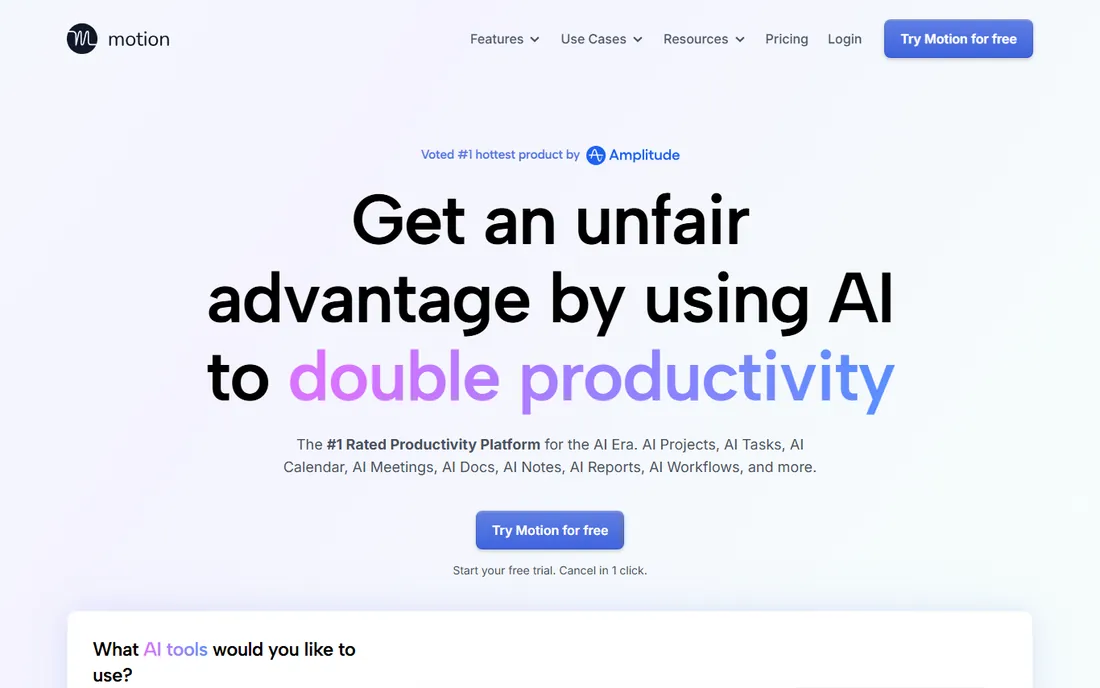
Motion is the category leader for a reason: you list tasks with deadlines and priorities, and it places every one of them on your calendar, reshuffling the whole day when a meeting moves or something urgent lands. For managers whose calendars run their weeks, this removes a real chunk of planning overhead. Business AI at $29 per seat a month billed annually adds capacity planning, so leads can see who is overloaded.
The price is the complaint. There is no free plan, the 7-day trial requires a payment card, and the much-quoted $19 a month is the team rate; an individual pays $29 a month on annual billing or $49 month to month. If you do not trust an algorithm to reshape your day, the product feels expensive. If you do, nothing else on this list works the same way.
What we like- True auto-scheduling that rebuilds the day when plans change
- Projects, tasks, docs and calendar in one app
- Team capacity views on Business AI
Watch out for- No free tier
- The trial asks for a card and auto-bills
- Solo users pay more than the $19 headline (that is the team per-seat rate)
#2
ClickUp
Best for: Small teams wanting AI inside an all-in-one workspace
Visit clickup.com
Starting price$7/user/month (Unlimited, billed annually)
Free planYes
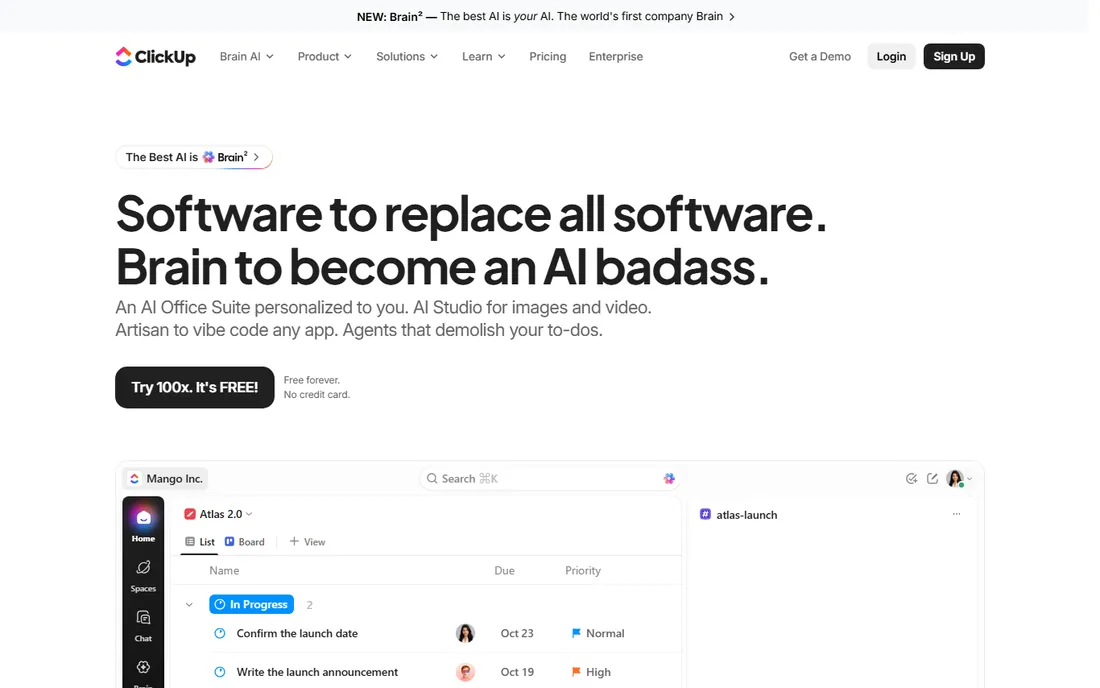
ClickUp's pitch is everything in one place: tasks, docs, goals, calendars, chat. The AI layer, ClickUp Brain, sits on top as a paid add-on that generates task descriptions, summarizes threads, drafts status updates and builds project templates from plain language. At $7 a user a month for Unlimited plus the add-on, it is the cheapest way to give a whole small team AI-assisted project management.
The catch is that the headline price is two lines, not one: plan plus AI add-on. Budget both. ClickUp is also famously feature-dense, and teams that need a simple board will drown in the options. For teams that already live in ClickUp, though, turning on Brain is a small bill for a real time saving.
What we like- Cheapest paid entry on this list
- Brain AI add-on ($9/user/month billed monthly, $7.20 billed annually) covers writing, triage and automation
- Free plan is genuinely usable
Watch out for- AI costs extra on top of the plan
- The platform's breadth can overwhelm new teams
- AI quality varies by use case
#3
Asana
Best for: Structured teams running cross-department projects
Visit asana.com
Starting price$10.99/user/month (Starter, billed annually)
Free planYes
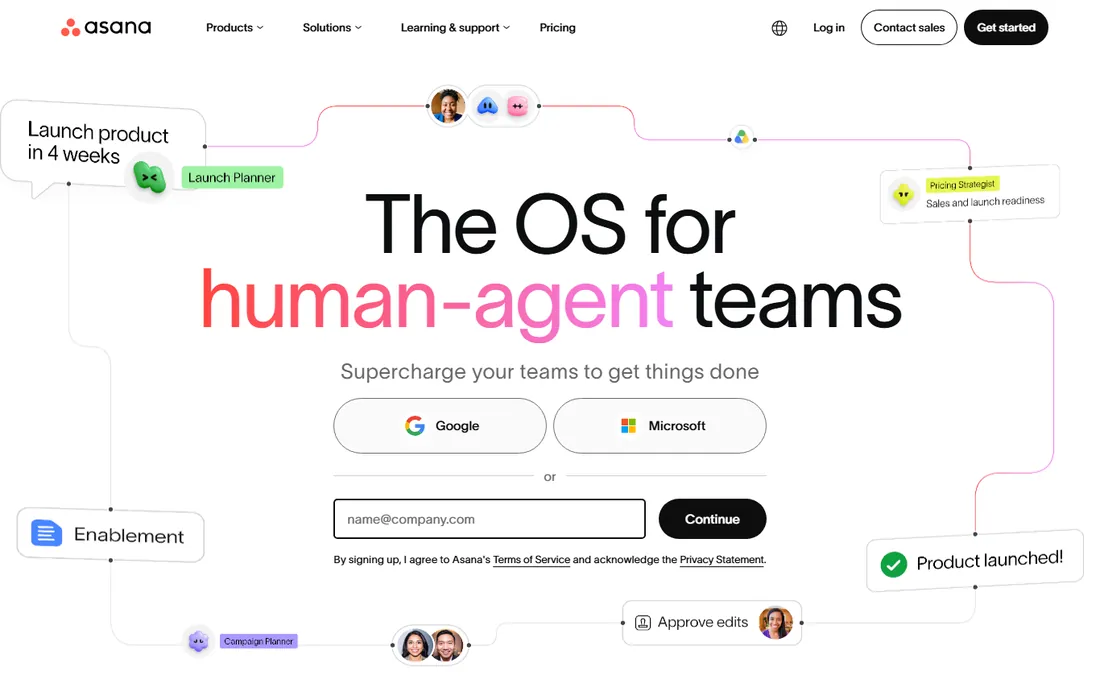
Asana's AI story is about teammates, not chatbots: AI agents that triage incoming requests, draft project briefs and monitor for at-risk deadlines, plus AI Studio for building custom automations without code. Starter at $10.99 a user a month billed annually covers the core platform, and the free Personal plan gives two users a real taste.
Small teams should note the free-plan limit of two users and the two-seat minimum on paid plans, which makes Asana awkward for solo users and couples. The platform shines when several departments share projects and the AI has enough work flowing through it to be useful. For a two-person shop, the value is thinner.
What we like- AI teammates and AI Studio automations on paid tiers
- Strong rules engine for workflow automation
- Clean reporting for managers
Watch out for- The free plan caps at 2 users
- The serious AI features sit on higher, pricier tiers
- Paid plans have a 2-seat minimum
#4
Monday.com
Best for: Visual planners and teams that avoid complex software
Visit monday.com
Starting price$9/user/month (billed annually)
Free planYes
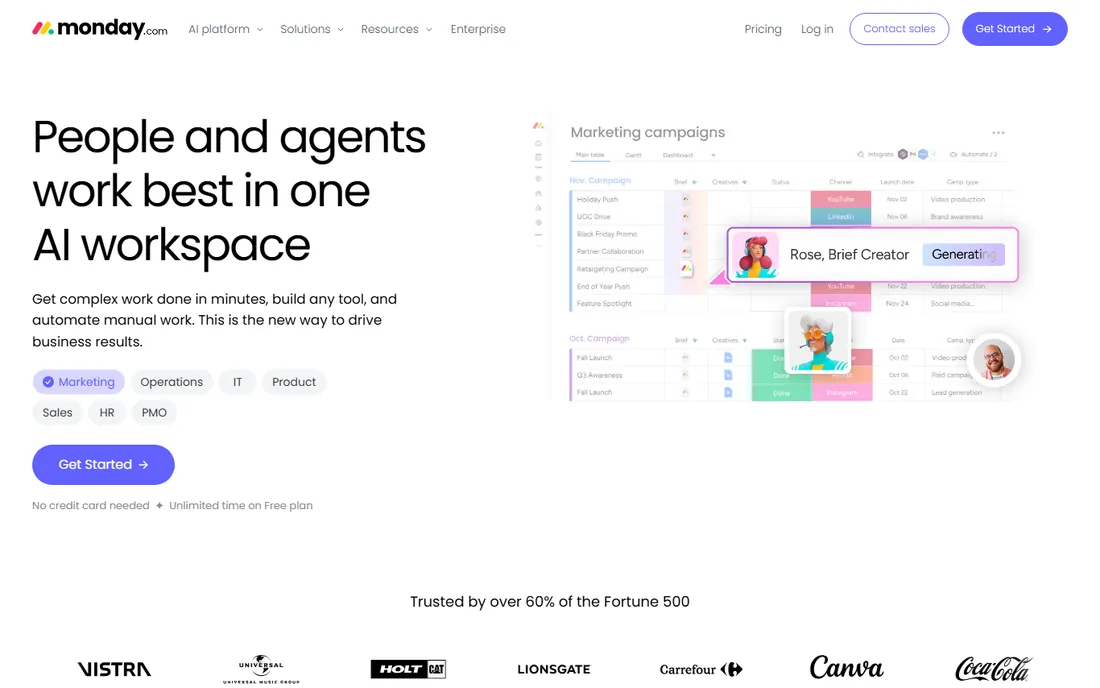
Monday.com remains the friendliest project platform for non-technical teams: color-coded boards, drag-and-drop everything, and templates for nearly every workflow. Its AI blocks handle the practical jobs, categorizing incoming items, summarizing updates, generating task content, and the AI Workspace extends that into a more assistant-like experience.
Do not expect Motion-style auto-scheduling; Monday's AI is a helper, not a planner. Per-user pricing means a 20-person team pays meaningfully more than a five-person one, and automation runs are capped per tier, which can surprise heavy users. For marketing, ops and agency teams that want structure without a learning curve, it is still the easiest sell.
What we like- The easiest learning curve on this list
- AI blocks for categorization, summaries and content generation
- Huge template library
Watch out for- AI features are limited compared with dedicated AI tools
- Costs add up with seats since pricing is per user
- Automations are capped by tier
#5
Notion
Best for: Documentation-heavy teams building their own systems
Visit notion.com
Starting price$10/user/month (Plus, billed annually)
Free planYes
Notion's AI is genuinely useful once the system exists: it drafts pages, summarizes long docs, autofills database fields and takes meeting notes. Teams that already run their company in Notion get a productivity layer for free or near-free, since Plus at $10 a user a month billed annually is competitive for what the platform does.
The prerequisite is the hard part. Notion gives you building blocks, not a project methodology; someone has to design the databases and views first. If your team already lives in Notion, the AI features are a reason to stay. If you need project management out of the box, Asana or Monday will get you running weeks faster.
What we like- AI writing, autofill and meeting notes inside your docs
- Databases that become whatever system you design
- Generous free plan for individuals
Watch out for- You have to build the project system before the AI can help run it
- Full AI access sits on higher tiers
- Can feel slow at large scale
#6
Reclaim.ai
Best for: Professionals whose calendars eat their focus time
Visit reclaim.ai
Starting priceFree Lite; $10/seat/month (Starter, billed annually)
Free planYes
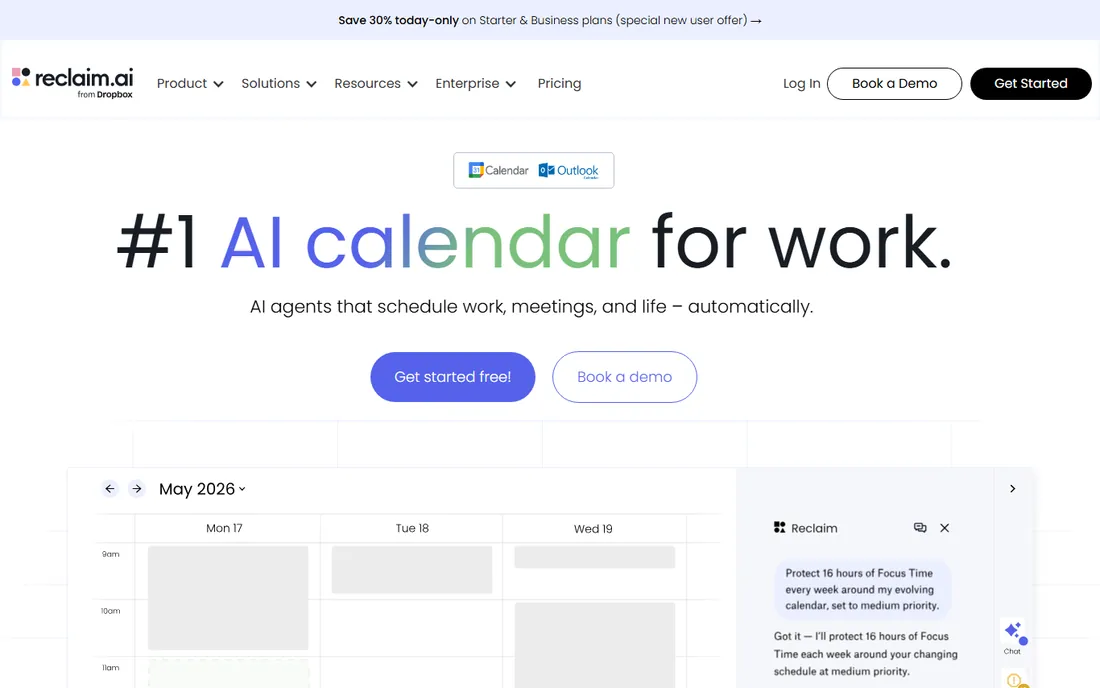
Reclaim.ai does one job extremely well: it defends your time. Habits, focus blocks and task time get auto-scheduled around meetings, buffers appear between back-to-back calls, and everything reschedules when conflicts land. It plugs into the task manager you already use, Asana, ClickUp, Todoist, Linear, Jira, so your deadlines become calendar blocks automatically.
The free Lite plan is real, with core scheduling for one user, and Starter at $10 a seat a month billed annually is the cheapest paid AI scheduling here. The limitation is scope: Reclaim does not run projects, manage tasks or touch email. It is the calendar half of a Motion-style setup at a fraction of the price, and for many people it is the half that matters.
What we like- The only serious AI scheduler with a permanent free tier
- Protects focus time and habits around meetings
- Syncs Google and Outlook calendars to prevent double-booking
Watch out for- It is a calendar layer, not a project manager, so you still need Asana or Todoist alongside
- Free plan limits scheduling range and integrations
Starting priceFree; $10/month (Pro, billed annually, up to 10 users)
Free planYes
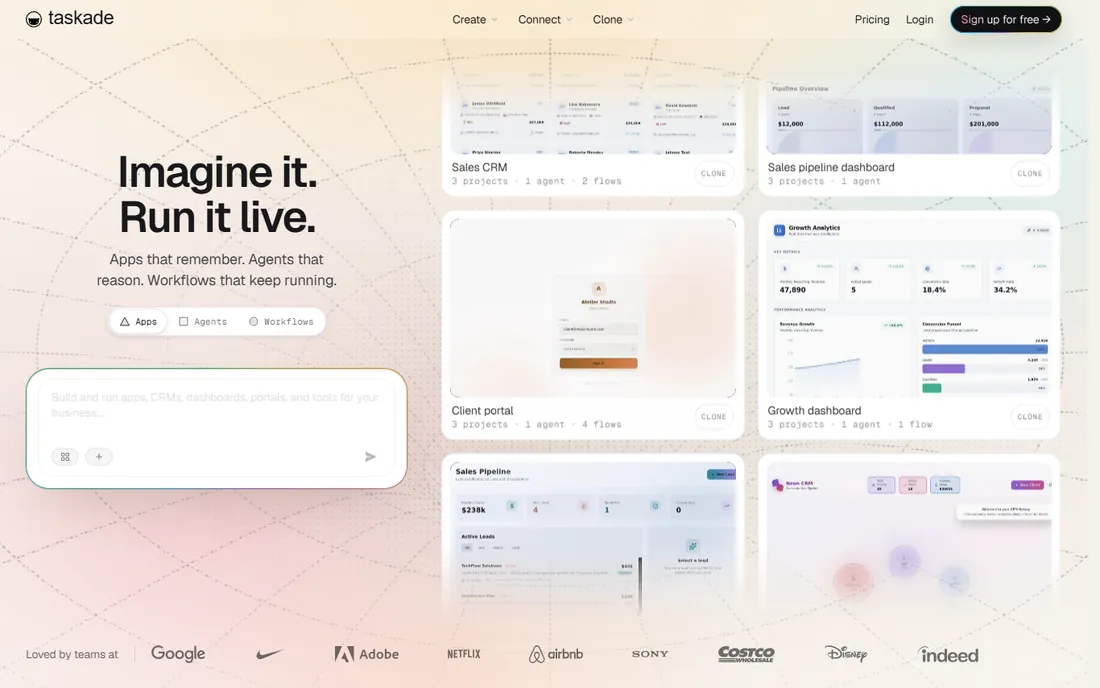
Taskade is the price disruptor on this list. Pro at $10 a month flat covers up to 10 users, and Business at $25 a month flat covers unlimited users, which makes the per-seat math absurdly favorable for small teams. The AI pitch goes beyond writing help: custom agents trained on your workspace that monitor tasks, generate content and run automations, plus a builder that turns prompts into small internal apps.
The trade-offs are maturity. Project customization, reporting and permission controls trail the big platforms, and heavy reporting users will feel it. For startups, agencies and remote teams that want AI doing real project work without a per-seat bill, Taskade is the value pick of 2026.
What we like- Flat pricing, not per seat, so a 10-person team costs $10 a month
- Custom AI agents with memory and automations
- Mind maps, Gantt and multiple views included
Watch out for- Reporting and permissions are weaker than Asana or ClickUp
- AI quality depends on the underlying models
- Smaller ecosystem of integrations
#8
Wrike
Best for: Large teams with complex, multi-layered projects
Visit wrike.com
Starting price$10/user/month (billed annually)
Free planYes
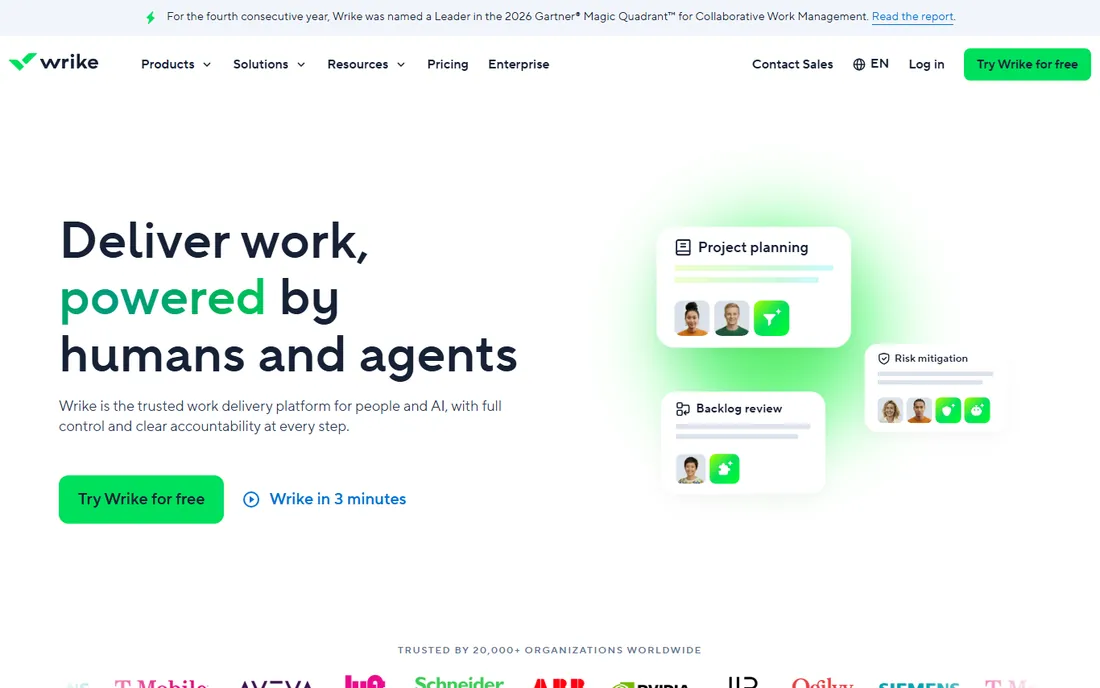
Wrike is the enterprise workhorse here. It manages programs with hundreds of projects, cross-functional dependencies and resource allocation without breaking, and its AI layer adds risk prediction, smart task suggestions and automated summaries. Starting at $10 a user a month billed annually with a free plan available, the entry price is reasonable for what it does.
Small teams should look elsewhere. Wrike's power comes with admin overhead, a steeper learning curve and an interface built for program managers, not for someone tracking a marketing calendar. It earns its place for organizations where project complexity is the problem and AI is the assistant, not the answer.
What we like- Handles high-volume, multi-project portfolios well
- AI features for risk prediction and smart replies
- Strong security and admin controls
Watch out for- Setup and admin overhead is real
- The interface feels heavy for small teams
- AI features are less central than the workflow engine
#9
Sunsama
Best for: Individuals who need a guided daily planning ritual
Visit sunsama.com
Starting price$22/month (Pro, billed monthly)
Free planFree trial (14 days)
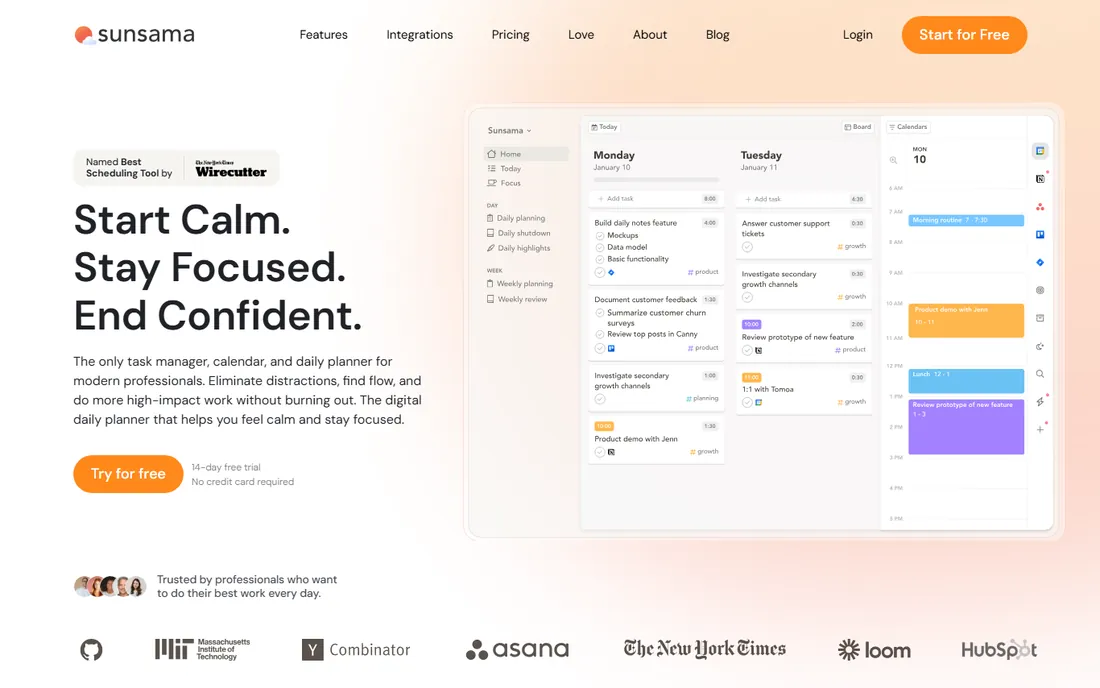
Sunsama takes the opposite approach from Motion. Instead of the AI planning your day, it walks you through planning it yourself: a morning ritual where you pull tasks from your tools into timeboxed blocks, and an evening shutdown that reviews what got done. Users who stick with the habit report the highest satisfaction in this category.
Be clear about what you are buying: discipline, not automation. There is no free plan, only a 14-day trial, and Pro runs $22 a month billed monthly or $17 billed annually. For professionals who overcommit and need structure they will actually follow, it works. For teams or anyone wanting the software to do the planning, Motion or Reclaim fit better.
What we like- The best guided planning flow on this list
- Pulls tasks from Asana, Trello, Gmail and more into one daily view
- Shutdown ritual helps people actually stop working
Watch out for- No free plan and no AI in the Motion sense, the value is the ritual
- $17 to $22 a month is steep for what is mostly manual planning
- Single-user focus
#10
Linear
Best for: Product and engineering teams that live in sprints
Visit linear.app
Starting priceFree; $8/user/month (Standard, billed annually)
Free planYes
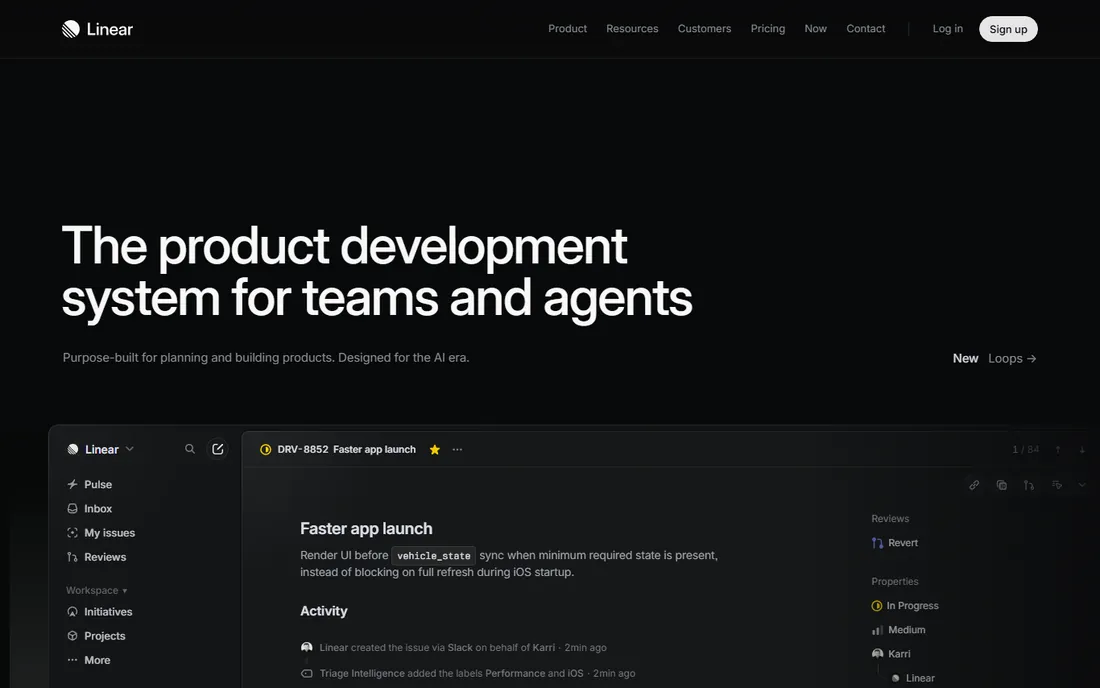
Linear is what happens when a project tool is designed by people who hate slow software. Issues fly, the keyboard does everything, and GitHub pull requests update issue status automatically. The AI layer adds triage assistance, duplicate detection and predicted completion times, plus an API designed for LLM integrations that generate backlogs.
The audience is narrow by design. Non-technical teams will find the vocabulary and workflows alien, and customization is deliberately limited. But for product and engineering teams, Linear at $8 a user a month billed annually with a generous free tier is the best AI-assisted tracker in its niche, and nothing on this list matches its speed.
What we like- The fastest, most keyboard-friendly tracker here
- AI-assisted triage, duplicate detection and completion estimates
- Excellent GitHub integration
Watch out for- Built for software teams, a poor fit for marketing or ops
- Opinionated workflows resist customization
- AI features are developer-flavored
How we chose
We defined AI project management as tools where AI changes the work, not tools with a chatbot bolted on. That split the field into AI-first products (Motion, Reclaim, Taskade, Sunsama) and platforms with meaningful AI layers (ClickUp, Asana, Monday, Notion, Wrike, Linear). For each, we verified current pricing on the vendor's own pricing page or on third-party pages citing the vendor page with a 2026 check date, noting where AI costs extra as an add-on. We weighed public review patterns on G2, Capterra and Reddit for reliability and support, checked which AI features are actually in the plan you pay for rather than gated higher, and matched each tool to a team type and size. No vendor paid for placement.
How much AI do you actually need?
Match the tool to the job, not the marketing. If your problem is scheduling, you need an auto-scheduler (Motion) or a calendar defender (Reclaim), and a project platform with AI summaries will not fix it. If your problem is status updates, meeting notes and task drafting, ClickUp Brain, Asana AI or Notion AI handle that at a fraction of Motion's price. If your problem is that projects themselves are chaotic, no AI layer saves a broken process; pick the platform that fits your workflow first (Asana, Monday, Linear) and treat AI as the bonus.
Also check who gets the AI. Several vendors gate their best AI features two or three tiers up, or sell them as a per-user add-on. A team of ten paying $10 a user for the platform plus $9 a user for the AI add-on is paying nearly double the headline price. Read the plan comparison table on the pricing page, not the marketing page, before you budget.
The AI price trap: add-ons and credit systems
The sneakiest cost pattern in this category is the split bill. ClickUp sells Unlimited at $7 a user a month and Brain as a separate add-on. Motion sells per-seat plans but rations AI usage through credits, with higher tiers carrying higher limits. Taskade includes AI generations in its flat price but caps the monthly allowance per tier. These are all legitimate models, but they make headline-price comparisons misleading.
Before you commit, get three numbers in writing or from the pricing page: the platform price per user, the AI add-on or tier uplift per user, and any usage caps or credit limits that trigger overages. Then multiply by your real seat count, not the minimum. A tool that looks cheapest at five users can be the most expensive at fifty.
Frequently asked questions
What is the best AI project management software for small teams?
ClickUp is the strongest pick: $7 a user a month billed annually for Unlimited, a usable free plan, and the Brain AI add-on for writing, triage and automation. Taskade is cheaper at $10 a month flat for up to 10 users if you want AI agents rather than a deep project platform. Both beat paying per-seat AI premiums at small scale.
Is Motion worth $29 a month?
It is worth it if auto-scheduling is your bottleneck and you will actually let the AI run your calendar. Solo users pay $29 a month billed annually ($49 month to month), which is steep for a task manager but reasonable for what is effectively a scheduling assistant. If you want the scheduling without the price, Reclaim.ai's free Lite plan covers the core calendar defense for nothing.
Do Asana, Monday and Notion include AI in their base plans?
Partially. All three include some AI features on paid plans, but the deeper capabilities, AI teammates, advanced automations, full AI writing suites, sit on higher tiers or cost extra as add-ons. Check the plan comparison on each vendor's pricing page, because the marketing pages blur the line between included AI and paid AI.
Can AI project management tools replace a project manager?
No. The AI handles repetitive work: scheduling, summaries, triage, status drafts. It does not handle stakeholder politics, priority judgment or accountability. Teams that buy these tools expecting to cut the PM role end up with well-organized chaos. The honest use case is giving your existing PM more reach, not replacing them.
Which AI project management tool has a free plan?
ClickUp, Asana (up to 2 users), Monday.com, Notion, Reclaim.ai (Lite), Taskade and Linear all offer free tiers, though AI features on free plans are limited. Motion and Sunsama offer only free trials. If you want to test AI scheduling for free, Reclaim.ai Lite is the only serious option.
What is the cheapest AI project management software?
Taskade at $10 a month flat for up to 10 users is the cheapest paid option with real AI agents included. ClickUp at $7 a user a month plus the Brain add-on is cheapest per user for teams already on the platform. For individuals, Reclaim.ai's free Lite plan costs nothing and handles AI calendar scheduling.
Sources we checked (14)
- https://www.usemotion.com/pricing/
- https://clickup.com/pricing/
- https://asana.com/pricing/
- https://monday.com/pricing/
- https://www.notion.com/pricing/
- https://reclaim.ai/pricing/
- https://www.taskade.com/pricing/
- https://wrike.com/pricing/
- https://www.sunsama.com/pricing/
- https://linear.app/pricing/
- https://focusbox.io/blog/ai-task-management-tools-comparison-2026/
- https://toolchase.com/blog/ai-tools-for-project-management/
- https://thedigitalprojectmanager.com/tools/easiest-ai-project-management-software/
- https://get-alfred.ai/blog/best-ai-task-management-tools
Is your product missing or out of date?
We review this list regularly. Vendors can request a listing, send updated pricing or ask about featured placement.

Shihab Mia · Founder, Rankite
Shihab has spent more than a decade helping SaaS and e-commerce brands grow through search. He writes Rankite's software buying guides from pricing pages, documentation and public user reviews. More about Shihab.