How we make this list: we compare pricing pages, product documentation and public user reviews. Rankite is independent; if a vendor ever pays for a featured spot, that listing is clearly labeled Partner.
Key takeaways
- Procore and Autodesk Build are the two enterprise anchors: both price against your company size (Procore by construction volume, Autodesk per user at about $1,625/user/year), and both require a sales call for a real quote.
- Residential builders should shortlist Buildertrend, Buildxact ($199/month) and Contractor Foreman ($49/month): all three speak the language of estimates, change orders and client communication.
- Fieldwire ($39/user/month) is the strongest pure field-execution tool, with a genuinely free plan for small teams, but you will still need separate systems for time, payroll and job costing.
- Three vendors on this list no longer publish prices (Procore, Buildertrend, JobNimbus): get the full first-year number, including seats and add-ons, in writing before you compare.
Quick comparison
| Tool | Best for | Starting price | Free plan |
|---|
 Procore Procore | Mid-size and large general contractors | See website (quote-based, priced on annual construction volume) | No |
 Buildertrend Buildertrend | Residential builders and remodelers | See website (quote-based; pricing removed from the site in 2025) | No |
 Autodesk Build Autodesk Build | Firms where BIM and design coordination drive the work | $1,625/user/year (Autodesk Build annual license) | Free trial |
 Contractor Foreman Contractor Foreman | Small contractors who want everything for one flat price | $49/month (Basic) | Free trial (30 days) |
 Fieldwire Fieldwire | Field teams that coordinate through plans and punch lists | $39/user/month (Pro, billed annually) | Yes (Basic: up to 3 projects, 5 users, 100 sheets) |
 JobNimbus JobNimbus | Roofing and exterior contractors who live in the CRM | See website (quote-based; no published prices) | Free trial (14 days) |
 Buildxact Buildxact | Custom home builders who estimate from plans | $199/month ($169/month billed annually, Foundation) | Yes (Go plan) |
 Knowify Knowify | Trade contractors who need QuickBooks to stay in sync | $99/month (Core, billed annually; $149 monthly) | Free trial (14 days) |
 RedTeam RedTeam | Commercial GCs that want one platform for the whole business | $165/month (RedTeam Go, billed annually; $199 monthly) | Free trial (30 days) |
Is your product missing or out of date?
We review this list regularly. Vendors can request a listing, send updated pricing or ask about featured placement.
The best construction scheduling software
A 20-person builder doing $1 to $5 million a year will collect quotes anywhere from $5,000 to $60,000 a year for construction management software, for products that all promise the same thing: schedules that stay current, budgets that stay honest, and a crew that reads the same plan. The gap is not features. It is the pricing model: some vendors charge per user, some by your annual construction volume, and some stopped publishing prices entirely.
Starting priceSee website (quote-based, priced on annual construction volume)
Free planNo

Procore is the default answer for serious general contractors, and it prices like it. Instead of per-seat licenses, Procore charges against your annual construction volume, the total dollar value of work under management, with unlimited users on every plan. Industry benchmarks put smaller contractors at $4,500 to $10,000 a year, mid-size firms at $20,000 to $60,000 or more, and enterprise deployments above $80,000, with implementation on top. Preconstruction (estimating, bid management) and financial management (job costing, budgets, invoicing) are separate paid modules, so the headline platform price is not the whole bill.
What you get for that is the most complete construction platform in this list: scheduling tied to budgets, RFIs, submittals, daily logs, quality and safety tools, and integrations with the accounting systems contractors actually run. If you manage multiple large projects and need one system of record, the price is defensible; if you run a five-person crew, it is not. Multiple contractors report double-digit renewal increases, so negotiate the escalation cap in the first contract.
What we like- Broadest feature set in the category, with project management, financials and preconstruction in one platform
- Unlimited users on every plan
- 24/7 support and a deep integration marketplace
Watch out for- No published pricing, so every quote starts with a sales call
- Reported 10 to 20 percent annual renewal increases once you are locked in
Starting priceSee website (quote-based; pricing removed from the site in 2025)
Free planNo
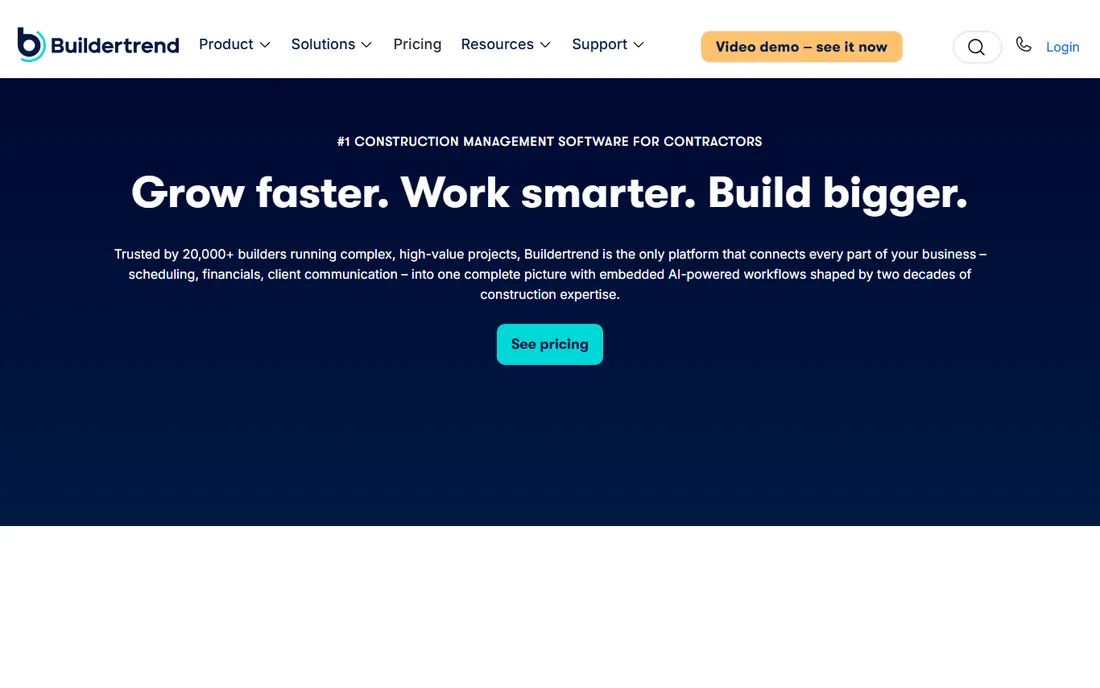
Buildertrend owns the residential side of this market. It is the tool home builders reach for when they need the whole job in one place: estimates, schedules, budgets, change orders, selections, warranty tracking and a client portal where homeowners approve choices and see progress. Unlimited users and projects on every tier means you never pay per seat, which matters when every sub and homeowner needs access.
The honest problem is buying it. Buildertrend pulled its pricing off the website in early 2025 and now quotes by annual construction volume. Its last published plans (December 2024) were Essential at $499 a month ($449 billed annually), Advanced at $799 ($719) and Complete at $1,099 ($989); Essential had no estimating, no change orders and no budget tracking. Third-party estimates put a 20-person builder at roughly $9,000 to $14,000 a year. Treat those figures as history, not a quote, and get the current number and renewal terms in writing.
What we like- Built specifically for home builders, with estimating, scheduling, selections, change orders and client communication in one place
- Unlimited users and projects
- Strong homeowner portal
Watch out for- No published prices since early 2025, so every buyer starts from a sales quote
- Contractors report price increases a few years into the platform
Starting price$1,625/user/year (Autodesk Build annual license)
Free planFree trial
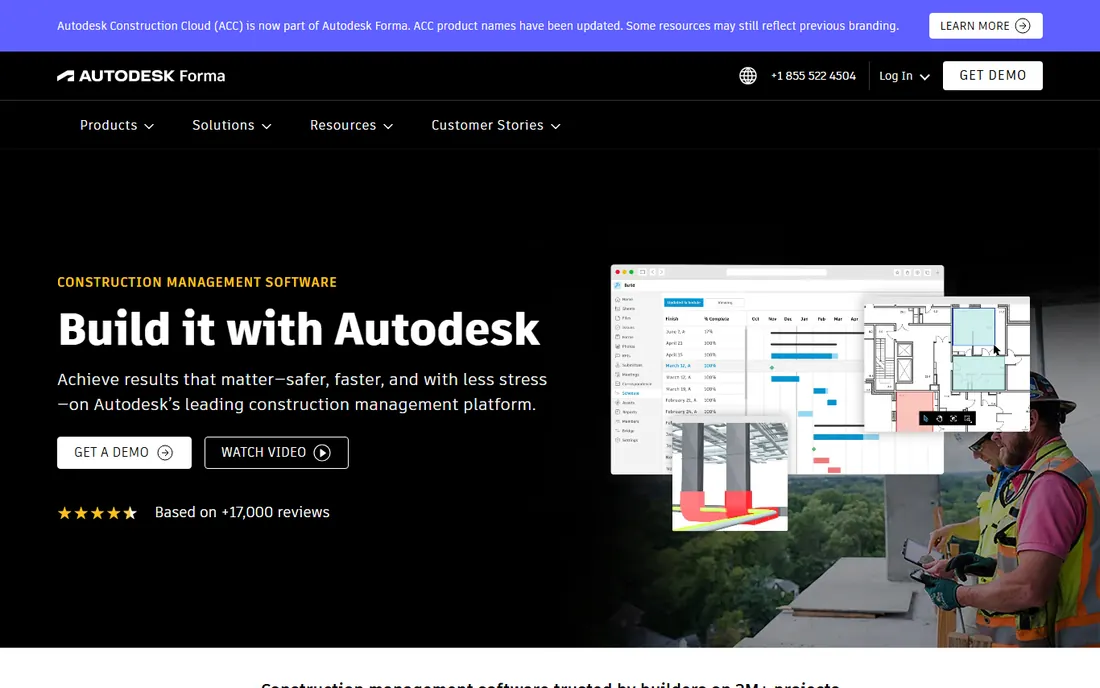
Autodesk Build is what PlanGrid grew up into, and it is the natural pick when design drives your construction work. Because it comes from the maker of Revit and AutoCAD, its model coordination, sheet management and design-to-field workflows are the deepest on this list. Field teams get mobile plan access with markups and versioning, RFIs and submittals; the office gets schedules, cost management and dashboards. It sits inside Autodesk Construction Cloud alongside Docs, BIM Collaborate and Takeoff, so firms already in the Autodesk world get more value than everyone else.
Pricing is per user, unlike Procore's volume model. Vendor-supplied data puts Autodesk Build at $1,625 per user per year on an annual license, with a free trial available. The math that matters is headcount: per-user pricing is friendly for a small office team and punishing for a 100-person field crew. Firms that need heavy BIM coordination accept the trade; firms that do not should not pay for it.
What we like- Deepest BIM and design-to-construction coordination of any tool here
- Plan and sheet management inherited from PlanGrid
- Tight integration with Revit and AutoCAD
Watch out for- Per-user pricing gets expensive for large field teams
- Financial management is lighter than a construction ERP
Starting price$49/month (Basic)
Free planFree trial (30 days)
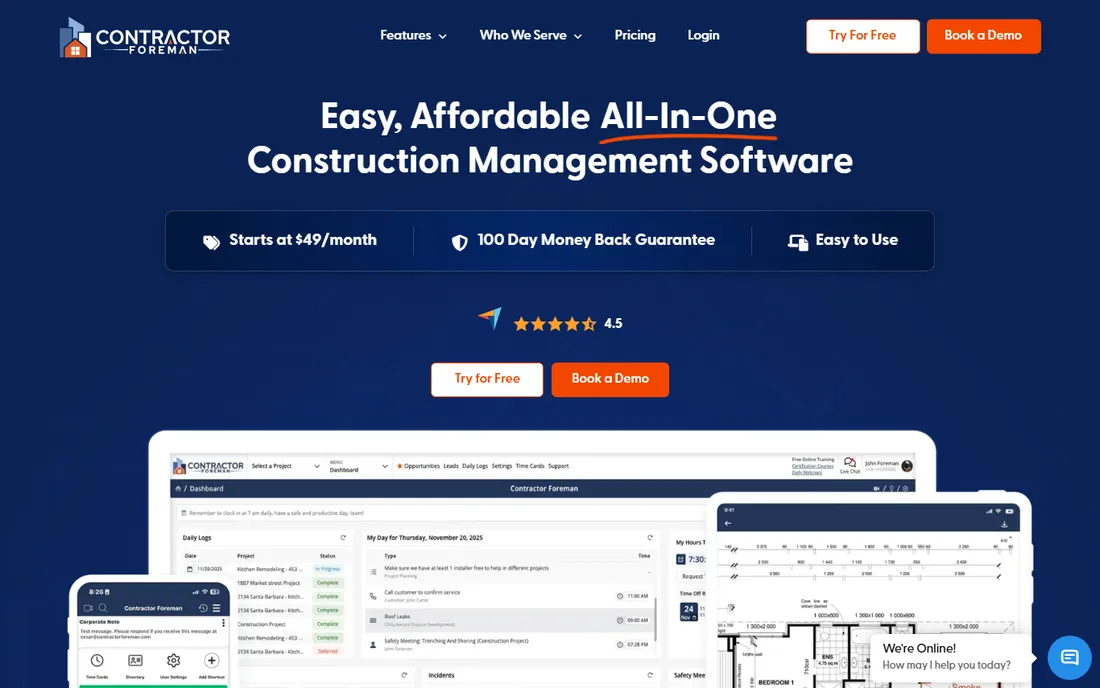
Contractor Foreman is the value play on this list, and it is not close. The Basic plan at $49 a month includes scheduling, daily logs, time cards, estimates, invoicing, change orders, subcontracts, equipment tracking and unlimited projects. Step up through Standard ($105), Plus ($166) and Pro ($221) for more users and features, with Unlimited at $332 for, as the name says, unlimited users. A 30-day free trial and a 100-day money-back guarantee on the upper plans lower the risk of trying it.
The trade is refinement. Reviews praise the breadth and the price and note that the interface is straightforward rather than beautiful, and that advanced needs like BIM are not here. But for small and mid-size contractors, the honest comparison is Contractor Foreman against spreadsheets, text threads and a whiteboard. On that comparison it wins by a mile.
What we like- Exceptionally broad feature set for the price, including estimates, scheduling, time cards, expenses and equipment tracking
- Published per-tier pricing
- QuickBooks integration from Standard up
Watch out for- Interface is utilitarian rather than polished
- No permanent free plan
#5
Fieldwire
Best for: Field teams that coordinate through plans and punch lists
Visit fieldwire.com
Starting price$39/user/month (Pro, billed annually)
Free planYes (Basic: up to 3 projects, 5 users, 100 sheets)
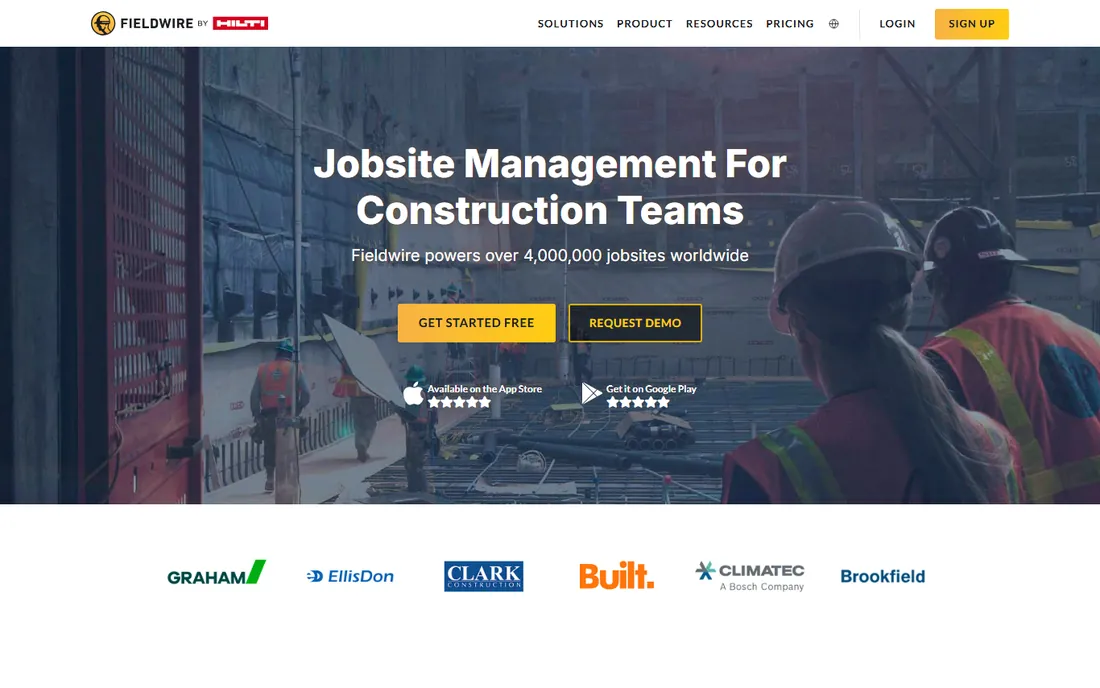
Fieldwire does one job extremely well: getting the right plan, task and punch list onto the phone of the person standing on the job site. Plan viewing and markup, task management, checklists, photos, files and mobile offline access all work on the free Basic plan, which covers 3 projects, 5 users and 100 sheets and never expires. That is enough to pilot a real job with a real crew, which is more than most free tiers allow.
Paid plans start at Pro ($39 per user per month billed annually, $54 monthly), which adds reports, exports, sheet compare and project templates; Business ($64/$79) adds custom forms, integrations and a BIM viewer; Business Plus ($89/$104) adds RFIs, submittals, change orders and budget. The honest catch is scope: Fieldwire is a field-execution tool, not a business system. You will still run scheduling, time tracking and job costing somewhere else, and every subcontractor you invite is another paid seat.
What we like- Genuinely useful free plan that never expires
- Excellent mobile plan viewing and markup with offline access
- Owned by Hilti, so it is not going anywhere
Watch out for- Every invited user is a paid seat, so costs climb with headcount
- No time clock, payroll or job costing, so it is a field tool, not a full system
Starting priceSee website (quote-based; no published prices)
Free planFree trial (14 days)
JobNimbus is the category pick for roofers, gutter, siding and home-exterior contractors. It thinks like a CRM with construction attached: leads come in, boards move them to estimates and jobs, automations chase follow-ups, and the field team works from the mobile app. That workflow fit is why it has a loyal following in the trades it serves, where generic construction platforms feel built for someone else.
Buying it requires patience. JobNimbus publishes no prices; all four tiers (Essentials, Pro, Premium, Enterprise) show request-pricing buttons. Third-party estimates put the base platform around $225 to $550 a month plus $20 to $75 per user per month by role, with texting as a separate $49 to $249 a month add-on, but those estimates come from competing vendors and review sites, not from JobNimbus, and they disagree. Budget a practical $300 to $1,000-plus a month for a mid-size team, and get every component (base fee, seats, add-ons, renewal price, processing, services, contract term) in writing before you sign.
What we like- Built for roofing and exterior trades, with boards, automations and integrations that match that workflow
- Strong lead-to-job pipeline
- QuickBooks integration
Watch out for- No published pricing at all, and third-party estimates disagree with each other
- Texting and communications are separate paid add-ons
Starting price$199/month ($169/month billed annually, Foundation)
Free planYes (Go plan)
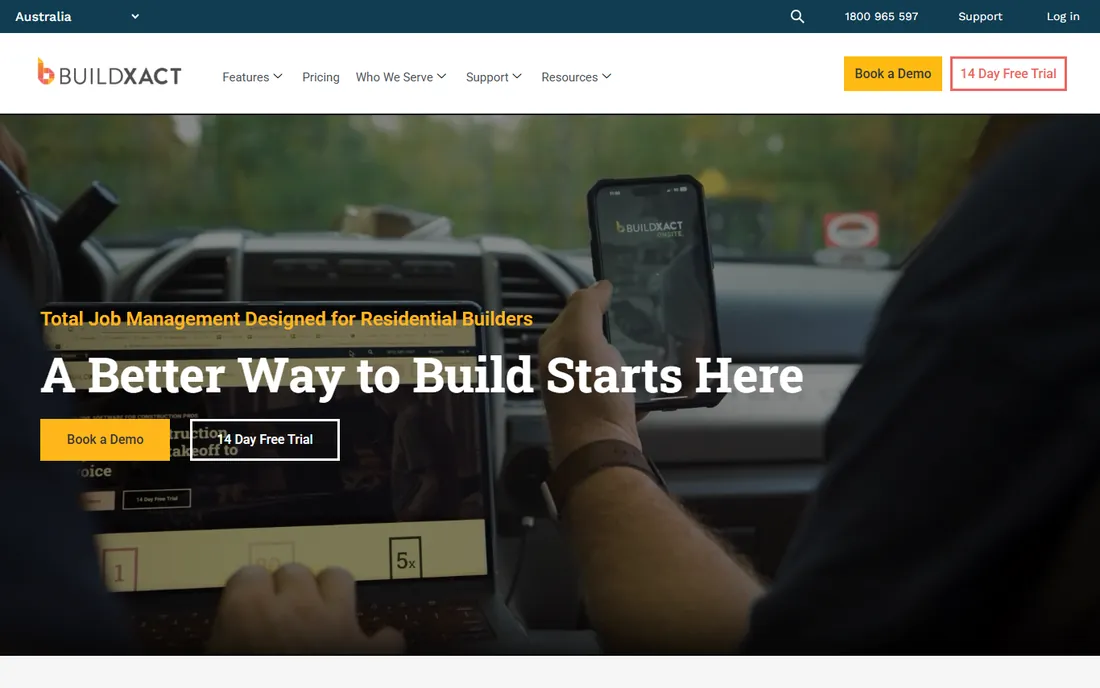
Buildxact's pitch is the handoff from estimate to actuals, and it is the strongest tool on this list for that specific transition. Digital takeoff builds the estimate; the estimate becomes the baseline for tracking estimated, committed and actual costs during construction; purchase orders create committed costs before the supplier invoice arrives. For custom builders and remodelers, that connected workflow is the difference between a quoting tool and a costing tool.
The pricing page is public and simple. A free Go plan gets you started; Foundation at $199 a month ($169 billed annually) covers estimating with digital takeoffs; Pro at $399 ($339) adds project management and scheduling; Master at $599 ($509) adds full AI tools, user controls and priority support. The catch is that the scheduling features live in Pro and Master, so price the plan you actually need. Commercial contractors should look elsewhere; this is a residential tool.
What we like- Digital takeoff flows straight into estimating and then into job costing
- Honest published pricing with a free Go tier
- Blu AI assembly assistant on paid plans
Watch out for- Job-management features concentrate in the higher plans
- Designed for residential builders, not commercial GCs
#8
Knowify
Best for: Trade contractors who need QuickBooks to stay in sync
Visit knowify.com
Starting price$99/month (Core, billed annually; $149 monthly)
Free planFree trial (14 days)
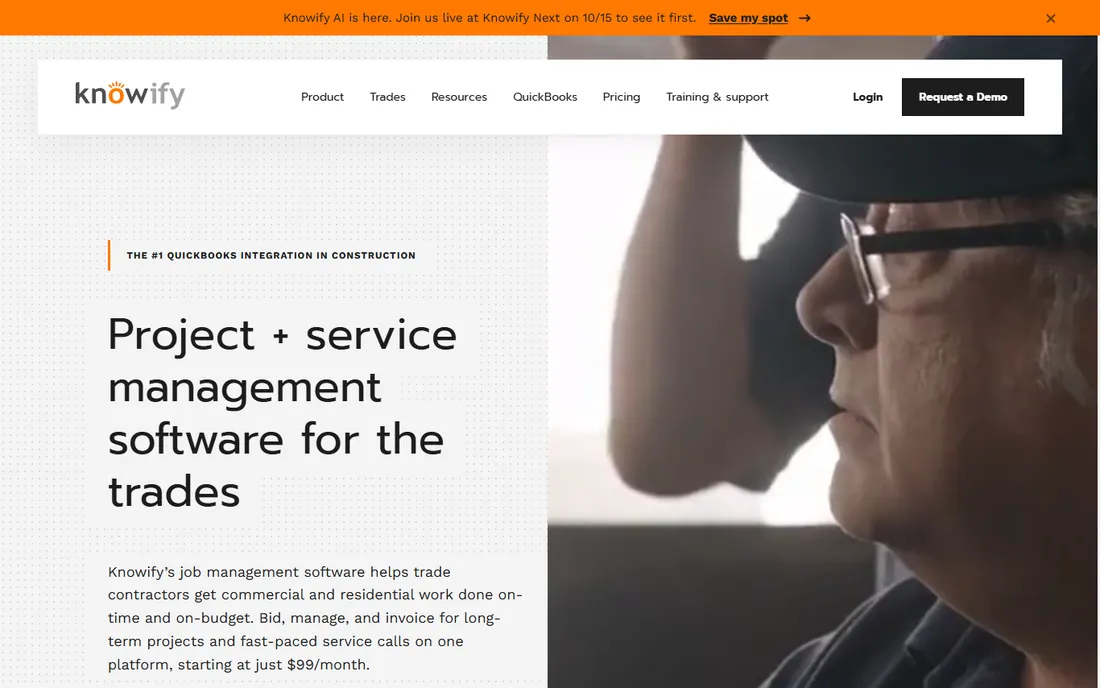
Knowify is built for trade contractors: electricians, plumbers, HVAC firms, painters and remodelers who bid, run and invoice jobs and need QuickBooks Online to reflect all of it. The integration is the product's center of gravity. Estimates, time entries, expenses and invoices sync with QuickBooks in both directions, which removes the double entry that eats hours in a trade shop every week.
Knowify publishes its pricing, a genuine advantage in this category. Core at $99 a month billed annually ($149 monthly) includes one user with extra seats at $29 a month; Advanced at $329 ($399 monthly) includes 10 users and adds job costing, project planning and real-time WIP reporting; Enterprise is quote-based. A $99-a-month Service Pro add-on covers service dispatch. Every plan includes a 14-day free trial with no contract and no implementation fee. The honest math: a 10-person shop needing job costing lands on Advanced at $329 plus extra seats, so count your users before you compare the sticker price.
What we like- Deepest native QuickBooks integration in construction software, with estimates, time and invoices syncing both ways
- Published pricing with no contract and no implementation fee
- Real WIP reporting on Advanced
Watch out for- Lower plans cap active jobs and users
- Job costing and WIP start at Advanced ($329/month)
#9
RedTeam
Best for: Commercial GCs that want one platform for the whole business
Visit redteam.com
Starting price$165/month (RedTeam Go, billed annually; $199 monthly)
Free planFree trial (30 days)
RedTeam sells breadth. The full platform covers the commercial GC's whole business: bid management, scheduling, budget management, change orders, submittals, field management, cost control and customer billing, with unlimited users, unlimited projects and unlimited storage on one plan. Integrations include QuickBooks, Sage, DocuSign and Levelset. For a commercial contractor that wants one system instead of five subscriptions, that scope is the argument.
Pricing has two faces. RedTeam Go, the lighter entry product, publishes a Bidding plan at $165 a month billed annually ($199 monthly) with a 30-day free trial. The full RedTeam platform is quote-based, with third-party figures around $4,200 a year, and the Go price is not the platform price. Confirm which product a quote covers before you compare it against Procore or Autodesk Build. Like its enterprise rivals, RedTeam rewards firms that will actually use the breadth. If you will use a third of it, buy something smaller.
What we like- True all-in-one scope, covering business development, preconstruction, project management, cost control, billing and field
- Unlimited users and projects on the full platform
- QuickBooks and Sage integrations
Watch out for- The full platform is quote-based with a higher entry point than the Go price suggests
- Smaller firms may find the breadth overwhelming
How we chose
We read what contractors actually complain about. We went through each vendor's pricing page and plan documentation, public reviews on G2, Capterra and Software Advice, long contractor threads on Reddit and trade forums, and the published feature lists and integration pages. We excluded CoConstruct, which stopped selling to new customers in 2026 and now routes buyers to Buildertrend, and several niche tools whose scheduling is an afterthought. Where vendors publish no prices, we said so plainly and used dated third-party benchmarks only as estimates, clearly labeled. Every price above was current in October 2026; in this category, confirm the live page before you budget, because several vendors have pulled pricing from their sites this year.
How the pricing models actually work
Construction software pricing falls into three models, and the model matters more than the number. Per-user pricing (Autodesk Build, Fieldwire, Contractor Foreman's seat tiers) is simple to budget and punishes you for growing headcount: every sub, admin and field hand you invite raises the bill. Volume pricing (Procore, Buildertrend, RedTeam Go's APV option) charges against your annual construction volume or active project volume with unlimited users, which is cheaper for big crews and means your bill grows when your revenue grows. Quote-only pricing (Procore, Buildertrend, JobNimbus, RedTeam's full platform) means you negotiate, and the first quote is the starting bid, not the price.
Before you sign anything, normalize every option to one number: the first-year total including seats, modules, implementation, training and add-ons like texting or payment processing, divided by twelve. Contractors consistently underbudget implementation and renewal increases. Ask for the renewal cap in writing, ask what happens to your data if you leave, and ask which features in the demo require a higher tier. The demo always shows the top plan.
Where buyers get burned
The same four traps appear in contractor reviews across every platform. First, the missing module: the scheduling demo looks complete, but estimating or job costing is a separate paid module, and the quote doubles. Second, the per-seat creep: free collaborators turn out to be view-only, and anyone who edits anything needs a paid seat. Third, the implementation bill: onboarding, data migration and training are rarely in the headline price and can run from hundreds to tens of thousands of dollars. Fourth, the renewal increase: several vendors raise prices 10 to 20 percent a year once switching costs are real.
The defense is boring and it works. Run the same real project through two trials, not the sample data. Put your own schedule, your own cost codes and your own crew in the trial, and see which tool survives contact with your actual week. Check data export before you commit, because the export quality is what determines whether you can ever leave. And talk to two current customers of similar size before you sign anything over $10,000 a year. The sales demo will not tell you what the renewal quote looks like.
Frequently asked questions
How much does construction scheduling software cost?
Small-crew tools start around $49 a month (Contractor Foreman) to $199 a month (Buildxact). Mid-market platforms typically run $5,000 to $15,000 a year for a 20-person team. Enterprise platforms like Procore start around $10,000 a year for small firms and reach $60,000 or more for mid-size contractors, with implementation extra. Three major vendors publish no prices at all, so treat any number you see online as an estimate until you have a written quote.
What is the best construction scheduling software for small contractors?
Contractor Foreman ($49/month) offers the most features per dollar for small crews, with scheduling, estimates, time cards and equipment tracking included. Buildxact ($199/month) is better if estimating from plans is the core of your business. Fieldwire's free plan is worth a look for field coordination on a budget. All three publish their prices, which makes them easier to evaluate than the quote-based enterprise tools.
Is Procore worth the price?
For mid-size and large general contractors managing multiple concurrent projects, Procore's breadth, unlimited users and integration ecosystem usually justify the cost, which starts around $10,000 a year for smaller firms. For small crews and residential builders, it is almost certainly overkill: you pay for financial management, preconstruction modules and enterprise support you will not use. Get the renewal escalation cap in writing before you sign.
Why do some construction software vendors hide their pricing?
Volume-based and quote-based pricing lets vendors price against your company's revenue rather than your seat count, which maximizes what larger firms pay. It also makes comparison shopping harder, which benefits the vendor. Vendors that publish prices (Contractor Foreman, Buildxact, Knowify, Fieldwire) tend to compete on value; vendors that hide prices compete on sales process. Neither approach tells you anything about the product itself.
Can I switch construction software later?
Yes, but it is expensive, which is why vendors invest in the sales process. Before committing, check the data export options and confirm your schedules, budgets, documents and photos can leave in a usable format. Ask for the export process in writing during the trial, not after you have paid for three years. Migration costs for mid-size firms typically run into the thousands of dollars in labor alone.
Do I need separate software for scheduling, accounting and field management?
It depends on the platform you choose. All-in-one tools like Procore, RedTeam and Buildertrend cover scheduling, financials and field work in one subscription. Field-execution tools like Fieldwire handle the job site but need a separate home for time tracking, payroll and job costing. Trade contractors often pair a job platform like Knowify with QuickBooks. Price the whole stack, not just the scheduling tool, before you decide.
Sources we checked (19)
- https://www.itqlick.com/procore/pricing
- https://projul.com/competitors/procore-vs-buildertrend/
- https://projul.com/competitors/buildertrend-vs-coconstruct/
- https://downtobid.com/blog/buildertrend-pricing
- https://www.bookedsolidcopy.com/the-automation-journal/what-buildertrend-procore-and-knowify-actually-cost
- https://www.g2.com/products/autodesk-forma-formerly-autodesk-construction-cloud/pricing
- https://www.comparethecloud.net/articles/procore-or-autodesk-construction-cloud-for-uk-contractors-running-cis-subcontrac
- https://www.g2.com/products/contractor-foreman/pricing
- https://slashdot.org/software/comparison/Buildxact-vs-Contractor-Foreman/
- https://www.workyard.com/compare/fieldwire-review
- https://www.g2.com/products/fieldwire-by-hilti/pricing
- https://www.itqlick.com/jobnimbus/pricing
- https://myquoteiq.com/jobnimbus-pricing-breakdown-2025/
- https://www.g2.com/products/buildxact/pricing
- https://www.buildxact.com/us/blog/takeoff-software/
- https://www.g2.com/products/knowify/pricing
- https://knowify.com/knowify-vs-servicetitan/
- https://justwebworld.com/knowify-pricing-and-features-for-streamlined-project-management/
- https://softwarefinder.com/construction/redteam-go
Is your product missing or out of date?
We review this list regularly. Vendors can request a listing, send updated pricing or ask about featured placement.

Shihab Mia · Founder, Rankite
Shihab has spent more than a decade helping SaaS and e-commerce brands grow through search. He writes Rankite's software buying guides from pricing pages, documentation and public user reviews. More about Shihab.