How we make this list: we compare pricing pages, product documentation and public user reviews. Rankite is independent; if a vendor ever pays for a featured spot, that listing is clearly labeled Partner.
Key takeaways
- Procore and Autodesk Construction Cloud dominate large commercial projects but keep pricing quote-based, so expect enterprise contracts and long implementations.
- Buildertrend (from $99/month), CoConstruct (from $49/month) and Houzz Pro ($99/month) are the main options for residential builders and remodelers.
- Fieldwire ($29/user/month) is the best value for field-first teams that mainly need plans, tasks and punch lists on mobile.
- Contractor Foreman ($49/month) undercuts nearly everyone on price, while Buildern ($225/month) targets growing builders with free field-worker seats.
Quick comparison
| Tool | Best for | Starting price | Free plan |
|---|
 Procore Procore | Large commercial projects and general contractors | See website (custom quote) | No |
 Autodesk Construction Cloud Autodesk Construction Cloud | Design-build firms deep in Autodesk tools | See website (custom quote) | No |
 Buildertrend Buildertrend | Residential builders wanting an all-in-one | From $99/month | No |
 CoConstruct CoConstruct | Custom builders and remodelers | From $49/month | No |
 Fieldwire Fieldwire | Field teams needing plans and tasks on mobile | $29/user/month (Pro plan) | Yes |
 JobNimbus JobNimbus | Roofers and exterior contractors | See website (custom quote) | No |
 Buildern Buildern | Growing builders with office plus field crews | $225/month (Starter plan, 2 seats) | Free trial (7 days) |
 Houzz Pro Houzz Pro | Residential pros wanting leads plus management | $99/month (Essential plan, annual billing) | Free trial |
 Contractor Foreman Contractor Foreman | Budget-conscious contractors wanting everything | $49/month | Free trial |
Is your product missing or out of date?
We review this list regularly. Vendors can request a listing, send updated pricing or ask about featured placement.
The best construction software
A general contractor is running three job sites at once. The schedule lives in a spreadsheet on his office computer. The subs text him photos that disappear into his camera roll. The client calls asking why the tile is not done, and he has to drive to the site to find out. At night he retypes the day's notes into invoices. Every job makes money on paper and chaos in practice.
Construction software exists to put the job site in everyone's pocket. These platforms combine scheduling, task management, plan viewing, daily logs, RFIs, change orders, budgeting and client communication in one system that works as well on a phone in the field as on a desktop in the office. The nine below are the strongest options in 2026, from enterprise platforms to budget picks.
#1
Procore
Best for: Large commercial projects and general contractors
Visit procore.com
Starting priceSee website (custom quote)
Free planNo

Procore is the industry standard for commercial construction, and its breadth is the reason. Project management, quality and safety, workforce management, financials, bidding and analytics run in one platform, with owners, GCs and subs collaborating in the same environment. For a general contractor running multi-million-dollar projects with dozens of subcontractors, nothing else coordinates at the same scale.
The honest catch is that Procore is an enterprise purchase. Pricing is custom-quoted, annual contracts are the norm, and implementation is a multi-month project that needs internal ownership. Small residential builders will find it overwhelming and overpriced. But for commercial GCs, it is the platform the rest of the industry has standardized around, and that network effect matters.
What we like- Broadest platform in the category, from bidding to closeout
- Strong subcontractor and owner collaboration tools
- Huge app marketplace and integration ecosystem
Watch out for- Quote-only pricing with enterprise-level costs
- Implementation takes months and needs dedicated admins
- Overkill for small residential contractors
Starting priceSee website (custom quote)
Free planNo
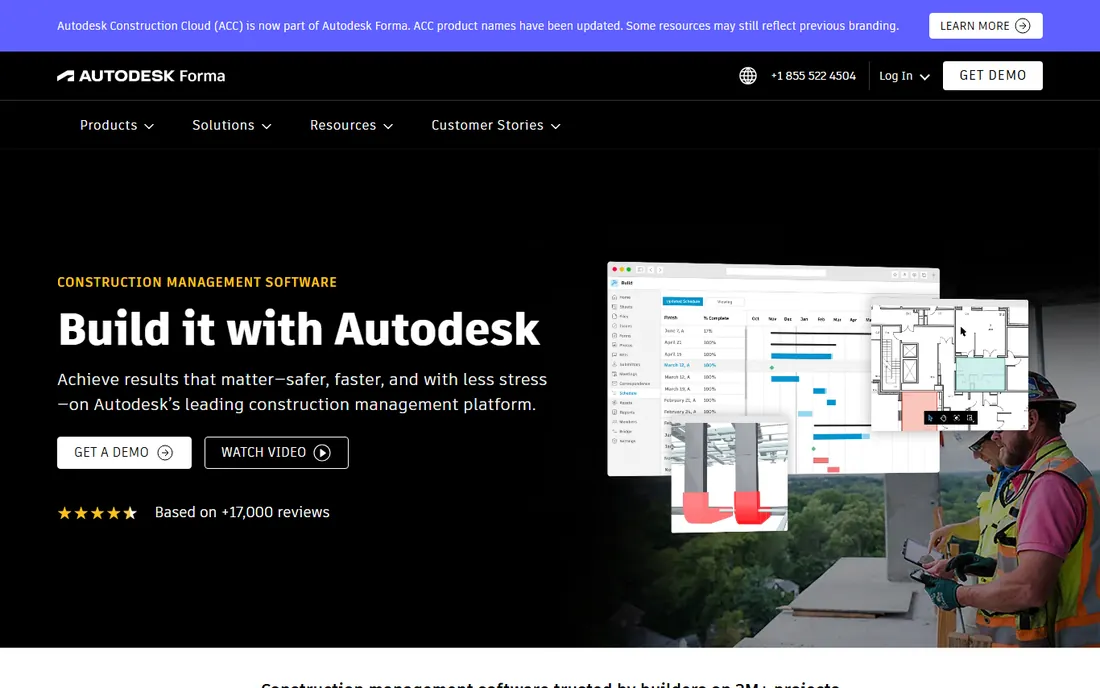
Autodesk Construction Cloud is the platform for firms where the model is the project. Built around Autodesk Docs, it connects design coordination in BIM with field execution, cost management and closeout, so the 3D model, the drawings and the punch list stay in sync. Design-build firms and large GCs already running Revit get the most from it, since the ecosystem integration is the point.
The tradeoffs are familiar for enterprise construction tech: custom quotes, significant implementation effort, and a platform that assumes a certain scale. Smaller contractors will find the BIM-centric approach heavier than they need. But when coordination between design and field decides the job's profitability, Autodesk's model-first approach is unmatched.
What we like- Deepest BIM and design coordination in the category
- Docs, Build and Takeoff modules cover the full lifecycle
- Natural fit for firms already on Revit and AutoCAD
Watch out for- Quote-based pricing
- Complexity suits larger firms
- Best value requires commitment to the Autodesk ecosystem
Starting priceFrom $99/month
Free planNo
Buildertrend is the all-in-one for home builders and remodelers. Scheduling, budgeting, client communication, selections, change orders, warranty management and payments live in one system, with a client portal that keeps homeowners informed without phone calls. Starting at $99 a month, it aims at builders running multiple concurrent projects who need everything under one roof.
The honest catch is commitment. There is no free trial, the learning curve is significant, and the price reflects the breadth: a two-person remodeling shop may pay for features it never touches. Implementation takes real effort, particularly around the QuickBooks integration. For established residential builders, though, it is the most complete package in its price band.
What we like- Deepest all-in-one feature set for residential construction
- Client portal, selections and warranty management included
- Strong QuickBooks integration
Watch out for- Pricing starts at $99 a month with no free trial
- Learning curve is real for the full feature set
- Smaller contractors may find it more than they need
Starting priceFrom $49/month
Free planNo
CoConstruct takes a builder-friendly approach to pricing: you pay based on active job sites with client access, starting from $49 a month on the Ramp plan, so slow months cost less. Estimates and proposals for unlimited projects are included, meaning you only pay full price when you win the contract. A dedicated implementation coach, NAHB-based templates and unlimited users come standard.
The tradeoff is scope. CoConstruct is narrower than Buildertrend, focused on the builder-client workflow rather than trying to be a full ERP. There is no free trial, and the project-based pricing needs a conversation to map to your business. For custom home builders and remodelers who like paying in step with their workload, the model is genuinely fair.
What we like- Pricing based on active jobs means you pay when you win work
- Dedicated implementation coach and industry templates included
- Unlimited users, storage and warranty projects
Watch out for- No free trial
- Per-project pricing model takes explaining
- Narrower feature set than Buildertrend
Starting price$29/user/month (Pro plan)
Free planYes
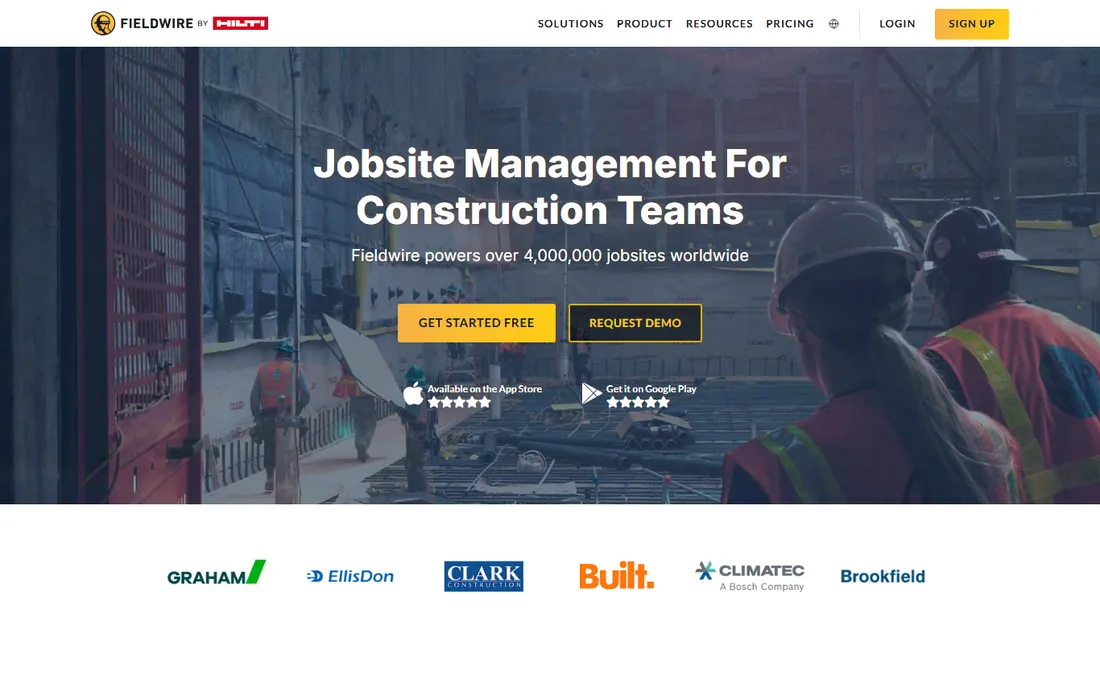
Fieldwire, now owned by Hilti, is the field-first pick. It does one job extremely well: getting the current plans, tasks, punch lists and RFIs onto every phone on the job site. The free Basic plan covers viewing, task management, messaging and file sharing for up to 3 projects, and Pro at $29 per user per month unlocks unlimited projects with sheet compare, reports and integrations.
The honest catch is that Fieldwire is a field tool, not a business system. There is no CRM, no estimating, no accounting; it assumes the office runs something else. For supers, foremen and subs who live on site, that focus is the virtue: it is the easiest tool here to get a crew actually using. Pair it with office software and the combination covers the whole job.
What we like- Free Basic plan covers viewing, tasks and messaging
- Best-in-class plan viewing with versioning on mobile
- Simple per-user pricing that scales cleanly
Watch out for- Not a full business management system (no CRM or accounting)
- Advanced features need Business or Premier tiers
- Now part of Hilti, which shapes the roadmap
Starting priceSee website (custom quote)
Free planNo
JobNimbus owns the roofing niche. It combines CRM, project boards, automations and integrations with measurement tools like EagleView into a workflow built for how roofers actually sell and produce jobs. The board view, automated follow-ups and production tracking match the trade's rhythm better than generic construction software.
The honest catch is pricing opacity and stacking. JobNimbus does not publish prices; the cost layers across a CRM base plan, a separate Engage subscription for texting, and per-user seats for everyone including subs. A solo operator can land near $350 a month all-in. Roofers and exterior contractors consistently say the trade-specific fit is worth it, but go in with eyes open about the total.
What we like- Purpose-built for roofing and exterior trades with measurements integrations
- Strong CRM-to-production workflow
- Boards and automations fit trade workflows
Watch out for- Does not publish pricing
- Costs stack across CRM, Engage texting and per-user seats
- Best fit is narrow to its core trades
Starting price$225/month (Starter plan, 2 seats)
Free planFree trial (7 days)
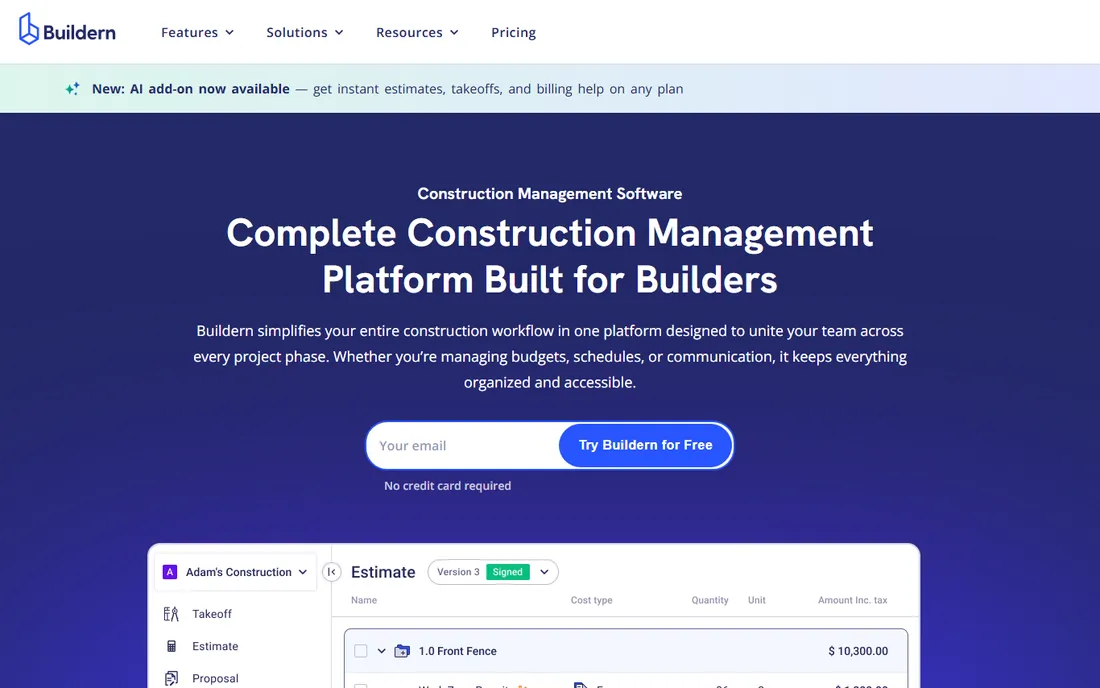
Buildern is the modern challenger for residential and light commercial builders. Starter at $225 a month includes 2 paid seats, with Professional at $360 for 4 seats, and the clever part is that field workers, subcontractors and vendors are free forever. Estimates, budgets, schedules, takeoffs, RFIs and QuickBooks or Xero integrations come standard, with AI credits for estimating and insights.
The tradeoff is the entry price: $225 a month is real money for a small builder, and the 7-day trial barely covers a proper evaluation. The ecosystem is also younger than Buildertrend's. But the seat model is genuinely contractor-friendly (stop paying for every laborer with a phone), onboarding is free, and there are no contracts. Growing builders outgrow the per-user pricing of rivals fast, which is exactly Buildern's pitch.
What we like- Field workers, subs and vendors are free and do not count as seats
- AI-assisted estimating and budget insights
- Free onboarding and no contracts
Watch out for- $225 a month entry is steep for small shops
- Younger company with a smaller ecosystem
- 7-day trial is short for a proper evaluation
#8
Houzz Pro
Best for: Residential pros wanting leads plus management
Visit houzz.com
Starting price$99/month (Essential plan, annual billing)
Free planFree trial

Houzz Pro bundles two products: project management software and exposure to Houzz's 80+ million monthly homeowner visitors. The software covers CRM, estimates, 3D floor plans, takeoffs, project management, invoicing and a client portal. Essential is $99 a month on annual billing ($149 monthly), with Pro at $159 annual for more marketing features.
The honest catch is the marketplace side. Contractors report mixed lead quality, some plans add per-lead fees on top of the subscription, and cancellation stories in forums are worth reading before signing an annual contract. As pure software, it is a competent all-in-one for residential pros. Buy it for the software first; treat the lead generation as a bonus, not the reason.
What we like- Combines business management with Houzz's homeowner marketplace exposure
- Full lifecycle from marketing and CRM to invoicing
- 3D floor plans and takeoffs included
Watch out for- $149 a month on monthly billing
- Lead quality from the marketplace gets mixed reviews
- Cancellation complaints appear in contractor forums
Starting price$49/month
Free planFree trial
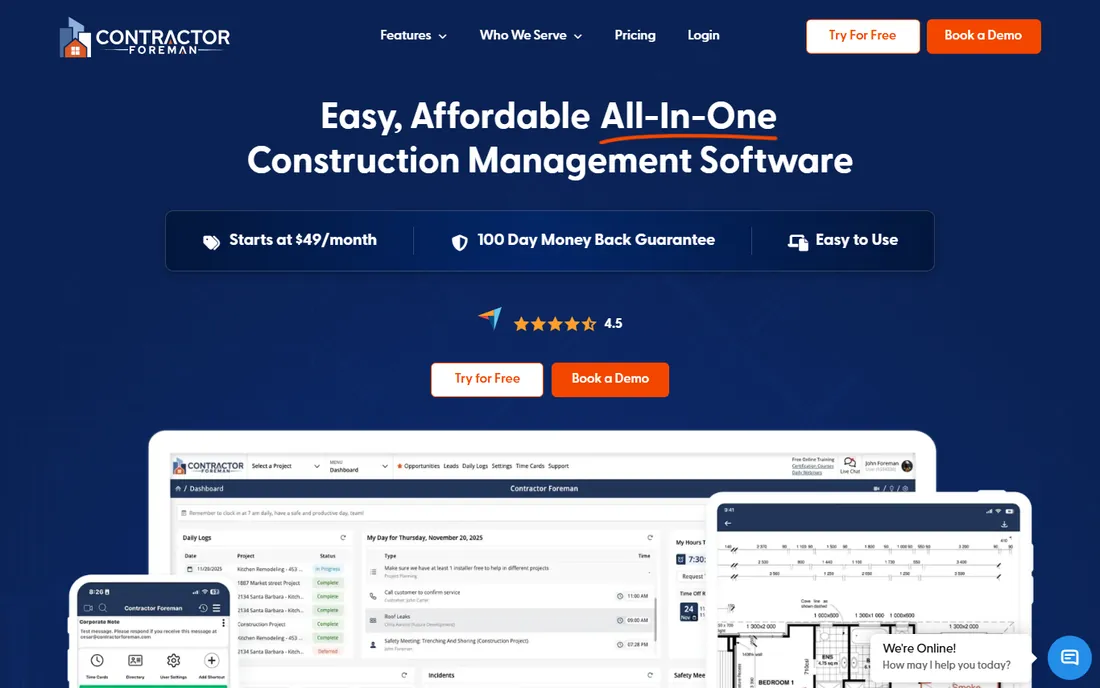
Contractor Foreman is the value disruptor of this list. For $49 a month per company (not per user), you get estimates, invoices, online payments, scheduling, time tracking, daily logs, safety forms, equipment tracking and QuickBooks integration. Nothing else with this breadth costs this little, and the per-company pricing means the whole crew can use it without seat math.
The tradeoffs are polish and ecosystem. The interface is workmanlike, onboarding is lighter than Buildertrend's coached setup, and the integration list is shorter. But for the contractor who looks at $300-a-month software and sees money better spent on materials, Contractor Foreman covers the real workflows at a price that is hard to argue with.
What we like- Cheapest full-featured option here at $49 a month per company
- Estimates, invoices, scheduling, time tracking and daily logs included
- QuickBooks integration
Watch out for- Interface is functional rather than polished
- Support and onboarding are lighter than premium rivals
- Fewer third-party integrations
How to choose construction software without overbuying
Start with your trade and project size, because construction software splits three ways. Commercial GCs need Procore or Autodesk. Residential builders and remodelers need Buildertrend, CoConstruct, Buildern or Houzz Pro. Trade contractors (roofing, HVAC, electrical) need trade-specific tools like JobNimbus. Field-only needs are served by Fieldwire. Buying commercial software for residential jobs, or the reverse, is the classic expensive mistake.
Then decide who actually has to use it. Software the crew will not open is worthless, so the field experience matters more than the office dashboard. Put the mobile app in a foreman's hands during the trial and watch. If he cannot log a daily report or pull up the current plan set in two minutes, keep looking.
Finally, map the money flow. Estimates, change orders, invoices, payments and QuickBooks sync are where construction software earns its keep or fails. Demo the full cycle with a real past job: estimate it, schedule it, change-order it, invoice it. The platform that handles change orders cleanly will save more money than any other feature on the list.
How this list was put together
This list was built from vendor pricing pages, published plan comparisons and contractor reviews on G2, Capterra and trade forums, with prices verified in October 2026. Procore, Autodesk Construction Cloud and JobNimbus do not publish pricing on their own sites and are listed accordingly. Every tool here is an active product sold to US contractors today.
No hands-on testing was involved and no vendor paid for placement. The selection weights trade fit, field usability, scheduling and financial depth, pricing transparency and the strength of contractor reviews. Both enterprise platforms and budget options are included because a two-person remodeling shop and a commercial GC need fundamentally different tools.
The per-user trap in construction pricing
Construction has a seat problem: the office has five people, but the field has fifty. Per-user pricing (Fieldwire at $29, most enterprise tools) means every laborer with the app costs money every month, which is why crews end up sharing logins, and shared logins destroy accountability and audit trails.
Check the seat model before you buy. Buildern and Contractor Foreman explicitly make field workers free or charge per company, which is why they win on total cost for crew-heavy operations. CoConstruct includes unlimited users. If a vendor charges per user, ask about field-worker or read-only seats; many have cheaper tiers they do not advertise. The sticker price per user is meaningless until you multiply it by everyone who will actually log in.
Frequently asked questions
What is the best construction software for small contractors?
Contractor Foreman at $49 a month per company is the cheapest full-featured option. CoConstruct (from $49/month) suits custom builders, Fieldwire's free plan covers basic field coordination, and Buildertrend (from $99/month) is the most complete for residential builders who can use its full depth.
How much does construction management software cost?
It ranges from free (Fieldwire Basic) to custom enterprise quotes (Procore, Autodesk). Typical small-contractor tools run $49 to $360 a month: Contractor Foreman $49, CoConstruct from $49, Buildertrend from $99, Houzz Pro $99-$149, Buildern $225-$360. Enterprise platforms are usually quoted annually in the five figures.
Is Procore worth it for a small construction company?
Usually not. Procore is built for commercial projects with many stakeholders, and its pricing, implementation effort and complexity assume that scale. Small residential contractors get more value from Buildertrend, CoConstruct or Buildern at a fraction of the cost and setup time.
Can construction software replace QuickBooks?
No. Every tool here integrates with QuickBooks rather than replacing it. The construction platform runs the job (scheduling, tasks, daily logs, change orders); QuickBooks remains the accounting system of record. The quality of that integration, especially around job costing and invoicing, is one of the most important things to evaluate.
Do I need separate software for estimating?
Not necessarily. Buildertrend, Buildern, Houzz Pro and Contractor Foreman all include estimating, and Buildern adds AI-assisted takeoffs. Dedicated takeoff tools still win for complex commercial estimating, but most residential contractors can estimate inside their management platform.
How long does it take to get a crew using new software?
Expect two to four weeks for field-focused tools like Fieldwire and six to twelve weeks for full platforms like Buildertrend or Procore. The deciding factor is rarely the software; it is whether the foreman champions it. Start with one job, not the whole company, and expand once the crew asks for it instead of resisting it.
Sources we checked (12)
- https://slashdot.org/software/comparison/Buildertrend-vs-Fieldwire/
- https://www.TrustRadius.com/compare-products/co-construct-vs-fieldwire
- https://www.softwareworld.co/software/buildertrend-reviews/
- https://www.selecthub.com/construction-management-software/buildertrend-vs-projul/
- https://www.g2.com/compare/co-construct-coconstruct-vs-fieldwire-by-hilti
- https://sourceforge.net/software/compare/Buildertrend-vs-Fieldwire-vs-Real-Build-Pro/
- https://sourceforge.net/software/compare/Houzz-Pro-vs-JobNimbus/
- https://slashdot.org/software/comparison/Followup-CRM-vs-Houzz-Pro/
- https://softwarefinder.com/construction/buildern
- http://buildern.com/pricing
- https://www.saasworthy.com/product/buildern
- https://Slashdot.org/software/construction-bid-management/for-google-calendar/
Is your product missing or out of date?
We review this list regularly. Vendors can request a listing, send updated pricing or ask about featured placement.

Shihab Mia · Founder, Rankite
Shihab has spent more than a decade helping SaaS and e-commerce brands grow through search. He writes Rankite's software buying guides from pricing pages, documentation and public user reviews. More about Shihab.