How we make this list: we compare pricing pages, product documentation and public user reviews. Rankite is independent; if a vendor ever pays for a featured spot, that listing is clearly labeled Partner.
Key takeaways
- Residential builders and remodelers should start with Buildertrend or JobTread: both are built for how residential work is actually sold and billed.
- Commercial GCs face a different market: Procore, Autodesk Forma Build and RedTeam cover preconstruction through closeout, but all require a sales conversation and real implementation budgets.
- Field-first teams that live on plans and punch lists can run Fieldwire's free tier or $39 per user per month instead of buying a suite.
- Per-user pricing and quote-based pricing dominate this category: always ask what "unlimited" excludes and get renewal terms in writing.
Quick comparison
| Tool | Best for | Starting price | Free plan |
|---|
 Procore Procore | Mid-size to enterprise general contractors | See website (annual fee per product, based on construction volume) | No (demo and quote through sales only) |
 Autodesk Forma Build Autodesk Forma Build | BIM-led commercial contractors and owners | See website (per user; modules priced separately) | Free trial (terms on Autodesk's site) |
 Buildertrend Buildertrend | Home builders and remodelers | See website (quote-based, flat license per company) | No (demo-led sales) |
 Fieldwire Fieldwire | Field teams, superintendents and subcontractors | $39/user/month (Pro, billed annually) | Yes (free Basic plan: 3 projects, 5 users, 100 sheets) |
 JobTread JobTread | Small to mid-size contractors wanting estimating to invoicing | $159/month for the first user (billed annually) | No (no free trial; 30-day money-back guarantee on monthly plans) |
 Knowify Knowify | Trade and specialty contractors ($1M-plus revenue) | $99/month (Core, billed annually) | Free trial (14 days); no permanent free plan |
 Contractor Foreman Contractor Foreman | Small contractors on a tight budget | $49/month (Basic, billed annually) | Free trial (30 days); no permanent free plan |
 Buildxact Buildxact | Residential builders who estimate from plans | $169/month (Foundation, billed annually) | Yes (free Go starter option, plus a free trial) |
 RedTeam RedTeam | Commercial GCs wanting preconstruction to closeout in one system | See website (quote-based; unlimited users and projects) | No (trial terms unverified; confirm with the vendor) |
Is your product missing or out of date?
We review this list regularly. Vendors can request a listing, send updated pricing or ask about featured placement.
The best construction management software
Most construction software demos look identical. The differences show up six months in, when the estimate you won does not match the budget you are tracking, or when every sub on the job needs a paid seat. The nine tools below are grouped by who they are really built for, because a remodeler and a commercial GC are shopping for different things.
Starting priceSee website (annual fee per product, based on construction volume)
Free planNo (demo and quote through sales only)

Procore is the industry standard for larger general contractors and owners, which is itself a reason to consider it: subs and partners on your jobs probably already know the platform. The suite covers project management, quality and safety, financials and preconstruction, with a large integration marketplace around it. Unlimited users, data storage and support are included in the quote, and training is free.
The trade is cost and commitment. Pricing is quote-only, built on Annual Construction Volume per product, so the bill grows as your company grows. Preconstruction and financial management are separate paid modules rather than one flat bundle. Implementation is measured in weeks, not days, and first-year costs routinely run well above the subscription once you count configuration and crew training. Annual contracts are the norm, so expect renewal discussions every year.
What we like- Broadest full-suite platform with project management, quality, safety, financials and preconstruction
- Unlimited users, storage and support in the quote
- Free training and certifications
Watch out for- No published pricing, and the quote grows with your construction volume
- Implementation and training take real time and budget
Starting priceSee website (per user; modules priced separately)
Free planFree trial (terms on Autodesk's site)
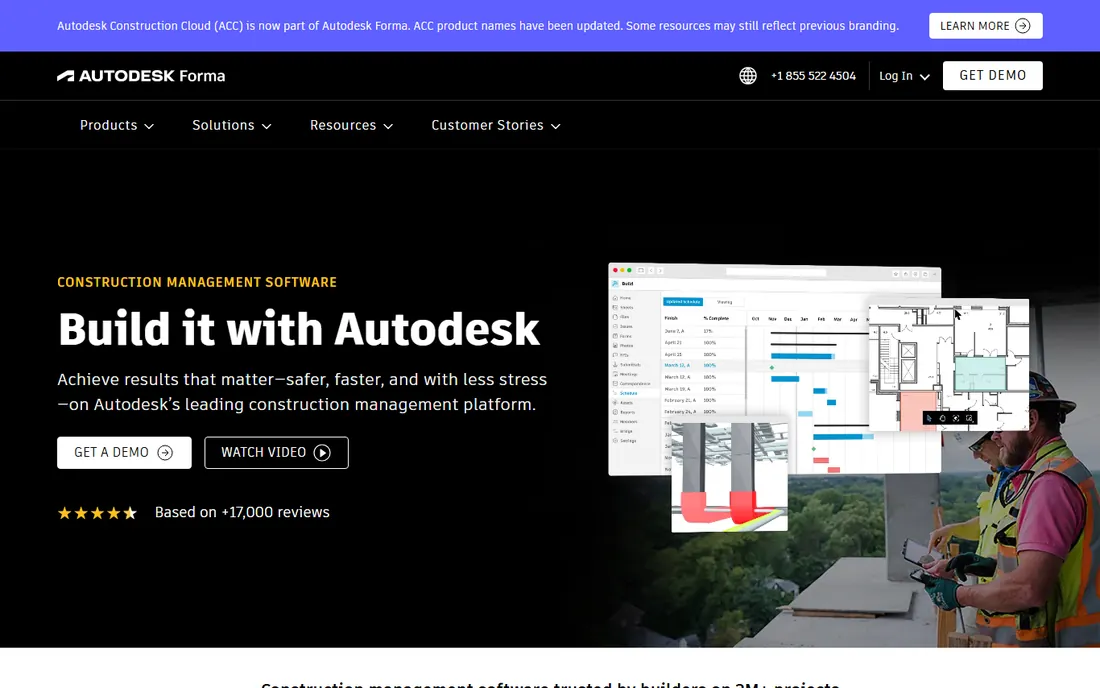
Autodesk's construction platform is now called Autodesk Forma, renamed from Autodesk Construction Cloud in March 2026, and the product most buyers want is Forma Build (formerly Autodesk Build). Its strength is the model: native Revit and AutoCAD integration, model coordination workflows, and drawing management with version control and hyperlinked plan sets. Forma Data Management gives document-heavy projects a genuine common data environment, and schedule imports from Primavera P6 and MS Project are built in.
Two things to know before you budget. Autodesk publishes no static list price; the figure appears only inside the online buying flow, and third-party reports of $100 to $175 per user per month are not a quote. Modules like Data Management, Takeoff and Estimate carry separate prices. PlanGrid is in maintenance mode with no new customers, so anyone still searching for it is really evaluating Forma Build.
What we like- Deepest BIM integration in the category with native Revit and AutoCAD workflows
- Industry-standard drawing management with strong offline mobile
- A true common data environment for document-heavy projects
Watch out for- No transparent list pricing
- Most valuable only if your team already lives in Autodesk tools
Starting priceSee website (quote-based, flat license per company)
Free planNo (demo-led sales)
Buildertrend is the default pick for residential contractors, built for how residential work is actually sold: homeowner communication, selections, scheduling, warranty tracking and a client portal that keeps clients from calling the office. Pricing is a flat license per company with unlimited users and projects, so adding subs and clients costs nothing extra. Integrations cover QuickBooks, Xero and Home Depot Pro Xtra.
The catch is transparency. Buildertrend stopped publishing prices in early 2025 and now quotes a custom price based on annual construction volume; the $499 to $1,099 per month figures still floating on affiliate sites are the December 2024 plans and are not current. Paid onboarding (around $100 per month, often bundled free with annual plans) and roughly 2.99 percent payment-processing fees are the extra costs to watch. Commercial GCs should note the weak spots: subcontracts, pay apps and AIA-style billing are not its strengths. Confirm renewal terms in writing, since contractors report price increases after a few years.
What we like- Purpose-built for residential with client portal, selections, scheduling and warranty
- Flat license with unlimited users and projects
- Integrations with QuickBooks, Xero and Home Depot Pro Xtra
Watch out for- Quote-only pricing since early 2025, so no comparing numbers without a sales call
- Light on commercial workflows like subcontracts and AIA-style billing
Starting price$39/user/month (Pro, billed annually)
Free planYes (free Basic plan: 3 projects, 5 users, 100 sheets)
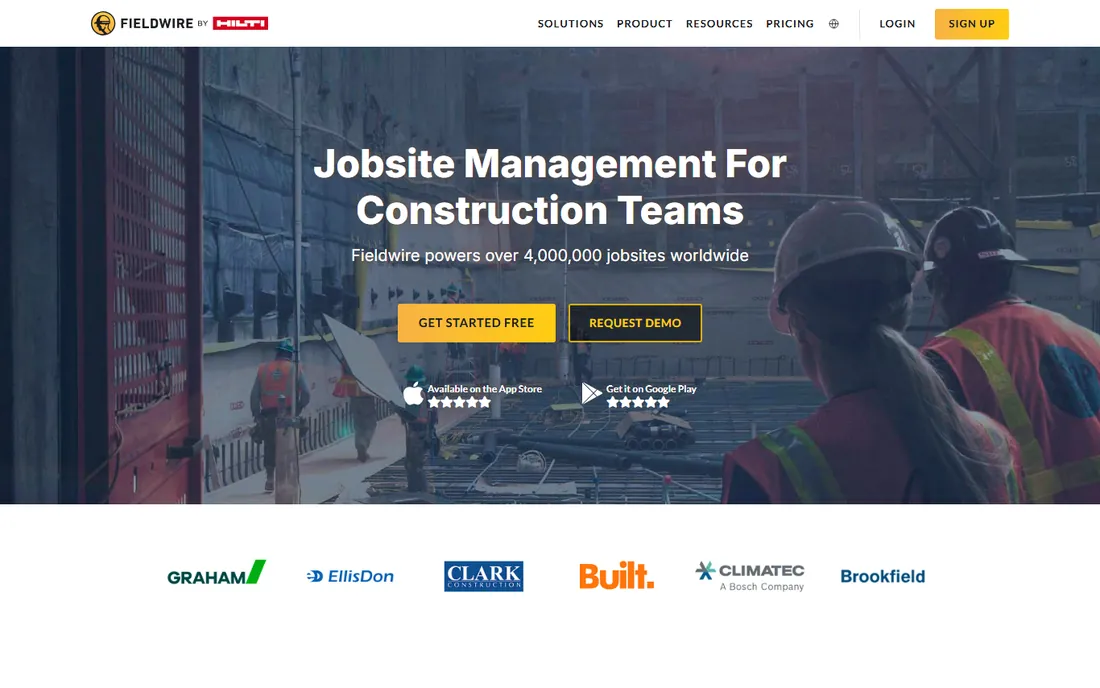
Fieldwire, now owned by Hilti, is the tool for teams whose core work is plans, tasks, photos and punch lists. Plan viewing, markups, tasks, checklists and inspections all work offline on mobile, and deployment is measured in days. Pricing is published and simple: Pro at $39 per user per month billed annually ($54 month-to-month), Business at $64, Business Plus at $89. No long-term contracts, and billing is prorated.
Know what you are not getting. Fieldwire has no budgets, job costing or billing, so it usually sits next to Procore or an accounting system rather than replacing them. RFIs, submittals and budget tools only appear on Business Plus, and API access requires a custom enterprise contract. Every invited user is a paid seat, though if a user already holds their own Fieldwire subscription you are not charged for inviting them. The free Basic tier is the honest way to pilot it: run one real job before committing seats.
What we like- Field-first and fast to deploy with reliable offline mobile
- Transparent per-seat pricing with no long-term contracts
- Prorated billing, so you only pay for the time a user has access
Watch out for- No budgets, job costing or billing, so most GCs pair it with another system
- Every invited user is a paid seat, which adds up on sub-heavy jobs
#5
JobTread
Best for: Small to mid-size contractors wanting estimating to invoicing
Visit jobtread.com
Starting price$159/month for the first user (billed annually)
Free planNo (no free trial; 30-day money-back guarantee on monthly plans)
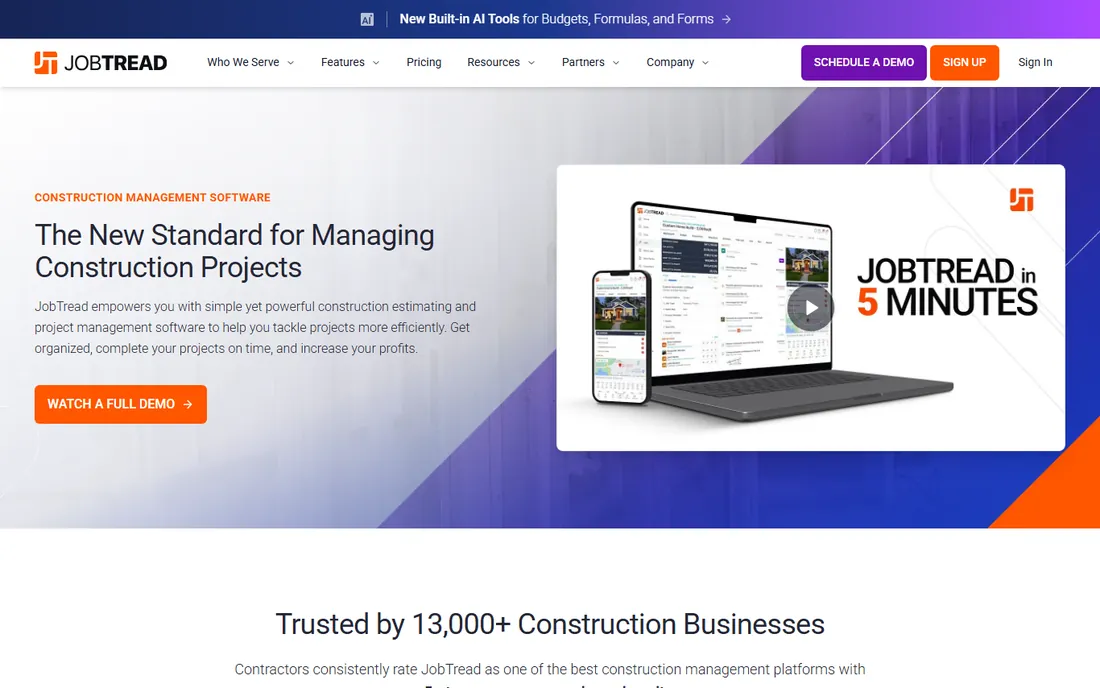
JobTread is built for contractors who win work on estimates and want the same platform to run the job through invoicing. Estimating, on-screen takeoff, budgeting, change orders and AIA-style payments sit in one project-first platform, and every plan includes all features with unlimited jobs. Only internal users are paid seats; field crew can be added as free limited users, and subs, vendors and customers are always free.
Pricing is $199 per month for the first user plus $20 per additional internal user on monthly billing, or $159 plus $16 per user billed annually, with volume breaks after ten users. There is deliberately no free trial: the vendor assigns a customer success manager instead and offers a 30-day money-back guarantee on monthly plans. Setup is guided and measured in days to a couple of weeks. Note the boundary: JobTread does project work, not service dispatch, so contractors running service calls need a second system.
What we like- All features on every plan with unlimited jobs
- Strong estimating, on-screen takeoff, budgeting, change orders and AIA-style payments
- Field crew and subs are free limited users
Watch out for- No free trial, so evaluation means paying for the first month
- Costs scale per internal user with no flat unlimited-staff option
#6
Knowify
Best for: Trade and specialty contractors ($1M-plus revenue)
Visit knowify.com
Starting price$99/month (Core, billed annually)
Free planFree trial (14 days); no permanent free plan
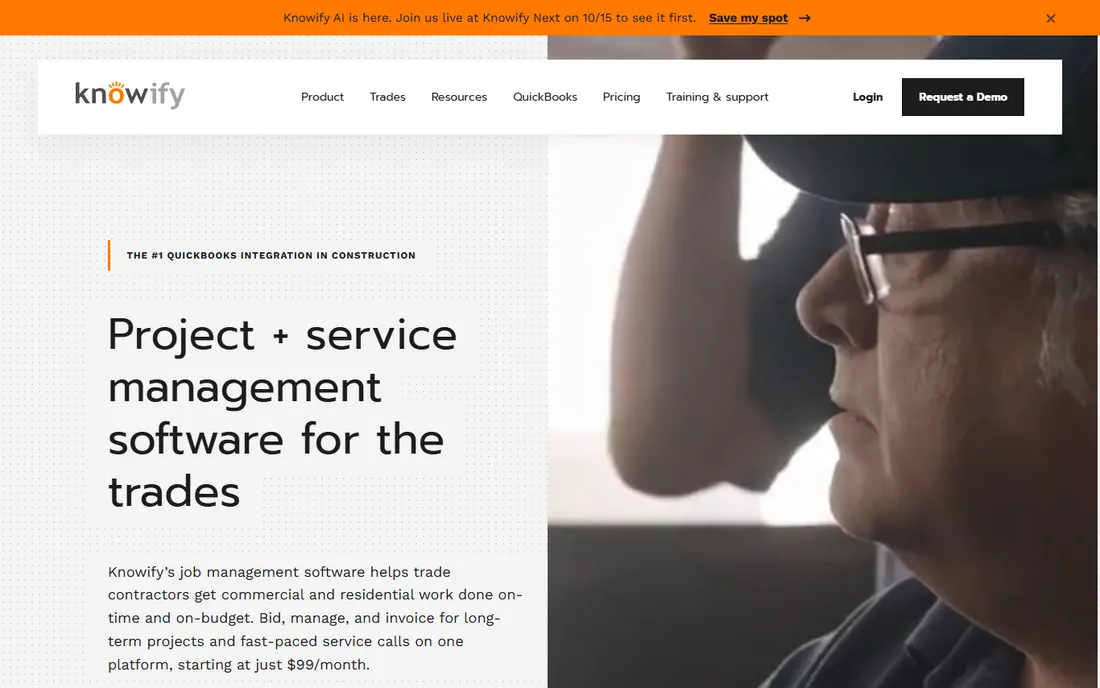
Knowify targets trade and specialty contractors doing $1M or more in revenue. Its headline claim is the QuickBooks integration: Online, Payroll, Time and Payments sync natively, which matters when your office lives in QuickBooks. Licensed G702/G703 AIA pay applications cover commercial billing, and the Service Pro add-on ($99 per month) adds service dispatch for shops that do both project and service work.
Core at $99 per month billed annually ($149 month-to-month) includes one user; additional users are $29 per month. Advanced at $329 per month annual includes ten users and adds cost-plus and time-and-materials contracts, client portal, daily logs and Zapier. There is no implementation fee and no contract, which makes a pilot low-risk. The vendor itself names JobTread as the stronger pure estimating pick if you are project-only.
What we like- Deepest native QuickBooks integration in construction
- Licensed G702/G703 AIA pay applications
- One platform for project work and service dispatch with the add-on
Watch out for- Job costing and real-time WIP only start at Advanced ($329/month)
- Core includes just one user and no Xero or FreshBooks integration
Starting price$49/month (Basic, billed annually)
Free planFree trial (30 days); no permanent free plan
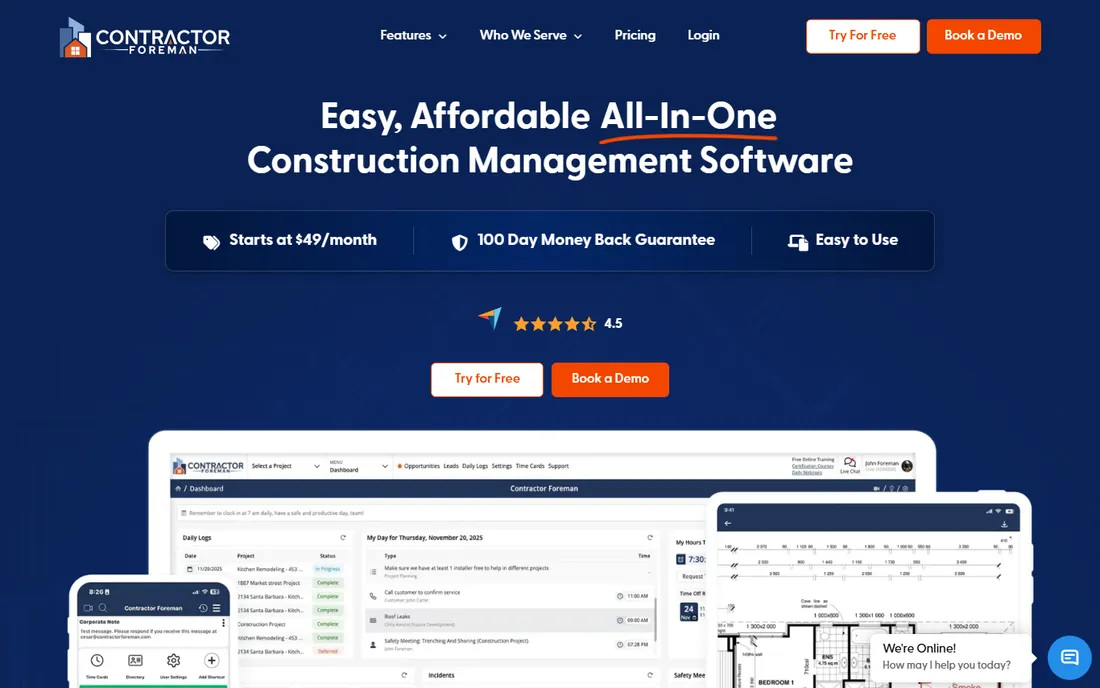
Contractor Foreman is the budget play that does not skimp on modules. Even the low tiers include scheduling, estimates, daily logs, change orders, time cards and a client portal; plans are priced by user caps rather than feature gates. Basic is $49 per month (one user), Standard $105 (three users), Plus $166 (eight users), Pro $221 (fifteen users), Unlimited $332, all billed annually.
What you get for the price is real: free private training sessions on paid tiers plus implementation assistance, unlimited projects, no per-project fees and a price-lock guarantee. The vendor offers 50 percent off additional company accounts for businesses managing multiple entities. The limits are the user caps, which push growing teams up the tiers quickly, and an interface reviewers describe as busy. Verify which integrations ship on your tier before buying, since third-party comparisons disagree.
What we like- Cheapest published pricing in the category with a broad module set on every tier
- Free private training sessions included on paid tiers
- Unlimited projects on all plans with a price-lock guarantee
Watch out for- User caps are tight at the low end (Basic covers one user)
- Interface feels busy
- QuickBooks sync availability by tier is reported inconsistently, so confirm with the vendor
Starting price$169/month (Foundation, billed annually)
Free planYes (free Go starter option, plus a free trial)
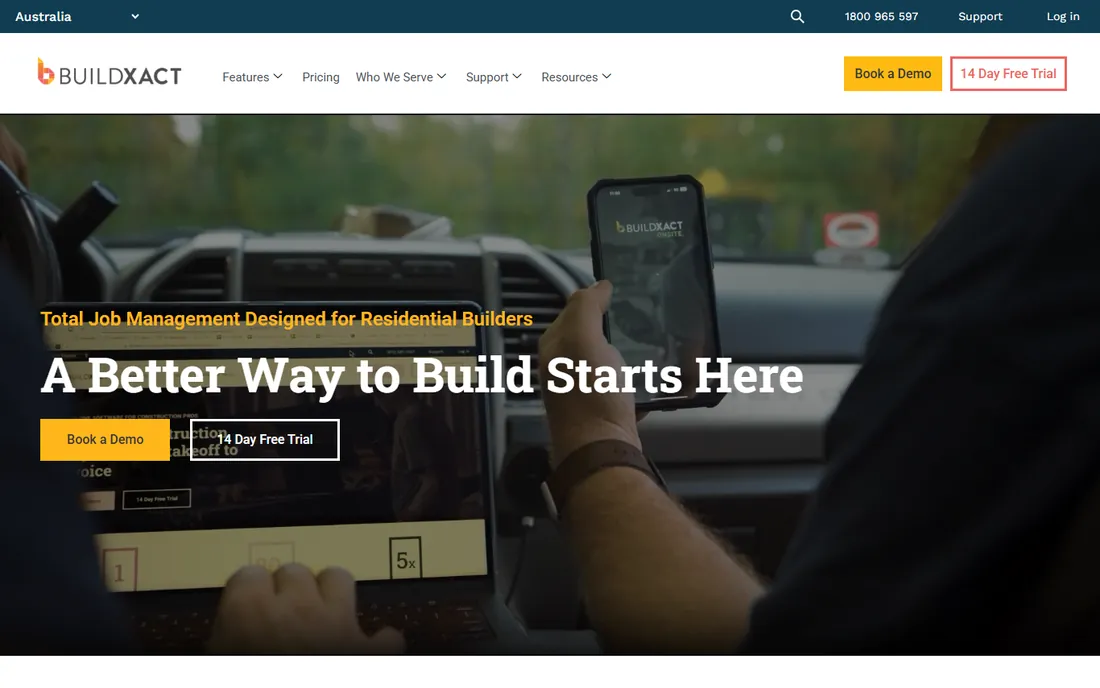
Buildxact's differentiator is the estimate itself. Digital takeoff runs from uploaded plans, live dealer material pricing feeds the quote, and the estimate that wins the job becomes the cost baseline during construction, with estimate-to-actual costing connecting committed and actual costs in one workflow. That continuity is what most residential builders are missing.
Pricing is Foundation $199 per month, Pro $399, Master $599 on monthly billing, or $169, $339 and $509 per month billed annually. All plans include unlimited users, and accounting sync covers QuickBooks and Xero. Foundation is estimating-heavy; the job-management depth lives in Pro and Master. Monthly subscriptions reportedly carry a 12-month initial contract, so confirm before signing. Commercial GCs with RFI and submittal workflows will find the scope narrow.
What we like- Estimating-first with digital takeoff from uploaded plans and live dealer material pricing
- The winning estimate becomes the cost baseline during construction
- Unlimited users with QuickBooks and Xero sync
Watch out for- Job-management depth concentrates in the higher plans
- Monthly subscriptions carry a 12-month initial contract per third-party trackers
#9
RedTeam
Best for: Commercial GCs wanting preconstruction to closeout in one system
Visit redteam.com
Starting priceSee website (quote-based; unlimited users and projects)
Free planNo (trial terms unverified; confirm with the vendor)
RedTeam is the commercial alternative to the big suites for small to mid-size GCs. Estimating, bid solicitation, scheduling, billing and closeout sit in one platform, and because budgets, job costing, commitments and change orders share one dataset, approved changes update budgets automatically. Every customer gets a dedicated implementation and customer success team, which is unusual outside the enterprise tier.
The model is published but the number is not: unlimited users, unlimited projects, every feature included, no add-on modules. Expect a guided implementation measured in weeks rather than pure self-serve. RedTeam Go is the simpler offering for smaller operations, with a free estimating tier. Before signing, verify trial terms, contract length and what "unlimited" excludes. If you are a residential remodeler or a specialty sub, this is not your product.
What we like- Financials built in rather than bolted on, so approved changes update budgets automatically
- Every customer gets a dedicated implementation and success team
- Contract-management workflows built the way commercial GCs work
Watch out for- Built for commercial GCs, and the vendor says so itself: residential remodelers and specialty subs are a poor fit
- No published pricing means a sales conversation is required
The pricing problem nobody warns you about
Construction software pricing is the least transparent in the business software world, and the demo never mentions it. Four of the nine tools above publish no prices at all. When a vendor will not publish a number, treat the sales call as part of the cost and get every promise in writing, especially renewal terms. Contractors consistently report price increases after the first few years on quote-based products.
The second cost is the seats you did not plan for. Per-user tools charge for everyone with access, and on sub-heavy jobs that multiplies fast. Before you compare two prices, count the actual humans who will log in during a busy month, then multiply. Ask about onboarding, payment-processing percentages, implementation fees and annual increases before the demo ends, not after the contract is signed.
How we chose
We started with the categories buyers actually search: construction management software, contractor software and project management for construction. For each candidate we opened the vendor's own pricing page, checked plan names and prices against public reviews on G2 and Capterra and contractor discussion on Reddit, and compared feature lists, integrations and trade fit. We excluded products that no longer exist as standalone options (CoConstruct, folded into Buildertrend; PlanGrid, in maintenance mode) and wrote "See website" anywhere a price could not be verified on the vendor's page rather than guessing. The shortlist mixes suite leaders with smaller vendors that serve specific trades well.
Frequently asked questions
How much does construction management software cost?
Published plans run from $49 per month (Contractor Foreman Basic, one user) to $599 per month (Buildxact Master) before annual discounts. Per-user tools land between $39 and $89 per user per month on Fieldwire. The big suites are quote-based; third-party trackers put Procore's typical entry around $10,000 per year, but only a quote tells you your number.
Which software is best for a small residential contractor?
Buildertrend and JobTread are the strongest fits. Buildertrend covers the homeowner-facing side (client portal, selections, warranty) on a flat license; JobTread covers estimating through invoicing. If budget is the binding constraint, Contractor Foreman at $49 per month or Buildxact's free Go starter will carry a small shop further than you might expect.
Do I need Procore or can I use Fieldwire?
They solve different problems. Fieldwire handles plans, tasks, photos and punch lists in the field and is cheap to pilot on its free tier. Procore runs the whole project: financials, preconstruction, quality, safety and multi-project portfolios. Many GCs run both. If your only pain is field documentation, Fieldwire alone may be enough.
What is the difference between Autodesk Forma Build and the old Autodesk Construction Cloud?
Forma is the new name. Autodesk renamed Autodesk Construction Cloud to Autodesk Forma in March 2026; Forma Build is the product formerly called Autodesk Build. PlanGrid, the older Autodesk field app, is in maintenance mode and not sold to new customers.
Should I buy annual or monthly billing?
Annual billing typically saves 15 to 20 percent (JobTread, Buildxact and Fieldwire all publish the split), but it locks you in. For a first year on a new platform, monthly billing is worth the premium if the vendor offers it without a long initial contract.
How long does implementation take?
Field-first tools (Fieldwire, Contractor Foreman) deploy in days. Mid-market platforms (JobTread, Knowify, Buildxact) take a week or two with guided onboarding. Enterprise suites (Procore, Autodesk, RedTeam) take weeks of configuration, template building and crew training. Budget the staff time, not just the subscription.
Sources we checked (12)
- https://www.procore.com/pricing
- https://construction.autodesk.com
- https://www.autodesk.com/blogs/construction/autodesk-construction-cloud-is-now-forma/
- https://www.buildertrend.com/pricing
- https://www.fieldwire.com/pricing/
- https://www.jobtread.com/pricing
- https://www.buildxact.com/pricing
- https://www.knowify.com/pricing
- https://www.contractorforeman.com/pricing
- https://www.redteam.com/pricing
- https://www.g2.com/categories/construction-management
- https://www.capterra.com/construction-management-software/
Is your product missing or out of date?
We review this list regularly. Vendors can request a listing, send updated pricing or ask about featured placement.

Shihab Mia · Founder, Rankite
Shihab has spent more than a decade helping SaaS and e-commerce brands grow through search. He writes Rankite's software buying guides from pricing pages, documentation and public user reviews. More about Shihab.