How we make this list: we compare pricing pages, product documentation and public user reviews. Rankite is independent; if a vendor ever pays for a featured spot, that listing is clearly labeled Partner.
Key takeaways
- If you need a customer-facing help center tied to tickets, start with Freshdesk (from $19/agent/month) or Zendesk (from $55/agent/month): both bundle the knowledge base with the support suite.
- For a standalone branded help center without a help desk, Helpjuice ($249/month flat) and HelpDocs ($99/month) are the cleanest picks, with flat pricing that stays predictable as you add articles.
- Internal teams that want a wiki, not a portal, should compare Confluence (free for up to 10 users) and Notion (free plan, $10/member/month for Plus).
- AI answering now costs real money everywhere: budget separately for per-agent AI add-ons and per-resolution metering before you sign.
Quick comparison
| Tool | Best for | Starting price | Free plan |
|---|
 Zendesk Guide Zendesk Guide | Enterprise support teams already on Zendesk | $55/agent/month (Suite Team, billed annually) | No (14-day free trial) |
 Intercom Articles Intercom Articles | Product-led SaaS companies with in-app support | $29/seat/month (Essential, billed annually) | No (14-day free trial) |
 Helpjuice Helpjuice | Mid-size companies wanting a branded help center | $249/month flat (Knowledge Base plan) | No (14-day free trial) |
 Document360 Document360 | Product teams publishing structured, versioned docs | See website (quote-based) | Free trial (14 days); free tier closed to new users |
 Freshdesk Freshdesk | Small teams that want tickets and a KB in one | $19/agent/month (Growth, billed annually) | No permanent free plan (14-day free trial) |
 HubSpot Knowledge Base HubSpot Knowledge Base | Support teams already running HubSpot CRM | $90/seat/month (Service Hub Professional, billed annually) | Yes (Free tier exists but excludes the knowledge base) |
 Confluence Confluence | Internal company wikis and engineering teams | $5.42/user/month (Standard, billed annually) | Yes (free for up to 10 users) |
 Notion Notion | Startups that want a wiki, docs and tracking in one | $10/member/month (Plus, billed annually) | Yes (free for individuals; 1,000-block cap on team workspaces) |
 HelpDocs HelpDocs | Teams wanting a standalone KB without a help desk | $99/month (Sprout, billed annually) | No (14-day free trial) |
Is your product missing or out of date?
We review this list regularly. Vendors can request a listing, send updated pricing or ask about featured placement.
The best knowledge base software
Your support team answers the same fifty questions every week. A knowledge base turns those answers into articles that work while you sleep, cutting ticket volume and giving customers answers at 2 a.m. The wrong choice costs more than the subscription: teams switch when they realize a wiki cannot face customers, or a suite charges per seat for what should be flat. Nine tools worth your shortlist, with the pricing traps marked.
#1
Zendesk Guide
Best for: Enterprise support teams already on Zendesk
Visit zendesk.com
Starting price$55/agent/month (Suite Team, billed annually)
Free planNo (14-day free trial)

Zendesk Guide is the reference product for large support operations. It pairs a polished customer portal with the ticket system most support leaders already know: article suggestions appear inside tickets, AI answers draw from your articles, and deflection analytics show which content pulls its weight. Multi-brand support and path-based locale routing suit companies serving several products or regions.
The trade is pricing structure. Guide is not sold on its own: you buy Zendesk Suite, starting at $55 per agent per month billed annually for Suite Team. Then AI layers on top. Copilot costs $50 per agent per month, and AI resolutions are metered at $1.50 committed or $2.00 pay-as-you-go after a small allowance. Confirm the current plan lineup on Zendesk's pricing page before committing, because the tiers change often.
What we like- Mature help center with multi-brand support and strong multilingual routing
- Native tie to tickets with deflection analytics
- 1,500-plus app marketplace and solid permission controls
Watch out for- The knowledge base is gated behind the full Suite, so small teams overpay
- AI add-ons stack fast on top of seat prices
#2
Intercom Articles
Best for: Product-led SaaS companies with in-app support
Visit intercom.com
Starting price$29/seat/month (Essential, billed annually)
Free planNo (14-day free trial)
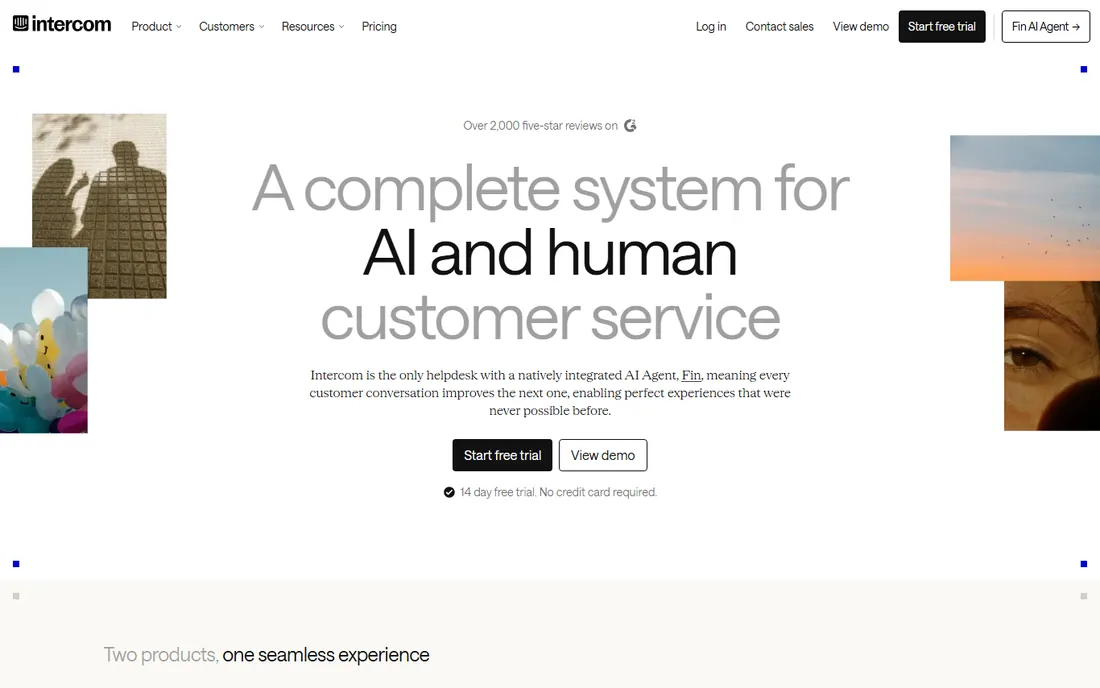
Instead of sending users to a separate help site, Intercom Articles puts articles, tips and banners inside your product through the Intercom Messenger. For product-led SaaS teams, that placement matters: self-service happens where the question arises. Fin, Intercom's AI agent, answers directly from article content and can run standalone at $0.99 per outcome without buying seats.
Entry is reasonable at $29 per seat per month billed annually on Essential, which includes a public help center. Advanced at $85 adds private and multilingual help centers, workflows and 20 Lite seats; Expert at $132 is mostly a compliance tier with SSO, HIPAA and SLAs. Watch the seat math: every agent counts toward the bill, and Fin's per-outcome meter can outrun the seat cost at high volume.
What we like- Help center built for in-app delivery through the Messenger widget
- Fin AI answers from your articles in 45 languages
- Translation management workflow included
Watch out for- Private and multilingual help centers need the pricier Advanced tier
- No standalone KB pricing, since Articles ride on seat plans
Starting price$249/month flat (Knowledge Base plan)
Free planNo (14-day free trial)
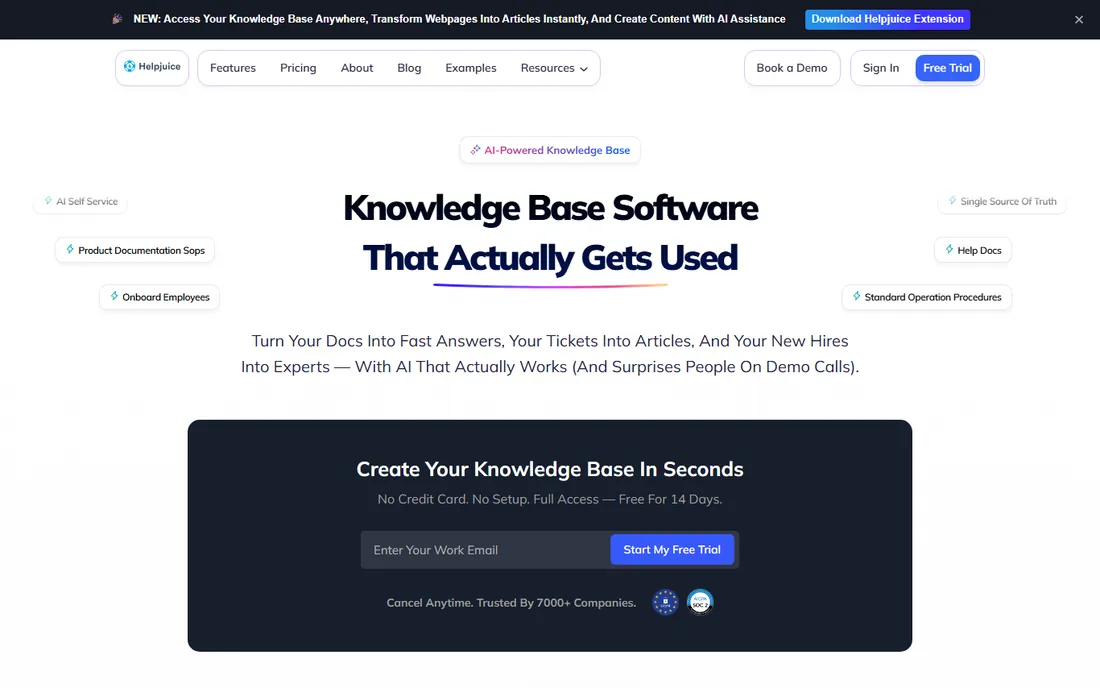
If your priority is a public help center that looks like your brand and you do not want a whole support suite attached, Helpjuice is one of the strongest options. Onboarding includes handcrafted help-center design and migration support with manual content cleanup. Custom themes, white-labeling and a dedicated success manager are part of the package.
Pricing is flat per plan, which is both the appeal and the catch. The Knowledge Base plan runs $249 per month for up to 30 users, but it includes none of the AI features. To get the Swifty AI suite (AI search, chatbot, authoring, translation), you need the AI-Knowledge Base plan at $449 per month; Unlimited AI is $799 per month with no user cap. At five users that math is expensive. The pricing page does not state an annual-versus-monthly split, so confirm the billing period with sales before you budget.
What we like- Design-led, highly customizable help centers with white-glove onboarding
- Flat pricing that gets cheap per user at scale
- Unlimited articles on every plan
Watch out for- Steep minimum for small teams with no per-seat option
- The entry plan has no AI features at all
Starting priceSee website (quote-based)
Free planFree trial (14 days); free tier closed to new users
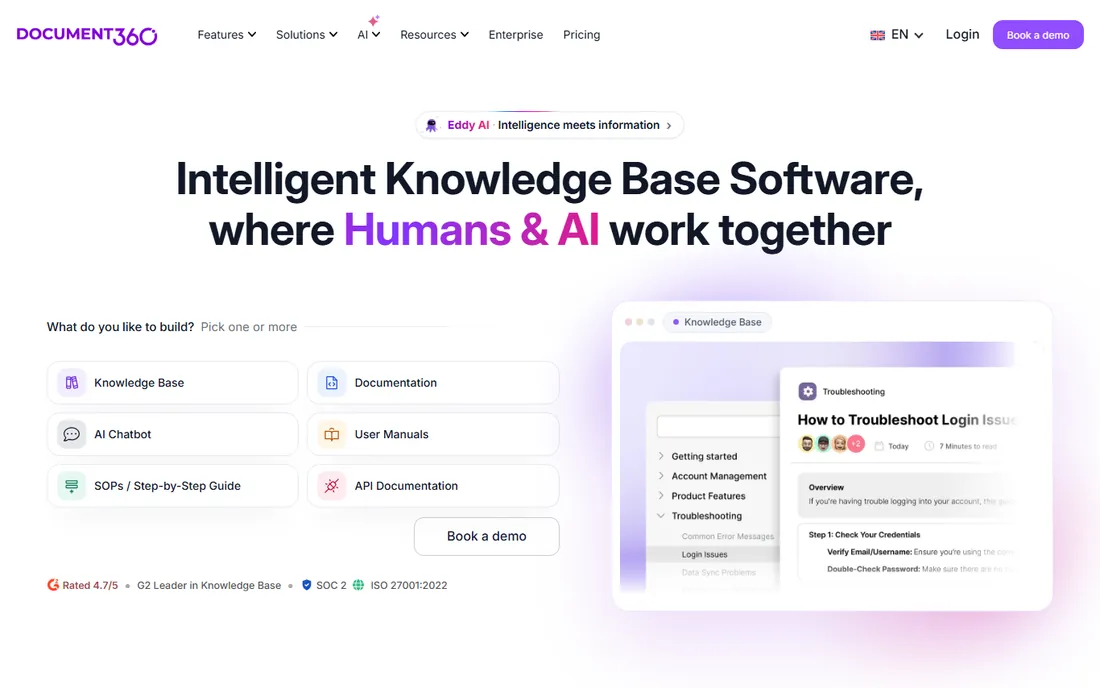
Document360 sits between a help center and a developer docs platform. Its strengths show up in product documentation: full branch versioning, parallel version publishing, conditional content blocks and auto-translation across more than 50 languages. A knowledge-base widget, ticket deflector and Chrome extension put the docs inside the support workflow. The MCP server released in early 2026 lets tools like Claude or ChatGPT read and write KB content directly.
The honest drawback is commercial, not technical. There is no self-serve pricing, and costs are scoped by team accounts, workspaces, languages and SSO, with the AI Premium Suite metered separately. That makes total cost unpredictable until you talk to sales. For a simple internal wiki or a small help center, Document360 is heavier than it needs to be. It earns its place on teams that publish versioned, multilingual product documentation or API docs.
What we like- Built for structured docs with branch versioning and 50-plus languages
- MCP server lets AI assistants read and write the KB directly
- Ticket deflector and browser extension for support workflows
Watch out for- No published pricing, so budgeting starts with a sales call
- AI is a separately metered add-on
Starting price$19/agent/month (Growth, billed annually)
Free planNo permanent free plan (14-day free trial)
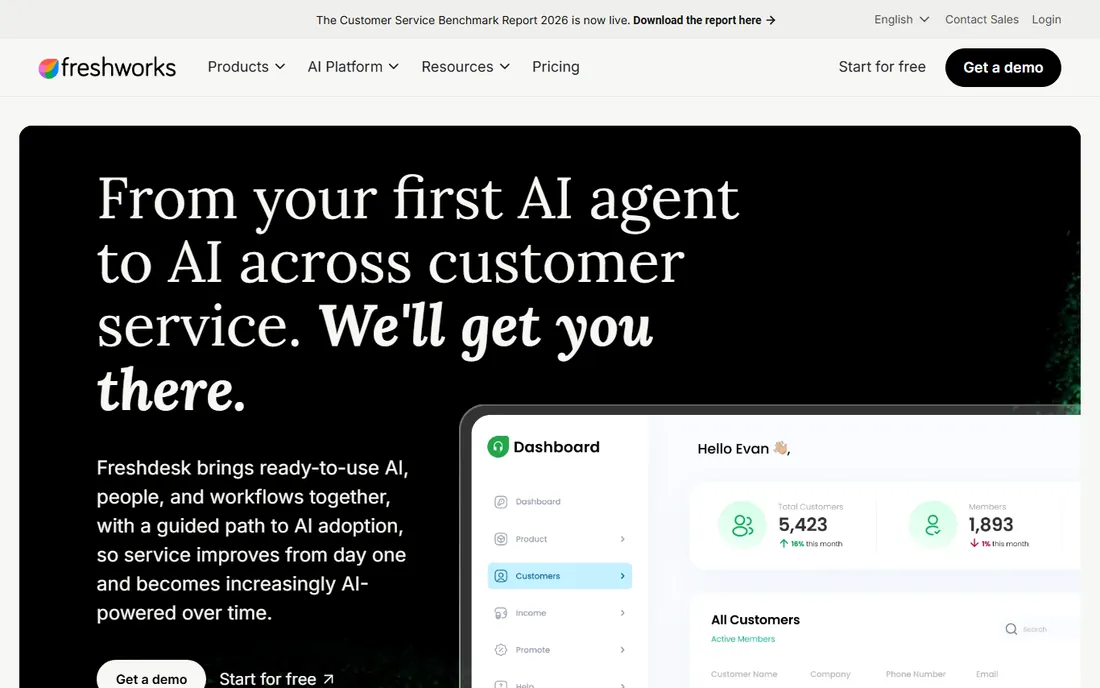
Freshdesk is the value pick for teams that want a knowledge base as part of a complete support desk. The Growth plan at $19 per agent per month billed annually includes ticketing, a shared inbox, the customer portal and the knowledge base. A basic portal and starter articles can be live within an hour.
Watch the tiers: SLAs and custom dashboards need Pro at $55, skill-based routing needs Enterprise at $89, and the Freddy AI Copilot is $29 per agent per month on Pro and above. Many teams land on Pro, so treat it as the realistic long-term price.
What we like- Knowledge base included on the entry Growth plan
- A basic portal plus ticketing can go live in about an hour
- Freddy AI learns from your solution articles
Watch out for- Reporting is shallow on lower tiers and key features are gated
- AI Copilot costs extra per agent on Pro and above
#6
HubSpot Knowledge Base
Best for: Support teams already running HubSpot CRM
Visit hubspot.com
Starting price$90/seat/month (Service Hub Professional, billed annually)
Free planYes (Free tier exists but excludes the knowledge base)

HubSpot's knowledge base makes sense only if you are already committed to the HubSpot platform. Articles live in the same data model as tickets, customer records and feedback surveys, and the Breeze Customer Agent resolves conversations from KB content. The Knowledge Gaps panel is a thoughtful detail: it identifies questions your articles do not cover and drafts new articles for them.
Do not shop this by the sticker price. The free tier and the $20 Starter plan do not include a knowledge base at all. Professional at $90 per seat per month billed annually, plus a required one-time $1,500 onboarding fee, is the real entry point. Then AI metering: Professional includes 3,000 HubSpot credits, covering roughly 60 Customer Agent resolutions per month, with more at about $0.50 per resolution. Model your seat count plus expected AI resolutions before signing, and watch credit auto top-up.
What we like- Knowledge base is native to the CRM, tied to tickets and customer records
- Breeze Customer Agent resolves conversations from KB content
- Knowledge Gaps panel drafts articles for missing topics
Watch out for- The KB starts at $90 per seat per month plus a mandatory $1,500 onboarding fee
- AI is metered in credits that can run out early
Starting price$5.42/user/month (Standard, billed annually)
Free planYes (free for up to 10 users)
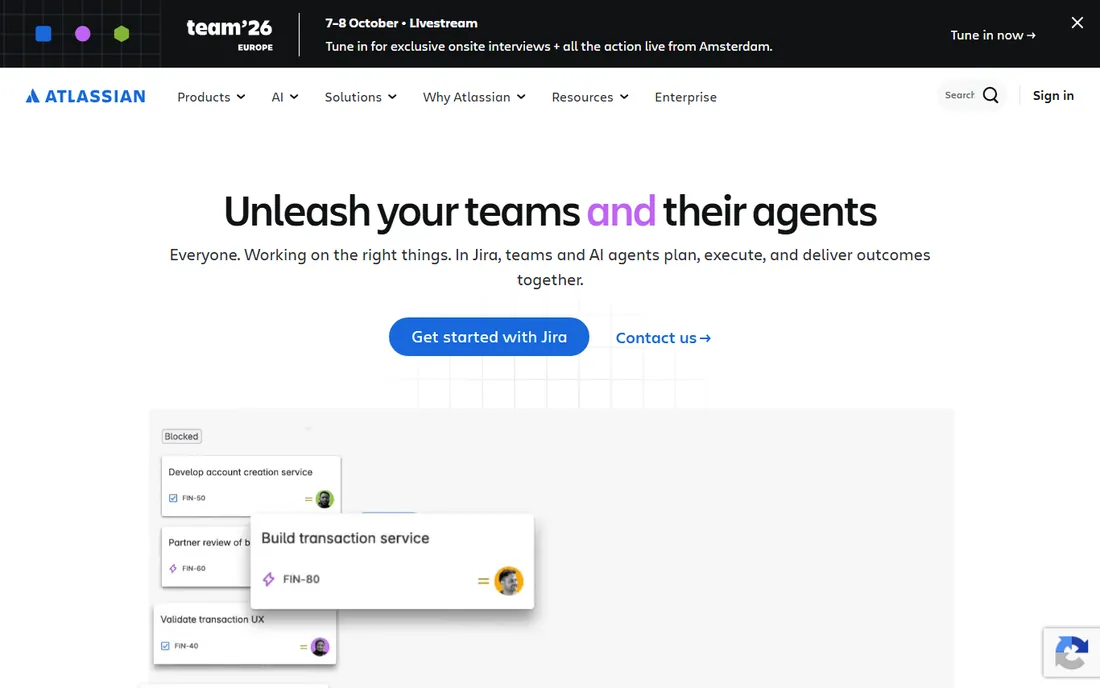
Confluence is the default internal wiki for a reason. Real-time co-editing, whiteboards, databases and templates cover most of what an internal knowledge base needs, and the Jira integration is unmatched for engineering teams. The free plan for up to 10 users with unlimited pages is genuinely useful; Standard at $5.42 per user per month billed annually adds permissions, automation and AI credits per user.
The limitation is scope: Confluence builds internal knowledge, not customer-facing help centers. There is no branded self-service portal, no deflection analytics and no ticket integration out of the box. The per-seat model means the headline price is misleading: a 20-person team pays about $108 per month on Standard, and heavy AI use burns through the included credit pool. Pick Confluence when the audience is your own staff; pick a portal product when the audience is your customers.
What we like- Best-in-class real-time collaboration with the deepest Jira integration
- Free plan covers 10 users with unlimited pages
- Rovo AI credits bundled on paid plans
Watch out for- No customer-facing help center or self-service portal built in
- Per-seat pricing adds up fast and SSO costs extra on lower tiers
#8
Notion
Best for: Startups that want a wiki, docs and tracking in one
Visit notion.com
Starting price$10/member/month (Plus, billed annually)
Free planYes (free for individuals; 1,000-block cap on team workspaces)
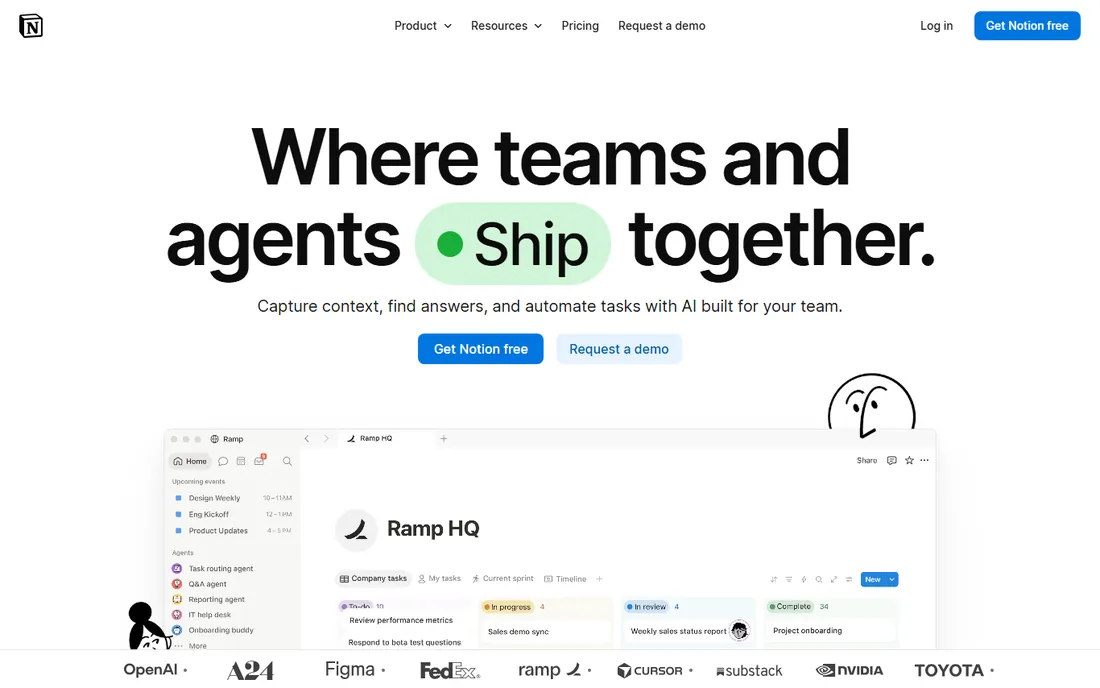
Notion is where many startups keep company knowledge before they are big enough to need a dedicated platform. Block-based pages, synced blocks and databases hold a wiki, meeting notes, project trackers and light documentation in one place. Guests are free on every plan, and the template library means a new team can stand up a structured wiki in an afternoon.
The trade-offs arrive with scale. Notion has no deflection analytics, no ticket integration and no versioned multilingual publishing, so it is not a customer support knowledge base. It charges per member whether they write or only read: a 100-person company pays for 100 seats even if only 15 edit. Full AI now requires Business at $20 per member per month, with credit-metered Custom Agents on top. Use Notion for internal knowledge up to a few dozen people; plan the move to a dedicated platform when structure starts to rot.
What we like- Most flexible authoring in the category with block-based pages and databases
- Guests are free on every plan
- Huge template ecosystem and near-zero learning curve
Watch out for- No real help-center features like deflection analytics or versioned publishing
- AI requires the $20 Business plan for every seat
#9
HelpDocs
Best for: Teams wanting a standalone KB without a help desk
Visit helpdocs.io
Starting price$99/month (Sprout, billed annually)
Free planNo (14-day free trial)
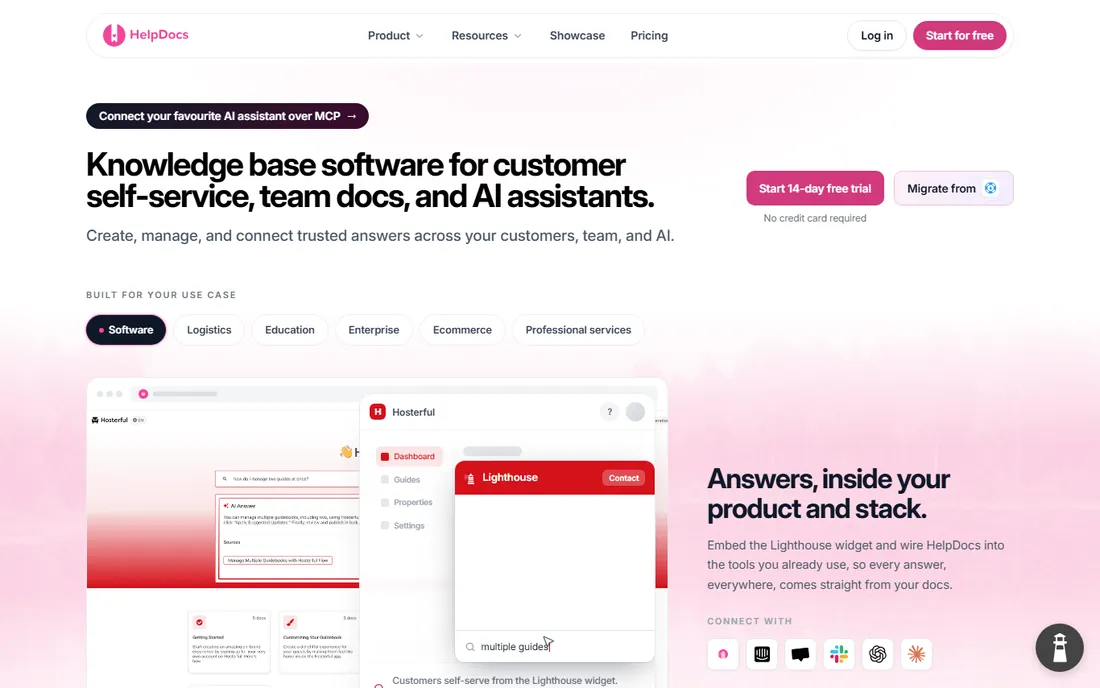
HelpDocs fills the gap between Notion-style wikis and suite products: a dedicated, brandable public help center sold on its own, at a price small teams can justify. Sprout at $99 per month billed annually ($129 month-to-month) covers five editors with unlimited viewers and includes 1,000 AI credits per month. Bloom at $239 per month annual covers 15 editors, and Harvest at $399 is the top tier.
The pricing model is simple: you pay for editors, not readers, and all plans include every feature. That makes it cheaper than Helpjuice for small writing teams, though teams that grow past 15 editors will be comparing it against suite products anyway. The integration list is shorter than Zendesk's or Freshdesk's, and there is no ticketing attached, so it pairs best with whatever support tool you already run.
What we like- Dedicated standalone help center with flat pricing
- Unlimited viewers on every plan
- 1,000 AI credits per month included on Sprout
Watch out for- Editor count caps are the price lever, so growing writing teams climb tiers
- Smaller integration list than the big suites
How we chose
We started with the categories buyers actually search: customer help centers, internal knowledge bases and knowledge management tools. For each candidate we opened the vendor's own pricing page, checked plan names and prices against public reviews on G2 and Capterra and community discussion on Reddit, and compared feature lists, integrations and company-size fit. We wrote "See website" anywhere a price could not be verified on the vendor's page rather than guessing.
What to check before you sign anything
The biggest mistake buyers make is pricing the headline and forgetting everything under it. Per-seat products (Zendesk, Intercom, Confluence, Notion) scale with headcount: multiply the per-user price by everyone who needs a seat, not just the people who write articles. Flat-priced products (Helpjuice, HelpDocs) punish small teams and reward large ones. Then add the AI line: Copilot-style add-ons run $29 to $50 per agent per month, and per-resolution metering can quietly become the biggest item on the bill.
Contract terms are the second trap. Annual billing typically saves 15 to 20 percent, but it locks you in before you know whether the team will adopt the tool. Ask specifically about SSO (often gated to top tiers), data export (can you get your articles out in a usable format), and what happens to your public URLs if you cancel. A help center that holds your content hostage is not a help center worth buying.
Customer portal or internal wiki: decide this first
Half the tools on this list build public help centers and half build internal wikis, and buying the wrong type is the most common reason teams switch within a year. If the audience is customers, you need a portal product: Zendesk Guide, Intercom Articles, Freshdesk, HubSpot, Helpjuice, Document360 or HelpDocs. If the audience is your own staff, you need a wiki: Confluence, Notion, or a Slack-first option like Tettra. Do not buy a wiki expecting deflection analytics or a portal expecting deep co-editing. Stonly is worth a look if your real problem is interactive in-app guidance rather than articles, and Archbee if your docs are API-heavy.
Frequently asked questions
Can I use Notion or Confluence as a customer help center?
Not well. Both are built for internal collaboration, and neither offers a branded public portal, deflection analytics or ticket integration. Some teams publish Notion pages externally with the Sites feature, but for real customer self-service, a dedicated portal product from the list above will serve readers better and give you the analytics to improve content.
How much does knowledge base software cost for a 10-person support team?
It depends on the model. On Freshdesk Growth at $19 per agent per month billed annually, ten agents run $190 per month. Zendesk Suite Team at $55 puts the same team at $550. A flat-priced product like HelpDocs Sprout costs $99 regardless of readers, but only covers five editors. Add AI add-ons ($29 to $50 per agent per month) to any of these and the total climbs quickly.
What is the difference between a knowledge base and a help center?
The terms overlap. A knowledge base is the collection of articles itself; a help center is the customer-facing portal that hosts it, usually with search, categories and contact options. Most vendors on this list sell the portal with the knowledge base included. Internal tools like Confluence and Notion are knowledge bases without a help center.
Do I need AI search in my knowledge base?
Probably, but do not overpay for it in year one. AI search and AI answering reduce ticket volume on mature content, yet they add per-agent fees or per-resolution metering everywhere. Start with good search and well-structured articles, measure deflection, and add the AI tier once the articles exist and the volume justifies the cost.
Which tool is best for a small business with no support team?
If customers are the audience, HelpDocs at $99 per month or Freshdesk Growth at $19 per agent are the low-friction entries. If the audience is internal, Notion's free plan or Confluence's free tier for up to 10 users will carry a small team for a long time before you need to pay anything.
Sources we checked (11)
- https://www.zendesk.com/pricing/
- https://www.intercom.com/pricing
- https://helpjuice.com/pricing/
- https://www.document360.com/pricing/
- https://www.freshdesk.com/pricing
- https://www.hubspot.com/pricing/service
- https://www.atlassian.com/software/confluence/pricing
- https://www.notion.com/pricing
- https://www.helpdocs.io/pricing/
- https://www.g2.com/categories/knowledge-base
- https://www.capterra.com/knowledge-management-software/
Is your product missing or out of date?
We review this list regularly. Vendors can request a listing, send updated pricing or ask about featured placement.

Shihab Mia · Founder, Rankite
Shihab has spent more than a decade helping SaaS and e-commerce brands grow through search. He writes Rankite's software buying guides from pricing pages, documentation and public user reviews. More about Shihab.