How we make this list: we compare pricing pages, product documentation and public user reviews. Rankite is independent; if a vendor ever pays for a featured spot, that listing is clearly labeled Partner.
Key takeaways
- Project planning tools split into two tribes: Gantt-first schedulers (Microsoft Project, Smartsheet, TeamGantt, GanttPRO, OmniPlan) and flexible work managers (monday.com, Asana, Wrike, ClickUp). Know which tribe your team belongs to before you buy.
- Serious scheduling starts at $30/user/month with Microsoft Project Plan 3 or $9/member/month with Smartsheet Pro; Gantt specialists TeamGantt ($24/month) and GanttPRO ($7/user/month) cost less because they do less.
- ClickUp ($7/user/month) and Asana ($10.99/user/month) have the strongest free tiers, good enough for small teams that plan in boards and lists.
- Watch monday.com's seat buckets (3, 5, 10, 15...): a 4-person team pays for 5 seats, which quietly inflates the per-person price.
- The only desktop option here is OmniPlan ($199.99 one-time), for planners who want professional scheduling without another subscription.
Quick comparison
| Tool | Best for | Starting price | Free plan |
|---|
 Microsoft Project Microsoft Project | Complex multi-phase projects inside Microsoft 365 organizations | $30/user/month (Planner and Project Plan 3) | Free trial (30 days) |
 Smartsheet Smartsheet | Teams that think in spreadsheets but need real project controls | $9/member/month (Pro, billed annually) | Free trial (30 days) |
 monday.com monday.com | Non-technical teams that need something running this week | $12/seat/month (Standard, billed annually, 3-seat minimum) | Yes (up to 2 seats, 3 boards) |
 Asana Asana | Cross-functional teams running repeatable processes | $10.99/user/month (Starter, billed annually) | Yes (Personal plan, up to 2 users) |
 Wrike Wrike | Teams that need configurable workflows plus proofing and reporting | $10/user/month (Team, billed annually) | Yes (up to 5 users) |
 ClickUp ClickUp | Teams that want maximum features per dollar | $7/user/month (Unlimited, billed annually) | Yes (Free Forever, unlimited members) |
 TeamGantt TeamGantt | Teams that want to schedule by dragging bars, not editing cells | $24/month (Basic, 2 projects) | Yes (1 project, 1 manager) |
 GanttPRO GanttPRO | Solo planners and small teams wanting full Gantt features cheaply | $7/user/month (Core, billed annually) | Free trial (14 days) |
 OmniPlan OmniPlan | Apple-based planners who want professional scheduling without a subscription | $199.99 one-time (Standard license) | Free trial (14 days) |
Is your product missing or out of date?
We review this list regularly. Vendors can request a listing, send updated pricing or ask about featured placement.
The best project planning software
Every failed project has the same autopsy: nobody knew what depended on what, or who was supposed to do it by when. Project planning software exists to answer those two questions before the work starts. But the category hides a split. Half the tools are schedulers built around the Gantt chart: dependencies, baselines, critical paths. The other half are work managers built around boards and lists, with planning as one view among many. Both call themselves project planning software. Only one matches how your team actually thinks. Nine tools below, both tribes represented.
#1
Microsoft Project
Best for: Complex multi-phase projects inside Microsoft 365 organizations
Visit microsoft.com
Starting price$30/user/month (Planner and Project Plan 3)
Free planFree trial (30 days)
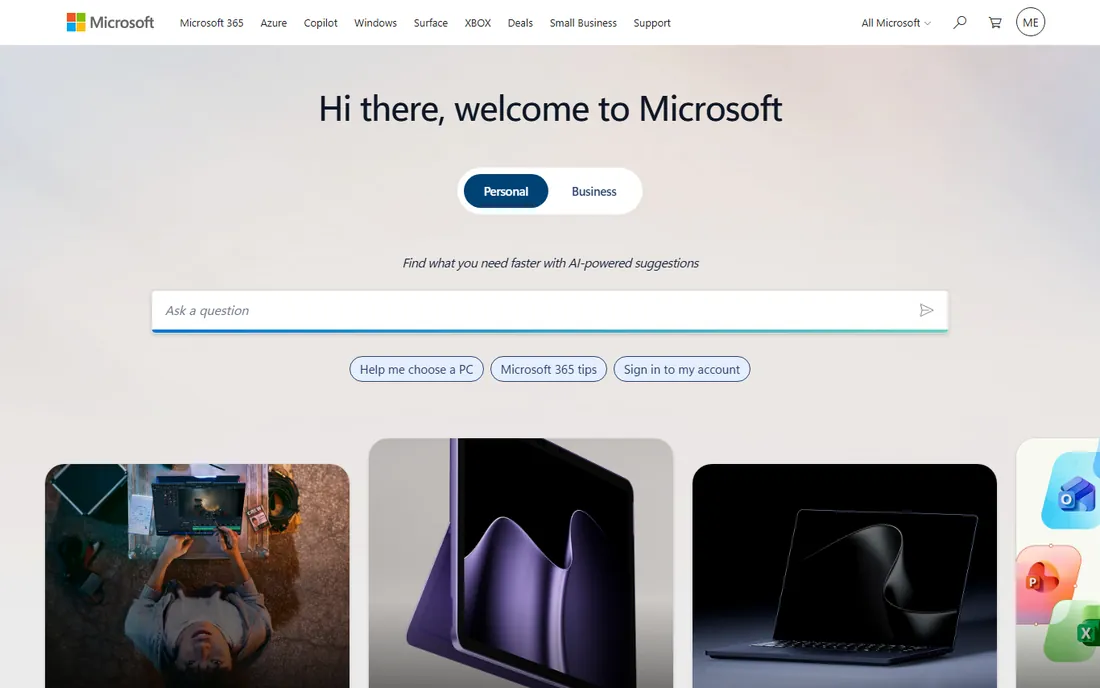
Microsoft Project remains the reference for serious scheduling. Plan 3 at $30 per user per month bundles Planner Premium (portfolios, dependencies with lead and lag, Gantt, baselines) with the Project desktop app and Project Online. Plan 1 at $10 covers basics; Plan 5 at $55 adds enterprise portfolio and resource management. Note that Project Online retired in September 2026, so new buyers go through Planner.
The honest catch is everything around the engine. The interface feels old, new team members need training, the mobile app is weak, and collaboration is clunky. If your organization lives in Microsoft 365 and runs construction, manufacturing or enterprise IT projects with genuine dependencies, it earns its price. Everyone else should look at the cheaper, friendlier options below.
What we like- The deepest scheduling engine here: baselines, critical path, resource leveling, portfolio management
- Native Power BI reporting and Teams integration
- Desktop client included on Plan 3
Watch out for- Dated interface with a real learning curve
- Collaboration features trail monday.com and Asana badly
#2
Smartsheet
Best for: Teams that think in spreadsheets but need real project controls
Visit smartsheet.com
Starting price$9/member/month (Pro, billed annually)
Free planFree trial (30 days)
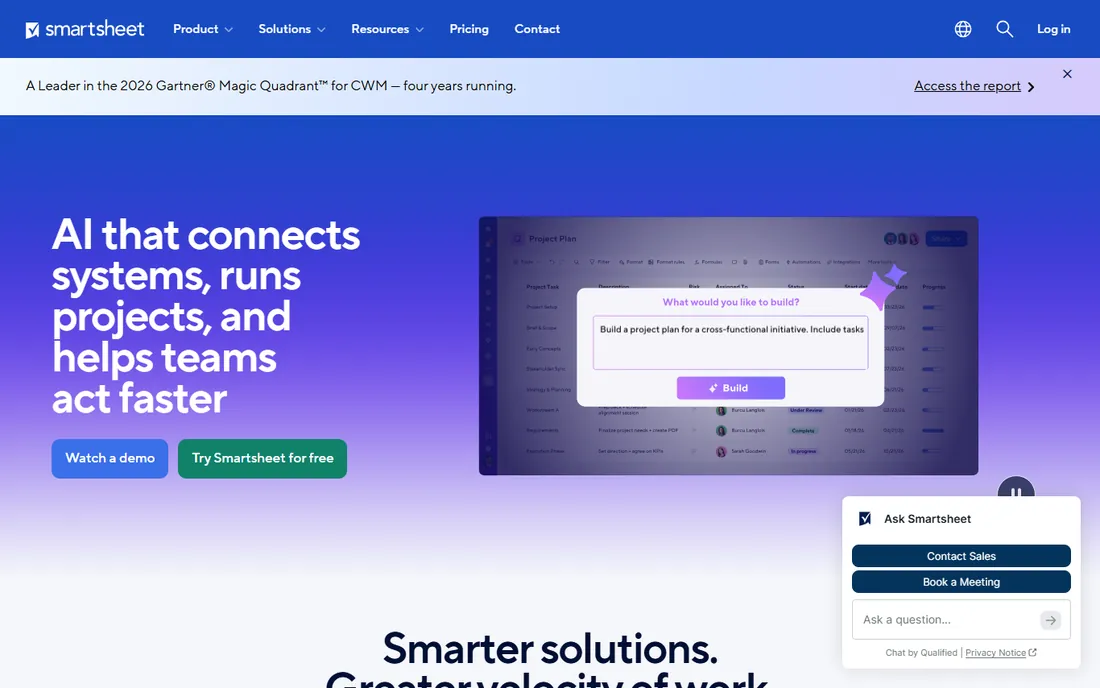
Smartsheet is a spreadsheet that grew a Gantt chart. Every plan is a grid of rows and columns with formulas, and the Gantt, card and calendar views sit on top. Pro at $9 per member per month (annual) covers up to 10 members and includes dependencies and critical path; Business at $19 adds baselines, workload tracking and unlimited automations.
Watch the seat model: Members are paid, Contributors view and comment free, and internal editors can trigger provisional paid seats. Pro is also for new customers only. For finance, operations and construction teams that live in Excel, Smartsheet is the shortest path to real project planning. Creative and software teams usually prefer the visual tools.
What we like- Familiar grid interface, so Excel users adopt it fast
- Dependencies, critical path and auto-scheduling on Pro
- Exports to Excel and Microsoft Project
Watch out for- No free plan, only a 30-day trial
- Baselines, workload and time tracking need the $19 Business plan
#3
monday.com
Best for: Non-technical teams that need something running this week
Visit monday.com
Starting price$12/seat/month (Standard, billed annually, 3-seat minimum)
Free planYes (up to 2 seats, 3 boards)
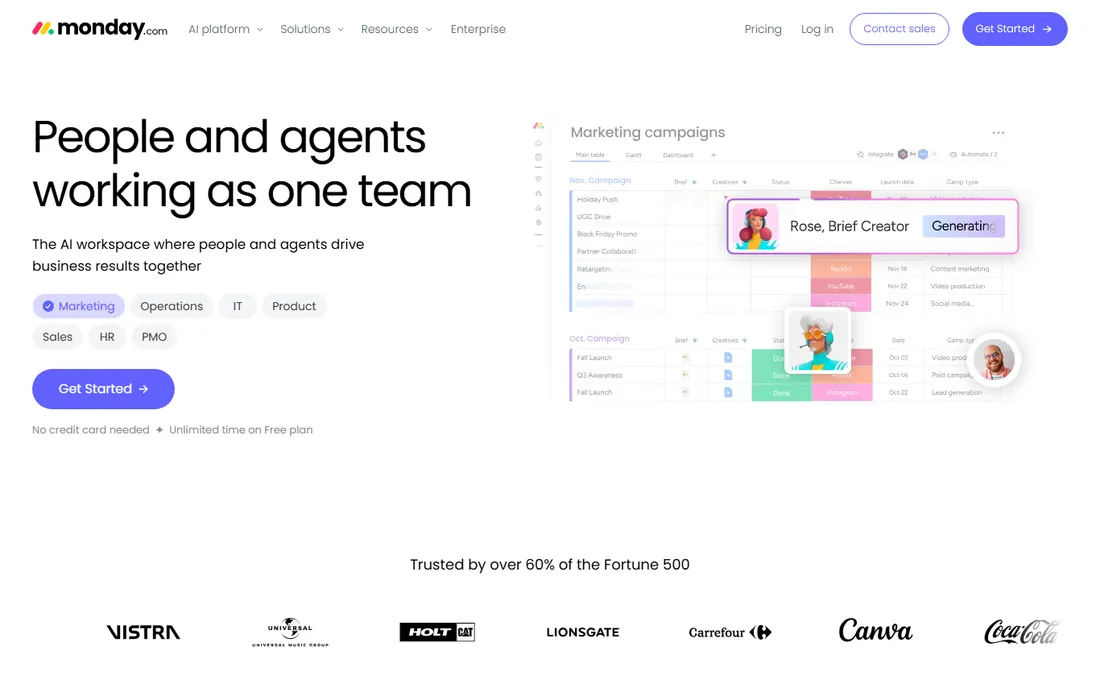
monday.com wins on adoption: teams configure boards, timelines and dashboards without an admin project. Standard at $12 per seat per month is the real entry tier, adding Timeline, Gantt and calendar views with 250 automation actions a month. Basic at $9 lacks automations and integrations entirely, which makes it a false economy.
The pricing mechanics deserve attention. The 3-seat minimum means a solo user pays $27 a month, and buckets mean a team of 11 pays for 15 seats. Heavy automation users land on Pro at $19 quickly. For marketing, operations and client-services teams that value speed over scheduling depth, it is the easiest sell. For dependency-heavy engineering work, look at Wrike or ClickUp.
What we like- Fastest setup of the work managers
- Colorful visual boards that non-technical staff actually update
- Huge template library and 200-plus integrations
Watch out for- Seats sell in buckets (3, 5, 10, 15), so odd team sizes overpay
- Automations are metered and the 250/month on Standard runs out fast
#4
Asana
Best for: Cross-functional teams running repeatable processes
Visit asana.com
Starting price$10.99/user/month (Starter, billed annually)
Free planYes (Personal plan, up to 2 users)
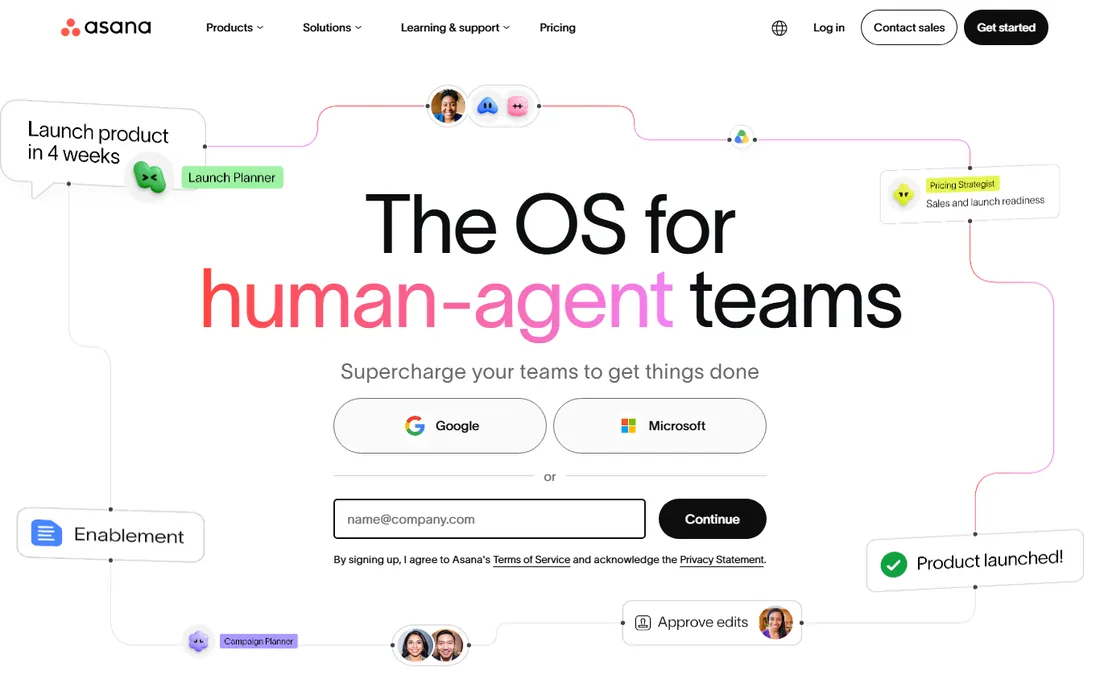
Asana organizes work as tasks inside projects that roll up into portfolios and goals, and its Work Graph model lets one task live in several projects without duplication. Starter at $10.99 per user per month adds Timeline/Gantt views, dashboards, forms and unlimited automations. It is the tool reviewers hand to non-technical teams with the least training.
The tier gap is the thing to price. Time tracking, portfolios, goals and workload all sit on Advanced at $24.99 per user per month, more than double Starter. Asana suits marketing teams, agencies and operations running campaigns, launches and editorial calendars. Teams that need deep resource planning or WIP limits usually outgrow it within a year or two.
What we like- The most polished, intuitive interface in the category
- Exact per-user pricing with no seat buckets
- Timeline, workflow builder and AI features on Starter
Watch out for- Portfolios, goals, workload and time tracking need Advanced at $24.99
- The free plan caps at 2 users
#5
Wrike
Best for: Teams that need configurable workflows plus proofing and reporting
Visit wrike.com
Starting price$10/user/month (Team, billed annually)
Free planYes (up to 5 users)
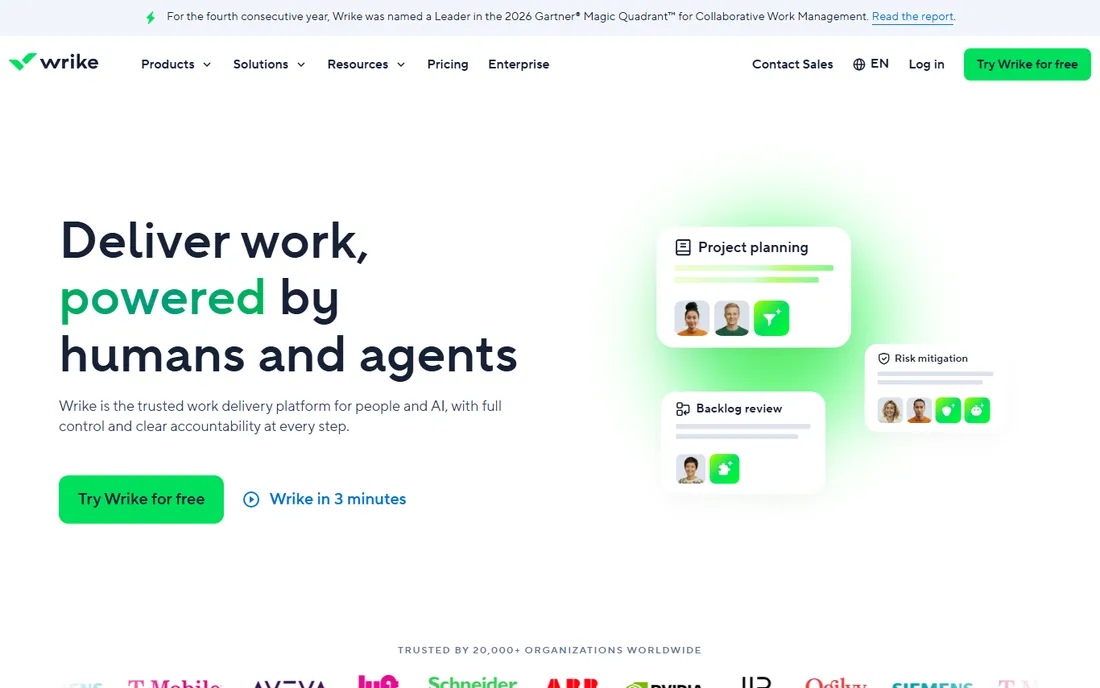
Wrike sits between the friendly work managers and the enterprise schedulers. Team at $10 per user per month includes shareable dashboards, interactive Gantt charts and custom fields; Business at $25 adds resource planning, advanced workflows and standard integrations. The free plan covers 5 users with basic task management.
It fits marketing, IT and professional-services teams managing complex, cross-functional projects. The price of its depth is setup: Wrike rewards an owner who configures it properly and punishes teams that wing it. If you want structure without Microsoft's dated feel, Wrike is the middle path.
What we like- Strong Gantt charts with dependencies on the Team plan
- Built-in proofing and approval workflows for creative teams
- Dashboards and reporting deeper than Asana or monday.com
Watch out for- Administration overhead grows with customization
- Advanced resource management needs the $25 Business plan
Starting price$7/user/month (Unlimited, billed annually)
Free planYes (Free Forever, unlimited members)
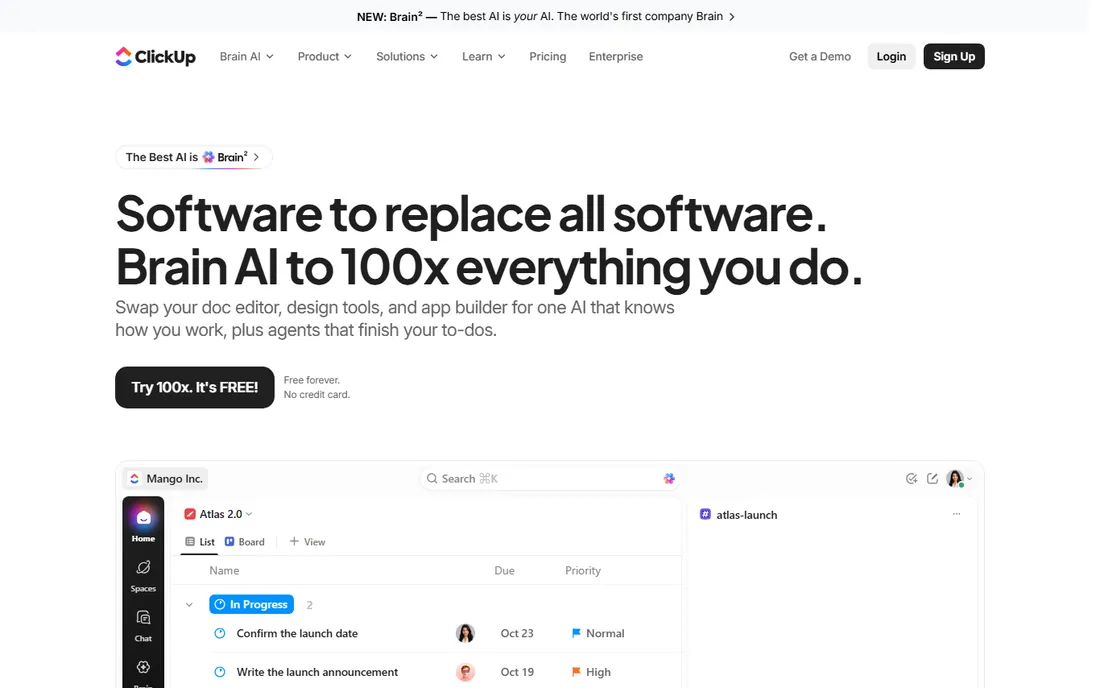
ClickUp's pitch is simple: everything the competitors sell, cheaper. Unlimited at $7 per user per month undercuts Asana Starter and monday.com Standard while including docs, goals, whiteboards and native time tracking. The free plan is genuinely usable for small teams, not a demo.
The honest catch is complexity. ClickUp does so much that new workspaces sprawl, and it needs an owner to keep it tidy. Automation is metered in executions: 1,000 a month on Unlimited, 5,000 on Business at $12. For budget-conscious startups and agencies that will invest a day in setup, it is the value king of this list.
What we like- The most generous free plan here, with unlimited members
- Cheaper than Asana and monday.com at every paid tier
- Docs, goals, whiteboards and time tracking in one app
Watch out for- Feature sprawl can overwhelm new users
- Heavy automation needs the Business plan's higher execution limits
#7
TeamGantt
Best for: Teams that want to schedule by dragging bars, not editing cells
Visit teamgantt.com
Starting price$24/month (Basic, 2 projects)
Free planYes (1 project, 1 manager)
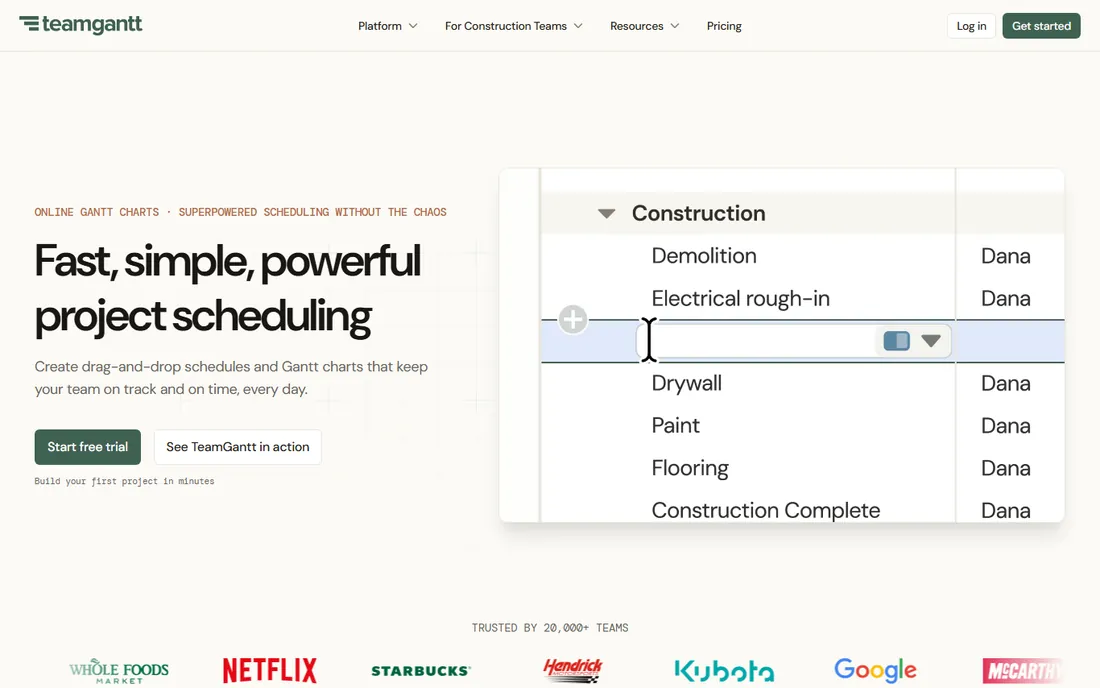
TeamGantt does one thing: Gantt charts you can drag. The Basic plan at $24 a month covers 2 projects with a manager and up to 10 collaborators; Business at $120 covers 5 projects with workload, critical path and portfolio views. Per-project billing is unusual and worth modeling against per-seat tools.
It suits construction teams, event planners and small agencies running a handful of projects with clear timelines. It is not a full work manager: no spreadsheet formulas, limited reporting, basic time tracking. If your planning lives and dies on the timeline, TeamGantt is the simplest tool that takes it seriously.
What we like- The most intuitive Gantt interface here
- Per-project pricing can beat per-seat tools for small teams
- Free collaborators in many configurations
Watch out for- Limited depth beyond scheduling (basic workload view, no formulas or reports)
- Per-project pricing gets expensive as project count grows
#8
GanttPRO
Best for: Solo planners and small teams wanting full Gantt features cheaply
Visit ganttpro.com
Starting price$7/user/month (Core, billed annually)
Free planFree trial (14 days)
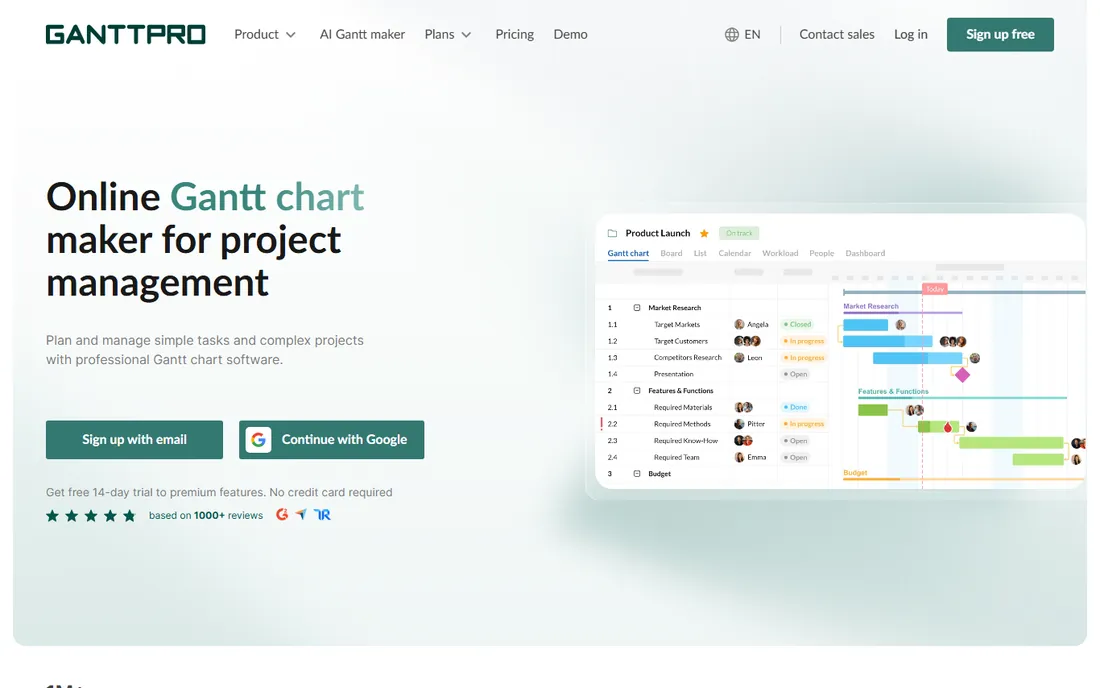
GanttPRO packs the most scheduling features into the lowest per-user price. Core at $7 per user per month (annual) includes dependencies, critical path, baselines, milestones, auto-scheduling and project sharing. Advanced at $10 adds custom fields and templates; Business at $17 adds workload management, portfolios, budgets and time tracking.
For a single project manager, it undercuts every per-seat competitor while delivering the full Gantt toolkit. The trade-offs are the missing free tier and thinner automation than the work managers. If you plan alone or lead a small team and the Gantt chart is the deliverable, start here.
What we like- Critical path, baselines, auto-scheduling and dependencies on the cheapest plan
- AI Gantt chart maker included on all tiers
- Native mobile apps and solid exports
Watch out for- No free plan, only a 14-day trial
- Workload management needs Business at $17
#9
OmniPlan
Best for: Apple-based planners who want professional scheduling without a subscription
Visit omnigroup.com
Starting price$199.99 one-time (Standard license)
Free planFree trial (14 days)
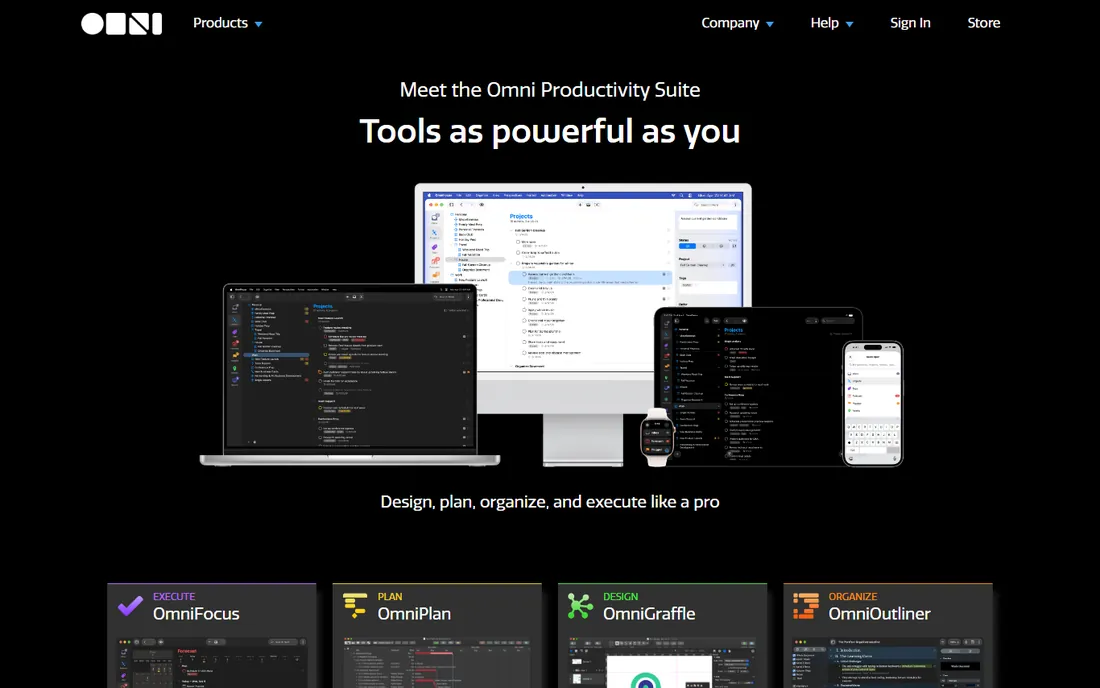
OmniPlan is the desktop holdout: a proper project planning app you buy once. Standard at $199.99 covers Gantt charts, baselines, critical path and resource management; Pro at $399.99 adds earned value analysis and Monte Carlo simulation. A $19.99/month subscription exists, but the one-time license is the point.
It is Apple-only, and collaboration is file-based rather than real-time, which limits team use. But for consultants, contractors and solo planners who schedule on a Mac and resent subscriptions, it is the only professional option here that you can own outright. The 14-day trial is fully functional.
What we like- One-time purchase, no subscription
- Professional features (baselines, critical path, earned value analysis, Monte Carlo simulation on Pro)
- Universal license covers Mac, iPad, iPhone and Vision Pro
Watch out for- Apple only, no Windows
- Weak real-time collaboration compared with cloud tools
How we chose
We priced every tool from the vendor's own published plans, because project software pricing hides in seat minimums, bucket sizes and annual-only discounts. All prices above are current 2026 list prices. We then tested the planning story: can it model dependencies, baselines and critical paths, or does it just list tasks on a timeline? Public reviews on G2, Capterra and TrustRadius plus hands-on comparisons informed the usability calls. We covered both tribes of the category, Gantt-first schedulers and flexible work managers, included the free tiers honestly (the best free project management software question comes up constantly), and added the one serious desktop option because some planners still want software they own.
Start from the artifact your team actually needs. If the deliverable is a schedule with dependencies, float and a critical path, buy a scheduler: Microsoft Project, Smartsheet, TeamGantt, GanttPRO or OmniPlan. If the deliverable is coordinated work across a team, buy a work manager: monday.com, Asana, Wrike or ClickUp. Buying a work manager for critical-path scheduling, or a scheduler for team collaboration, is the most common regret in this category.
Then match the complexity. A five-person marketing team does not need resource leveling; it needs a board everyone updates. A construction PM running phased builds with equipment and labor dependencies does need it, and should pay for Project or Smartsheet Business. The rule of thumb: if nobody on the team can explain what a baseline is, you do not need baselines yet.
Pricing traps: seat buckets, minimums and the plan you will actually need
Three mechanics inflate the bill beyond the headline price. First, seat buckets: monday.com sells seats in blocks, so awkward team sizes pay for empty chairs. Second, minimums: monday.com's 3-seat floor, Smartsheet Business's 3-member minimum and GanttPRO Enterprise's 5-user floor all punish tiny teams. Third, the tier you will end up on: Asana's useful features need Advanced at $24.99, Smartsheet's baselines need Business at $19, Wrike's resource planning needs Business at $25.
Model the second year, not the first. Count your real seat count against buckets and minimums, price the tier with the features you will actually use, and check whether automations, AI credits or storage are metered. The cheapest headline price rarely survives this math.
Frequently asked questions
What is the best project planning software for Gantt charts?
Microsoft Project has the deepest Gantt engine, but GanttPRO ($7/user/month) and TeamGantt ($24/month) deliver professional Gantt charts far cheaper. Smartsheet ($9/member/month) is the pick for spreadsheet-native teams. For a one-time purchase, OmniPlan ($199.99) is the only serious desktop Gantt tool.
Is there good free project planning software?
Yes. ClickUp's Free Forever plan is the most generous, with unlimited members. Asana Personal and monday.com's free tier both cap at 2 users, fine for pairs. TeamGantt's free plan covers one project. Free tiers work for small teams; growing teams hit limits on automations, views and reporting within months.
Should I choose Microsoft Project or Smartsheet?
Choose Microsoft Project if your organization runs on Microsoft 365 and manages complex, dependency-heavy projects: its scheduling engine and Power BI reporting are unmatched. Choose Smartsheet if your team thinks in spreadsheets and wants real planning controls without Project's learning curve, at $9 to $19 per member per month instead of $30.
What is the best project planning software for small teams?
For small teams, ClickUp ($7/user/month) offers the most features per dollar, Asana ($10.99/user/month) is the easiest to adopt, and monday.com Standard ($12/seat/month) is the fastest to set up. GanttPRO ($7/user/month) wins if the team plans around timelines. All four have free tiers worth testing first.
Do I need desktop project planning software?
Probably not. Cloud tools cover nearly every team use case with better collaboration. Desktop software like OmniPlan suits solo planners and consultants who want professional scheduling, offline access and a one-time purchase. Note the platform lock-in: OmniPlan is Apple-only.
How much should a 10-person team budget for project planning software?
Roughly $840 a year on ClickUp Unlimited, $1,320 on Asana Starter, $1,440 on monday.com Standard, $2,280 on Smartsheet Business or $3,600 on Microsoft Project Plan 3, all before add-ons. Price the tier you will actually need, count seats against bucket sizes, and add 20 percent for growth.
Sources we checked (21)
- https://ecorpit.com/microsoft-project-online-retirement-september-2026-migration/
- https://www.itqlick.com/microsoft-project/pricing
- https://www.spotsaas.com/product/microsoft-planner/pricing
- https://www.ganttile.com/alternatives/smartsheet-alternatives
- https://www.instagantt.com/compare/smartsheet
- https://www.g2.com/products/smartsheet/pricing
- https://monday.com/blog/project-management/asana-work-management/
- https://trackstack.tech/en/asana-vs-monday-smb-2026/
- https://github.com/macro-inc/work-tool-comparisons/blob/HEAD/tools/monday.md
- https://www.rock.so/blog/asana-pricing
- https://clickup.com/blog/asana-vs-clickup/
- https://www.launchnotes.com/blog/wrike-vs-notion-comparing-project-management-powerhouses
- https://www.saasworthy.com/product/wrike
- https://www.itqlick.com/wrike/pricing
- https://worklenz.com/blog/worklenz-vs-teamgantt/
- https://projectmanagers.net/the-pros-and-cons-of-using-teamgantt-software/
- https://www.instagantt.com/compare/ganttpro
- https://work-management.org/project-management/ganttpro-review/
- https://www.techrepublic.com/article/best-gantt-chart-software/?rand=3604
- https://www.omnigroup.com/blog/introducing-omniplan-4-for-ipad-and-iphone
- https://www.omnigroup.com/omniplan/buy
Is your product missing or out of date?
We review this list regularly. Vendors can request a listing, send updated pricing or ask about featured placement.

Shihab Mia · Founder, Rankite
Shihab has spent more than a decade helping SaaS and e-commerce brands grow through search. He writes Rankite's software buying guides from pricing pages, documentation and public user reviews. More about Shihab.