How we make this list: we compare pricing pages, product documentation and public user reviews. Rankite is independent; if a vendor ever pays for a featured spot, that listing is clearly labeled Partner.
Key takeaways
- For most small businesses, the right sales tool is a CRM with a visual pipeline, not a full enterprise suite. Start with Pipedrive ($14/seat/month billed annually) or Freshsales ($9/user/month) before paying for anything heavier.
- HubSpot's free CRM (free for up to 2 users) is the cheapest real starting point, but the paid tiers climb fast: Professional is $90/seat/month plus a $1,500 onboarding fee. Model the seat count, not just the sticker price.
- Teams that live on the phone should look at Close first: calling, SMS and email sequences are built in, so the $35/user/month Essentials plan replaces a separate phone system.
- Gmail-first teams have two purpose-built options: Copper and Streak both run inside the inbox, though only Streak offers a genuinely free tier.
Quick comparison
| Tool | Best for | Starting price | Free plan |
|---|
 Pipedrive Pipedrive | Small teams that want a clean, visual sales pipeline | $14/seat/month (Lite, billed annually) | Free trial (14 days) |
 HubSpot Sales Hub HubSpot Sales Hub | Small businesses that expect marketing and sales to share one platform | $20/seat/month (Starter, billed annually) | Yes (free for up to 2 users) |
 Zoho CRM Zoho CRM | Budget teams that need real customization at a low price | $14/user/month (Standard, billed annually) | Yes (free for up to 3 users) |
 Freshsales Freshsales | Small teams that want phone, email and chat built into the CRM | $9/user/month (Growth, billed annually) | Free trial (21 days) |
 Close Close | Teams that sell by phone and SMS at volume | $35/user/month (Essentials, billed annually) | Free trial (14 days) |
 Copper Copper | Small businesses that run entirely on Google Workspace | See website | Free trial (14 days) |
 Streak Streak | Gmail-first teams that want pipeline management inside the inbox | $49/user/month (Pro, billed annually) | Yes (free email-tools plan; CRM pipelines are paid) |
 Insightly Insightly | Small businesses that want CRM and project management in one subscription | $29/user/month (Plus, billed annually) | Free trial (14 days) |
 Keap Keap | Service businesses that need CRM, marketing automation and payments in one place | See website (contact-based, single platform price) | Free trial |
Is your product missing or out of date?
We review this list regularly. Vendors can request a listing, send updated pricing or ask about featured placement.
The best sales management software for small business
Picture a five-person company where the owner carries the biggest deals, two reps chase new leads, and one spreadsheet holds the pipeline. Every lost follow-up is a lost deal, and nobody quite knows which is which. That is the problem these tools solve. Nine sales management tools checked against their vendors' own pricing pages, with the pricing traps that matter for a small budget.
Starting price$14/seat/month (Lite, billed annually)
Free planFree trial (14 days)
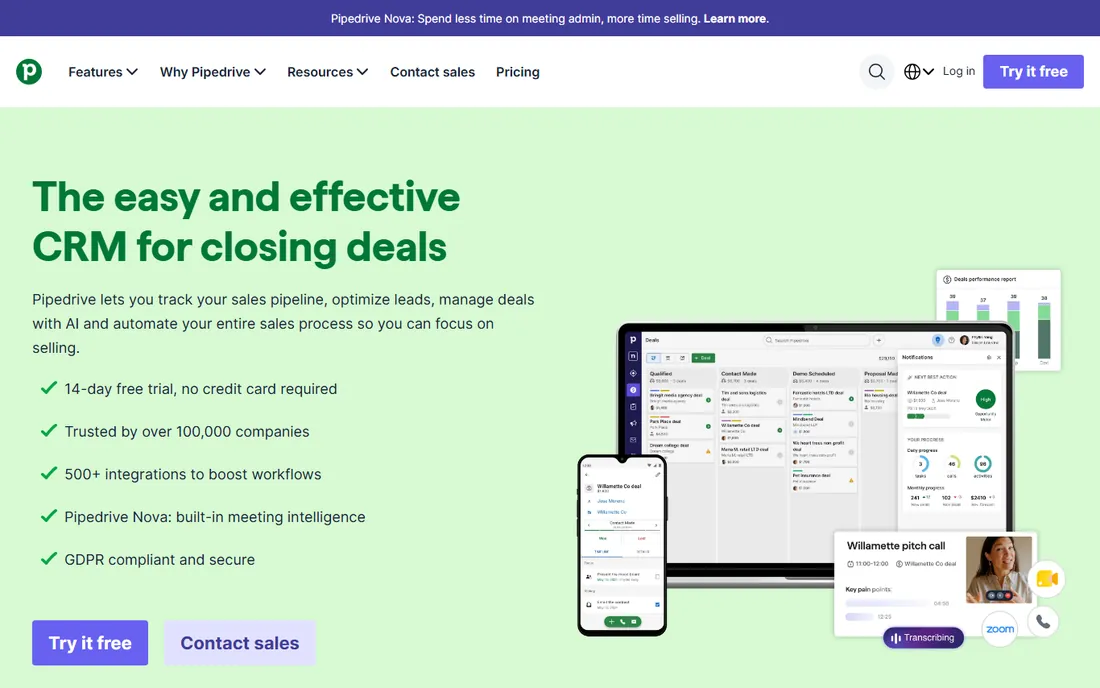
Pipedrive built its name on one screen: the deal pipeline. Reps drag deals between stages, and the system nags them about the ones going stale. For a small business that has never run a CRM, that simplicity is the whole point: adoption fails less often when the tool asks for five minutes a day instead of a certification. The Lite plan at $14 per seat per month billed annually covers lead, deal and contact management plus 500-plus integrations, and every plan includes a 14-day trial with no credit card required.
The catch is that Lite is a starter, not the full product. Automations, email sequences and forecasting all need Growth at $39 per seat per month, which is where most functioning sales teams land. AI features sit higher still. Price it at Growth, not Lite, when you budget, and remember the per-seat model means every new hire adds the full sticker amount.
What we like- Pipeline-first design that reps actually keep updated
- 500-plus integrations including Zapier, Zoom and Lemlist
- Implementation is free on plans over $400 a year
Watch out for- No automations or sequences on the entry Lite plan (Growth at $39 is the realistic start for most)
- AI tools and add-ons like LeadBooster cost extra at the top tiers
#2
HubSpot Sales Hub
Best for: Small businesses that expect marketing and sales to share one platform
Visit hubspot.com
Starting price$20/seat/month (Starter, billed annually)
Free planYes (free for up to 2 users)
HubSpot's free CRM remains the best free starting point in the category: contact management, one pipeline, email tracking and meeting scheduling at no cost for up to two users. Starter at $20 per seat per month billed annually adds real sales tooling at a price a small business can swallow. The pitch is the platform: when marketing and service tools are eventually needed, they share the same contact records, and nobody migrates anything.
But HubSpot is two products in one: a friendly starter and an expensive growth platform. Professional at $90 per seat per month billed annually (about $100 on monthly billing) plus the required $1,500 one-time onboarding fee is where sequences, forecasting and custom reporting live. A five-person team pays $5,400 a year plus onboarding at Professional. Start free or on Starter, and move up only when a specific feature forces you to.
What we like- Free CRM is genuinely functional, not a gated demo
- One shared data model across sales, marketing and service hubs
- Strong reporting and forecasting from Professional up
Watch out for- Professional jumps to $90/seat/month plus a mandatory $1,500 onboarding fee
- The broader suite tempts teams into marketing-contact tiers that inflate the bill
#3
Zoho CRM
Best for: Budget teams that need real customization at a low price
Visit zoho.com
Starting price$14/user/month (Standard, billed annually)
Free planYes (free for up to 3 users)
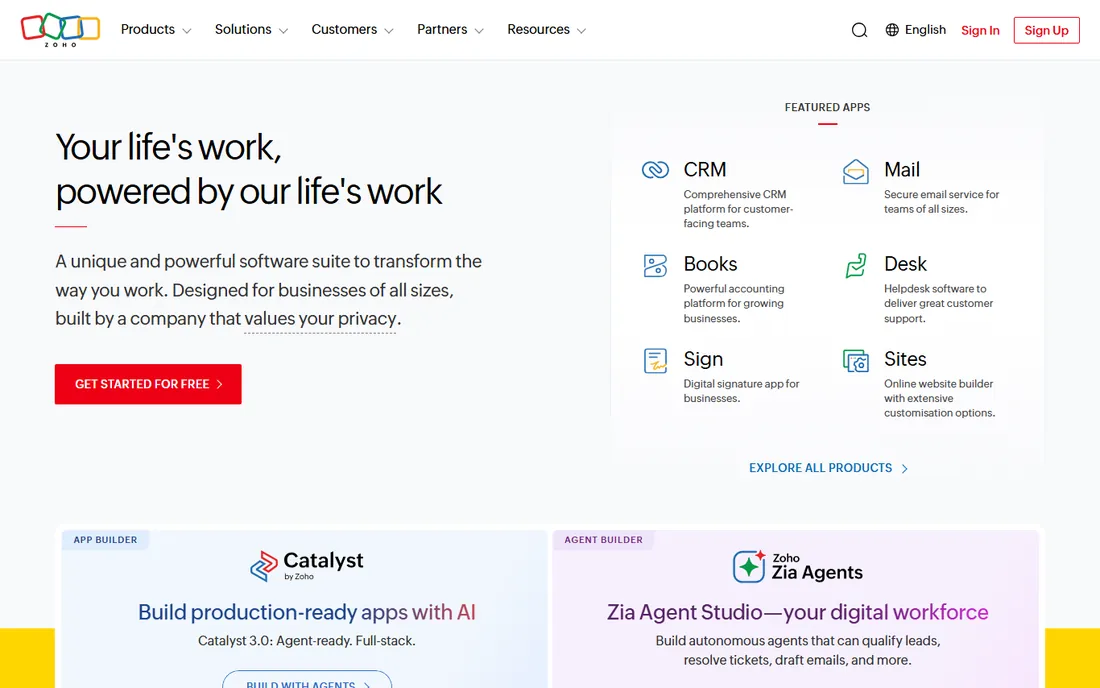
Zoho CRM is the value counterweight to HubSpot: a full-featured CRM whose paid plans start at $14 per user per month billed annually, undercutting nearly everyone else on this list. The free plan covers three users, which is enough for a founder plus two reps to run a real pipeline. Higher editions add Blueprint process automation, inventory management, AI and custom modules, topping out at Ultimate at $52 per user per month.
The trade-offs are time and polish. Zoho's interface is functional rather than delightful, and configuring it well takes effort; implementations planned by leadership without rep input tend to fail, a warning that applies double here. Also note the record limits: crossing 100,000 records can force a tier upgrade, so fast-growing contact lists should model that cost early. For teams willing to invest setup time, nothing else gives this much CRM for $14 a seat.
What we like- Cheapest credible paid CRM in this roundup at $14 per user
- Huge feature ladder with five editions up to $52
- Free plan covers three users with 5,000 records
Watch out for- The interface feels dated and setup takes real work
- Jumping tiers later can mean rebuilding features, so pick the edition carefully upfront
#4
Freshsales
Best for: Small teams that want phone, email and chat built into the CRM
Visit freshworks.com
Starting price$9/user/month (Growth, billed annually)
Free planFree trial (21 days)
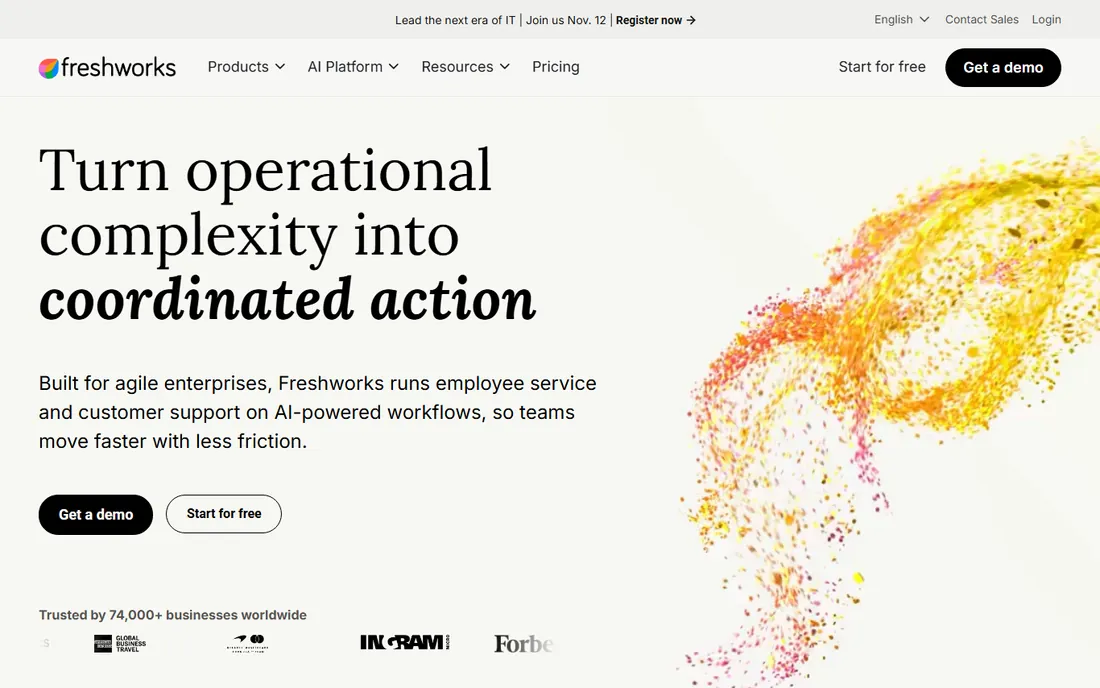
Freshsales, from Freshworks, undercuts the whole field at $9 per user per month billed annually on its Growth plan, and it includes a built-in phone system with email and chat, no third-party calling tool required. Setup genuinely takes hours, not weeks, and the 21-day free trial gives you the fully loaded CRM with no credit card. For a small team that calls prospects, that combination of price and built-in telephony is hard to beat.
Read the Growth plan's fine print before you celebrate: no API access, only five sequences, limited workflows and limited custom reports. Productive use for most teams starts at Pro at $39 per user per month billed annually, which adds contact scoring, territory management, sales sequences and API access. Freddy AI agents and branded proposal documents are add-ons at $49 per 100 sessions and $19 per user per month. Budget at Pro and treat Growth as the trial tier it behaves like.
What we like- Lowest verified starting price on this list with phone and email included
- Clean modern interface with a fast setup
- 21-day fully-loaded trial with no credit card
Watch out for- The Growth plan is restricted (no API, limited sequences and workflows), so most teams need Pro at $39
- Freddy AI agent and branded documents are paid add-ons
#5
Close
Best for: Teams that sell by phone and SMS at volume
Visit close.com
Starting price$35/user/month (Essentials, billed annually)
Free planFree trial (14 days)
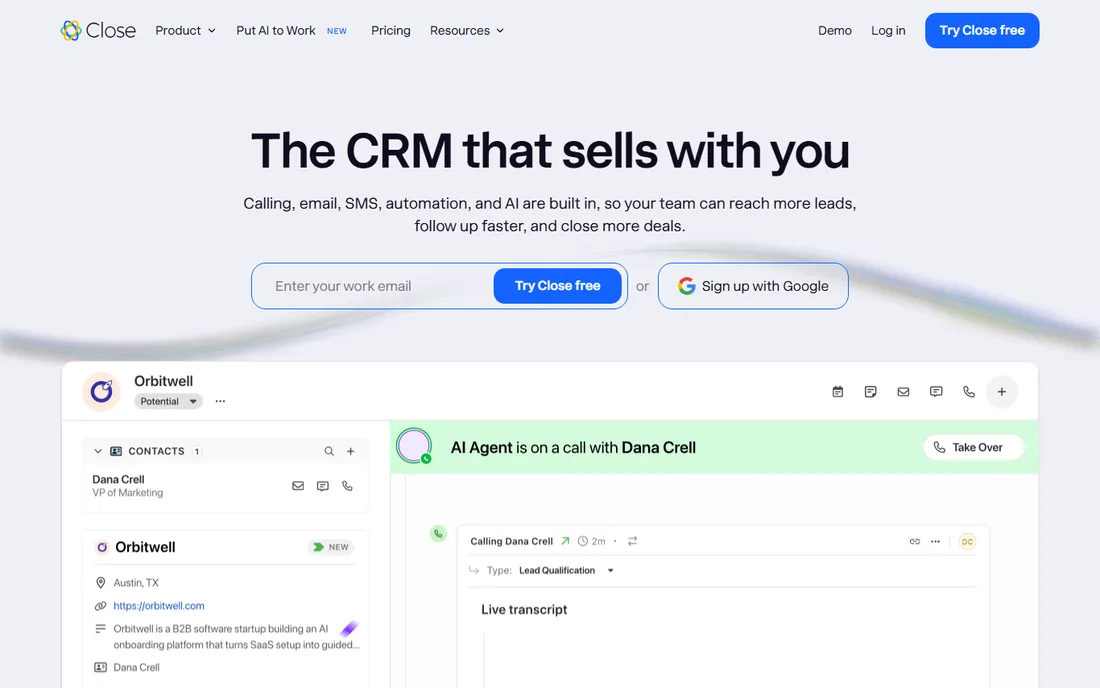
Close is built around one belief: the CRM should be where the selling happens. Calling, SMS, email, sequences and a power dialer all live inside the app, so a rep never switches to a phone system. Essentials at $35 per user per month billed annually ($49 monthly) covers unlimited contacts and leads, team collaboration, built-in forms, email, calling and SMS. Calling and SMS are billed at cost on top, roughly $0.02 a minute, which is cheaper than most standalone VoIP tools.
The price ladder is steep once you want automation. Workflows, automated sequences and the power dialer are gated behind Growth at $99 per user per month billed annually, and the predictive dialer and role-based permissions sit at Scale at $139. For a team of closers on the phone all day, Essentials pays for itself by replacing a phone system. For a team that mostly emails, cheaper pipeline tools do the same job.
What we like- Built-in calling, SMS, email and power dialer in one subscription
- Usage-based calling passed through at cost (about $0.02/minute)
- Self-serve setup with a 14-day trial
Watch out for- Automations and power dialer need Growth at $99/user/month
- A $9 Solo plan exists but is limited to one user and 10,000 leads
#6
Copper
Best for: Small businesses that run entirely on Google Workspace
Visit copper.com
Starting priceSee website
Free planFree trial (14 days)
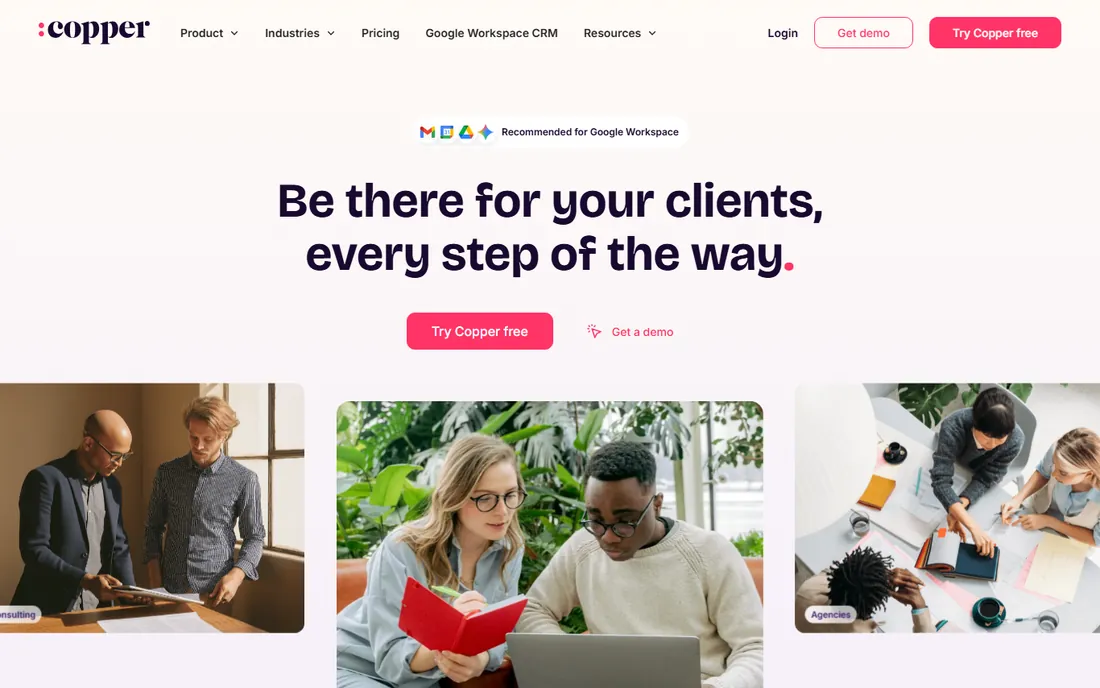
Copper's entire premise is that your team already lives in Gmail, so the CRM should live there too. A Chrome extension puts pipelines, contacts and deals inside the inbox; emailing a new lead automatically creates a contact record; Google Calendar and Drive sync without configuration. For a five-person business on Google Workspace, the adoption argument writes itself: nobody learns a new app, because the CRM is a sidebar in the app they already use.
The honest problem is price transparency. Copper does not publish prices in a way we could verify on their site, and third-party reports disagree with each other (Basic reported anywhere from $23 to $29 per seat per month on annual billing, with Starter, Professional and Business tiers above). The 14-day trial with no credit card is the reliable fact; treat every published number as unverified until Copper quotes you. If your stack is Microsoft instead of Google, this product is irrelevant to you.
What we like- Lives inside Gmail, Calendar and Drive through a Chrome extension, with automatic contact capture
- Recommended by Google for Workspace users
- Instant activation with no credit card for the trial
Watch out for- No published pricing on the site we could verify, and third-party reports conflict
- Only useful if your team lives in Google apps
#7
Streak
Best for: Gmail-first teams that want pipeline management inside the inbox
Visit streak.com
Starting price$49/user/month (Pro, billed annually)
Free planYes (free email-tools plan; CRM pipelines are paid)
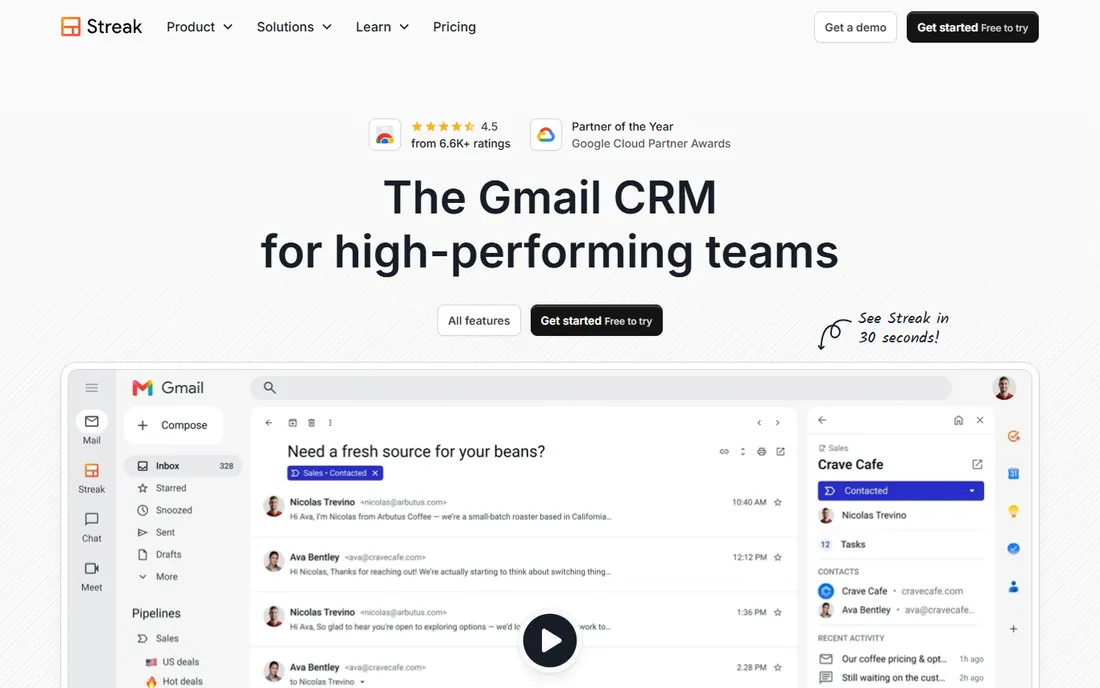
Streak is the other Gmail-native CRM, and the more generous one: its free plan works inside Gmail forever, with email and link tracking, snippets, 50 mail-merge sends a day and thread splitting at no cost. The paid CRM starts at Pro at $49 per user per month billed annually ($59 monthly), with unlimited contacts, pipelines and records on every plan, and a free 14-day trial of Pro+. For a small team that lives in Gmail and hates per-record limits, the pricing logic is simple: you pay for people, never for data.
The limits are social, not technical. Every user on the team must be on the same plan, and there is no view-only seat, so the founder who just wants to peek at the pipeline pays the same $49 as a full-time rep. Automations and advanced reporting need Pro+ at $69. Streak is the best free starting point for Gmail teams; as a paid CRM, make sure the per-seat math fits before you commit.
What we like- Full CRM pipelines inside Gmail with unlimited contacts, pipelines and records
- Generous free tier for email tracking, snippets and mail merge
- 20 percent saving on annual billing
Watch out for- Everyone on a team must be on the same plan, and every user is a paid seat with no view-only option
- Paid plans start higher than most competitors here
#8
Insightly
Best for: Small businesses that want CRM and project management in one subscription
Visit insightly.com
Starting price$29/user/month (Plus, billed annually)
Free planFree trial (14 days)
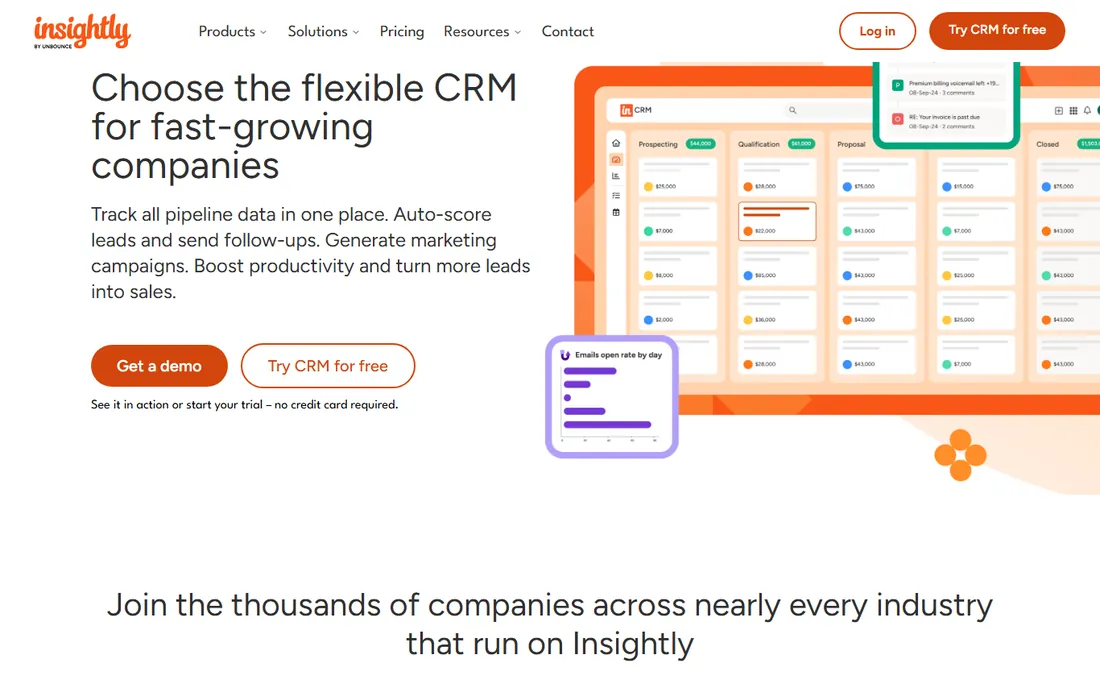
Insightly's differentiator is the bundle: a CRM with native project management, so the team that sells the project also tracks its delivery in the same system. The Plus plan at $29 per user per month billed annually includes lead management, automated emails, kanban views, task management, built-in BI dashboards and 500 custom fields. Professional at $49 adds lead routing and custom objects; Enterprise at $99 adds products, pricebooks and sandboxes.
The cautionary notes come from long-term users: the project management side is good enough to replace a basic tool but not a match for dedicated software, and large contact databases reportedly slow the product down. Dashboard customization also frustrates. If you currently pay for both a CRM and a project tool, Insightly at $29 a seat can genuinely retire one subscription. If project delivery is your core business, keep the dedicated tool.
What we like- Native project management bundled with the CRM, replacing a second tool
- Built-in business intelligence dashboards on the entry plan
- Straightforward three-tier ladder up to $99
Watch out for- Performance reportedly degrades with large contact databases
- Project features are a level below dedicated project tools, and dashboard customization is clunky
#9
Keap
Best for: Service businesses that need CRM, marketing automation and payments in one place
Visit keap.com
Starting priceSee website (contact-based, single platform price)
Free planFree trial
Keap, formerly Infusionsoft, sells one platform rather than plan tiers: CRM, contact management with tags, email and text marketing, landing pages, appointment scheduling, quotes, invoices and payment processing, all in one subscription. The pricing page confirms two user licenses are included with extra users at $39 a month, and text marketing is tiered separately. A free trial is available, though sending is limited to 25 emails during it. For a service business that currently stitches together a CRM, an email tool and an invoicing app, the consolidation math can work.
The catches are structural. Pricing scales with contact count, and the starting price was not displayed on the pricing page at the time of our check, so budgeting requires a conversation or the on-page calculator. Keap also requires paid implementation services, starting around $499, which they present as optional but recommend strongly. This is the most expensive product on this list for a reason: it replaces three tools. If you only need a pipeline, buy a pipeline.
What we like- True all-in-one: CRM, email and text marketing, landing pages, quotes, invoices and payments
- 2 user licenses included with additional users at $39/month
- US-based phone support and a dedicated success manager
Watch out for- Pricing is contact-based and the published starting price was not shown on the pricing page
- Implementation services are required and add real cost
What the per-seat bill actually looks like at 5 people
Small businesses should price CRMs the way they pay them: total monthly cost for the actual team. Five seats on Freshsales Growth is $45 a month; the same team on Pipedrive Lite is $70. HubSpot Starter lands at $100, and HubSpot Professional at $450 plus the $1,500 onboarding fee. Close Essentials is $175 before call usage, and Streak Pro is $245.
That math is the whole buying decision. A $9-per-user plan and a $49-per-user plan differ by $2,400 a year at five seats, which is more than most small businesses spend on marketing tools in a quarter. Pick the plan you will actually live on (usually one tier above the entry plan), multiply by your seat count, add the onboarding and usage fees, and only then compare products.
Picking one without regret
Run a real two-week trial with your actual pipeline, not a demo account. Import 50 real contacts, move 10 real deals, and make one rep log every call for a week. The CRM that survives that week with the least complaining is the right one. Two specific traps to avoid: buying for the marketing team you might hire someday (buy for the sales team you have), and choosing on features instead of adoption (the best CRM is the one your reps open every morning).
Migration is easier than vendors imply. Every product here imports from spreadsheets, and Close, Pipedrive and HubSpot all ship built-in importers for rival CRMs. Export your contacts as a CSV, clean the duplicates, import, and run the old spreadsheet in parallel for one week. Do not pay for implementation unless your process is genuinely complex: most five-person teams are live in a day.
How we chose
We checked each vendor's own pricing page for current prices, free tiers and trial terms, and cross-checked plan details against public reviews on G2, Capterra and Reddit. Tools made the list only if they exist today, are built for small businesses rather than enterprise sales orgs, and publish enough pricing information to budget against (or, in two cases, are important enough in the category that we included them with an honest "see website"). We describe the method because we did not run hands-on trials: this comparison is built from pricing pages, documentation and verified user reviews.
Frequently asked questions
What is the cheapest sales management software for a small business?
Freshsales at $9 per user per month billed annually is the lowest verified paid price on this list, and HubSpot's free CRM (up to 2 users) and Streak's free email-tools plan cost nothing. Zoho's free plan covers three users. "Cheapest" still depends on seat count: a free plan for two users beats any $9-per-seat plan.
Do I need a CRM if I only have two salespeople?
Yes, and that is when it is cheapest to start. Two people can keep a pipeline in their heads until they cannot, usually around 30 active deals. A free plan from HubSpot, Zoho or Streak costs nothing and saves the first lost follow-up.
How long does it take to set up a CRM for a small team?
Most of these tools go live in a day: import a CSV of contacts, build one pipeline, invite the team. Zoho and Keap take longer because of their depth; Keap's required implementation adds weeks. Budget one day for Pipedrive, Freshsales or Streak, and a week for the heavier platforms.
Per-seat or flat pricing: which is better for a small business?
Per-seat pricing (everything on this list except Keap's contact model) is predictable and scales down when the team shrinks. The risk is seat creep: every hire adds the full amount. Audit your seats quarterly and downgrade anyone who only needs to view reports, where the product allows it.
Can I switch CRMs later if I pick wrong?
Yes. Every tool here exports contacts to CSV, and most include importers for rival CRMs. The real cost of switching is retraining and rebuilding automations, not data loss. That is another reason to start simple: a simple setup is a cheap setup to leave.
Is a free CRM enough for a small business?
For a team under five with a simple pipeline, often yes. HubSpot's free tier and Zoho's free plan both handle contact management and deal tracking. You will outgrow them when you need automation, sequences or real reporting, which is exactly when the paid tiers start paying for themselves.
Sources we checked (10)
- https://www.pipedrive.com/en/pricing
- https://www.freshworks.com/crm/pricing/
- https://www.close.com/pricing
- https://www.streak.com/pricing
- https://keap.com/pricing
- https://www.copper.com/pricing
- https://www.eesel.ai/blog/hubspot-pricing
- https://syncgtm.com/blog/hubspot-vs-gohighlevel
- https://www.method.me/blog/zoho-crm-cost/
- https://research.com/software/reviews/insightly-crm-review
Is your product missing or out of date?
We review this list regularly. Vendors can request a listing, send updated pricing or ask about featured placement.

Shihab Mia · Founder, Rankite
Shihab has spent more than a decade helping SaaS and e-commerce brands grow through search. He writes Rankite's software buying guides from pricing pages, documentation and public user reviews. More about Shihab.