How we make this list: we compare pricing pages, product documentation and public user reviews. Rankite is independent; if a vendor ever pays for a featured spot, that listing is clearly labeled Partner.
Key takeaways
- If you run a creative or marketing team and want the simplest visual scheduler, start with Float ($7 per scheduled person per month) or Resource Guru (from $5 per person per month).
- Teams that need scheduling tied to project budgets should compare Runn (from $7 per resource per month) and Forecast (from $29 per seat per month); both add real financial forecasting, not just timelines.
- The billing model changes the math more than the feature list does: Ganttic and Hub Planner charge per resource with unlimited users, while most others charge per seat.
- Almost every tool here offers a free trial, and Ganttic and Runn both have free entry points; use the trial to schedule two real weeks of work before paying anything.
Quick comparison
| Tool | Best for | Starting price | Free plan |
|---|
 Float Float | Creative and marketing teams wanting visual scheduling | $7 per scheduled person per month (Starter, billed annually) | Free trial (30 days) |
 Resource Guru Resource Guru | Teams that want simple people scheduling at the lowest price | $5 per person per month (Grasshopper, billed monthly) | Free trial (30 days) |
 Runn Runn | Small and mid-size teams wanting capacity plus revenue forecasts | $7 per resource per month (Lite) | Free for teams of up to 5 people |
 Forecast Forecast | Professional services firms that want resourcing tied to finances | $29 per seat per month (Lite, billed annually) | Free trial (14 days) |
 Ganttic Ganttic | Teams that want per-resource billing and unlimited users | $25 per month (Pro 20, up to 20 resources) | Yes (free for up to 10 resources) |
 Hub Planner Hub Planner | Mid-size teams needing scheduling, leave and timesheets together | $7 per resource per month (Plug & Play) | Free trial (60 days) |
 Mosaic Mosaic | Agencies wanting AI-assisted staffing and workload forecasts | $9.99 per user per month (Team) | Free trial (30 days) |
 Teamdeck Teamdeck | Teams that want scheduling, time tracking and leave in one tool | $6 per seat per month (Full Member, billed monthly) | Free trial (14 days) |
 ProWorkflow ProWorkflow | Teams that want full project management with scheduling included | $18 per user per month (Professional, billed annually) | Free trial |
Is your product missing or out of date?
We review this list regularly. Vendors can request a listing, send updated pricing or ask about featured placement.
The best resource scheduling software
The weekly staffing meeting usually goes like this: someone asks who can take the new project, three people guess, and the answer turns out to be wrong on Thursday. Resource scheduling software replaces that ritual with one shared view of who is doing what, when they finish, and how much room is left. The nine tools below all solve that problem, but they solve it for different company sizes, at different prices, and with very different ideas of what counts as a billable unit.
#1
Float
Best for: Creative and marketing teams wanting visual scheduling
Visit float.com
Starting price$7 per scheduled person per month (Starter, billed annually)
Free planFree trial (30 days)
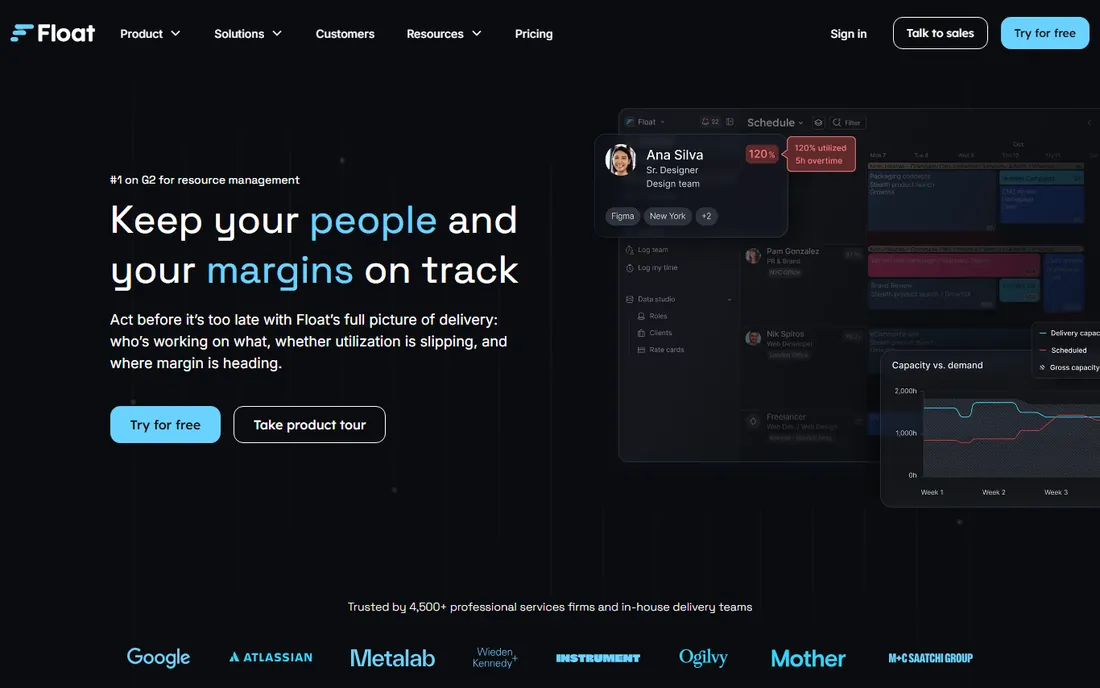
Float is the scheduling tool agencies reach for when the spreadsheet stops working. The timeline shows people down the side and days across the top, and booking someone is a drag-and-drop motion that takes seconds. Time off, public holidays and part-time availability sit in the same view, so over-allocation shows up before it becomes a missed deadline. The Pro plan at $12 per scheduled person per month adds project estimates, actuals tracking, a finance dashboard and SSO, which covers most of what a 20 to 100 person firm needs.
The catch is the billing unit. Float charges per scheduled person, not per login, which sounds generous until you realize every contractor and part-timer you schedule counts. The one-way Jira integration also deserves a mention: tasks import from Jira into Float, but changes made in Float do not write back. If Jira is your system of record and priorities shift weekly, budget time for keeping both sides current.
What we like- Fast drag-and-drop scheduling that new hires learn in an hour
- Utilization and availability reports built in
- Budget tracking and integrations included on every paid plan
Watch out for- You pay only for scheduled people, which is fair until contractors rotate in and out
- Financial reporting is lighter than true PSA tools
Starting price$5 per person per month (Grasshopper, billed monthly)
Free planFree trial (30 days)
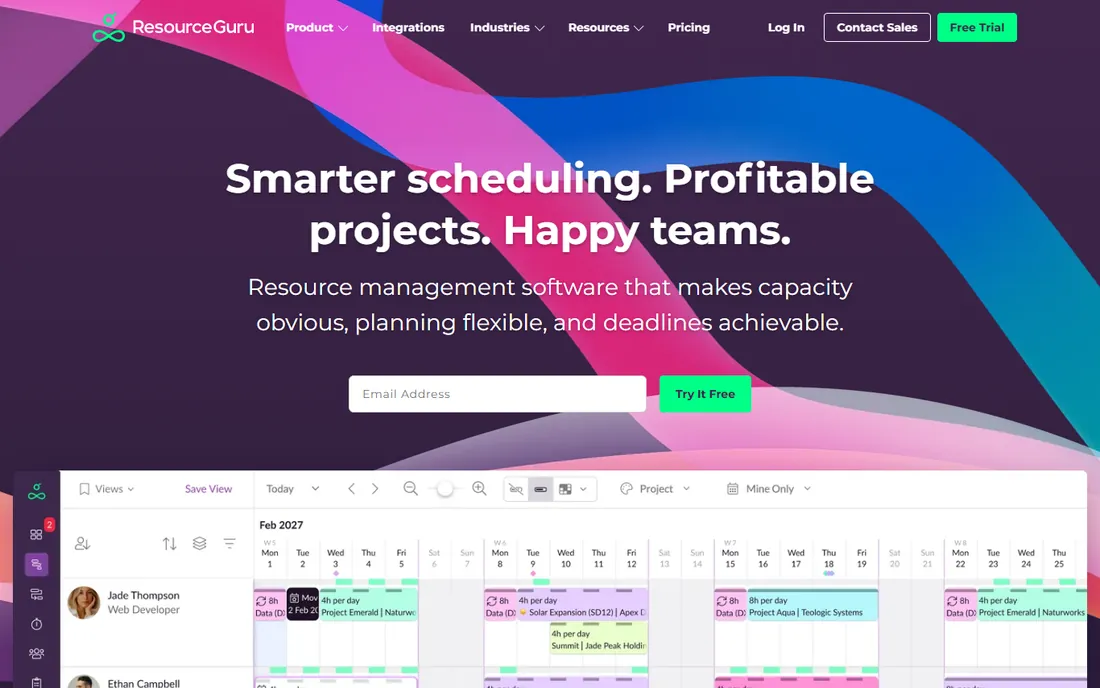
When the goal is simply to know who is free on Tuesday, Resource Guru is hard to beat. The calendar is uncluttered, bookings take a click, and the clash management flags conflicts automatically with a waiting list for overbooked resources. Three plans keep the choice simple: Grasshopper at $5 per person per month for essential scheduling, Blackbelt at $9.60 for reports and time tracking, and Master at $14.40 for SSO, data import and phone support. Annual billing drops each tier further, to $4.16, $8 and $12 respectively.
Resource Guru does not try to be a financial tool, and buyers should not expect one. There is no project budgeting, no revenue forecasting, and utilization reporting only arrives on Blackbelt and above. For a team that already runs its finances in QuickBooks or Xero and just needs clean scheduling, that focus is a feature. For a services firm that wants margin per project, look at Runn or Forecast instead.
What we like- The lowest starting price on this list with a genuinely simple interface
- Clash management and waiting lists prevent double-booking
- Unlimited projects and clients on every plan
Watch out for- Reporting is thin on the entry Grasshopper plan
- No permanent free tier, and the Master plan costs nearly three times the starter
#3
Runn
Best for: Small and mid-size teams wanting capacity plus revenue forecasts
Visit runn.io
Starting price$7 per resource per month (Lite)
Free planFree for teams of up to 5 people
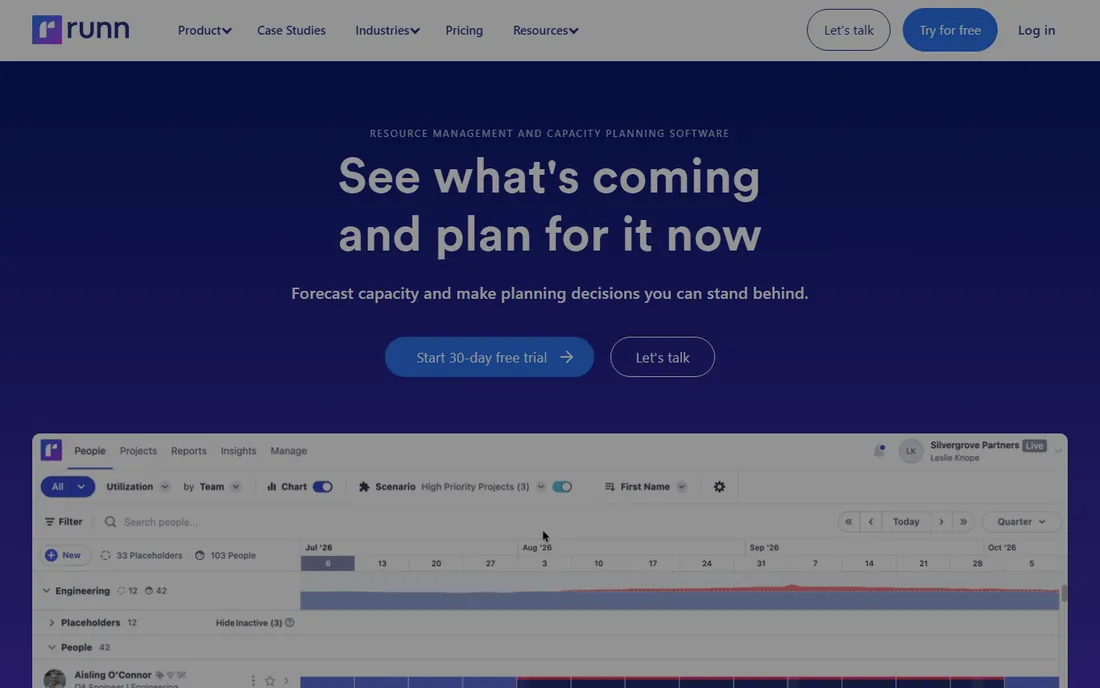
Runn thinks in projects and money, not just people and hours. The core view shows capacity across roles and teams, but the part buyers remember is the forecasting: tentative projects can be modeled to see what happens to margins if the work lands, and the financial dashboards track utilization, variance and revenue per project in real time. Pricing is per resource, not per seat, with Lite at $7 and Standard at $11 per resource per month. A free tier covers teams of up to 5 people, which is enough for a small studio to run on indefinitely.
The trade-offs are around ecosystem depth. Runn connects to Harvest, WorkflowMax, Clockify and the usual calendar apps, with an API for the rest, but the integration list is shorter than Float's or Forecast's. Support beyond the standard tier is consultation-based, and the Advanced plan requires a custom quote. For a 10 to 50 person firm that wants forecasting without enterprise process, Runn is the sweet spot.
What we like- Scenario planning lets you model tentative projects before committing
- Real-time revenue and utilization forecasts per project
- Free tier for very small teams
Watch out for- Integrations are thinner than the bigger platforms
- The advanced plan is quote-based, so pricing clarity ends at Standard
#4
Forecast
Best for: Professional services firms that want resourcing tied to finances
Visit forecast.app
Starting price$29 per seat per month (Lite, billed annually)
Free planFree trial (14 days)

Forecast is the heavyweight on this list, built for firms that want resourcing glued to project finances. The Lite plan at $29 per seat per month billed annually covers scheduling at the task and project level, capacity management, auto-scheduling, statement-of-work scoping, and portfolio tracking. Pro at $49 adds the deeper financial and operational controls. AI features suggest roles and assignees, flag at-risk budgets, and help with scoping, which matters when a 50-person consultancy is juggling 30 concurrent projects.
The price floor is the honest problem. Lite requires a minimum of 10 seats, so the smallest possible annual commitment runs close to $3,500 a year, and virtual seats for non-billable staff add $4.99 each. That is a lot of money if you only need a shared calendar. Forecast earns it back for firms that currently run scheduling, time tracking and project accounting in three separate tools, because consolidation is where the savings live.
What we like- One platform for resource scheduling, project management, time tracking and budgets
- AI-assisted scoping and scheduling suggestions
- Strong Jira and accounting integrations
Watch out for- The per-seat minimum of 10 seats on Lite means a high floor for small teams
- Pricing jumps steeply to Pro at $49 per seat
#5
Ganttic
Best for: Teams that want per-resource billing and unlimited users
Visit ganttic.com
Starting price$25 per month (Pro 20, up to 20 resources)
Free planYes (free for up to 10 resources)
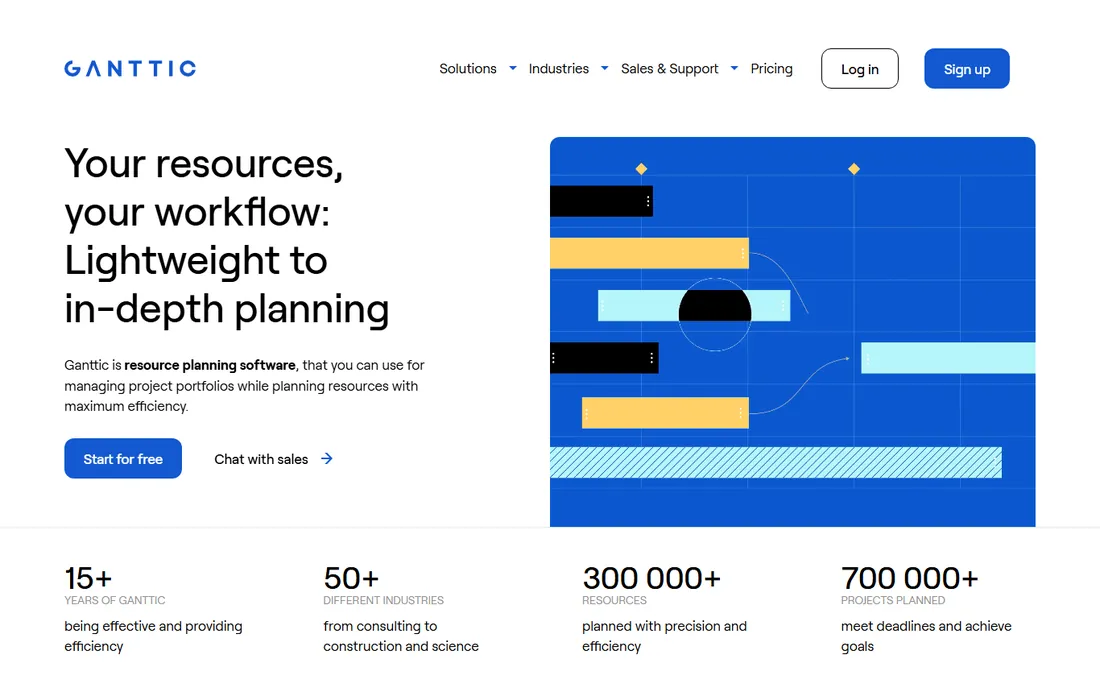
Ganttic is the odd one out, and it knows it. Instead of charging per user, it charges per resource: the Pro 20 plan at $25 per month covers up to 20 resources with unlimited users, unlimited projects and every feature included. A resource can be a person, a meeting room, a vehicle or a production line, which is why manufacturing and logistics teams show up in its customer base alongside agencies. The free tier covers up to 10 resources, which is genuinely usable for a small operation.
That pricing model is the whole pitch. If 40 people need to view the schedule but only 15 are scheduled resources, Ganttic costs a fraction of a per-seat tool. The trade is the interface: the Gantt-centric design is functional rather than beautiful, and teams used to modern drag-and-drop schedulers may find it clunky. It also lacks the financial forecasting layer of Runn or Forecast. For equipment-plus-people scheduling at a fixed, predictable price, it is one of the best values here.
What we like- You pay per resource, not per user, so viewers and managers are free
- Plans scale cleanly from 20 to 2,000 resources
- Every plan includes the same features
Watch out for- The Gantt-first interface feels dated next to Float or Mosaic
- No per-seat option, so tiny teams can find the resource tiers awkward
#6
Hub Planner
Best for: Mid-size teams needing scheduling, leave and timesheets together
Visit hubplanner.com
Starting price$7 per resource per month (Plug & Play)
Free planFree trial (60 days)
Hub Planner grew out of a Swedish consultancy and still shows it: the tool is practical, unglamorous and built around the realities of staffing client work. The Plug & Play plan at $7 per resource per month covers the scheduler, reports and unlimited projects. Premium at $18 adds timesheets with approvals, vacation and leave management, and financial budgets, which is the plan most services firms actually need. Like Ganttic, pricing is per resource with unlimited users, so stakeholders can view without costing you anything.
The weakness is ecosystem. Native integrations are limited, with Zapier and a small set of direct connections carrying most of the load, and the mobile experience is functional at best. The 60-day free trial is the longest on this list and needs no credit card, which makes it cheap to evaluate honestly. Hub Planner suits 20 to 200 person firms that want one place for scheduling, leave and timesheets without paying for a full PSA suite.
What we like- Long 60-day trial with no credit card required
- Timesheets, vacation management and financial budgets in the Premium tier
- Per-resource pricing keeps viewer costs at zero
Watch out for- Integrations are limited compared with Float or Forecast
- The interface is competent but not modern, and mobile is basic
#7
Mosaic
Best for: Agencies wanting AI-assisted staffing and workload forecasts
Visit mosaicapp.com
Starting price$9.99 per user per month (Team)
Free planFree trial (30 days)

Mosaic bets that software can spot staffing problems before a human does. Its AI layer analyzes allocations, workloads and project timelines to forecast capacity issues and suggest staffing moves, drawing data automatically from connected project management and finance tools. The Team plan at $9.99 per user per month covers the core scheduling and forecasting, while Business at $14.99 adds the deeper controls larger agencies need. Review scores skew high, with users pointing to the workload heat maps and the time it saves versus manual spreadsheet planning.
Two caveats come with the AI positioning. First, the forecasts are only as good as the data feeding them, so a new team with no project history gets generic output for the first months. Second, $9.99 per user is per-seat pricing, which gets expensive fast for a 60-person agency where only 10 people schedule. Mosaic fits agencies that will feed it clean data from their existing stack and want proactive alerts rather than another passive calendar.
What we like- AI-powered forecasting flags over-allocation and staffing gaps early
- Workload heat maps are clear and genuinely useful
- Integrates with common project and finance tools to pull data automatically
Watch out for- The per-user price climbs to $14.99 on Business
- No free tier, and the AI features need enough historical data before they become accurate
#8
Teamdeck
Best for: Teams that want scheduling, time tracking and leave in one tool
Visit teamdeck.io
Starting price$6 per seat per month (Full Member, billed monthly)
Free planFree trial (14 days)
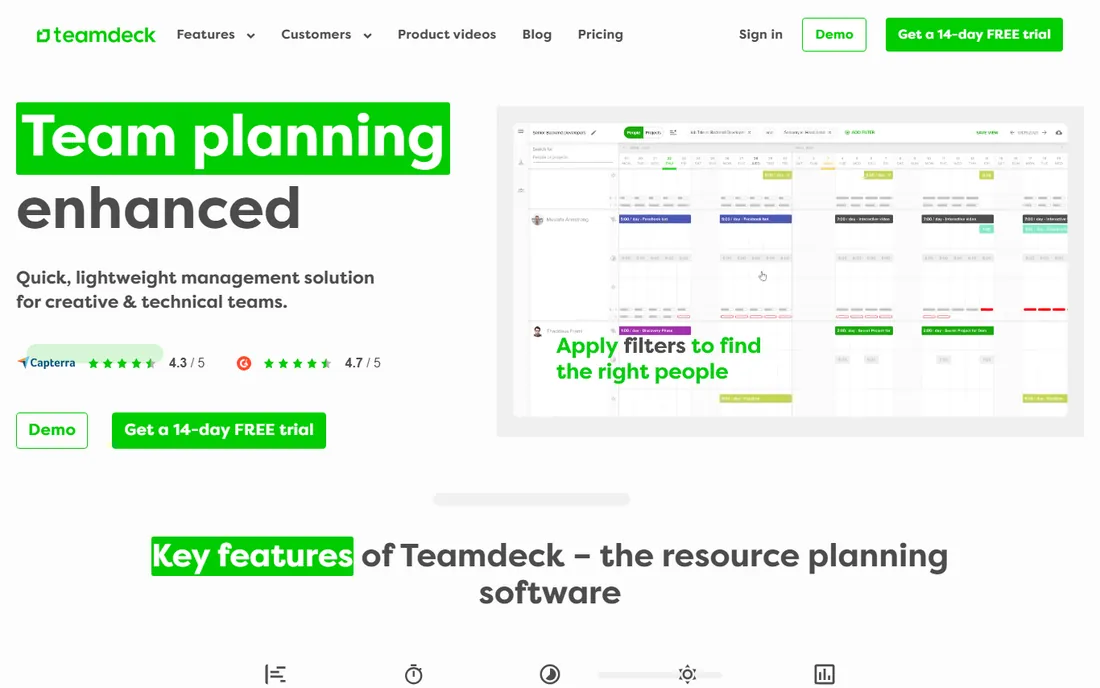
Teamdeck gives you scheduling, time tracking and leave management in one tab instead of three subscriptions. The pricing is simple: Full Member seats at $6 per month ($5.40 billed annually) for people who schedule and track time, and Light Member seats at $2 per month for staff who only need timesheets filled out by a manager or vacations added for them. That two-tier structure keeps the bill honest for teams with part-timers and contractors. The feature set covers resource allocation, availability management, customizable reports and project forecasting.
It is not the prettiest tool here, and the integration list leans on Zapier rather than deep native connections. Reviewers also note limited customization compared with Monday.com or Float. But the value proposition is blunt: one tool, one bill, three functions. For small to mid-size teams that currently stitch together a scheduler plus a time tracker plus a leave spreadsheet, Teamdeck is worth the 14-day trial.
What we like- Scheduling, time tracking and leave management in one subscription
- Light Member seats at $2 per month keep occasional staff cheap
- Simple per-user pricing with no resource math
Watch out for- Fewer native integrations than the category leaders
- Customization options are limited, and the interface is utilitarian
#9
ProWorkflow
Best for: Teams that want full project management with scheduling included
Visit proworkflow.com
Starting price$18 per user per month (Professional, billed annually)
Free planFree trial
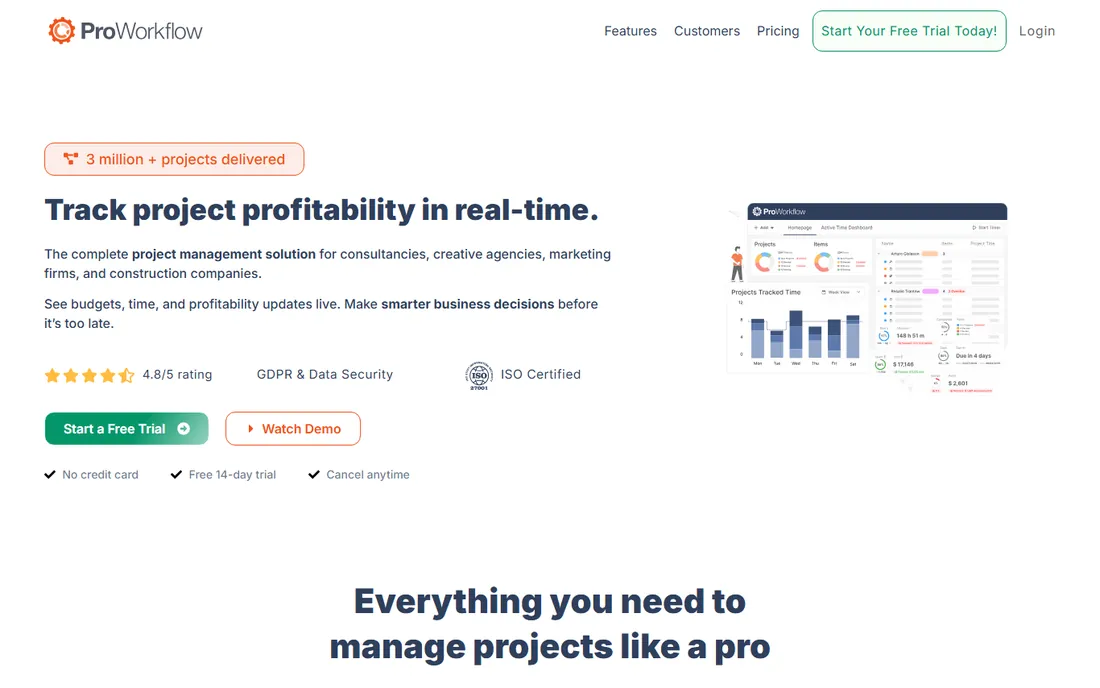
ProWorkflow has been around since before most of these tools, and it shows in the depth of its project features. The Professional plan at $18 per user per month billed annually ($20 monthly) includes unlimited tasks, unlimited external projects, free client and contractor access, quotes and invoicing, and 25 GB of storage. Advanced at $27 billed annually ($30 monthly) adds organizational charts, retainer and recurring projects, custom project fields and priority support, with a 5-user minimum. There is also a Solo plan at $10 per month for freelancers.
The honest trade is modernity. The interface feels like an earlier era of web apps, and setup takes longer than the drag-and-drop-first tools. Per-user pricing with no resource-based tier means a 40-person team pays for 40 seats even if only half schedule. ProWorkflow suits firms that want project management, quoting, invoicing and scheduling in one long-established platform and do not mind a steeper learning curve in exchange for depth.
What we like- Deep project management features (quotes, invoices, retainers, recurring projects) alongside scheduling
- Unlimited external projects and free client access on Professional
- Desktop and mobile time-tracking widgets
Watch out for- The interface shows its age
- The Advanced plan requires a 5-user minimum, and pricing is per user with no resource-based option
How we chose
We built this list the way a buyer should: by reading pricing pages, documentation and feature lists for each vendor, then checking what users say on G2, Capterra and Reddit. Every price above comes from the vendor's own published pricing or from provider-supplied pricing data, and where we could not confirm a number we wrote "See website" instead of guessing. We mixed category leaders like Float and Resource Guru with smaller options like Teamdeck and Mosaic so the list is useful for a 10-person studio and a 200-person consultancy alike. We did not claim hands-on testing we did not do.
Per-seat or per-resource: pick the billing model before you shortlist
The biggest cost surprise in this category is not the sticker price, it is the billing unit. Float charges per scheduled person, Resource Guru per person, Forecast per seat. Ganttic, Hub Planner and Runn charge per resource with unlimited users, which means managers, clients and viewers cost nothing. Mosaic, Teamdeck and ProWorkflow use plain per-user pricing. Before comparing features, do one exercise: list everyone who will touch the schedule, mark who actually gets scheduled, and price three tools under both models. A 40-person company where 12 people schedule often pays less on a resource model; a 12-person company where everyone schedules usually pays less per seat. Also check what the entry plan excludes. Reporting, SSO and time tracking are the usual hostages on lower tiers, and moving up one plan can double the bill.
How long rollout really takes
Vendors promise setup in an afternoon, and for the schedule itself that is roughly true: import your people, add your projects, drag a few bookings, and the timeline looks alive within a day. The slow part is everything around it. Holiday calendars, part-time availability, utilization targets and approval rules need real decisions, and someone has to make them. Time tracking adoption takes two to four weeks of reminders before the data is trustworthy. Integrations with Jira, Slack or accounting tools are usually a day of configuration plus a week of watching for sync errors. Plan for a two-week pilot with one team, scheduled for real, before rolling out company-wide. The tools with the longest free trials on this list, Hub Planner at 60 days and Ganttic with its free tier, give you room to run that pilot without paying.
Frequently asked questions
What is resource scheduling software?
It is a shared calendar and capacity planner for staffing work: you assign people (or equipment) to projects over time, see who is over or under allocated, manage time off, and forecast whether you can take on new work. Most tools add utilization reporting and some tie in time tracking or project budgets.
Should I choose per-seat or per-resource pricing?
It depends on how many people need to view the schedule versus how many get scheduled. If managers, clients and admins need access but only a fraction of staff are scheduled, per-resource tools like Ganttic or Hub Planner are usually cheaper. If nearly everyone is scheduled, per-seat tools like Float or Teamdeck are simpler and often cheaper.
Can resource scheduling software replace my project management tool?
Sometimes, but check before you cancel anything. Tools like Forecast and ProWorkflow are full project management platforms with scheduling inside. Pure schedulers like Resource Guru, Float and Ganttic are designed to sit next to a PM tool, not replace it. The overlap is real, so map your task management, time tracking and invoicing needs before deciding.
How much does resource scheduling software cost for a 20-person team?
Using starting prices on this list and annual billing where available: Resource Guru runs about $83 to $100 per month for 20 people, Float about $140, Teamdeck about $108, and Forecast about $5,800 per year for 20 seats. Resource-billed tools like Ganttic cost $25 to $59 per month depending on resource count, regardless of viewers.
Do these tools handle time off and holidays?
All nine do, with varying depth. Float, Resource Guru, Hub Planner, Teamdeck and Runn all track leave and availability in the schedule view. Hub Planner and Teamdeck add approval workflows, while Float and Runn focus on showing availability rather than managing the request process. If leave approvals are your main pain, prioritize those with built-in workflows.
What is the difference between resource scheduling and workforce management?
Resource scheduling is the narrower practice: assigning specific people or assets to projects over time. Workforce management is broader and usually includes time and attendance, payroll, labor compliance and demand forecasting. The tools on this list handle the scheduling slice; if you need payroll-grade time tracking, look at dedicated workforce management platforms.
Sources we checked (17)
- https://www.bigtime.net/blogs/resource-management-in-times-of-economic-uncertainty
- https://www.tempo.io/blog/resource-management-software
- https://www.goodday.work/blog/best-resource-management-software/
- https://www.supervisible.com/blog/supervisible-vs-float-vs-runn
- https://www.g2.com/products/resource-guru/pricing
- https://www.getapp.ie/software/90739/resource-guru
- https://www.g2.com/products/runn-runn/pricing
- https://slashdot.org/software/comparison/Forecast-vs-Runn/
- https://www.g2.com/products/ganttic/pricing
- https://www.trustradius.com/compare-products/float-resource-management-vs-ganttic
- https://growhackscale.com/products/hub-planner
- https://www.getapp.ca/software/114149/hub-planner
- https://www.trustradius.com/compare-products/mindmanager-vs-mosaic
- https://niftypm.com/blog/resource-management-software/
- https://www.g2.com/products/teamdeck/pricing
- https://www.saasworthy.com/product/proworkflow
- https://comparisons.financesonline.com/oitchau-vs-proworkflow
Is your product missing or out of date?
We review this list regularly. Vendors can request a listing, send updated pricing or ask about featured placement.

Shihab Mia · Founder, Rankite
Shihab has spent more than a decade helping SaaS and e-commerce brands grow through search. He writes Rankite's software buying guides from pricing pages, documentation and public user reviews. More about Shihab.