How we make this list: we compare pricing pages, product documentation and public user reviews. Rankite is independent; if a vendor ever pays for a featured spot, that listing is clearly labeled Partner.
Key takeaways
- The pricing model matters more than the price: per-technician tools (Atera, Syncro at $129/tech/month) get cheaper as you add endpoints; per-device tools (NinjaOne) get more expensive.
- NinjaOne holds the highest reviewer ratings in the category and the fastest deployment, but per-device pricing punishes MSPs with large fleets.
- Atera, Syncro and SuperOps bundle RMM with PSA (ticketing and billing), which can replace two subscriptions; pure RMM tools need a separate PSA.
- Action1 is free for the first 200 endpoints, making it the cheapest way to add patching and endpoint management to an existing stack.
Quick comparison
| Tool | Best for | Starting price | Free plan |
|---|
 NinjaOne NinjaOne | MSPs that want the easiest deployment in the category | From $1.50/device/month (published tiered rates) | No (14-day free trial) |
 Atera Atera | MSPs with large endpoint fleets and lean teams | $129/technician/month (Pro, billed annually) | No (30-day free trial) |
 Syncro Syncro | Small MSPs that want RMM and PSA truly combined | $129/user/month (Core, billed annually) | No (14-day free trial) |
 SuperOps SuperOps | MSPs that want a modern interface with AI built in | See website | No (14-day free trial) |
 Datto RMM Datto RMM | MSPs already in the Kaseya ecosystem | See website | No |
 ConnectWise RMM ConnectWise RMM | Large MSPs standardized on ConnectWise | See website | No |
 N-able N-central N-able N-central | Mid-market MSPs that need monitoring depth | See website | No |
 Pulseway Pulseway | Technicians who manage from their phones | See website | No (free trial available) |
 Action1 Action1 | Free patching and endpoint management up to 200 endpoints | Free (first 200 endpoints) | Yes |
Is your product missing or out of date?
We review this list regularly. Vendors can request a listing, send updated pricing or ask about featured placement.
The best RMM software
Every MSP pays for RMM one of two ways: per technician or per device. A two-person shop managing 500 endpoints pays $258 a month on Atera and roughly $1,500 on a per-device platform. Same endpoints, six times the cost. The nine tools below are sorted by which side of that math they sit on.
#1
NinjaOne
Best for: MSPs that want the easiest deployment in the category
Visit ninjaone.com
Starting priceFrom $1.50/device/month (published tiered rates)
Free planNo (14-day free trial)
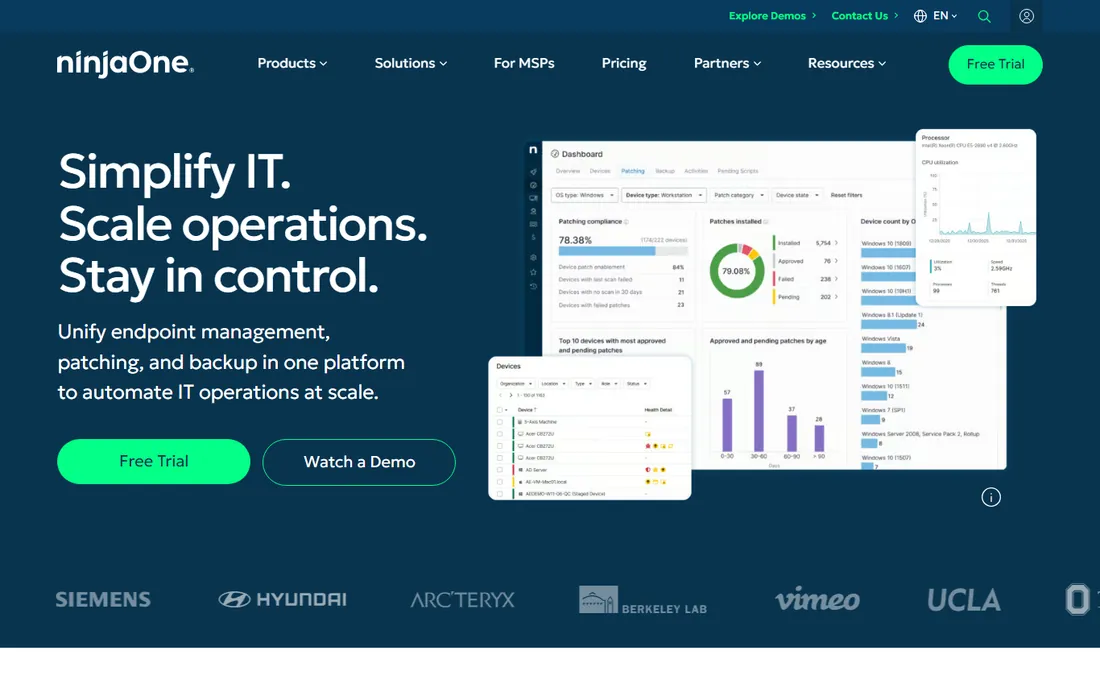
NinjaOne wins on product, not on price. Reviewers consistently rate it the easiest RMM to deploy and use, with patch management, software deployment, backup and remote access that work without the configuration marathons older platforms demand. For mid-size MSPs that value technician time over license optimization, it is the default recommendation.
The bill is the honest catch. Published per-device rates run from $3.75 a month at 50 or fewer endpoints down to about $1.50 at 10,000 endpoints. A 1,000-endpoint MSP pays several thousand a month where a per-technician platform charges a few hundred. Model your cost at your actual endpoint count, not the headline rate, and remember the PSA is sold separately.
What we like- Highest reviewer ratings in the category with a genuinely easy interface
- Setup typically takes one to two weeks
- Strong patching, backup and remote access in one console
Watch out for- Per-device pricing scales brutally with fleet size
- PSA is basic, so most MSPs buy service management separately
#2
Atera
Best for: MSPs with large endpoint fleets and lean teams
Visit atera.com
Starting price$129/technician/month (Pro, billed annually)
Free planNo (30-day free trial)
Atera's pitch is arithmetic that favors growth. At $129 per technician per month on annual billing (Pro tier; Growth $159, Power $209), two technicians managing 200 endpoints pay the same as two managing 2,000. The platform bundles RMM, ticketing, patch management, remote access and an AI Copilot, so small MSPs can run the whole operation on one subscription.
Reviewers rate it 4.6 on G2 with a large review base, and the 30-day trial is generous. The trade-offs are ecosystem depth: fewer integrations than the legacy platforms, and backup locked behind pricier tiers. For MSPs where the endpoint-to-technician ratio keeps climbing, Atera is usually the cheapest serious option.
What we like- Per-technician pricing with unlimited endpoints makes costs predictable as you grow
- RMM, PSA, ticketing and patching in one platform
- AI Copilot included in every plan
Watch out for- Integration catalog is thinner than ConnectWise or Kaseya
- Backup features require the higher tiers
#3
Syncro
Best for: Small MSPs that want RMM and PSA truly combined
Visit syncro.com
Starting price$129/user/month (Core, billed annually)
Free planNo (14-day free trial)
Syncro takes the all-in-one idea further than Atera. Beyond RMM and ticketing, it includes invoicing, recurring billing, payment processing and Microsoft 365 tenant management, the unglamorous work that otherwise needs three more subscriptions. Core costs $129 per user per month billed annually ($159 monthly), Team $179 ($209 monthly), with unlimited endpoints on both.
The company is unusually transparent about its own competitive position, publishing detailed comparisons against rivals. G2 reviewers rate it 4.5. The honest limitation is ceiling: MSPs past 30 or 40 technicians often graduate to ConnectWise or HaloPSA for deeper service management. For shops under that line, Syncro replaces the most tools per dollar.
What we like- RMM plus full PSA, ticketing, billing and invoicing in one console
- Per-user pricing with unlimited endpoints
- Standout Microsoft 365 multi-tenant management
Watch out for- Best fit is small to mid-size shops
- Larger MSPs may outgrow the PSA depth
- AI features are less developed than Atera's
#4
SuperOps
Best for: MSPs that want a modern interface with AI built in
Visit superops.com
Starting priceSee website
Free planNo (14-day free trial)
SuperOps is the modern challenger: a clean interface, RMM and PSA in one platform, and AI assistance woven through the workflow rather than bolted on. Reviewers rate it 4.4 on G2 and growing MSPs like the pace of feature releases. It positions itself as the platform MSPs switch to when legacy tools feel dated.
The youth shows in two places: a smaller base of long-term reviews to validate against, and pricing that has changed shape more than once. Third-party guides report both per-endpoint and per-technician options. Get the current quote in writing and ask about price protection at renewal before migrating a live client base onto it.
What we like- Modern UI that reviewers prefer over legacy platforms
- RMM and PSA combined with an AI assistant
- Per-endpoint and per-technician options to fit different shops
Watch out for- Newer platform with a smaller review base than incumbents
- Pricing model has shifted, so confirm current terms directly
Starting priceSee website
Free planNo
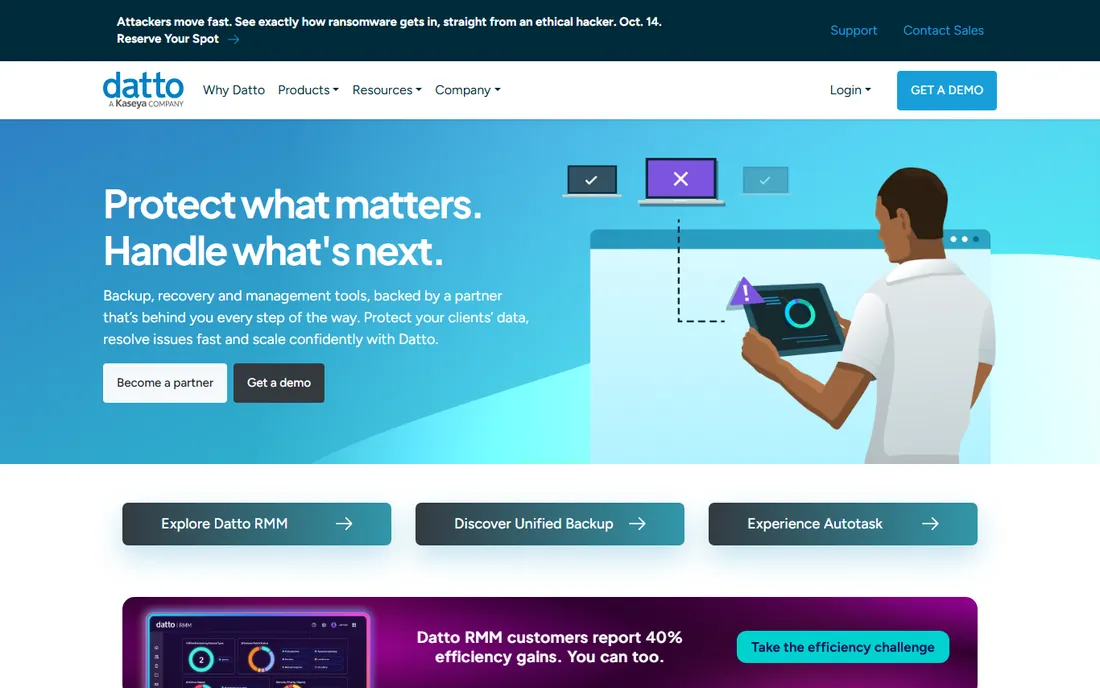
Datto RMM is the monitoring arm of the Kaseya empire, and it makes sense inside that empire. Paired with Datto backup and Autotask PSA, it gives Kaseya shops a unified stack with genuinely strong data protection, including ransomware detection that reviewers rate highly. MSPs already committed to Kaseya 365 get the most value.
Outside the ecosystem, the case weakens. Pricing is quote-only, and Kaseya's sales and contract practices are a perennial complaint in MSP communities; multi-year terms are common. Evaluate it if you are already a Kaseya shop. If you are choosing a stack fresh, compare the total contract terms, not just the feature list.
What we like- Deep integration with Datto backup, networking and Autotask PSA
- Strong ransomware detection and data protection story
- Mature platform with a large MSP base
Watch out for- Quote-based pricing with no public rates
- Kaseya's contract terms and pricing practices draw consistent MSP criticism
Starting priceSee website
Free planNo
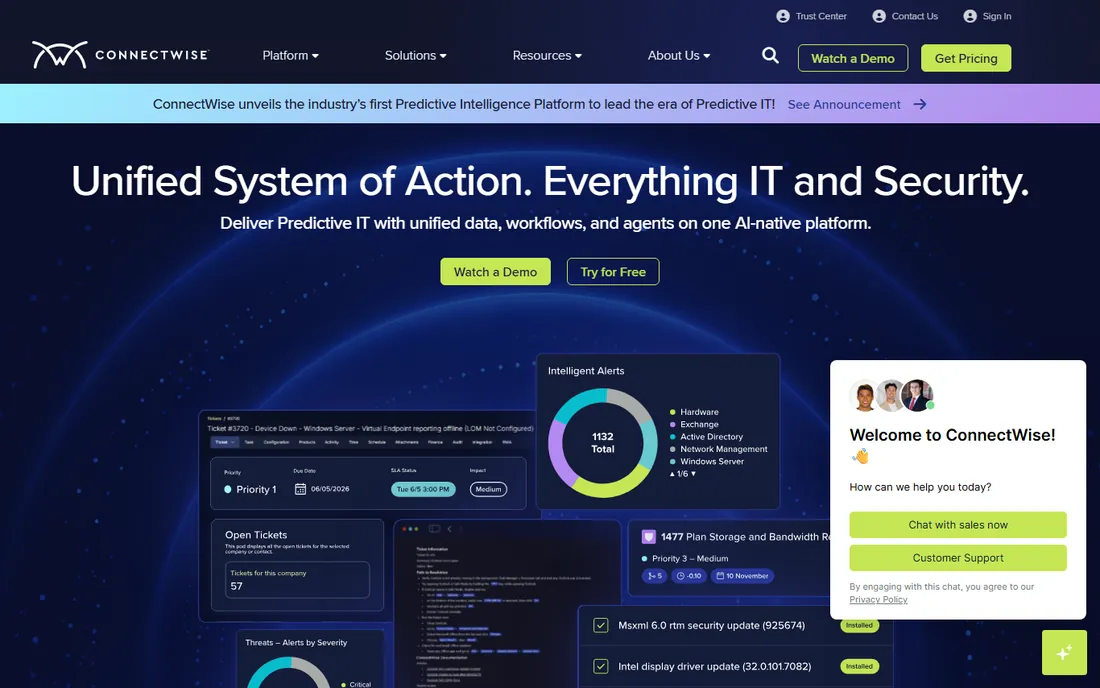
ConnectWise is the incumbent everything else is measured against. The RMM pairs with ConnectWise PSA, the deepest service management platform in the MSP world, plus security integrations and automation built for scale. Large MSPs with mature processes and dedicated administrators get more out of this stack than any other.
The cost is complexity and commitment. Pricing is quote-based and package-driven, implementations commonly take two to three months, and reviewers rate the learning curve steep. It is the wrong choice for a five-person shop. It is the right choice for a 50-person MSP that has outgrown the all-in-one platforms and needs the depth.
What we like- Deepest integration catalog in the category with 100-plus integrations
- Intelligent monitoring with security integrations
- Pairs with the most mature PSA in the business
Watch out for- Quote-based package pricing
- Steep learning curve and implementations that run months
#7
N-able N-central
Best for: Mid-market MSPs that need monitoring depth
Visit n-able.com
Starting priceSee website
Free planNo
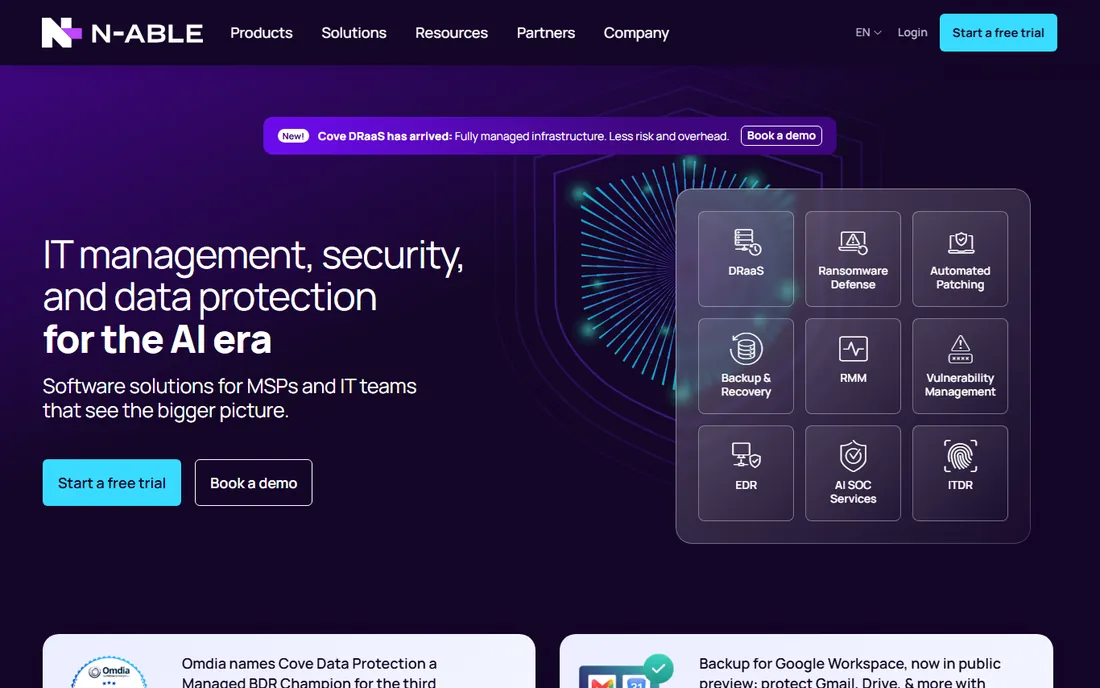
N-able's N-central is the technician's RMM: deep monitoring, granular automation policies and strong support for servers, networks and SNMP devices alongside workstations. MSPs managing real infrastructure, not just laptop fleets, value the depth that simpler platforms skip.
The trade is modernity. The interface shows its age next to NinjaOne, and onboarding takes longer. Pricing is quote-based. It fits mid-market MSPs with complex client environments and the staff to use the depth. Shops managing straightforward workstation fleets will find it heavier than they need.
What we like- Deep monitoring and automation for complex environments
- Strong patch management and remote access
- Well suited to MSPs managing servers and networks, not just workstations
Watch out for- Quote-based pricing
- Interface and onboarding feel dated next to NinjaOne and SuperOps
Starting priceSee website
Free planNo (free trial available)
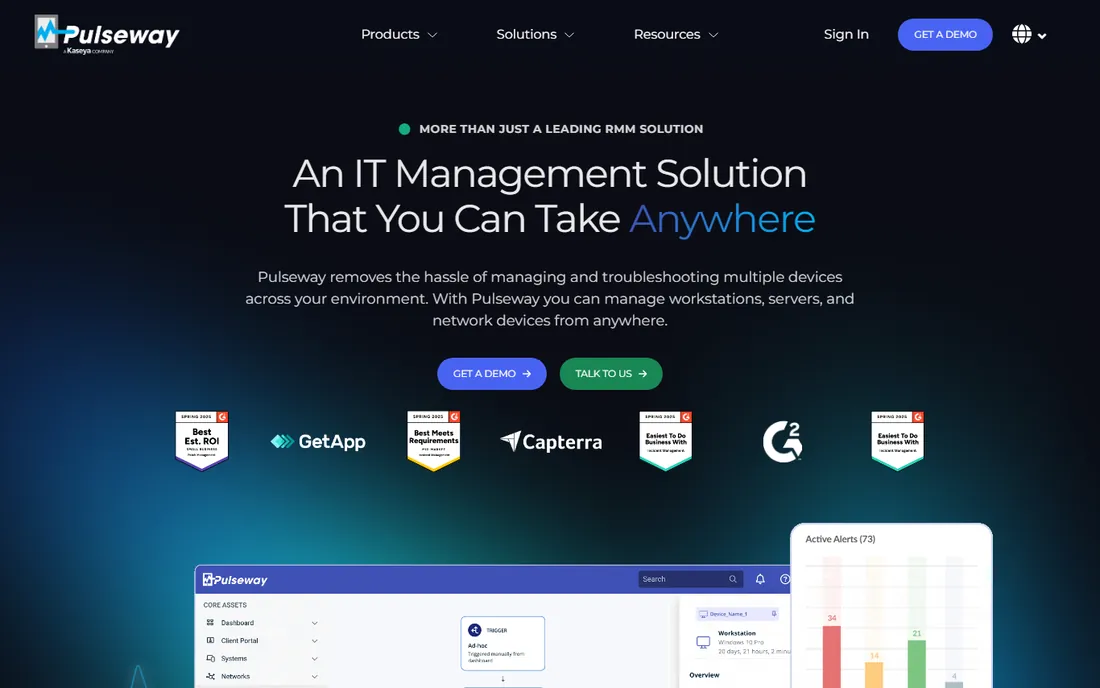
Pulseway bet early that technicians live on their phones, and it still has the best mobile RMM experience. Real-time monitoring, alerts and remediation from a phone app make it the pick for lean teams and on-call rotations. Deployment is light and the automation covers the essentials.
It is a narrower product than the all-in-one platforms: PSA comes as an add-on, and the integration ecosystem is smaller. Pricing is quote-only. For small MSPs and internal IT teams where mobility matters more than PSA depth, it earns its place. Larger shops should compare the full stack cost against Atera or Syncro.
What we like- Best mobile experience in the category, built mobile-first from the start
- Real-time alerts with remote remediation from anywhere
- Lightweight and fast to deploy
Watch out for- Quote-based pricing with no public rates
- PSA is an add-on rather than native
- Smaller ecosystem than the big platforms
#9
Action1
Best for: Free patching and endpoint management up to 200 endpoints
Visit action1.com
Starting priceFree (first 200 endpoints)
Free planYes
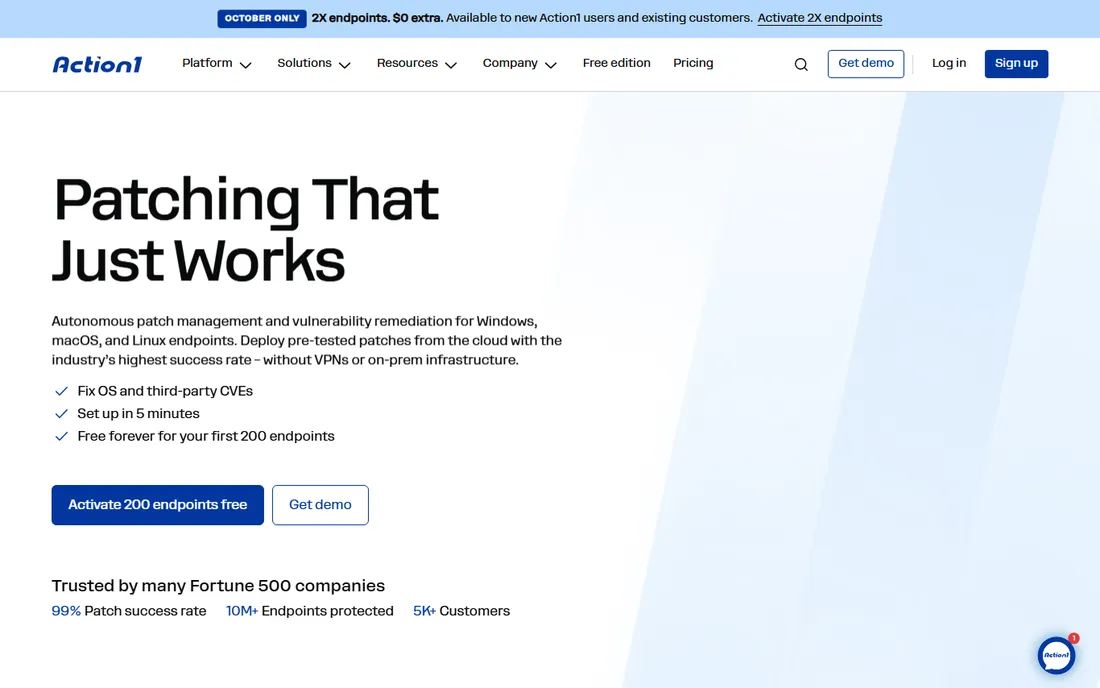
Action1 is the specialist pick. It does patch management, software deployment and endpoint management exceptionally well, and the first 200 endpoints are free with no feature restrictions. MSPs use it to add best-in-class patching to a stack built around another RMM, or as the endpoint layer under a PSA-only setup.
Be clear about what it is not: there is no ticketing, no billing, no client management. It complements an RMM rather than replacing one. Above 200 endpoints pricing is quote-based. For shops that already have their PSA sorted and just need patching done right, the free tier is the best deal in this entire category.
What we like- Free for the first 200 endpoints with no feature limits
- Strong patch management and software deployment
- Fast to deploy alongside an existing RMM or PSA
Watch out for- Not a full RMM: no ticketing, billing or PSA
- Pricing above 200 endpoints is quote-based
Per-tech vs per-device: the only math that matters
Calculate your break-even before shortlisting. Take your endpoint count, divide by your technician count, and compare. At roughly 50 endpoints per technician, per-device and per-technician pricing converge; above that ratio, per-tech platforms (Atera, Syncro) win by growing margins, and below it, per-device platforms can be cheaper for very small fleets. A solo MSP with 300 endpoints pays $129 a month on per-tech pricing versus around $1,100 on per-device. Also confirm what counts as an endpoint: servers, network devices and mobile devices are billed differently across vendors, and the definition changes the quote more than the rate does.
The PSA question
RMM watches the devices; PSA runs the business: tickets, time tracking, contracts, invoicing. Atera, Syncro and SuperOps include both, which is why their per-tech prices look higher than a pure RMM until you price the PSA you would otherwise buy separately. NinjaOne, Datto RMM, N-central and Pulseway need a companion PSA, typically ConnectWise PSA, Autotask or HaloPSA, each with its own per-agent cost. When comparing, always price RMM plus PSA together. The cheapest RMM paired with a separate PSA is often the most expensive stack.
How we chose
We built this list from vendor pricing pages, product documentation, G2 review profiles and 2026 MSP software comparisons, checked in October 2026. A tool made the cut only if it is actively sold today and serves real MSP or IT-team remote monitoring work. Prices come from published vendor rates: Atera's $129 and Syncro's $129 per-tech annual rates and NinjaOne's tiered per-device rates were confirmed against vendor pricing pages captured in October 2026. Where a vendor does not publish rates, we write See website instead of guessing. We did not run hands-on trials. The trade-offs reflect consistent reviewer feedback and the documented billing models.
Frequently asked questions
What is RMM software?
Remote monitoring and management software lets IT teams and managed service providers monitor, patch, secure and remotely control client devices from one console. Core features include automated patching, alerting, scripting, remote access and asset inventory. MSPs pair it with PSA software for ticketing and billing.
How much does RMM software cost?
Per-technician platforms start around $129 per tech per month with unlimited endpoints (Atera, Syncro, billed annually). Per-device platforms publish tiered rates from about $1.50 to $3.75 per device per month (NinjaOne). Enterprise platforms like ConnectWise and Datto RMM are quote-based. Action1 is free for the first 200 endpoints.
Is per-technician or per-device pricing better?
Per-technician pricing usually wins for MSPs because adding client devices does not raise the bill; the break-even sits near 50 endpoints per technician. Per-device pricing can be cheaper for very small fleets or internal IT with few devices per admin. Always model your actual endpoint-to-tech ratio.
Do I need PSA software too?
Yes, unless your RMM includes it. PSA handles tickets, time tracking, contracts and invoicing. Atera, Syncro and SuperOps bundle both; NinjaOne, Datto, N-central and Pulseway need a separate PSA. Price the pair together when comparing.
How long does RMM implementation take?
Cloud RMM tools like NinjaOne, Atera and Syncro typically deploy in one to three weeks. Enterprise platforms like ConnectWise commonly take two to three months including PSA configuration and data migration. Agent rollout across client devices is the long pole; ask vendors about mass deployment tooling.
Can RMM software manage Macs and mobile devices?
Most platforms here support Windows, macOS and common Linux distributions. Mobile device management varies: some include basic MDM, others need an add-on. Confirm your specific OS mix and whether servers, network gear and mobile devices count as billable endpoints before signing.
Sources we checked (10)
- https://syncrosecure.com/blog/all-in-one-msp-software/
- https://syncrosecure.com/blog/halopsa-alternatives/
- https://syncrosecure.com/blog/psa-for-msp/
- https://syncrosecure.com/blog/atera-alternatives/
- https://www.flamingo.run/blog/ninjaone-pricing-per-device
- https://www.flamingo.run/blog/syncro-vs-atera
- https://www.eesel.ai/blog/syncro-secure-alternatives
- https://www.channelinsider.com/channel-business/helpdesk-itsm-and-other-tools/best-msp-rmm/
- https://www.atera.com/blog/best-rmm-software/
- https://www.atera.com/blog/all-in-one-msp-software/
Is your product missing or out of date?
We review this list regularly. Vendors can request a listing, send updated pricing or ask about featured placement.

Shihab Mia · Founder, Rankite
Shihab has spent more than a decade helping SaaS and e-commerce brands grow through search. He writes Rankite's software buying guides from pricing pages, documentation and public user reviews. More about Shihab.