How we make this list: we compare pricing pages, product documentation and public user reviews. Rankite is independent; if a vendor ever pays for a featured spot, that listing is clearly labeled Partner.
Key takeaways
- The cheapest real option is Snipe-IT: free if you self-host, $39.99 per month for managed hosting, and unlimited assets either way.
- If you want the network to inventory itself, start with Lansweeper (Starter $239 per month for 2,000 assets, free tier for 100 assets) or ManageEngine AssetExplorer (cloud from $115 per month for 250 assets, with a free edition).
- Teams that already run a service desk should look at Freshservice ($19 per agent per month) or SysAid ($89 per admin per month) before buying a separate asset tool.
- Watch the billing unit: per-agent, per-asset, per-device and flat-rate plans price the same 500-laptop company very differently, so count your assets first.
Quick comparison
| Tool | Best for | Starting price | Free plan |
|---|
 Snipe-IT Snipe-IT | Teams comfortable self-hosting an open-source asset registry | Free self-hosted; hosted plans from $39.99/month | Yes (free self-hosted, unlimited assets and users) |
 Asset Panda Asset Panda | Organizations wanting deeply customizable mobile asset tracking | $3,000/year (Starter: 5 users, 1,000 assets) | Free trial (7 days) |
 EZOfficeInventory EZOfficeInventory | Small businesses needing barcode, RFID and maintenance in one tool | From $35/month (Essential) | Free trial (15 days) |
 ManageEngine AssetExplorer ManageEngine AssetExplorer | Budget-conscious teams wanting discovery and license tracking | $115/month (cloud, 250 assets) | Yes (free edition, never expires, limited node count) |
 Lansweeper Lansweeper | Organizations that want the network to inventory itself | $239/month (Starter, 2,000 assets, billed annually) | Yes (free tier for up to 100 assets) |
 Freshservice Freshservice | IT teams that want a service desk with asset management built in | $19/agent/month (Starter, billed annually) | Free trial (14 days) |
 SysAid SysAid | Mid-size IT teams wanting AI-assisted service management | $89/admin/month (Professional) | Free trial |
 InvGate Asset Management InvGate Asset Management | Mid-market teams wanting simple per-device pricing | $1,499/year (Starter: 500 IP devices) | Free trial (30 days) |
 AssetTiger AssetTiger | Small teams with simple estates and tiny budgets | $220/year (Basic, up to 500 assets) | Yes (free plan for up to 250 assets) |
Is your product missing or out of date?
We review this list regularly. Vendors can request a listing, send updated pricing or ask about featured placement.
The best IT asset management software
Most IT asset lists live in a spreadsheet nobody trusts. Laptops disappear into desk drawers, software licenses renew for employees who left in March, and the audit turns into a week of detective work. IT asset management software fixes this in one of two ways: it either scans the network and builds the inventory for you, or it gives you a disciplined system for tracking everything by hand. The nine tools below cover both approaches, from free open-source options to enterprise discovery platforms.
#1
Snipe-IT
Best for: Teams comfortable self-hosting an open-source asset registry
Visit snipeitapp.com
Starting priceFree self-hosted; hosted plans from $39.99/month
Free planYes (free self-hosted, unlimited assets and users)
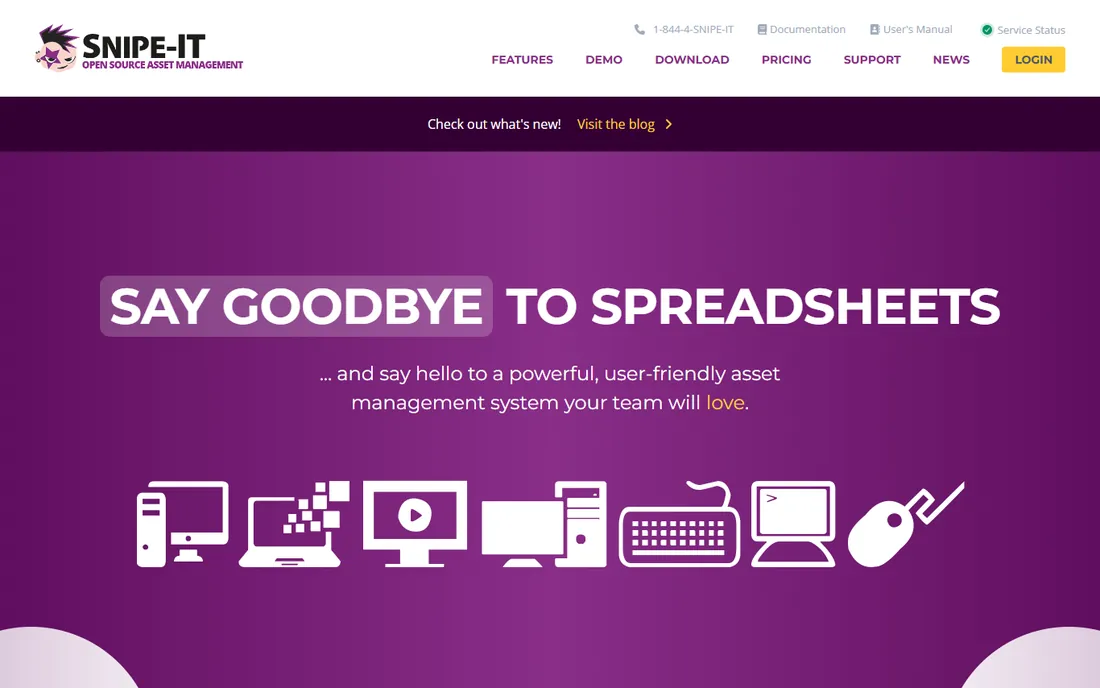
Snipe-IT is the default answer when the budget is zero and the team has someone comfortable with a server. It covers the IT asset fundamentals well: hardware records with serial numbers and purchase orders, software license tracking, check-in and check-out workflows, depreciation schedules, and LDAP or SAML authentication. Being open-source under AGPL means no per-asset fees ever, and the REST API plus custom fields let you bend it to unusual workflows.
The honest cost is operational, not financial. There is no built-in network scanning, so every asset gets entered by hand or imported, and the interface shows its age next to modern SaaS tools. Managed hosting removes the server work at $39.99 per month for Basic, scaling to dedicated plans, but the tool itself stays the same. If you pair it with a separate RMM or discovery tool, Snipe-IT is a remarkably capable free core.
What we like- Completely free if you host it yourself, with no asset or user caps
- Strong IT-specific fields for licenses, depreciation and check-in/out
- Active open-source community and REST API
Watch out for- No automatic network discovery, so asset entry is manual
- Self-hosting requires PHP and MySQL administration skills
#2
Asset Panda
Best for: Organizations wanting deeply customizable mobile asset tracking
Visit assetpanda.com
Starting price$3,000/year (Starter: 5 users, 1,000 assets)
Free planFree trial (7 days)
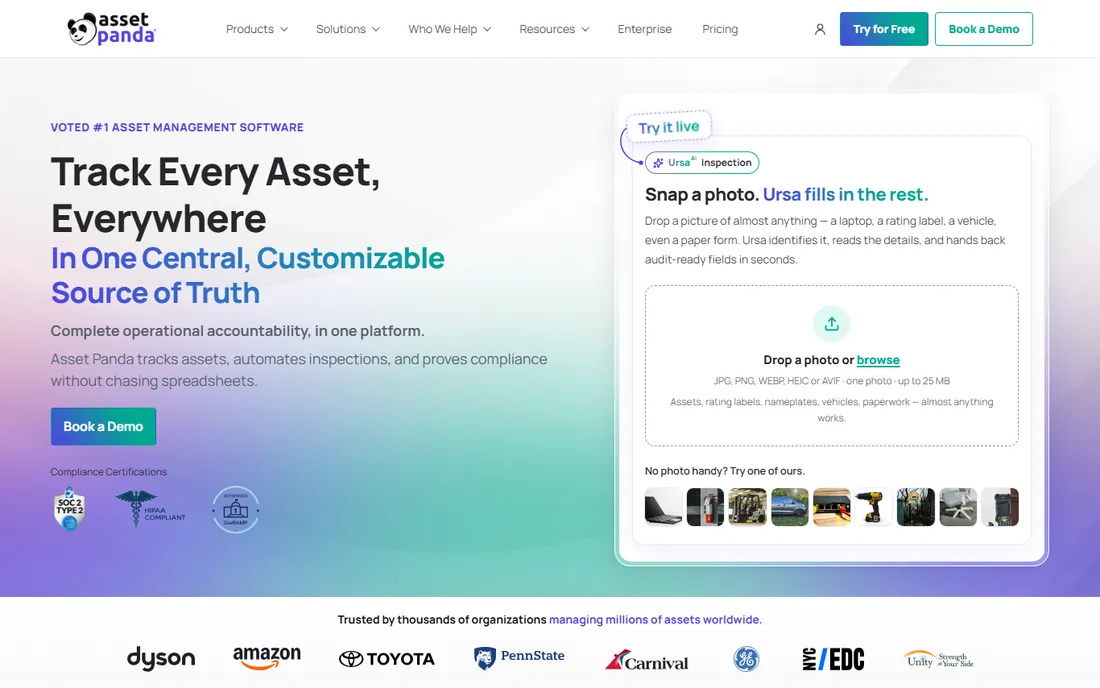
Asset Panda is built for organizations whose assets do not fit a standard template. Custom fields, smart forms, automations and workflows let you model anything from IT equipment to facilities assets, and the mobile app with barcode scanning works well for teams doing physical audits. The Starter plan at $3,000 per year includes 5 users and up to 1,000 assets, with barcode scanning, automations and 24/7 support. Business+ at $7,200 per year adds integrations, API access and a 10-user, 5,000-asset ceiling.
The pricing model is the thing to study. You pay per user and per asset block, so a 50-person organization tracking 5,000 assets can climb past $30,000 a year, and view-only collaborator seats add $10 each per month. That is fair for a mid-size company standardizing asset operations, but it prices Asset Panda out of the small-team market. Expect the configuration phase to take real effort; the flexibility that makes it powerful also makes setup slower.
What we like- Highly customizable fields, workflows and asset categories
- Strong mobile app with barcode scanning
- 24/7 support included on every plan
Watch out for- Steep learning curve during setup
- The entry plan's 5-user minimum and asset caps make it expensive for small teams
#3
EZOfficeInventory
Best for: Small businesses needing barcode, RFID and maintenance in one tool
Visit ezo.io
Starting priceFrom $35/month (Essential)
Free planFree trial (15 days)
EZOfficeInventory prices by item count with unlimited users, which is a genuinely different deal from per-seat tools. The Essential plan starts at $35 per month, and everyone in the company can log in without adding to the bill. Barcode and QR scanning, reservations, work orders, maintenance scheduling and depreciation reports are all in the mix, with RFID support on Advanced and an AI assistant on Premium. It straddles IT assets and general equipment well, which suits small businesses tracking laptops alongside tools and vehicles.
The tier gating deserves attention. RFID needs the Advanced plan, and workflow automations, AI features and API access need Premium, so the headline $35 price can grow as requirements do. The CMMS module is a separate paid add-on even on Premium. For a small team that wants one affordable place to track and maintain everything, with every employee able to check items in and out, it is one of the best values in the category.
What we like- Per-item pricing with unlimited users keeps costs predictable
- RFID support and maintenance modules built in
- Fast onboarding with an organized interface
Watch out for- Advanced features like workflow automations and API access are gated behind higher tiers
- Users report setup can be fiddly at first
#4
ManageEngine AssetExplorer
Best for: Budget-conscious teams wanting discovery and license tracking
Visit manageengine.com
Starting price$115/month (cloud, 250 assets)
Free planYes (free edition, never expires, limited node count)
ManageEngine AssetExplorer is the value pick for teams that want real discovery without enterprise pricing. The cloud plans start at $115 per month for 250 assets and scale in published tiers to 10,000 assets, while on-premises annual subscriptions start at $955 for 250 assets. Automated asset discovery, software license tracking, purchase order management and a CMDB are included, and a free edition that never expires covers small environments. For an IT team already using other ManageEngine products, the integration story is a bonus.
Two things to know before buying. First, the cloud and on-premises price lists are structured differently, so compare carefully if you are deciding between deployments. Second, the interface is functional rather than modern, and some reviewers note that external or virtual assets occasionally need manual attention. Neither is a dealbreaker at this price. AssetExplorer consistently undercuts the big discovery vendors while covering the features most mid-size teams actually use.
What we like- Published, asset-based pricing with a genuinely free edition
- Automated discovery plus software license management
- On-premises option for regulated environments
Watch out for- The interface feels dated
- Cloud and on-premises pricing structures differ enough to confuse comparisons
Starting price$239/month (Starter, 2,000 assets, billed annually)
Free planYes (free tier for up to 100 assets)
Lansweeper's pitch is simple: point it at the network and it finds everything. Agentless discovery inventories hardware, software, users, cloud resources and even OT and IoT devices, then connects that data to lifecycle, usage and risk insights the vendor calls Technology Asset Intelligence. Starter at $239 per month billed annually covers 2,000 assets, Pro at $439 adds security, control and support depth, and Enterprise is custom from 10,000 assets. A free tier for up to 100 assets makes evaluation genuinely free.
The catch is the floor. If you have 300 devices, you are still buying the 2,000-asset tier, which makes Lansweeper pricey per device at small scale. Reviewers also note the admin panel and reporting could be more intuitive given how good the discovery is. For mid-size and larger estates where manual tracking has already failed, though, the accuracy of the inventory usually justifies the cost within the first audit cycle.
What we like- Agentless discovery finds hardware, software and cloud assets without installing agents
- Technology asset intelligence turns raw inventory into lifecycle and risk insights
- Clear published pricing
Watch out for- The 2,000-asset base tier is expensive for small estates
- Reporting and admin controls feel less intuitive than the discovery engine
#6
Freshservice
Best for: IT teams that want a service desk with asset management built in
Visit freshservice.com
Starting price$19/agent/month (Starter, billed annually)
Free planFree trial (14 days)
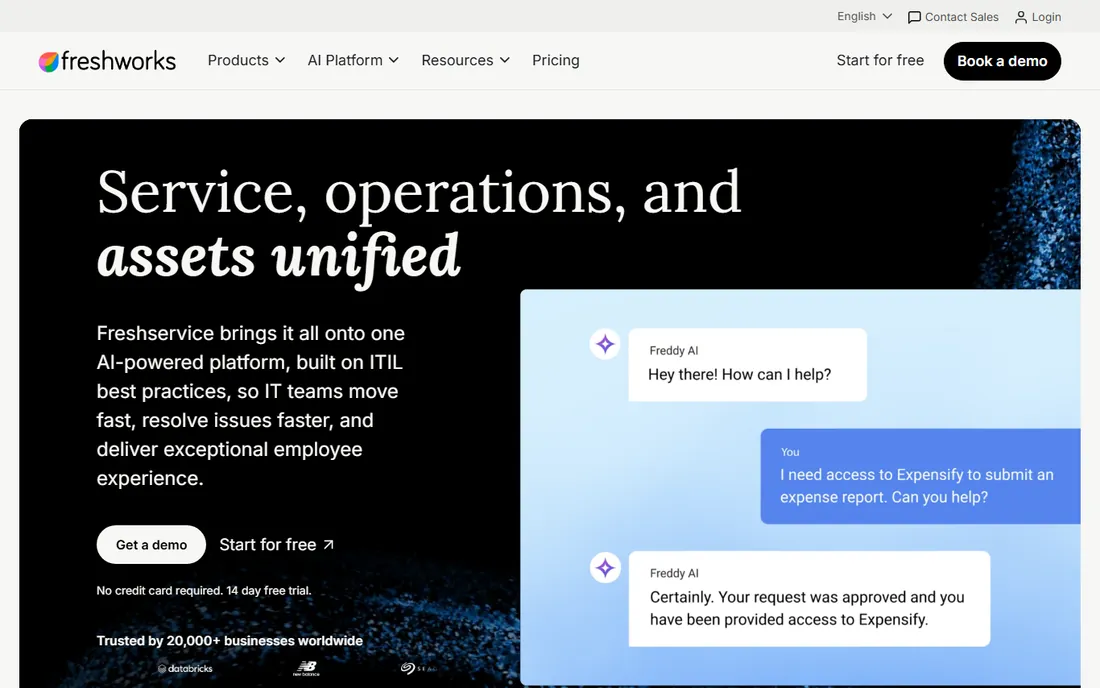
Freshservice is worth considering before you buy a standalone asset tool, because it may already cover your needs. The Starter plan at $19 per agent per month billed annually includes incident management plus built-in asset discovery and inventory, a knowledge base and a self-service portal. Growth at $49 adds the service catalog and SLA management, while Pro at $99 adds problem and change management, advanced ITAM and analytics. The Freddy AI assistant is available as a $29 per agent add-on on Pro and above.
The pricing nuance is in the asset units. Larger asset estates are metered in packs of 500 on top of the per-agent fee, and the full advanced ITAM capabilities sit on Pro. So the real cost for a 10-agent team with serious asset needs lands higher than the $19 headline. Even so, for a mid-market IT team that needs ticketing anyway, consolidating the service desk and the asset inventory in one platform usually beats buying and integrating two tools.
What we like- Asset discovery and inventory included from the Starter plan
- One vendor for tickets, changes and assets
- Fast time to value with days-to-weeks implementation
Watch out for- Deeper ITAM features and asset units are licensed separately
- Change management and advanced analytics are gated behind the $99 Pro tier
#7
SysAid
Best for: Mid-size IT teams wanting AI-assisted service management
Visit sysaid.com
Starting price$89/admin/month (Professional)
Free planFree trial
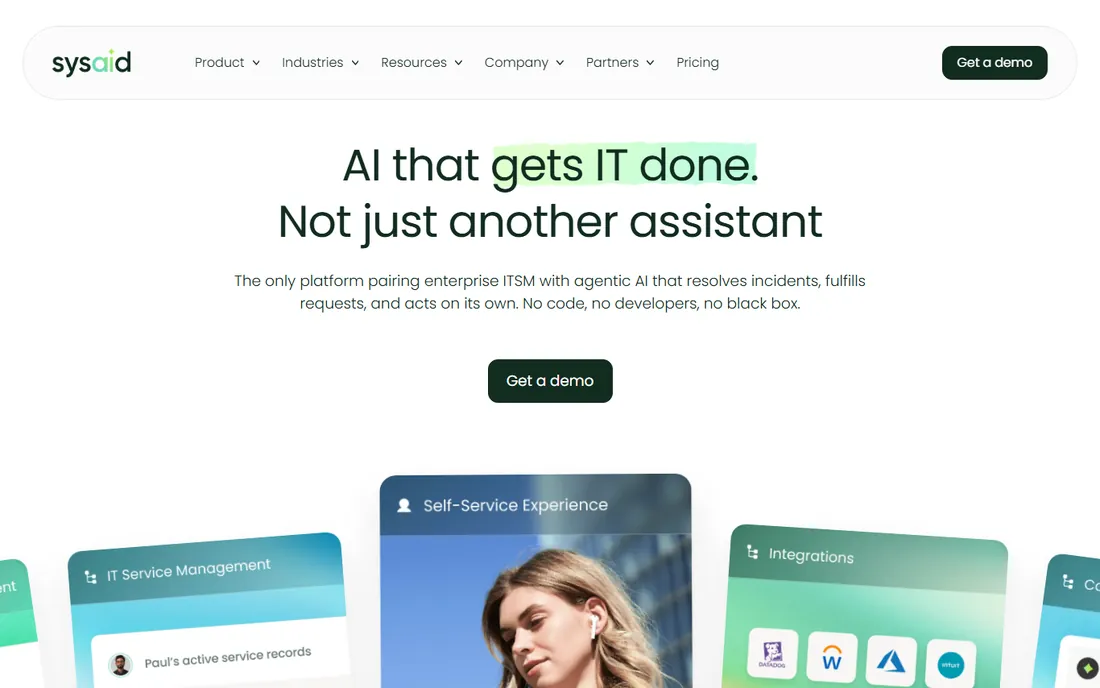
SysAid positions itself as the AI-first alternative to legacy ITSM suites, and the asset management rides along with the full service desk. The Professional plan at $89 per admin per month includes AI agents, an AI chatbot available over chat, email and Teams, workflow automation and asset management with no usage caps on the AI features. Copilot categorizes tickets, summarizes cases and analyzes sentiment. Implementation is designed to be code-free and measured in weeks rather than months.
The trade is cost per head. At $89 per admin per month, a 10-admin team pays close to $10,700 a year before any add-ons, which is more than Freshservice Growth for a similar headcount. Enterprise features like advanced customization, sandbox testing and governance controls require a custom quote. SysAid suits mid-size IT organizations that want AI doing real work in the service desk and are willing to pay the premium over simpler tools.
What we like- AI-native approach with agents, Copilot and chatbots built into the core
- Asset management included alongside full ITSM
- Code-free onboarding measured in weeks
Watch out for- Per-admin pricing is steep for small teams
- Deeper customization and testing capabilities require the quote-based Enterprise tier
#8
InvGate Asset Management
Best for: Mid-market teams wanting simple per-device pricing
Visit invgate.com
Starting price$1,499/year (Starter: 500 IP devices)
Free planFree trial (30 days)
InvGate keeps its pricing unusually legible. You pay by IP device, meaning network-connected assets like computers and servers, and each IP device includes two non-IP devices such as monitors or headsets at no extra charge. The Starter plan is a fixed $1,499 per year for 500 IP devices. Professional starts at $2,500 per year with expansion packs beyond that, and Enterprise is custom from $12,000 per year for on-premises hosting and dedicated infrastructure. Nobody pays per user, so the whole IT team can work in the tool.
The rigidity is the trade. Starter has no add-ons or customization, and crossing the 500-device line moves you to Professional automatically rather than letting you buy a small top-up. The 30-day trial with no credit card is generous, and ratings skew high across G2 and Gartner Peer Insights. InvGate fits mid-market IT teams that want predictable device-based pricing and a modern interface without the per-agent math of ITSM bundles.
What we like- Pricing by IP device with no per-user fees
- Each IP device includes two non-IP devices
- 30-day free trial with no credit card required
Watch out for- The Starter plan is fixed with no add-ons or customization
- Scaling past 500 devices forces a move to Professional
Starting price$220/year (Basic, up to 500 assets)
Free planYes (free plan for up to 250 assets)
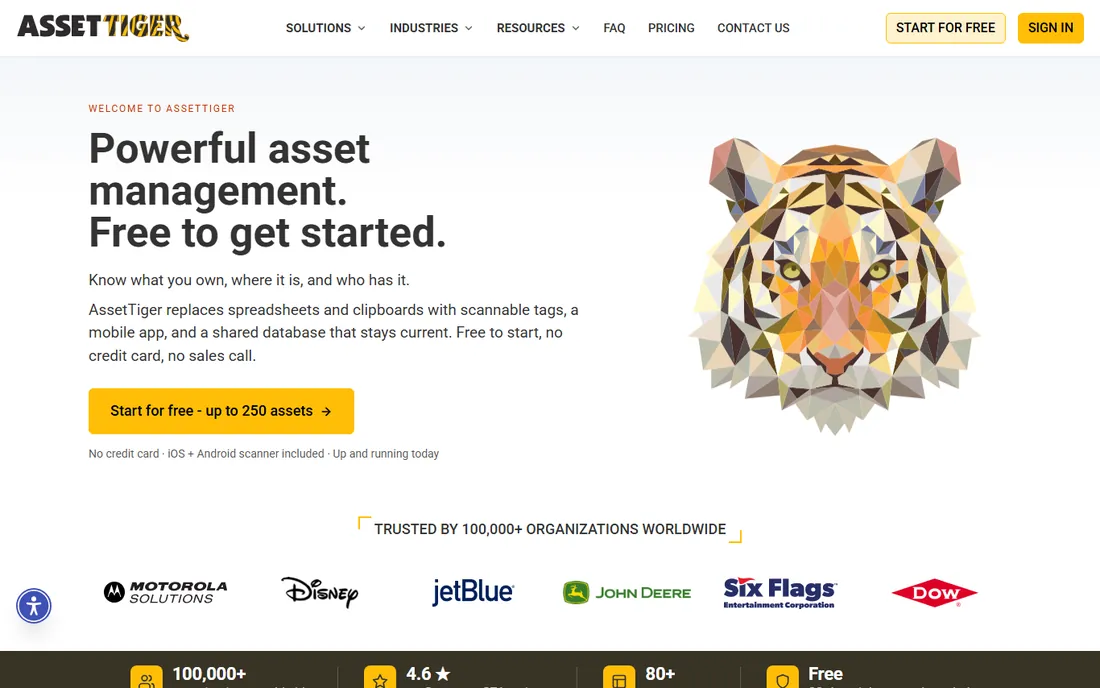
AssetTiger is the tool you pick when the alternative is another year of spreadsheets. The free plan covers up to 250 assets with unlimited users, and the Basic plan at $220 per year covers 500 assets with a flat annual fee, scaling to $440 for 2,500 and $825 for 10,000. Barcode and QR scanning via the mobile apps, check-in and check-out workflows, and unlimited locations and custom fields are all included. For a school, nonprofit or small business tracking a few hundred items, the value is hard to argue with.
The limitations are honest ones. There is no real financial or depreciation tracking, integrations are barely documented, and reviewers describe the mobile app as clunky. Complex estates with hierarchical locations will feel constrained. But as a disciplined, searchable asset register with a free tier that never expires, AssetTiger does the core job. Start free, and only upgrade when the asset count forces it.
What we like- A free plan that covers 250 assets with unlimited users
- Paid plans are flat-rate annual fees, not per-user
- Barcode scanning and mobile apps included
Watch out for- No depreciation or financial tracking depth
- Integrations are thin and the mobile app gets mixed reviews
How we chose
We researched each tool through its published pricing, documentation and feature lists, then cross-checked against user reviews on G2, Capterra, TrustRadius and Reddit. Prices above come from vendor-published pricing or provider-supplied pricing data current in 2026; where vendors keep pricing behind a sales call, we say so instead of guessing. We deliberately mixed pricing models, including free open-source, per-device, per-agent and flat-rate plans, so teams of different sizes can find their fit. We did not claim hands-on testing we did not perform.
Count your assets before you compare prices
The number one budgeting mistake in ITAM is comparing sticker prices without counting what you will actually be billed for. Lansweeper and ManageEngine bill by asset, Freshservice and SysAid bill by agent or admin plus asset units, InvGate bills by IP device, and AssetTiger and Snipe-IT are flat or free. A 500-laptop company with 5 IT admins pays roughly $1,499 a year on InvGate Starter, about $5,340 a year on SysAid Professional for the admins, and $0 on Snipe-IT self-hosted. Same company, wildly different bills. Before shortlisting, count three things: total devices, network-connected devices, and the people who will administer the tool. Then price your top three under their actual billing units. Also confirm whether software licenses, monitors and peripherals count as billable units, because vendors define "asset" differently.
Discovery versus manual tracking: the divide that matters
Every tool on this list falls on one side of a real divide. Discovery tools like Lansweeper and ManageEngine find devices on the network automatically and keep the inventory current without human effort. Registry tools like Snipe-IT, AssetTiger and Asset Panda depend on people entering and updating records, which is cheaper but decays the moment discipline slips. Neither approach is wrong, but buying the wrong one is expensive. Choose discovery if your device count is over a few hundred, if machines move between offices, or if audits have already embarrassed you. Choose a manual registry if your estate is small and stable, if you track mostly non-networked equipment, or if the budget is near zero. Many mid-size teams end up with both: discovery for the network, and a registry with check-in workflows for everything that moves by hand.
Frequently asked questions
What is IT asset management software?
It tracks the technology your company owns across its lifecycle: discovery of what exists, assignment to employees, maintenance, software license compliance, depreciation, and eventual retirement or disposal. Good tools answer "what do we have, where is it, and who is responsible for it" in seconds.
How much does IT asset management software cost?
It ranges from free to six figures. Snipe-IT is free self-hosted and AssetTiger has a free 250-asset plan. Mid-market options run $1,499 to $7,200 per year (InvGate Starter, Asset Panda Starter). Discovery platforms like Lansweeper start around $239 per month for 2,000 assets. Enterprise suites are quote-based and typically start in the tens of thousands.
Do I need a separate ITAM tool if I have a service desk?
Maybe not. Freshservice includes asset discovery from its $19 Starter plan, and SysAid bundles asset management with its ITSM suite. A separate tool like Lansweeper or Snipe-IT makes sense when your asset needs exceed what the service desk offers, for example deeper discovery, license compliance, or a dedicated check-in workflow for equipment.
What is the difference between ITAM and ITSM?
ITAM manages the assets themselves: inventory, lifecycle, licenses and depreciation. ITSM manages the services around them: incident tickets, change requests, problems and the service catalog. They overlap in the CMDB, and many vendors sell both, but the buying decision is different: ITAM is about what you own, ITSM is about how you support it.
Can IT asset management software find devices automatically?
Discovery-focused tools can. Lansweeper and ManageEngine AssetExplorer scan the network and build the inventory without agents. Registry-style tools like Snipe-IT and AssetTiger rely on manual entry or imports. If automatic discovery matters to you, shortlist only tools that list network scanning as a core feature and trial it on your own network.
Is open-source ITAM software safe for business use?
Snipe-IT is widely used in production, including by large organizations, and its AGPL license means you can audit the code yourself. The safety question is operational: you own the hosting, backups, upgrades and security patching. If your team can run a PHP and MySQL stack reliably, it is a legitimate choice; if not, the $39.99 per month hosted plan buys back that peace of mind.
Sources we checked (21)
- https://blog.invgate.com/snipe-it-vs-asset-panda
- https://www.goworkwize.com/blog/snipe-it-review
- https://kurums.com/best-it-asset-management-software-2026-comparison/
- https://www.trustradius.com/products/snipe-it/pricing
- https://www.saasworthy.com/product/snipe-it-app/pricing
- https://www.getapp.com/operations-management-software/a/assettiger/
- https://www.capterra.ae/software/151021/assettiger
- https://www.topadvisor.com:443/products/ezofficeinventory-fixed-asset/pricing
- https://www.selecthub.com/eam-software/ezofficeinventory-vs-manwinwin/
- https://www.saasworthy.com/blog/manageengine-pricing
- https://www.selecthub.com/c/it-asset-management-software/
- https://www.g2.com/products/lansweeper/pricing
- https://www.trustradius.com/compare-products/freshdesk-omni-vs-lansweeper
- https://www.rezolve.ai/blog/freshservice-pricing-and-plans
- https://www.desk365.io/blog/freshservice-pricing/
- https://www.eesel.ai/blog/freshservice-vs-jira-service-management
- https://www.g2.com/products/sysaid/pricing
- https://www.trustradius.com/compare-products/alvao-service-desk-vs-sysaid
- https://blog.invgate.com/hardware-asset-management-software
- https://www.guru99.com/it-asset-management-software.html
- https://www.vendr.com/marketplace/asset-panda
Is your product missing or out of date?
We review this list regularly. Vendors can request a listing, send updated pricing or ask about featured placement.

Shihab Mia · Founder, Rankite
Shihab has spent more than a decade helping SaaS and e-commerce brands grow through search. He writes Rankite's software buying guides from pricing pages, documentation and public user reviews. More about Shihab.