How we make this list: we compare pricing pages, product documentation and public user reviews. Rankite is independent; if a vendor ever pays for a featured spot, that listing is clearly labeled Partner.
Key takeaways
- Most firms land on Financial Cents ($49/user/month, annual) or Karbon ($59/user/month, annual). The first is simpler and faster to roll out; the second is deeper and pricier.
- Jetpack Workflow at $40/user/month is the cheapest way to track recurring work, but it has no client portal, so budget for a second tool.
- TaxDome ($800/seat/year) and Canopy ($74/user/month) sell the polished client experience and tax-specific AI. Both demand more commitment, TaxDome through upfront annual billing.
- Already deep in Xero? Xero Practice Manager costs you nothing at Silver partner status or above, and Hubdoc comes free with Xero for document collection.
- Ignition ($39/month) is not a practice suite, but it fixes the money leak most workflow tools ignore: proposals that turn into automated billing.
Quick comparison
| Tool | Best for | Starting price | Free plan |
|---|
 Karbon Karbon | Mid-size firms where client work runs through email | $59/user/month (Team, billed annually) | Free trial (14 days) |
 Financial Cents Financial Cents | Small US firms that want to be running in a week | $49/user/month (Team, billed annually) | Free trial (14 days) |
 Jetpack Workflow Jetpack Workflow | Firms that want dead-simple recurring task tracking | $40/user/month (Starter, billed annually) | Free trial (14 days) |
 TaxDome TaxDome | Portal-first tax and bookkeeping firms | $800/seat/year (Essentials, billed annually; Pro $1,000) | No (demos only) |
 Canopy Canopy | Tax-heavy firms that want AI doing prep work | $74/user/month (Standard, billed annually) | Free trial |
 Uku Uku | Growing firms that want modular monthly billing | $19/member/month (Solo, billed annually) | Free trial (14 days) |
 Xero Practice Manager Xero Practice Manager | Xero-committed firms at Silver partner status or above | Free for Silver+ partners; $149/month (up to 10 users) for new and Bronze partners | Free trial (14 days) |
 Hubdoc Hubdoc | Xero firms that want document collection on autopilot | Free with Xero subscription | Yes (included with Xero) |
 Ignition Ignition | Firms that lose margin to scope creep | $39/month (Solo) | Free trial (14 days) |
Is your product missing or out of date?
We review this list regularly. Vendors can request a listing, send updated pricing or ask about featured placement.
The best workflow software for accountants
Tax season exposes every weak process a firm has. The return that nobody started, the client who sent documents in six emails, the junior who did not know the review was due Tuesday. Good accounting workflow software turns that chaos into a list: every client, every job, every step, assigned and visible. The nine tools below cover the best accounting workflow software on the market in 2026, from full practice suites to two focused tools that handle the document and billing edges of the same problem.
Starting price$59/user/month (Team, billed annually)
Free planFree trial (14 days)

Karbon is the premium pick for firms that communicate with clients mostly by email. The shared inbox, email-to-task conversion and the triage view mean work arrives already organized. Integrations cover Xero, QuickBooks Online, Ignition, GoProposal, Slack and HubSpot, so the data you already have stays connected. Reviewers on G2 consistently praise it once the team is fully trained.
The honest catch is that Karbon is two products at two prices. The $59 Team plan caps you at 40 work templates and 1,000 contact profiles, and growing firms usually end up on Business at $89 per user per month. E-signatures are a paid add-on, and the only way in is a 14-day trial. If your firm is ten people or more and lives in email, it earns its price. Below that size, it is more system than most firms need.
What we like- Email triage built into the workflow, so client messages become tasks without leaving the inbox
- 500-plus app connections plus an open API and Zapier
- AI practice-intelligence features on higher plans
Watch out for- Real automation and deeper analytics need the $89 Business plan
- E-signature credits cost extra on top of the seat price
Starting price$49/user/month (Team, billed annually)
Free planFree trial (14 days)
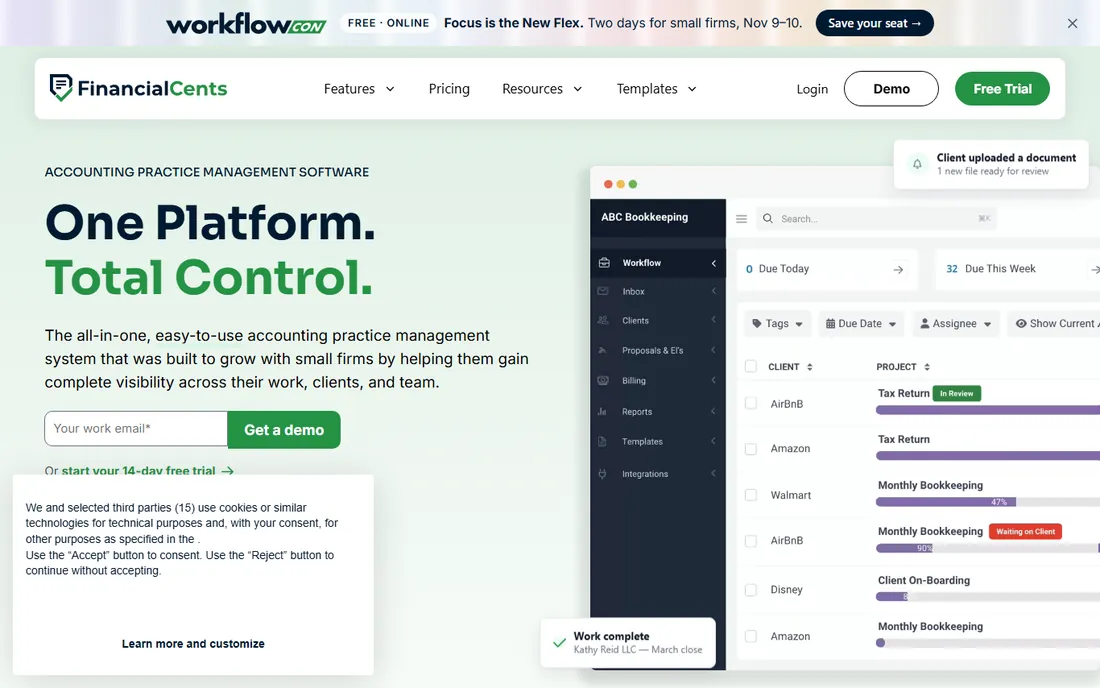
Financial Cents launched in 2020 and won its following by being the easiest tool to start. Most firms get recurring checklists for month-end close, payroll and sales-tax filings running without a consultant. Client tasks and automatic reminders handle the document chase, and the QuickBooks Online integration is genuinely deep, with corrections syncing back to the client file.
The trade-offs are geographic and structural. If your clients use Xero or sit outside the US and Canada, look elsewhere. There are no built-in e-signatures and no mobile apps, and features like profitability reports and a branded portal wait on the $69 Scale plan. For a US bookkeeping or tax shop under about 20 people, it is the least painful path off spreadsheets.
What we like- Recurring-work templates that roll forward automatically each month
- Email management that turns client messages into projects
- The fastest setup story in the category
Watch out for- US and Canada only, with no Xero integration and no multi-currency
- Every plan needs an annual commitment (monthly billing only for 5-plus users)
Starting price$40/user/month (Starter, billed annually)
Free planFree trial (14 days)
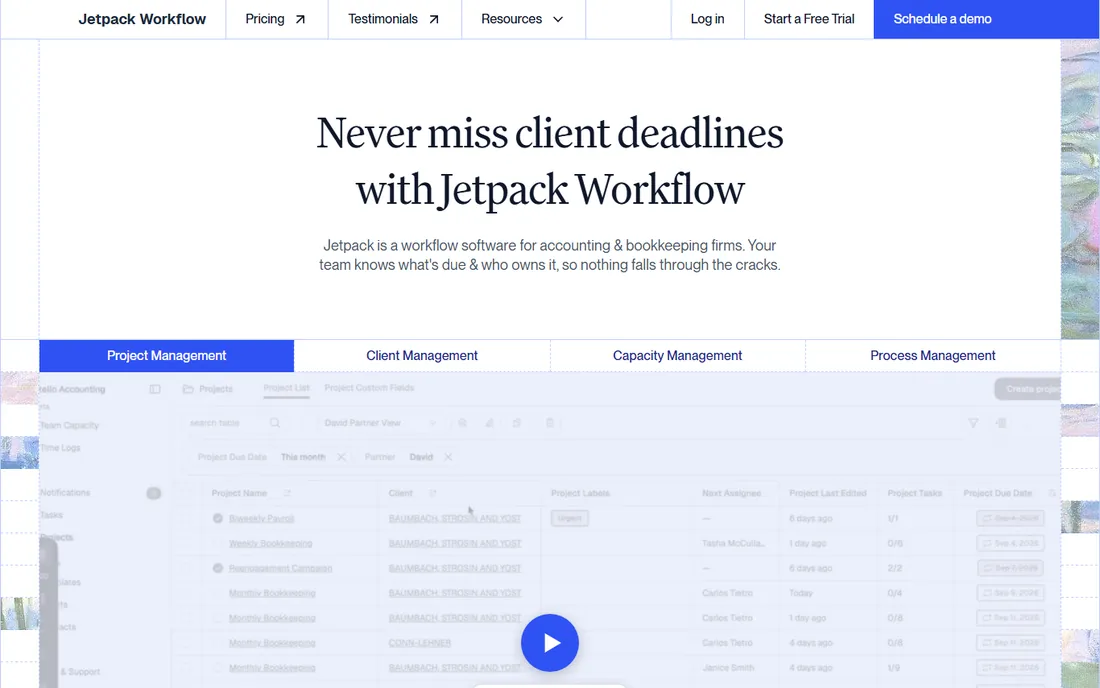
Jetpack Workflow does one thing and refuses to do more: track recurring jobs through checklists and due dates. For a firm drowning in missed deadlines, that focus is the feature. The Premium plan at $50 per user per month adds time tracking, budget-versus-actual reporting and capacity management. Implementation is self-serve, and there is even a one-time done-for-you setup package if you want help.
Be clear about what you are buying. There is no portal for clients, no document storage and no e-signatures, so the real cost is Jetpack plus whatever you use for those. Firms that want a single system should look at Financial Cents or Uku instead. Firms that already like their portal and just need the work tracked will find Jetpack hard to beat at this price.
What we like- The lowest published price on this list with transparent plans
- Unlimited projects, clients and templates on both tiers
- Monthly billing available if you want to test it
Watch out for- No client portal or document management, so you will pair it with another tool
- Thinner integrations than the all-in-one platforms
Starting price$800/seat/year (Essentials, billed annually; Pro $1,000)
Free planNo (demos only)

TaxDome built its reputation on the client side of the workflow. Clients get a proper portal and mobile app with secure chat, and the firm gets unlimited e-signatures and storage without metered add-ons. Pro adds AI reporting, team chat, workload management and a Zapier connection, while Business adds Client Care, which hands routine client questions to TaxDome's team.
The price structure is the decision. TaxDome shows its lowest numbers first, but those are three-year commitments; on a one-year term Essentials is $800, Pro is $1,000 and Business is $1,200 per seat, all billed upfront. Temporary seats run $100 per month on Pro, which helps with seasonal staff. If your firm values client experience above flexibility, it is a strong pick. If cash flow matters more, the commitment will hurt.
What we like- Unlimited e-signatures and document storage included in every plan
- A polished client web portal and mobile app
- IRS transcript pull built into Pro
Watch out for- Every seat billed upfront annually with no monthly option
- The $800 Essentials tier is solo-only, so your first hire forces Pro pricing
Starting price$74/user/month (Standard, billed annually)
Free planFree trial
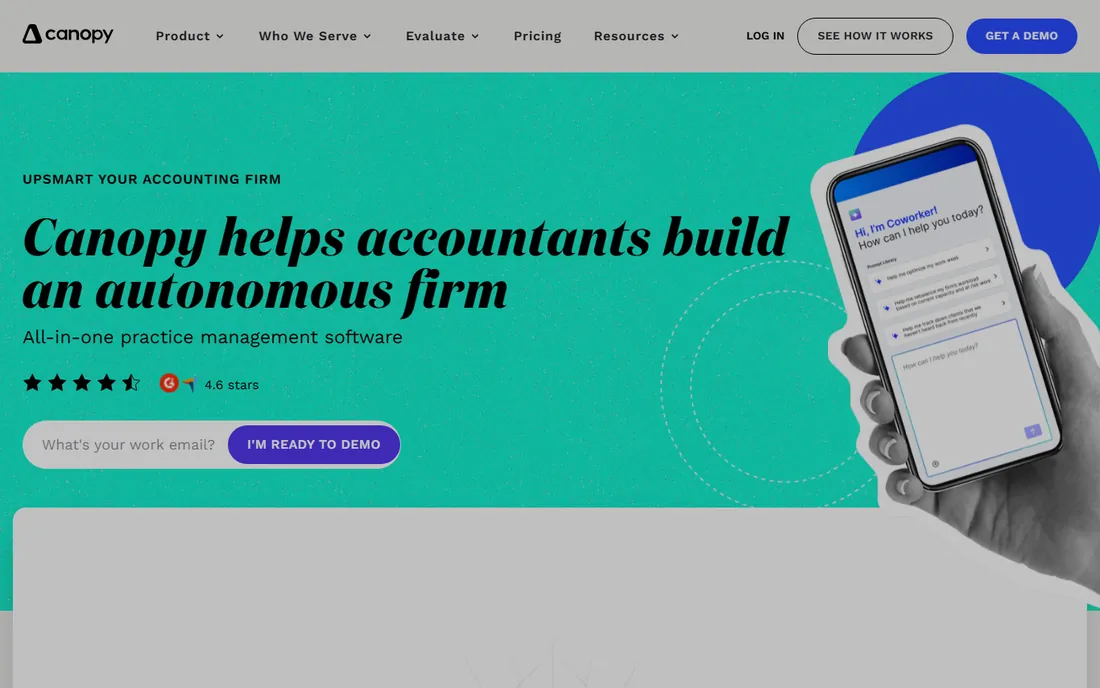
Canopy rebuilt its pricing in 2026 around three flat per-seat tiers, and Standard now bundles CRM, document management, workflow, billing, portal and payments. Plus at $109 adds roles and capacity planning; Premium at $149 adds advanced workflows and billing scenarios. The AI story is the strongest in this list: document collection, AI-assisted tax prep and automated return delivery with e-signature.
Two cautions before you commit. First, the specialist tax work, transcripts and notices handling, Close Automation and Tax Resolution, is billed on usage on top of seats. Second, reviewers note the interface can be fiddly with syncing and filtering. Tax-resolution and heavy 1040 practices get the most from Canopy. General bookkeeping shops may find simpler tools cover them.
What we like- Canopy Coworker AI suite with Smart Intake, Smart Prep and Smart Delivery
- Proposals that auto-generate projects and assign tasks
- Capacity planning built into the workflow view
Watch out for- Specialist tax modules are metered separately (from $34 per client credit), so the seat price is not the total
- Add-on math can surprise growing firms
#6
Uku
Best for: Growing firms that want modular monthly billing
Visit getuku.com
Starting price$19/member/month (Solo, billed annually)
Free planFree trial (14 days)

Uku is the European-built alternative that undercuts the American incumbents on price and flexibility. Solo at $19 per member per month covers a single practitioner with up to 20 active clients, Team at $38 adds the collaboration layer, and Elite at $48 adds client budgeting, document management and e-signatures. Annual billing takes about 23 percent off.
Its standout is profitability monitoring: Uku tracks actual cost against sales price per client and per employee, which suits firms selling fixed-fee or value-priced packages. The modular setup means you switch on what you need instead of implementing everything at once. Firms outside the US get multi-currency and local integrations the American tools skip. The price of youth is a thinner template library and less community content.
What we like- True monthly billing, which is rare in this category
- Real-time profitability monitoring that protects margins on fixed-fee work
- Xero and QuickBooks integrations with 12 interface languages
Watch out for- Smaller prebuilt template library than the US incumbents
- Client budgeting and e-signatures need the $48 Elite plan
#7
Xero Practice Manager
Best for: Xero-committed firms at Silver partner status or above
Visit xero.com
Starting priceFree for Silver+ partners; $149/month (up to 10 users) for new and Bronze partners
Free planFree trial (14 days)

Xero Practice Manager is the practice layer inside Xero's partner program: jobs, timesheets, WIP, invoicing and reporting, all connected to the ledger without duplicate entry. For an established Xero practice, it is genuinely free, which makes it the cheapest workflow option on this list by definition.
The limitations explain the price. There is no client portal worth the name, no document management and no e-signatures, so most firms bolt on two or three more tools. Xero is also consolidating its practice tools in some regions, which means your setup may change on Xero's schedule. Treat XPM as the free baseline: start here if you qualify, and move to a paid platform when the missing pieces cost you more time than a subscription would.
What we like- Zero marginal cost once you reach Silver status
- Xero Workpapers included at no extra charge
- Native two-way sync with Xero accounting
Watch out for- No built-in client portal, document management or e-signatures
- The interface feels dated next to Karbon or Uku
#8
Hubdoc
Best for: Xero firms that want document collection on autopilot
Visit hubdoc.com
Starting priceFree with Xero subscription
Free planYes (included with Xero)
Hubdoc is Xero-owned, which is why it sits free inside every Xero subscription. Clients photograph or forward receipts, Hubdoc extracts the data and pushes coded transactions to Xero. It is the single highest-return habit change for a bookkeeping practice: the shoebox of receipts stops existing.
It is an adjacent tool, not a practice suite. Hubdoc does not track jobs, assign work or manage deadlines; it feeds clean documents into whatever does. Pair it with Xero Practice Manager for a fully free workflow stack, or with Karbon or Financial Cents if you want the documents to land inside a real workflow. As a free add-on, there is no reason not to use it if you are on Xero.
What we like- Automatically fetches bank statements, bills and receipts
- Included free with Xero, so it adds no line item to the budget
- Simple enough that clients actually use it
Watch out for- Less sophisticated extraction than dedicated tools like Dext
- Document collection only, not a workflow manager
Starting price$39/month (Solo)
Free planFree trial (14 days)
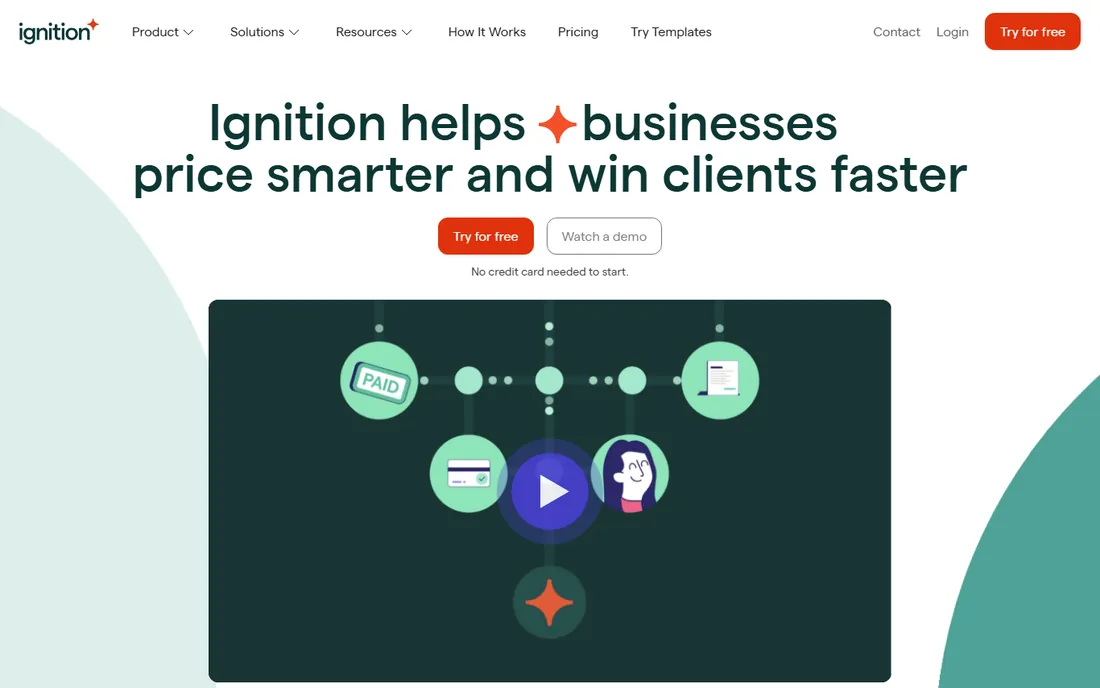
Ignition attacks the part of the workflow most tools ignore: getting the engagement priced, signed and paid. You send a branded proposal with up to three options, the client picks one and signs, and Ignition bills and collects automatically from there. Solo at $39 per month covers 20 active clients with one user; Core at $99 covers 50 clients and three users; Pro at $229 covers 350 clients with bulk renewals and 500 extra document signatures a year.
Watch the counting. Active clients with signed agreements are what each plan meters, and overages run $2 to $7 per extra client depending on the tier. Firms with big seasonal client lists should model their peak month before choosing a plan. Ignition is not a practice manager; it is the front door that makes the rest of your workflow profitable.
What we like- Branded proposals that convert into automated invoices and payments
- Bulk proposal renewals and price increases across the client base
- Per-plan client allowances that scale with revenue
Watch out for- Plans count active clients, so overage fees can surprise growing firms
- It handles proposals and billing, not the full practice
How we chose
We started from the vendor pricing pages, because published per-user prices are the fastest way to compare this category honestly. Every price above was checked against the vendor's own site or a pricing page crawl from the last few weeks; where vendors hide pricing behind sales, we say so instead of guessing. Then we read the feature lists and documentation for workflow depth, portal quality, integrations and plan limits, and cross-checked with public reviews on G2, Capterra and Reddit plus competitor breakdowns that publish their own price research. We favored tools built specifically for accounting and bookkeeping firms over generic project software, mixed established names with newer options like Uku, and included two adjacent tools (Hubdoc, Ignition) because document collection and proposal billing are where firm workflows actually break.
What to check before you buy
Start with the billing model, because it decides the real cost. Per-user annual plans like Karbon and Financial Cents punish seasonal hiring; TaxDome's upfront annual billing locks cash; Canopy meters tax work on top of seats; Ignition meters clients. Model a full year with your actual headcount swings before signing.
Then check the three things reviewers complain about most. First, plan limits: template caps, contact caps and client-count meters live in the fine print and bite growing firms. Second, the client portal: if clients will not log in, your workflow dies at document collection, so favor tools with mobile apps and no-login upload links. Third, migration: ask what imports for free, how templates transfer, and whether onboarding help is included or billed at consulting rates. A 14-day trial is enough to test the interface, not enough to move a firm.
Rolling it out without breaking tax season
Never switch workflow software between January and April. The quietest window is summer, when you can migrate two or three friendly clients first, build your templates from real work, and train staff on live data without deadline pressure.
Run the old and new systems in parallel for one full billing cycle. That sounds like double work, and it is, for about a month. It is also the only way to catch the job that the new system routes differently before a client notices. Appoint one person as the template owner, because workflow libraries rot when everyone edits them. And measure the one number that justifies the subscription: average days from work completion to invoice sent. If that number does not fall within two quarters, the tool is not earning its seat price.
Frequently asked questions
What is workflow software for accountants?
It is practice management software that tracks every client job through repeatable steps: who does what, by when, and what the client still owes you. Typical features include recurring task templates, deadline tracking, time and billing, a client portal, document management and integrations with your ledger. The best accounting workflow software replaces the spreadsheets, shared inboxes and sticky notes most firms run on.
How much does accounting workflow software cost?
For a small US firm, budget $40 to $90 per user per month on the mainstream tools, or $800 to $1,200 per seat per year on TaxDome. Solo practitioners can start at $19 per member per month with Uku or $39 per month with Ignition. Xero partners at Silver status or above pay nothing for Xero Practice Manager. Add 20 to 30 percent headroom for add-ons, overages and implementation.
Is Xero Practice Manager enough for a small firm?
Often, yes, if your firm is compliance-focused and already deep in Xero. It covers jobs, timesheets, WIP and invoicing for free at Silver partner status. It falls short when you need a client portal, document management, e-signatures or modern workflow automation. Most firms pair it with Hubdoc for documents and outgrow it around ten staff.
What is the best workflow software for a solo accountant?
Uku Solo ($19/member/month) and Financial Cents Solo ($19/user/month) are the two purpose-built options, with Uku offering more billing depth and monthly billing. If you are on Xero, the free combination of Xero Practice Manager and Hubdoc covers the basics. Ignition Solo ($39/month) is worth adding if proposals and collections eat your time.
How long does setup take?
Simple tools like Financial Cents and Jetpack Workflow can be running inside a week. Full suites like Karbon, TaxDome and Canopy typically need four to eight weeks including template building, data migration and staff training. Vendors sell done-for-you onboarding packages; ask what is included free before paying for one.
Does workflow software replace my document management system?
Sometimes. Karbon, TaxDome, Canopy and Uku include document storage, and firms often drop a separate system. But tools like Jetpack Workflow and Xero Practice Manager have no real document management, so you will keep or add something else. Check storage limits and client-facing upload links before you cancel your old tool.
Sources we checked (17)
- https://karbonhq.com/why-karbon/compare/karbon-vs-financial-cents/
- http://financial-cents.com/resources/articles/accounting-workflow-software-5-best-accountants-accounting-firms/
- https://getuku.com/articles/financial-cents-review/
- https://getuku.com/articles/jetpack-workflow-vs-karbon/
- https://getuku.com/articles/financial-cents-vs-jetpack-workflow/
- https://taxdome.com/blog/best-tax-practice-management-software
- https://getuku.com/articles/taxdome-pricing/
- https://getuku.com/articles/canopy-vs-uku/
- http://monday.com/blog/project-management/workflow-management-for-bookkeepers/
- https://getuku.com/articles/xero-practice-manager-pricing/
- https://www.xero.com/nz/xero-practice-manager/
- https://www.ignitionapp.com/pricing?utm_source=spotsaas.com&utm_medium=cpc&sub1=so&sub3=pricing&sub4=d
- https://www.thequietprotocol.com/blog/ignition-vs-goproposal
- https://www.myfirm360.com/why-firm360-vs-karbon/
- https://www.myfirm360.com/why-firm360-vs-financial-cents/
- https://www.comparebiztech.com/best-accounting-practice-management-software/
- https://www.ravetree.com/blog/accounting-work-management-software-with-xero-integration
Is your product missing or out of date?
We review this list regularly. Vendors can request a listing, send updated pricing or ask about featured placement.

Shihab Mia · Founder, Rankite
Shihab has spent more than a decade helping SaaS and e-commerce brands grow through search. He writes Rankite's software buying guides from pricing pages, documentation and public user reviews. More about Shihab.