How we make this list: we compare pricing pages, product documentation and public user reviews. Rankite is independent; if a vendor ever pays for a featured spot, that listing is clearly labeled Partner.
Key takeaways
- The price spread is wide: Harvest Teams starts at $9/seat/month (billed annually) while Karbon Business runs $89/user/month, so a 10-person firm can pay anywhere from about $90 to $890 a month for the same category.
- Solo accountants get a real deal: Uku Solo and Financial Cents Solo both start at $19/month (billed annually), each with time tracking and invoicing included.
- Practice management platforms (Uku, Karbon, TaxDome, Canopy, Financial Cents, Aero) bundle time, billing, workflow and client portals; pure time tools (Harvest, QuickBooks Time) only cover the timer and the invoice.
- The commitment terms matter as much as the price: TaxDome bills full seats a year upfront with no monthly option, while Uku and Jetpack Workflow offer monthly billing.
Quick comparison
| Tool | Best for | Starting price | Free plan |
|---|
 Uku Uku | Firms that want time, billing and workflow in one tool | $19/member/month (Solo, billed annually) | Free trial (14 days) |
 Karbon Karbon | Mid-size firms that live in email and need deep workflow | $59/user/month (Team, billed annually) | No |
 TaxDome TaxDome | Tax and bookkeeping firms that want a polished client portal | $800/seat/year (Essentials, 1-year term) | No |
 Canopy Canopy | US tax firms with tax resolution work | $74/user/month (Standard, billed annually) | Free trial |
 Jetpack Workflow Jetpack Workflow | Firms that need recurring-task tracking, nothing more | $40/user/month (Starter, billed annually) | Free trial (14 days) |
 Financial Cents Financial Cents | Small firms wanting an affordable all-in-one | $19/month (Solo, billed annually) | Free trial (14 days) |
 Aero Workflow Aero Workflow | Teams of 6+ where flat tier pricing beats per-seat math | $108/month (Startup, 1-5 users, billed annually) | Free trial (14 days) |
 Harvest Harvest | Firms that only need time tracking plus clean invoicing | $9/seat/month (Teams, billed annually) | Yes |
 QuickBooks Time QuickBooks Time | Firms already standardized on QuickBooks | $20/month + $10/user/month (Premium) | Free trial (30 days) |
Is your product missing or out of date?
We review this list regularly. Vendors can request a listing, send updated pricing or ask about featured placement.
The best time and billing software for accountants
Most accounting firms lose billable hours long before they send an invoice. Time gets written down late, rounded from memory, and rebuilt at month end from email threads. The nine tools below fix that in different ways. Some tie the timer directly to client budgets and send the invoice themselves. Others just track hours well and leave the rest to your practice management stack. Every price below was read from the vendor's own pricing page in October 2026.
#1
Uku
Best for: Firms that want time, billing and workflow in one tool
Visit getuku.com
Starting price$19/member/month (Solo, billed annually)
Free planFree trial (14 days)
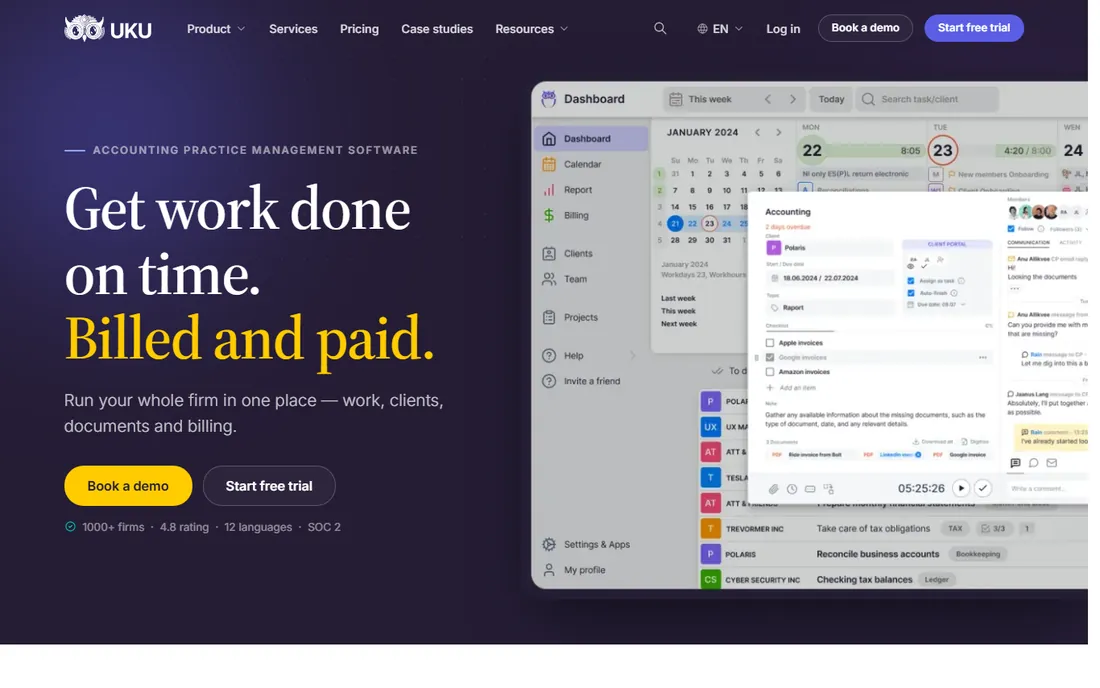
If your biggest leak is hours that never make it onto an invoice, Uku was built to find them. It combines recurring-task workflows, time tracking with billable and non-billable splits, automated billing and a client portal in one system, with a profitability view that compares what an employee costs per hour against what they bill. The pricing is refreshingly plain: Solo at $19 a month (annual) for one accountant with up to 20 active clients, Team at $38, Elite at $48 and Enterprise at $88, all per member with monthly billing also available.
The honest catch is maturity of the marketplace around it. You will find fewer pre-built workflow templates and third-party write-ups than Karbon offers, and firms with very complex approval chains should test the workflow engine on trial first. For a firm of 5 to 30 that wants one login for time, billing and client work, Uku is the strongest value on this list. The 14-day trial needs no credit card.
What we like- Real solo plan at $19/month with billing and e-signatures included
- Monthly billing available on every tier
- Fast setup with 90 minutes of free onboarding
Watch out for- Smaller template ecosystem than Karbon
- EU-based company, so US firms should confirm support hours fit
#2
Karbon
Best for: Mid-size firms that live in email and need deep workflow
Visit karbonhq.com
Starting price$59/user/month (Team, billed annually)
Free planNo
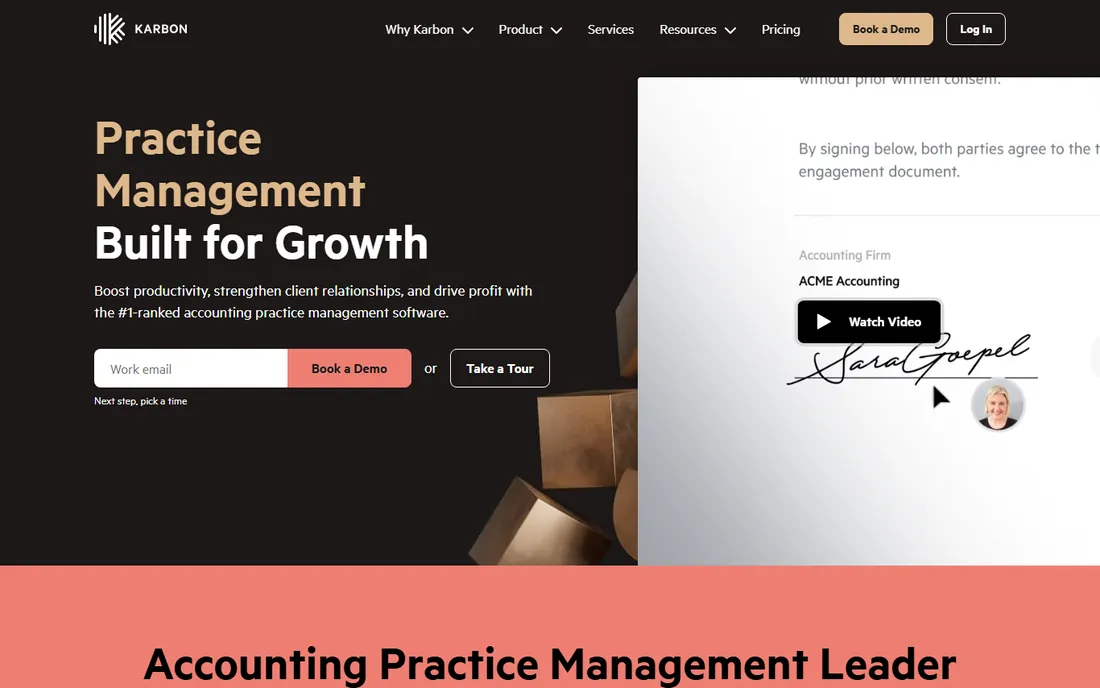
Karbon is the premium choice for firms that run on email. Its Triage feature pulls client emails into the same workspace as tasks, notes and client records, and time tracking feeds into budgets and profitability dashboards. Plans run Team at $59 per user per month (billed annually, $79 monthly), Business at $89 ($99 monthly) and custom Enterprise, with monthly billing only offered to teams of four or more.
The real cost is higher than the headline. Automatic client reminders, task automation and most integrations sit on Business, and extras like eSignature credits are metered. A 10-person firm realistically pays $890 a month on Business. Reviewers praise the visibility once it is configured and complain about the setup time. If you have someone to own implementation and your team communicates mostly by email, Karbon earns the premium. Otherwise start with the cheaper options on this list.
What we like- Email triage built into the workflow, so threads become tasks automatically
- Deep automation and reporting on the Business plan
- Scales to large firms with an Enterprise tier
Watch out for- No self-serve trial, onboarding goes through a demo
- Team plan gates automations, so most firms need Business at $89/user/month
#3
TaxDome
Best for: Tax and bookkeeping firms that want a polished client portal
Visit taxdome.com
Starting price$800/seat/year (Essentials, 1-year term)
Free planNo
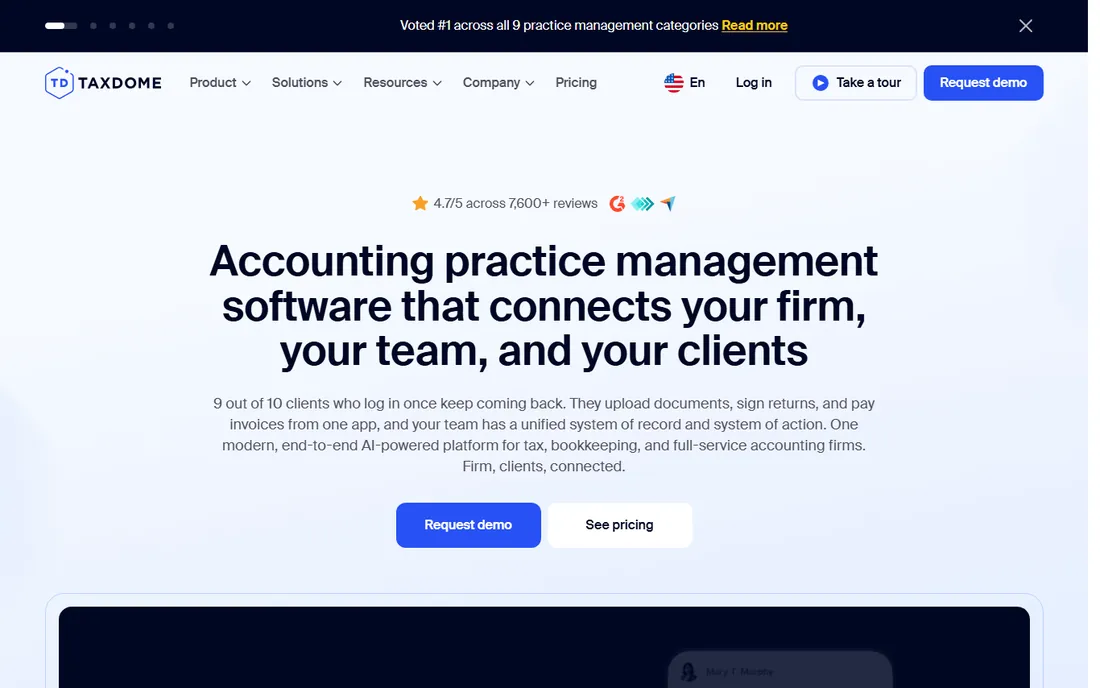
TaxDome is the most portal-first platform here. Clients get a branded portal and mobile app for documents, signatures, chat and payments, and the firm gets CRM, workflow automation, time tracking and invoicing behind it. Pricing is per seat per year: Essentials $800 (one-year term, solo only), Pro $1,000 and Business $1,200, with small discounts for two- and three-year commitments. Seasonal staff can be added on Pro at $100 per seat per month.
The commitment is the thing to understand before you sign. There is no monthly billing for regular seats and no self-serve trial; every plan starts with a demo request. That said, the per-seat annual math is competitive: a 5-person firm on Pro pays $5,000 a year, well under Karbon Business. Firms that want clients to live in the portal, especially tax practices, tend to stay once they are set up. Just do not sign in March; give yourself an off-season month to configure it.
What we like- Best-in-class client portal and mobile app on this list
- Unlimited document storage and e-signatures included
- IRS transcript integration on Pro
Watch out for- Every seat is billed a full year upfront, no monthly billing for base seats
- Essentials is solo-only, a second user forces the jump to Pro
Starting price$74/user/month (Standard, billed annually)
Free planFree trial
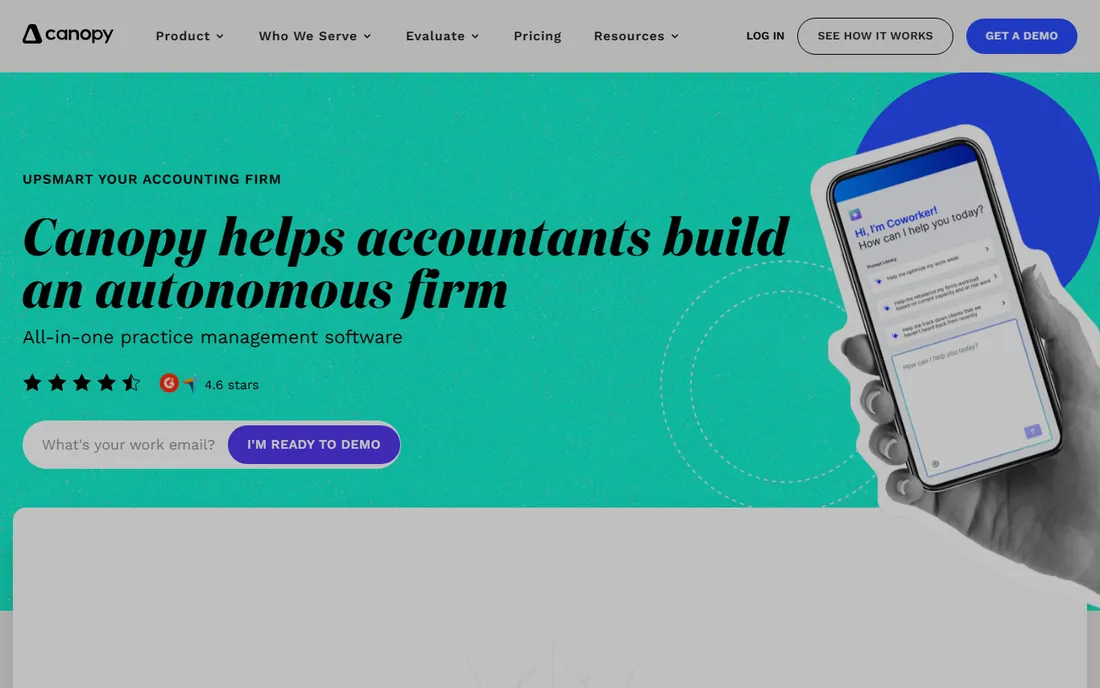
Canopy still owns the tax-resolution corner of practice management. It can pull up to 20 years of IRS transcripts, keeps a notices database with resolution workflows, and wraps that in CRM, document management, a client portal, workflow and billing. Pricing is flat per seat: Standard $74 per user per month (billed annually), Plus $109 and Premium $149, with the whole platform included rather than gated by tier.
The metered add-ons are where the total cost moves. Tax Workflow Automation starts around $34 per client credit and Close Automation runs about $10 per connected client per month, so a resolution-heavy practice should model usage before signing. For a general bookkeeping firm without IRS work, that specialization is wasted money and a simpler tool fits better. If tax resolution is a real revenue line for your firm, no one else on this list touches Canopy.
What we like- IRS transcript pulling and notice workflows built in
- Full platform included from the Standard tier
- AI notetaker and coworker features bundled
Watch out for- Tax workflow automation and close automation are metered add-ons on top of the seat price
- Primarily built for US firms
Starting price$40/user/month (Starter, billed annually)
Free planFree trial (14 days)
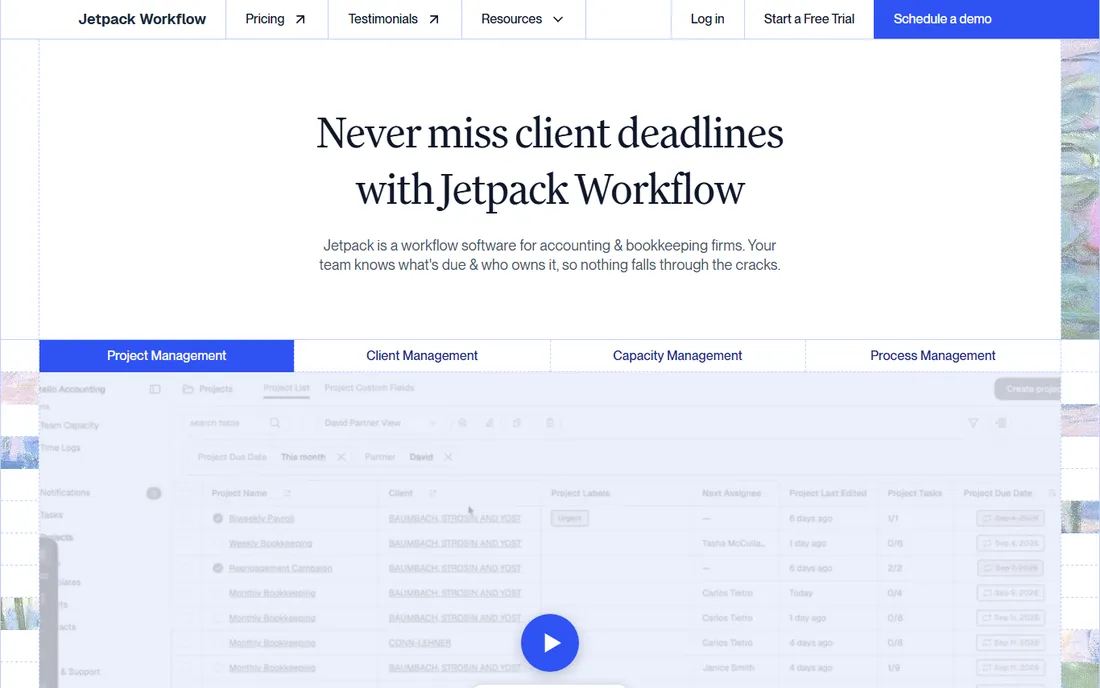
Jetpack Workflow is deliberately narrow, and that is the point. It does one thing: standardize recurring client work so deadlines stop slipping. Starter runs $40 per user per month billed annually ($49 monthly) and Premium $50 ($59 monthly), the latter adding time tracking, budget-versus-actual reporting and capacity reporting. Both include unlimited projects and clients, and a 14-day trial needs no card.
Because it skips the portal, document management and invoicing, most firms pair it with two or three other tools, which is worth factoring into the total. But if your firm already has billing handled (say, in QuickBooks) and the actual problem is missed deadlines and unclear ownership, Jetpack is the fastest fix on this list. Setup takes days, not weeks, and training is included rather than sold as an onboarding package.
What we like- 32+ ready-made accounting workflow templates
- Automated recurring deadlines with cascading updates
- Up and running in days with free training included
Watch out for- No client portal and no built-in invoicing, you still need billing software
- Time tracking and budget reporting require the Premium tier
Starting price$19/month (Solo, billed annually)
Free planFree trial (14 days)
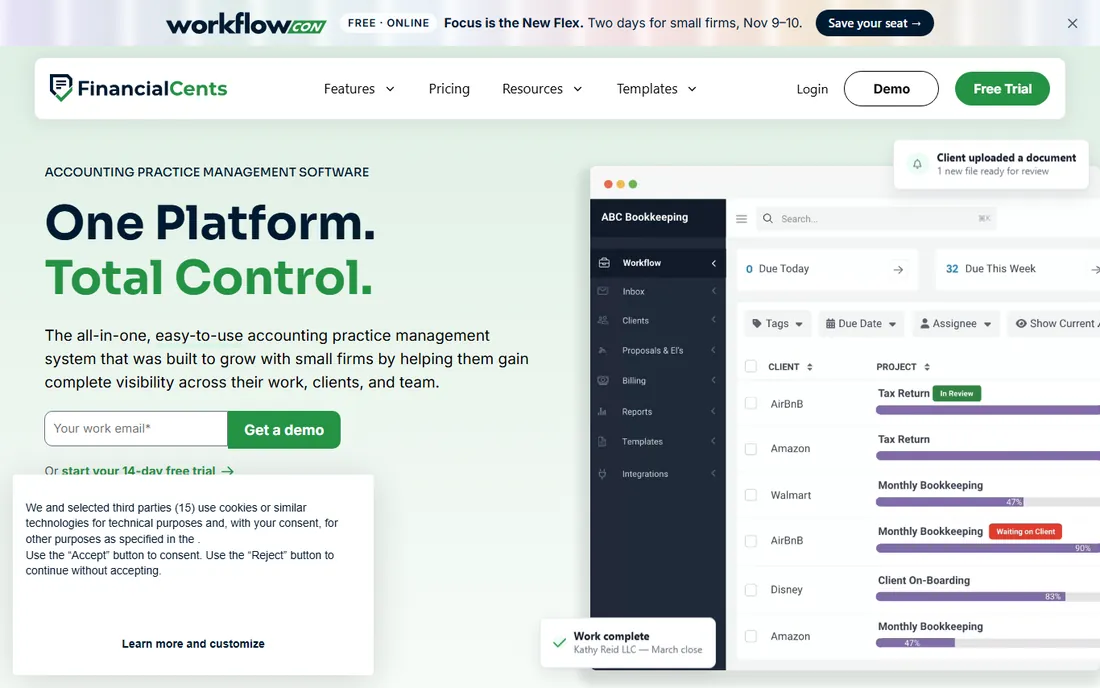
Financial Cents is the budget all-rounder for small firms that want everything in one login. Solo costs $19 a month (billed annually, single user), Team $49 per user per month (annual) and Scale $69, with Enterprise custom-quoted. Even the Team plan includes workflow, client portal, document management, time tracking, invoicing, proposals and e-signatures, which is more breadth than anything else near this price.
The tiering is where you should look twice. Profitability reports, a branded portal, Zapier and the shared email inbox all sit on Scale, so a growing firm should budget $69 a seat, not $49. The QuickBooks Online integration is solid, which is why it is popular with small US firms. If your firm is under 15 people and wants one affordable system, start the trial here before looking at Karbon.
What we like- Solo plan at $19/month covers workflows, portal, time tracking and invoicing
- Team at $49/user/month undercuts Karbon by $10 a seat
- 14-day trial with no credit card
Watch out for- Advanced automations, Zapier and profitability reports require the Scale plan at $69/user/month
- Mobile experience lags the desktop app
Starting price$108/month (Startup, 1-5 users, billed annually)
Free planFree trial (14 days)
Aero Workflow charges by tier, not by head, which changes the math for bigger teams. Startup (1 to 5 users) is $108 a month billed annually ($135 monthly), Growth (6 to 25) is $200 ($250 monthly) and Scaling (26 to 50) is $295 ($365 monthly). Every tier includes the same features: unlimited clients, tasks, templates and contacts, 20-plus reports, all integrations and free onboarding. A 10-person firm pays $200 a month flat, about $20 a head.
The trade-off is granularity. A 6-person firm pays the same as a 25-person firm, so tiny teams overpay relative to per-seat tools. Aero also skips invoicing, so you will export time data to your billing system. But if your team is growing and per-seat quotes keep climbing, the flat tier is one of the cheapest ways to run workflow for an accounting practice. The 14-day trial needs no card.
What we like- Flat pricing with no per-user fees, so adding staff costs nothing extra
- 150+ pre-built checklist templates
- Free onboarding, training and API access on every tier
Watch out for- Tiers jump in steps, so a 6-person firm pays the full Growth price
- No native invoicing, billing happens elsewhere
Starting price$9/seat/month (Teams, billed annually)
Free planYes
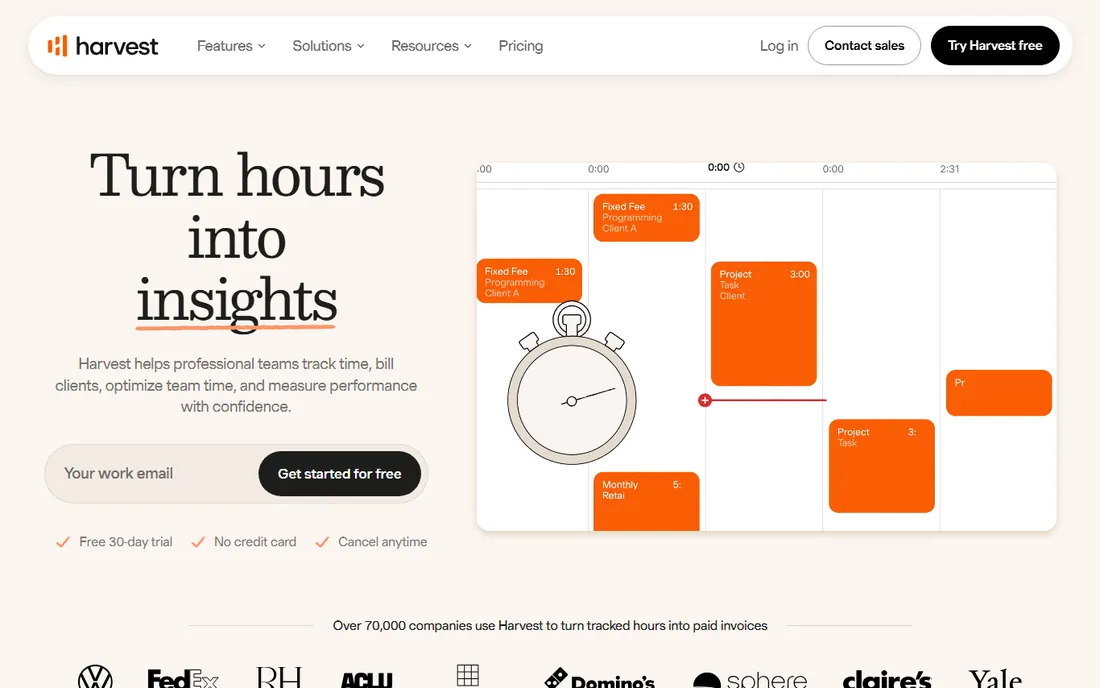
Harvest is the odd one out: not practice management, just excellent time and invoicing. The free plan covers one seat and two projects forever, Teams starts at $9 per seat per month billed annually ($11 monthly) and Enterprise at $14 ($17.50), with a 30-day trial. Timers run on web, desktop and mobile, hours turn into invoices with Stripe or PayPal payments, and integrations cover QuickBooks, Xero and 50-plus apps.
For an accountant who already has a workflow system (or a small firm that does not need one), Harvest is the cheapest credible way to capture billable time and invoice it. What it cannot do is manage the practice: no client portal, no deadline automation, no document handling. Pair it with Jetpack Workflow if you need both halves, or pick one of the all-in-ones above if you want a single vendor.
What we like- Genuinely free plan for one user with two projects
- Simple timers on web, desktop and mobile with QuickBooks and Xero integrations
- Invoices and expenses built in
Watch out for- No practice management features, no client portal, no workflow
- Per-seat pricing with usage fees possible as invoice and project counts grow
Starting price$20/month + $10/user/month (Premium)
Free planFree trial (30 days)
If your firm already runs on QuickBooks, QuickBooks Time is the path of least resistance. Time Premium costs $20 a month base plus $10 per user per month, and Time Elite runs $40 plus $12 per user, with scheduling, GPS clock-ins, time-off tracking and payroll mapping included. Tracked hours flow straight into QuickBooks payroll and invoices without a connector to maintain.
The catch is the stack cost. You need QuickBooks Online itself, so the real monthly number for a 10-person team on Premium is roughly $120 for Time plus the QBO subscription. Since the 2026 price increase from $8 to $10 per user, larger teams often find Harvest or a practice management suite cheaper overall. But for a QuickBooks-native firm that values one ecosystem over the lowest price, the integration saves real admin hours every payroll run.
What we like- Native sync of time into QuickBooks payroll and invoicing, no third-party connector
- Scheduling and time-off tracking included
- 30-day trial
Watch out for- Requires an active QuickBooks Online subscription on top
- Per-user fees rose in 2026, making it pricey for larger teams
How we chose
We started from the way accountants actually bill: tracked hours tied to client budgets and converted into invoices without retyping. That ruled out generic timers with no billing and accounting suites with no time tracking. We then read each vendor's own pricing page in October 2026, plus documentation and public reviews on G2, Capterra and Reddit, and checked integrations with QuickBooks and Xero. We favored tools with published prices, a trial or free tier, and features a firm can set up without a consultant. No vendor paid for placement, and we did not run hands-on trials; the write-ups reflect published facts and reviewer consensus.
What to check before you buy
Run your own headcount math before comparing headline prices. Per-seat tools look cheap until you multiply: Karbon Business at $89 times 12 people is $1,068 a month, while Aero Growth covers up to 25 people for $200. Include the add-ons in the first-year total, not the subscription alone. TaxDome bills seats a full year upfront. Canopy's tax automation is metered per client. Karbon's eSignatures are metered. A quote that ignores those lines will surprise you in month three.
Check the billing commitment against your calendar. TaxDome and Canopy want annual commitments, and several tools on this list push annual billing with 20-plus percent discounts. Do not start a migration in February or March. Pick a quiet month, run the old and new systems in parallel for one billing cycle, and confirm the first invoice batch is correct before you cancel anything.
Finally, confirm two integrations in the trial, not on the pricing page. Push a real week of time entries into QuickBooks or Xero and generate one invoice end to end. If the sync needs a third-party connector, price that connector too. And check how time data leaves the system: you should be able to export timesheets and client billing history as CSV without asking support.
Frequently asked questions
How much should a small accounting firm budget for time and billing software?
For a 5-person firm, realistic 2026 numbers run from about $45 a month (Harvest Teams at $9 a seat) to $445 (Karbon Business at $89 a seat). All-in-one practice management usually lands between $200 and $450 a month for that size. Add onboarding or implementation fees to the first year: TaxDome's optional onboarding packages start near $999, while Uku, Jetpack and Aero include basic onboarding free.
Which tool is best for a solo accountant?
Uku Solo and Financial Cents Solo both cost $19 a month billed annually and include time tracking, invoicing and a client portal, which makes them the obvious shortlist. Pick Uku if you want monthly billing flexibility and built-in e-signatures; pick Financial Cents if your bookkeeping already lives in QuickBooks Online. If you only need a timer and invoices, Harvest's free plan is enough.
Do these tools replace QuickBooks or Xero for billing?
No. They generate the invoice from tracked time, but your general ledger still lives in QuickBooks or Xero. Every tool on this list except QuickBooks Time connects to one or both through a native integration or a connector. The time entries sync as billable items, and payments usually reconcile back. Keep your chart of accounts in the accounting system and let the practice tool own the timer.
Should we choose per-user or flat tier pricing?
It depends on headcount. Under 5 people, per-user pricing usually wins: 3 people on Uku Team cost $114 a month. Above 6 to 8 people, flat tiers pull ahead fast: Aero Growth covers up to 25 users for $200 a month while the same team on Karbon Business costs over $700. Model your headcount 12 months out, not today, because per-seat tools punish growth.
Can we switch tools in the middle of tax season?
You can, but you should not. Migrations need 2 to 6 weeks for data import, template setup and staff training, and a mid-season switch risks billing errors when accuracy matters most. Plan the move for a quiet month, run parallel systems for one full billing cycle, and verify the first invoice batch before canceling the old tool.
Is there a genuinely free option?
Harvest offers a free plan for one user with two projects, which suits a solo accountant with a small client list. Uku, Jetpack Workflow, Aero and Financial Cents offer 14-day trials but no permanent free tier. TaxDome and Karbon are demo-first with no free plan. If "free forever" is the requirement, Harvest is the only one on this list that qualifies.
Sources we checked (10)
- https://karbonhq.com/pricing/
- https://taxdome.com/pricing
- https://www.getcanopy.com/blog/practice-management-software-pricing/
- https://jetpackworkflow.com/jetpack-workflow-vs-taxdome/
- https://www.aeroworkflow.com/pricing/
- https://getuku.com/articles/what-is-uku/
- https://keito.ai/blog/harvest-pricing/
- https://www.ontheclock.com/blog/quickbooks-time-review
- https://www.g2.com/products/financial-cents/pricing
- https://getuku.com/articles/time-and-billing-software-for-accountants/
Is your product missing or out of date?
We review this list regularly. Vendors can request a listing, send updated pricing or ask about featured placement.

Shihab Mia · Founder, Rankite
Shihab has spent more than a decade helping SaaS and e-commerce brands grow through search. He writes Rankite's software buying guides from pricing pages, documentation and public user reviews. More about Shihab.