How we make this list: we compare pricing pages, product documentation and public user reviews. Rankite is independent; if a vendor ever pays for a featured spot, that listing is clearly labeled Partner.
Key takeaways
- Process Street ($25/user/month Pro) and Tallyfy (from $15/user/month) are the picks when a process must run the same way every time, like onboarding or month-end close.
- SweetProcess ($99/month for up to 10 users) and Pneumatic ($99/month Unlimited) keep pricing flat as teams grow, which per-user tools cannot match.
- Zapier (from $19.99/month billed annually), Make (from $9/month billed annually) and n8n (free self-hosted) are automation tools, not process tools: they connect apps rather than run checklists.
- Pipefy (from $22/user/month Business) suits request intake and approvals where a card cannot move until the right fields are filled.
- Kissflow is the enterprise low-code option, but its roughly $1,500-a-month entry and sales-led buying keep it out of reach for most small businesses.
Quick comparison
| Tool | Best for | Starting price | Free plan |
|---|
 Process Street Process Street | Recurring checklists with logic | $25/user/month (Pro) | Free trial (14 days) |
 Tallyfy Tallyfy | Trackable approval workflows | From $15/user/month (Basic) | No (free trial) |
 SweetProcess SweetProcess | SOPs and procedures at flat pricing | $99/month (up to 10 users) | No (14-day free trial) |
 Pneumatic Pneumatic | Workflow teams that hate per-user pricing | $99/month (Unlimited) | Yes (up to 5 users) |
 Pipefy Pipefy | Request intake and approval pipelines | From $22/user/month (Business) | Yes (Starter) |
 Kissflow Kissflow | Enterprises building many internal apps | See website (quote-based) | No (demo available) |
 Zapier Zapier | App-to-app automation for non-technical teams | From $19.99/month (Starter, billed annually) | Yes |
 Make Make | Visual automation at a fair price | From $9/month (Core, billed annually) | Yes |
 n8n n8n | Technical teams that want control | Free (self-hosted Community Edition) | Yes |
Is your product missing or out of date?
We review this list regularly. Vendors can request a listing, send updated pricing or ask about featured placement.
The best workflow management software
Here is the uncomfortable truth about this category: half the tools called "workflow management" run repeatable human processes, and the other half connect apps with automations. They solve different problems, they are priced differently, and buying the wrong half wastes a quarter. This list covers both halves on purpose: the process tools first, then the automation tools, with clear labeling so you buy the right kind.
Starting price$25/user/month (Pro)
Free planFree trial (14 days)
Process Street is the clearest tool here for repeatable process rather than project work. You write a procedure once, and the team runs it as a checklist: employee onboarding, client onboarding, month-end close, content publishing. Conditional logic shows the right steps to the right person, approvals gate the risky stages, and every run leaves an audit trail. Companies in regulated or compliance-heavy work use it to prove the process was followed, not just claimed.
The Pro plan at $25 per user per month includes unlimited workflows, unlimited runs, approvals, dynamic due dates, conditional logic and 2,000 automation runs a month. Enterprise is custom. The honest drawback is the per-user meter: a 30-person team pays $750 a month for what is essentially shared checklists. Compare against Pneumatic's flat $99 or SweetProcess's $99 for ten users before committing.
What we like- Turns procedures into runnable checklists with conditional logic, approvals and due dates
- Unlimited workflows and runs
- Strong audit trails for compliance-minded teams
Watch out for- Per-user pricing gets steep as teams grow
- Not suited to one-off projects or creative work
- Weaker on deep integrations than automation-first tools
Starting priceFrom $15/user/month (Basic)
Free planNo (free trial)
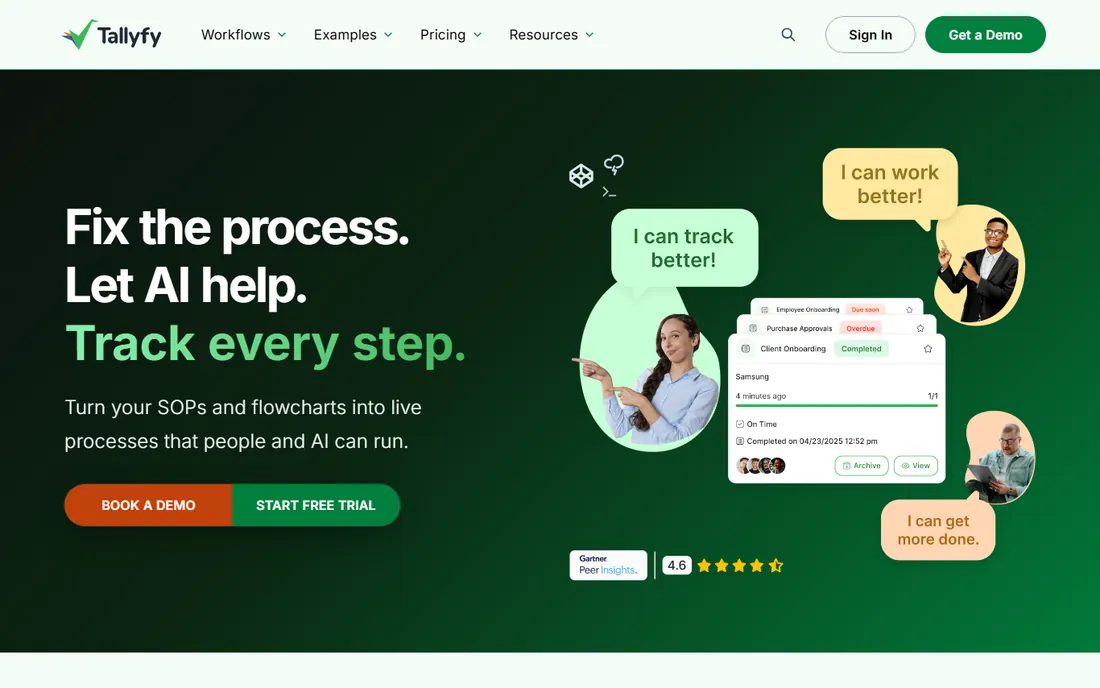
Tallyfy's pitch is eliminating flowcharts: anyone can launch and track a process without reading a diagram. Client onboarding, guided sales processes, compliance checks and customer success workflows all fit its model of templates that run as trackable instances. The dashboard shows the status of every process in flight, which is what managers actually want from workflow software.
Pricing is per user: Basic at $15 per user per month, Professional at $30, with a $500 setup fee per organization. A free trial is available but there is no permanent free tier. The Basic-to-Professional jump matters: compare the two plans' feature lists against your must-haves before assuming Basic is enough.
What we like- Real-time dashboard shows every running process at a glance
- No-code design with conditional rules and branches
- Processes can trigger via forms, schedules or middleware
Watch out for- Basic plan is limited next to Professional at $30/user/month
- $500 setup fee per organization
- No free tier for long-term casual use
Starting price$99/month (up to 10 users)
Free planNo (14-day free trial)
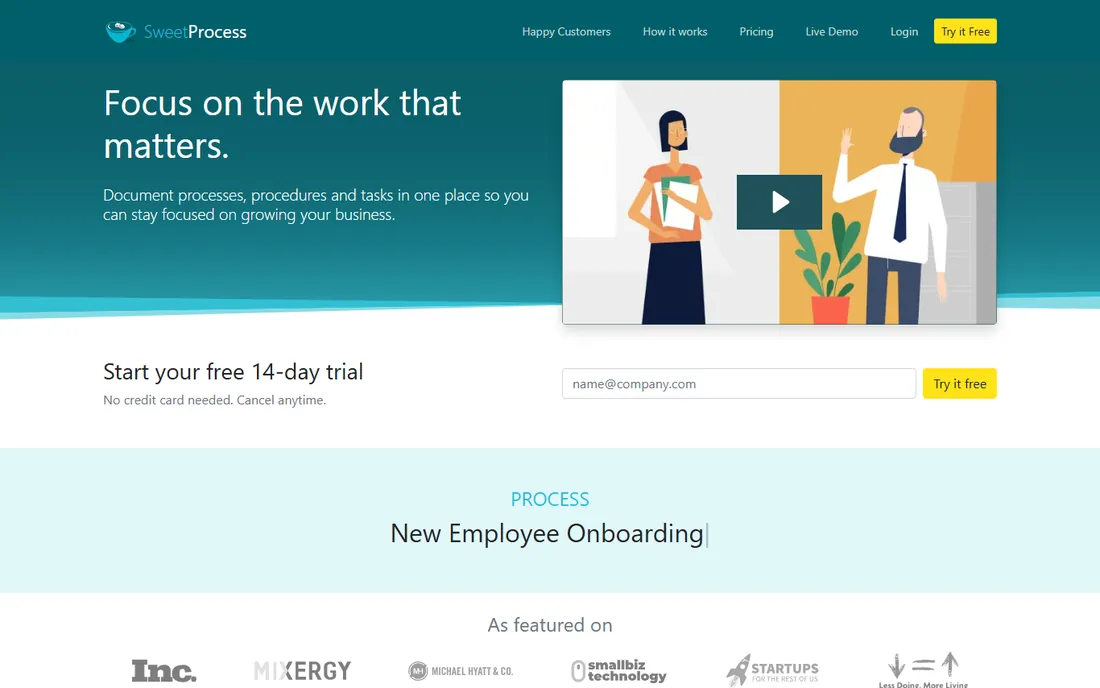
SweetProcess is built for teams that want their SOPs, policies and processes in one system. Procedures, decision approvals and tasks live together, and the pricing is refreshingly flat: $99 a month for up to 10 users ($990 a year), with each additional user at $5 a month. A Small Team plan at $495 a year covers up to five users. Every plan includes every feature, so the only question is headcount.
That flatness is the value proposition. A 25-person team pays $174 a month here versus $625 on Process Street. The trade is scope: SweetProcess is a procedures and documentation system first, not an automation platform. If your real need is "everyone follows the same steps," it is one of the best deals in the category. If you need conditional logic-heavy workflow runs, compare Process Street or Pneumatic.
What we like- Flat pricing with every feature on every plan, so no tier-guessing
- Generous per-user economics as teams grow
- 14-day trial with a 30-day money-back guarantee
Watch out for- No permanent free tier
- Focused on documentation and procedures rather than deep automation
- The Small Team plan is annual-only
Starting price$99/month (Unlimited)
Free planYes (up to 5 users)
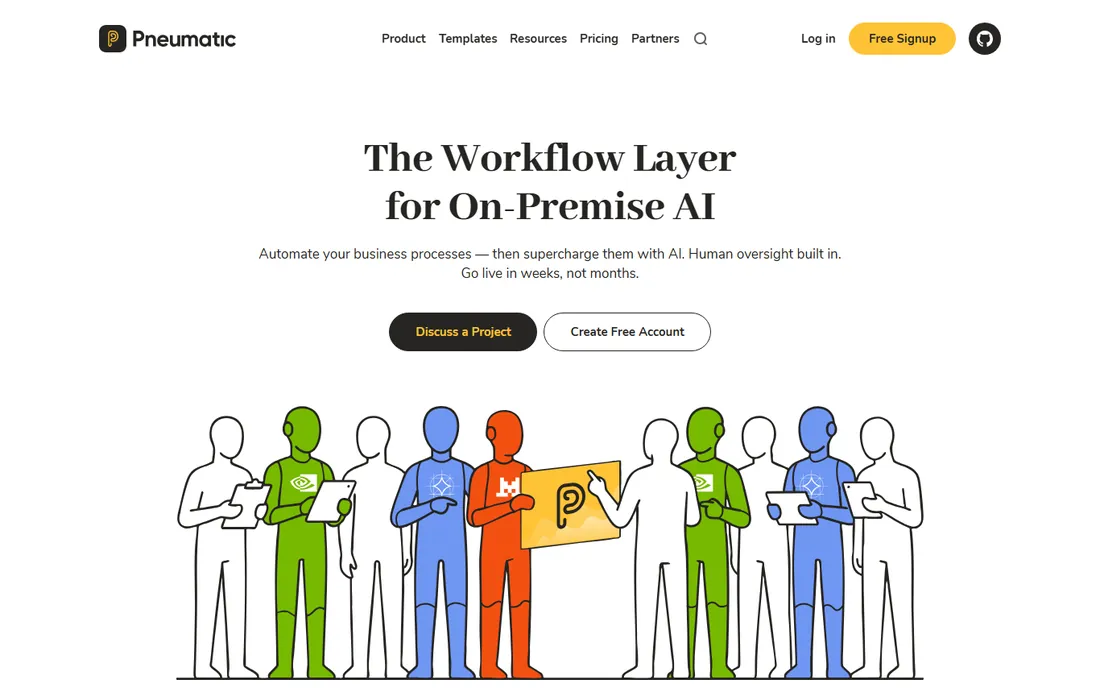
Pneumatic's Unlimited plan is the boldest pricing in this category: $99 a month, unlimited users, unlimited workflow templates, unlimited workflows, conditional logic and your own logo. For a 40-person company, that is $2.47 per user per month. The free plan covers up to 5 users with 5 workflow templates, which is enough to run a real pilot.
The product covers the standard workflow ground: templates, task assignments, conditional logic, granular access controls, and self-serve integrations through Zapier or the API. The $599-a-month Fractional COO tier adds a dedicated implementation manager and done-for-you workflow design, which is consulting dressed as SaaS. If per-user pricing is what keeps you from buying workflow software, Pneumatic removes the objection.
What we like- Flat $99 a month covers the whole organization with unlimited users
- Free plan for up to 5 users
- Conditional logic, integrations via Zapier and API
Watch out for- Fractional COO tier at $599 a month is really a consulting package, not software
- Smaller integration library than the big names
- Newer vendor with fewer reviews
Starting priceFrom $22/user/month (Business)
Free planYes (Starter)
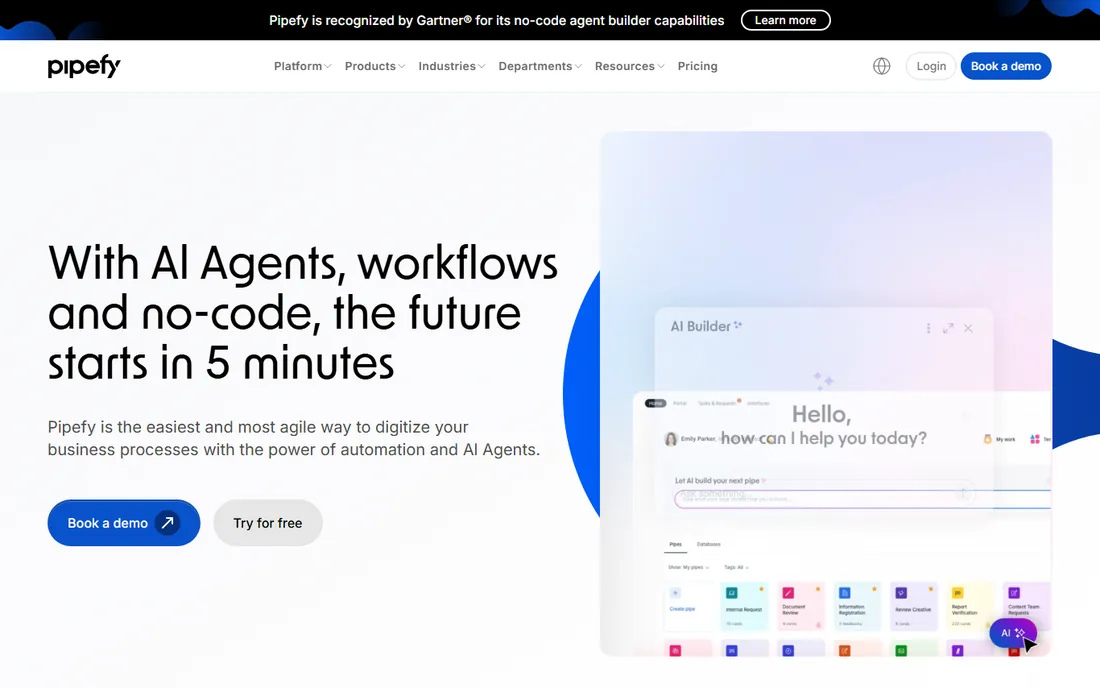
Pipefy models work as pipes with phases, gates and required fields. A purchase request cannot advance until finance has the numbers; a hiring request cannot move until the scorecard is filled. For finance, HR, procurement and customer success teams where incomplete requests are the bottleneck, that enforcement is the whole value.
The free Starter tier covers small teams with basic automations and templates. Business at $22 per user per month adds advanced automations, integrations, analytics and API access; Enterprise is custom. The design is deliberately rigid, which is a feature for compliance and a frustration for creative work. If your workflows are really "requests that must be complete before approval," Pipefy is the most natural fit here.
What we like- Enforces required fields between stages, so incomplete requests cannot move forward
- Strong request forms
- A genuinely free Starter tier for small teams
Watch out for- Per-user pricing on full-featured plans gets expensive for large teams
- Rigid by design, so it is weak for open-ended collaborative work
- Reporting depth is basic
Starting priceSee website (quote-based)
Free planNo (demo available)
Kissflow is a different animal from the checklist tools: a low-code platform where process owners and IT build internal applications for operations, procurement, HR and finance. Organizations replacing dozens of spreadsheets and email chains at once are its target. Governance, admin controls and audit capabilities are built for enterprise IT.
The commercial reality keeps it out of small-business budgets. Third-party reports consistently cite around $1,500 a month for 50 users as the entry point, with custom enterprise pricing above that, and buying runs through sales demos. There is no self-serve trial. If you are a 200-person company consolidating processes, evaluate it. If you are a 20-person company, everything else on this list is cheaper and faster to adopt.
What we like- Broad low-code platform for building internal process apps, not just checklists
- Strong governance and admin controls
- Aimed at replacing dozens of spreadsheets at once
Watch out for- Entry pricing reported around $1,500 a month for 50 users, far above SMB tools
- Expects an internal program owner, not a casual trial
- Sales-led buying
#7
Zapier
Best for: App-to-app automation for non-technical teams
Visit zapier.com
Starting priceFrom $19.99/month (Starter, billed annually)
Free planYes
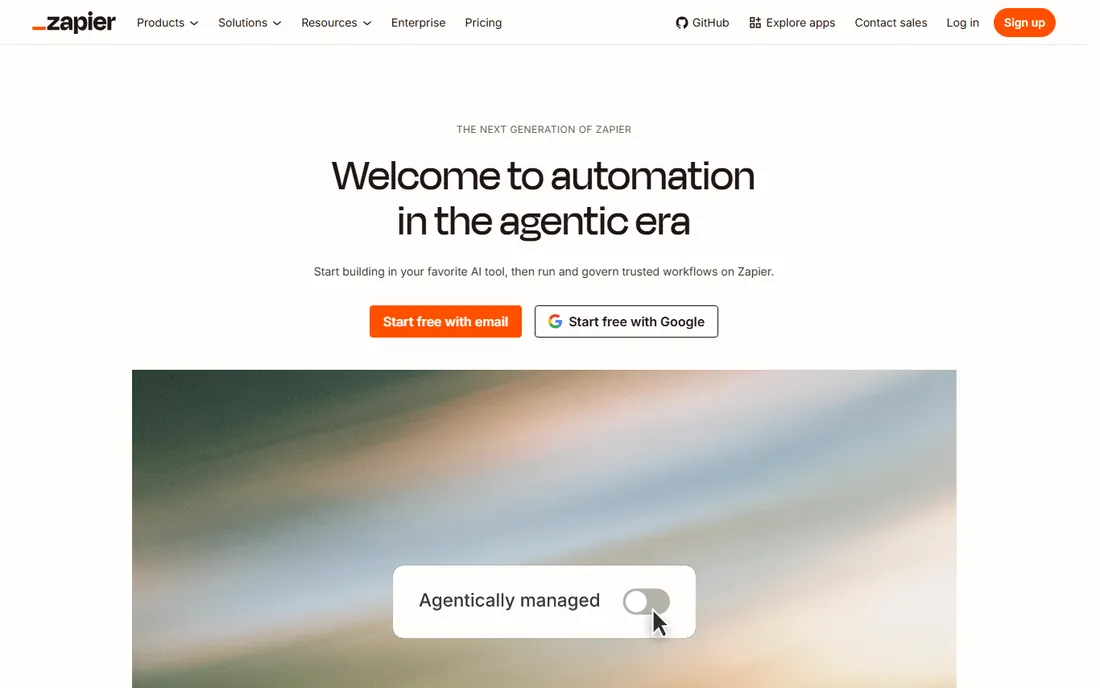
Zapier connects your apps: new Shopify order creates a Slack message, new Typeform entry creates a HubSpot contact. The linear builder is the easiest in the category, which is why non-technical teams default to it. With roughly 7,000 integrations, the app you need is almost certainly supported.
The pricing model is the catch. You pay per task, where every action step counts: a workflow with five steps running ten times a day burns 50 tasks daily. Starter at $19.99 a month billed annually ($29.99 month to month) covers 750 tasks; Professional at $49.99 covers 2,000. At 10,000 monthly tasks you are on plans costing several times Make's $9. Buy Zapier for simplicity and app coverage, not for value.
What we like- The largest app library in automation at around 7,000 integrations
- The easiest builder for non-technical users
- Paths and filters on paid plans
Watch out for- Per-task pricing gets expensive fast (a 5-step workflow counts 5 tasks per run)
- 3 to 5 times pricier than Make at equivalent volume
- Free plan limited to 100 tasks
Starting priceFrom $9/month (Core, billed annually)
Free planYes

Make does what Zapier does at a fraction of the price. The visual canvas shows data flowing between modules, with routers for branching, iterators for arrays and error handlers per module. Core at $9 a month billed annually ($10.59 month to month) includes 10,000 credits and unlimited scenarios; Pro at $16 adds priority execution and custom variables; Teams at $29 adds collaboration. The free plan covers 1,000 credits a month.
The trade is learning curve: the flowchart interface takes a few hours to learn versus Zapier's minutes, and niche apps sometimes need custom HTTP calls. For small businesses automating lead routing, content publishing, reporting and follow-ups, Make is usually the best value in automation. Estimate your credit usage from your busiest workflow before choosing a tier.
What we like- 10,000 credits a month for $9, roughly 5 times cheaper than Zapier at equivalent volume
- Visual flowchart builder that handles branching well
- Native AI modules
Watch out for- Steeper learning curve than Zapier's linear editor
- Smaller app library at around 1,800 integrations
- Credits model needs estimating before you commit
#9
n8n
Best for: Technical teams that want control
Visit n8n.io
Starting priceFree (self-hosted Community Edition)
Free planYes
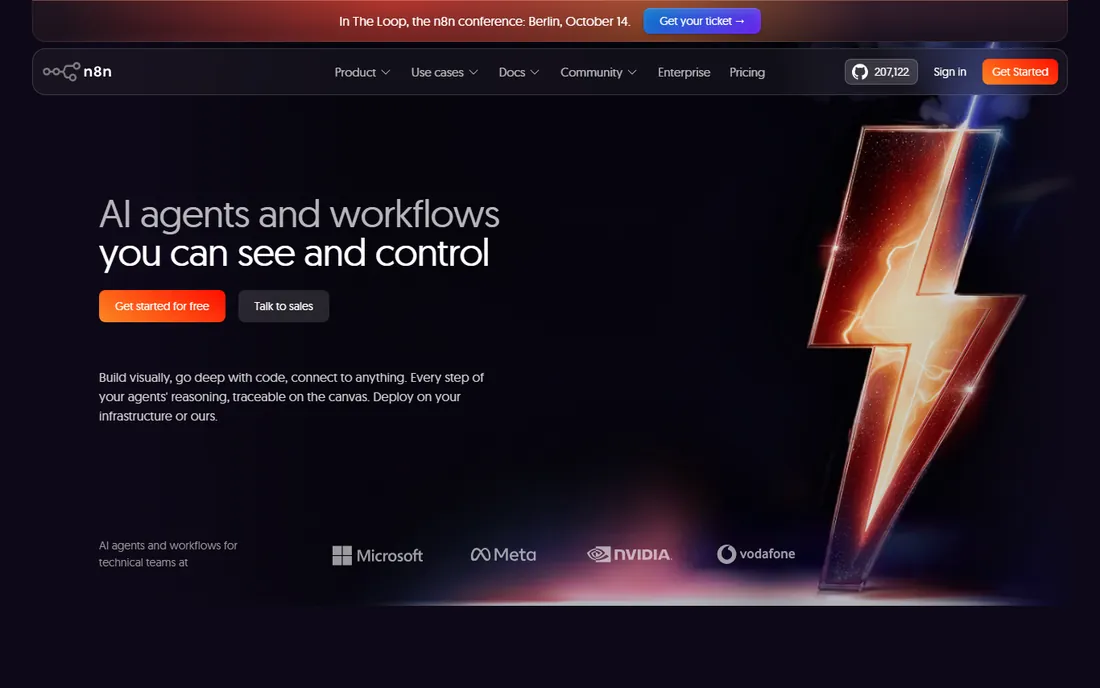
n8n is the automation tool for technical teams. The fair-code Community Edition runs on your own server for free with unlimited executions and unlimited workflows: you pay only for hosting, typically $4 to $7 a month on a small VPS. An execution is one complete workflow run no matter how many steps it contains, which makes it dramatically cheaper than per-task pricing at volume. JavaScript and Python nodes, webhooks, sub-workflows and 70-plus AI nodes give developers full control.
n8n Cloud exists for teams that do not want servers: Starter at about €24 a month for 2,500 executions, Pro at about €60 for 10,000. If you have someone comfortable with Docker, self-hosting is the best automation deal available. If nobody on the team wants to touch infrastructure, Make is the easier buy.
What we like- Self-hosted edition is free with unlimited executions
- Execution-based pricing counts a whole workflow run once, not per step
- 70-plus native AI nodes and full code access
Watch out for- Self-hosting means you manage the server
- The learning curve is the steepest here
- Cloud plans at €24 to €60 a month erase the price advantage if you do not self-host
This split decides the purchase, so make it explicit. Process tools (Process Street, Tallyfy, SweetProcess, Pneumatic, Pipefy, Kissflow) manage human work: checklists people follow, approvals people grant, requests people submit. Automation tools (Zapier, Make, n8n) move data between apps: when X happens in one system, do Y in another.
Most small businesses need both, but they should buy them separately and for different reasons. A client onboarding process belongs in a process tool where every step is visible and auditable. Copying form submissions into the CRM belongs in an automation tool. Trying to run human processes in Zapier produces fragile hacks; trying to sync apps in Process Street produces manual copy-paste. Name the job first, then pick the half.
How we chose
We read the current pricing of every vendor with published prices, including the usage-based automation models where the meter matters more than the sticker (per-task for Zapier, per-credit for Make, per-execution for n8n). Kissflow is marked "See website" because it does not publish pricing; the reported $1,500 entry is a third-party figure, not a list price. We compared on the features that decide purchases: conditional logic, approvals, audit trails, integration breadth, self-hosting options and the real cost at a 20-person team. We read recent reviews on G2, Capterra and Reddit for the recurring complaints: per-user cost creep, setup effort and onboarding quality.
What to look for before you buy
Start with one real process, not a platform evaluation. Pick your most painful repeatable workflow, onboarding, invoicing, content publishing, and run it in the trial for two weeks. The tool that handles your actual edge cases (the approval that skips a step, the form with conditional fields) is the one to buy.
Price at your real headcount, not the trial size. Per-user tools (Process Street $25, Tallyfy $15, Pipefy $22) scale linearly with every hire; flat tools (SweetProcess $99 for ten, Pneumatic $99 unlimited) do not. A 25-person team pays $625 a month on Process Street and $99 on Pneumatic for overlapping functionality. Run the math for the team you will have next year.
For automation tools, estimate usage from your busiest workflow. Count how many times your heaviest automation runs daily, multiply by steps (Zapier) or module runs (Make), and price the tier that covers it with headroom. The free tiers run out fast: 100 Zapier tasks or 1,000 Make credits disappear inside a week of real automation.
Frequently asked questions
What is the best workflow management software for a small business?
For repeatable processes, SweetProcess ($99/month for up to 10 users) and Pneumatic ($99/month unlimited users) offer the best flat pricing. Process Street ($25/user/month) is deeper on logic and audit trails. For connecting apps, Make ($9/month) beats Zapier on value.
What is the difference between workflow management and business process management?
Workflow management usually means coordinating tasks and approvals in a defined process. BPM is the broader discipline of modeling, automating and optimizing end-to-end business processes, often with low-code platforms like Kissflow. Small businesses almost always need the former, not the latter.
Is Zapier or Make better for a small business?
Make is usually better value: $9 a month for 10,000 credits versus Zapier's $19.99 for 750 tasks. Zapier wins on ease of use and the size of its app library (around 7,000 integrations versus 1,800). Non-technical teams often prefer Zapier; budget-conscious teams prefer Make.
Can I get workflow software for free?
Pneumatic offers a free plan for up to 5 users, Pipefy has a free Starter tier, and Zapier, Make and n8n all have free tiers (n8n self-hosted is free with unlimited executions). Process tools with generous free tiers are rare; most offer 14-day trials instead.
How long does it take to implement workflow software?
Checklist-style tools (Process Street, SweetProcess, Pneumatic) can run your first process in a day or two. Automation tools take a few hours per workflow once you learn the builder. Enterprise platforms like Kissflow expect weeks of implementation with an internal owner.
Sources we checked (10)
- https://www.process.st/pricing/
- https://tallyfy.com/pricing/
- https://www.sweetprocess.com/pricing/
- https://pneumatic.app/pricing/
- https://www.pipefy.com/pricing/
- https://kissflow.com/workflow/pricing/
- https://zapier.com/pricing
- https://www.make.com/en/pricing
- https://n8n.io/pricing/
- https://www.glitter.io/blog/process-documentation/best-tallyfy-alternatives
Is your product missing or out of date?
We review this list regularly. Vendors can request a listing, send updated pricing or ask about featured placement.

Shihab Mia · Founder, Rankite
Shihab has spent more than a decade helping SaaS and e-commerce brands grow through search. He writes Rankite's software buying guides from pricing pages, documentation and public user reviews. More about Shihab.