How we make this list: we compare pricing pages, product documentation and public user reviews. Ratings come from G2, Capterra or Trustpilot, with the date we checked them.
Direct answer
Zoom Webinars is the strongest GoTo Webinar alternative for teams already on Zoom that need large audiences, at $66.67 per month billed annually. Small marketing teams should compare Demio for simple browser webinars. Teams that refuse to pay for no-shows should look at Livestorm, which charges by attendee credits.
Key takeaways
- Teams already on Zoom: Zoom Webinars costs $66.67 per month billed annually, with up to 100,000 attendees on the pricing comparison.
- Small marketing teams: Demio Starter costs $45 per month for a single host paid yearly, with automation from Growth.
- Pay only for joins: Livestorm Pro costs $1,200 per year for 400 attendee credits, and the free plan includes 30 credits per year.
- Budget teams on Zoho: Zoho Webinar has a free plan for 20 attendees and 60 minutes per webinar.
- Regulated enterprises: Webex Webinars lists $675 per license per year for 1,000 attendees, with FedRAMP and HIPAA/BAA compliance stated.
Quick comparison
| Tool | Best for | Starting price | Free plan |
|---|
 Zoom Webinars | Teams already on Zoom needing large audiences | $66.67 per month billed annually | None found on vendor page |
 Demio | Small marketing teams wanting simple browser webinars | Starter $45/mo, Single Host, Paid Yearly | 14-day free trial |
 Livestorm | Marketing teams paying only for actual attendees | Pro $1,200 per year for 400 attendee credits | Free: 30 attendee credits/year, 10 events |
 WebinarJam | Sales webinars with live offers and automation | Starter $39/mo billed annually | $1 trial for 14 days |
 ClickMeeting | Training and paid webinars with certificates | Essential $49/month | 14-day trial, no card required |
 Zoho Webinar | Budget teams already using Zoho apps | See website | Free: 20 attendees, 60 mins per webinar |
 Webex Webinars | Regulated enterprises standardized on Cisco Webex | $675/license/year, 1,000 attendees | None found on vendor page |
 BigMarker | Paid webinars and summits with ticket sales | Basic $29/mo annual plan, 25 attendees | None found on vendor page |
 EasyWebinar | Automated sales funnels with built-in CRM | Launch $264/year, regularly $528/year | 7-day free trial, valid card required |
 Microsoft Teams Webinars | Microsoft 365 teams running internal webinars | See website | None found on vendor page |
Is your product missing or out of date?
We review this list regularly. Vendors can request a listing, send updated pricing or ask about featured placement.
The best alternatives to GoTo Webinar
GoTo Webinar now sells three plans. The entry plan includes 1 organizer seat and up to 500 participants, the mid plan adds up to 1,000 participants with branded webinars, cloud recordings, AI summaries and breakout rooms, and the top plan is custom up to 3,000 participants. Buyers compare alternatives when attendee caps, automation, training tools or per-attendee billing matter more than the GoTo name. This list ranks 10 alternatives by audience size, published pricing, automation and free access, using vendor pages checked on 29 November 2026. GoTo Webinar itself is the anchor and is not ranked.
#1
Zoom Webinars
Best for: Teams already on Zoom needing large audiences
Visit zoom.com
Starting price$66.67 per month billed annually
Free planNone found on vendor page
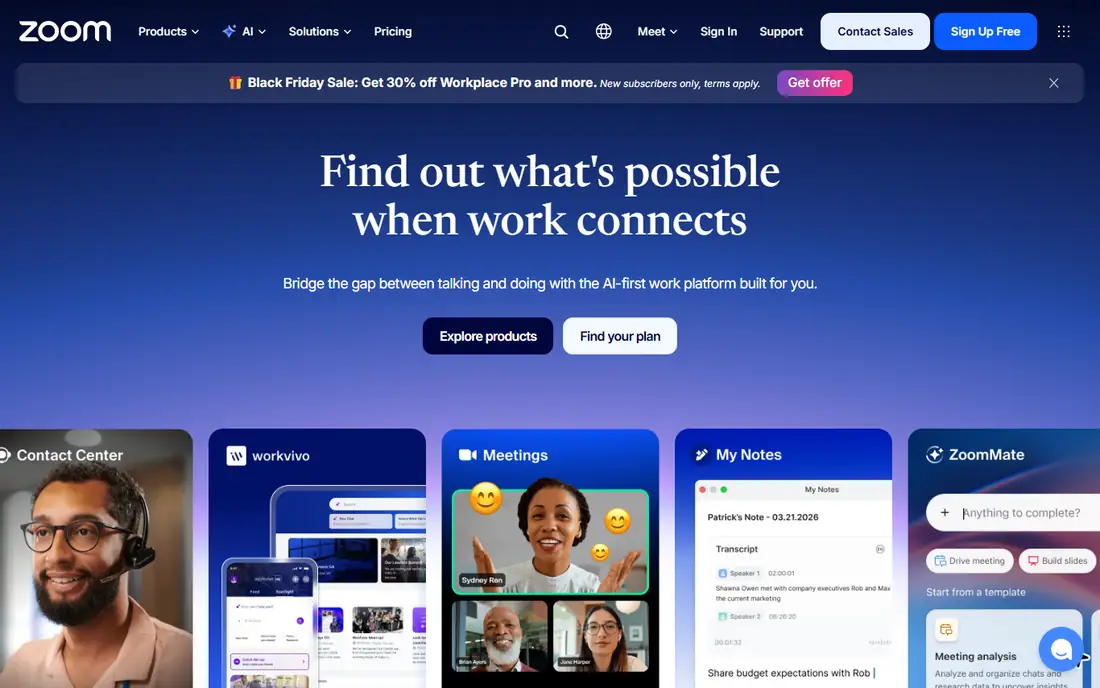
Zoom Webinars extends the Zoom meeting experience to large broadcast audiences. The pricing comparison lists up to 100,000 attendees and 30-hour sessions, with practice sessions and post-webinar surveys included. Hosts get chat, polls, Q&A and reactions, AI generated smart chapters on recordings, and live transcription. Performance reports connect to marketing tools, and integrations cover HubSpot, Salesforce, Marketo, Pardot and Eloqua. For teams already standardized on Zoom, attendees join a familiar room and organizers keep one vendor for meetings and webinars. Webinars costs $66.67 per month billed annually, or $89.00 billed monthly.
The catch is that base Webinars is 720p, and simulive, backstage and breakout rooms sit in Webinars Plus and Events. Advanced analytics and engagement score are also higher-tier features. Pick Zoom Webinars if your audience already knows Zoom and room size matters. Look elsewhere if simulive or breakout rooms must sit on the entry plan, or if per-attendee billing fits your budget better.
What we like- Up to 100,000 attendees and 30-hour sessions on the pricing comparison
- Practice sessions and post-webinar surveys included
- Performance reports connect to marketing tools
Watch out for- Base Webinars is 720p, simulive and breakout rooms sit in higher tiers
- Advanced analytics and engagement score are higher-tier features
#2
Demio
Best for: Small marketing teams wanting simple browser webinars
Visit demio.com
Starting priceStarter $45/mo, Single Host, Paid Yearly
Free plan14-day free trial
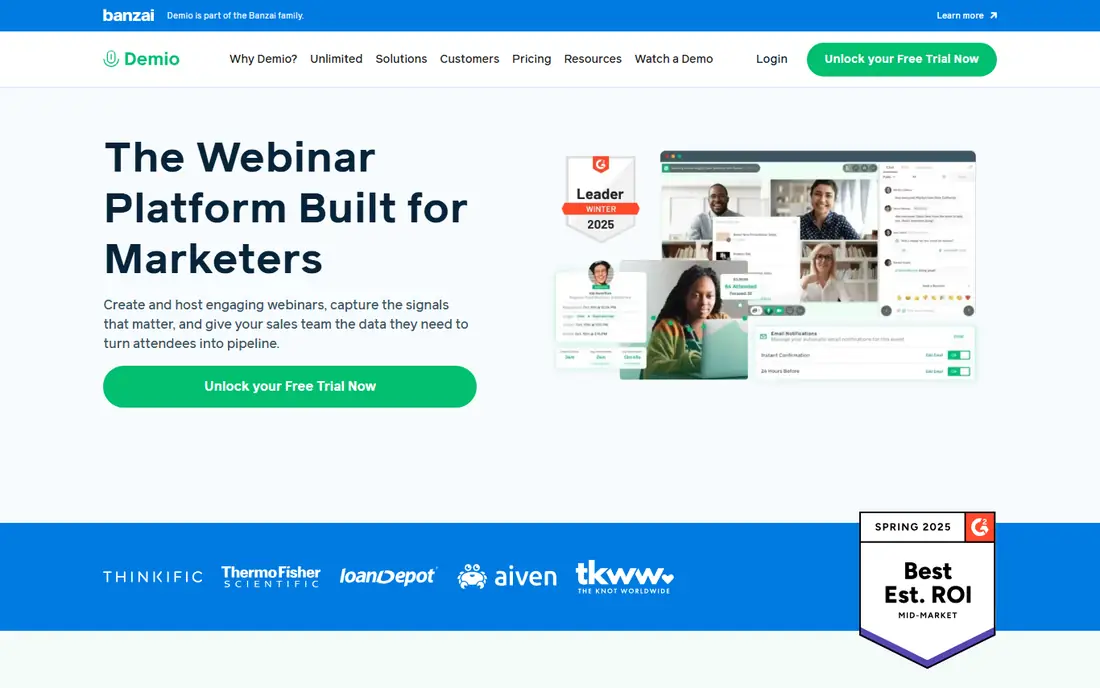
Demio is a browser-based webinar platform aimed at marketing teams that run demos and demand generation sessions. Chats, polls, featured actions and handouts support engagement during the session, and analytics show where viewers respond. Up to 15 presenters and moderators can be invited per event, which suits panel sessions. Showcase embeds upcoming events on your website on Growth and above. Starter costs $45 per month for a single host paid yearly, or $63 per month paid monthly. For a small team replacing GoTo Webinar, the simple room and included engagement tools are the appeal.
The catch is that pre-recorded on-demand and automated webinars, custom branding, source tracking and Showcase start at Growth, not Starter. Starter also has a 3-hour session limit and 4 people on stage. Pick Demio if clean browser rooms and engagement data matter most. Look elsewhere if automation must sit on the cheapest plan, or if your sessions regularly run past 3 hours.
What we like- Engagement tools and analytics across the plan comparison
- Up to 15 presenters and moderators per event
- Showcase embeds on Growth and above
Watch out for- Automated and on-demand webinars start at Growth, not Starter
- Starter has a 3-hour session limit and 4 people on stage
Starting pricePro $1,200 per year for 400 attendee credits
Free planFree: 30 attendee credits/year, 10 events
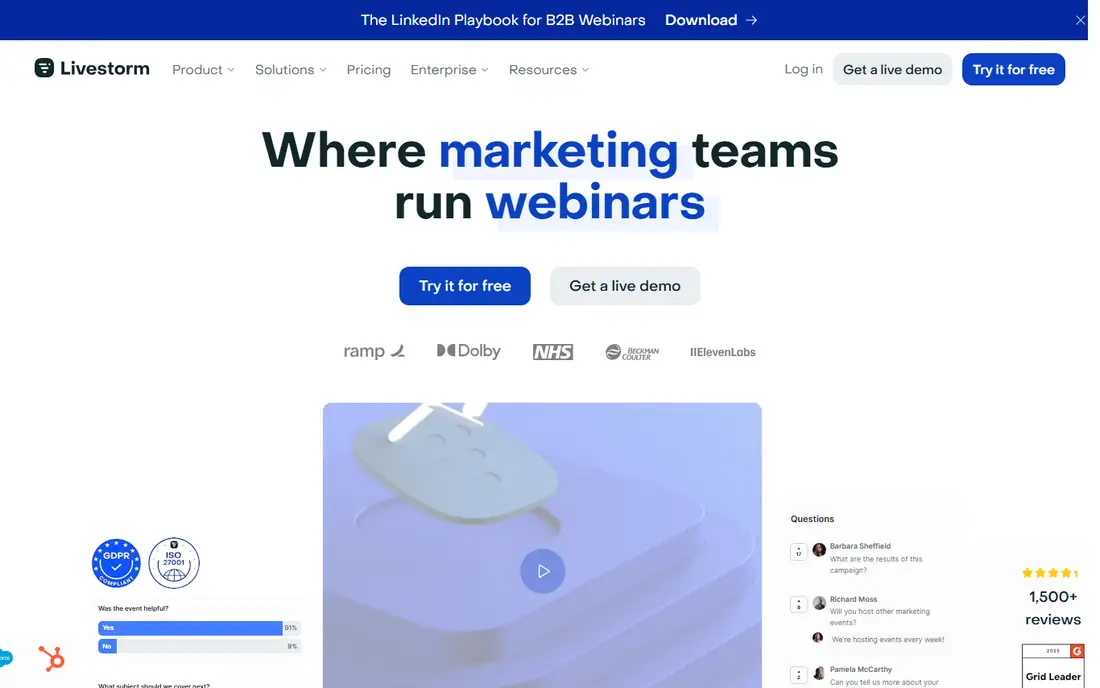
Livestorm charges by attendee credits rather than seats or room size. Credits are used only when someone joins live, watches a replay or watches on demand, so no-shows and team members cost nothing. Pro includes unlimited events, recordings and team members, with sessions up to 4 hours. Registration pages, email cadences, polls and Q&A support marketing programs, and HubSpot integration is native. On-demand and automated webinars cover evergreen use. Pro costs $1,200 per year for 400 attendee credits. The free plan includes 30 credits per year, 10 events and no credit card requirement.
The catch is that unused credits do not roll over, and when the credit limit is reached new attendees cannot join upcoming sessions until the plan is upgraded. Salesforce, Pardot, Marketo and Microsoft Dynamics are marked Enterprise plan only on the pricing page. Pick Livestorm if show rates are low and you refuse to pay for no-shows. Look elsewhere if flat monthly pricing or Salesforce integration on a mid plan matters more.
What we like- Credits used only when someone joins live, replay or on-demand
- Pro includes unlimited events, recordings and team members
- Up to 4 hours per session on Pro
Watch out for- Unused credits do not roll over
- When the credit limit is reached, new attendees cannot join
Starting priceStarter $39/mo billed annually
Free plan$1 trial for 14 days
WebinarJam targets sales webinars with live offer displays, video injections and broadcasts to Facebook and YouTube. Every plan includes unlimited webinars, and A/B split testing covers registration and room pages. An email and SMS system supports reminders and follow-ups. EverWebinar automation is included at no additional cost on Basic, Professional and Enterprise, so live launches and evergreen replays can run from one vendor relationship. Starter costs $39 per month billed annually, or $49 per month billed monthly. The trial costs $1 for 14 days at the 500-attendee level with 2 hosts.
The catch is that Starter is capped at 100 attendees, 1 host and 1 hour maximum duration. Evergreen automation runs through the companion EverWebinar product, included only from Basic. Pick WebinarJam if live offers and split testing drive your webinar revenue. Look elsewhere if you need long sessions on the entry plan, or one product that handles live and automated rooms without a companion tool.
What we like- Unlimited webinars on every plan
- A/B split testing for pages
- EverWebinar automation included from Basic
Watch out for- Starter capped at 100 attendees, 1 host and 1 hour
- Evergreen automation runs through the companion EverWebinar product
Starting priceEssential $49/month
Free plan14-day trial, no card required
ClickMeeting suits training teams that run paid webinars and courses. Paid webinars with tickets, discount codes and donations are included on Essential, and the platform is browser based with no installation. Tests, quizzes, a whiteboard and breakout rooms support instruction, while certificates and live transcription start on Standard. The vendor states ISO/IEC 27001:2022 certification with GDPR and HIPAA compliance. Essential costs $49 per month, and the 14-day trial needs no card. For trainers moving off GoTo Webinar, certificates and paid access on one plan are the practical draw for course sellers.
The catch is that automated and on-demand webinars start at Standard, not Essential. Essential includes only 2 hours of recording storage and 500 MB for files, and branding removal and multistreaming are add-ons. Pick ClickMeeting if training features and paid access matter most. Look elsewhere if you store many long recordings, or if automation must sit on the entry plan.
What we like- Paid webinars included on Essential
- Browser based with no installation
- ISO/IEC 27001:2022, GDPR and HIPAA compliance stated
Watch out for- Automated and on-demand webinars start at Standard
- Essential includes 2 hours of recording storage
#6
Zoho Webinar
Best for: Budget teams already using Zoho apps
Visit zoho.com
Starting priceSee website
Free planFree: 20 attendees, 60 mins per webinar
Zoho Webinar is the budget option for teams already using Zoho apps. The free plan covers 20 webinar attendees and up to 60 minutes per webinar, with screen sharing, polls, Q&A and raise hands. Standard adds webinars up to 24 hours, recording and 10 GB cloud recording storage per organizer, plus webinar series and embeddable registration forms. Workflows, webhooks and integrations with Zoho CRM, Campaigns and Flow suit teams inside the Zoho stack. Mobile browser joining needs no download on paid plans. Dollar amounts did not render on the pricing pages opened, so the starting price is See website.
The catch is that Free is capped at 20 attendees and 60 minutes, with no recording or analytics. Registration branding, source tracking and live streaming start at Professional, and on-demand webinars and custom domain are Enterprise only. Pick Zoho Webinar if you already run Zoho CRM and want a free starting point. Look elsewhere if you need on-demand webinars, custom domains or published dollar pricing today.
What we like- Real free plan with polls and Q&A
- Standard adds webinars up to 24 hours and recording
- Mobile browser joining with no download on paid plans
Watch out for- Free capped at 20 attendees and 60 minutes, with no recording or analytics
- On-demand webinars and custom domain are Enterprise only
#7
Webex Webinars
Best for: Regulated enterprises standardized on Cisco Webex
Visit webex.com
Starting price$675/license/year, 1,000 attendees
Free planNone found on vendor page
Webex Webinars serves enterprises standardized on Cisco Webex. The pricing page lists unlimited webinars up to 1,000 attendees with 24-hour sessions, registration, custom branded pages and automated emails included. Chat, polling and moderated Q&A use native Slido integration, with breakout rooms, practice sessions, closed captions and real-time translation. Up to 500 video panelists can join. FedRAMP authorization and HIPAA/BAA compliance are listed on the pricing page, which matters for regulated buyers. The published price is $675 per license per year, shown as $56.25 per license per month, for 1,000 attendees.
The catch is that only the 1,000-attendee price is published, and Webex Events is included only with select Enterprise options. The $675 figure is shown as 75% off $2,700, and the page does not state the renewal price. Pick Webex Webinars if Cisco standardization and compliance listings decide the purchase. Look elsewhere if you need smaller published tiers, a free plan, or renewal pricing in writing before talks.
What we like- Unlimited webinars up to 1,000 attendees with 24-hour sessions
- Registration, branded pages and automated emails included
- FedRAMP authorized and HIPAA/BAA compliance listed
Watch out for- Only the 1,000-attendee price is published
- The $675 figure is shown as 75% off with no renewal price stated
Starting priceBasic $29/mo annual plan, 25 attendees
Free planNone found on vendor page
BigMarker is built for paid webinars and summits. Attendees join in the browser with no downloads, and ticket billing is handled by BigMarker with withdrawals to PayPal. Custom registration forms export to CRM tools, and a public API with an embeddable widget supports custom sites. Recordings can be published to a channel page, website and YouTube, which suits summit replays. Basic costs $29 per month on an annual plan, or $39 month-to-month, for 25 attendees. For organizers selling seats to workshops and summits, built-in ticketing removes a separate checkout step and payout tool.
The catch is that Basic covers only 25 attendees, so paid events with larger rooms need a higher tier. Support hours on the page are Monday to Friday, 9am to 6pm, which can matter for weekend events. Pick BigMarker if ticket sales and summit replays drive the choice. Look elsewhere if your rooms regularly pass 25 attendees on a small budget, or if weekend support is required.
What we like- No downloads for attendees, browser based in HTML5
- Monetization built in for live and recorded webinars
- Recordings can be published to channel, website and YouTube
Watch out for- Basic covers only 25 attendees
- Support hours listed Monday to Friday, 9am to 6pm
Starting priceLaunch $264/year, regularly $528/year
Free plan7-day free trial, valid card required
EasyWebinar combines live, automated and evergreen webinars with CRM and checkout in one subscription from the Growth plan. Live chat, polls and Q&A support timed offers and call-to-action buttons during sales sessions. An AI Webinar Builder is included on every plan, and EasyCast multistreaming starts on Growth. Sessions keep running past limits with overage billed at $0.78 per extra live attendee, so a successful promotion does not stop at the door. Launch costs $264 per year on the pricing page checked today, regularly $528 per year. For funnel teams leaving GoTo Webinar, checkout and CRM in one account are the draw.
The catch is that Launch has no automated webinars, with 50 live attendees per session, up to 250 live attendees a month and 2-hour sessions. Monthly attendee pools and per-attendee overage make costs variable, and HubSpot and Salesforce Pardot sync start at Pro. Pick EasyWebinar if sales funnels need automation, checkout and CRM together. Look elsewhere if flat pricing matters more than funnel tools, or if API access must sit on a low plan.
What we like- Live, automated and evergreen webinars with CRM and checkout from Growth
- Browser joining with nothing to download
- AI Webinar Builder on every plan
Watch out for- Launch has no automated webinars, with 50 live attendees per session
- Monthly attendee pools and overage make costs variable
#10
Microsoft Teams Webinars
Best for: Microsoft 365 teams running internal webinars
Visit microsoft.com
Starting priceSee website
Free planNone found on vendor page
Microsoft Teams Webinars suits organizations already licensed for Microsoft 365. Webinars are included at no extra cost in Business Standard, Business Premium, E3, E5, A3 and A5 plans, with attendee registration, interactive presentations, attendance reports and transcripts. Standard features cover up to 300 attendees, or up to 1,000 with interactivity depending on the plan. Because webinars run inside Teams, organizers keep chat, files and calendars in one app, and an event site can be published from Teams. The plain Business Standard per-user price did not render on the page opened, so the starting price is See website.
The catch is that advanced features such as reminder emails, green room, manual registration approvals, waitlists and advanced branding need the Teams Premium add-on. Business Basic lists chat, call and meet only, so webinars start at Standard, and every organizer needs a per-user license. Pick Teams Webinars if Microsoft 365 already covers your staff. Look elsewhere if marketing automation, paid ticketing or public funnel tools are the main need.
What we like- Webinars included in Microsoft 365 Business Standard and higher plans
- Attendance reports and transcripts included
- Runs inside the same app as chat, files and calendars
Watch out for- Advanced features need the Teams Premium add-on
- Every organizer needs a per-user license
What will 500 webinar attendees cost each month?
At 500 attendees, Zoom Webinars costs $66.67 per month billed annually, while Webex Webinars lists $675 per license per year for 1,000 attendees, about $56.25 per month. BigMarker Basic at $29 per month covers only 25 attendees, so 500 seats need a higher tier. WebinarJam Starter at $39 per month caps at 100 attendees, so 500 seats also need an upgrade. Livestorm charges per join: 500 joins use 500 credits, and 400 credits cost $1,200 per year. Count joins and required features, not registrations, before comparing headline prices.
Which GoTo Webinar alternative suits small marketing teams?
Demio suits small marketing teams that want simple browser webinars. Starter costs $45 per month for a single host paid yearly, with chats, polls, featured actions and handouts included. Automation starts on Growth at $117 per month per host. Zoho Webinar suits smaller budgets, with a free plan for 20 attendees and 60 minutes. Choose Demio when engagement data and room quality matter, and Zoho when the free plan and Zoho CRM integration matter more.
Can webinar software replace GoTo Webinar for training?
Yes. ClickMeeting covers training with tests, quizzes, a whiteboard and certificates on Standard and above, plus paid webinars on Essential at $49 per month. Webex Webinars adds breakout rooms and practice sessions for large classes up to 1,000 attendees. Zoom Webinars adds practice sessions and post-webinar surveys. Training teams should check recording storage, certificates and breakout rooms on the exact plan, since several vendors gate those features above entry tiers.
Recordings, registration pages and attendee data rarely move cleanly between platforms. Export registrant lists, chat logs and recording files before cancelling GoTo Webinar, and confirm download formats in writing. ClickMeeting Essential includes only 2 hours of recording storage, so a large archive needs a higher plan or external storage. WebinarGeek-style removal windows on other platforms show why exit terms matter. Keep one month of overlap between contracts so live events never depend on a half-moved library.
Frequently asked questions
What is the best alternative to GoTo Webinar?
Zoom Webinars is the best alternative for teams already on Zoom, at $66.67 per month billed annually with large audience support. Demio suits small marketing teams at $45 per month paid yearly. Livestorm suits teams that pay per join, at $1,200 per year for 400 credits. The right pick depends on room size and automation needs.
How much does GoTo Webinar cost in 2026?
GoTo Webinar sells three plans, with the entry plan up to 500 participants and the mid plan up to 1,000. Price numbers did not render on the official page opened for this guide, so confirm the current entry price on goto.com before budgeting. Alternatives here publish prices from $29 per month for 25 attendees at BigMarker to $675 per year at Webex.
Which webinar platforms have a free plan?
Zoho Webinar has a free plan for 20 attendees and 60 minutes per webinar. Livestorm has a free plan with 30 attendee credits per year and 10 events. Demio, ClickMeeting and EasyWebinar offer trials of 14, 14 and 7 days. Zoom Webinars, Webex Webinars, BigMarker and Teams Webinars state no free plan on vendor pages opened.
Can I run paid webinars without GoTo Webinar?
Yes. BigMarker sells tickets for live and recorded webinars with PayPal withdrawals, from $29 per month for 25 attendees. ClickMeeting includes paid webinars with tickets and discount codes on Essential at $49 per month. EasyWebinar adds built-in checkout from Growth. Check payout timing, refund handling and ticket fees before your first paid event.
What should I check before switching webinar platforms?
Check attendee caps, automation tiers, recording storage, CRM integrations and exit terms on the exact plan you will buy. WebinarJam Starter caps at 100 attendees and 1 hour, ClickMeeting Essential stores 2 hours of recordings, and Livestorm stops joins at the credit limit. Export recordings and registrant data before cancelling your current contract.
What to look for before you buy
First, size the room by joins, not registrations, and check what happens when a cap is hit mid-event. Second, confirm automation, simulive and breakout rooms sit on the plan you priced, not a higher tier. Third, price recording storage and download rights for your full archive. Fourth, verify CRM and email integrations on your exact plan, since several vendors gate Salesforce and Pardot. Fifth, export recordings, registrant lists and chat logs before cancelling GoTo Webinar, and keep contract overlap for live events.
How we chose
We compared 18 candidate tools as GoTo Webinar alternatives, then kept 10 with live vendor pages and clear webinar support. Prices and facts were checked on vendor pricing pages, product pages and official support pages on 29 November 2026. GoTo Webinar itself is the anchor and is not ranked. Where prices did not render on a vendor page, this guide says See website instead of estimating. No hands-on testing is claimed, and no ratings or review counts are used.
Sources we checked (11)
- https://zoom.us/pricing/events
- https://www.demio.com/pricing
- https://support.livestorm.co/article/attendee-based-pricing
- https://webinarjam.com/plans_and_pricing/
- https://clickmeeting.com/price
- https://www.zoho.com/webinar/pricing.html
- https://pricing.webex.com/us/en/hybrid-work/webinars/all-features/
- https://www.bigmarker.com/host-a-webinar
- https://easywebinar.com/pricing/
- https://www.microsoft.com/en-us/microsoft-365/business/microsoft-365-plan-chooser
- https://www.goto.com/offer/webinar
Is your product missing or out of date?
We review this list regularly. Vendors can request a listing, send updated pricing or ask about featured placement.

Shihab Mia · Founder, Rankite
Shihab has 5+ years in B2B and SaaS SEO. He writes Rankite's software buying guides from pricing pages, documentation and public user reviews. More about Shihab.