How we make this list: we compare pricing pages, product documentation and public user reviews. Rankite is independent; if a vendor ever pays for a featured spot, that listing is clearly labeled Partner.
Key takeaways
- Touchpix is the 360 specialist, with GoPro support, a 360 spinner mode, and yearly licenses from $439.90.
- Snappic suits operators running several booth types, with 360 VideoFX on its Business tier and pay-per-event pricing from $29.
- Booth.Events starts at $49 per month and covers the 360 spinner workflow with strong template and branding tools.
- LumaBooth at $19.99 per month is the budget pick for iPad-based 360 capture with slow-motion and overlays.
- ChackTok leads on 360-specific review signals and controls supported 360 hardware directly, while Curator Live offers a free tier for testing.
Quick comparison
| Tool | Best for | Starting price | Free plan |
|---|
 Snappic Snappic | operators running several booth types | From $29 per event (pay-per-event); monthly plans available | Free trial |
 Touchpix Touchpix | businesses built around 360 booths | $439.90 per year (PhotoPass) | Free trial |
 Booth.Events Booth.Events | branded 360 experiences with fast setup | $49 per month (Basic) | Free trial |
 LumaBooth LumaBooth | budget iPad 360 capture | $19.99 per month (Apple app subscription, 2 devices) | No |
 ChackTok ChackTok | 360-first operators who want hardware control | From $21.99 per week | No |
 Curator Live Curator Live | testing 360 software before paying | From $29 per event | Yes |
 Fiesta Fiesta | operators on Photobooth Supply Co hardware | $49 per month (Plus); $99 per month (Pro) | Free trial |
 Selfie 360 Selfie 360 | operators who want a one-time license | $349 one-time (1 device, lifetime) | No |
Is your product missing or out of date?
We review this list regularly. Vendors can request a listing, send updated pricing or ask about featured placement.
The best 360 video booth software
Starting priceFrom $29 per event (pay-per-event); monthly plans available
Free planFree trial
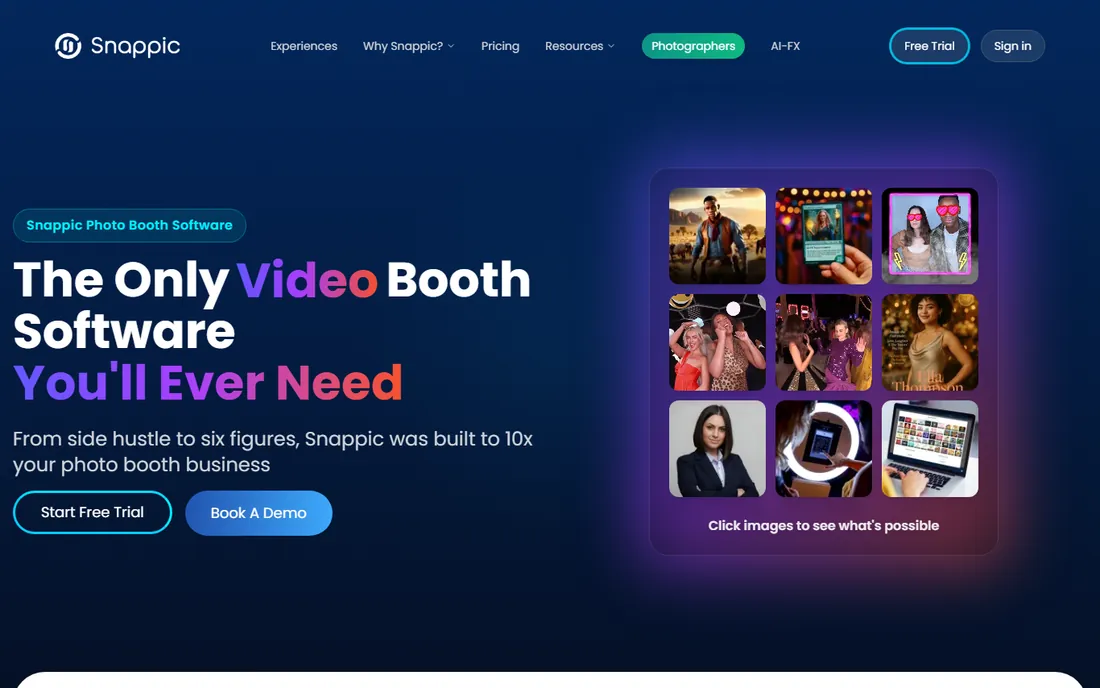
Snappic positions itself as the one platform for every booth an operator owns, and 360 is a first-class citizen rather than an add-on. The VideoFX engine produces the slow-motion, ramped 360 clips that clients pay premium rates for, and the same account can run iPad booths, mirror booths, and Glambot-style robot arms. That matters when one weekend brings a wedding and the next brings a brand activation.
The pricing structure rewards planning. Single events start at $29 for 48 hours, which is cheap for testing the platform at a real gig. Regular operators should look at monthly plans, but note that 360 VideoFX sits on the Business tier. Snappic's own site reports 100,000+ events run on the platform, and the 14-day free trial gives full access before any payment.
What we like- 360 VideoFX engine for cinematic slow-motion
- Works with iPad, DSLR, mirror, and robot booths
- 24/7 support on paid plans
Watch out for- 360 features need the Business tier ($189 per month)
- Per-event pricing adds up for frequent operators
- Learning curve on the template editor
Starting price$439.90 per year (PhotoPass)
Free planFree trial
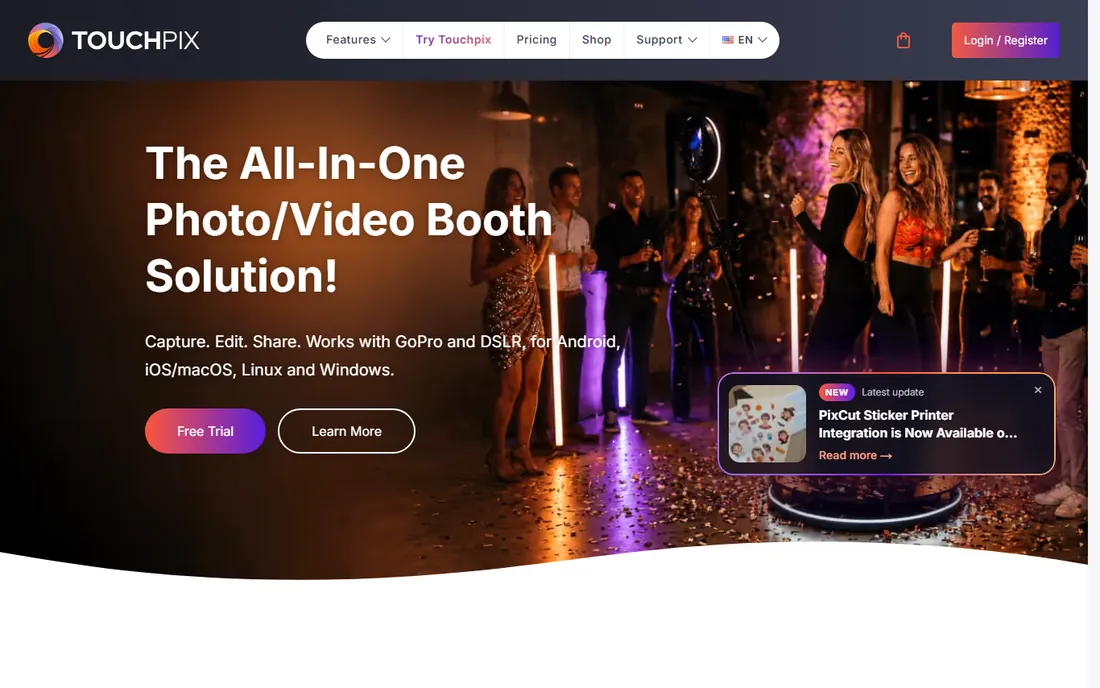
If your business is 360 booths and little else, Touchpix is the specialist pick. The 360 spinner mode was built for the rotating platform workflow, with slow-motion timing, animated overlays, and music baked in. GoPro connectivity, wired or wireless, gives better footage than a phone camera, and the app runs on practically every operating system including Raspberry Pi.
Pricing is annual, starting with PhotoPass at $439.90 per year for photo sessions and scaling to MultiPass tiers for video, slow motion, and boomerangs. The homepage claims 500,000+ events powered and shows a 4.8 App Store rating across thousands of reviews. Test the free trial at a real event before committing to a year, and confirm which tier your 360 workflow actually needs.
What we like- Dedicated 360 spinner mode with GoPro 7-13 support
- Runs on iOS, Android, Windows, macOS, and Linux
- Offline capture and internet-free sharing
Watch out for- Yearly-only licenses with the lowest tier at $439.90
- Video features need MultiPass and above
- Pricing complaints appear in app store reviews
Starting price$49 per month (Basic)
Free planFree trial
Booth.Events wins operators over with setup speed. Events can be built directly on the iPad, templates and branding apply quickly, and the 360 spinner mode handles capture without a long configuration session. For operators who run back-to-back weekend events, that speed is money.
The Basic plan at $49 per month includes all capture types, and higher tiers add AI features, data capture, and white-label options. Review data shows particular strength in template and branding workflows, which matters for corporate clients who judge the overlay as much as the footage. The free trial lets you run the full workflow before paying.
What we like- 360 spinner mode with quick event setup from the iPad
- Strong template and branding workflow
- Works offline without pre-planning
Watch out for- IPad-centric, less suited to DSLR rigs
- AI features add usage costs
- Smaller company than Snappic or Touchpix
Starting price$19.99 per month (Apple app subscription, 2 devices)
Free planNo
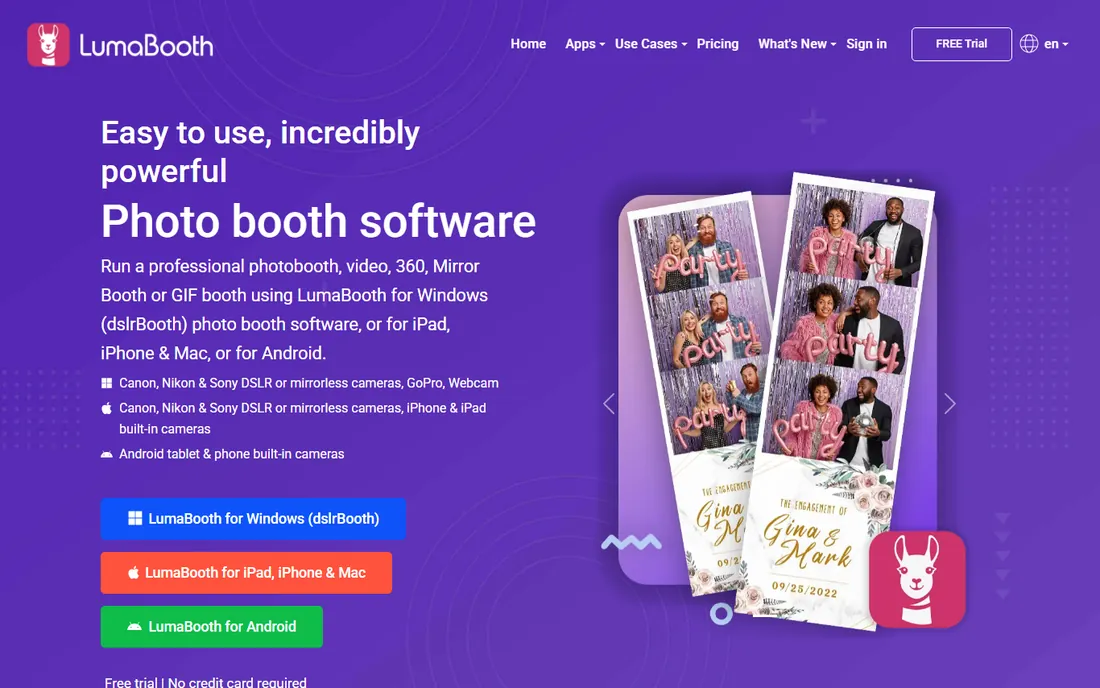
LumaBooth is the value option that still takes 360 seriously. For $19.99 per month through the App Store, or $18 per month direct, you get two device licenses covering photo, 360, glam, and green screen booths, plus a sharing station app. The 360 mode includes slowed and sped-up clips, animated overlays, and MP3 soundtracks.
The trade-offs are real. Setup happens on the iPad with no web dashboard, so multi-device management is manual. Review data consistently rates it highest for ease of use but notes the dated interface. For a solo operator starting a 360 side business on a budget, it is the cheapest credible way in.
What we like- Lowest monthly price with native 360 support
- 240fps slow-motion on recent iPads
- Works with Canon, Nikon, and Sony cameras
Watch out for- No free tier, subscription required for watermark-free output
- No web dashboard for remote event management
- Interface feels dated
Starting priceFrom $21.99 per week
Free planNo
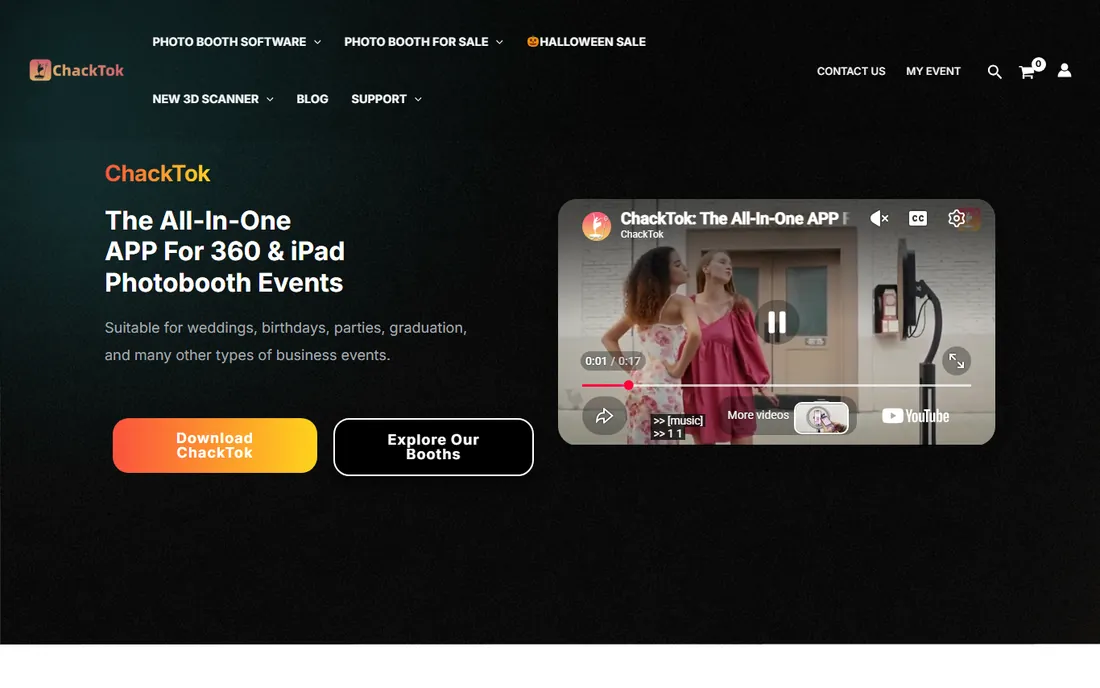
ChackTok built its reputation specifically on 360. Review analysis shows it with the clearest 360 and video signal in the category, ahead of generalist apps. On supported 360 platforms it goes beyond capture software: the app can control rotation speed, rotation direction, shooting duration, and lighting effects from the event screen.
Pricing starts at $21.99 per week with monthly and yearly options, plus hardware bundles for operators buying the full rig. The weekly plan is useful for testing but punishing as a long-term rate, so price the monthly or yearly plan for real budgeting. Confirm your 360 platform is on the supported list before committing, since the hardware control is the main reason to choose it.
What we like- Strongest 360/video review signal among photo booth apps
- Controls rotation speed and direction on supported hardware
- IOS and Android apps
Watch out for- Hardware control only works with supported booths
- Weekly pricing gets expensive fast
- Account and location access required
Starting priceFrom $29 per event
Free planYes
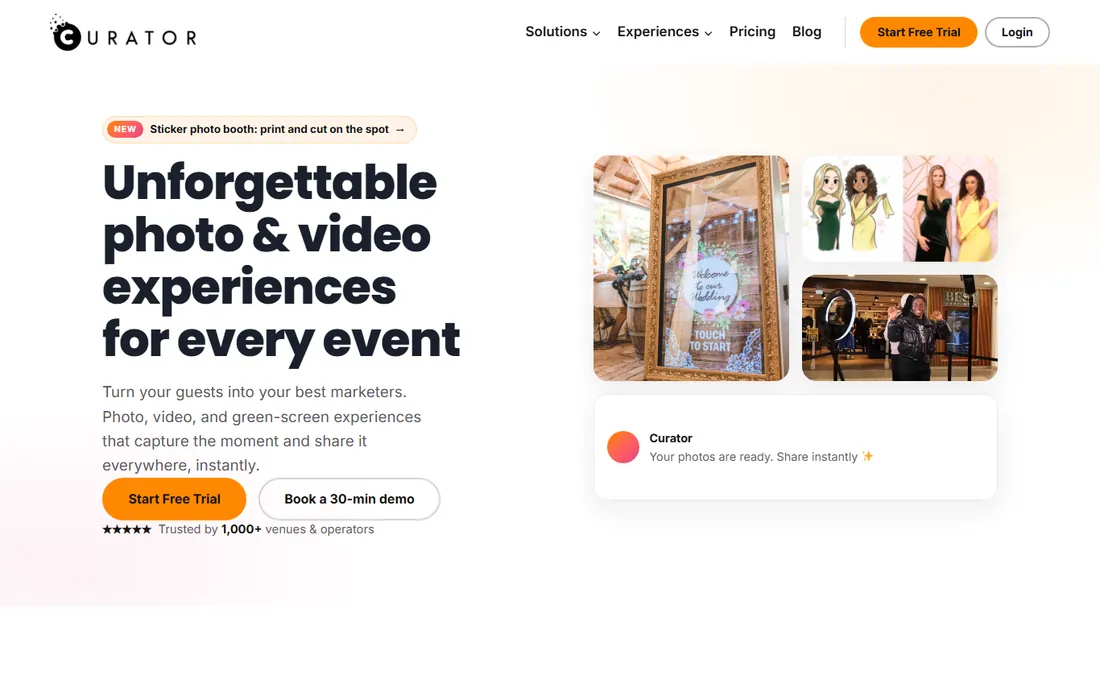
Curator Live is the low-risk entry point. It is the only 360-capable option here with a genuine free tier, which makes it ideal for learning the 360 workflow, training staff, or running a test event for a friend. Paid plans start at $29 per event, with monthly and annual options for regular operators.
The 360 mode covers the essentials: video capture with effects, sharing, and gallery delivery. It will not match Snappic's VideoFX or Touchpix's GoPro integration for premium work. Review signals show particular strength in customer support relative to its size. Start here if you are unsure the 360 business is for you, and upgrade when the bookings justify it.
What we like- Free tier for learning the workflow
- 360 capture with GIFs, boomerangs, and video
- Per-event pricing for occasional operators
Watch out for- Smaller user base means fewer tutorials
- Feature depth trails the bigger platforms
- Support resources are thinner
Starting price$49 per month (Plus); $99 per month (Pro)
Free planFree trial
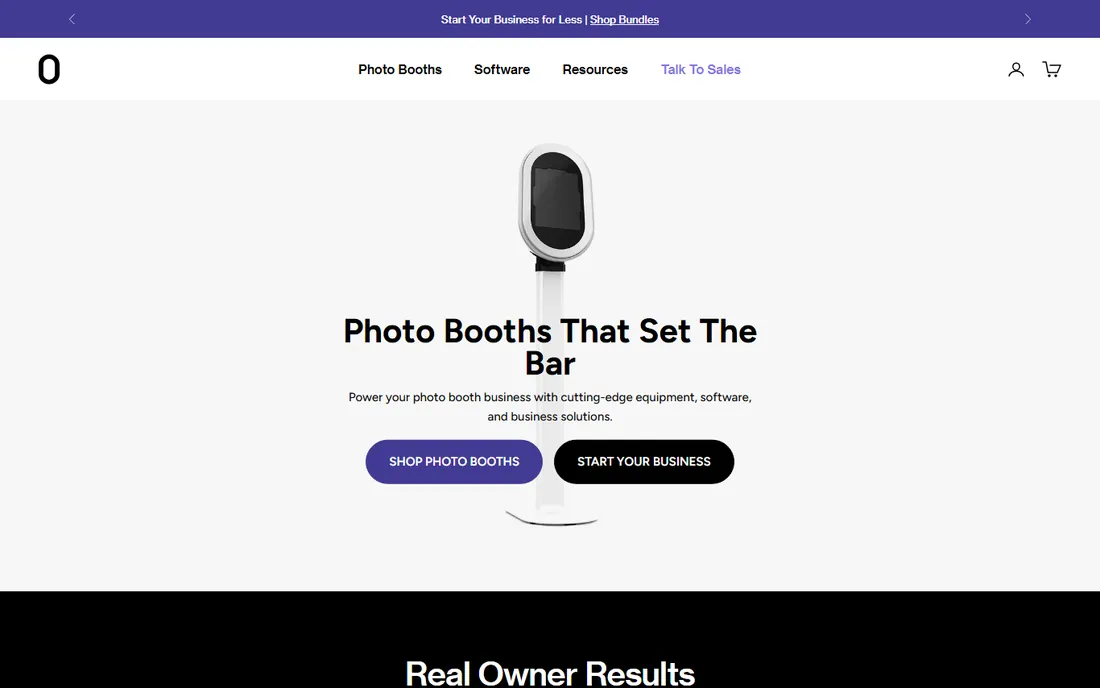
Fiesta is the house software for Photobooth Supply Co hardware, and the integration shows. The Salsa booths pair with the app out of the box, 360 video is supported, and the event management dashboard handles real-time monitoring across the event. For operators who bought the PBSCO ecosystem, it is the natural software choice.
Pricing is $49 per month for Plus and $99 per month for Pro, with analytics and advanced features on Pro. It also runs on independent iPad setups, but the value proposition is strongest with the hardware. Note the review patterns: pricing and stability complaints appear more often than with rivals, so run the free trial hard at a real event before subscribing.
What we like- Purpose-built for PBSCO booths with 360 video support
- Real-time event management and live galleries
- Analytics on the Pro tier
Watch out for- Best experience tied to PBSCO hardware
- Plus tier lacks advanced analytics
- App store reviews show stability complaints
Starting price$349 one-time (1 device, lifetime)
Free planNo
Selfie 360 appeals to operators who hate subscriptions. The Windows version costs $349 once for a lifetime license on one PC, with no internet required at the event. The feature set covers the 360 essentials: slow-motion and ramping, video effects, animated overlays, QR sharing, and an online gallery.
The iPhone and GoPro version runs on a monthly subscription instead, so the lifetime deal only applies to the Windows build. As a smaller vendor, support and update cadence trail the bigger platforms. For a fixed-location 360 setup running on a PC, the one-time price can pay for itself in a few months against subscription alternatives.
What we like- Lifetime license with no monthly fees
- Works with iPhone and GoPro
- Offline Windows version available
Watch out for- Smaller vendor with less support infrastructure
- Feature updates slower than subscription rivals
- IOS version is subscription-based
Hardware pairings that actually work
Software is half the 360 equation. The other half is the rig, and mismatches cause most event-day failures. The standard setup is a rotating 360 platform with an iPad or iPhone mounted on the spinning arm. Every app on this list handles that configuration, and it is the cheapest way to start, with platforms available from a few hundred dollars.
GoPro-based rigs produce better footage in low light, which matters for evening weddings and clubs. Touchpix and Selfie 360 have the deepest GoPro integration, supporting GoPro 7 through 13 with wireless control. If you plan to shoot in dark venues, budget for a GoPro-compatible app from the start.
DSLR and mirrorless setups sit at the premium end. LumaBooth supports Canon, Nikon, and Sony cameras, and Snappic handles DSLR integration across its booth types. These rigs cost more and need an operator who understands cameras, but the footage quality justifies higher booking rates. Whatever you buy, test the full chain, app, camera, platform, and sharing, before a paid event.
What to check before you buy
Start with the 360 workflow itself. How does the app handle rotation timing, slow-motion speed, and clip length? Can guests retake without operator help? Does the sharing step work when venue Wi-Fi fails? Offline capture and queued uploads separate professional tools from toys, and every vendor here claims offline support, so verify it in the trial.
Next, count the real costs. Per-event pricing like Snappic's $29 or Curator's $29 fits occasional operators, while monthly plans suit weekly bookings. Touchpix's annual licenses demand commitment. Add the hardware, a platform, lighting, and a tablet, plus extras like SMS credits or white-label fees that some vendors charge separately.
Then check the sharing and branding chain. Corporate clients pay for branded overlays, custom galleries, and data capture. Booth.Events and Snappic lead on branding workflow; confirm the overlay editor is flexible enough for client logos and that galleries can be white-labeled if you sell B2B. Finally, read recent app store reviews for stability complaints. An app that crashes mid-event costs more than any subscription.
How we chose
We reviewed each vendor's own site, pricing pages, and feature documentation, with emphasis on 360-specific capability: spinner mode, slow-motion control, hardware integration, and offline sharing. We cross-checked against public app store reviews, Reddit operator discussions, and independent 2026 software comparisons for reliability patterns. Every vendor here sells software with a real, verifiable 360 mode today, and we excluded generic photo booth apps without one.
Frequently asked questions
What software do I need to run a 360 photo booth?
You need a 360-capable photo booth app plus the hardware: a rotating 360 platform, a camera (iPad, iPhone, GoPro, or DSLR), lighting, and a sharing method for guests. The app controls capture timing, slow-motion effects, overlays, music, and delivery by QR code, SMS, or email. All eight tools on this list provide that software layer with a verified 360 mode.
How much does 360 photo booth software cost?
It ranges from $19.99 per month (LumaBooth) to $439.90 per year (Touchpix PhotoPass), with per-event options like Snappic and Curator Live from $29 per event. ChackTok starts at $21.99 per week, and Selfie 360 offers a $349 lifetime Windows license. Most operators pay $30 to $100 per month once running regularly, plus hardware costs.
Can I use my iPad for a 360 booth?
Yes. iPad-based 360 is the most common setup: the iPad mounts on the spinning arm and the app handles capture and sharing. LumaBooth, Booth.Events, Snappic, Touchpix, and ChackTok all support iPad capture. For better low-light footage, Touchpix and Selfie 360 support GoPro cameras, and LumaBooth and Snappic work with DSLRs.
Does 360 booth software work without internet?
Most professional options support offline capture, including Touchpix, Snappic, Booth.Events, LumaBooth, and Selfie 360's Windows version. Offline sharing varies: QR codes and AirDrop work without internet, while SMS and email need a connection or a queued upload. Always test the offline workflow during the free trial, since venue Wi-Fi is unreliable.
What is the difference between 360 photo booth software and regular photo booth software?
Regular photo booth software captures still photos, GIFs, and short clips from a fixed camera. 360 software is built around a rotating platform: it times video capture to the rotation, applies slow-motion ramping, adds music and overlays to the spinning footage, and shares vertical video formatted for social media. Some apps do both, but the 360 mode needs specific timing and hardware controls.
Which 360 booth software is best for beginners?
Curator Live is the safest starting point because it has a free tier and per-event pricing from $29, so you can learn without commitment. LumaBooth at $19.99 per month is the cheapest full option for iPad setups. Once you are booking regularly, Touchpix and Snappic offer the depth that justifies their higher prices.
Sources we checked (12)
- https://snappic.com/
- https://touchpix.com/
- https://touchpix.com/pricing/
- https://booth.events/
- https://booth.events/blog/plans-compare
- https://lumabooth.com/
- https://www.chacktok.com/
- https://curatorlive.com/
- https://photoboothsupplyco.com/
- https://360photoboothsoftware.com/360-photo-booth-software-2/
- https://www.smart360photobooth.com/blogs/business-resources/best-photo-booth-app
- https://www.itechguides.com/best/photo-booth-software/
Is your product missing or out of date?
We review this list regularly. Vendors can request a listing, send updated pricing or ask about featured placement.

Shihab Mia · Founder, Rankite
Shihab has spent more than a decade helping SaaS and e-commerce brands grow through search. He writes Rankite's software buying guides from pricing pages, documentation and public user reviews. More about Shihab.