How we make this list: we compare pricing pages, product documentation and public user reviews. Rankite is independent; if a vendor ever pays for a featured spot, that listing is clearly labeled Partner.
Key takeaways
- AutoCAD remains the default for 2D drafting and DWG compatibility; almost every firm needs at least one seat.
- SolidWorks owns mechanical design and manufacturing, but expect about $2,820 per user per year plus training.
- Fusion 360 and Onshape are the value plays for startups: real parametric CAD under $700 a year, with free tiers.
- Architects choose between Revit and ArchiCAD based on firm standards and project delivery method, not features.
- FreeCAD is genuinely usable for hobbyists and costs nothing, but it is not a substitute for commercial support.
Picture two buyers. One runs a five-person architecture firm whose clients all send DWG files, and her team lives in documentation. The other is a hardware startup with three engineers, no IT department, and a product that has to be machinable in six months. Both ask for "the best CAD software." They need completely different answers, and this list is built to give each of them one.
The ten tools below cover the real categories: 2D drafting, mechanical design, architecture and BIM, and free or low-cost options. Prices are current, the tradeoffs are stated plainly, and every product here is actively sold and supported today.
Quick comparison
| Tool | Best for | Starting price | Free plan |
|---|
 AutoCAD AutoCAD | 2D drafting and DWG compatibility | $2,100 per user/year (annual subscription) | Free trial (15 days) |
 SolidWorks SolidWorks | Mechanical design and manufacturing | $2,820 per user/year (Standard subscription) | Free trial |
 Fusion 360 Fusion 360 | Startups and product design on a budget | $545 per year | Yes |
 SketchUp SketchUp | Fast 3D concept modeling | $399 per year (Pro) | Yes |
 Revit Revit | BIM for architecture and construction | See website | Free trial |
 ArchiCAD ArchiCAD | BIM with a gentler learning curve | $225 per month | Free trial |
 Onshape Onshape | Cloud CAD for distributed teams | $125 per user/month (Professional) | Yes |
 FreeCAD FreeCAD | Free parametric modeling | Free | Yes |
 Rhino 3D Rhino 3D | Freeform and organic 3D shapes | $995 one-time (commercial) | Free trial (90 days) |
 CATIA CATIA | Aerospace and automotive engineering | See website | Free trial |
Is your product missing or out of date?
We review this list regularly. Vendors can request a listing, send updated pricing or ask about featured placement.
The best CAD software
Starting price$2,100 per user/year (annual subscription)
Free planFree trial (15 days)
AutoCAD is the reason DWG is still the language of construction drawings. Four decades in, it remains the default 2D drafting tool across architecture, engineering and construction, and its industry toolsets add specialized commands for electrical, mechanical and architectural work without leaving the program. If your clients, consultants or contractors send DWG files, you need AutoCAD or something that reads DWG perfectly, and nothing reads DWG perfectly except AutoCAD.
The price is the argument against it. At $2,100 per year per seat on subscription, with no perpetual option, occasional users pay dearly. Autodesk's Flex tokens offer pay-per-day access, which suits firms with seasonal drafters. The 3D capabilities exist but feel frozen in time next to SolidWorks or Fusion 360, so buy AutoCAD for drafting and documentation, not for product design.
What we like- Universal DWG format
- Enormous library of industry toolsets
- Every contractor and consultant can open your files
Watch out for- Subscription only
- 3D tools feel dated next to parametric modelers
- Expensive for occasional use
Starting price$2,820 per user/year (Standard subscription)
Free planFree trial
Walk into almost any machine shop in America and the design workstation runs SolidWorks. It is the standard for mechanical design, sheet metal, weldments and mold work, and its ecosystem of simulation, CAM and PDM add-ons covers the whole path from sketch to manufactured part. Hiring is easy because so many engineers already know it.
Buying it is less pleasant than using it. Pricing runs through resellers, the Standard subscription starts around $2,820 per user per year, and the modules you actually want often cost more. It is Windows-only, so Mac shops need virtualization or a second machine. Budget for training too: new hires who "know SolidWorks" still need weeks to learn your templates, standards and PDM setup.
What we like- Deepest mechanical feature set
- Huge talent pool of trained users
- Strong simulation and CAM add-ons
Watch out for- Quote-based pricing through resellers
- Windows-only
- Large assemblies demand serious workstations
Starting price$545 per year
Free planYes
Fusion 360 is what happens when Autodesk decides to sell to startups instead of enterprises. One $545 per year subscription covers parametric modeling, CAM toolpaths, simulation, sheet metal and rendering, which would cost multiples of that in the SolidWorks world. The free personal-use license is genuinely useful for hobbyists, and cloud storage means a three-person team can collaborate without a server.
The catch is the cloud itself. An internet connection is effectively required, and Autodesk controls what the free tier includes, having trimmed it in the past. Power users will find surfacing and large-assembly tools thinner than SolidWorks. For small teams designing real products on a budget, though, nothing else is close at this price.
What we like- CAD, CAM, simulation and rendering in one subscription
- Generous free tier for hobbyists and startups
- Cloud collaboration built in
Watch out for- Cloud dependency with limited offline use
- Feature set thinner than SolidWorks
- Autodesk has narrowed the free tier before
Starting price$399 per year (Pro)
Free planYes
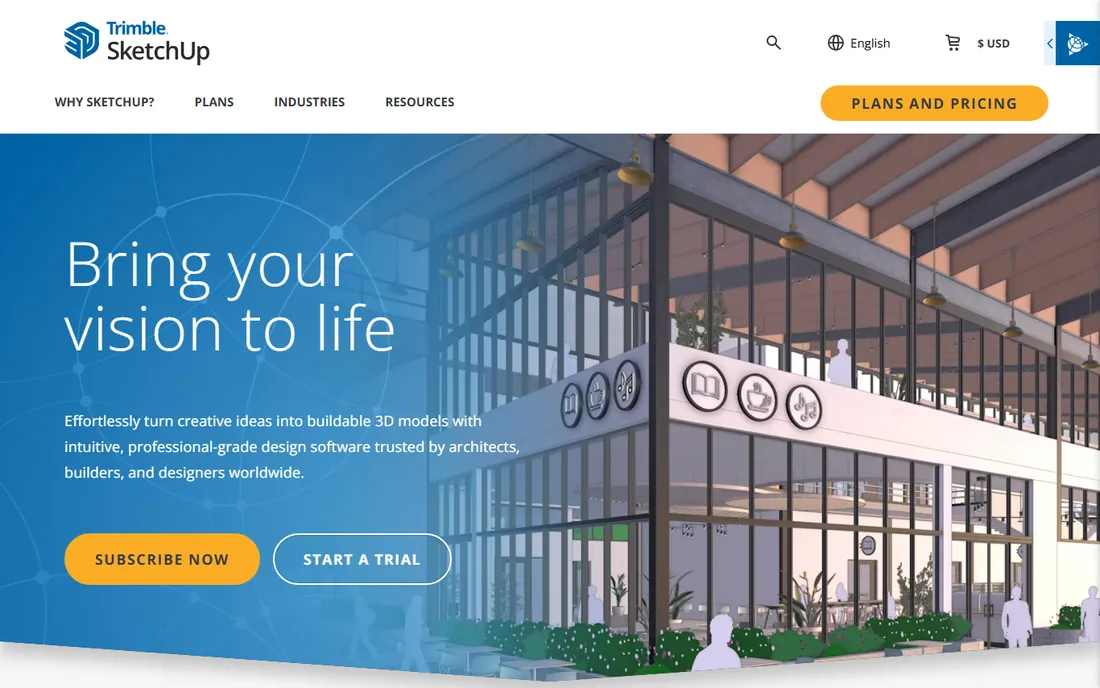
Nobody sketches a building faster than a practiced SketchUp user. The push-pull modeling is so intuitive that new users build real geometry in an afternoon, and the 3D Warehouse offers millions of free models, from furniture to entire buildings, that drop straight into a scene. For early design, client presentations and interior concepts, speed beats precision.
SketchUp is not a parametric modeler, so design changes do not propagate the way they do in Revit or SolidWorks, and complex curved forms fight you. The Pro subscription at $399 per year adds LayOut for 2D documentation, which is serviceable for small projects but not a BIM workflow. Use it for concept speed, then move to BIM software when documentation gets serious.
What we like- Fastest learning curve in 3D
- Huge 3D Warehouse model library
- LayOut produces decent construction documents
Watch out for- Not parametric
- Struggles with complex curved geometry
- Documentation tools trail Revit and ArchiCAD
Starting priceSee website
Free planFree trial
Revit is not really CAD software in the old sense; it is a building database that happens to draw. Walls, doors and ducts are intelligent objects with data attached, so floor plans, sections, schedules and quantities all update from one model. On large commercial projects it is effectively mandatory: owners and general contractors increasingly require BIM deliverables, and Revit is the format they mean.
That power comes with real costs. Pricing is subscription and typically quoted rather than published, landing in the multi-thousand-dollar per year range. Learning Revit properly takes months, and firms need BIM standards, templates and a manager to keep models clean. Small residential practices often find it to be more software than their projects need.
What we like- Industry-standard BIM with deep construction documentation
- Huge object libraries
- Required on many large projects
Watch out for- Expensive and quote-driven
- Steep learning curve
- Performance suffers on underpowered hardware
Starting price$225 per month
Free planFree trial
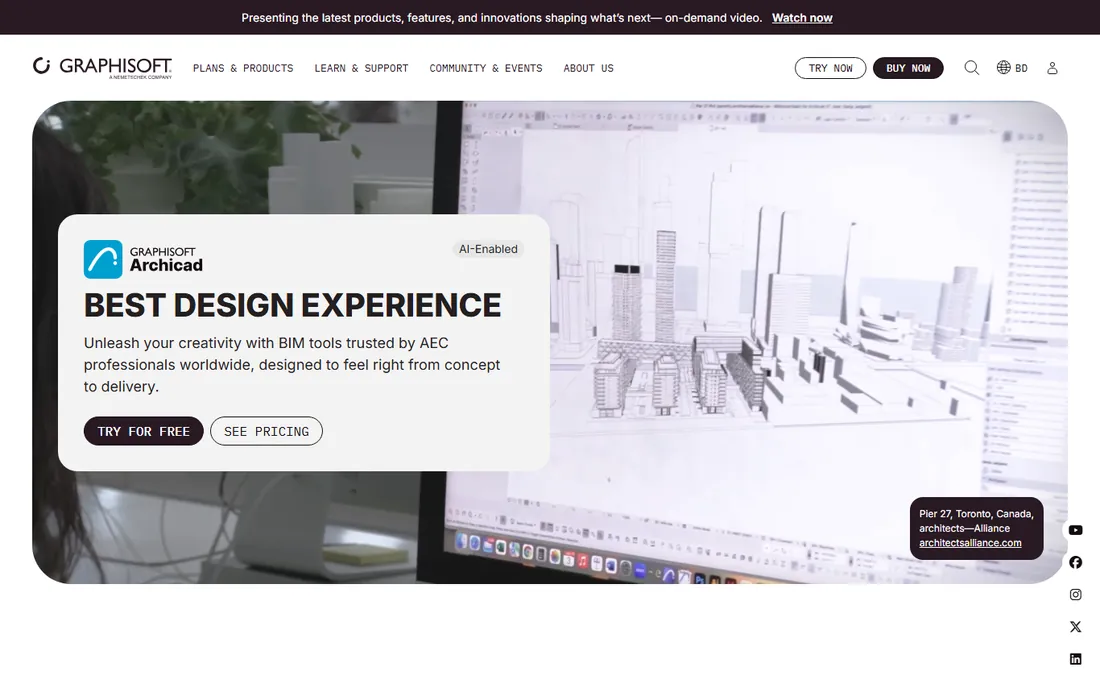
Architects who leave Revit usually land in one of two places, and ArchiCAD is the calmer of the two. Graphisoft's BIM tool has a devoted following among firms that find Revit bureaucratic: modeling feels more direct, the interface is cleaner, and it runs natively on Mac, which matters to design-led practices. Teamwork features for multi-user projects are mature.
The honest weakness is market position in the United States. Revit dominates large commercial work, so ArchiCAD firms sometimes hit collaboration friction with Revit-based consultants. The add-on ecosystem is smaller, and at around $225 per month on subscription, it is not cheap either. For small to mid-size firms doing their own BIM, it is often the more pleasant daily tool.
What we like- Intuitive BIM workflow
- Strong on Mac as well as Windows
- Good teamwork and publishing tools
Watch out for- Smaller US market share than Revit
- Fewer third-party add-ons
- Subscription cost adds up
Starting price$125 per user/month (Professional)
Free planYes
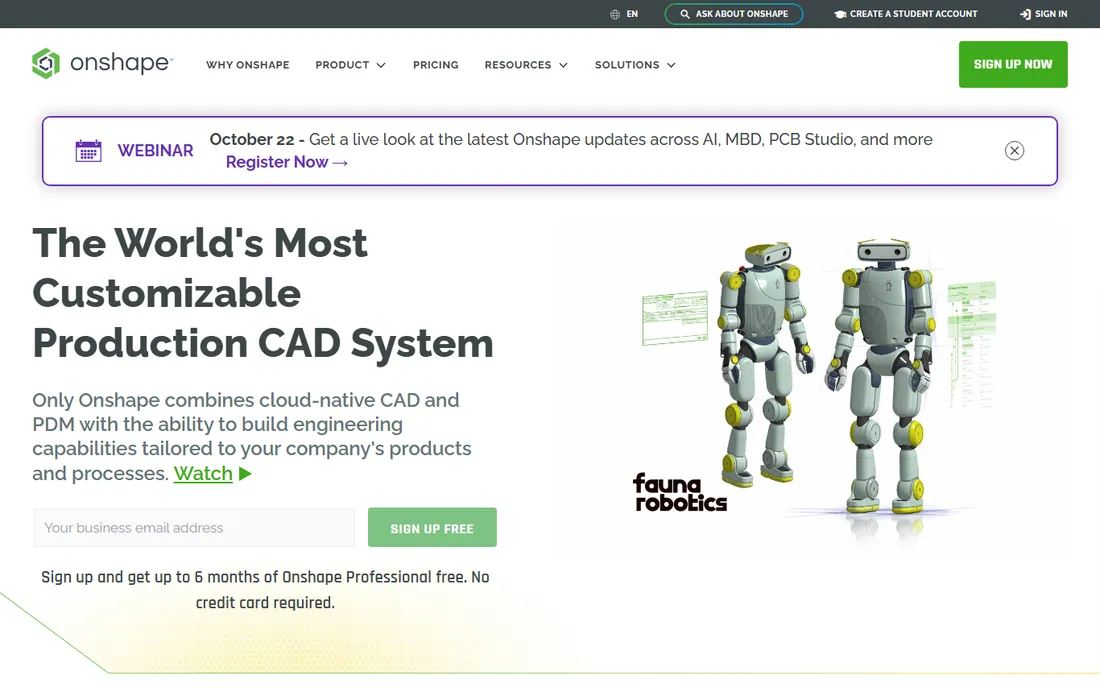
Onshape removed the worst part of CAD: the files. Because it runs entirely in the cloud, there is nothing to install, no license servers, no crashed sessions losing work, and no emailing STEP files back and forth. Multiple engineers can edit the same assembly simultaneously, and built-in branching and merging brings software-style version control to hardware design. For distributed teams, that is transformative.
The math deserves attention. At $125 per user per month, ten engineers cost $15,000 a year, which buys a lot of SolidWorks seats. You also need solid internet, since there is no real offline mode. But buyers who have lived through PDM crashes and license dongle failures tend to consider it money well spent, and the free tier is enough to evaluate seriously.
What we like- Nothing to install, runs in a browser
- Built-in version control and branching
- Real-time multi-user editing
Watch out for- Monthly cost per seat is high at scale
- Needs reliable internet
- Feature depth still growing versus desktop CAD
Starting priceFree
Free planYes
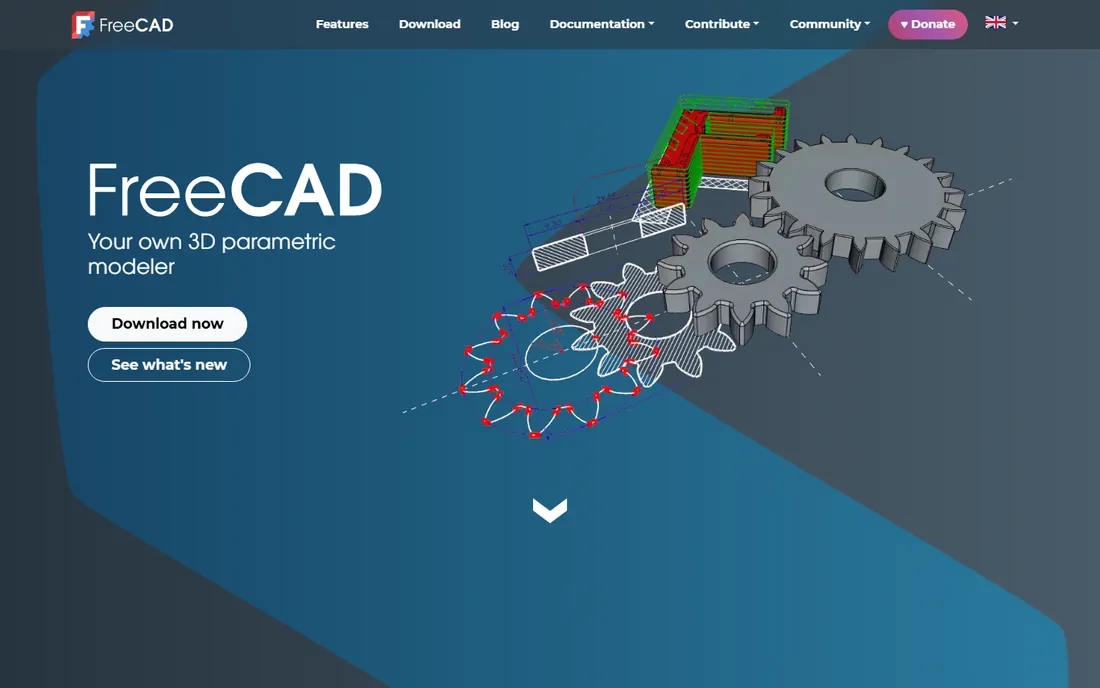
FreeCAD is proof that open source can do parametric modeling, and proof of how hard that is. The sketcher, part design and assembly workbenches are genuinely capable: hobbyists design 3D-printable parts, and small shops use it for real work. It costs nothing, runs on Windows, Mac and Linux, and your files are yours in open formats.
Nobody should mistake it for a commercial product. The interface is inconsistent, some workbenches crash more than others, and there is no support line to call when a deadline looms. Documentation is community-written and uneven. For learning parametric concepts, makerspaces and zero-budget projects, it is remarkable. For production work with payroll on the line, budget for commercial software.
What we like- Free and open source forever
- Real parametric workbenches
- Active development and community
Watch out for- Interface is rough
- Stability varies by workbench
- No commercial support contract available
Starting price$995 one-time (commercial)
Free planFree trial (90 days)

Rhino is the modeler designers reach for when the shape in their head has no straight lines. Its NURBS tools handle complex curved surfaces that make parametric CAD weep: jewelry, footwear, furniture, architecture with actual curves. Grasshopper, the visual programming environment bundled with it, turns Rhino into a parametric powerhouse for generative and computational design.
At $995 for a perpetual commercial license with no maintenance fees, the pricing feels like a message to the subscription industry. The tradeoff is scope: Rhino is a modeler, not a documentation system, so construction drawings and BIM workflows need other tools. Pair it with a renderer like V-Ray and it covers the concept-to-visualization path beautifully.
What we like- Perpetual license, no subscription
- Best-in-class NURBS freeform modeling
- Grasshopper for parametric design
Watch out for- Not a BIM or mechanical documentation tool
- Rendering needs add-ons
- Drafting tools are basic
#10
CATIA
Best for: Aerospace and automotive engineering
Visit 3ds.com
Starting priceSee website
Free planFree trial

If it flies, CATIA probably designed it. Dassault Systemes' flagship handles the most demanding engineering on earth: aircraft surfaces, automotive body design, and assemblies with tens of thousands of parts. Its surface modeling is the benchmark everything else is measured against, and major manufacturers build their entire supply chains around it.
Everything about CATIA signals enterprise. Pricing is quote-only and sits far above this list, implementation takes months, and the learning curve is measured in years, not weeks. No small firm should buy it, and none will be offered it casually. It belongs here because buyers evaluating high-end CAD deserve to know where the ceiling is, and because its little sibling SolidWorks comes from the same company.
What we like- Unmatched surface and complex assembly capability
- Standard in aerospace and automotive
- Deep simulation integration
Watch out for- Quote-only enterprise pricing
- Very steep learning curve
- Overkill outside its industries
Start with the file format
Ask what files you must exchange before you ask which software is best. Construction runs on DWG, which points to AutoCAD. Manufacturing supply chains speak STEP and native SolidWorks. Large building projects increasingly demand Revit BIM deliverables. The wrong choice here costs more in conversion pain than any license fee.
Drafting vs modeling vs BIM
These are different jobs. AutoCAD owns 2D documentation. SolidWorks, Fusion 360 and Onshape own parametric mechanical design. Revit and ArchiCAD own building information modeling, where the model carries data, not just geometry. SketchUp and Rhino own fast concept modeling. Buying a BIM tool to do 2D drafting is like buying a tractor to mow a lawn.
Count the seats honestly
CAD pricing punishes optimism. A ten-seat SolidWorks deployment costs around $28,000 a year before training and hardware. Audit who actually models daily versus who just needs to view and mark up drawings: viewers and markup tools are cheap or free, and every vendor offers them. Start with fewer full seats than you think you need.
Hardware is part of the price
Large assemblies and BIM models need workstation-class machines: 32GB of RAM, a professional GPU and fast SSDs are the practical floor for SolidWorks and Revit in 2026. Cloud tools like Onshape and Fusion 360 shift that burden to the browser, which is a genuine cost advantage for small firms. Price the computers alongside the licenses or the software will feel slow no matter which you pick.
The subscription question nobody can avoid
Almost every vendor on this list now rents you the software. Autodesk moved entirely to subscription years ago. SolidWorks, ArchiCAD and Onshape charge annually or monthly. Only Rhino still sells you a perpetual license you own outright, and FreeCAD is free forever by design.
Subscriptions are not automatically a bad deal. They include updates, and for firms that upgrade every year anyway, the math can work. But they change the power dynamic: stop paying and the software stops working, including your access to open old files. Before committing, confirm how each vendor handles file access after cancellation, and keep archival exports in neutral formats like STEP and PDF. Your designs should outlive your vendor relationship.
Frequently asked questions
Do I need 2D CAD if I model in 3D?
Usually yes, at least for now. Shops still cut from 2D drawings, contractors still build from 2D plans, and legal deliverables are still drawings. Most 3D tools generate drawings from models, but someone has to detail and check them. AutoCAD or DraftSight covers the 2D side cheaply.
Can I run CAD on a Mac?
It depends on the tool. ArchiCAD, SketchUp, Fusion 360, Rhino and Onshape all run on Mac natively. SolidWorks and Revit do not, and need virtualization or a Windows machine. AutoCAD has a Mac version, though some users find it less complete than the Windows release.
How long does it take to learn CAD properly?
Expect three to six months of daily use to become productive in a parametric modeler or BIM tool, and a year or more to become genuinely skilled. SketchUp is the outlier: most users model real geometry in days. Training quality matters enormously, so budget for real courses, not just video tutorials.
What is the difference between CAD and BIM?
CAD draws geometry; BIM builds a database. In Revit or ArchiCAD, a wall knows what it is made of, how much it costs and which rooms it separates. That data drives schedules, quantities and coordination. Traditional CAD just draws lines that look like a wall.
Is FreeCAD good enough for professional work?
For some work, yes. Makers, hobbyists and small shops produce real parts with it. For deadline-driven production with complex assemblies, most firms find the stability and support of commercial tools worth paying for. It is also an excellent free way to learn parametric concepts before buying.
Should a startup buy SolidWorks or use Fusion 360?
Start with Fusion 360 or Onshape. At $545 per year versus roughly $2,820, the savings fund a lot of prototyping, and both handle startup-scale products well. Move to SolidWorks when your assemblies, simulation needs or hiring pipeline demand it, not before.
How we chose
We verified each product against its vendor's own site in October 2026, confirming it is actively sold and supported. Prices come from vendor pricing pages, published reseller listings and vendor documentation; where pricing is quote-only, we say so rather than inventing a number. Public reviews on G2, Capterra and engineering communities informed the strengths and weaknesses, with extra weight given to file compatibility, learning curve and total cost including hardware.
We excluded discontinued products, 2D-only drawing toys and viewers that cannot create geometry. The list balances the tools buyers actually evaluate: industry standards, strong challengers and the free options that keep everyone honest. We did not claim hands-on testing; the guidance reflects documented capabilities and long-standing professional consensus.
Sources we checked (11)
- https://www.autodesk.com
- https://www.solidworks.com
- https://www.sketchup.com
- https://www.onshape.com
- https://www.rhino3d.com/
- https://www.graphisoft.com
- https://www.freecad.org
- https://www.3ds.com
- https://www.trustradius.com/products/autodesk-fusion/pricing
- https://novedge.com/?Mode=M&Num=2&S=5&gID=Rhinoceros_Rhino_02
- https://cxotoday.com/software/top-3d-cad-platforms-for-engineering-teams-ranked-by-total-cost-of-ownership-what-drives-the-solidworks-perpetual-license-cost/
Is your product missing or out of date?
We review this list regularly. Vendors can request a listing, send updated pricing or ask about featured placement.

Shihab Mia · Founder, Rankite
Shihab has spent more than a decade helping SaaS and e-commerce brands grow through search. He writes Rankite's software buying guides from pricing pages, documentation and public user reviews. More about Shihab.