How we make this list: we compare pricing pages, product documentation and public user reviews. Rankite is independent; if a vendor ever pays for a featured spot, that listing is clearly labeled Partner.
Key takeaways
- RootsMagic at $39.95 is the best all-around desktop program, with real Ancestry and FamilySearch integration.
- Family Tree Maker is the only desktop tool with true two-way Ancestry tree sync; Ancestry users should start here.
- Gramps and the free tiers of RootsMagic, Legacy and MyHeritage cover beginners for nothing.
- Mac users get the best experience from MacFamilyTree or Family Tree Maker; Family Historian is Windows-only.
- Your research data matters more than the software: insist on GEDCOM export and local backups before you commit.
Nobody thinks about software when they start tracing their family. They think about names, census records, and the photo in the attic. Then, three years and four thousand people later, they discover their tree lives inside a website they do not control, in a format they cannot export, behind a subscription they must keep paying. That is the moment this guide is for.
Desktop genealogy software exists to prevent exactly that. Your data lives on your computer, in files you own, in the universal GEDCOM format that every program reads. The ten tools below are all current, all actively maintained, and all verified against their vendors' sites. The right one depends on which online services you use, which computer you own, and how seriously you take your charts.
Quick comparison
Is your product missing or out of date?
We review this list regularly. Vendors can request a listing, send updated pricing or ask about featured placement.
The best software for family tree
Starting price$39.95 one-time
Free planYes
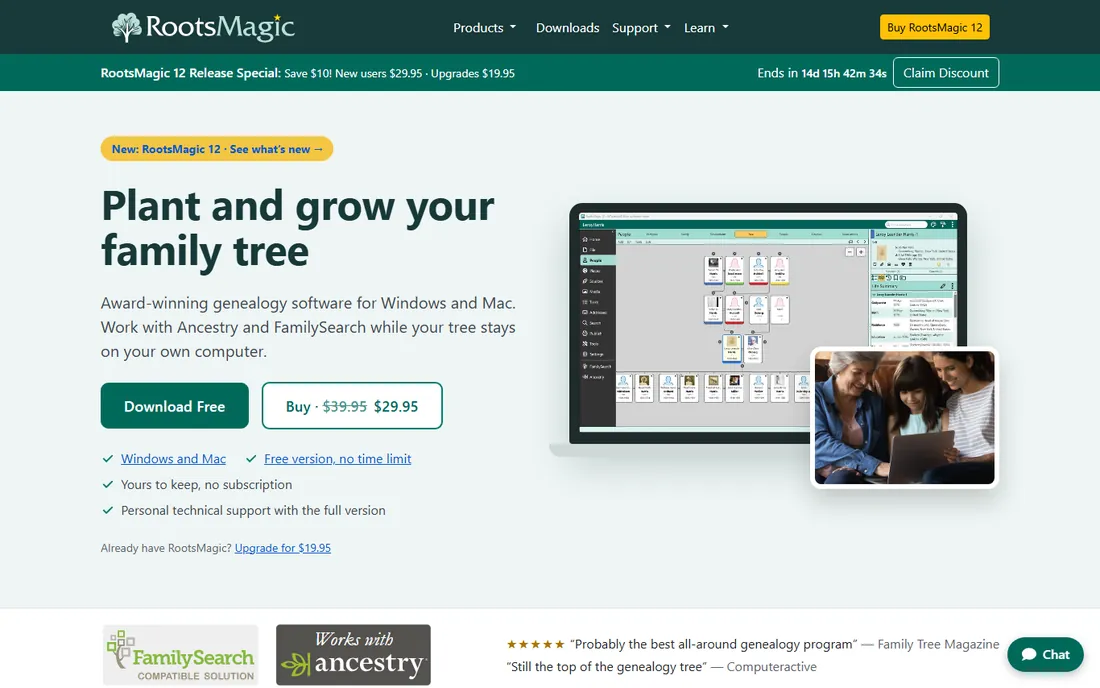
RootsMagic is the program genealogists recommend to each other. It covers the whole workflow: building the tree, attaching sources and media, generating over a hundred reports and charts, and syncing with both Ancestry and FamilySearch. The $39.95 one-time price includes the full program with no subscription, and RootsMagic Essentials gives beginners a free starting version.
The interface will not win design awards, and some advanced features take real learning. But version 12 added a proper tree view and continues the steady development this program is known for. If you want one desktop program that does everything competently and talks to the big online services, this is the safest choice.
What we like- Syncs with Ancestry and FamilySearch
- Free Essentials version
- Runs on Windows and Mac
Watch out for- Interface looks dated
- Learning curve for advanced features
- Mobile apps are viewers, not editors
Starting priceSee website
Free planNo
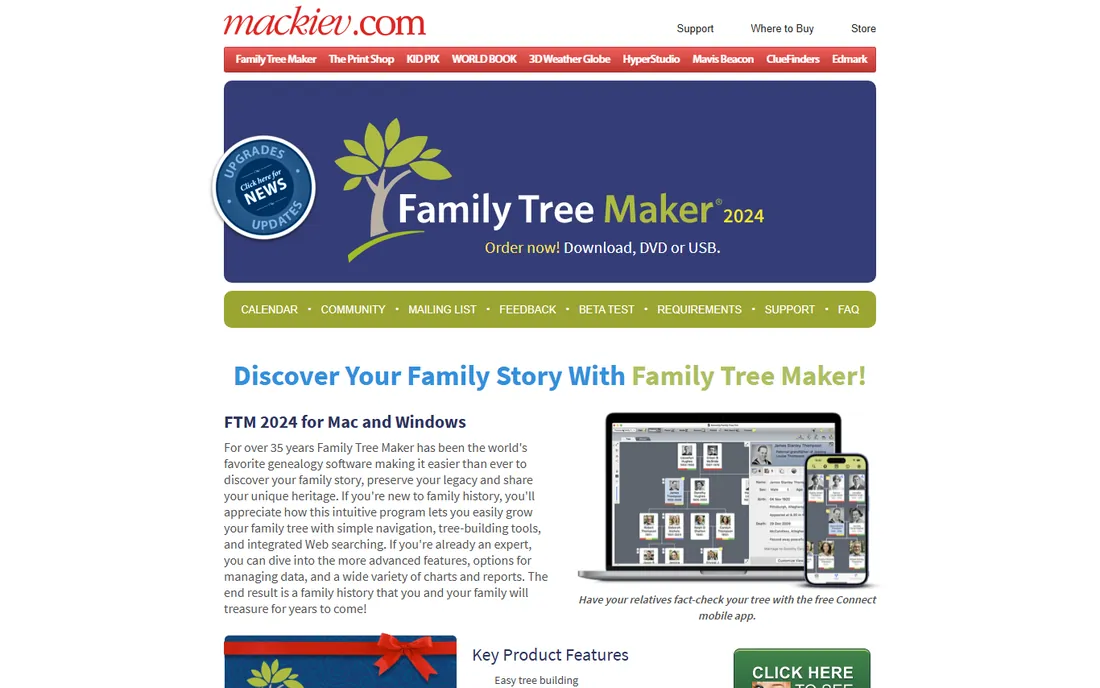
Family Tree Maker is the only desktop program that truly syncs with Ancestry. Edits flow both ways between your desktop tree and your Ancestry online tree, Ancestry hints appear inside the program, and FamilySearch integration pulls in billions of free records. For the millions of people whose research lives on Ancestry, that sync is worth more than any feature list.
There is no free version and no trial, which is a real ask for software you cannot test first. Pricing is handled through the MacKiev store rather than published openly. The TreeVault cloud service adds backup and a mobile app for sharing with relatives. If Ancestry is your research home, accept the price and buy it; nothing else syncs like this.
What we like- True two-way sync with Ancestry trees
- Rich charts and reports
- TreeVault cloud backup and mobile apps
Watch out for- No free version or trial
- Pricing not published on the homepage
- Sync requires an Ancestry account
Starting priceSee website
Free planYes
Legacy is the quiet workhorse of Windows genealogy. The free Standard edition handles most of what a serious researcher needs: sourcing, notes, media, reports and charts. The paid Deluxe edition adds the full toolkit for under forty dollars, and the program's training videos and user community are among the best in the category.
It is Windows-only, with Mac users needing emulation, and the interface shows its age next to MacFamilyTree or Heredis. But for researchers who care about evidence and documentation rather than pretty charts, Legacy's sourcing tools are excellent. Start with the free Standard edition; it will tell you within a week whether this is your program.
What we like- Free Standard edition is genuinely useful
- Deep sourcing and reporting
- Strong user community and training
Watch out for- Windows-only
- Dated interface
- Deluxe pricing buried in the purchase flow
Starting priceFree
Free planYes
Gramps is free, open source, and more capable than its website suggests. Beneath the plain interface sits a serious research database: detailed source citations, complex relationships, places with coordinates, and reports that rival commercial software. It runs on every desktop platform, your data stays in open formats, and it will never charge you anything.
The learning curve is the price of admission. Gramps expects you to think like a researcher, and casual users can bounce off the terminology and workflow. There is no Ancestry or MyHeritage sync. But for methodical researchers, Linux users, and anyone who believes their family data should never be held hostage, it is remarkable.
What we like- Completely free with no limits
- Powerful data model for serious researchers
- Runs on Windows, Mac and Linux
Watch out for- Steep learning curve
- Interface is functional, not friendly
- No online tree sync
Starting price$34.99 one-time
Free planFree trial
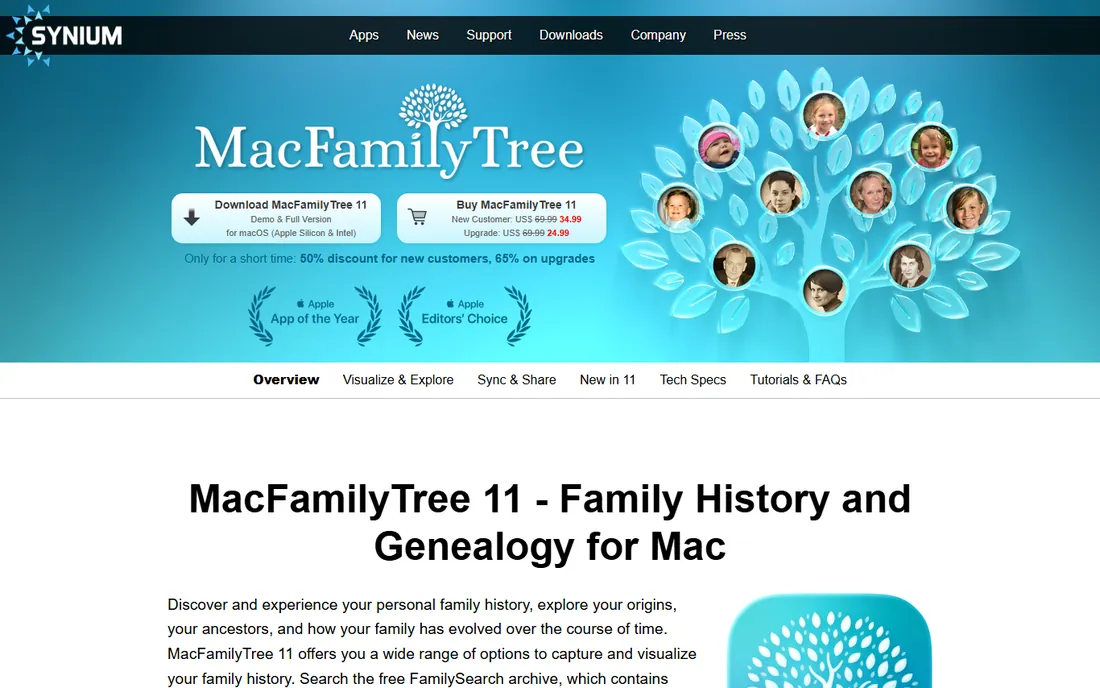
MacFamilyTree looks like Apple designed it, because Synium did the homework. The interface is pure macOS: smooth, visual, and genuinely pleasant for long research sessions. Interactive 3D trees, a virtual globe plotting your ancestors' migrations, and machine-learning photo tools make it the most enjoyable program here to actually use.
It is Apple-only, so Windows households and mixed-device families should look elsewhere. There is no Ancestry sync, though FamilySearch integration works well. The $34.99 one-time price covers the Mac app, with iOS versions sold separately. For Mac loyalists who want genealogy to feel like a modern Apple app, nothing else comes close.
What we like- Beautiful native Mac interface
- 3D tree views and virtual globe
- IPhone and iPad companions
Watch out for- Mac and iOS only
- No Ancestry sync
- Paid separately per Apple platform
Starting price€39.99 one-time (Standard)
Free planYes
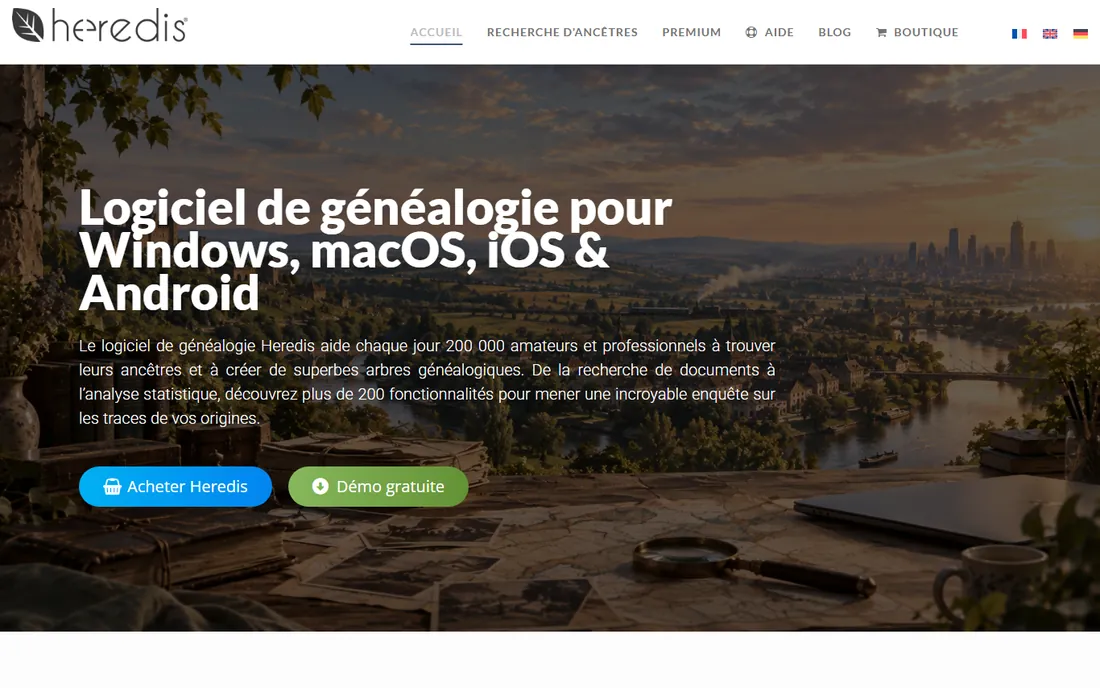
Heredis is the French alternative that the English-speaking world keeps overlooking. Where it shines is presentation: the charts, illustrated books, slideshows and wall charts it produces are the most beautiful in this category, the kind you actually print and frame. The Standard edition at €39.99 one-time is fairly priced, and the free demo handles 50 people.
Being French-owned means the community and some record integrations lean European, which matters less if your research is American but is worth knowing. The Pro edition at €99.99 adds advanced features most hobbyists will not need. If your end goal is a family history book your relatives will actually read, start your trial here.
What we like- Gorgeous charts, books and wall displays
- Free demo with 50-person limit
- IOS and Android apps included
Watch out for- French company with smaller English community
- Pro tier costs €99.99
- Online record search is Europe-weighted
Starting priceSee website
Free planFree trial (30 days)
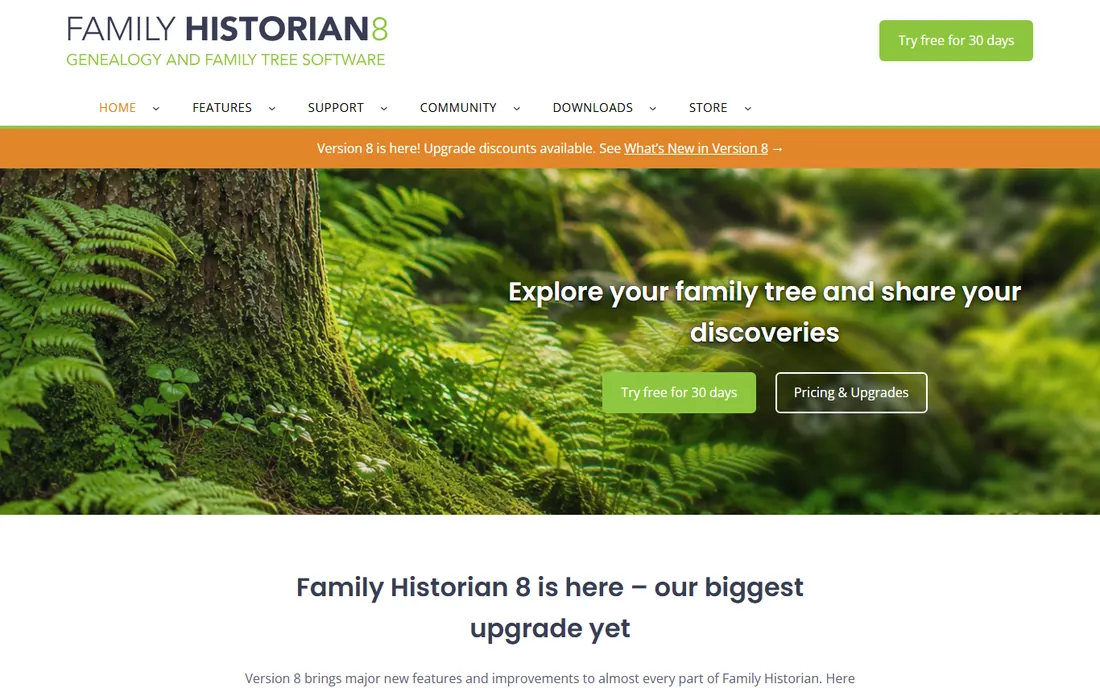
Family Historian is the diagram maker's genealogy program. Its interactive smart trees are the best in the business: fully configurable, editable right on the diagram, and printable at any scale for wall charts. Version 8 arrived in 2026 with subscription and perpetual license options, and the program's GEDCOM handling is famously complete, which makes switching in and out painless.
The catch is Windows-only, which rules out Mac households. Calico Pie now offers both subscriptions and perpetual licenses, so read the pricing page carefully before choosing. The free plugin store adds mapping, web hints and dozens of extras. If diagrams are how you think about family, this is your tool.
What we like- Best interactive diagrams in the category
- 100 percent GEDCOM compatible
- Plugin store extends features free
Watch out for- Windows-only
- Subscription or perpetual pricing adds confusion
- Smaller US presence
Starting priceSee website
Free planFree trial (25-person)
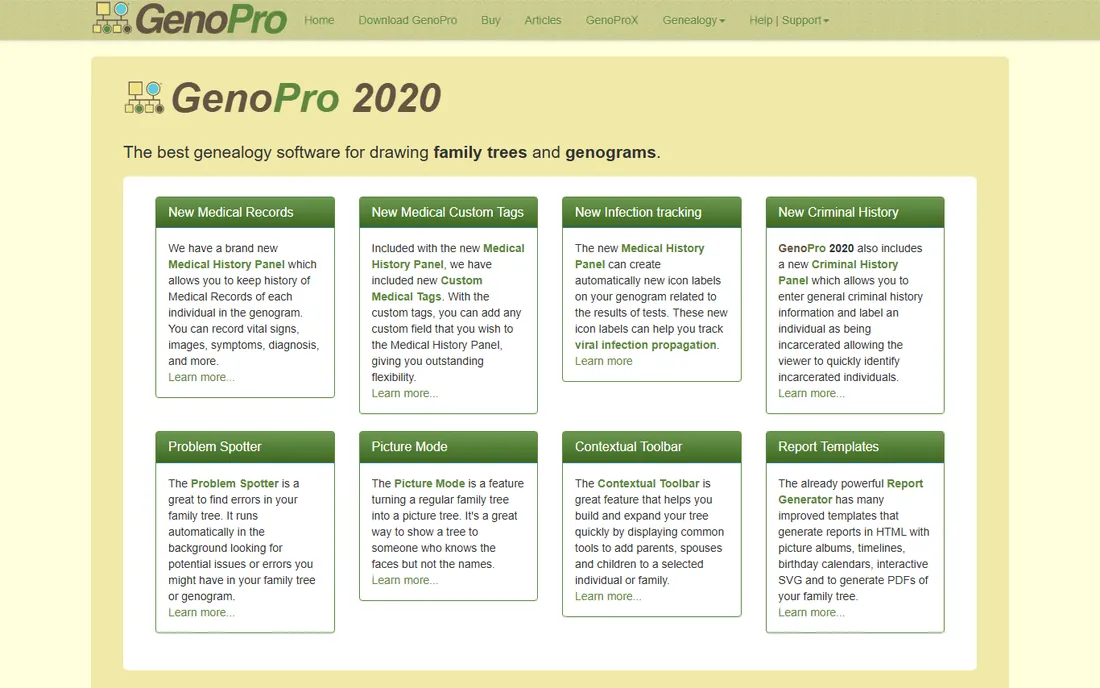
GenoPro draws the best-looking family trees in this category, and it is not close. Originally built for genograms, the diagrams used in medicine and social work, it handles complex situations other programs fumble: multiple marriages, adoptions, emotional relationships, medical conditions. The drag-and-drop drawing feels more like a design tool than a database.
It is Windows-focused and the interface is dated, and pricing sits behind the purchase flow. The free trial caps at 25 people, enough to test the drawing experience. Most hobbyists do not need genogram features, but professionals, medical family historians and anyone presenting complex families visually should evaluate it.
What we like- Best visual genogram drawing
- Handles complex medical and social relationships
- Publishes trees to the web
Watch out for- Windows-focused
- Dated interface
- Pricing not published openly
Starting priceSee website
Free planYes
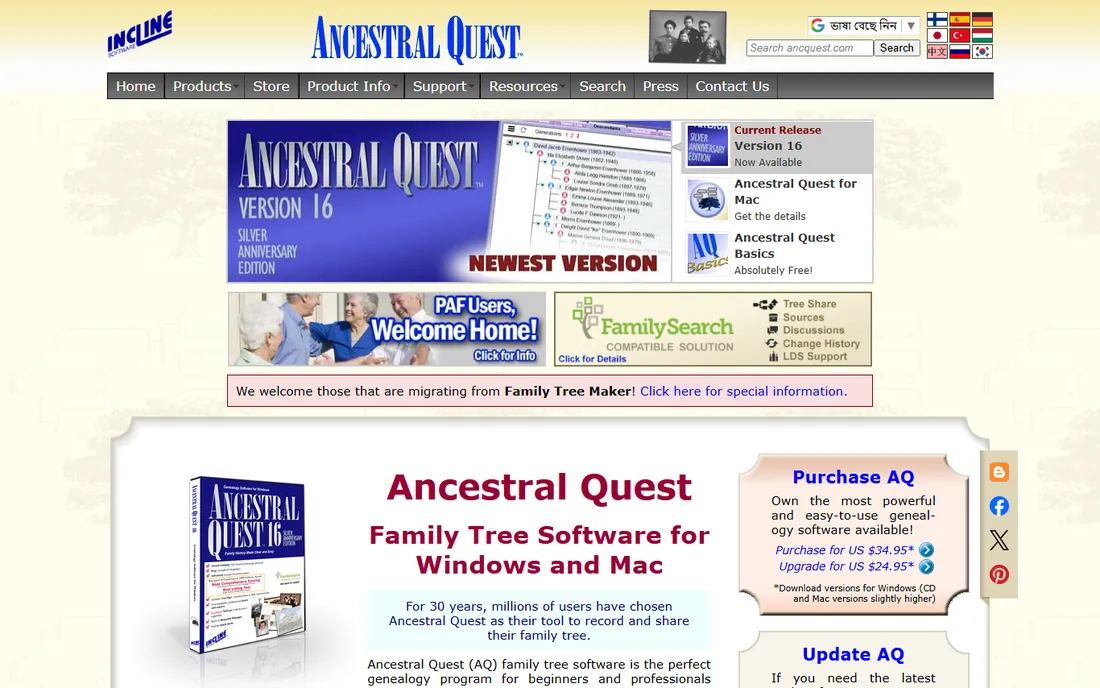
Ancestral Quest was syncing with FamilySearch before it was fashionable. As one of the earliest certified partners, its FamilySearch integration runs deep: matching, merging and syncing with the shared Family Tree, plus temple ordinance features for LDS researchers. The free Basics version is genuinely usable, and the paid version is inexpensive.
The interface is firmly Windows-era, and Mac users rely on compatibility layers. Development is steady but quiet, and the community is smaller than RootsMagic's or Legacy's. But if FamilySearch is your primary research site, no program works with it more fluently, and the price of entry is zero.
What we like- Deepest FamilySearch integration
- Free Basics version
- LDS ordinance features for those who need them
Watch out for- Dated Windows-first interface
- Mac support via compatibility
- Smaller community than RootsMagic
Starting priceFree
Free planYes
Family Tree Builder is free, and it is the on-ramp to the MyHeritage record empire. The desktop program builds your tree offline, syncs with your MyHeritage online tree, and surfaces Smart Matches and record hints from MyHeritage's billions of records. For beginners, the free 250-person tree is plenty to learn on.
The business model is the caveat. Serious record access needs a MyHeritage subscription, and the program nudges you toward it constantly. Treat Family Tree Builder as a free tree manager with optional paid record access, not as a free alternative to a subscription. If your family has European roots, MyHeritage's record strengths make the combination worth considering.
What we like- Free download with 250-person tree
- Smart Matches find relatives in other trees
- Syncs with MyHeritage online
Watch out for- Full power needs a MyHeritage subscription
- Record hints push the paid service
- DNA features are upsells
Choosing without losing your data
GEDCOM is your exit strategy
Every program here reads and writes GEDCOM, the universal genealogy file format. Before you invest months in any tool, export a GEDCOM and open it in a second program. If your data does not survive the trip, walk away. Your research should outlive any vendor.
Sync is convenient until it is not
Ancestry sync in Family Tree Maker and FamilySearch sync in RootsMagic and Ancestral Quest are genuinely useful. But synced trees can create duplicates, and automatic merges deserve supervision. Review every hint and match before accepting it; bad merges compound over generations and are miserable to undo.
Back up like your ancestors are watching
Keep three copies of your data: on your computer, on an external drive or cloud backup, and as periodic GEDCOM exports stored separately. Desktop software makes this easy and free. Online-only trees make it someone else's problem, which is exactly the risk.
Match the program to the researcher
A visual thinker belongs in MacFamilyTree or Heredis. A source-citation perfectionist belongs in Legacy or Gramps. An Ancestry subscriber belongs in Family Tree Maker. A FamilySearch devotee belongs in Ancestral Quest or RootsMagic. The wrong program for your style will sit unused no matter how good its reviews are.
Online trees vs desktop software
Online trees on Ancestry, MyHeritage and FamilySearch win on discovery. Their hint engines, DNA matching and billions of records find ancestors you would never locate alone. Nobody serious about research ignores them.
Desktop software wins on ownership, depth and presentation. Your data lives on your machine, your citations can be as rigorous as you want, and your charts and books look better. The strongest setup is both: research online, maintain your master tree on the desktop, and sync deliberately rather than automatically. RootsMagic and Family Tree Maker are built for exactly this workflow, which is why they top this list.
Frequently asked questions
Should I use desktop software or just build my tree on Ancestry?
Do both if you are serious. Ancestry's records and hints are unmatched for discovery, but your tree there exists at Ancestry's pleasure. Family Tree Maker syncs the two, giving you discovery online and ownership on your desktop. Casual researchers can stay online-only; anyone with years of work should keep a desktop master copy.
What is GEDCOM and why does it matter?
GEDCOM is the universal file format for genealogy data, readable by every program on this list. It is your insurance policy: export your tree as GEDCOM regularly, and you can move to any other program if your current one disappears or disappoints. Any software that cannot export GEDCOM does not deserve your research.
Which program is best for Mac users?
MacFamilyTree for the best native Mac experience, or Family Tree Maker for Ancestry sync on Mac. RootsMagic also runs on Mac. Avoid Family Historian, Legacy and GenoPro unless you are comfortable with Windows emulation, since they are Windows-first.
Can I really do genealogy for free?
Yes. Gramps is completely free with no limits, RootsMagic Essentials and Legacy Standard are free with generous features, and MyHeritage Family Tree Builder is free up to 250 people. Paid programs buy convenience, sync and polish, not access to your own family.
How do I avoid duplicating people when syncing with online trees?
Sync in small batches, review every proposed match before accepting, and never auto-accept merges. Most duplicate problems come from accepting hints too quickly. Family Tree Maker and RootsMagic both show you exactly what will change before a sync; read those screens.
What happens to my tree if the software company closes?
If you kept local files and GEDCOM exports, nothing. Install another program, import, and continue. This is the entire argument for desktop software. Online-only trees depend on the company's survival; desktop files depend on yours.
How we chose
We verified each product against its vendor's own website in October 2026, confirming it is actively sold and maintained. Prices come from vendor pages and published plan details; where vendors do not publish prices, we say so. Public reviews on genealogy forums, GenSoftReviews-style comparisons and user communities informed the strengths and weaknesses, weighted toward data ownership, sync reliability and chart quality.
We excluded discontinued programs, online-only tree builders with no desktop component, and mobile-only apps. The list covers the real buying decision: all-around programs, sync specialists, Mac options, free tools and the presentation specialists. We did not claim hands-on testing; the guidance reflects documented features and long-standing genealogist consensus.
Sources we checked (14)
- https://www.rootsmagic.com
- https://www.familytreemaker.com
- https://www.legacyfamilytree.com
- https://gramps-project.org
- https://www.syniumsoftware.com/macfamilytree
- https://www.heredis.com
- https://www.family-historian.co.uk
- https://www.genopro.com
- https://www.ancquest.com
- https://www.myheritage.com
- https://en.wikipedia.org/wiki/RootsMagic
- https://en.wikipedia.org/wiki/Comparison_of_genealogy_software
- https://www.techradar.com/best/genealogy-tools
- https://www.imore.com/apps/this-mac-app-is-the-best-way-to-visualize-your-family-tree
Is your product missing or out of date?
We review this list regularly. Vendors can request a listing, send updated pricing or ask about featured placement.

Shihab Mia · Founder, Rankite
Shihab has spent more than a decade helping SaaS and e-commerce brands grow through search. He writes Rankite's software buying guides from pricing pages, documentation and public user reviews. More about Shihab.
 RootsMagic
 Family Tree Maker
 Legacy Family Tree
 Gramps
 MacFamilyTree
 Heredis
 Family Historian
 GenoPro
 Ancestral Quest
 MyHeritage Family Tree Builder