How we make this list: we compare pricing pages, product documentation and public user reviews. Rankite is independent; if a vendor ever pays for a featured spot, that listing is clearly labeled Partner.
Key takeaways
- Adobe After Effects is the hub for motion graphics and compositing animated scenes, and it pairs naturally with Premiere Pro.
- DaVinci Resolve's free version is the best no-cost editor for cutting rendered animation, with professional color tools included.
- Blender covers 3D animation, compositing and video editing in one free package, which is unmatched value for solo creators.
- OpenToonz, Krita and TVPaint serve frame-by-frame 2D workflows at three very different price points, from free to professional.
- Premiere Pro and Final Cut Pro are the fastest timeline editors for the stage where the animation is already rendered and just needs cutting.
Quick comparison
| Tool | Best for | Starting price | Free plan |
|---|
 Adobe After Effects Adobe After Effects | motion graphics and compositing | $22.99 per month (single app, billed annually) | Free trial (7 days) |
 Adobe Premiere Pro Adobe Premiere Pro | cutting rendered animation fast | $22.99 per month (single app, billed annually) | Free trial (7 days) |
 DaVinci Resolve DaVinci Resolve | free pro editing and color | Free (DaVinci Resolve Studio $295 one-time) | Yes |
 Final Cut Pro Final Cut Pro | fast Mac timeline editing | $299.99 one-time | Free trial (30 days via Apple Creator Studio) |
 Blender Blender | free 3D animation plus editing | Free (open source) | Yes |
 OpenToonz OpenToonz | free 2D frame-by-frame animation | Free (open source) | Yes |
 Krita Krita | free digital painting with animation | Free (open source) | Yes |
 TVPaint TVPaint | professional bitmap frame animation | €500 one-time (Standard edition; Professional €1,250) | Free trial (demo version available) |
 Lightworks Lightworks | affordable film-style editing | $9.99 per month (Create plan) | Yes (free version with 720p export) |
 Vegas Pro Vegas Pro | approachable timeline editing | $17.95 per month (or $99.95 per year; perpetual license $219.95) | Free trial |
Is your product missing or out of date?
We review this list regularly. Vendors can request a listing, send updated pricing or ask about featured placement.
The best video editing software for animation
#1
Adobe After Effects
Best for: motion graphics and compositing
Visit adobe.com
Starting price$22.99 per month (single app, billed annually)
Free planFree trial (7 days)
After Effects is where animated scenes get their final polish. Layer-based compositing, character rigging with tools like DUIK, particle systems, camera tracking and an enormous library of effects make it the standard for motion graphics, title sequences, explainer videos and composited 2D animation. If your animation involves combining rendered elements, illustrated layers and effects, this is probably the program.
It is not a video editor in the timeline sense. Long-form cutting, multicam and audio mixing belong in Premiere Pro, which Adobe designed to pair with it. The $22.99 per month single-app price (billed annually) adds up, and the 7-day trial is short for software this deep. Buy it when compositing and motion design are the actual work, not as a general editor.
What we like- Industry standard for motion graphics and compositing
- Huge template, plugin and tutorial ecosystem
- Integrates with Premiere Pro and Illustrator
Watch out for- Not a video editor, needs a companion NLE
- Subscription only
#2
Adobe Premiere Pro
Best for: cutting rendered animation fast
Visit adobe.com
Starting price$22.99 per month (single app, billed annually)
Free planFree trial (7 days)
Premiere Pro treats animation like any other footage, which is exactly what you want at the edit stage. Once frames are rendered, whether from Blender, After Effects or a 2D package, Premiere assembles them quickly: trimming, timing, transitions, titles and audio mixing on a timeline built for speed. Dynamic Link sends clips to After Effects and back without rendering intermediates.
For pure animation editing, the subscription is harder to justify than for live-action work, since you use fewer of its camera-format features. At $22.99 per month billed annually, it makes sense for studios cutting animation daily and less sense for a solo animator finishing one short film. The 7-day trial covers a test project. If your pipeline already includes After Effects, the pairing is natural.
What we like- Fast timeline for assembling rendered sequences
- Wide format support
- Dynamic Link with After Effects
Watch out for- Subscription only
- Overkill if you only cut occasional clips
Starting priceFree (DaVinci Resolve Studio $295 one-time)
Free planYes
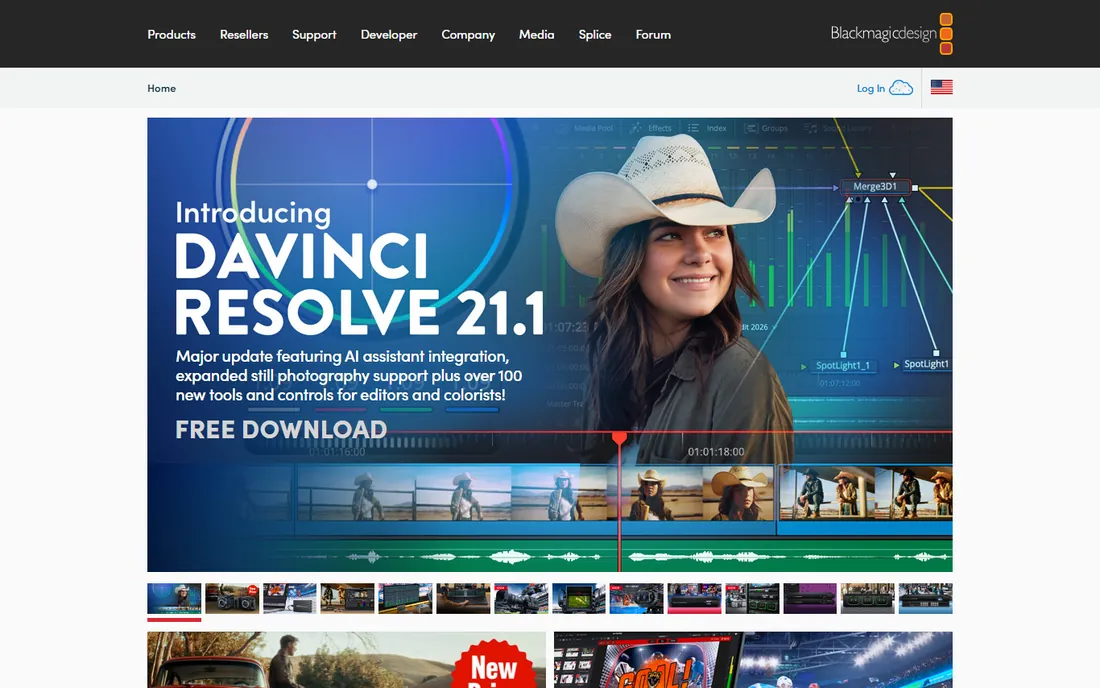
DaVinci Resolve gives away a professional editor and color suite for free. The Cut and Edit pages handle timeline assembly of rendered animation, the Color page is the industry reference for grading, and the Fusion page adds node-based compositing for animated elements. For an animator who needs to cut, grade and finish without spending anything, nothing else comes close.
The free version is generous but the hardware demands are real: Resolve wants a modern GPU and plenty of RAM, and it will feel slow without them. The interface packs several full applications into one window, which takes weeks to learn. The $295 one-time Studio upgrade adds features like stereoscopic tools and advanced noise reduction. Start free, and only consider Studio when a specific locked feature blocks you.
What we like- Fully featured editor free
- Professional color grading included
- Fusion page handles compositing
Watch out for- Demanding on hardware
- Interface has a learning curve
Starting price$299.99 one-time
Free planFree trial (30 days via Apple Creator Studio)
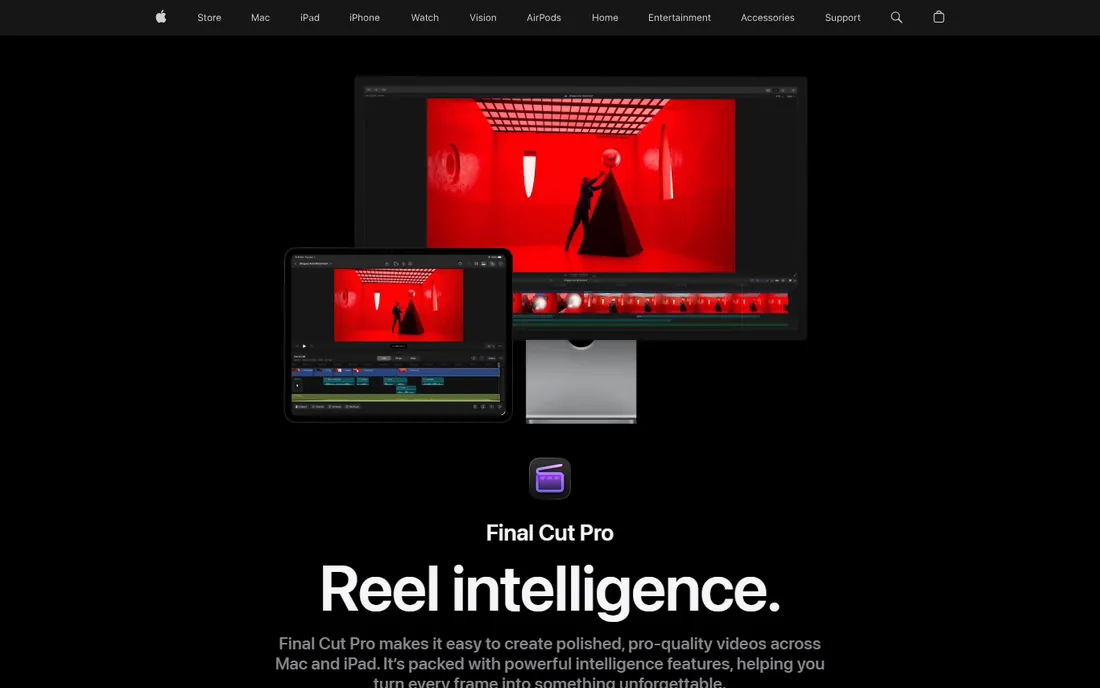
Final Cut Pro is the fastest timeline many Mac editors will ever use. The magnetic timeline snaps clips together without gaps, background rendering keeps playback smooth, and Apple silicon optimization makes exports dramatically faster than on comparable Intel workflows. For cutting rendered animation on a Mac, it is hard to beat on pure speed.
It costs $299.99 as a one-time purchase, and Apple also offers it through the Apple Creator Studio subscription ($12.99 per month) with a 30-day trial. The Mac-only limitation is absolute, and editors switching from Premiere will need to relearn timeline habits. Motion graphics work still belongs in Motion or After Effects. For Mac-based animators who want a fast, buy-once editor, it is the clear pick.
What we like- Very fast rendering on Apple silicon
- One-time purchase
- Magnetic timeline speeds up assembly
Watch out for- Mac only
- Smaller plugin ecosystem than Adobe
Starting priceFree (open source)
Free planYes
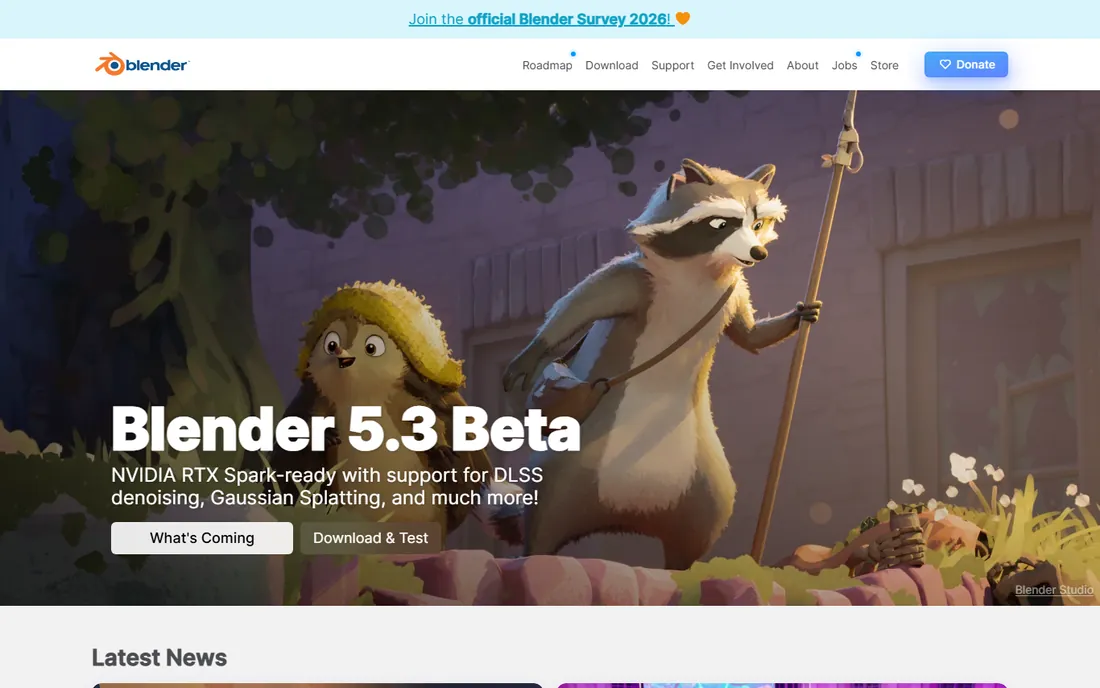
Blender does not charge you for the 3D suite, the compositor, or the video editor. Animators can model, rig, animate, render, composite and cut the final sequence without leaving the program or paying anything. The VSE (video sequence editor) handles assembly of rendered shots, while the compositor manages layered effects. For solo creators and small studios, that single free download replaces thousands of dollars of software.
The video editor is the weakest part of the package: fine for assembling shots, crude for serious editorial work. Most Blender animators eventually pair it with Resolve or Premiere for the final cut. The learning curve for the 3D side is famously steep. But as an animation creation tool with editing included, its value is unmatched, and the community tutorial library answers nearly every question.
What we like- Complete 3D suite plus compositor and video editor
- Zero cost
- Huge community and tutorials
Watch out for- Video editor is basic next to dedicated NLEs
- Learning curve is steep
Starting priceFree (open source)
Free planYes

OpenToonz is the open-source 2D animation tool whose lineage runs through Studio Ghibli's pipeline. It offers frame-by-frame bitmap and vector animation, a node-based compositing system, and GTS scanning tools for studios that still draw on paper. For traditional 2D animation at zero cost, it is the most capable free option.
The interface looks like the professional tool it is, which means beginners face a wall of panels and terminology. Documentation is thinner than the software deserves, and the community is smaller than Blender's. It also focuses on creating animation rather than editing finished footage; you will still want an NLE for the final assembly. For 2D animators on a zero budget who are willing to climb the learning curve, it is a genuine production tool.
What we like- Professional 2D animation features for free
- GTS scanning tools for paper workflows
- Used in real studio pipelines
Watch out for- Dated interface
- Sparse documentation for beginners
Starting priceFree (open source)
Free planYes
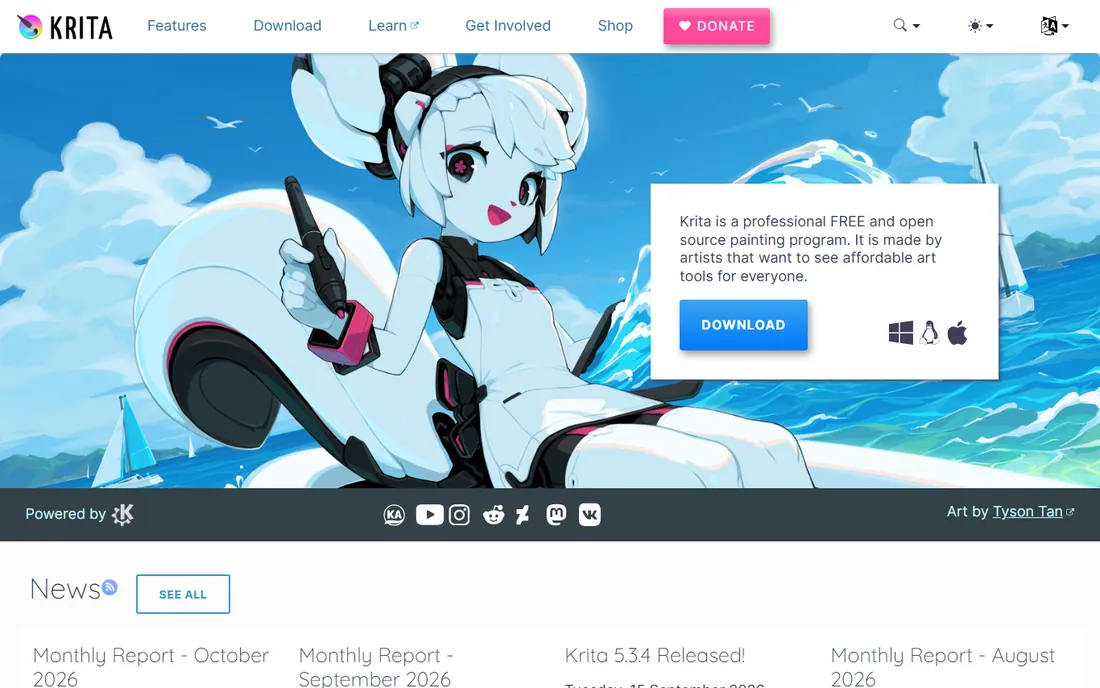
Krita is a painting program that animators adopted because the brush engine is that good. Illustrators who draw frame by frame get professional brushes, onion skinning, timeline controls and audio scrubbing in a free, open-source package. For hand-drawn animation styles where the look of each frame matters most, many artists prefer drawing in Krita over any dedicated animation tool.
The animation side is capable but simpler than OpenToonz or TVPaint: fine for shorts and sequences, less suited to complex productions. And Krita is not a video editor, so finished frames still need assembly in an NLE. Think of it as the drawing desk in the pipeline. For artists whose animation starts with a brush, it is the natural home base.
What we like- Excellent brush engine loved by illustrators
- Frame-by-frame animation tools included
- Completely free
Watch out for- Animation features are simpler than dedicated tools
- Not a video editor
Starting price€500 one-time (Standard edition; Professional €1,250)
Free planFree trial (demo version available)
TVPaint is the professional's choice for bitmap frame-by-frame animation. Its drawing engine feels like paper in a way vector tools never quite manage, and it has been the backbone of 2D productions at studios across Europe and Japan for years. If your work is hand-drawn animation at a professional level, this is the tool the industry expects you to know.
The Standard edition costs €500 as a one-time purchase, with Professional at €1,250, which puts it out of casual reach. A demo version lets you test the drawing feel before committing. Like other creation tools here, it is not a finishing editor. Studios buy TVPaint for the animation; they cut the result elsewhere. For serious 2D animators, the price is a business expense that pays for itself.
What we like- The professional standard for bitmap frame-by-frame
- Natural drawing feel
- Strong in European and Japanese studios
Watch out for- Expensive for independents
- Windows and Mac only in practice
Starting price$9.99 per month (Create plan)
Free planYes (free version with 720p export)
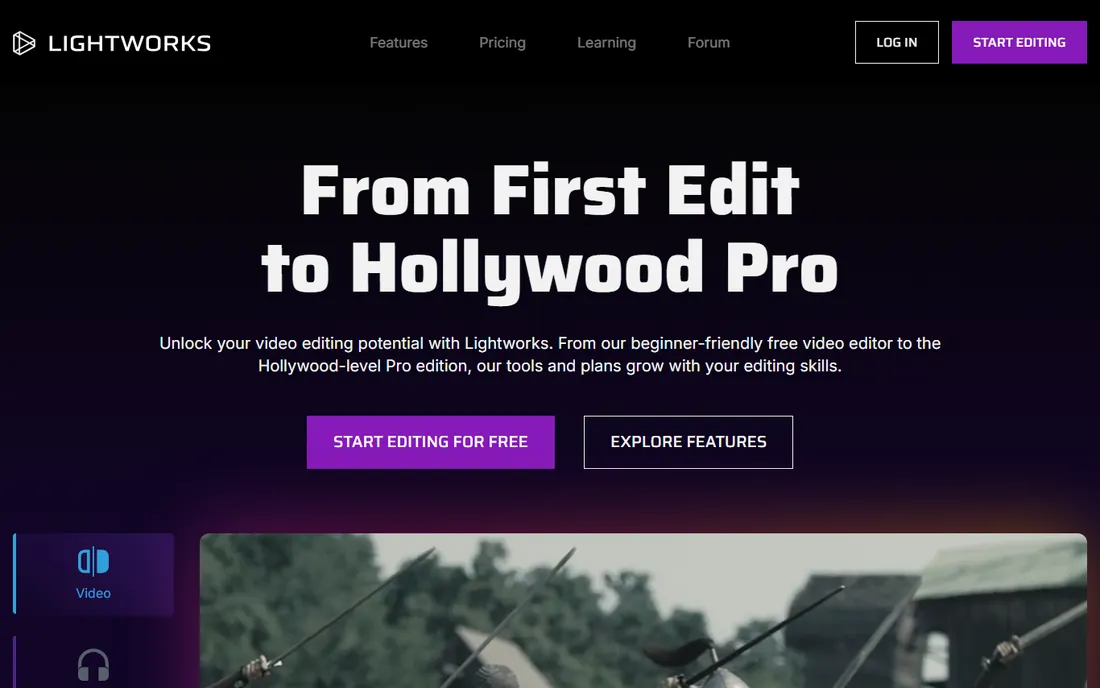
Lightworks brings a film-editing pedigree to a price students can afford. It has cut actual feature films, and the editing model reflects that heritage: precise trimming, multicam, and real-time effects in an interface that prioritizes the cut. The Create plan costs $9.99 per month, and a free version handles basic editing with 720p export.
The free tier's 720p export limit rules it out for final delivery of most animation work, so treat it as an extended trial. The interface follows its own conventions rather than copying Premiere, which slows down switchers. For editors who want a professional cutting tool without Adobe's subscription and do not need compositing, Lightworks is a legitimate alternative at a lower price.
What we like- Film-editing pedigree with pro features
- Free version available
- Lower cost than Adobe subscriptions
Watch out for- Free version limited to 720p export
- Interface differs from mainstream NLEs
Starting price$17.95 per month (or $99.95 per year; perpetual license $219.95)
Free planFree trial
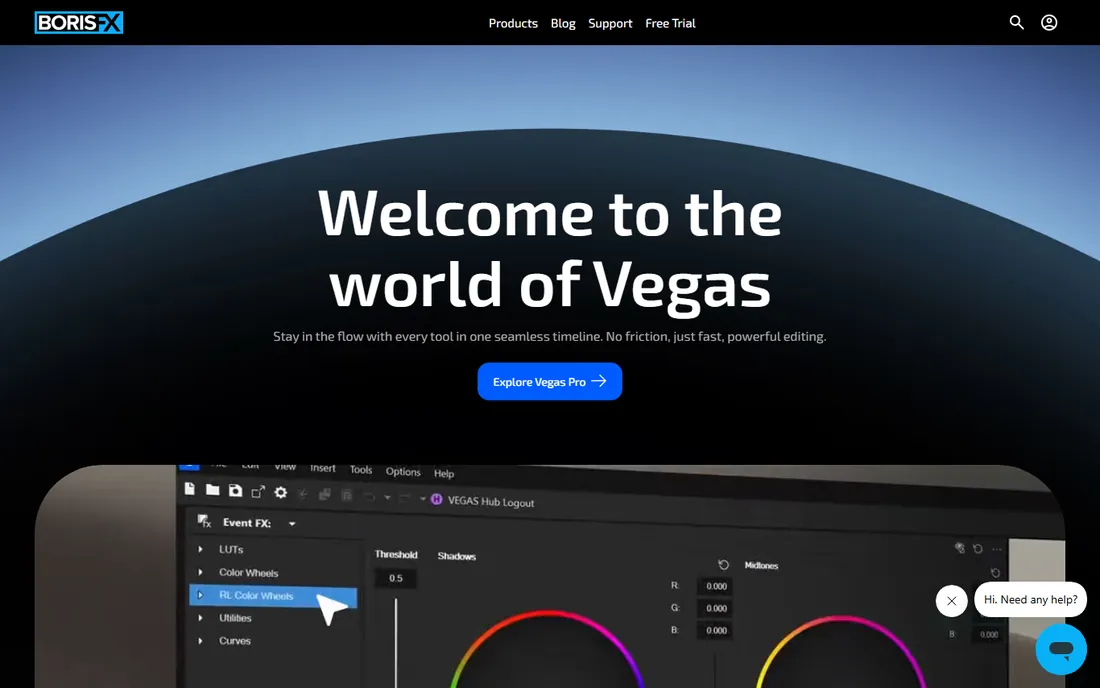
Vegas Pro has a loyal following among editors who want a timeline that stays out of the way. Drag, drop, trim and arrange: the basics work the way newcomers expect, and the audio tools are stronger than most video editors at this price. Boris FX now owns the product line, which has brought steadier development. Pricing is flexible, with monthly, annual and perpetual options.
Windows-only is the hard limit, and the ecosystem of plugins, templates and tutorials is smaller than Adobe's or Blackmagic's. For cutting rendered animation on Windows without a subscription, the $219.95 perpetual license is worth comparing against Premiere's ongoing cost. It is not a compositing tool and not a 2D animation tool; it is an editor, and a friendly one.
What we like- Intuitive drag-and-drop timeline
- Flexible pricing including perpetual
- Strong audio tools
Watch out for- Windows only
- Smaller ecosystem than Adobe or Blackmagic
What changes when you edit animation instead of live action
Animated footage arrives in pieces. A live-action editor gets continuous takes; an animation editor gets rendered shots, image sequences, layered files and version numbers. That changes the job. Format support matters more: your editor must cleanly import PNG and EXR image sequences, handle alpha channels, and respect the frame rates the animation was rendered at. A dropped frame in live action is a glitch; a frame rate mismatch in animation visibly breaks motion.
Timing works differently too. Animation is often cut to precise frame counts decided in the animatic, so the editor needs frame-accurate trimming and easy retiming. Audio is usually built around the picture rather than the other way around, which makes the editor's audio tools more important than they are in documentary work. These are the reasons animators often pair a creation tool (Blender, TVPaint, After Effects) with a dedicated editor (Resolve, Premiere, Final Cut) instead of forcing one program to do both.
How we chose
We verified each vendor's homepage in October 2026 and confirmed current pricing from vendor pricing pages and official announcements, including Apple's 2026 Final Cut Pro pricing and Boris FX's current Vegas Pro store. We evaluated how each tool handles the animation-specific workflow: image sequence import, frame-accurate editing, compositing capability and export control. We cross-checked public reviews on G2, Capterra and Reddit for reliability, performance on real hardware and support quality. Tools scored higher when they clearly served either the creation side or the finishing side of the animation pipeline, rather than doing both badly.
These are different jobs and they need different software. Timeline editors (Premiere Pro, Final Cut Pro, Resolve, Lightworks, Vegas Pro) assemble finished shots: cutting, timing, transitions, audio. Compositing tools (After Effects, Fusion inside Resolve, Blender's compositor) combine layers within a shot: characters over backgrounds, effects, color treatments. Frame-by-frame tools (TVPaint, OpenToonz, Krita) create the drawings themselves.
Most working animators use at least two. A common free pipeline is Blender for 3D animation plus DaVinci Resolve for editing and color. A common paid pipeline is TVPaint or After Effects for the animation plus Premiere Pro for the edit. Before buying anything, write down which of the three jobs you actually do. Buying a timeline editor when you need a compositing tool is the most expensive mistake in this category.
Frequently asked questions
What is the best free software for editing animation?
DaVinci Resolve, for the finishing stage: it is a full professional editor with color grading and compositing, free. For creating the animation itself, Blender (3D) and OpenToonz or Krita (2D) are free and production-capable. A complete free pipeline is entirely realistic in 2026.
Is After Effects enough to edit an animated short?
For short pieces, often yes. After Effects composites and assembles sequences well, and many motion designers finish entire projects in it. For longer work with dialogue, music and precise timing across many scenes, a dedicated timeline editor like Premiere Pro or Resolve is faster and more manageable.
Can Blender replace Premiere Pro for video editing?
For assembling rendered animation, Blender's video sequence editor is serviceable. For serious editorial work with complex audio, multicam or long timelines, it falls short of Premiere Pro, Resolve or Final Cut Pro. Most Blender animators render their shots and finish the edit in a dedicated NLE.
What software do professional 2D animators use?
TVPaint is the professional standard for bitmap frame-by-frame work, and Toon Boom Harmony (not covered here) dominates vector-based studio pipelines. OpenToonz is the free alternative with real studio lineage. The finished animation is typically assembled in Premiere Pro, Resolve or After Effects.
Do I need a powerful computer for animation editing?
For 2D timelines and HD editing, a mid-range computer from the last few years is fine. 3D rendering, heavy compositing and 4K timelines benefit from a strong GPU and plenty of RAM. DaVinci Resolve and Blender are the most demanding tools on this list; the 2D tools and basic NLE work run comfortably on modest hardware.
Sources we checked (12)
- https://www.adobe.com
- https://www.blackmagicdesign.com
- https://www.apple.com/final-cut-pro/
- https://www.blender.org
- https://opentoonz.github.io
- https://krita.org
- https://www.tvpaint.com
- https://lwks.com
- https://vegascreativesoftware.com
- https://www.grandviewresearch.com/industry-analysis/animation-software-market
- https://www.g2.com
- https://www.capterra.com
Is your product missing or out of date?
We review this list regularly. Vendors can request a listing, send updated pricing or ask about featured placement.

Shihab Mia · Founder, Rankite
Shihab has spent more than a decade helping SaaS and e-commerce brands grow through search. He writes Rankite's software buying guides from pricing pages, documentation and public user reviews. More about Shihab.