How we make this list: we compare pricing pages, product documentation and public user reviews. Rankite is independent; if a vendor ever pays for a featured spot, that listing is clearly labeled Partner.
Key takeaways
- Pro Tools remains the studio standard: if your work must open in commercial studios, start there.
- Logic Pro at $199.99 is the strongest value for Mac owners, with a deep library of stock instruments and effects.
- Reaper at $60 one-time is the pick for budget buyers who want full professional features and no subscription.
- Audacity and GarageBand cover editing and first songs for free; paid tools earn their keep on MIDI, mixing depth and collaboration.
- Every DAW on this list can produce a finished, professional record. Choose by workflow and platform, not by feature count.
You can finish a professional record in any of these. That is the frustrating part of choosing a DAW: the differences that matter are not in the feature lists. They are in how you think about music, which computer you own, and how you feel about subscriptions. A beatmaker who lives in step sequencers will be miserable in Pro Tools. A mix engineer who opens sessions from other studios every day cannot live without it.
So this guide is built around fit, not hype. Each of the ten tools below is current, with real prices and honest weaknesses. Pick the one that matches your workflow, your platform and your budget, then learn it deeply.
Quick comparison
| Tool | Best for | Starting price | Free plan |
|---|
 Pro Tools Pro Tools | Professional studios and mix engineers | $99 per year (Artist) | Yes |
 Logic Pro Logic Pro | Mac owners who want everything in one box | $199.99 one-time (standalone) | Free trial (90 days) |
 Ableton Live Ableton Live | Electronic producers and live performers | $99 one-time (Intro) | Free trial (90 days) |
 FL Studio FL Studio | Beatmakers and pattern-based producers | $99 one-time (Fruity) | Free trial (unlimited demo) |
 Cubase Cubase | Composers and MIDI-heavy work | $99.99 one-time (Elements) | Free trial (60 days) |
 Studio One Studio One | Beginners who want a fast start | $19.99 per month | Yes |
 Reaper Reaper | Budget buyers who want full features | $60 one-time (discounted license) | Free trial (60 days) |
 GarageBand GarageBand | Mac and iPad beginners | Free | Yes |
 Audacity Audacity | Free audio editing and podcast cleanup | Free | Yes |
 Adobe Audition Adobe Audition | Audio editing inside the Adobe workflow | $22.99 per month (annual plan) | Free trial (7 days) |
Is your product missing or out of date?
We review this list regularly. Vendors can request a listing, send updated pricing or ask about featured placement.
The best audio production software
#1
Pro Tools
Best for: Professional studios and mix engineers
Visit avid.com
Starting price$99 per year (Artist)
Free planYes
If your finished work has to open in another studio, Pro Tools is the DAW everyone in that room already knows. It has been the standard in professional recording and mixing for decades, and that matters more than any single feature. Sessions move between studios, mix engineers expect them, and post-production houses for film and TV run on them.
The audio editing itself is genuinely excellent. Comping takes, nudging regions, fixing timing: experienced editors work faster here than anywhere else. The honest catch is that Avid charges for that privilege with subscriptions, and the MIDI side of Pro Tools still feels like an afterthought next to Cubase or Ableton. If you compose mostly with virtual instruments, you are paying a premium for strengths you will not use.
What we like- Studio-standard session format
- Best-in-class audio editing speed
- Deep hardware integration
Watch out for- Subscription-only paid tiers
- MIDI tools trail the competition
- Resource-hungry on older machines
#2
Logic Pro
Best for: Mac owners who want everything in one box
Visit apple.com
Starting price$199.99 one-time (standalone)
Free planFree trial (90 days)
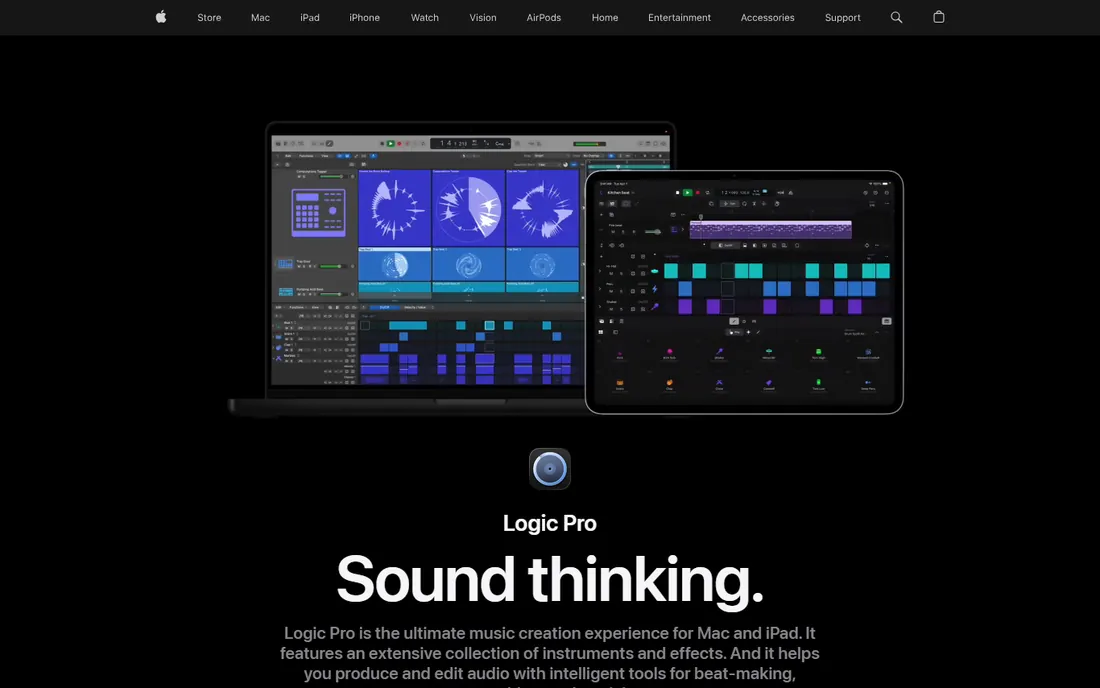
No other serious DAW gives you this much for $199.99. Logic ships with Alchemy, Sculpture, a full drum kit designer, studio-grade reverbs and a mastering assistant, and buyers of the standalone version never pay a subscription. For songwriters and producers on a Mac, it is the default recommendation for good reason.
The catch is entirely about platform. There is no Windows version, and there will never be one. Apple also sells Logic inside the $12.99 per month Apple Creator Studio bundle, so do the math before you subscribe: the standalone purchase pays for itself in about sixteen months. The iPad app shares the name but is a different product, so do not expect your desktop projects to transfer perfectly.
What we like- Enormous stock instrument and loop library
- One-time price
- Strong spatial audio and scoring tools
Watch out for- Mac-only
- IPad version differs from desktop
- No Windows option at any price
Starting price$99 one-time (Intro)
Free planFree trial (90 days)
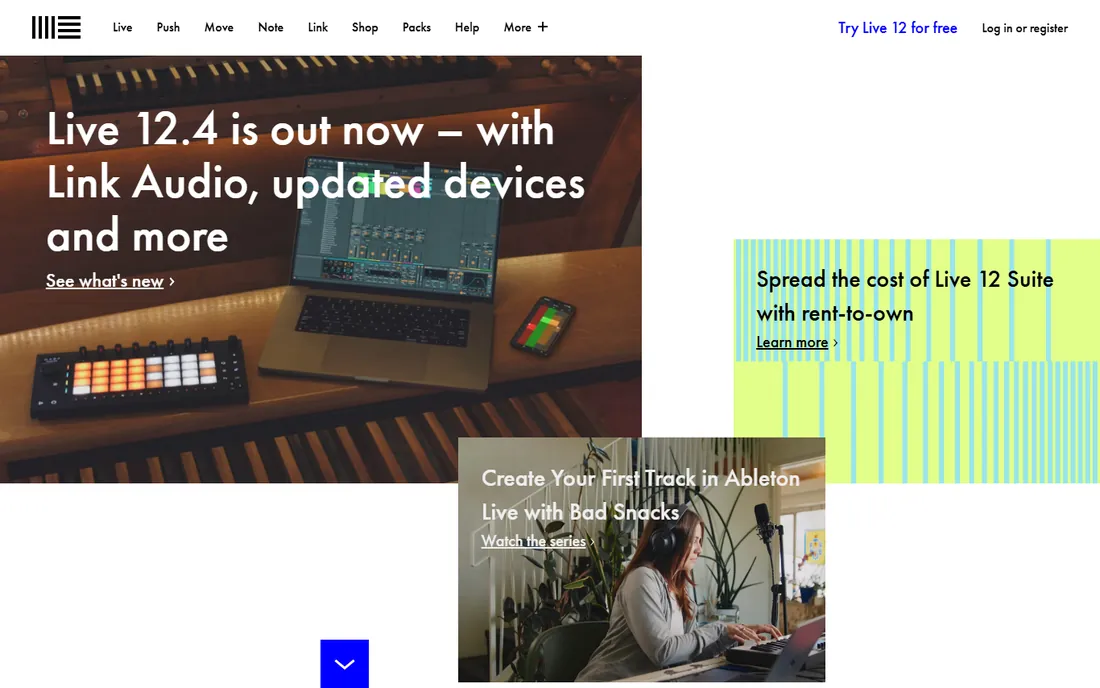
Ableton feels less like a tape machine and more like an instrument. The Session View lets you launch clips, try arrangements and build ideas by feel, which is why so much electronic music starts here. Producers who play live sets use the same software on stage, so the boundary between writing and performing disappears.
The tradeoffs are well documented. The built-in effects are functional but plain next to Logic's, and recording a band in the traditional linear way is not Ableton's strength. Intro at $99 is a real entry point, but it caps you at 16 tracks, and the full Suite at $749 is a serious purchase. Try the 90-day trial on your own material before committing to the top tier.
What we like- Session View for improvising arrangements
- Unmatched live performance workflow
- Strong warping and sampling tools
Watch out for- Stock mixing plugins lag behind Logic
- Linear recording feels secondary
- Suite tier is expensive at $749
Starting price$99 one-time (Fruity)
Free planFree trial (unlimited demo)
Most trap and drill producers never needed a second DAW. FL Studio's channel rack and piano roll are still the fastest way to program drums and melodies, and Image-Line's lifetime free updates policy is the best deal in the industry: buy once, get every future version free. The Fruity edition at $99 is enough to learn on, and Producer at $199 adds audio recording.
The weak spot is anything that is not beatmaking. Tracking a full band or mixing a record feels slower here than in Pro Tools or Logic, and the interface can look cluttered to newcomers. But if your music starts with patterns and loops, nothing here slows you down, and the community means every question you will ever have is already answered on video.
What we like- Lifetime free updates
- Fastest piano roll and step sequencer
- Huge tutorial and community base
Watch out for- Windows-centric history, Mac version still maturing
- Recording and mixing workflow feels bolted on
- Fruity edition limits audio recording
Starting price$99.99 one-time (Elements)
Free planFree trial (60 days)
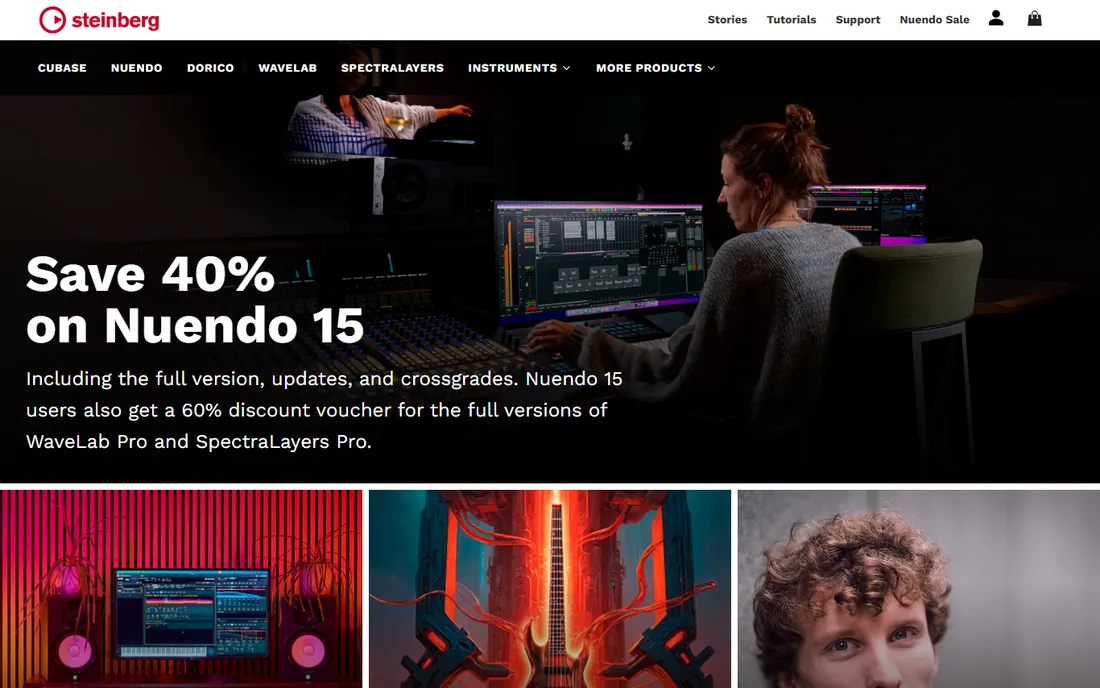
Composers who live in MIDI keep coming back to Cubase for a reason. The key editor, expression maps, chord pads and scoring tools are the most mature in the business, and people writing for film, games and orchestras run enormous templates without the software breaking a sweat. Steinberg invented much of this territory and it shows.
The honest catch is that Cubase rewards commitment. The interface assumes you will learn it, and casual users can bounce off the density. Elements at $99.99 is a fair starting point, but serious users end up on Pro at $579, and upgrades cost extra when major versions land. If your work is mostly audio recording with a few virtual instruments, simpler tools will get you there faster.
What we like- Deepest MIDI editing and scoring tools
- Excellent chord and scale assistants
- Stable on large template projects
Watch out for- Interface can feel dense
- Pro tier costs $579
- Smaller tutorial community than FL Studio or Ableton
Starting price$19.99 per month
Free planYes
The fastest DAW to learn is usually the one that puts everything on one screen. Studio One does that: drag an effect onto a track, drag a loop into the arrangement, and the software rarely makes you hunt through menus. The smart templates get a song, a podcast or a score-to-picture session running in minutes, and there is a free edition to start with.
The pricing deserves a pause: at $19.99 per month, two years costs more than Logic Pro costs forever. Run the numbers against one-time purchases before you sign up. Power users will also find the deep editing and scoring tools thinner than what Cubase or Pro Tools offer.
What we like- Clean single-window workflow
- Drag-and-drop everything
- Smart templates and a video track included
Watch out for- Monthly cost adds up fast
- Advanced features trail Cubase and Pro Tools
- Smaller third-party ecosystem
Starting price$60 one-time (discounted license)
Free planFree trial (60 days)
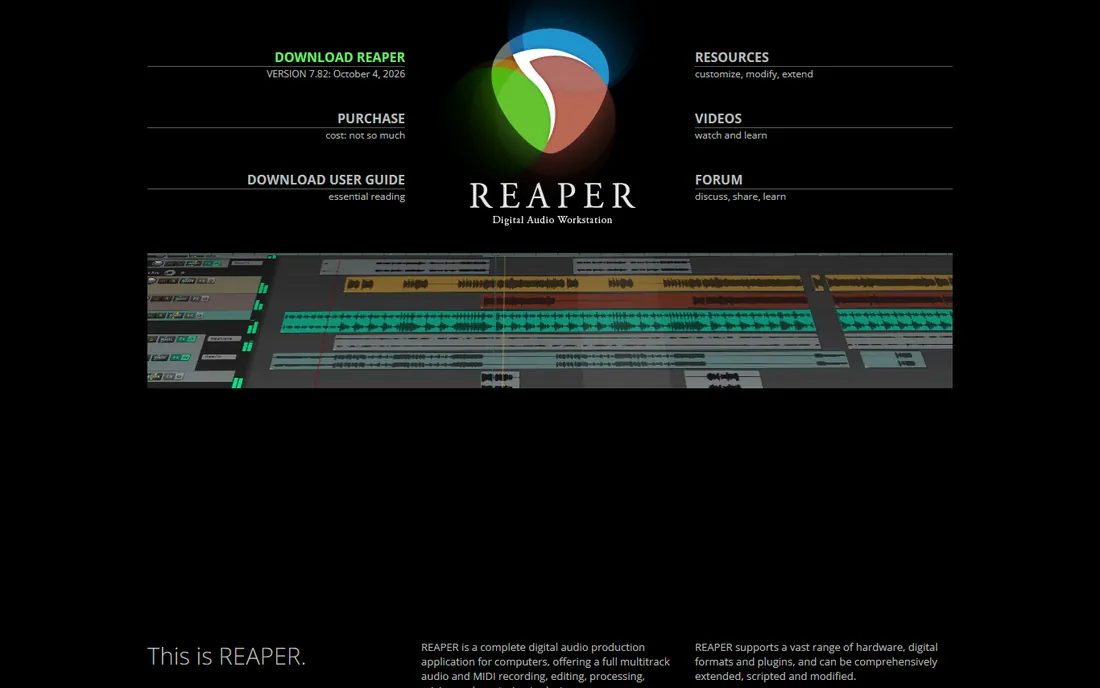
Sixty dollars. No subscription. No tiered feature set hiding the good mixer behind a higher plan. Reaper gives every buyer the same complete program: unlimited tracks, video editing, full routing, scripting, and updates through the whole version cycle. It runs happily on old laptops that choke other DAWs, which makes it a genuine option for schools and home studios on tight budgets.
The price for that freedom is setup time. The default interface looks dated, the included instruments are sparse, and making Reaper feel like yours means installing themes, actions and scripts from the community. The commercial license is $225 if your annual revenue from the work passes $20,000, which is still cheap. If you enjoy tinkering and resent subscriptions, this is your DAW.
What we like- $60 buys the complete program with no tiers
- Extremely light on system resources
- Deep customization and scripting
Watch out for- Plain stock interface and thin sound library
- Setup takes real effort
- MIDI editing less polished than Cubase
Starting priceFree
Free planYes
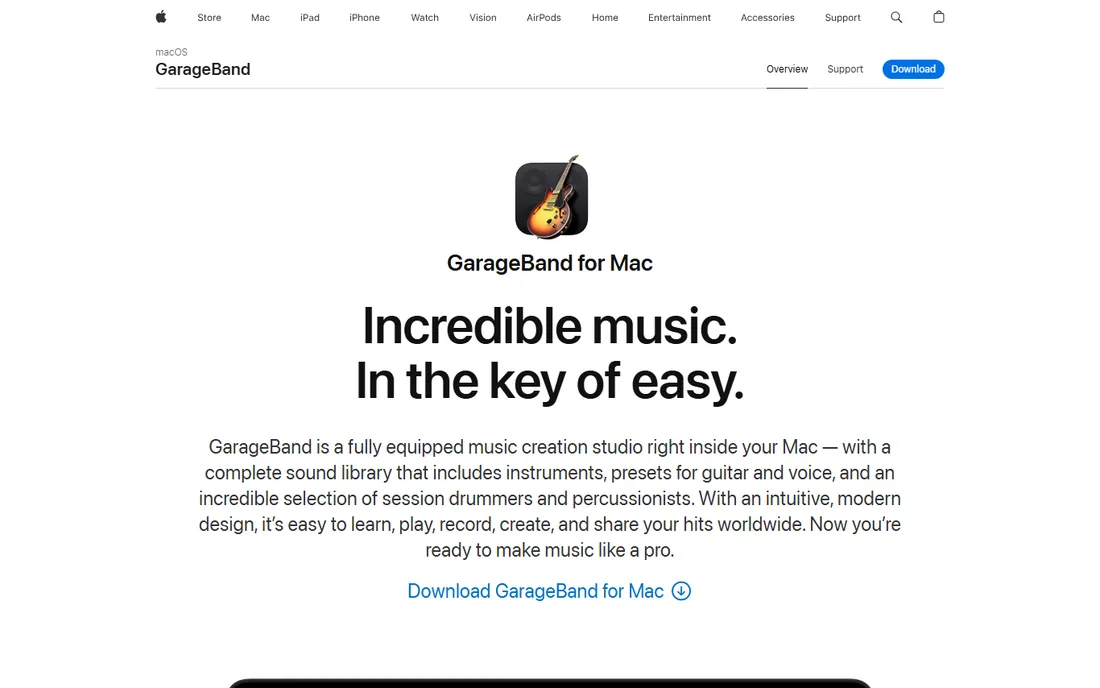
The best free starting point in music production is already on your Mac. GarageBand is a genuine DAW, not a toy: multitrack recording, Drummer tracks, a solid loop library and enough effects to finish a demo that sounds good. iPhone and iPad versions mean ideas can start anywhere, and projects open directly in Logic Pro when you outgrow it.
The ceiling arrives when you want serious mixing control or advanced editing. There is no Windows or Android version, and power features like detailed automation editing and plugin delay compensation are missing. But as a free on-ramp with a clean upgrade path to Logic, nothing else touches it for Apple households.
What we like- Free on every Mac and iOS device
- Surprisingly capable for songwriting
- Projects open directly in Logic Pro
Watch out for- Apple-only
- Limited mixing and editing depth
- No plugin delay compensation for complex chains
Starting priceFree
Free planYes
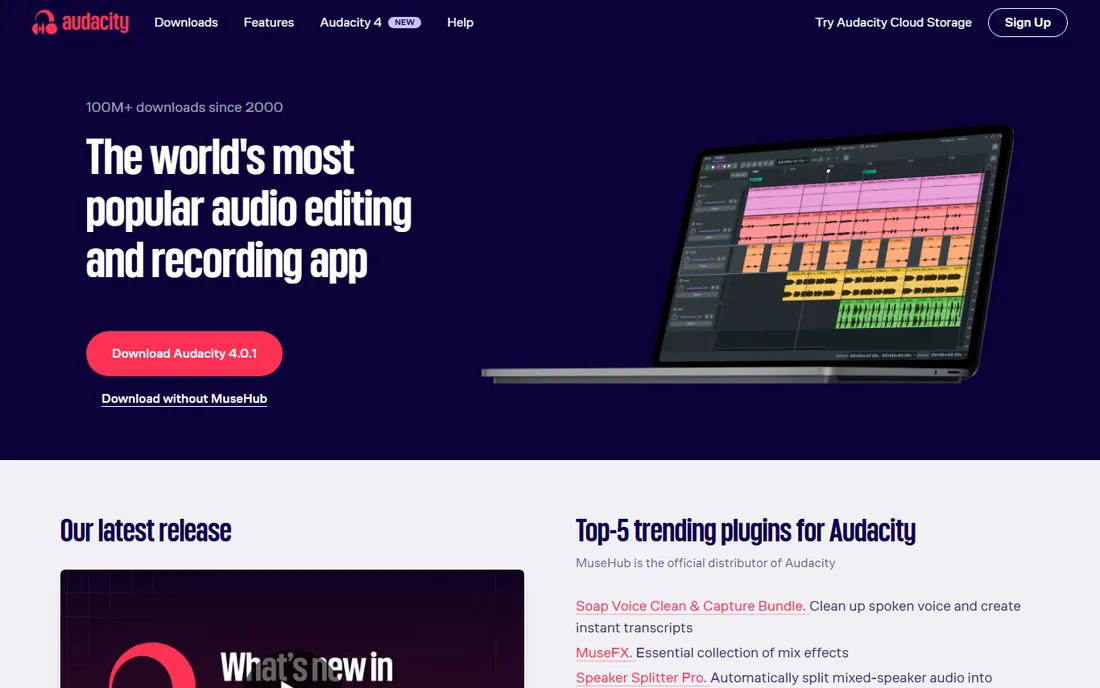
Nobody buys Audacity, and that is exactly the point. It is free, open source, and installed on more computers than any other audio editor. For podcast editing, trimming interviews, converting file formats, cleaning up recordings and quick two-track work, it is fast and honest. The spectrogram view and noise reduction tools handle real cleanup jobs.
What it is not is a music production studio. There is no MIDI sequencing, no virtual instruments, and editing is destructive unless you work carefully with the newer non-destructive features. Pair it with a real DAW if you make music, or use it alone if your work is spoken word and simple edits. Either way the price cannot be beaten.
What we like- Completely free and open source
- Fast for cutting, trimming and format conversion
- Runs on Windows, Mac and Linux
Watch out for- Destructive editing by default
- No MIDI or virtual instruments
- Interface looks dated
#10
Adobe Audition
Best for: Audio editing inside the Adobe workflow
Visit adobe.com
Starting price$22.99 per month (annual plan)
Free planFree trial (7 days)
Audition is not a music DAW, and Adobe never pretended it was. It is a precision audio editor built for dialogue cleanup, podcast production, restoration and broadcast work. The spectral frequency display lets you surgically remove a cough, a siren or mic handling noise in ways music DAWs cannot match, and round-tripping with Premiere Pro is genuinely smooth.
The subscription is the whole story here: $22.99 per month on the annual plan, with no perpetual option. If you already pay for Creative Cloud, Audition is a natural fit for your audio post work. If you make music, buy a real DAW instead. And if you only need occasional cleanup, Audacity does most of this for free.
What we like- Excellent spectral editing and restoration
- Tight Premiere Pro round-tripping
- Multitrack and waveform views in one app
Watch out for- Subscription only
- Weak for music production
- Overkill if you do not use other Adobe apps
How we chose
We started from vendor pricing pages, documentation, and public reviews on G2, Capterra and Reddit production communities. Every tool exists today, is actively maintained, and was verified against its vendor's own site. We excluded discontinued products and hardware-locked software.
Prices come from vendor pricing pages and were checked in October 2026. Subscription figures use the annual plan where vendors discount it. Where a vendor hides pricing behind a sales call, we say so instead of guessing. We did not claim hands-on testing of every product; the picks reflect documented features, real user consensus and long-term value, weighted toward buyers who need to make a purchase decision, not win a feature checklist.
What to check before you pay
Platform first, then workflow
Your operating system eliminates half the list immediately. Logic Pro and GarageBand are Mac-only. Everything else here runs on Windows and Mac, with Reaper and Audacity adding Linux. If you collaborate with others, ask what they use before you buy: exchanging project files across different DAWs is painful, and stems are a poor substitute for a shared session.
The real cost of a subscription
Add up two years of any monthly plan and compare it against the one-time alternatives. Studio One at $19.99 per month costs about $480 over two years. Logic Pro costs $199.99 once. Subscriptions make sense when you want every update included and you upgrade often; they punish buyers who would happily run the same version for five years.
Hardware and plugin compatibility
Check that your audio interface has current drivers for your OS, and confirm which plugin formats each DAW supports. Most support VST3 and AU; Pro Tools also uses AAX, which means some smaller plugin makers skip it. If you own a MIDI controller, check for a dedicated integration script: Ableton's Push, for example, only makes sense with Ableton.
Trial before you commit
Every paid DAW here offers a free trial or free edition. Install two finalists, record the same song in both, and notice which one fights you. Open the largest demo project you can find and watch your CPU meter before you spend money.
Do you still need to pay for a DAW?
Honestly, maybe not. GarageBand plus Audacity covers songwriting sketches, podcast production and basic editing for free, and Reaper's $60 license is close enough to free that the paid tier barely registers. The free tier of DaVinci Resolve handles video, so a creator doing both audio and video can assemble a capable studio for almost nothing.
Paid DAWs earn their price in three situations: studio collaboration where Pro Tools compatibility is worth money, composition at scale where Cubase and Ableton repay their cost, and bundled value like Logic Pro's $199.99 instrument library. If none of those apply, start free and upgrade when a real limitation blocks you.
Frequently asked questions
Which DAW is best for a complete beginner?
GarageBand if you own a Mac or iPad, since it is free and teaches concepts that transfer directly to Logic Pro. On Windows, start with the free edition of Studio One or the unlimited FL Studio demo. Reaper is powerful but its setup demands more patience than a beginner usually has.
Can I make professional music with free software?
Yes. The limitation is rarely the software. Audacity handles podcast and dialogue work professionally, GarageBand has appeared on released records, and Reaper at $60 is a rounding error in a studio budget. Paid tools save time and smooth collaboration; they do not add talent.
Do I need different software for recording and for making beats?
Not necessarily. Most modern DAWs do both, but they lean one way. FL Studio and Ableton favor beatmaking and electronic workflows, while Pro Tools and Logic favor recording bands and mixing. Cubase sits in the middle with unusual strength in composition.
Will my projects open in someone else's DAW?
Only if you both use the same software and compatible versions. There is no universal project format. Stems (individual exported tracks) transfer anywhere but lose your edits and mixer settings. If collaboration matters, standardize on one DAW with your partners before anyone buys.
How much computer do I actually need?
More than the minimum specs suggest. Sixteen gigabytes of RAM, a modern multi-core processor and an SSD are the practical floor for serious projects in 2026. Reaper and Audacity are the most forgiving on old hardware; Pro Tools and Cubase with large templates are the most demanding.
Should I buy plugins right away?
No. Learn the stock plugins first: Logic Pro, Cubase and Ableton all ship with compressors, EQs and instruments good enough for finished work. Spend the money on room treatment or a better microphone instead.
Sources we checked (13)
- https://www.avid.com
- https://www.apple.com/logic-pro/
- https://www.ableton.com
- https://www.image-line.com
- https://www.steinberg.net
- https://www.presonus.com
- https://www.reaper.fm/
- https://www.audacityteam.org/
- https://www.adobe.com
- https://beatstorapon.com/blog/best-daw-2026-comparison/
- https://hyperbits.com/blog/the-best-daw/
- https://www.selecthub.com/c/audio-editing-software/
- https://www.selecthub.com/audio-editing-software/studio-one-vs-reaper-audio/
Is your product missing or out of date?
We review this list regularly. Vendors can request a listing, send updated pricing or ask about featured placement.

Shihab Mia · Founder, Rankite
Shihab has spent more than a decade helping SaaS and e-commerce brands grow through search. He writes Rankite's software buying guides from pricing pages, documentation and public user reviews. More about Shihab.