How we make this list: we compare pricing pages, product documentation and public user reviews. Rankite is independent; if a vendor ever pays for a featured spot, that listing is clearly labeled Partner.
Key takeaways
- CLO 3D is the safest 3D choice for brands that need digital samples factories can work from, with the clearest individual pricing.
- Marvelous Designer suits designers whose garments stay digital, for games, portfolios and visual work rather than production.
- Browzwear, Optitex, Gerber AccuMark and Tukatech are built for production workflows; expect quote-based pricing and sales conversations.
- Adobe Illustrator and CorelDRAW remain the standard tools for flats, tech packs, prints and presentation boards.
- Tailornova and Digital Fashion Pro give independents and beginners low-cost ways to design garments and generate patterns.
Quick comparison
| Tool | Best for | Starting price | Free plan |
|---|
 CLO 3D CLO 3D | 3D garment design for production | $50 per month (Individual; $450 per year) | Free trial (14 days) |
 Marvelous Designer Marvelous Designer | digital garments for visual work | $39 per month (Personal; $280 per year) | Free trial (14 days) |
 Browzwear Browzwear | connected 3D product development | See website (quote-based; vendor does not publish individual pricing) | No |
 Optitex Optitex | 2D/3D pattern CAD for manufacturers | See website (quote-based) | No |
 Gerber AccuMark Gerber AccuMark | industry-standard pattern making | See website (quote-based) | No |
 Tukatech Tukatech | pattern CAD with manufacturing tools | From $19 per month (TUKAcad subscription) | No |
 Adobe Illustrator Adobe Illustrator | flats, tech packs and prints | $22.99 per month (single app, billed annually) | Free trial (7 days) |
 CorelDRAW CorelDRAW | vector design with one-time purchase | $269 per year (subscription; one-time purchase $549) | Free trial (15 days) |
 Tailornova Tailornova | browser-based made-to-measure patterns | See website (subscription and pay-as-you-go options listed on vendor pricing page) | No |
 Digital Fashion Pro Digital Fashion Pro | beginner clothing-line design kits | From $129 one-time (Basic 2026 edition) | No |
Is your product missing or out of date?
We review this list regularly. Vendors can request a listing, send updated pricing or ask about featured placement.
The best software to design clothes
Starting price$50 per month (Individual; $450 per year)
Free planFree trial (14 days)
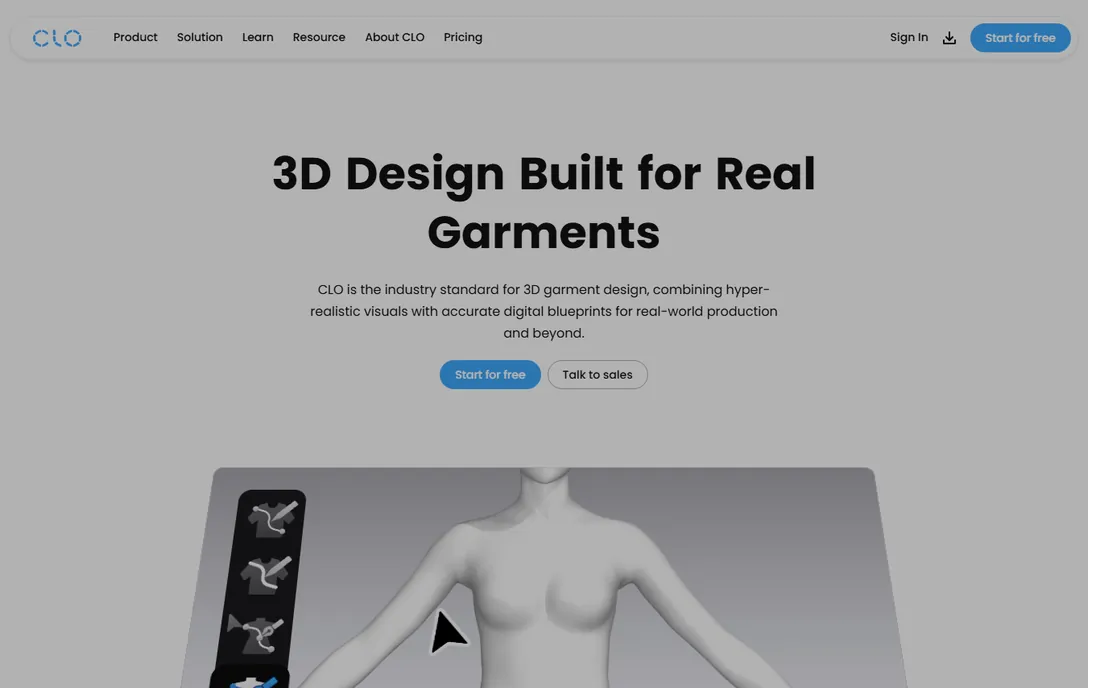
CLO 3D is the 3D fashion tool most factories already know how to read. Designers drape garments on parametric avatars, validate fit and proportions in 3D, and export pattern data that production teams can use. For brands trying to cut physical sampling rounds, that link between the visual garment and the pattern file is the whole value proposition. The Individual plan costs $50 per month or $450 per year, which is transparent by the standards of this industry.
The subscription model means the cost never stops, and realistic cloth simulation wants a strong GPU. Enterprise pricing is quote-based, as usual in fashion software. The 14-day trial is enough to test the core loop: draft a simple garment, simulate it, and check the exported pattern. If your goal is fewer physical samples and faster approvals, CLO is the default first evaluation.
What we like- Production-ready patterns from 3D garments
- Clear individual pricing
- Widely adopted by brands and factories
Watch out for- Subscription only for individuals
- Demanding on hardware
Starting price$39 per month (Personal; $280 per year)
Free planFree trial (14 days)
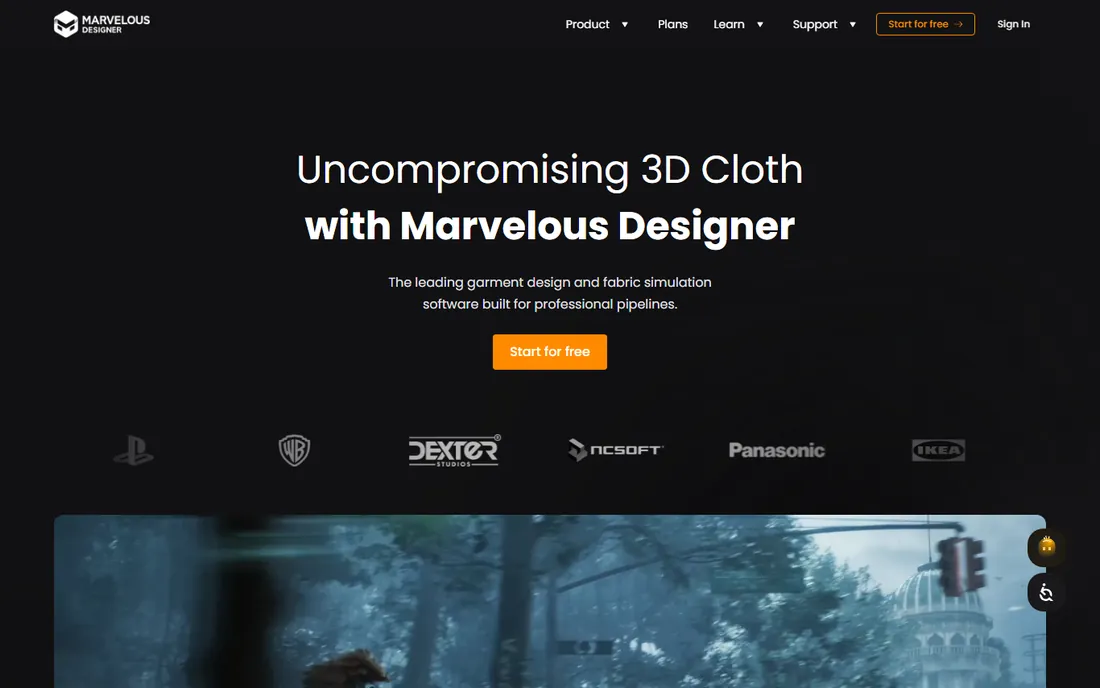
Marvelous Designer makes cloth that behaves like cloth, which is why game studios adopted it first. Its simulation is the reference for realistic drape, folds and movement in digital garments, and it exports cleanly to FBX, OBJ, Alembic and USD for games, film and visualization. The Personal plan at $39 per month or $280 per year undercuts CLO for individual users.
Choose it when the garment stays digital: game costumes, portfolio renders, virtual fashion, product visualization. For production pattern making, grading and marker making, CLO's toolset is deeper. The 14-day trial shows off the simulation quickly. Fashion designers building a visual portfolio and 3D artists dressing characters will feel at home; technical designers preparing factory files should look at CLO or the CAD tools below.
What we like- Best-in-class cloth simulation for visuals
- Strong export to game and 3D pipelines
- Affordable personal pricing
Watch out for- Weaker production pattern tools than CLO
- Aimed at visual output, not manufacturing
Starting priceSee website (quote-based; vendor does not publish individual pricing)
Free planNo
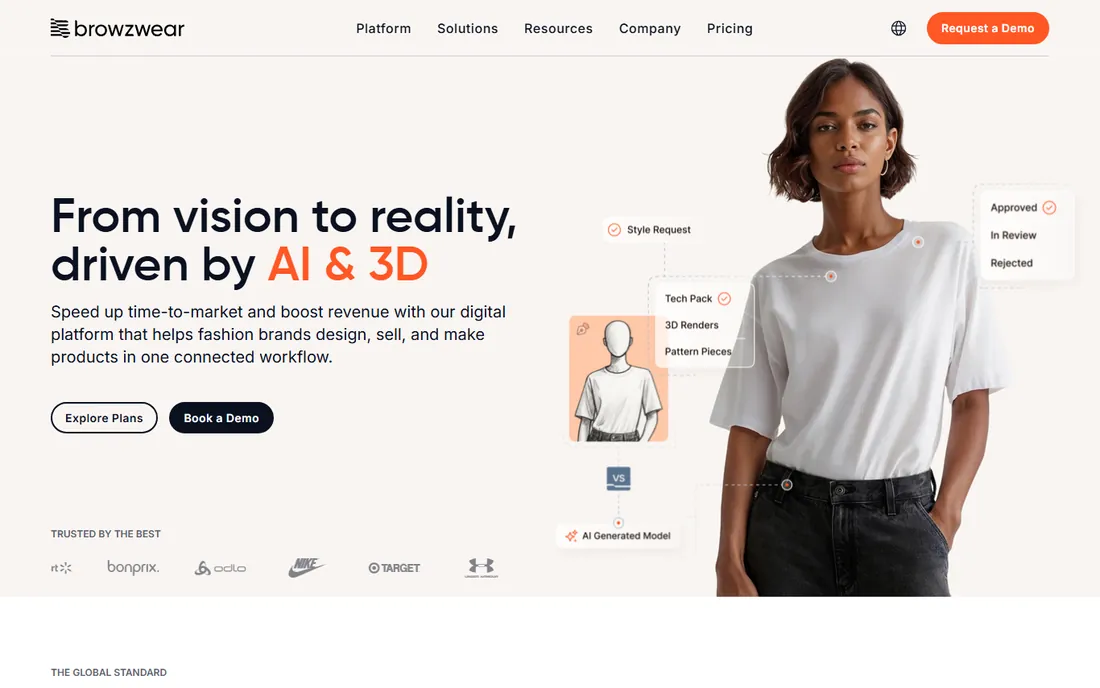
Browzwear sells a connected workflow, not just a simulation engine. Its VStitcher creates the 3D garment, and the surrounding platform carries it through fit validation, assortment review and tech pack generation in one system. Large brands use it to keep design, merchandising and vendors working from the same digital asset, which is where the real savings in sampling and calendar time come from.
Everything about the buying process is enterprise: no public pricing, demos through sales, plans scaled to teams. Solo designers and small labels will find the cost and complexity hard to justify against CLO's $50 per month. But for mid-size and large brands building a digital product creation pipeline, Browzwear's integrated approach is the reason it holds its position against CLO.
What we like- End-to-end workflow from design to tech packs
- Strong fit validation tools
- Trusted by large global brands
Watch out for- Pricing is not public
- Overkill for solo designers
Starting priceSee website (quote-based)
Free planNo
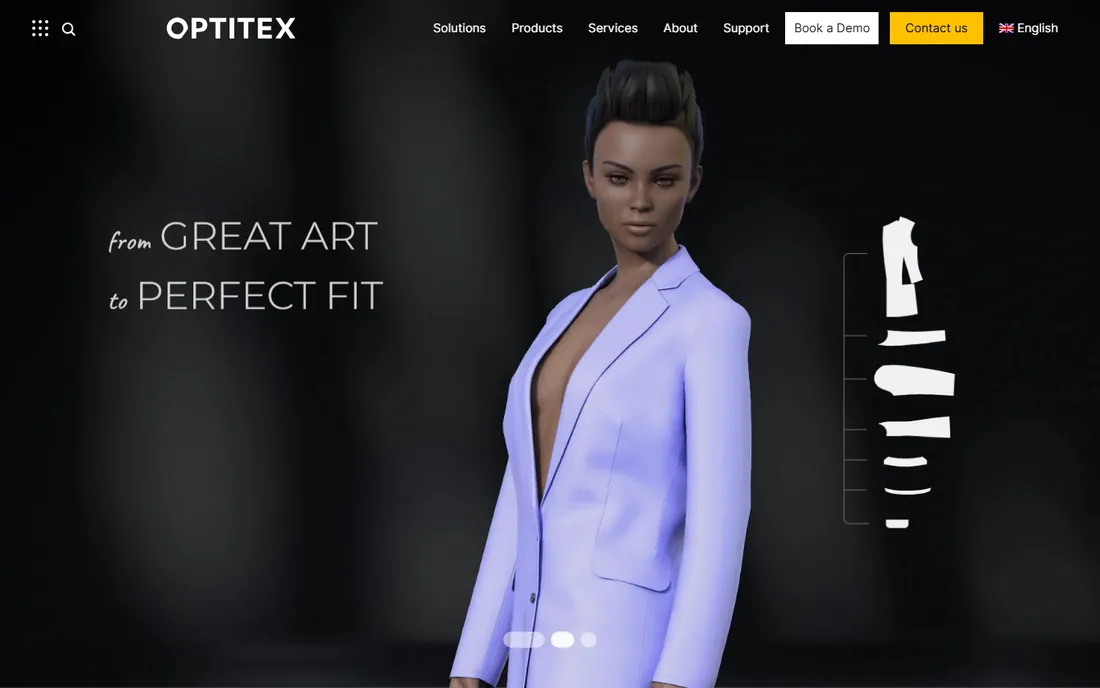
Optitex has spent decades in cutting rooms, and it shows in the pattern tools. Accurate pattern drafting, grading across size ranges, and marker making for fabric efficiency are its core strengths, with 3D simulation built on top of real pattern data rather than beside it. Manufacturers and technical designers who live in patterns will find it more serious than the visually-led 3D tools.
Pricing is quote-based and the sales process is traditional enterprise software. The full CAD toolset takes real training; this is not software you learn from YouTube over a weekend. For factories, pattern services and brands with in-house technical design, Optitex belongs on the shortlist alongside Gerber AccuMark. For independent designers, the cost and complexity point elsewhere.
What we like- Deep pattern making, grading and nesting tools
- 3D simulation tied to real patterns
- Strong in manufacturing
Watch out for- Quote-based pricing
- Learning curve for the full CAD toolset
Starting priceSee website (quote-based)
Free planNo
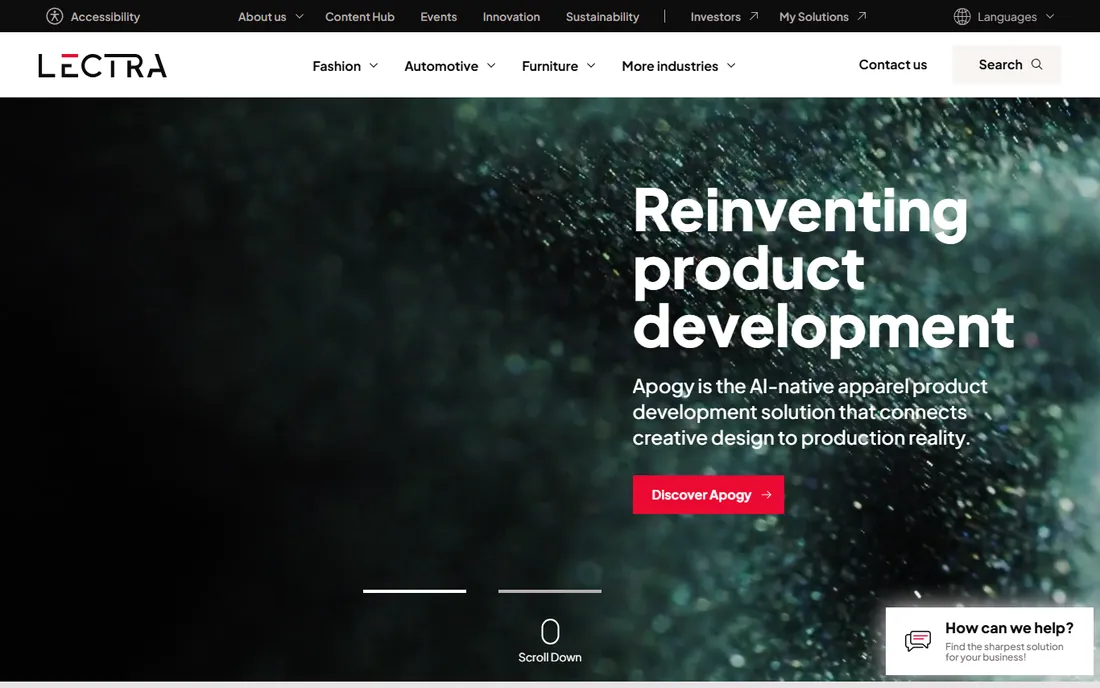
Gerber AccuMark is the CAD standard that a generation of patternmakers trained on. Pattern design, grading, marker making and 3D visualization form a complete production package, and its file formats are understood across the global supply chain. When a factory asks what CAD system you use, AccuMark is the answer that needs no explanation.
Note the corporate reality: Gerber Technology is now part of Lectra, so AccuMark lives under the Lectra umbrella and gerbertechnology.com redirects to lectra.com. Pricing is quote-based, as it has always been. The interface carries its long history and will feel dated to anyone raised on modern 3D tools. But for production pattern work at scale, its depth and industry acceptance remain the benchmark.
What we like- The CAD standard generations of patternmakers trained on
- Comprehensive grading and marker making
- Broad industry acceptance
Watch out for- Quote-based pricing
- Interface reflects its long history
Starting priceFrom $19 per month (TUKAcad subscription)
Free planNo
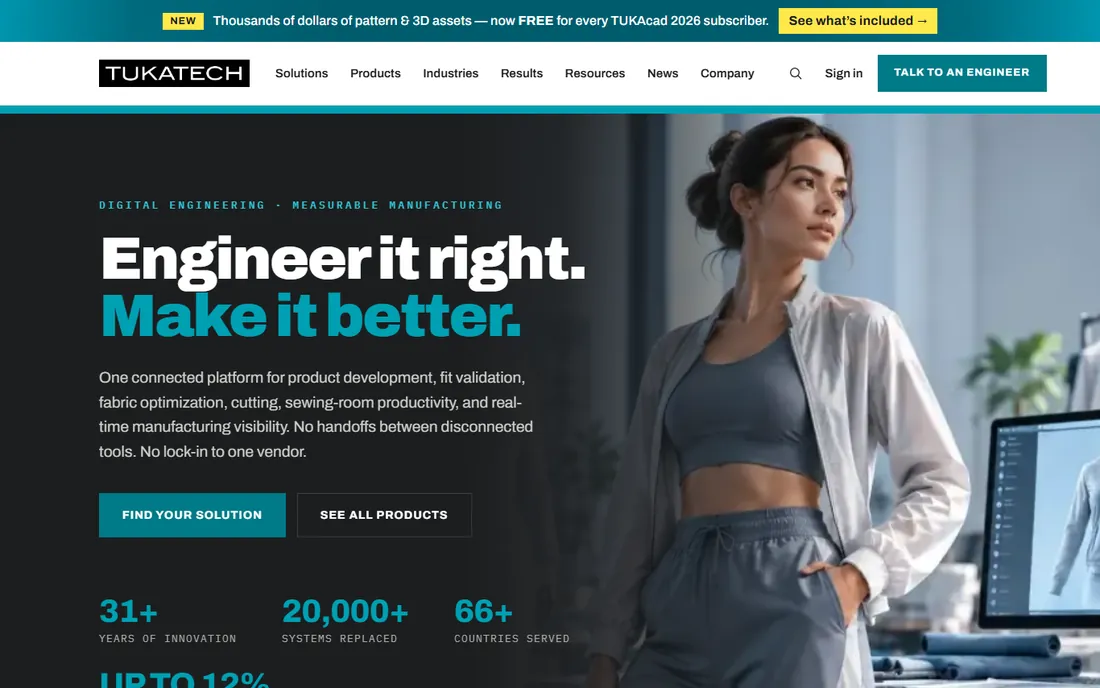
Tukatech bundles pattern software with the machines and training that factories actually use. TUKAcad handles pattern making and grading, TUKA3D adds virtual sampling, and the company also sells cutting room equipment, which makes it a one-stop vendor for manufacturers digitizing their workflow. The headline surprise is the starting price: TUKAcad subscriptions begin at $19 per month, far below typical fashion CAD pricing.
The broader ecosystem, including advanced modules and hardware, moves into quote-based territory. The 3D simulation side is less developed than CLO or Browzwear, so visually-led designers should compare carefully. But for small manufacturers and pattern services that need real CAD at a manageable monthly cost, Tukatech's entry price is the most approachable in the production category.
What we like- Unusually accessible starting price
- Pattern CAD plus cutting and manufacturing tools
- Strong training and support culture
Watch out for- Full ecosystem pricing is quote-based
- Smaller 3D simulation focus than CLO or Browzwear
Starting price$22.99 per month (single app, billed annually)
Free planFree trial (7 days)
Almost every tech pack in the industry starts life in Illustrator. Fashion flats, specification drawings, print and textile graphics, presentation boards: the vector toolset is the common language between designers and factories. Template libraries and the SnapFashun-style plugin ecosystem speed up the repetitive parts of technical drawing. At $22.99 per month billed annually, it is a standard business expense for design teams.
It is not pattern software and not 3D software. Measurements on a flat do not become graded patterns, and Illustrator files do not simulate drape. Most professional workflows pair it with a CAD or 3D tool: Illustrator for the visual communication, something else for the technical data. The 7-day trial is short, so test it against a real tech pack, not a blank canvas.
What we like- Industry standard for fashion flats and tech packs
- Huge template and brush libraries
- Integrates with Photoshop
Watch out for- Subscription only
- Not a pattern or 3D tool
Starting price$269 per year (subscription; one-time purchase $549)
Free planFree trial (15 days)
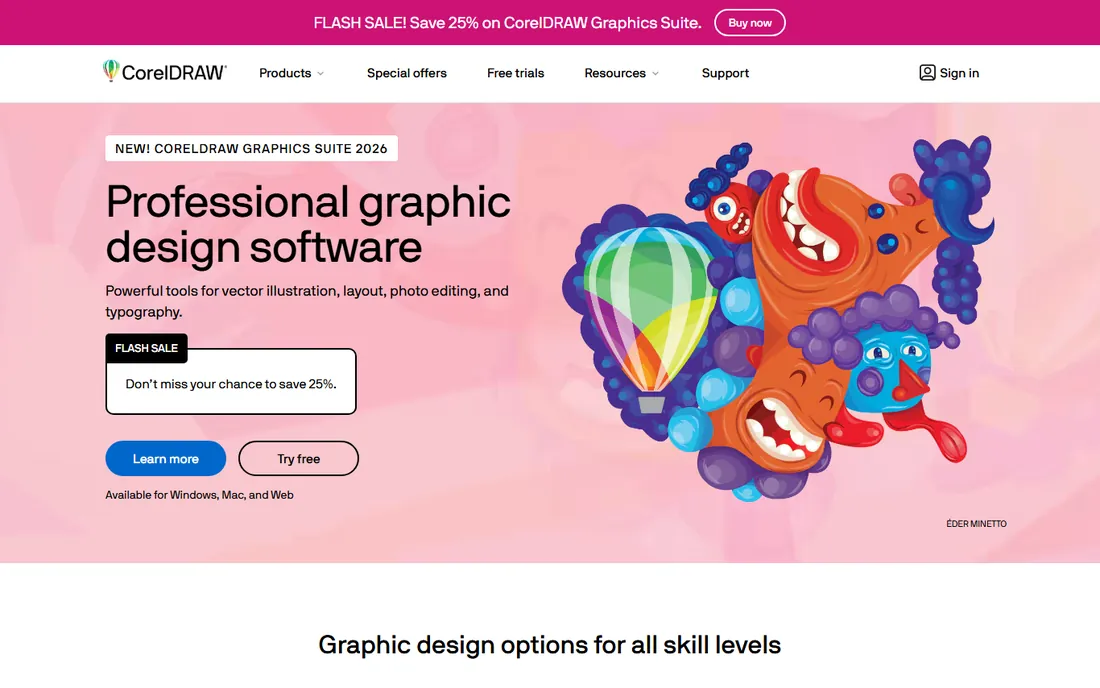
CorelDRAW is Illustrator's long-running rival, and the one-time purchase keeps it in the conversation. The 2026 suite covers vector illustration, layout, photo editing and typography for $269 per year on subscription or $549 as a single payment. For flats, prints and presentation work it is fully capable, and the perpetual license appeals to designers tired of renting tools.
The honest trade is ecosystem. Fashion-specific templates, plugins and factory expectations skew heavily toward Illustrator, so CorelDRAW users occasionally hit file compatibility friction. The 15-day trial is enough to test the core drawing tools. For independent designers who want professional vector tools without an endless subscription, it is the most credible alternative.
What we like- One-time purchase option avoids subscriptions
- Strong vector and layout tools
- 15-day trial
Watch out for- Smaller fashion-specific template ecosystem
- Industry standard is still Illustrator
Starting priceSee website (subscription and pay-as-you-go options listed on vendor pricing page)
Free planNo
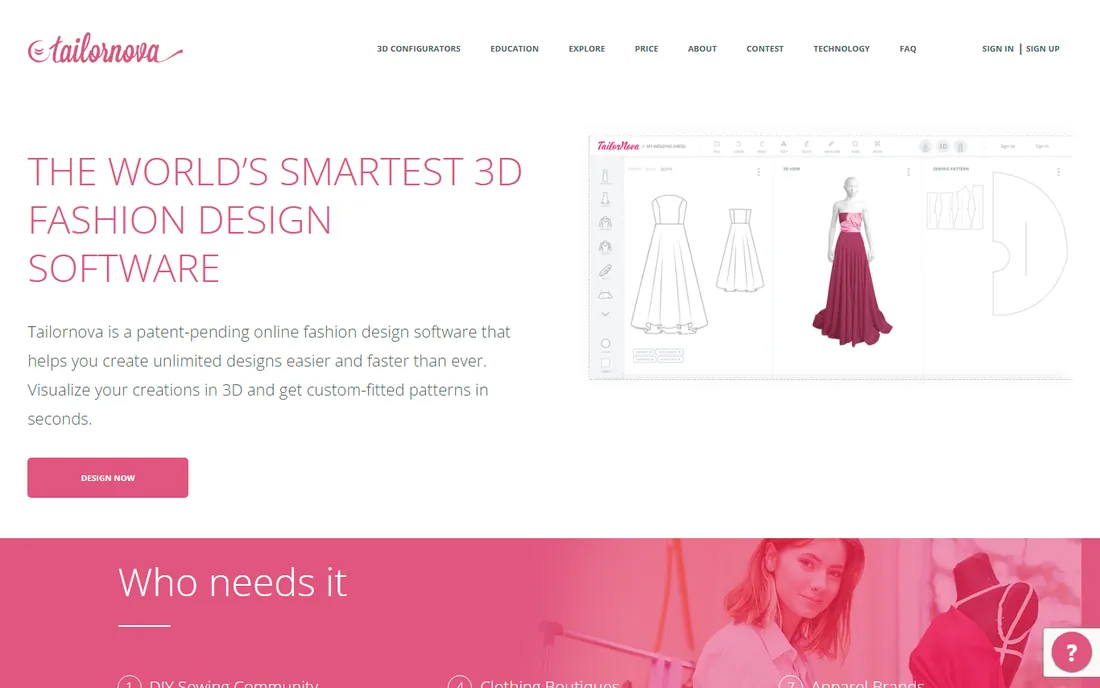
Tailornova generates made-to-measure patterns from a 3D body model in a browser. You enter measurements, customize a design from templates, preview it in 3D, and download patterns ready to cut and sew. For independent designers, tailors and made-to-measure businesses, it collapses a workflow that traditionally required years of pattern training into an afternoon.
The pricing page lists subscription and pay-as-you-go options, but the details shift often enough that you should verify the current plans before budgeting. It is built for custom-fit and small runs, not for grading across a full size range for production. Within its lane, though, it is one of the most accessible ways for a small business to offer custom-fit garments.
What we like- Generates made-to-measure patterns from a 3D body model
- Runs in the browser
- Serves indie designers and tailors
Watch out for- Pricing details change frequently, verify before buying
- Less suited to graded production runs
Starting priceFrom $129 one-time (Basic 2026 edition)
Free planNo
Digital Fashion Pro targets beginners who want to sketch a clothing line without learning to draw. Template-driven garment sketches, digital fabrics and step-by-step training videos package the whole "start a clothing line" dream into software starting at $129 as a one-time purchase. For a first-time founder who needs presentable sketches for a manufacturer conversation, it removes the drawing barrier entirely.
Set expectations honestly. Template-based output looks template-based to experienced eyes, and no factory will cut from these files; you will still need proper tech packs and patterns before production. But as a starting point for testing ideas and communicating with early partners, it costs less than a single hour of a freelance illustrator's time. There is no free plan, so review the template galleries carefully before buying.
What we like- One-time purchase with no subscription
- Template-driven, no drawing skill needed
- Aimed squarely at beginners
Watch out for- Template-based designs look recognizable
- Not a professional production tool
3D simulation or 2D CAD: figuring out which one you need
These solve different problems. 3D simulation tools (CLO 3D, Marvelous Designer, Browzwear) show how a garment looks and fits: drape, proportion, colorways, presentation. 2D CAD tools (Optitex, Gerber AccuMark, Tukatech) produce the graded patterns and markers that factories cut from: measurements, seam allowances, fabric efficiency. Vector tools (Illustrator, CorelDRAW) draw the flats and tech packs that communicate the design.
A brand launching its first collection usually needs the vector layer first, since tech packs are non-negotiable for manufacturers. 3D simulation pays off when sampling costs hurt: if you are paying for multiple rounds of physical prototypes, a $50 per month CLO subscription replaces real money. Production pattern CAD matters when you control the patterns, either in-house or through a pattern service. Buy the layer that matches your current bottleneck, not the one with the most impressive demo.
How we chose
We verified each vendor's homepage in October 2026 and recorded pricing from vendor pricing pages where published. For the enterprise CAD vendors that do not publish prices (Browzwear, Optitex, Gerber AccuMark), we wrote "See website" rather than repeating third-party estimates. We evaluated fit for small and mid-size apparel businesses: pattern accuracy, 3D simulation quality, tech pack workflows, learning curve and pricing transparency. We cross-checked public reviews on G2, Capterra and Reddit for reports on support quality, training requirements and real-world production use.
What to verify before you commit
Fashion software demos are persuasive and the contracts are not. For any quote-based tool, get the full price in writing: license fees, annual maintenance, training costs and the price of additional seats. Training is the hidden line item across this category; enterprise CAD can require weeks of instruction, and some vendors bundle it while others charge separately.
Check file compatibility with your supply chain before you buy. If your factory works in AccuMark files, designing in a tool that exports them cleanly matters more than any feature. Ask vendors for a trial project using your own garment, not their demo files. And confirm the hardware requirements: 3D simulation tools want modern GPUs, while CAD tools are lighter but picky about Windows versions. A tool your computer cannot run well is the most expensive kind.
Frequently asked questions
What is the best software for designing clothes as a beginner?
Digital Fashion Pro is the easiest entry point: template-driven sketches with no drawing skill required, from $129 one-time. Tailornova is the next step up for beginners who want real made-to-measure patterns from a browser. Both cost far less than professional CAD and need no training.
Do I need 3D software to start a clothing brand?
No. Most small brands start with tech packs drawn in Adobe Illustrator or CorelDRAW, which is what manufacturers actually require. 3D software like CLO 3D becomes valuable when physical sampling costs grow: it lets you validate fit and present collections digitally before cutting fabric.
Why do enterprise fashion tools hide their prices?
Because pricing depends on seats, modules, training and support contracts that vary by customer. Browzwear, Optitex and Gerber AccuMark all sell through sales teams. Expect a discovery call, a demo on your own styles, and a written quote; budget for training as a separate line item.
Can CLO 3D replace a pattern maker?
It reduces the need for physical samples and speeds up pattern iteration, but it does not replace pattern expertise. Someone still needs to understand fit, construction and grading for production-ready patterns. Think of it as making your pattern maker faster, not optional.
What is the difference between CLO 3D and Marvelous Designer?
Both come from the same company family and share simulation technology, but they aim at different users. CLO 3D targets apparel product development with pattern tools, grading workflows and production data. Marvelous Designer targets digital garments for games, animation and visual work, with stronger export to 3D pipelines. Choose by where the garment ends up: factory or screen.
Sources we checked (12)
- https://clo3d.com
- https://www.marvelousdesigner.com
- https://browzwear.com
- https://optitex.com
- https://www.lectra.com
- https://www.tukatech.com
- https://www.adobe.com
- https://www.coreldraw.com
- https://tailornova.com
- https://digitalfashionpro.com
- https://www.g2.com
- https://www.capterra.com
Is your product missing or out of date?
We review this list regularly. Vendors can request a listing, send updated pricing or ask about featured placement.

Shihab Mia · Founder, Rankite
Shihab has spent more than a decade helping SaaS and e-commerce brands grow through search. He writes Rankite's software buying guides from pricing pages, documentation and public user reviews. More about Shihab.