How we make this list: we compare pricing pages, product documentation and public user reviews. Rankite is independent; if a vendor ever pays for a featured spot, that listing is clearly labeled Partner.
Key takeaways
- LumaBooth (formerly dslrBooth) remains the industry standard for Windows DSLR booths, now covering iPad and Android too.
- Sparkbooth is the best buy-once option at $149 to $189, with no subscription and a license covering three computers.
- BoothLedger undercuts most rivals at 12 EUR per month while adding AI effects and cloud event management built by working operators.
- If your booth runs on iPad with DSLR tethering, Simple Booth HALO and Snappic are the polished picks, with Snappic starting at $29 per event.
- Breeze and Darkroom are the power-user choices for complex brand activations, with deep customization and decades of track record respectively.
Quick comparison
| Tool | Best for | Starting price | Free plan |
|---|
 LumaBooth LumaBooth | the all-round industry standard | See website | Free trial |
 Darkroom Booth Darkroom Booth | veteran operators and print-heavy events | See website | Free trial |
 Sparkbooth Sparkbooth | buy-once software with no subscription | $149 one-time (Premium); $189 one-time (DSLR edition) | Free trial (30 days) |
 Breeze Breeze | fully custom brand activations | See website | See website |
 BoothLedger BoothLedger | AI effects on a budget | 12 EUR/month (Basic); 35 EUR/month (AI Photobooth) | Free trial (30 days) |
 Booth.Events Booth.Events | iPad booths with fast setup | See website | Free trial |
 Simple Booth Simple Booth | self-running iPad booths and permanent installs | See website | Free trial (7 days) |
 Snappic Snappic | scaling from side hustle to full business | $29/event (pay-per-event) | Free trial |
 Photo Booth Upload Photo Booth Upload | feature-rich Windows booths with AI | See website | See website |
Is your product missing or out of date?
We review this list regularly. Vendors can request a listing, send updated pricing or ask about featured placement.
The best DSLR photo booth software
Starting priceSee website
Free planFree trial
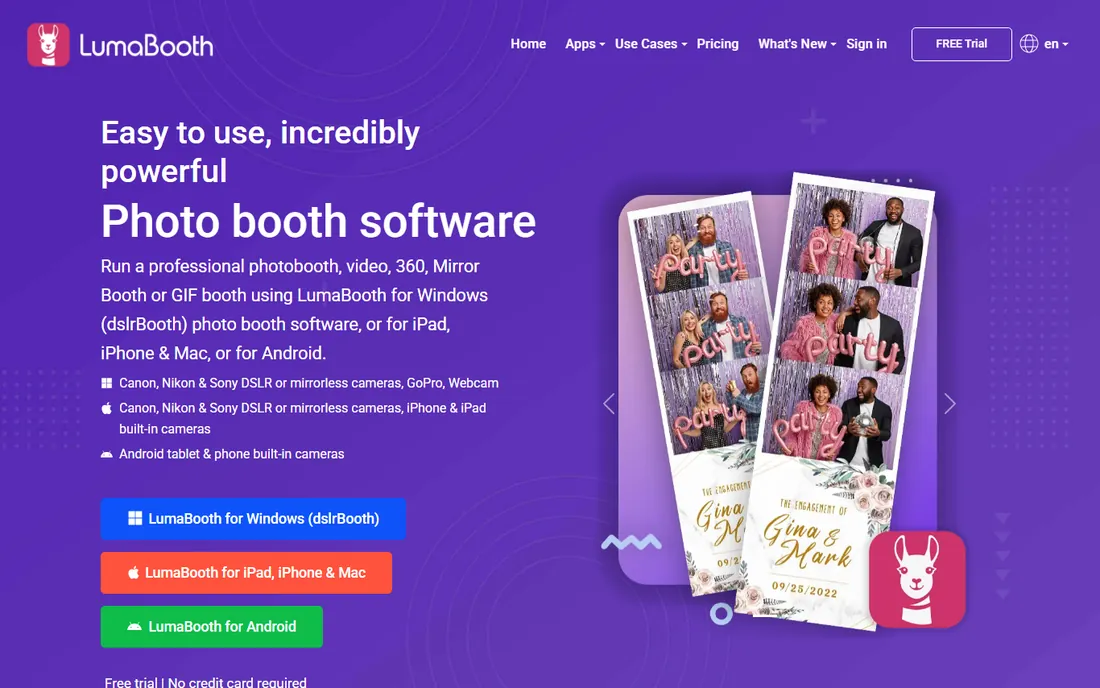
If you ask working booth operators which software runs their DSLR setups, most name this one. dslrBooth renamed to LumaBooth, and the rebrand brought the whole lineup under one roof: LumaBooth for Windows handles tethered Canon, Nikon and Sony cameras, while the iPad, iPhone, Mac and Android apps cover booths that run on tablets. Capture modes span photos, GIFs, boomerangs, slow motion, 360 and video.
The core strength is reliability with real cameras. Live view, stable tethering and high-resolution capture are the unglamorous features that decide whether a wedding booth survives the night, and LumaBooth has refined them over many years. Sharing runs through email, SMS, QR codes and the companion LumaShare app, and fotoShare Cloud gives clients an online gallery. It is subscription software now, so compare the long-term cost against buy-once rivals before you commit.
What we like- Supports Canon, Nikon and Sony DSLR and mirrorless cameras
- Windows, iPad, iPhone, Mac and Android apps
- Huge user base means endless templates and help
Watch out for- Subscription pricing adds up over years
- Interface prioritizes function over beauty
- Advanced AI features trail newer rivals
Starting priceSee website
Free planFree trial
Darkroom Booth is the old guard of DSLR photo booth software, and old guard has its advantages. The company has served event photographers for over 25 years, and its booth software reflects that: green screen compositing that actually looks clean, granular control over print templates, and wired printing that just works with dye-sub printers. For corporate events where the print is the product, that print pipeline matters more than AI gimmicks.
The software runs Canon and Nikon tethered cameras and extends into mirror booth and GIF modes. Because it comes from a full workflow company, it also connects to the rest of the Darkroom suite for galleries and sales. The honest catch is the interface, which shows its age, and a feature set deep enough to require real learning time. New operators may find LumaBooth or BoothLedger friendlier. Experienced pros who print all night will feel at home.
What we like- 25+ years in event photography software
- Best-in-class green screen
- Deep template and print control
Watch out for- Interface feels dated next to newer apps
- Windows-centric heritage
- Learning curve for the full feature set
Starting price$149 one-time (Premium); $189 one-time (DSLR edition)
Free planFree trial (30 days)
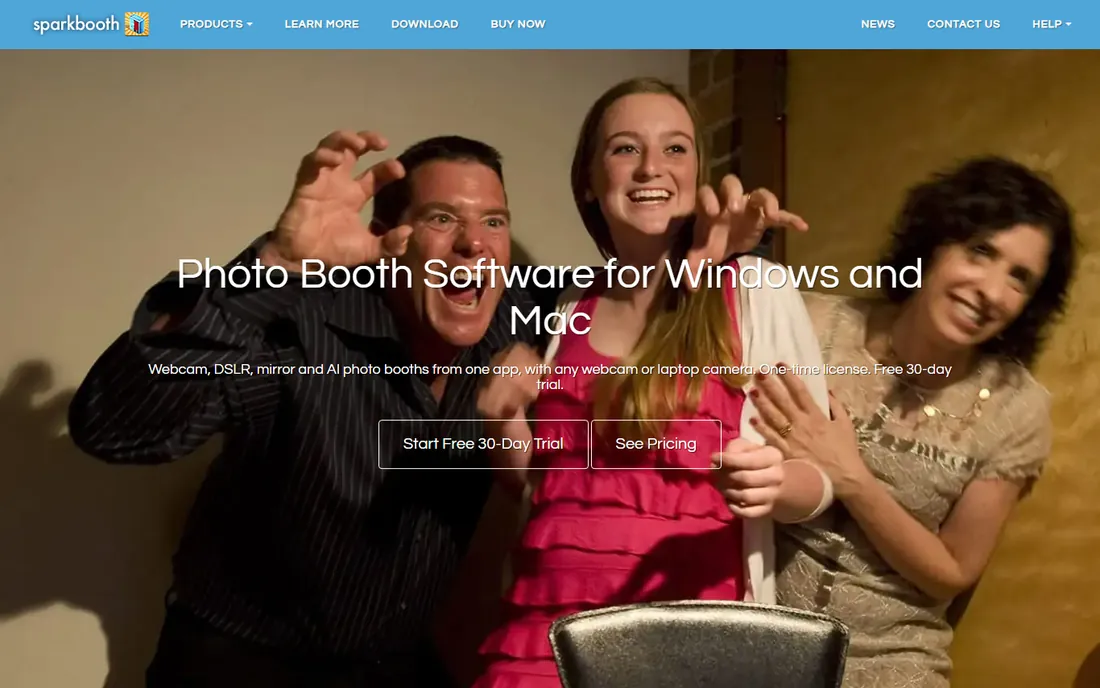
Sparkbooth takes the opposite approach from most of this list: you pay once and own it. Sparkbooth Premium costs $149 and the DSLR edition, which controls Canon, Nikon and Sony cameras over USB, costs $189. One license includes three activations and covers commercial use, with a free 30-day trial to test everything. There is no subscription and no per-event fee, ever.
What you get is a focused, dependable booth app. Guests see a live preview, tap or press to start, and receive a printed strip or a copy by email, text or QR code. It handles mirror booth, GIF and boomerang modes plus green screen, and runs in eleven languages. What you do not get is a cloud backend, AI effects or the marketing analytics of pricier platforms. For DJs, venues and part-time operators who want a DSLR booth without an ongoing bill, the math is hard to argue with.
What we like- One-time license, no subscription or per-event fees
- One license covers three computers
- Works on Windows and Mac
Watch out for- Fewer capture modes than subscription rivals
- Template design is functional rather than flashy
- No built-in cloud gallery
Starting priceSee website
Free planSee website
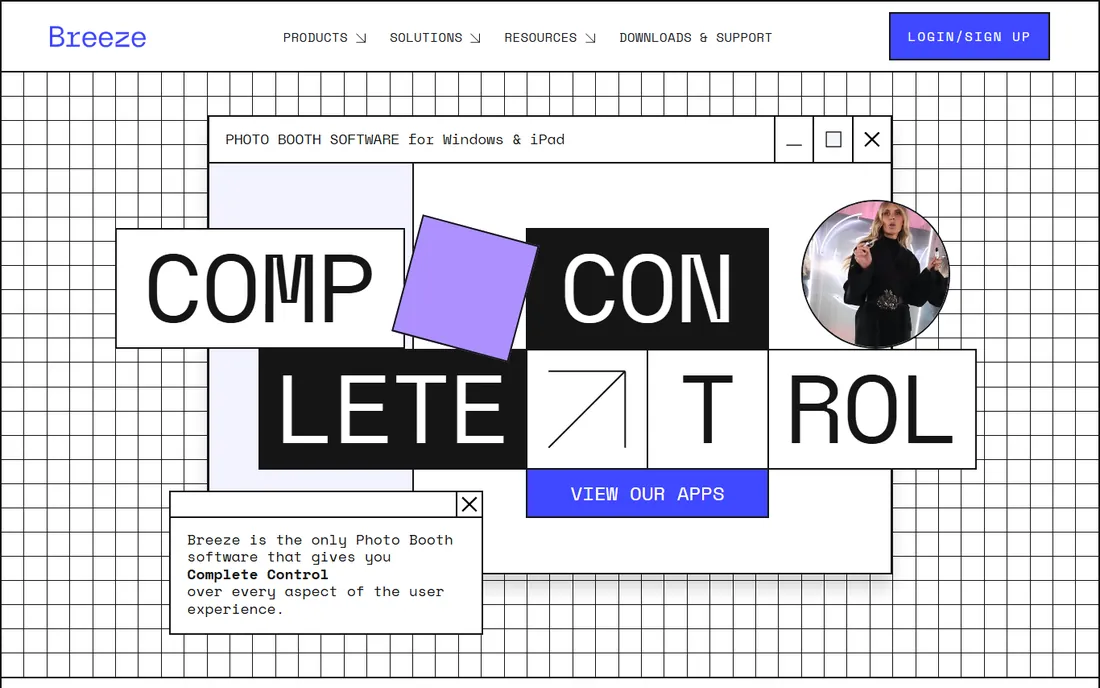
Breeze has been building photo booth software since 2001, and its pitch is complete control. Where most apps give you templates to tweak, Breeze lets you script the entire guest journey: custom screens, conditional flows, XML data access, hotkey automation and integrations with third-party systems. Agencies running brand activations for the likes of Nike choose it because no client request is impossible.
The lineup covers Windows DSLR booths through DSLR Remote Pro heritage and the newer Breeze Booth for iPad and iPhone, with DSLR and mirrorless tethering, AI image transformation including face swap, and cloud galleries. It can run fully offline, which matters for venues with bad wifi, and the company emphasizes GDPR-compliant data handling. This is not the tool for a first booth. It is the tool for operators whose clients hand them a 40-page brand brief.
What we like- Unmatched customization of the guest experience
- Offline-capable and GDPR-friendly data control
- IPad and Windows products share one ecosystem
Watch out for- Power comes with complexity
- Pricing is not transparent
- Overkill for simple wedding booths
Starting price12 EUR/month (Basic); 35 EUR/month (AI Photobooth)
Free planFree trial (30 days)
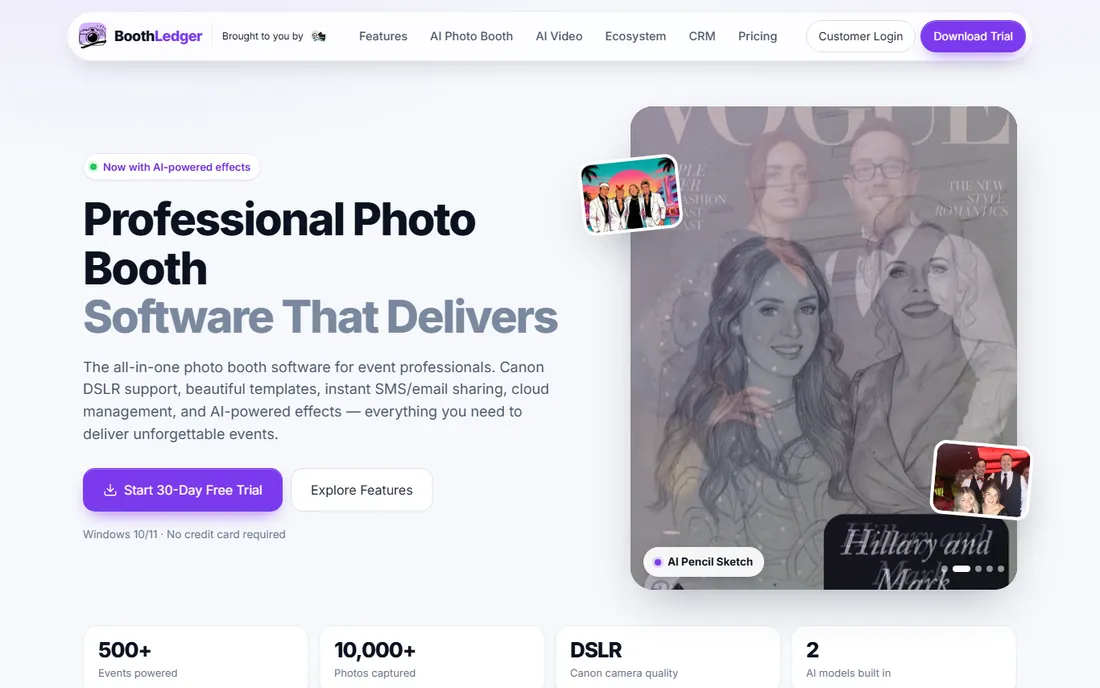
BoothLedger is built by the team behind Photobooth Guys, an Irish photo booth company, and it shows in the priorities: Canon DSLR tethering with live view, dye-sub printing, SMS and QR sharing, and an offline mode that queues everything when the venue wifi dies. The differentiator is AI. Two built-in engines generate Vogue-style covers, pencil sketches, movie poster face swaps and similar transformations that give guests something beyond a standard strip.
Pricing is aggressive: 12 EUR per month for the Basic plan with two device licenses, or 35 EUR for the full AI Photobooth plan, with yearly billing knocking off two months. A 30-day trial needs no credit card. The limitations are real but temporary: currently Canon-only camera support and Windows-only software, with Nikon, Sony and Mac versions on the roadmap. If your kit is Canon and Windows, it is remarkable value.
What we like- Lowest price among full-featured options
- Two built-in AI effect engines
- Cloud dashboard for remote event management
Watch out for- Canon DSLR only for now, Nikon and Sony coming
- Windows only, Mac and Linux planned
- Young company with a shorter track record
Starting priceSee website
Free planFree trial
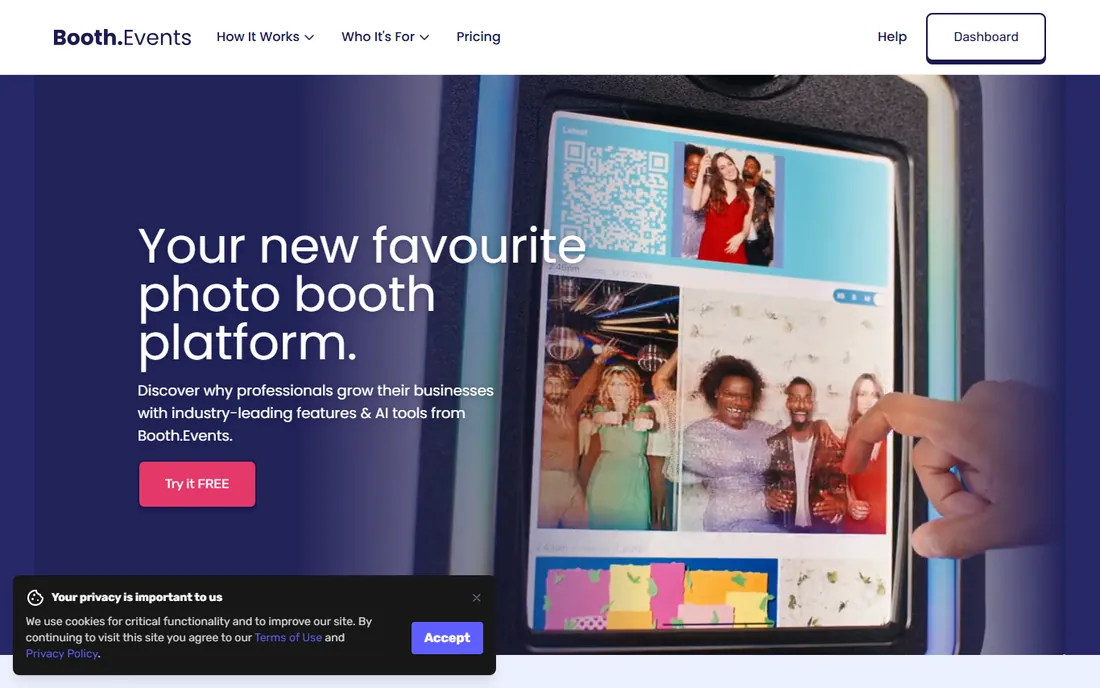
Booth.Events has built a loyal following by being the easiest serious booth platform to run. Operators consistently praise how fast a new event goes from idea to working booth, and the founder-led support is a genuine differentiator in an industry where Saturday night failures are existential. The platform has processed long-running galleries with over a million DSLR photos, so it scales beyond backyard parties.
It is iPad-first rather than Windows-first, which suits operators who prefer tablets, wireless printing and a modern touch interface. AI prompt tools let you create effects in minutes, and surveys, lead capture and galleries come standard. If your heart is set on a Windows laptop tethered to a DSLR, LumaBooth or Sparkbooth fit better. If you want the shortest path from unboxing to paid event, Booth.Events deserves the trial.
What we like- Extremely easy setup that beginners love
- Strong customer support reputation
- Handles DSLR-quality capture workflows
Watch out for- IPad-first, so Windows DSLR purists look elsewhere
- Subscription only
- Smaller template marketplace than LumaBooth
Starting priceSee website
Free planFree trial (7 days)
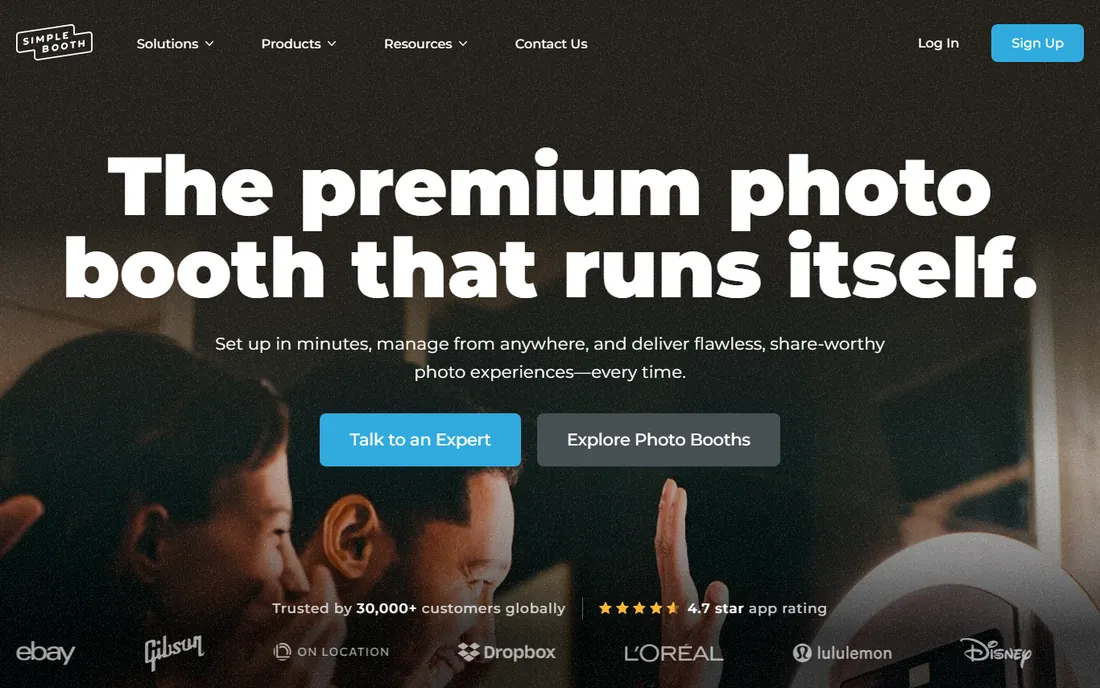
Simple Booth HALO is designed around a specific idea: a booth guests can walk up to and use with no attendant. The iPad app pairs with the HALO hardware kit's ring light and stand, and the software handles layouts, AI-generated graphics, background blur, lead capture and an offline queue for drop-off events. Since 2013 it has powered over 45 million captures, and the 30,000-customer base speaks to reliability.
For DSLR users, HALO supports Canon DSLR integration over wired USB and wireless connections, with noticeably faster preview rendering for DSLR plus iPad modes. That makes it a legitimate hybrid: DSLR image quality with iPad simplicity. The tradeoff is the Apple-only world. There is no Windows or Android version, and the best experience pairs with their hardware. Pricing runs from weekly plans for single events up to enterprise tiers, with a 7-day free trial.
What we like- The booth that runs itself, ideal for unattended events
- Canon DSLR integration over USB and wifi
- 7-day-a-week human support
Watch out for- IPad only, no Windows or Mac app
- Hardware kits sold separately
- DSLR mode adds setup complexity versus native iPad
Starting price$29/event (pay-per-event)
Free planFree trial
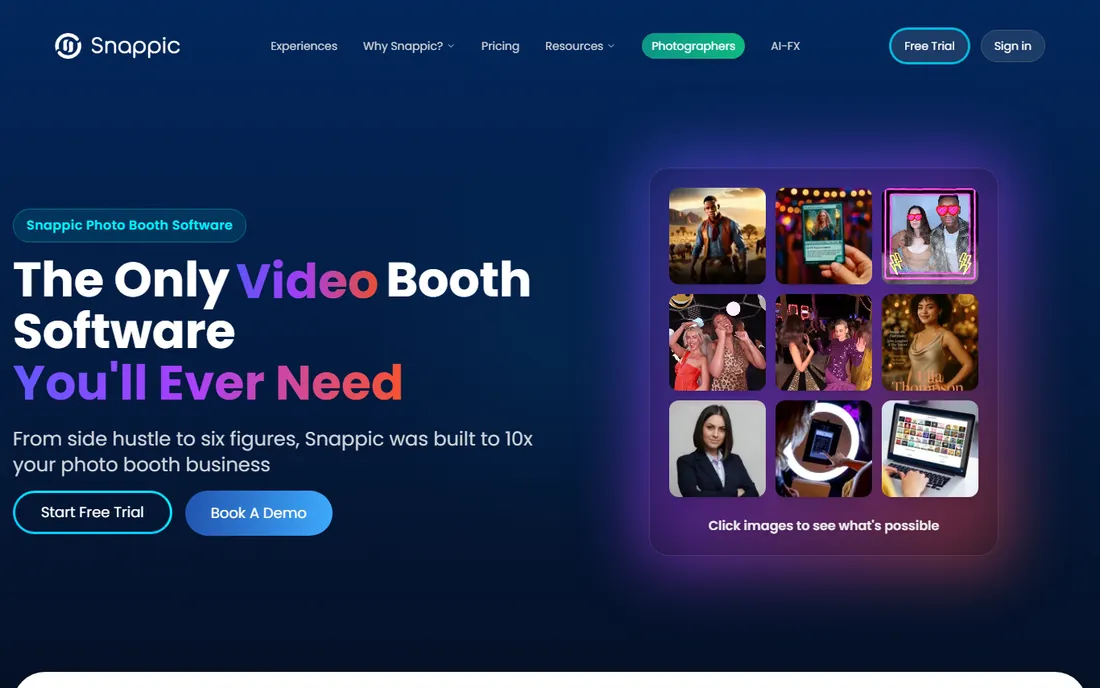
Snappic positions itself as the growth platform for booth businesses, and the pricing model is the hook: start at $29 per event with no monthly commitment, then move to monthly or enterprise plans as volume grows. The free trial needs no credit card and includes everything, including AI effects and 360 booth support. For someone testing whether the booth business works, that low-risk entry is compelling.
The feature list is enormous: traditional booths, 360 video, mirror booths, robot arm Glambot setups, roaming photographer mode, DSLR camera support, instant sharing and real-time analytics. Support runs 24/7, which matters when an event goes sideways at 9pm. The breadth is also the weakness. Operators running dozens of events a month will pay more than a flat subscription, and DSLR tethering is supported rather than the platform's heart. Try the trial, run one real event, then do the math.
What we like- Pay-per-event pricing with no commitment
- 24/7 support even on paid plans
- Huge range: 360, mirror, robot and roaming booths
Watch out for- DSLR support exists but the platform is iPad-centric
- Costs add up fast at high volume
- Interface packs in a lot
Starting priceSee website
Free planSee website
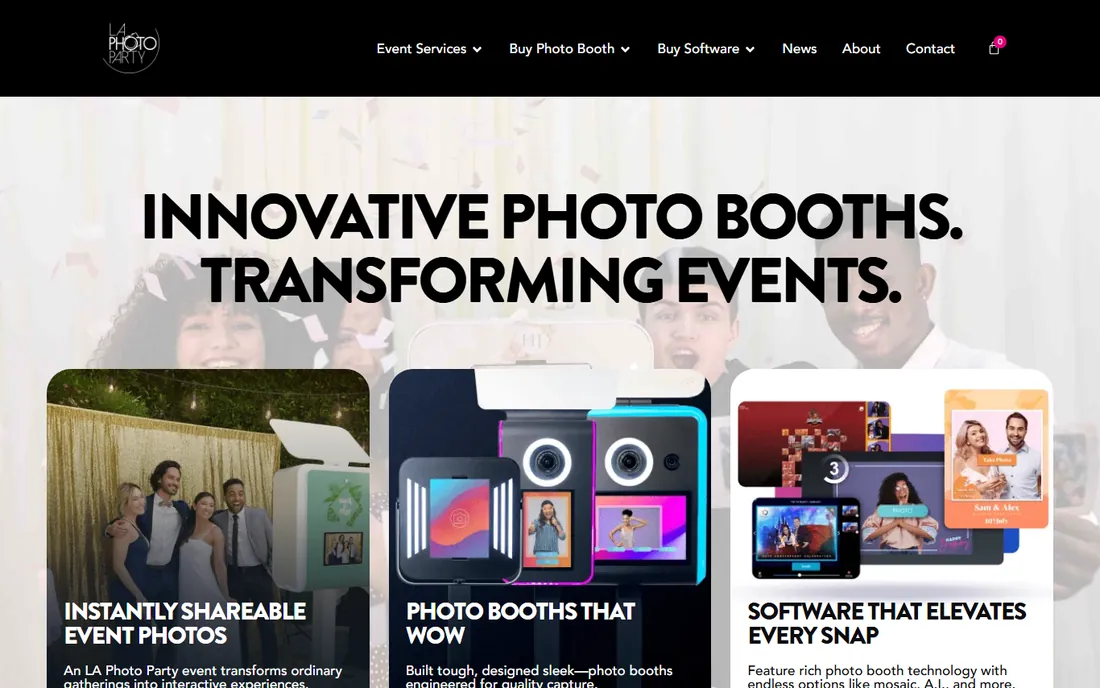
Photo Booth Upload comes from LA Photo Party, an event company that builds both booth hardware and software, and the software reflects operator DNA. It is a Windows-based booth platform packed with features: filters, GIFs, boomerangs, slow motion, green screen, light painting, sports cards and lenticular images, plus AI transformations and face swap with included filters. The Muse Mosaic feature builds live photo mosaics at events, a genuine crowd-pleaser for large corporate functions.
Because the vendor also sells booth hardware, from the portable Explorer to the flagship Infinite, software and hardware are designed together, which reduces setup headaches. The catch is ecosystem gravity: you get the most from it inside their world, and pricing goes through sales rather than a public page. For US operators who want a maximalist Windows booth with every effect included, it is worth a demo.
What we like- Deep feature set including AI face swap and mosaic
- From an established event hardware company
- Strong printing and sharing options
Watch out for- Tied to the LA Photo Party ecosystem
- Pricing requires contacting sales
- Windows focus limits Mac-based operators
How we chose
We researched this category through vendor websites and documentation, operator reviews and 2026 comparison guides from booth industry sites. We prioritized software that works with DSLR or mirrorless cameras, since that is the core of the keyword, while including strong iPad options that support DSLR tethering. Every product listed exists today and is actively sold. We did not claim hands-on testing, and no vendor paid for placement.
Picking software for your booth setup
Start with your camera and computer. If you own a Canon, Nikon or Sony DSLR and a Windows laptop, the Windows-native tools, LumaBooth, Darkroom, Sparkbooth, Breeze and BoothLedger, give you the most direct tethering and the best print control. If you prefer iPad, Simple Booth, Snappic and Booth.Events are the polished choices, with DSLR tethering as an add-on rather than the foundation.
Next, decide how you charge. Buy-once software like Sparkbooth suits part-timers and venues running occasional events. Subscriptions suit working operators: compare per-month cost against your event volume, and remember Snappic's $29 per-event option for irregular schedules. Check what the trial actually includes, since some trials watermark photos or disable printing.
Then verify the unglamorous details. Does it print to your dye-sub printer model. Does sharing work without venue wifi, through an offline queue. Can you customize the start screen, email text and gallery with your client's branding. Can guests get photos by text message in your country, since SMS delivery varies. And read the camera compatibility list for your exact camera model, not just the brand, because tethering support differs between bodies.
The hardware side of a DSLR booth
Software is half the purchase. A working DSLR booth needs the camera body and a fast lens, a stable tether cable (tethered cables fail at the worst moments, so carry a spare), a touchscreen monitor or tablet for the guest interface, and lighting. A speedlight or LED panel matters more than camera megapixels for flattering results.
For printing, dye-sublimation printers like the DNP models are the event standard: fast, dry prints guests can handle immediately. Budget for media costs per print, since paper and ribbon run a few dozen cents each and hundreds of prints add up across a season. A portable backdrop or green screen setup completes the kit.
Plan your power and connectivity too. Venues have limited outlets and unreliable wifi, so a booth that runs offline with a local sharing queue, like BoothLedger or Simple Booth, saves real stress. Bring your own mobile hotspot as backup for sharing features, and always do a full test run, capture to print to share, before guests arrive.
Frequently asked questions
What camera do I need for DSLR photo booth software?
Most DSLR booth software supports Canon best, with Nikon and Sony widely supported too. Check the vendor's compatibility list for your exact camera body, since tethering features like live view vary by model. Mirrorless cameras work with many modern apps, and a fast prime lens plus good lighting matters more than the newest body.
How much does photo booth software cost?
Buy-once options like Sparkbooth cost $149 to $189 with no ongoing fees. Subscriptions range from about 12 EUR per month for BoothLedger to $49 and up for Simple Booth and Snappic monthly plans, with Snappic also offering $29 per event. Enterprise and white-label setups cost more. Always add SMS fees, cloud storage and printer media to your budget.
Can I run a photo booth with just an iPad?
Yes. Simple Booth, Snappic and Booth.Events are built for iPad booths and many operators run profitable businesses without a DSLR. Image quality will not match a tethered DSLR with proper lighting, but for social sharing and casual events, modern iPads are plenty. Several of these apps also let you tether a Canon DSLR to the iPad for the best of both.
Do I need internet at the venue?
Not necessarily. The best booth software works offline: it captures and prints locally, then syncs galleries and sharing queues when connectivity returns. Confirm offline behavior before buying, and bring a mobile hotspot as backup for SMS and email sharing, since those features need a connection.
What is the difference between a DSLR booth and a 360 booth?
A DSLR booth takes still photos (and often GIFs and video) with a professional camera tethered to a computer or tablet. A 360 booth spins a camera around the guest on a platform to create rotating slow-motion videos. Several tools on this list, including LumaBooth, Snappic and Touchpix-style apps, support both modes.
Should I buy the software before the hardware?
Buy the software first, or at least trial it first. Every vendor offers a free trial, and running the trial with a borrowed or rented camera tells you whether the workflow suits you before you spend thousands on booths, printers and lighting. Your software choice also dictates which cameras and printers are supported, so it should lead the hardware decision.
Sources we checked (12)
- https://lumabooth.com/
- https://darkroomsoftware.com/
- https://sparkbooth.com/
- https://breezesys.com/
- https://boothledger.com/
- https://booth.events/
- https://simplebooth.com/
- https://snappic.co/
- https://photoboothupload.com/
- https://boothledger.com/blog/best-photo-booth-software
- https://www.simplebooth.com/blog/dslr-photo-booth-software/
- https://www.itechguides.com/best/photo-booth-software/
Is your product missing or out of date?
We review this list regularly. Vendors can request a listing, send updated pricing or ask about featured placement.

Shihab Mia · Founder, Rankite
Shihab has spent more than a decade helping SaaS and e-commerce brands grow through search. He writes Rankite's software buying guides from pricing pages, documentation and public user reviews. More about Shihab.